18

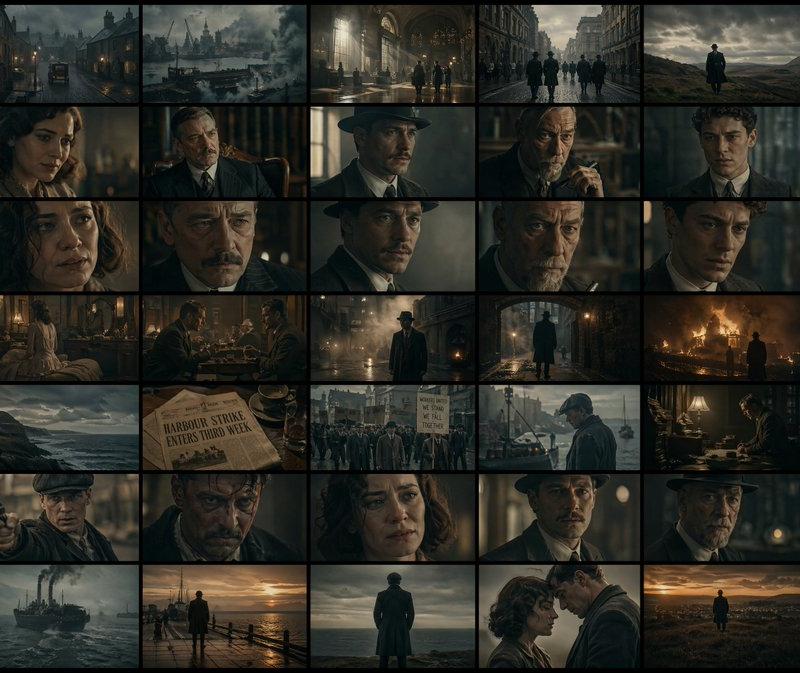
电影感悬浮胶片条
Enlarge

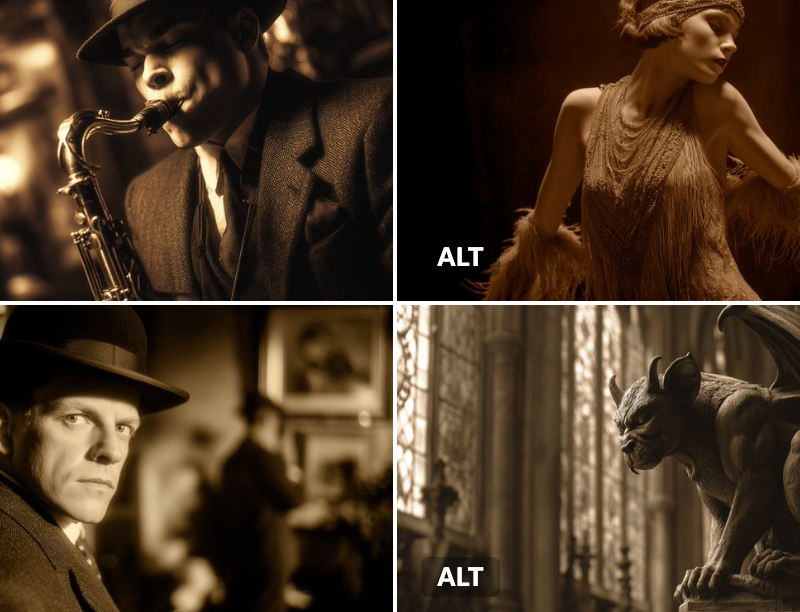
Example images

电影感悬浮胶片条

Prompt
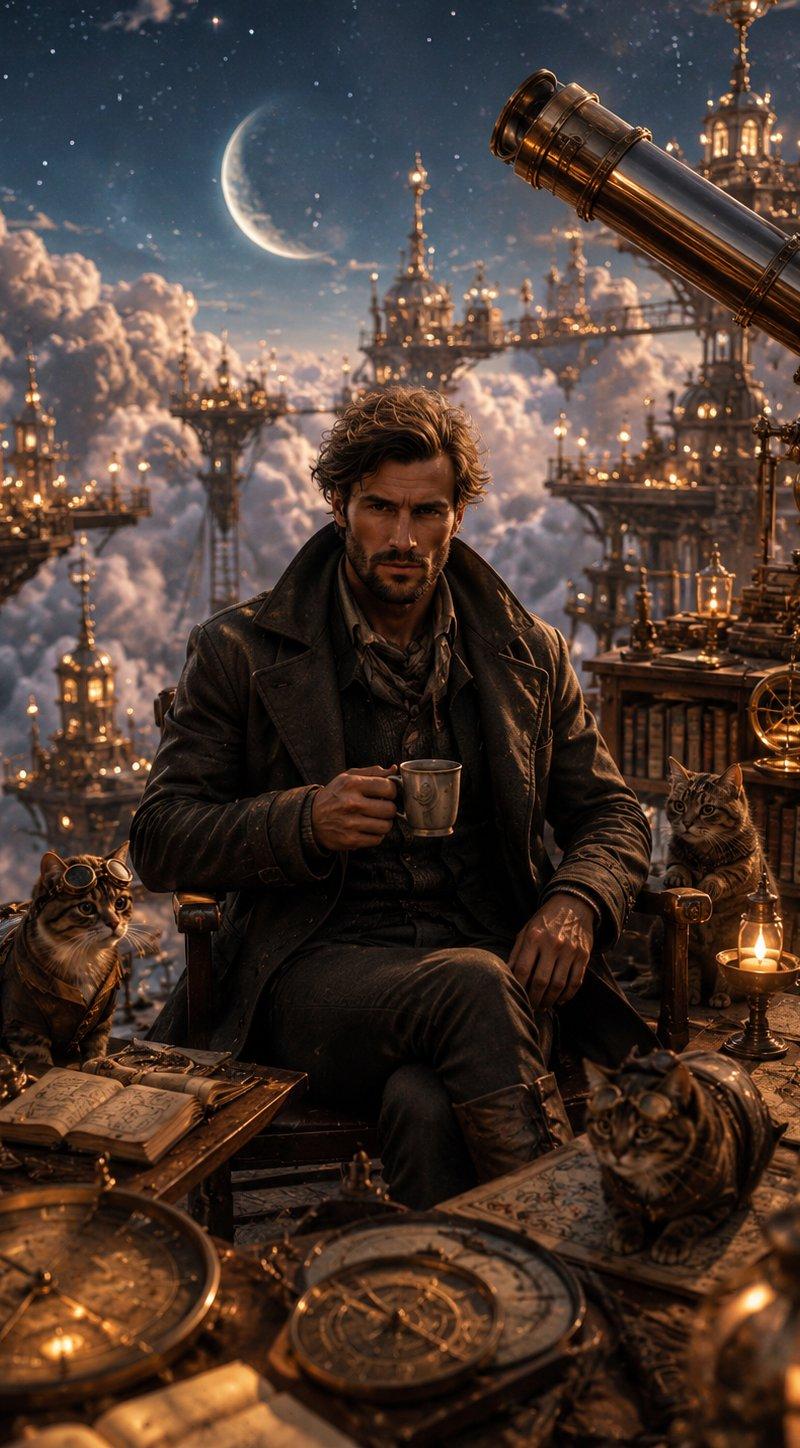
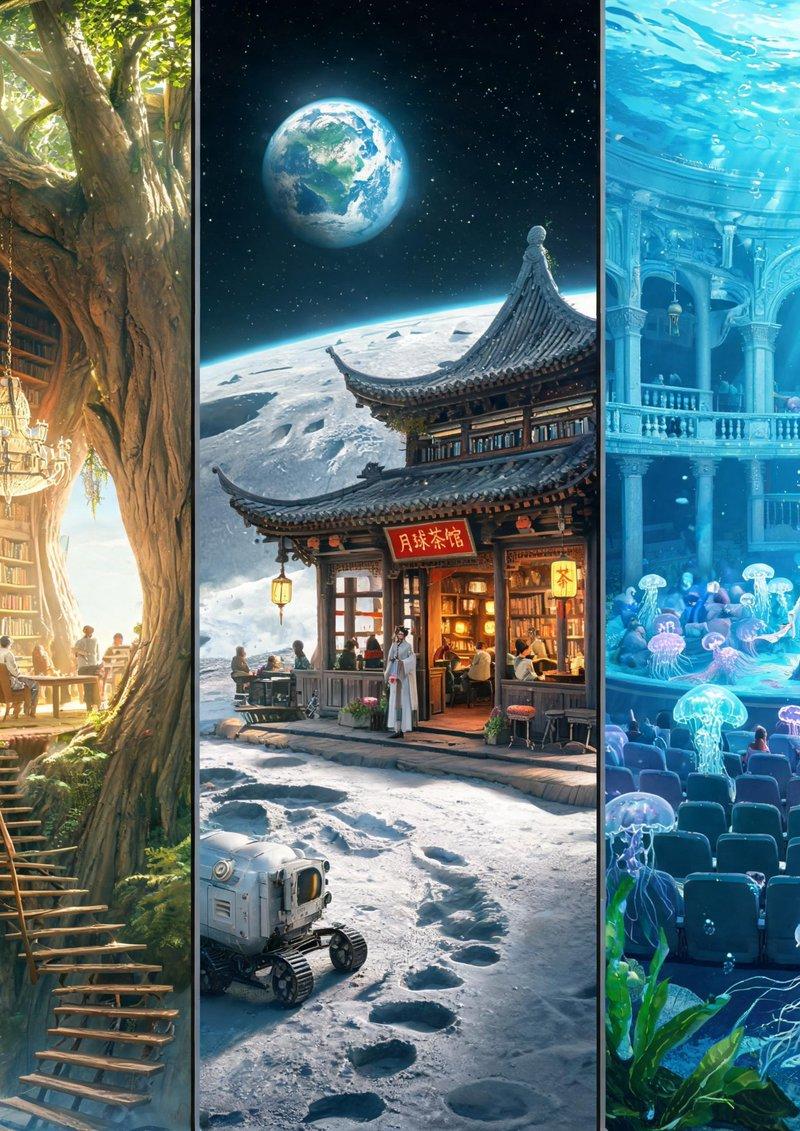
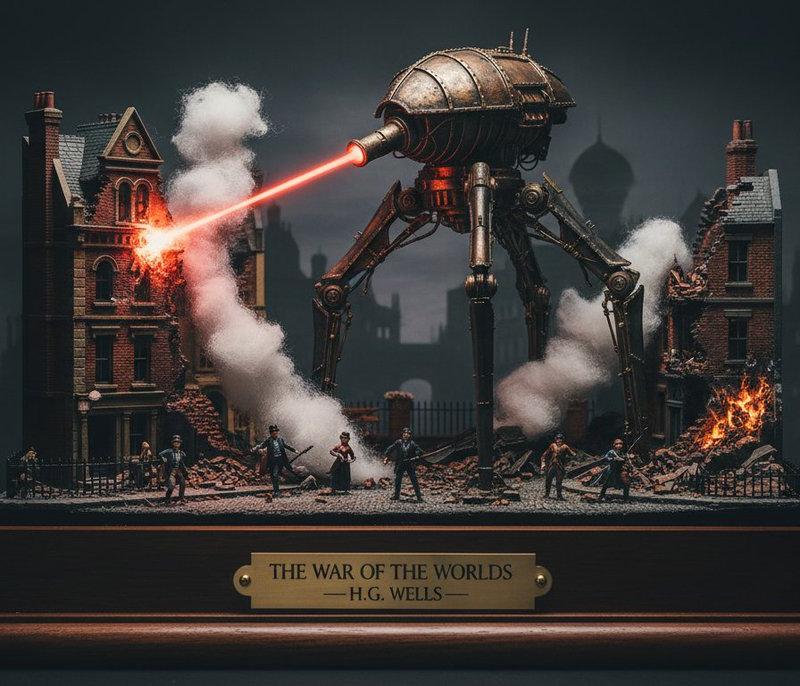
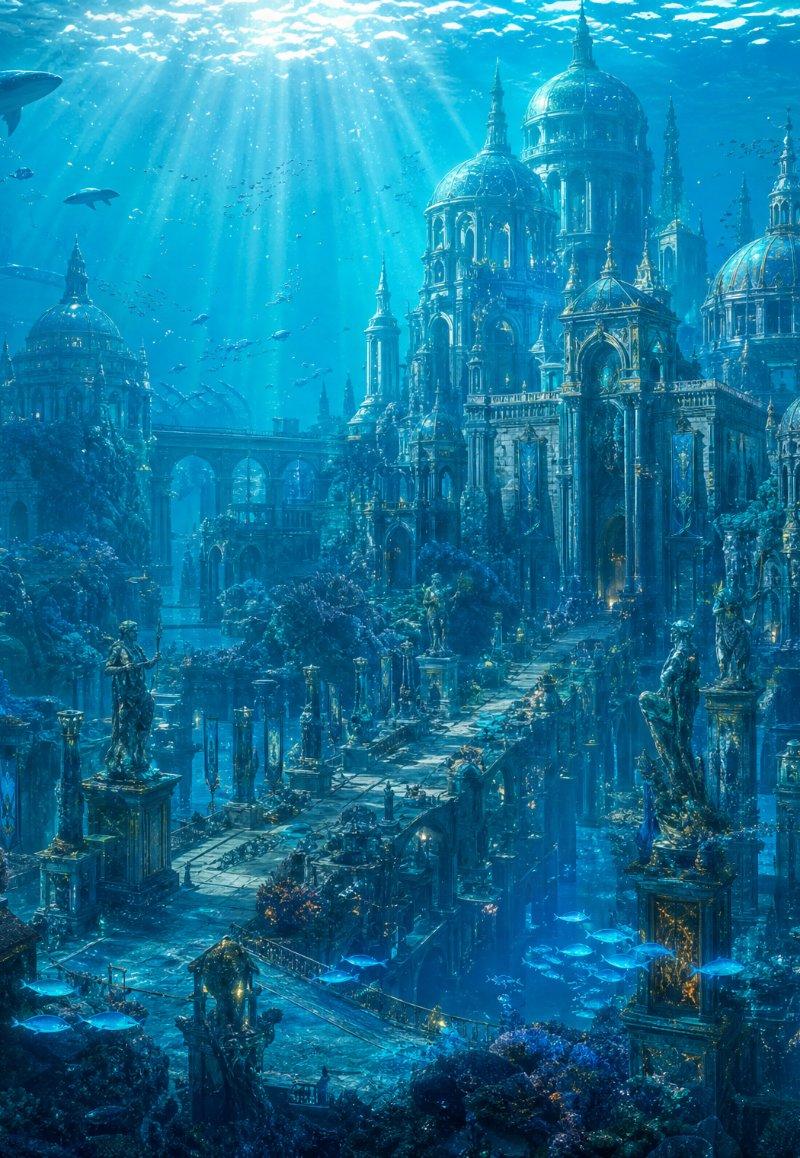
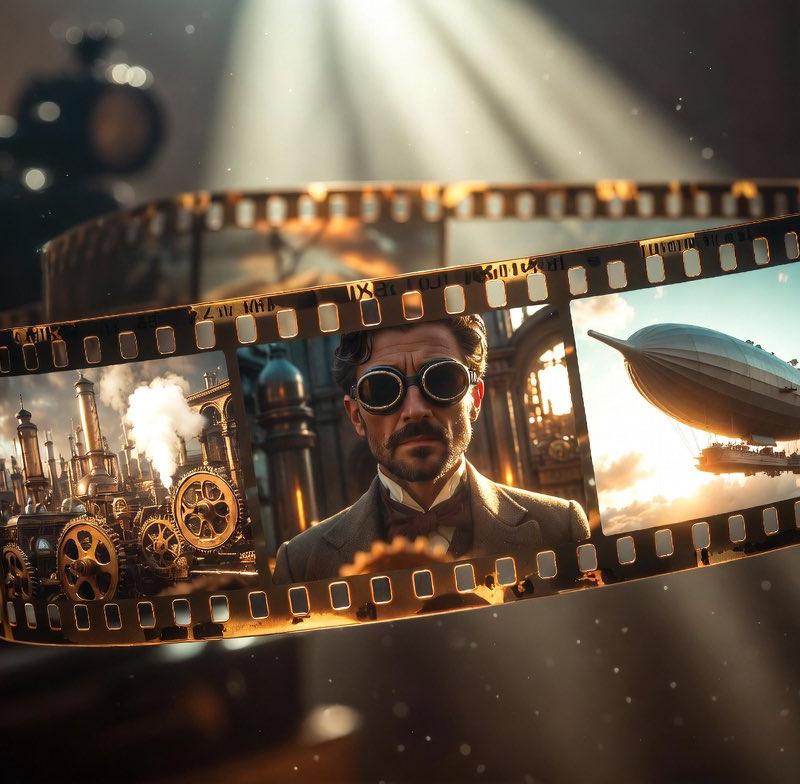
Create a cinematic close-up still life of a translucent 35mm film strip floating in a graceful horizontal arc across a dark vintage projection room. The film strip is warm amber-brown with glossy reflections, burnt golden edges, and exactly 3 large visible image frames: left frame shows {argument name="left film frame scene" default="a steampunk industrial city with brass gears, smokestacks, steam clouds, and ornate machinery"}; center frame shows {argument name="center film frame subject" default="a formal early-20th-century man in a suit and bow tie"} with the face deliberately covered by a plain solid brown rectangular censor block; right frame shows {argument name="right film frame scene" default="a large retro airship or zeppelin flying above a small suspended platform in a glowing sky"}. Include two continuous rows of small rectangular sprocket holes along the top and bottom of the film strip, evenly spaced and lit from within by amber highlights. In the blurred background, place one large dark vintage movie camera/projector silhouette on the left, out of focus. Add dramatic white-gold spotlight beams descending from the upper center, floating dust particles, shallow depth of field, warm sepia color grading, volumetric light, high contrast, photorealistic detail, and a nostalgic short-film atmosphere. Use {argument name="aspect ratio" default="3:2 landscape"}. No captions, no logos, no extra text.
Category
Posters & Typography
Model
GPT Image 2
Creator
Mineta
Source language
en
Views1
Source ID
24039
Published
Jun 3, 2026
Studio

Guide

About "电影感悬浮胶片条"

What is this prompt for?

"电影感悬浮胶片条" AI image prompt for GPT Image 2 (Posters & Typography). 一个照片级真实感的复古胶片场景,适用于创作充满氛围感的短片或电影主题视觉效果。 Copy it on Picva and recreate the look in one click.

The full copyable prompt and example visuals above are ready for AI image generation or one-click recreate in Picva.

How to use this prompt

  1. Step 1

    Open the prompt detail

    Review the example visuals, category, and full prompt text for "电影感悬浮胶片条".

  2. Step 2

    Copy the prompt

    Copy the prompt body from this page, or load it directly in Studio.

  3. Step 3

    Pick a model (GPT Image 2)

    Prefer GPT Image 2. If you switch models, keep subject and composition and tweak style terms.

  4. Step 4

    Generate and export

    Recreate the look in Picva, or export into your workflow for editing and publishing.

FAQ

What is the "电影感悬浮胶片条" prompt?
It is an AI image-generation prompt for GPT Image 2 in the Posters & Typography category. This page includes the full prompt text, example visuals, and a one-click recreate path in Picva.
How do I use this prompt to generate an image?
Copy the prompt from this page, or use Generate / Studio. Paste it into a compatible image model, or recreate the look in Picva with optional reference images.
Which model is this prompt for?
This page lists GPT Image 2. Most descriptive prompts also transfer to nearby image models such as GPT Image, Flux, or Midjourney with light style tweaks.
Can I use the result commercially?
You can usually copy the prompt for creation, but commercial use of the final image depends on the model terms, reference-image rights, and the generated content. Follow the source author and platform rules.