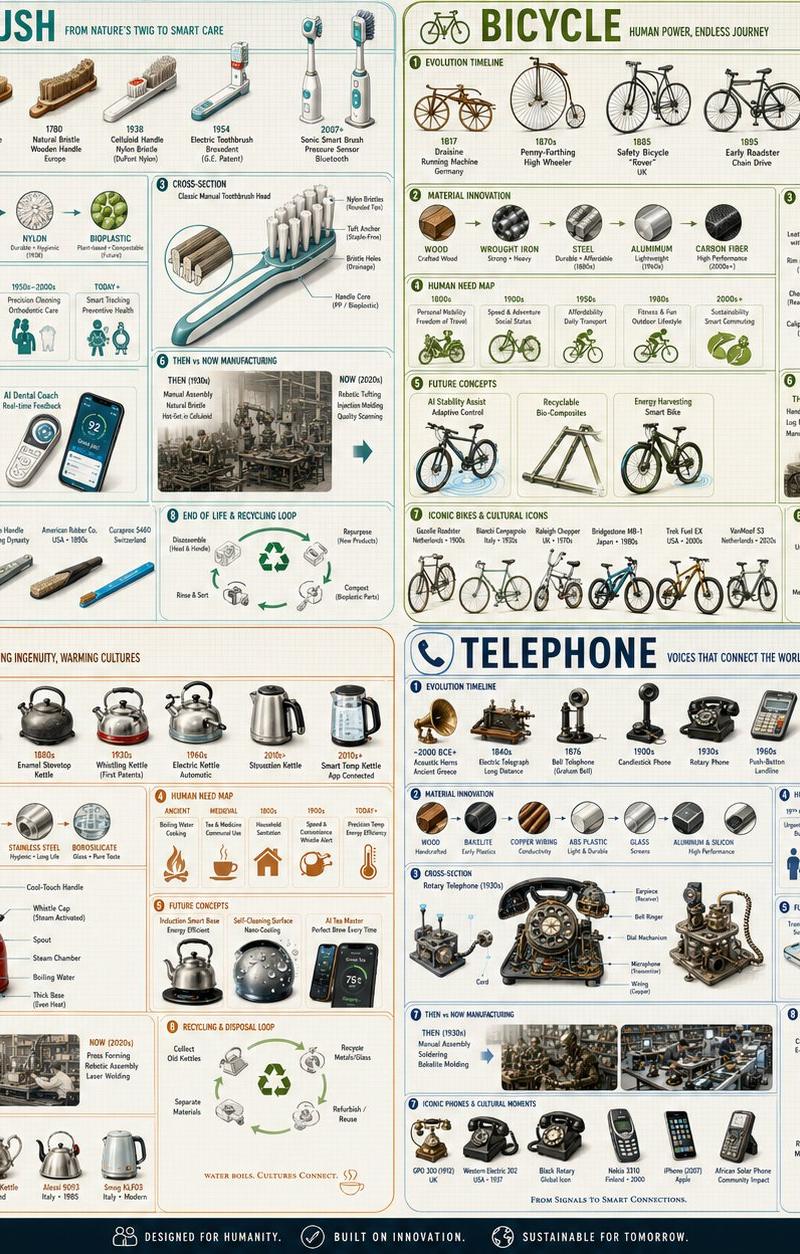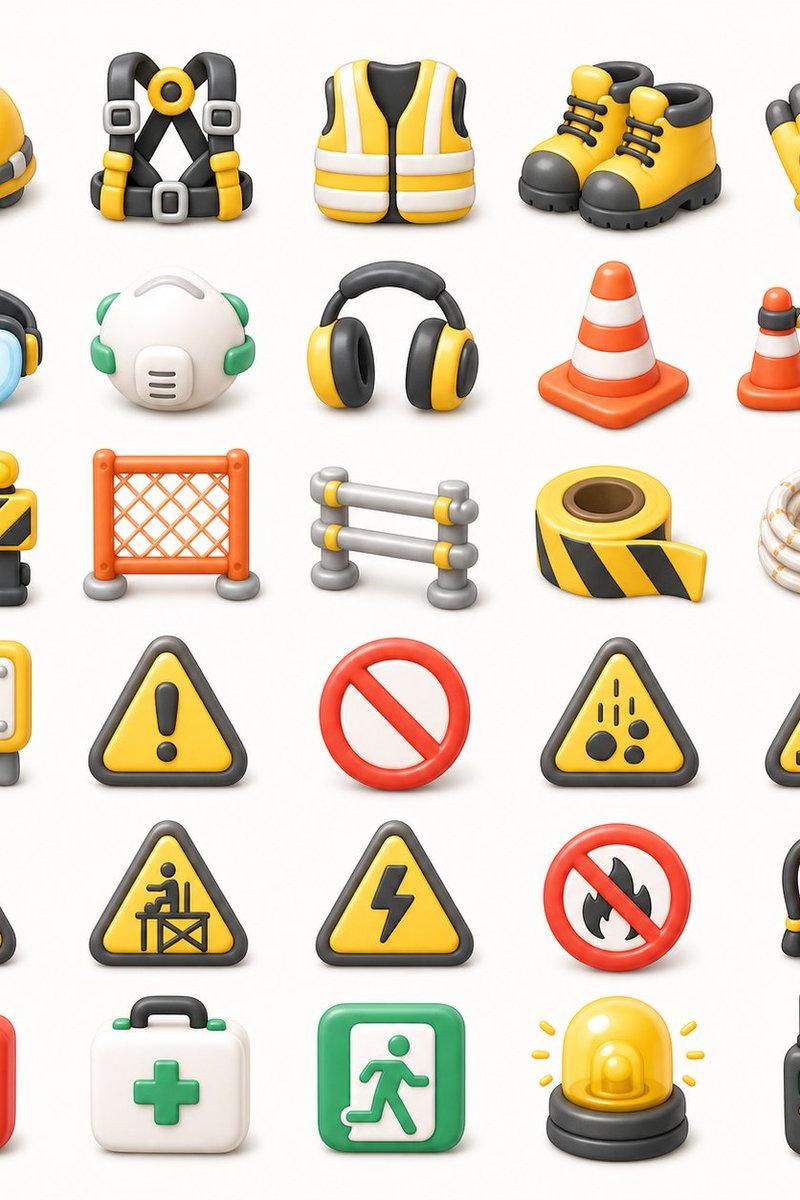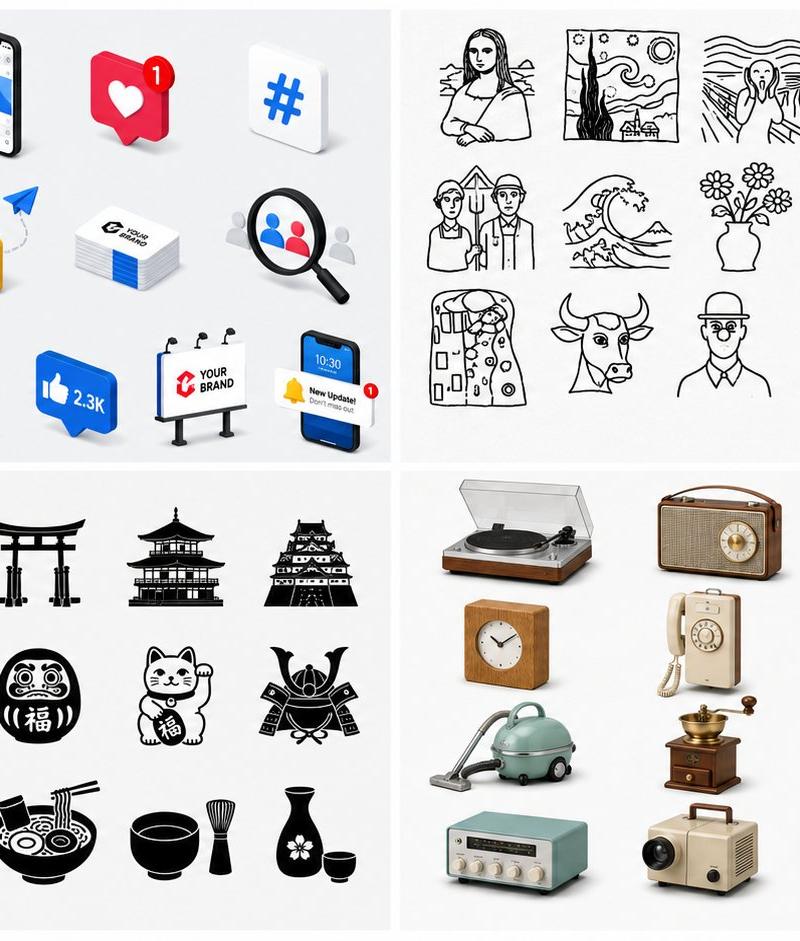
四宫格图标风格目录
提示词
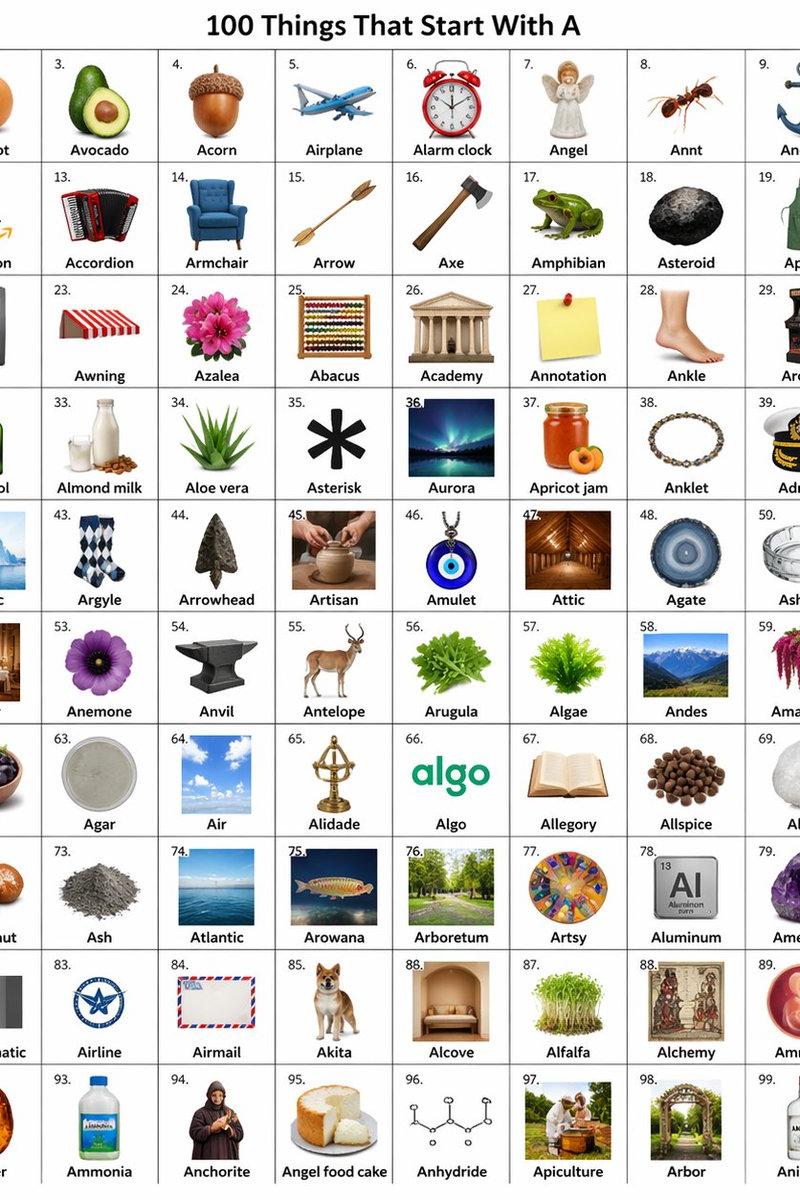
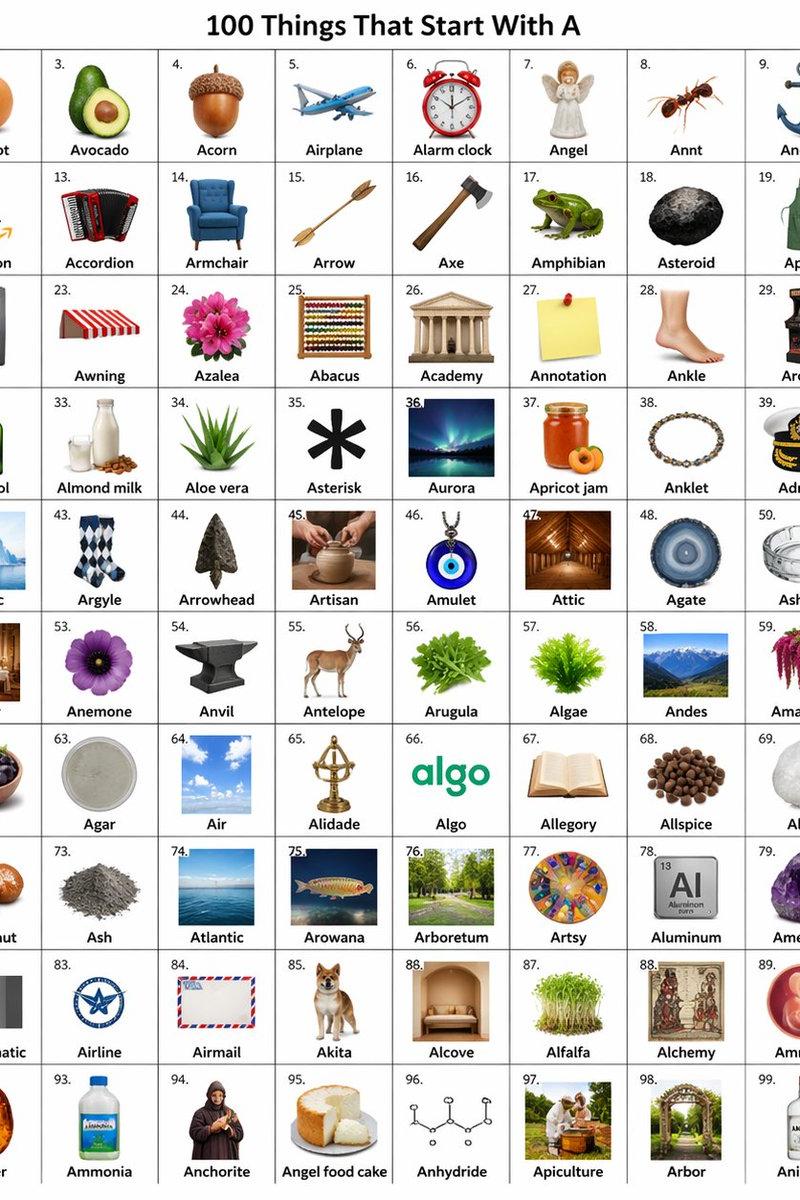
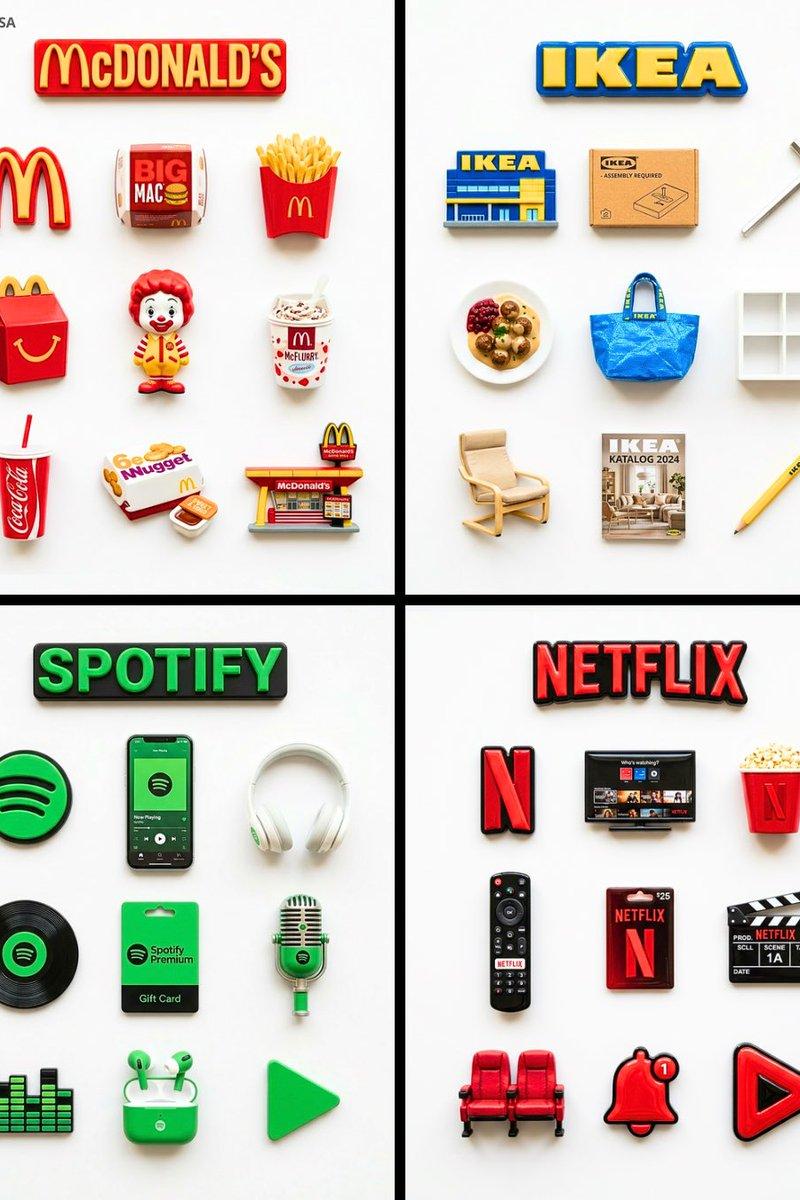
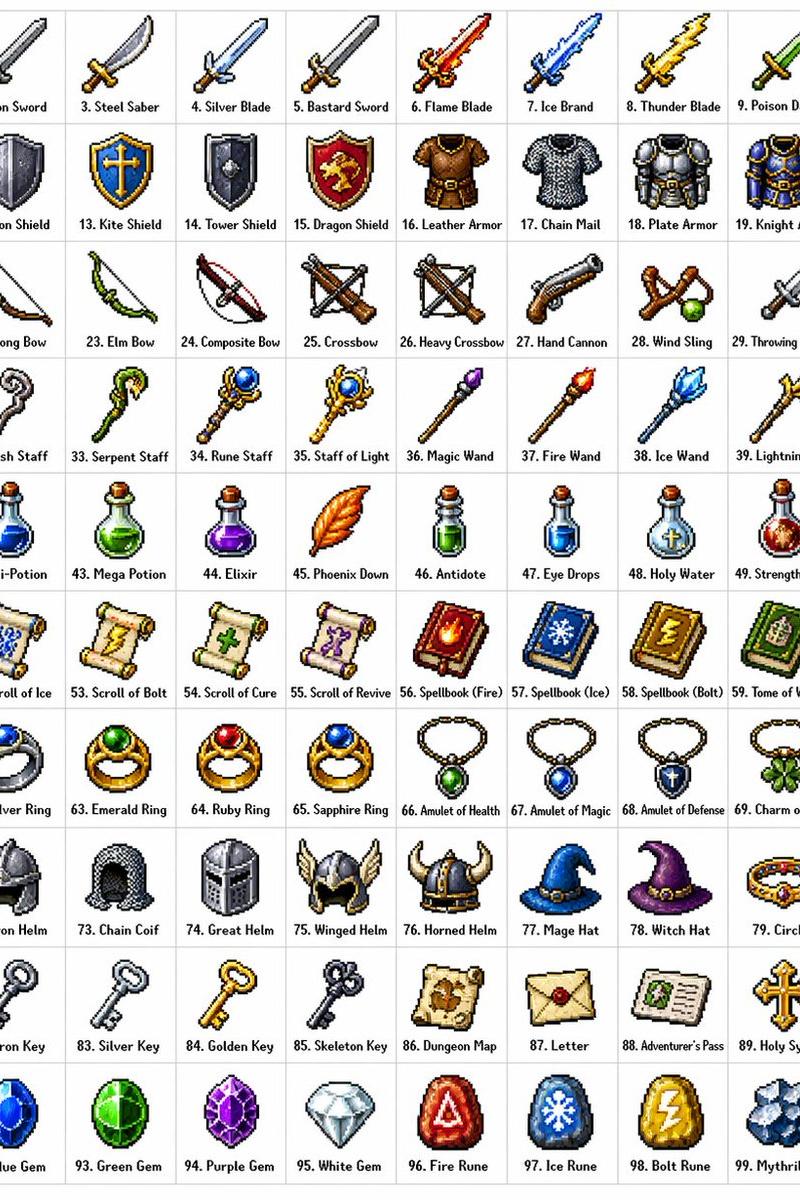
Goal: Create a clean 2×2 showcase collage presenting four different icon material styles on a white background, like a prompt collection preview for GPT Images. Use thin pale-gray dividers between quadrants and consistent generous spacing. The overall image should feel like a catalog sheet of ready-to-use icon styles.

Canvas: Wide horizontal canvas, 16:9 ratio, white background, four equal rectangular panels arranged in a 2×2 grid with subtle light-gray gutters.

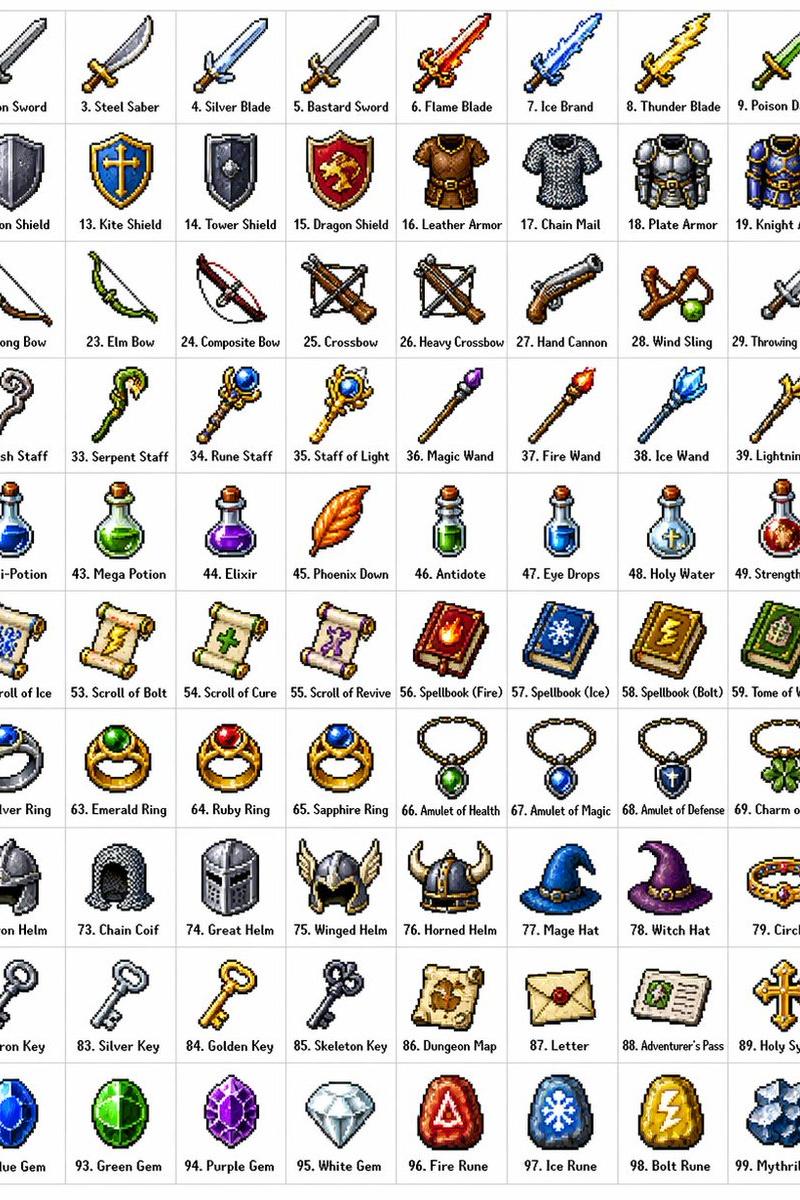
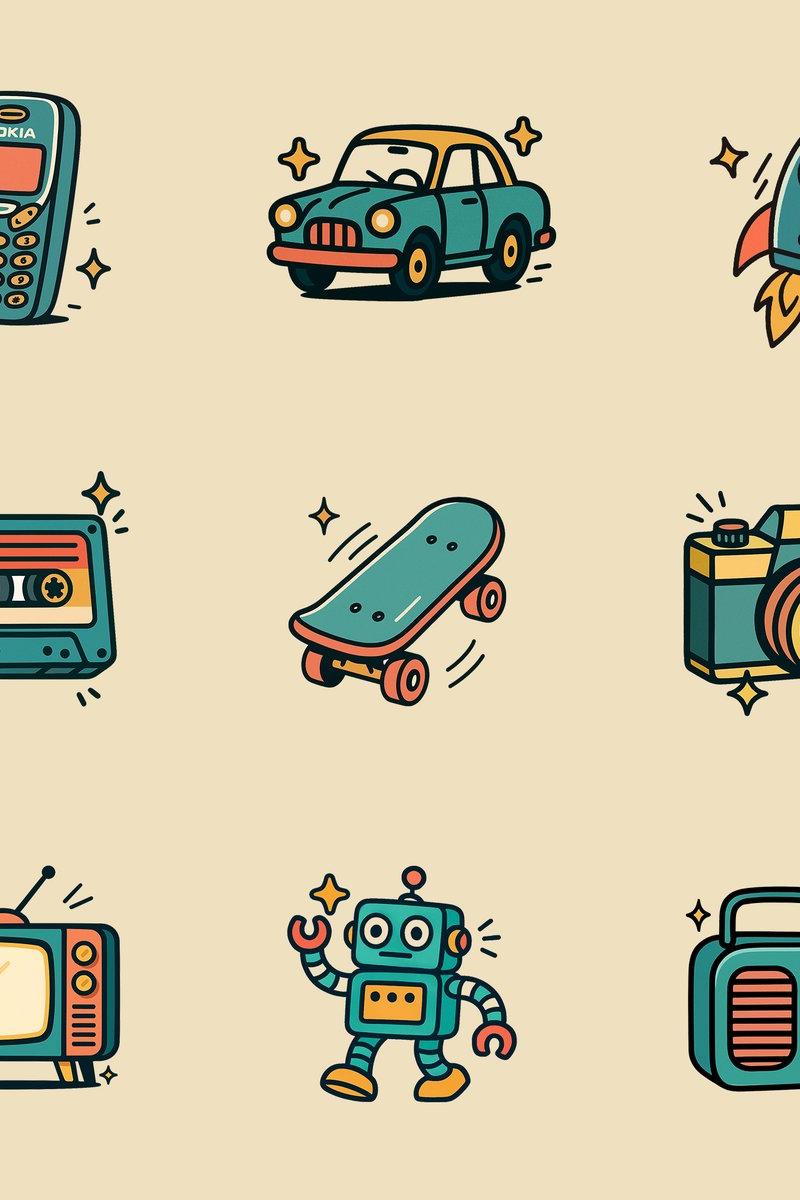
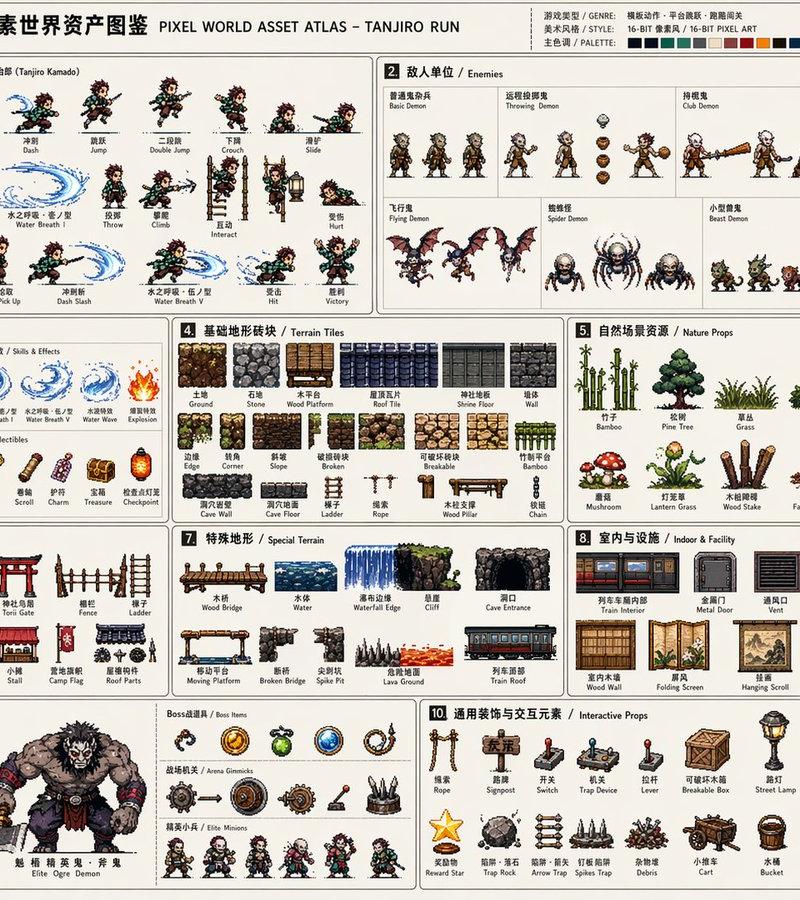
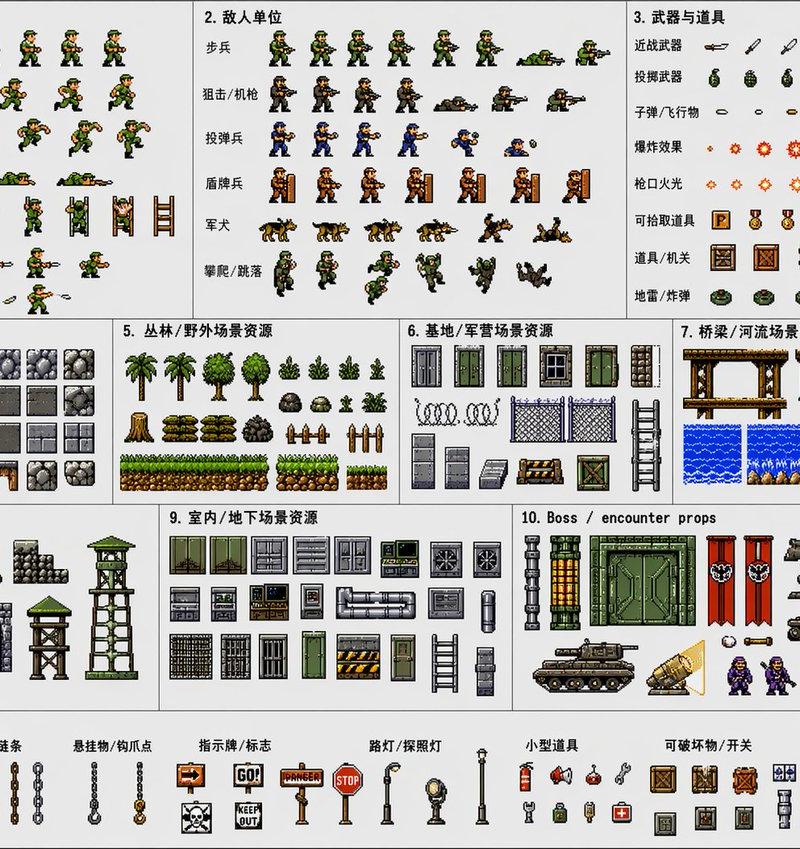
Top-left panel: Render exactly 15 colorful 3D digital marketing and social media icons, arranged in three neat rows of five on a white studio background with soft shadows. Include these 15 items: 1 red-and-white megaphone, 1 red target with arrow, 1 smartphone showing an app screen, 1 red heart notification card with a small badge, 1 blue hashtag tile, 1 desk calendar, 1 desktop analytics monitor, 1 yellow email envelope with an @ symbol and paper plane, 1 stack of business cards, 1 magnifying glass over profile avatars, 1 upward growth bar chart with green arrow, 1 female influencer filming with ring light and floating heart, 1 blue QR code tag reading “SCAN ME,” 1 blue thumbs-up speech bubble reading “2.3K,” and 1 billboard reading “YOUR BRAND.” Use glossy rounded 3D shapes, bright red, blue, yellow, and green accents, and soft realistic drop shadows.

Top-right panel: Render exactly 20 black hand-drawn line-art icons inspired by famous art motifs, arranged in four rows of five on a white background. Include these 20 items: 1 seated Mona Lisa-like portrait, 1 starry-night landscape frame, 1 screaming figure with wavy background, 1 birth-of-Venus shell figure, 1 melting clock, 1 veiled woman portrait bust, 1 American Gothic-style couple, 1 great wave, 1 vase of flowers, 1 seated thinker figure, 1 classical standing male statue, 1 classical robed female statue, 1 abstract patterned dress figure, 1 bull head, 1 faceless bust portrait, 1 pop-art soup can labeled “Campbell’s SOUP,” 1 two hands nearly touching, 1 circle of dancing figures, and two additional simple museum-sketch portrait heads to complete the grid. Use expressive monochrome ink lines, slightly imperfect sketch strokes, no color fills.

Bottom-left panel: Render exactly 20 black Japanese-themed flat silhouette icons, arranged in four rows of five on a white background. Include these 20 items: 1 Mount Fuji with clouds, 1 Eiffel Tower silhouette, 1 Tokyo Skytree-like tower, 1 torii gate, 1 multi-tier pagoda, 1 Japanese castle, 1 bullet train, 1 cherry blossom branch, 1 pair of maple leaves, 1 Daruma doll with the character “福,” 1 maneki-neko lucky cat with the character “福,” 1 samurai helmet, 1 patterned kimono, 1 folding fan, 1 sushi nigiri, 1 ramen bowl with chopsticks, 1 tea bowl, 1 bamboo whisk, 1 sake bottle with cup, and 1 small cup. Use solid black vector silhouettes with crisp edges and minimal internal white cutouts.

Bottom-right panel: Render exactly 15 retro household and gadget objects as realistic 3D icons, arranged in three rows of five on a white studio background with soft shadows. Include these 15 items: 1 vinyl record player, 1 vintage tabletop radio, 1 cream rotary telephone, 1 brass twin-bell alarm clock, 1 wooden square clock, 1 wall-mounted rotary telephone, 1 brass desk fan, 1 wood-grain stereo receiver, 1 turquoise canister vacuum cleaner, 1 antique coffee grinder, 1 gray calculator, 1 portable cassette player, 1 mint-green tabletop radio, 1 vintage slide projector, 1 silver-and-brown camera, and 1 instant camera if needed only by replacing another item so the visible count stays exactly 15. Use nostalgic beige, brown, brass, mint, and gray colors with realistic materials and soft shadows.

Visual style: This is a polished icon-series comparison board. Keep all panels bright, high-key, uncluttered, and evenly spaced. Avoid captions, watermarks, logos outside the tiny icon details, extra panels, or background texture. Make the icon theme customizable as {argument name="collection theme" default="icon material styles"}, while preserving the four-panel catalog layout.- 分类
- 图表信息图
- 模型
- GPT Image 2
- 来源作者
- しらき@パワポ図解
- 原始语言
- en
- 来源 ID
- 24322
- 发布时间
- 2026年6月5日
浏览量1.2万