20

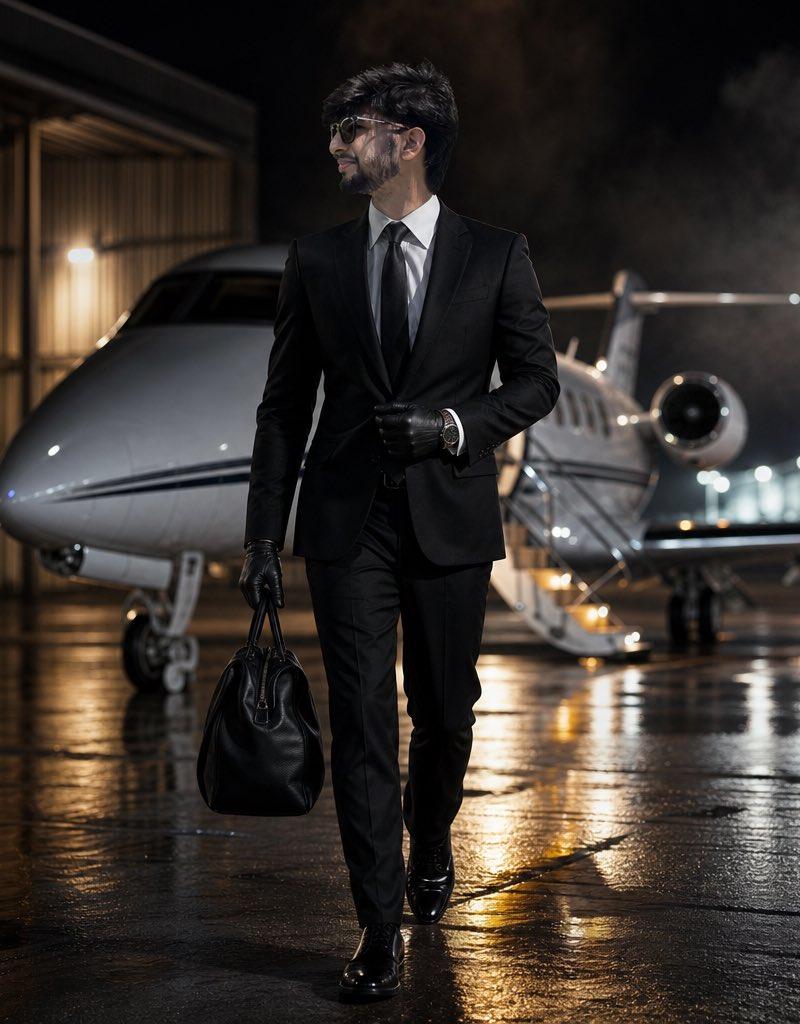
Cinematic Private Jet Hangar Portrait
Click to enlarge

Example images

Posters & TypographyYouMindgpt-image-2posters-typography海报与排版

Cinematic Private Jet Hangar Portrait

Prompt
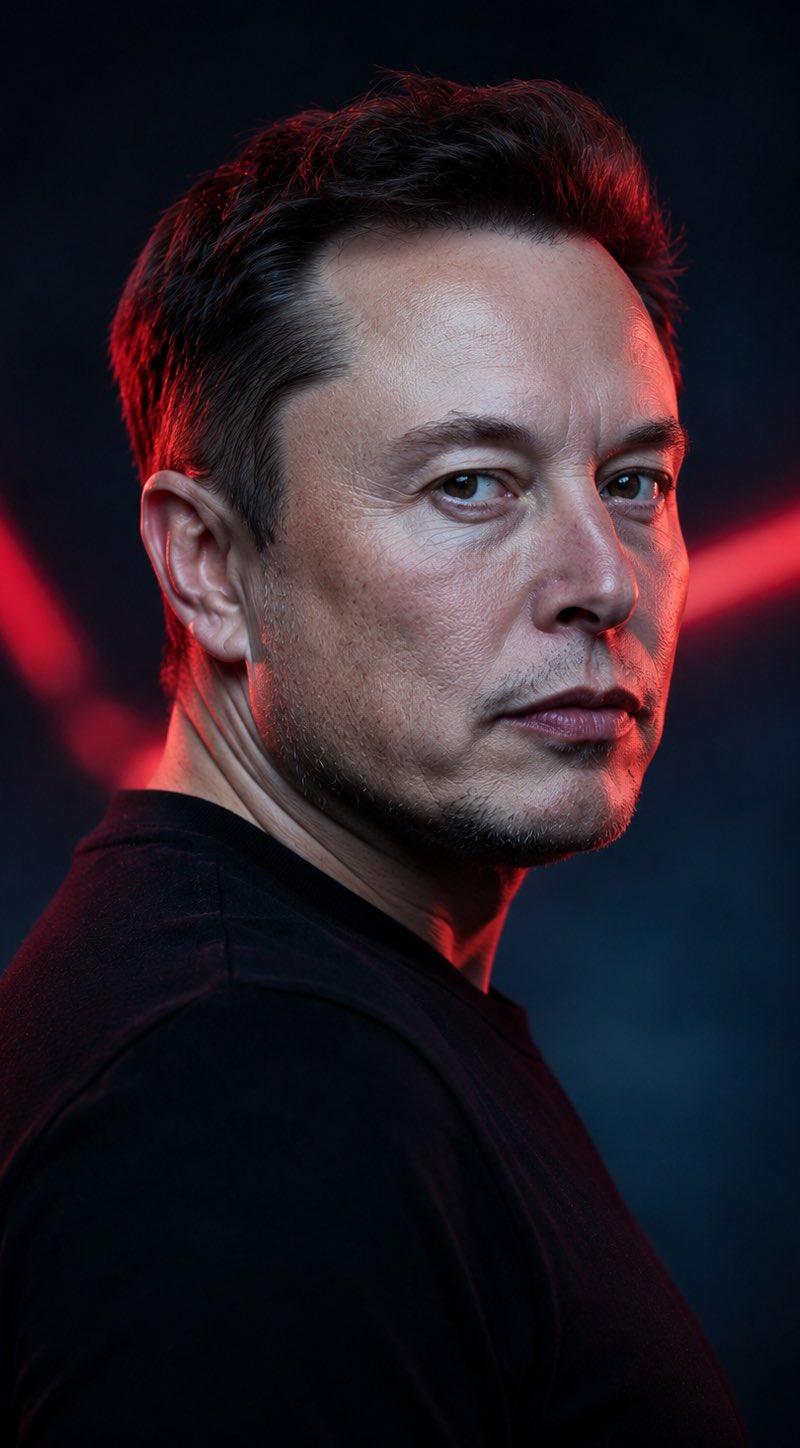
Use the uploaded reference image as the exact identity reference. Preserve the same face shape, eyes, nose, lips, beard, haircut, age, skin texture, facial proportions, and overall masculine identity. Do not redesign the face. Create an ultra-realistic cinematic luxury portrait of the same man walking out of a private jet hangar at night. He wears a perfectly tailored {argument name="outfit" default="black suit, white shirt, black tie"}, dark sunglasses, leather gloves, and an expensive watch. One hand holds a small black leather travel bag, the other adjusts his cuff. His expression is calm, rich, focused, and intimidating. Background: private jet partially visible behind him, wet concrete runway, soft fog, airport lights, luxury travel atmosphere. Lighting: strong white rim light from the jet, warm runy lights, cinematic contrast, realistic fabric texture, editorial luxury campaign style. Composition: vertical 4:5, full body walking posd, 016 low-angle perspective, no text, no logo, no
Category
Posters & Typography
Model
GPT Image 2
Creator
Al-Shamus
Source language
en
Views2.5K
Source ID
24417
Published
Jun 6, 2026
Studio

Guide

About "Cinematic Private Jet Hangar Portrait"

What is this prompt for?

"Cinematic Private Jet Hangar Portrait" AI image prompt for GPT Image 2 (Posters & Typography). An ultra-realistic portrait of a man in a black suit exiting a…

The full copyable prompt and example visuals above are ready for AI image generation or one-click recreate in Picva.

How to use this prompt

  1. Step 1

    Open the prompt detail

    Review the example visuals, category, and full prompt text for "Cinematic Private Jet Hangar Portrait".

  2. Step 2

    Copy the prompt

    Copy the prompt body from this page, or load it directly in Studio.

  3. Step 3

    Pick a model (GPT Image 2)

    Prefer GPT Image 2. If you switch models, keep subject and composition and tweak style terms.

  4. Step 4

    Generate and export

    Recreate the look in Picva, or export into your workflow for editing and publishing.

FAQ

What is the "Cinematic Private Jet Hangar Portrait" prompt?
It is an AI image-generation prompt for GPT Image 2 in the Posters & Typography category. This page includes the full prompt text, example visuals, and a one-click recreate path in Picva.
How do I use this prompt to generate an image?
Copy the prompt from this page, or use Generate / Studio. Paste it into a compatible image model, or recreate the look in Picva with optional reference images.
Which model is this prompt for?
This page lists GPT Image 2. Most descriptive prompts also transfer to nearby image models such as GPT Image, Flux, or Midjourney with light style tweaks.
Can I use the result commercially?
You can usually copy the prompt for creation, but commercial use of the final image depends on the model terms, reference-image rights, and the generated content. Follow the source author and platform rules.