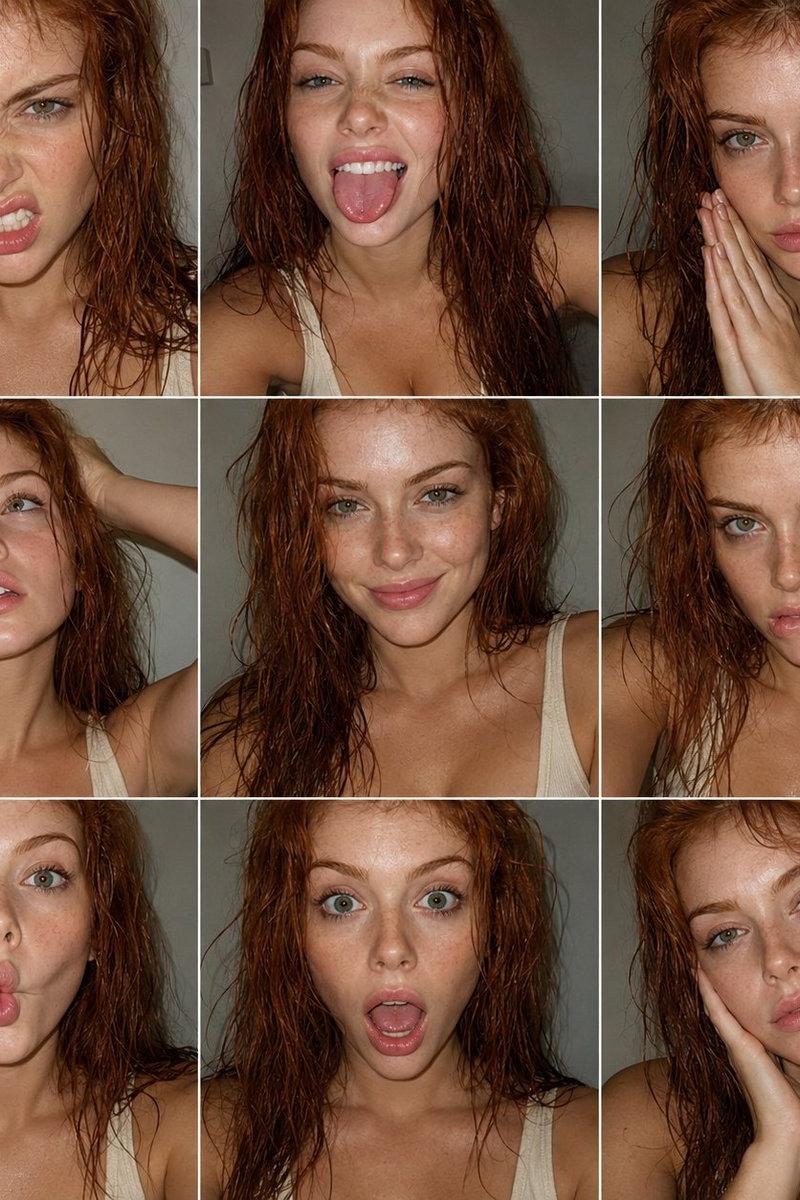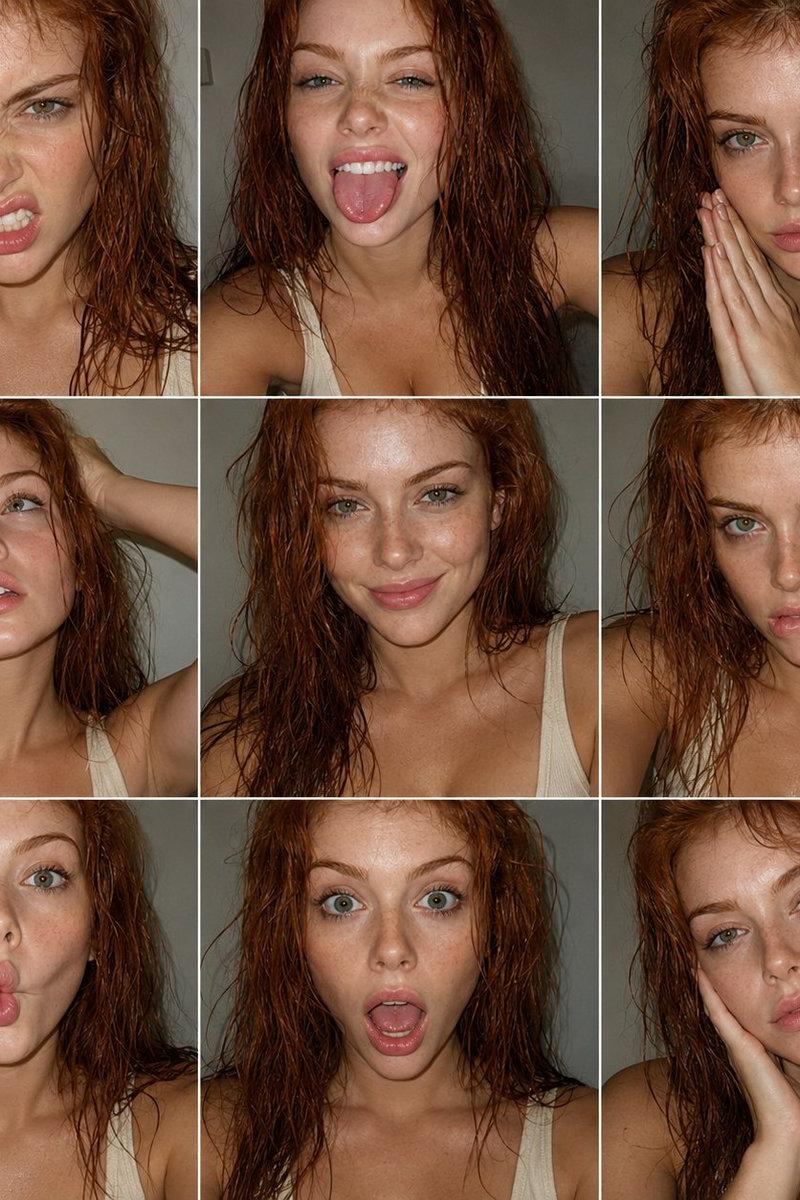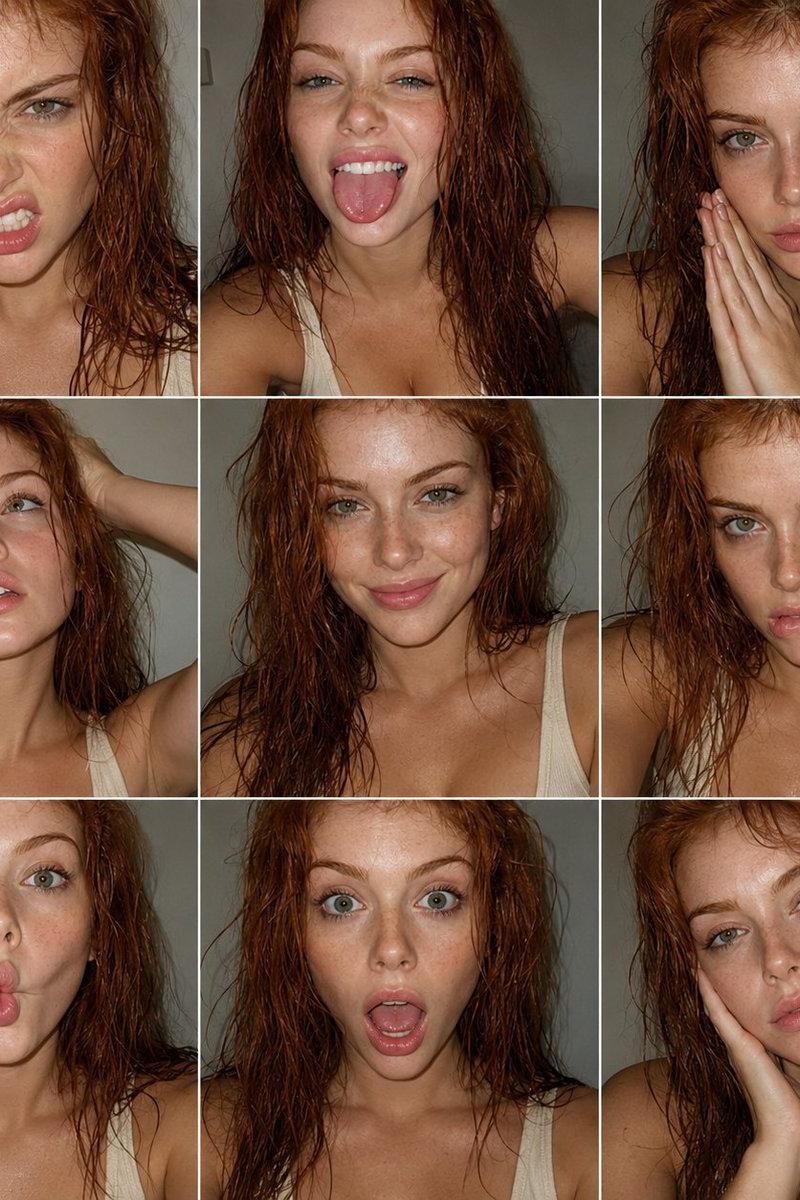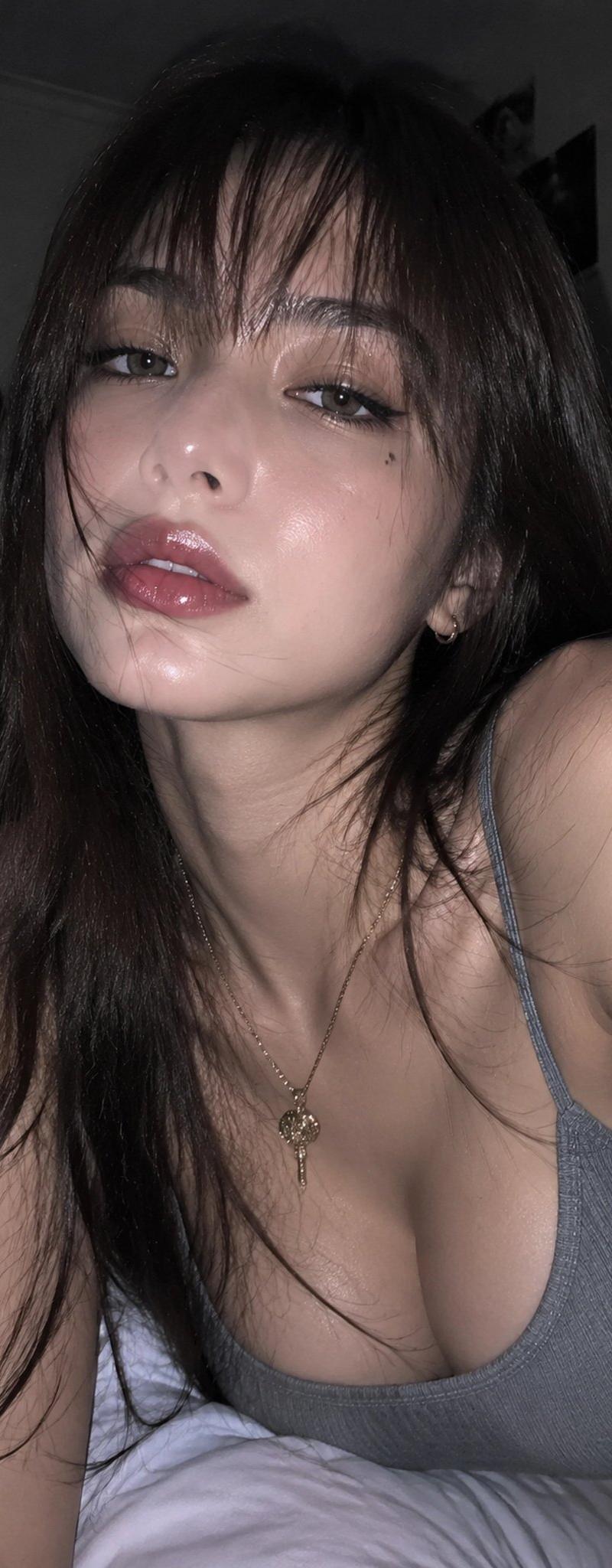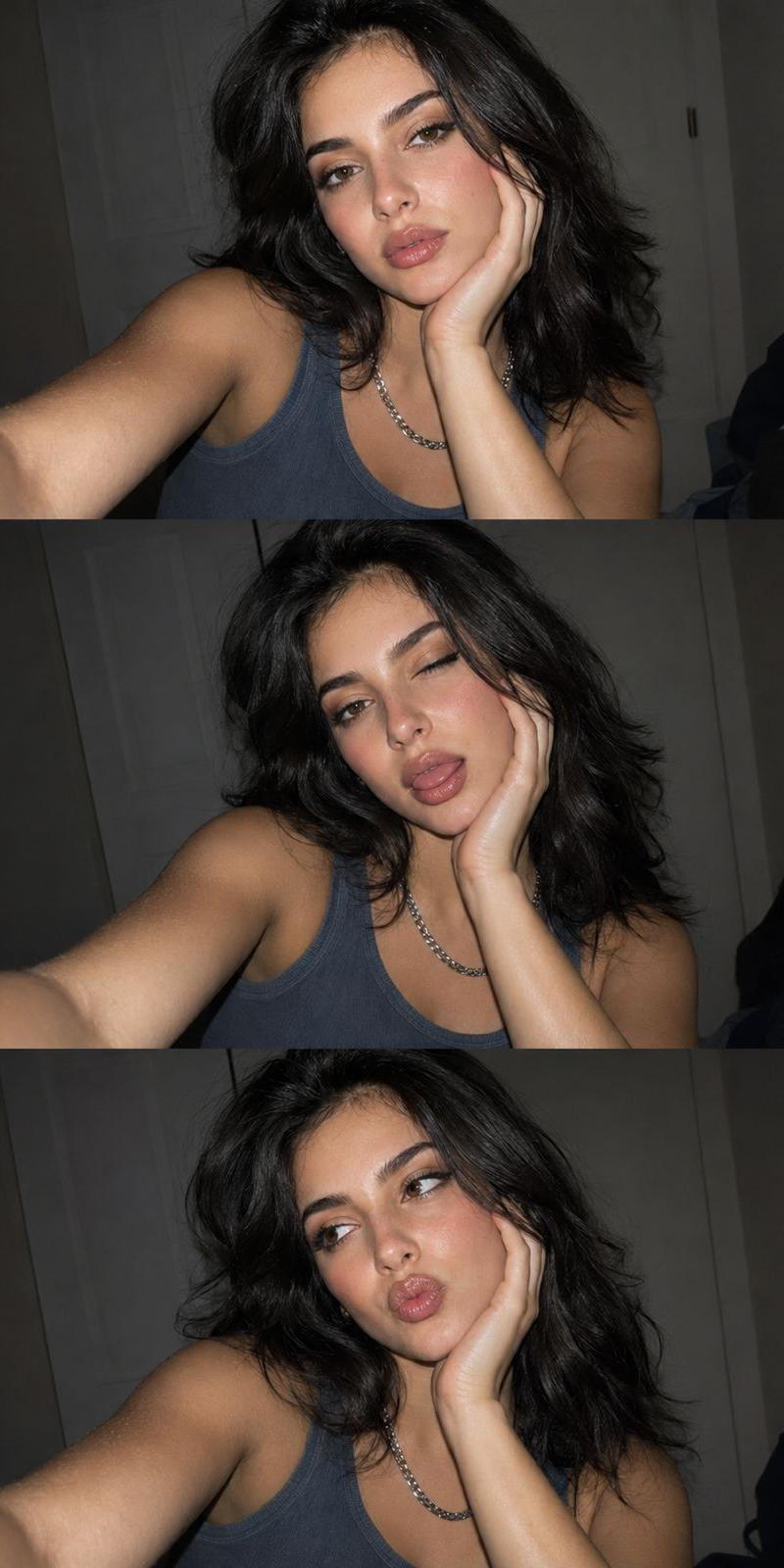
堆叠式智能手机闪光灯自拍
提示词
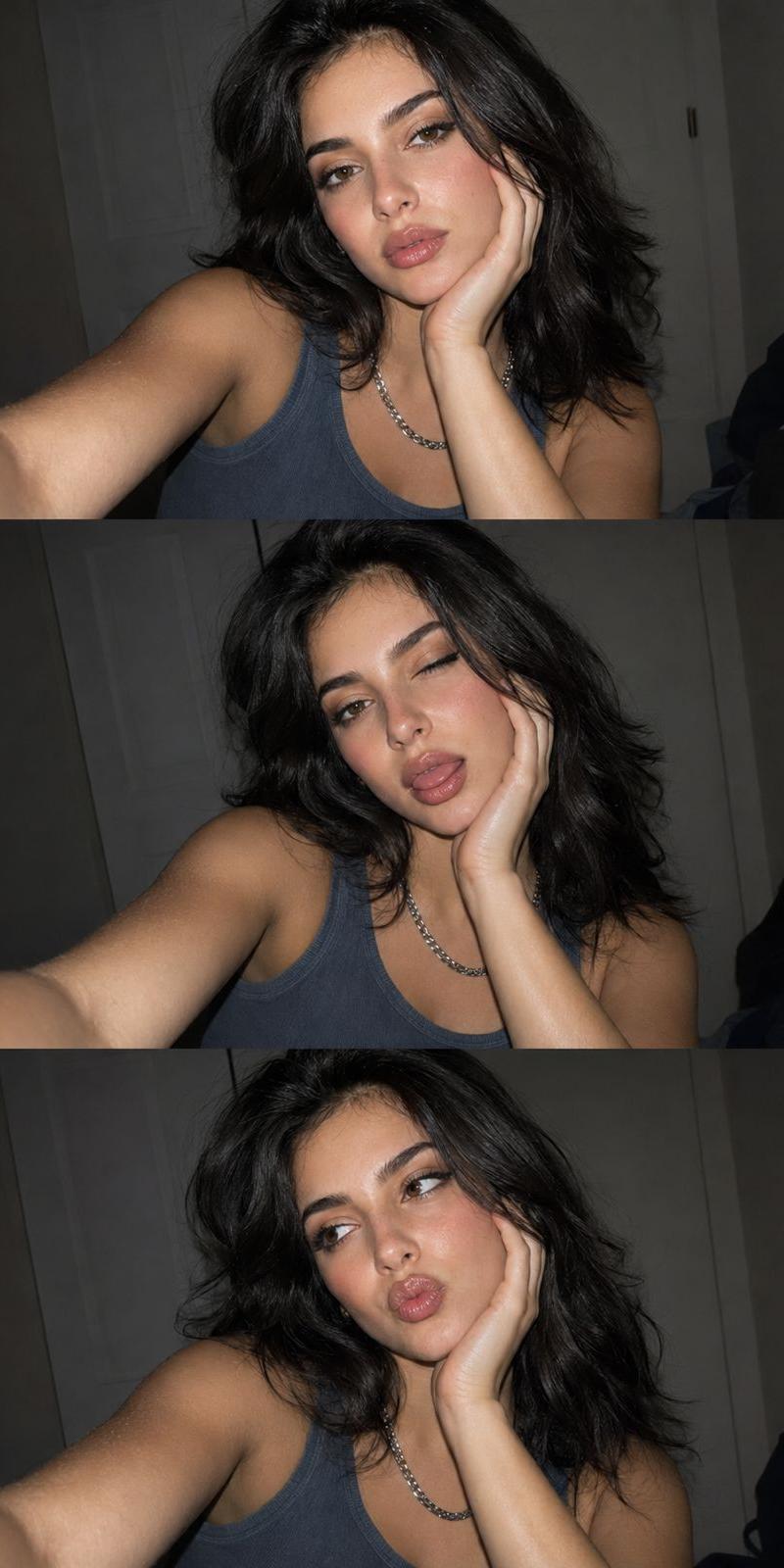
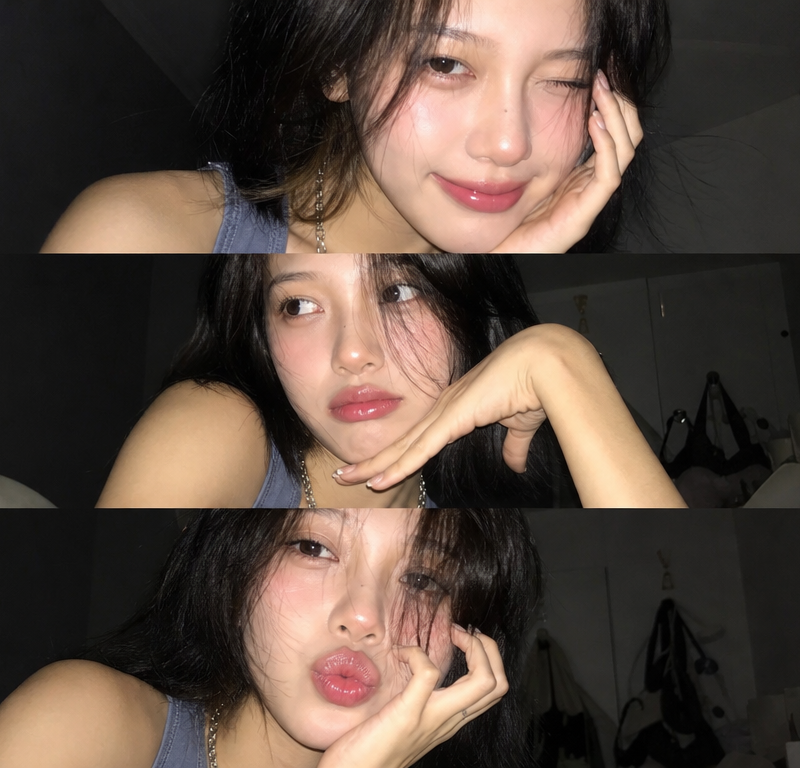
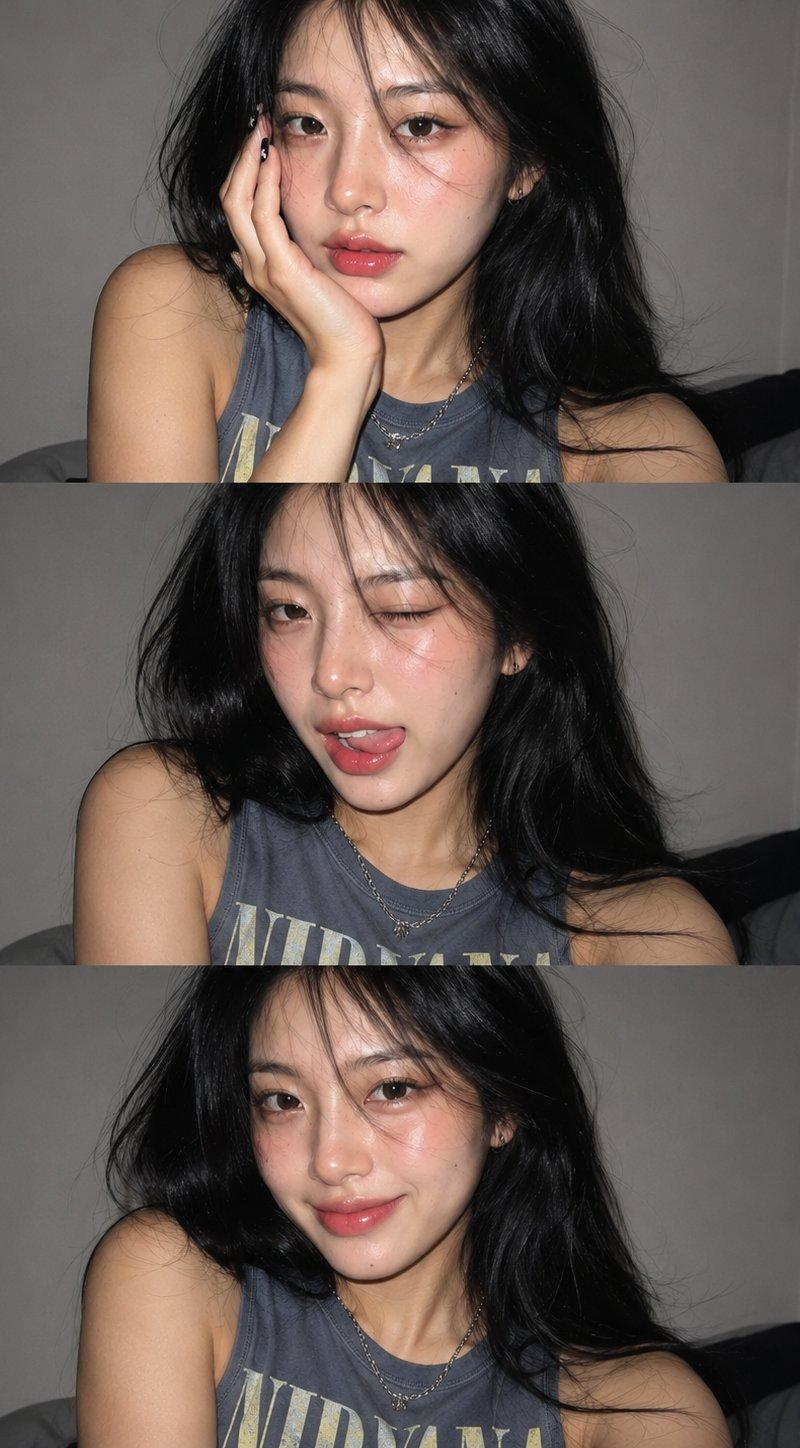
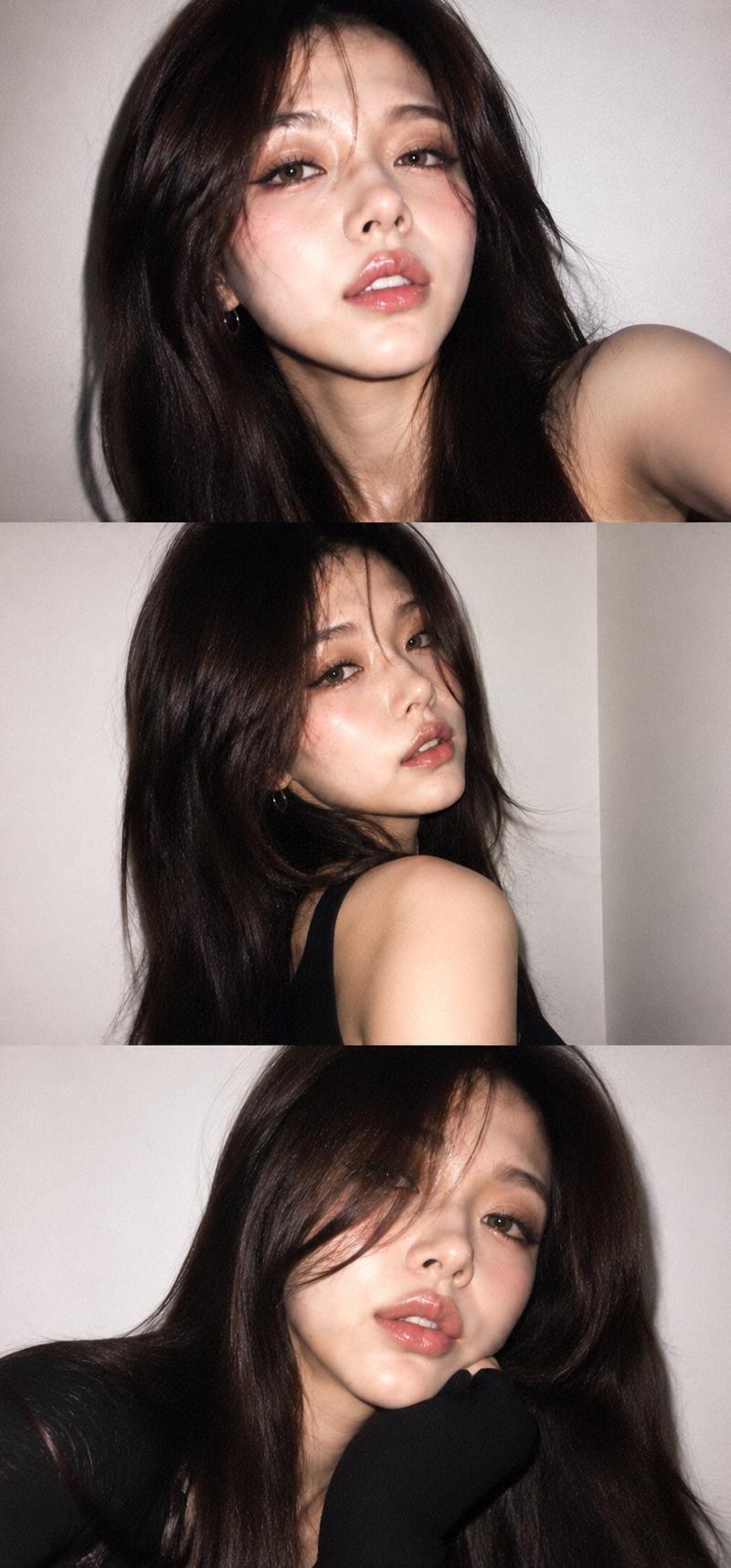
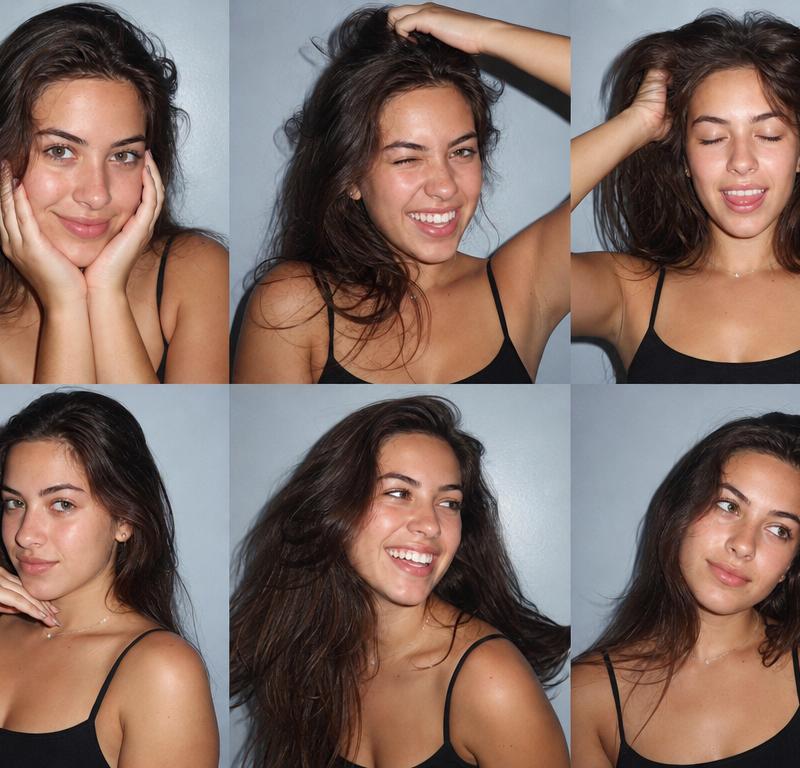
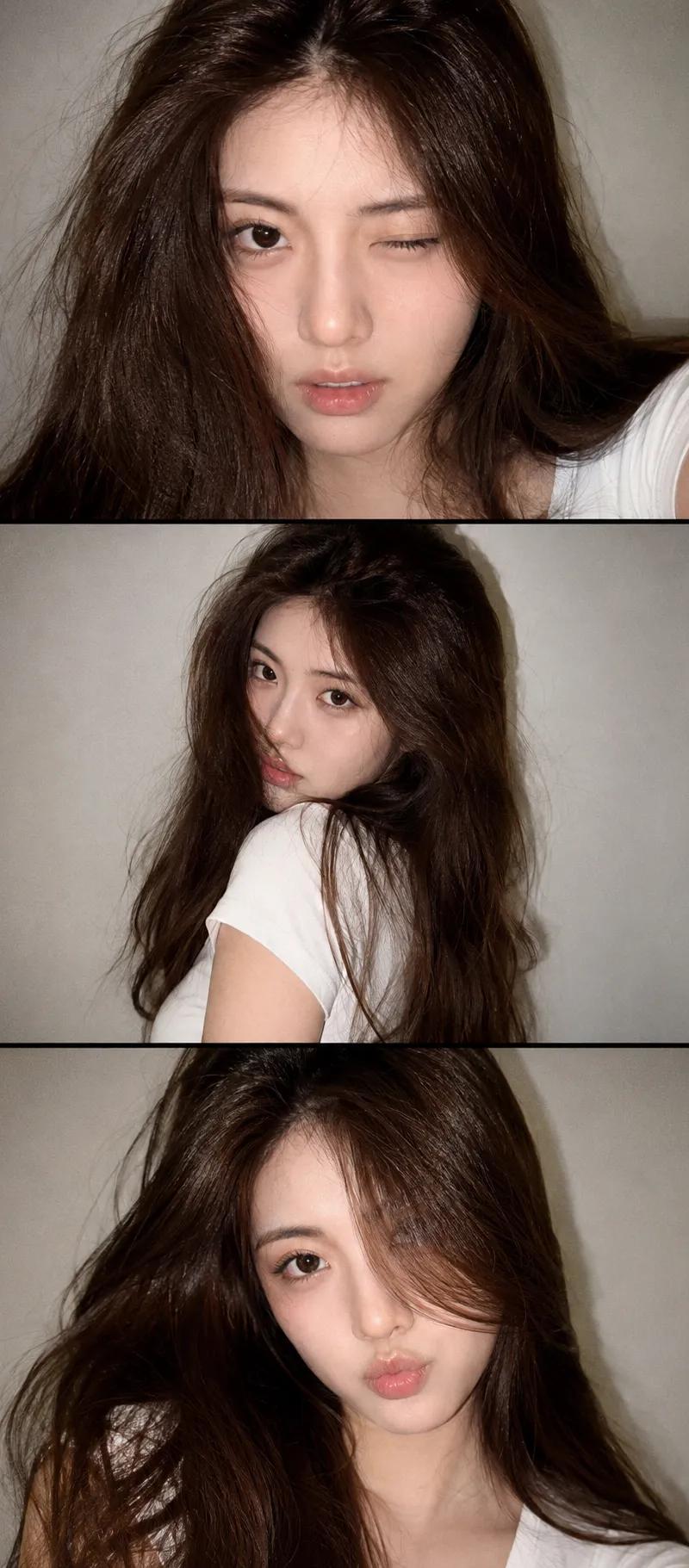
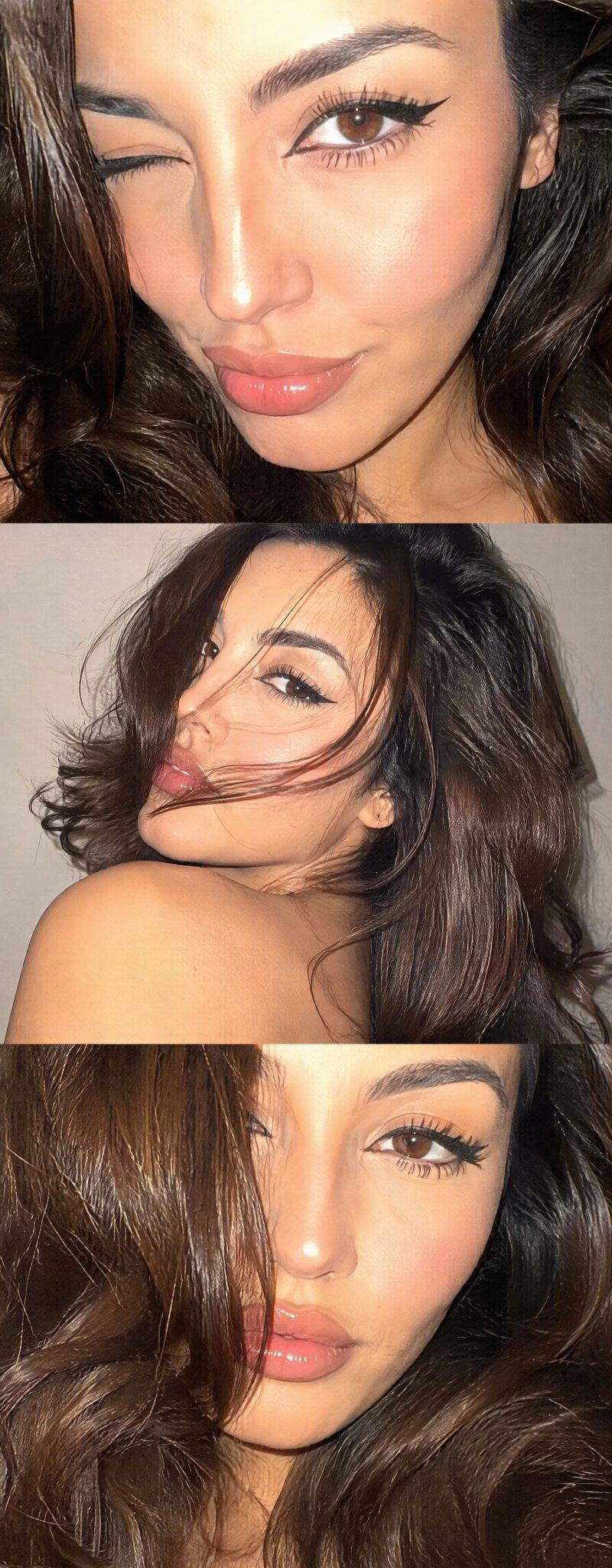
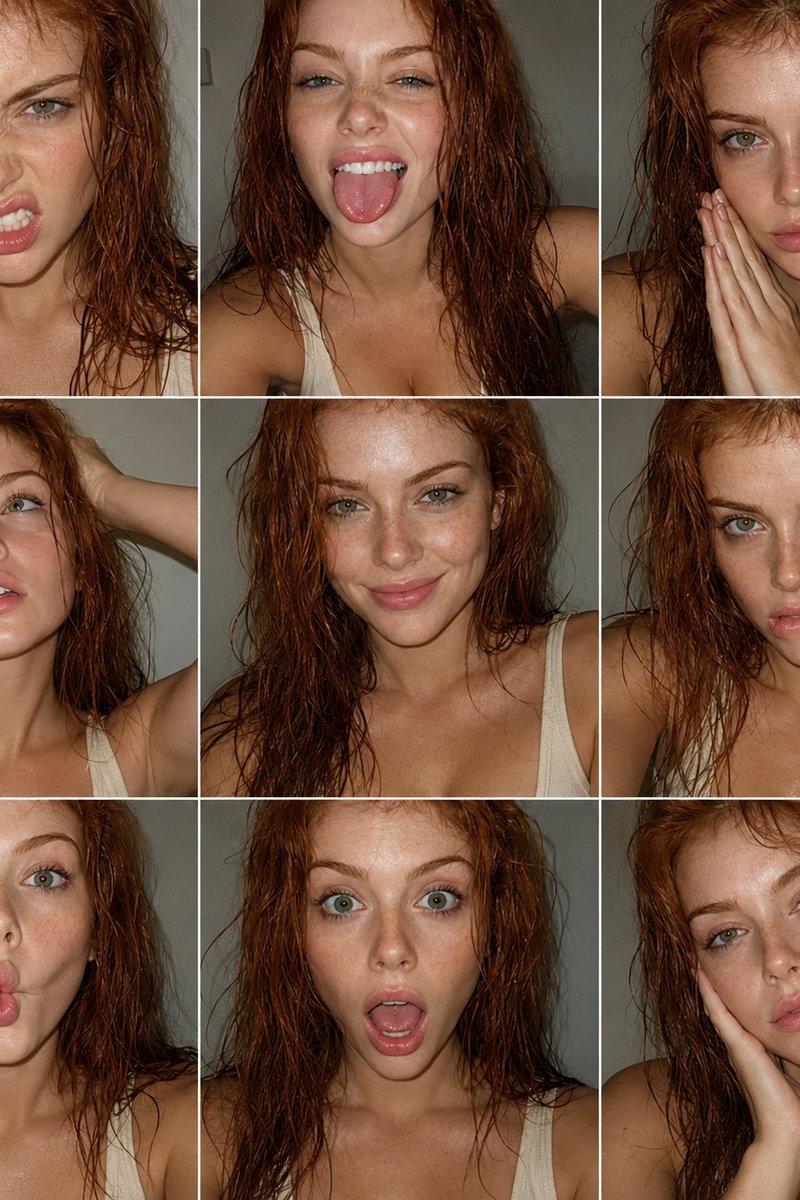
Ultra-realistic late-night flash selfie collage, three stacked smartphone photos of a young woman with shoulder-length dark hair, luminous skin, subtle blush, glossy pink lips, natural Korean-inspired makeup, wearing a blue-gray sleeveless tank top, silver chain necklace, resting face on hand, playful wink, looking sideways, and kissing-face expression. Direct camera flash creating bright highlights and deep shadows, dim indoor bedroom background, casual candid selfie aesthetic, soft messy hair, photorealistic skin texture, high detail eyes and lips, Instagram/Tumblr vibe, 35mm photography, realistic lighting, ultra-sharp focus, high resolution. Ultra-realistic Gen Z selfie photo collage, three vertical smartphone flash selfies of a young woman with long wavy black hair, soft dewy glass skin, rosy blush, glossy peach lips, natural makeup, wearing a faded blue-gray sleeveless Nirvana tank top, silver chain necklace, black nail polish with nail art, posing with hand under chin, playful wink with tongue out, and warm smiling expression. Direct front-facing flash photography, clean light gray wall background, high contrast shadows, candid Instagram aesthetic, sharp facial details, shallow depth of field, Y2K vibe, soft skin texture, photorealistic, 35mm lens, high resolution.
- 分类
- 图表信息图
- 模型
- GPT Image 2
- 来源作者
- Meem
- 原始语言
- en
- 来源 ID
- 24436
- 发布时间
- 2026年6月6日
浏览量8527