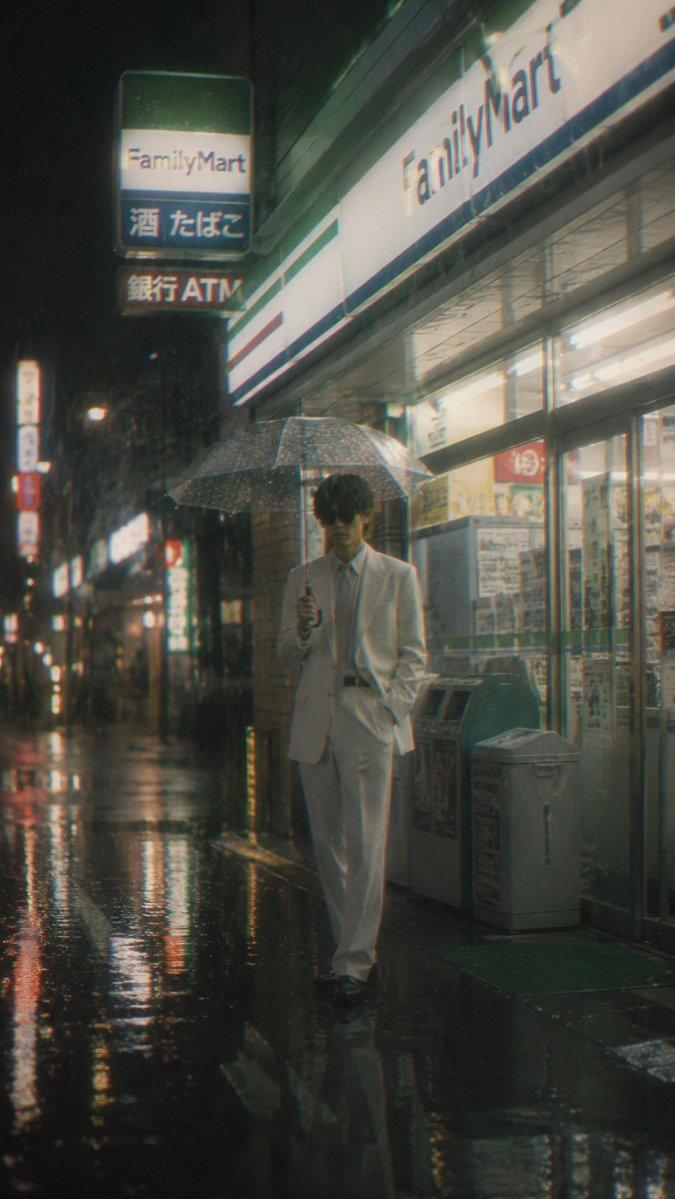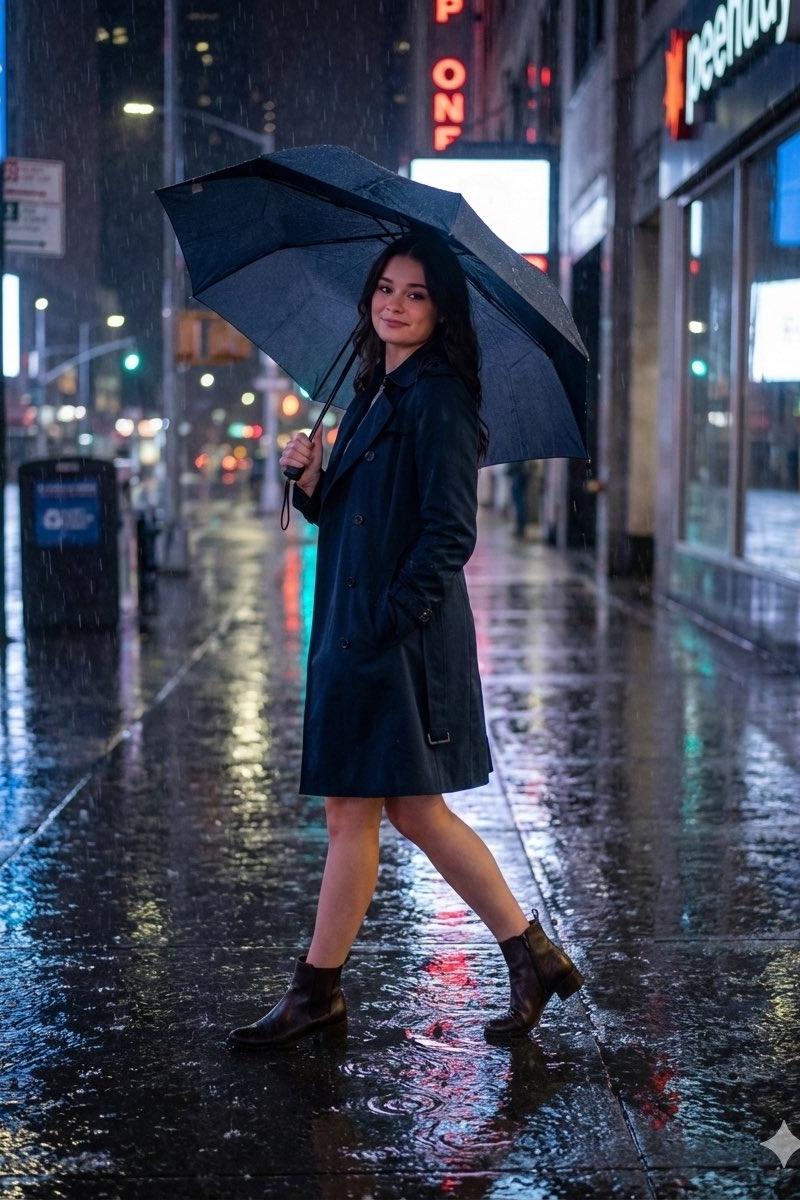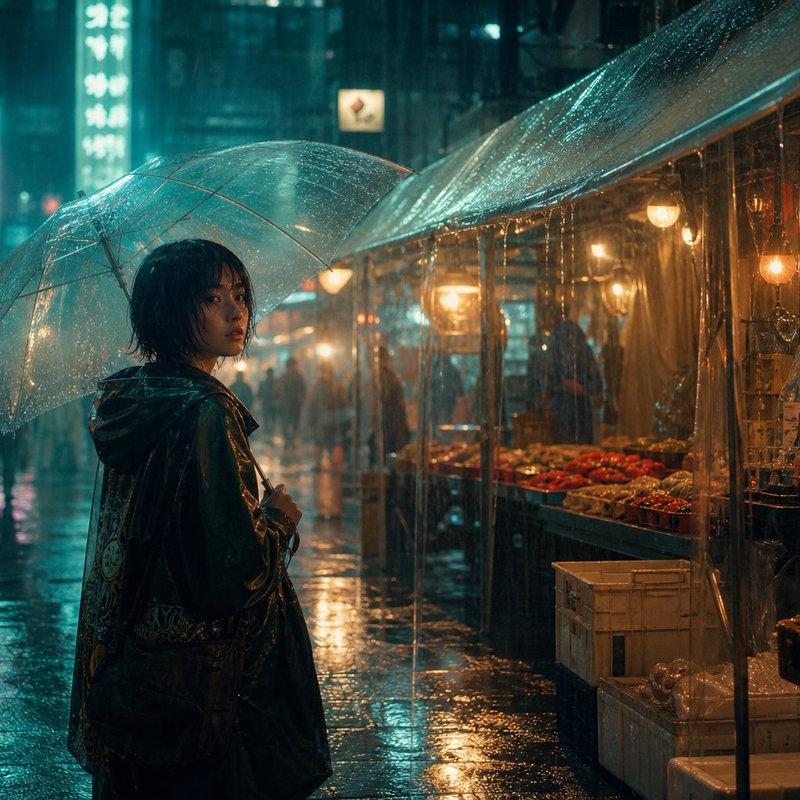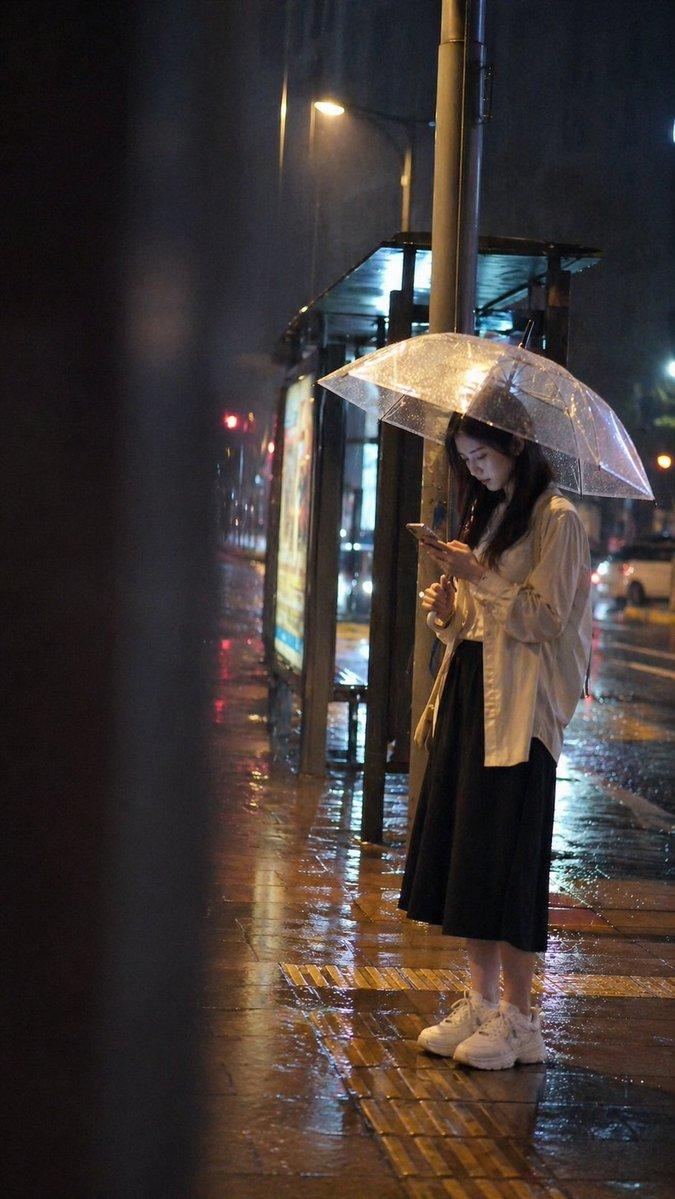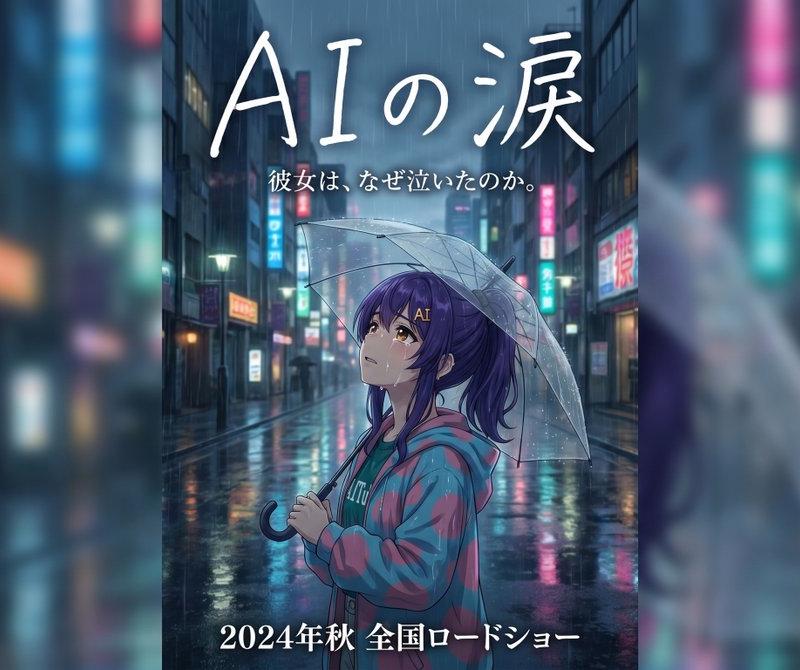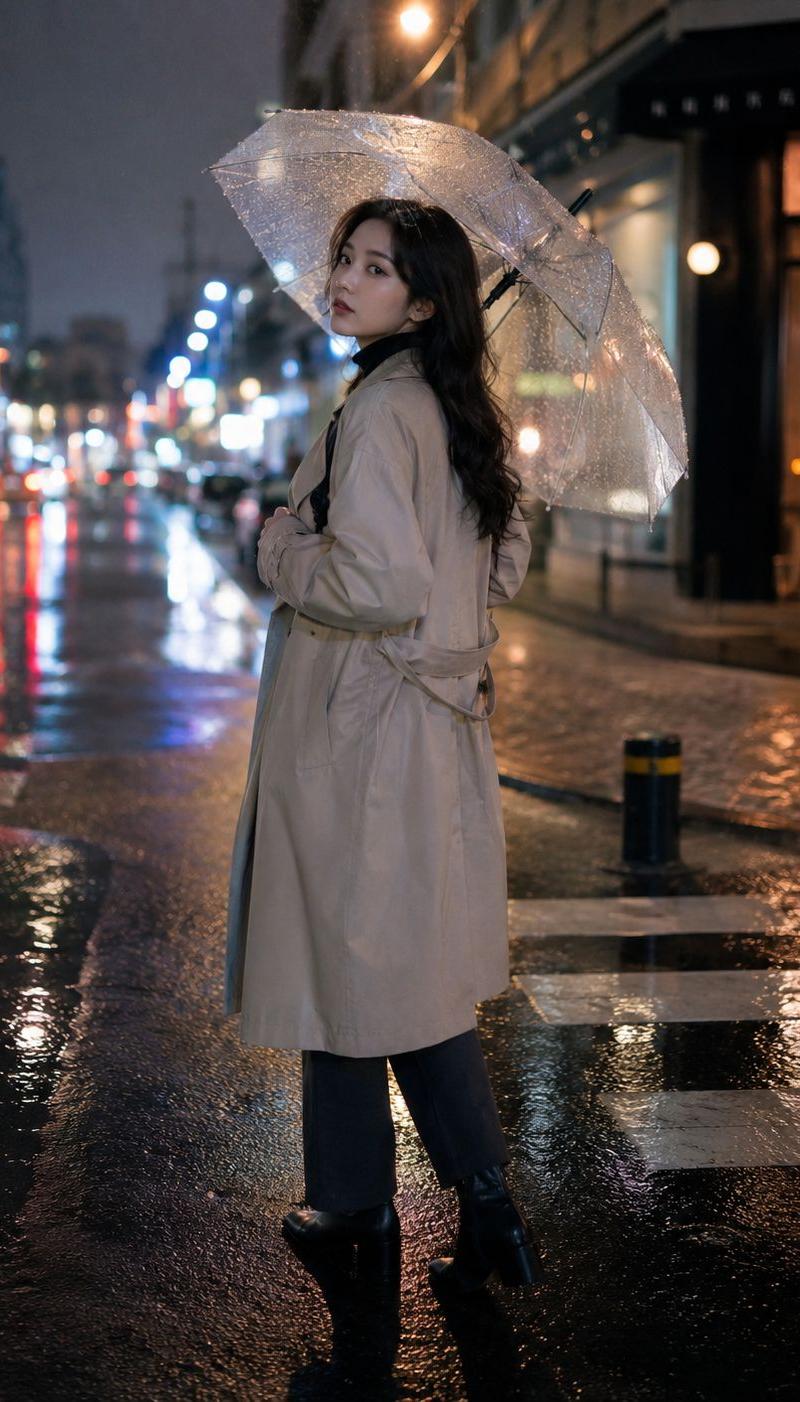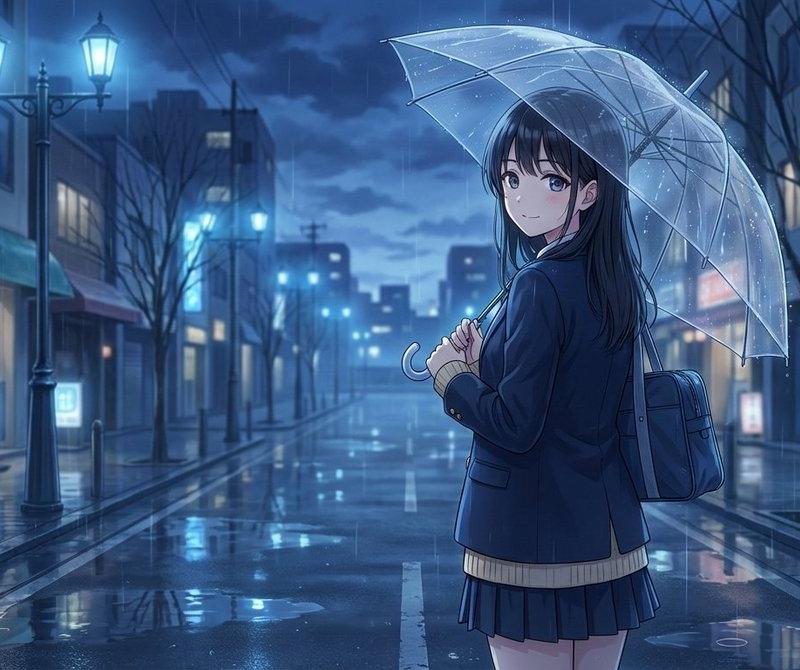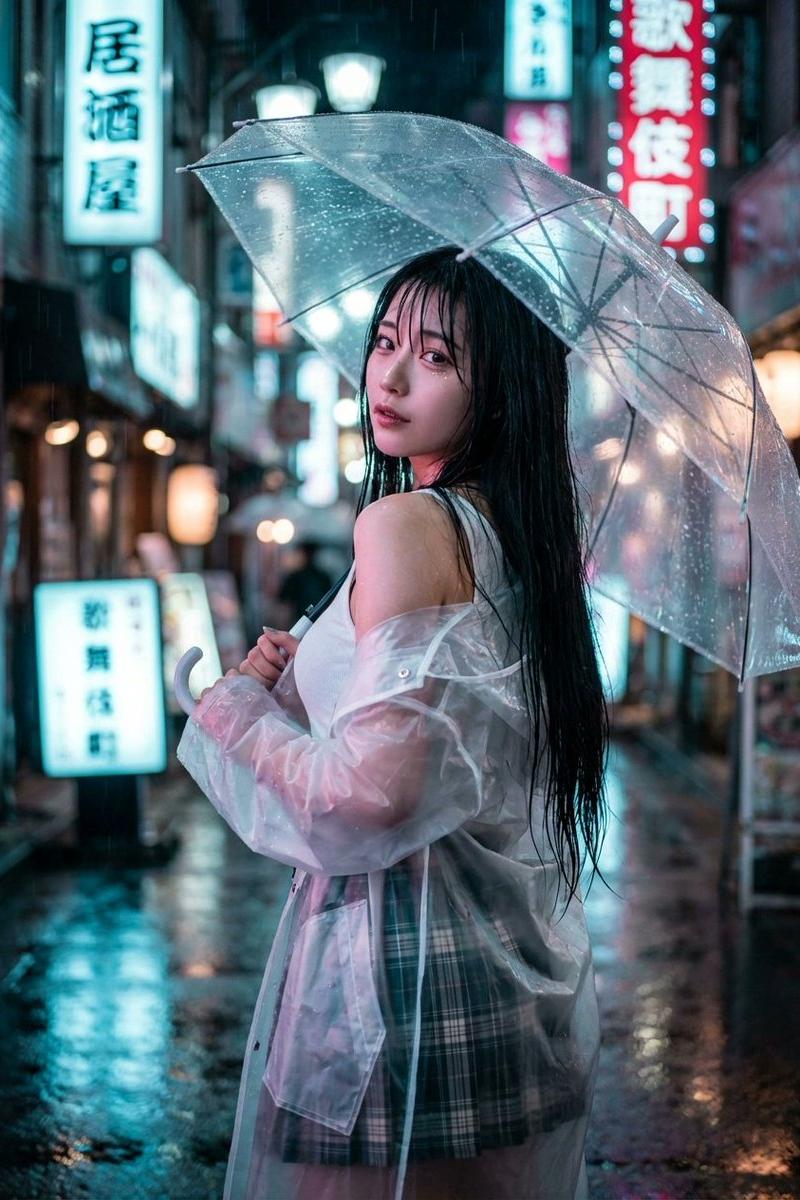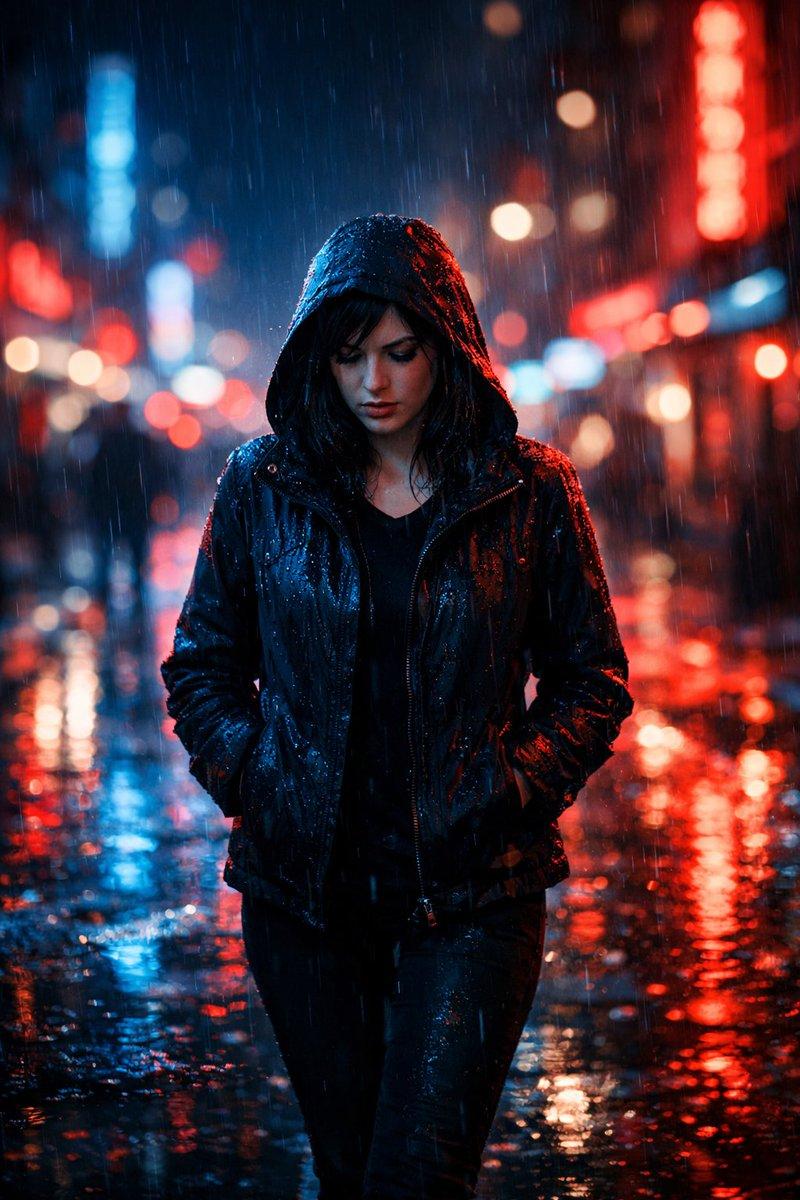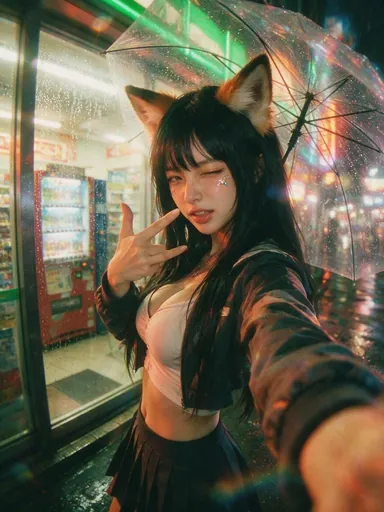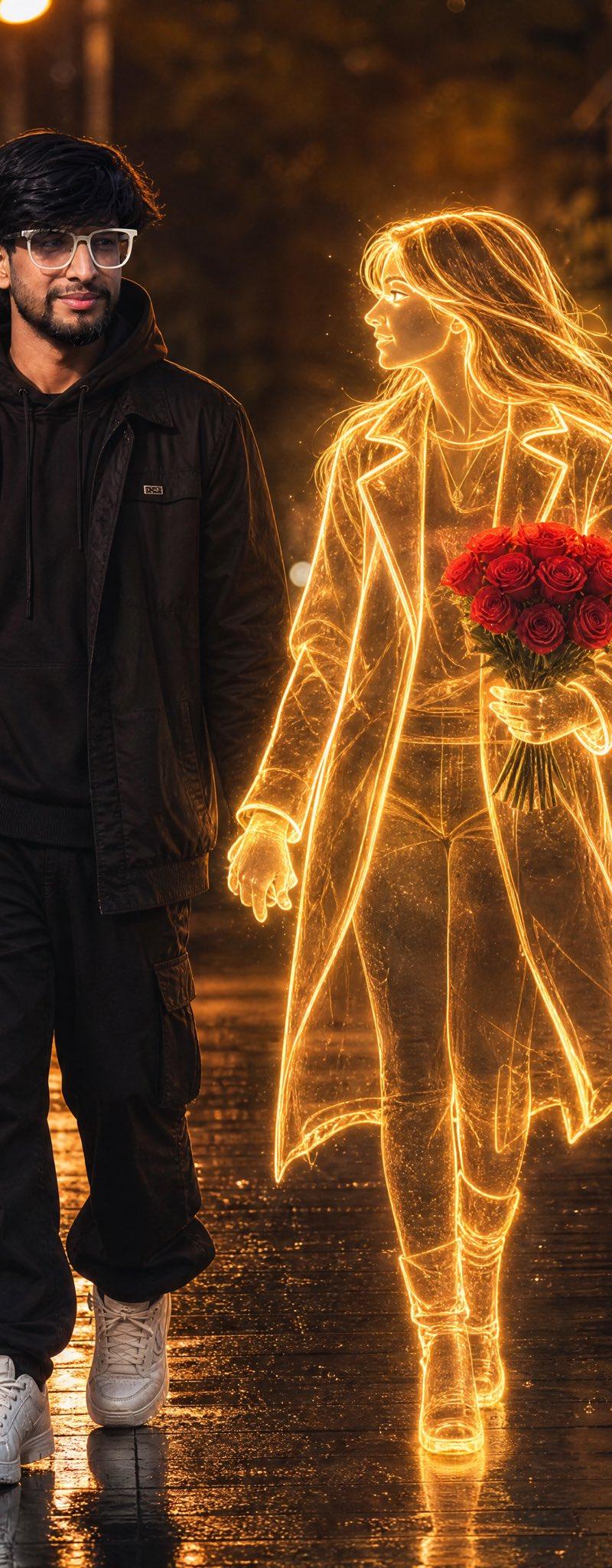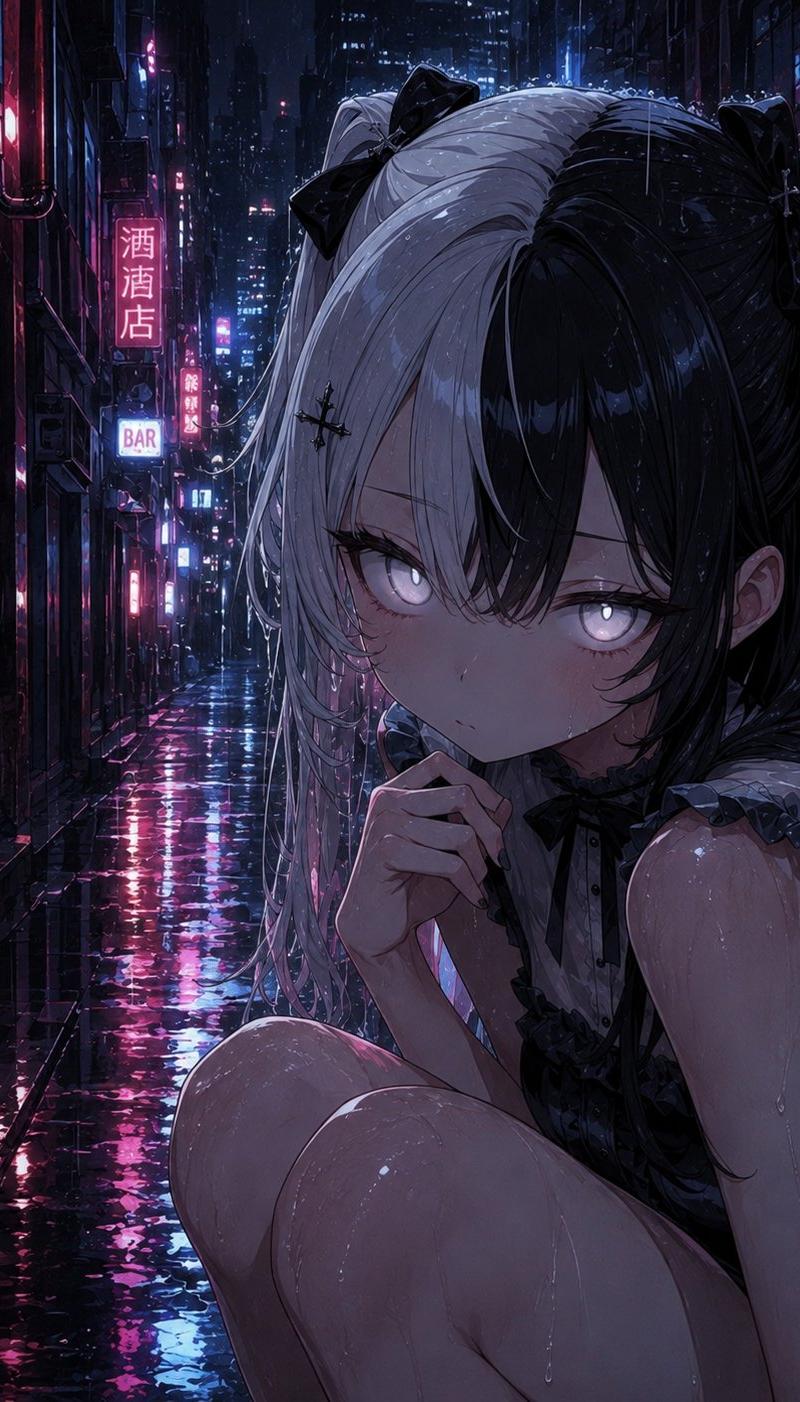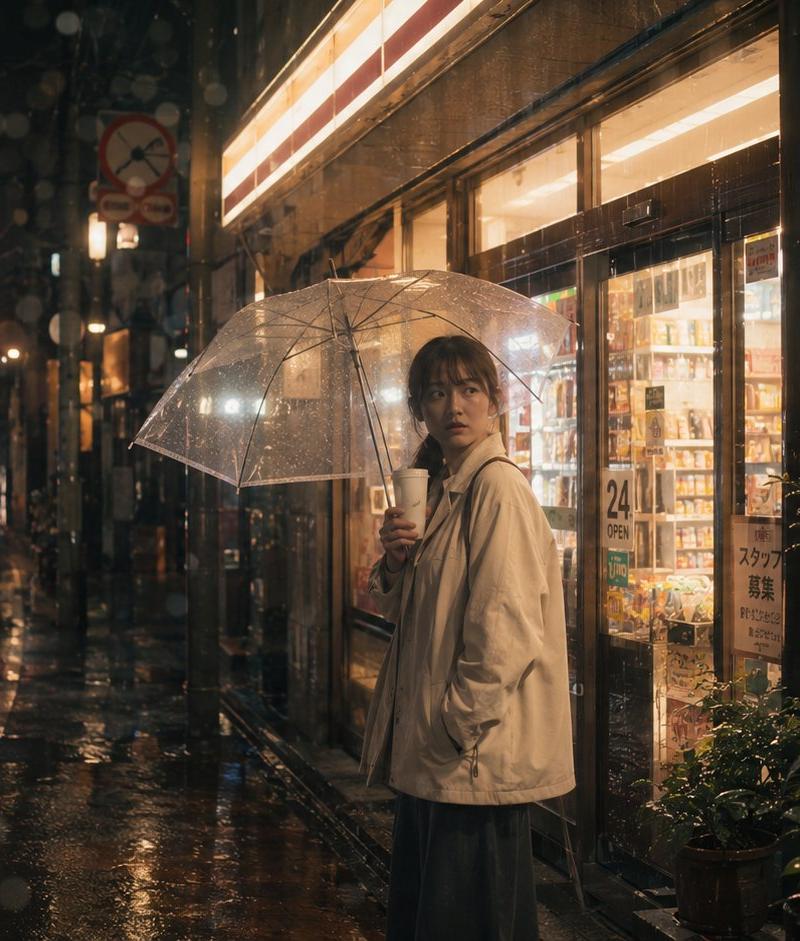
雨中东京便利店场景
提示词
Create a cinematic photorealistic nighttime street scene in rainy Tokyo, horizontal 16:9 composition. A solitary {argument name="subject" default="young woman"} stands slightly right of center outside a brightly lit convenience store, holding a transparent plastic umbrella above her head and a white takeaway coffee cup near her mouth. She wears an oversized light beige rain jacket over a long dark skirt, with damp dark hair and a calm, introspective posture; keep the face softly blurred and indistinct. The store windows glow warm yellow and reveal shelves of products, with visible Japanese-style signage including a “24 OPEN” sign and a staff recruitment notice. The wet asphalt street stretches into the background on the left, reflecting red traffic lights, neon shop signs, and car headlights; include one taxi-like car at the far left foreground, a red traffic signal high left, narrow urban buildings, poles, and deep perspective bokeh. Add heavy rain, water droplets on the lens, umbrella highlights, puddles, reflections, and moody steam-like atmosphere. Visual style: ultra-realistic street photography, cinematic film still, shallow depth of field, warm store light contrasting with cool dark rain, high dynamic range, 35mm lens feel, subtle grain, natural imperfections, no posed fashion look, no readable branding beyond generic convenience-store signs. Use {argument name="location" default="Tokyo side street"}, {argument name="weather" default="heavy rain at night"}, {argument name="main clothing" default="oversized light beige rain jacket"}, and {argument name="mood" default="quiet melancholy and urban solitude"}.- 分类
- 图表信息图
- 模型
- GPT Image 2
- 来源作者
- zhouluobo
- 原始语言
- en
- 来源 ID
- 24496
- 发布时间
- 2026年6月6日
浏览量1.6万