16

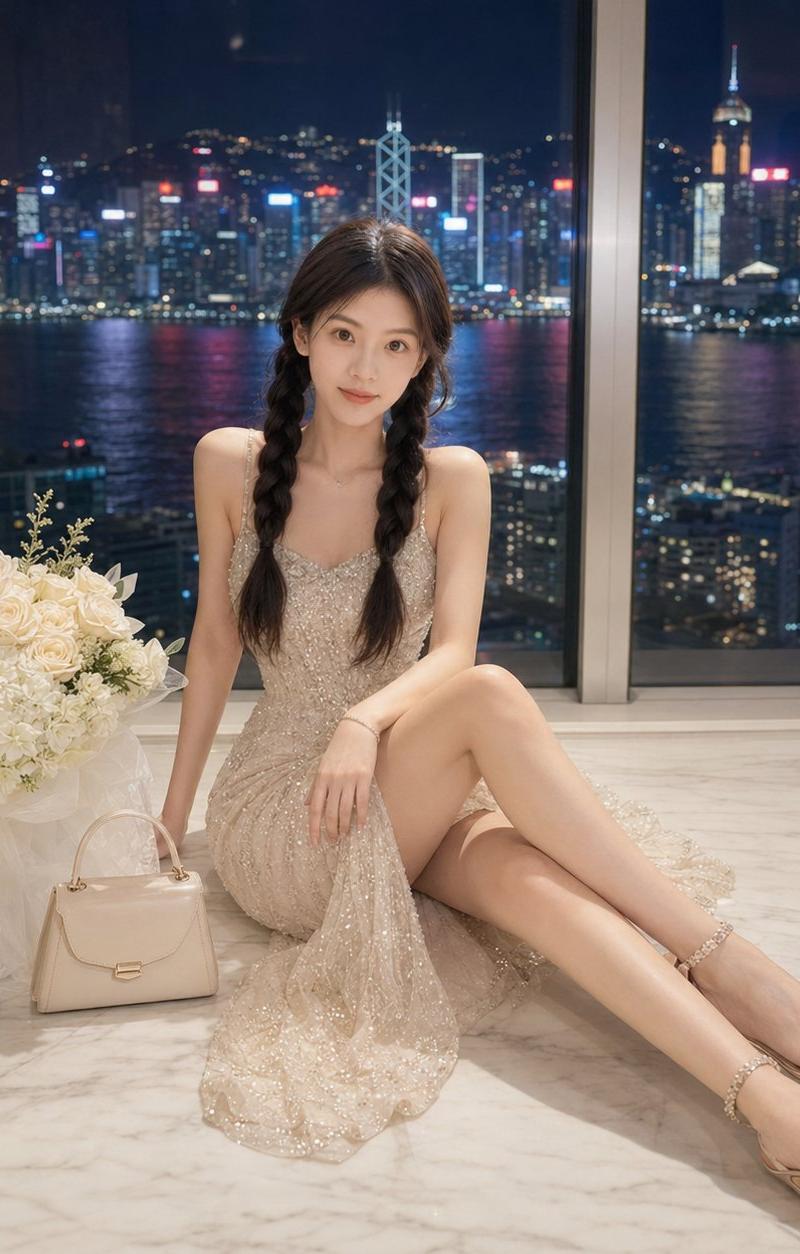
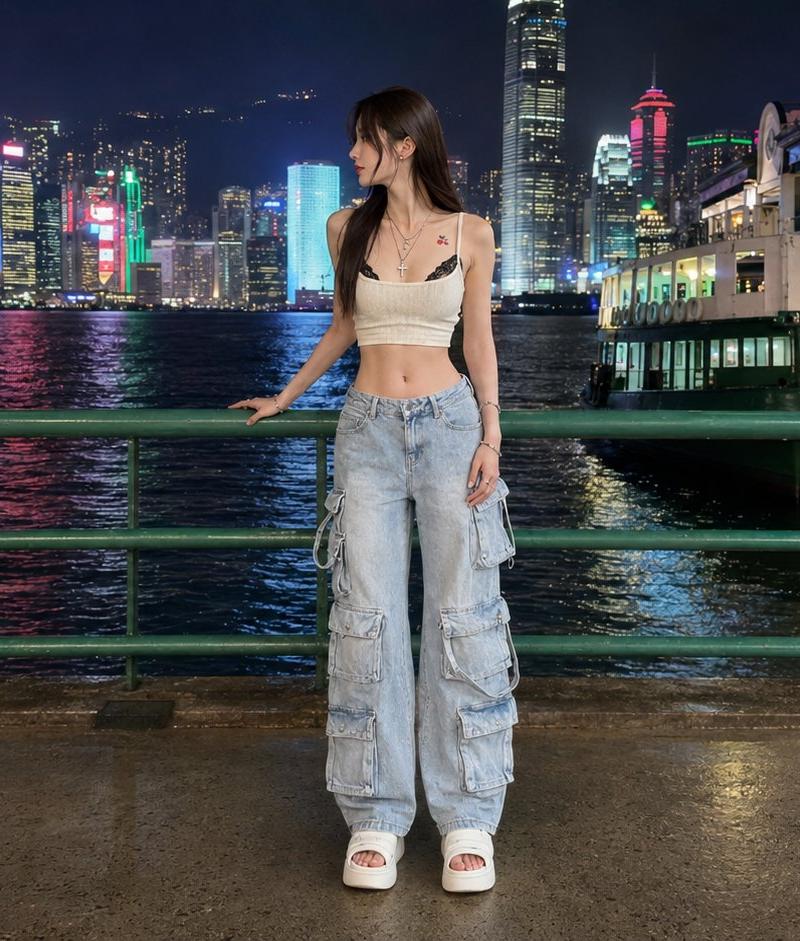
Hong Kong Waterfront Night Portrait
Enlarge

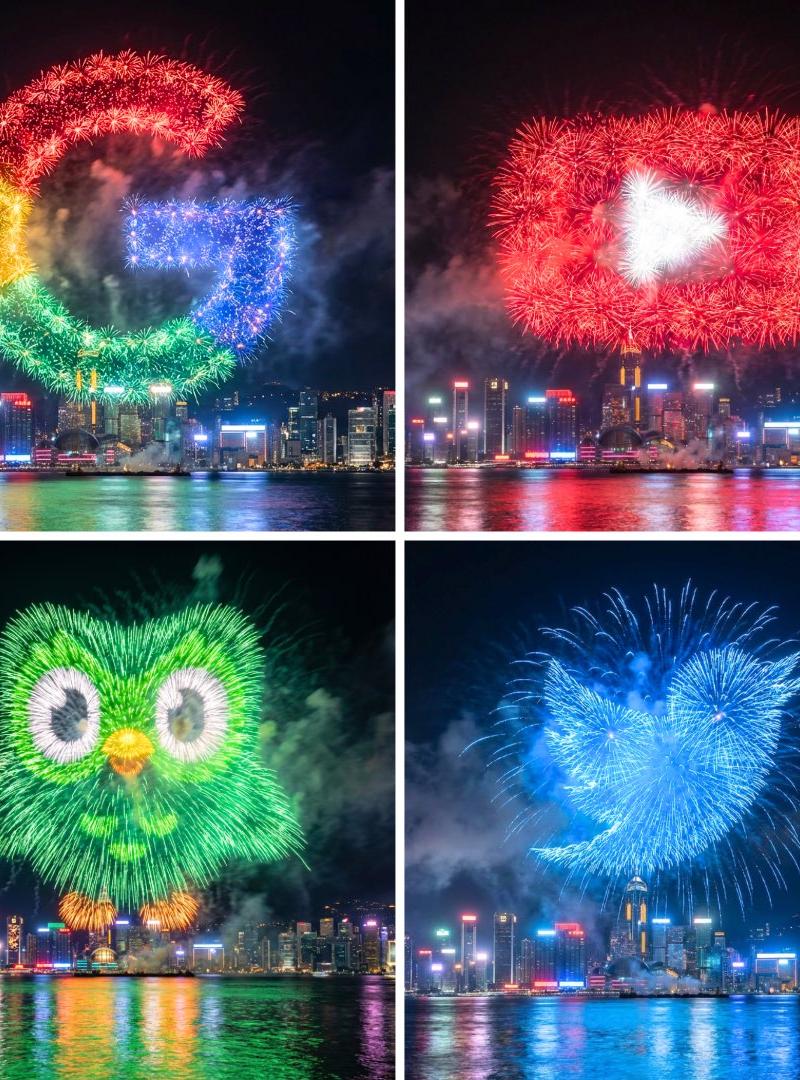
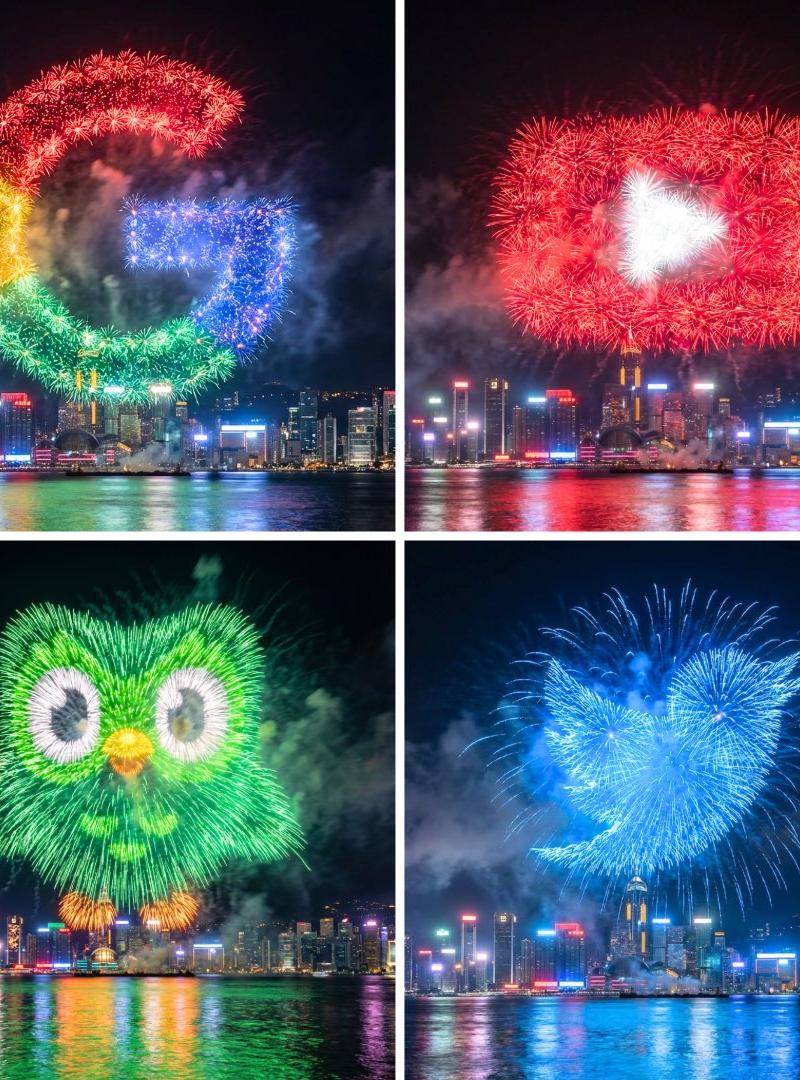
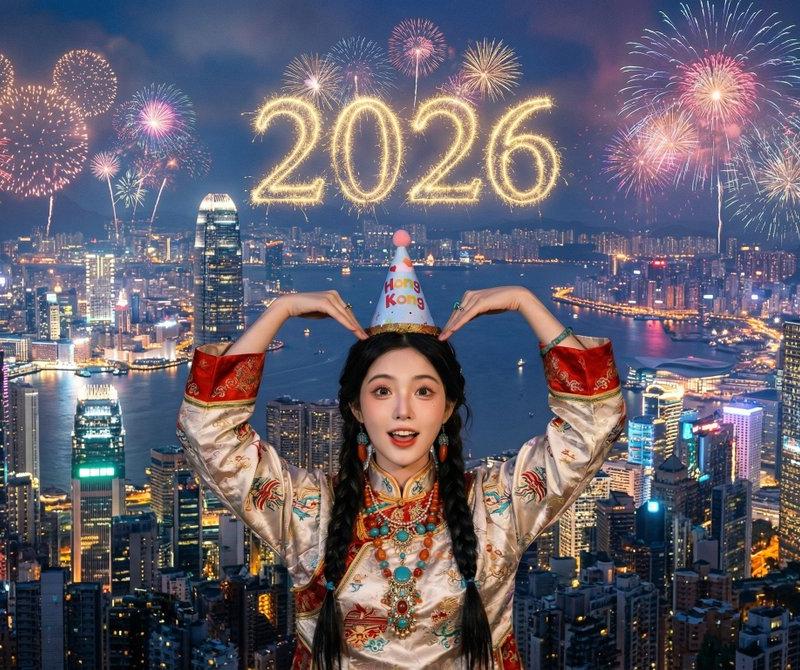
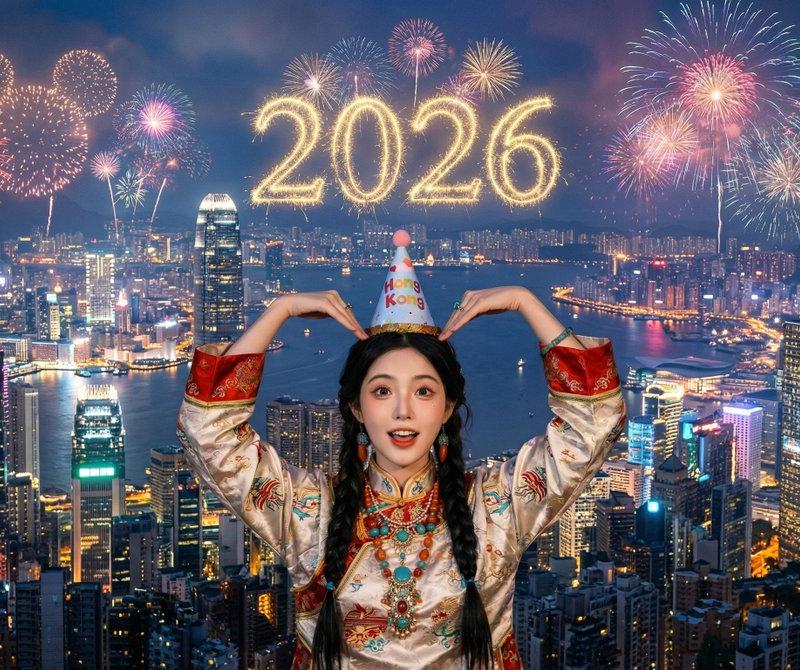
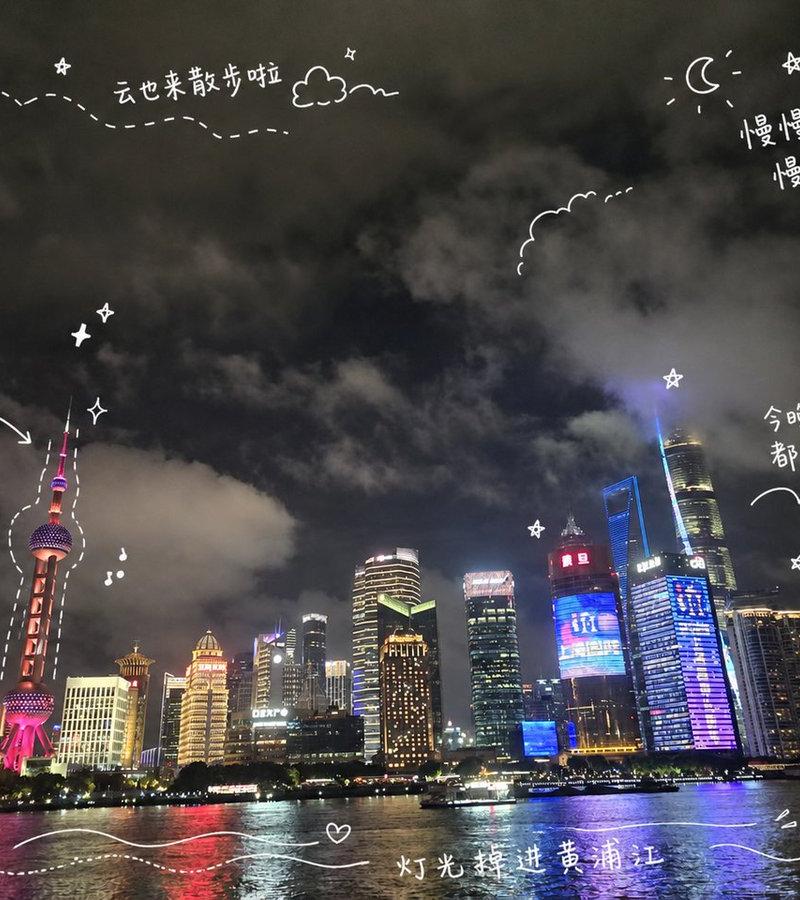
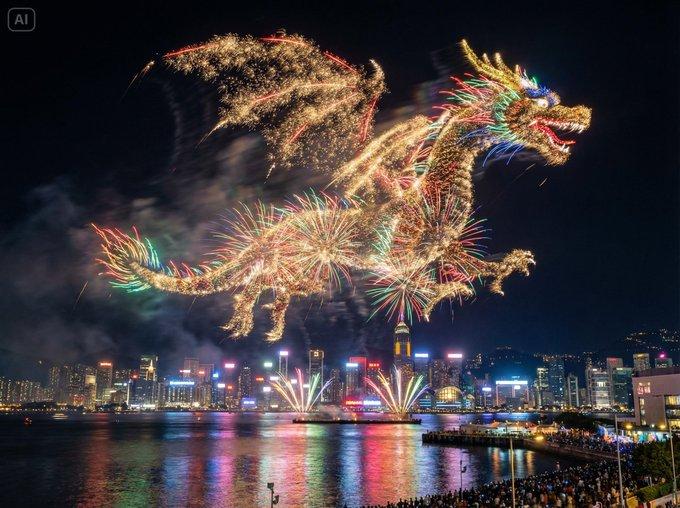
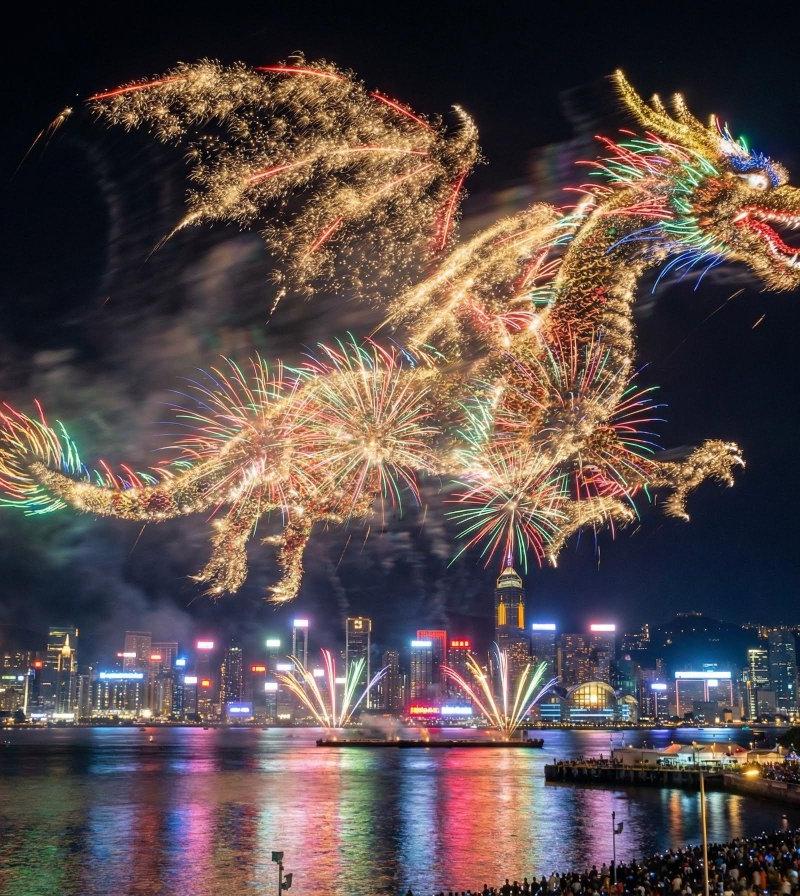
Example images

Hong Kong Waterfront Night Portrait

Prompt
Create a realistic full-body nighttime travel portrait of {argument name="subject" default="a young East Asian woman"} standing on a waterfront promenade in Hong Kong, facing slightly left with her head turned toward the illuminated skyline. She is centered in the frame behind a green metal railing, one hand lightly resting on the rail and the other relaxed at her side. She wears {argument name="outfit" default="a cream cropped camisole, layered necklaces, very baggy light blue multi-pocket cargo jeans, and white platform slide sandals"}; include exactly 5 visible outfit/accessory elements: cream crop top, layered necklaces, baggy cargo jeans with multiple side pockets, white platform sandals, and small tattoos near the collarbone/upper chest. The background shows Victoria Harbour at night with dark rippling water, colorful neon reflections, dense skyscrapers, and recognizable Hong Kong-style towers, plus a brightly lit pier or ferry terminal building on the right. Use a wide horizontal 16:9 composition, eye-level camera, full-body framing with space above the skyline, wet pavement reflecting lights, crisp flash-lit subject against a detailed city nightscape, natural skin texture, realistic street photography look, high dynamic range, sharp focus, no text, no watermark.
Category
Charts & Infographics
Model
GPT Image 2
Creator
Nailai7981
Source language
en
Views991
Source ID
24527
Published
Jun 6, 2026
Studio

Guide

About "Hong Kong Waterfront Night Portrait"

What is this prompt for?

"Hong Kong Waterfront Night Portrait" AI image prompt for GPT Image 2 (Charts & Infographics). A realistic full-body street portrait of a stylish woman on a Ho…

The full copyable prompt and example visuals above are ready for AI image generation or one-click recreate in Picva.

How to use this prompt

  1. Step 1

    Open the prompt detail

    Review the example visuals, category, and full prompt text for "Hong Kong Waterfront Night Portrait".

  2. Step 2

    Copy the prompt

    Copy the prompt body from this page, or load it directly in Studio.

  3. Step 3

    Pick a model (GPT Image 2)

    Prefer GPT Image 2. If you switch models, keep subject and composition and tweak style terms.

  4. Step 4

    Generate and export

    Recreate the look in Picva, or export into your workflow for editing and publishing.

FAQ

What is the "Hong Kong Waterfront Night Portrait" prompt?
It is an AI image-generation prompt for GPT Image 2 in the Charts & Infographics category. This page includes the full prompt text, example visuals, and a one-click recreate path in Picva.
How do I use this prompt to generate an image?
Copy the prompt from this page, or use Generate / Studio. Paste it into a compatible image model, or recreate the look in Picva with optional reference images.
Which model is this prompt for?
This page lists GPT Image 2. Most descriptive prompts also transfer to nearby image models such as GPT Image, Flux, or Midjourney with light style tweaks.
Can I use the result commercially?
You can usually copy the prompt for creation, but commercial use of the final image depends on the model terms, reference-image rights, and the generated content. Follow the source author and platform rules.