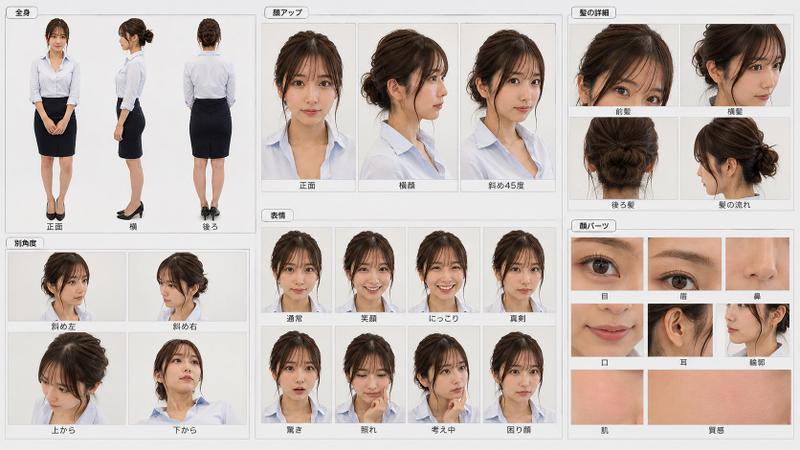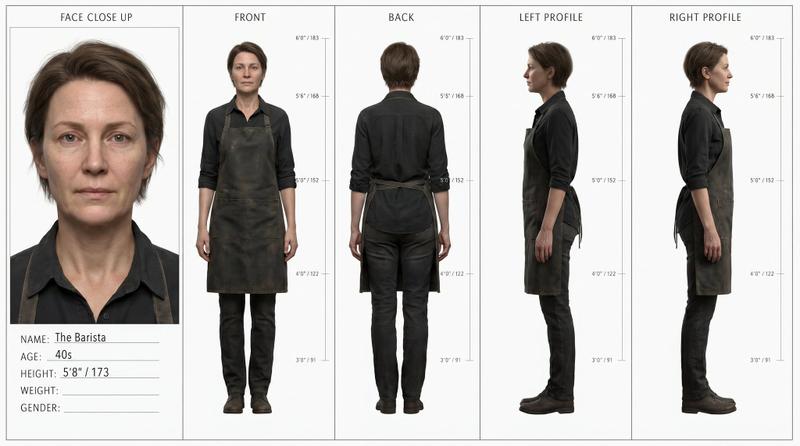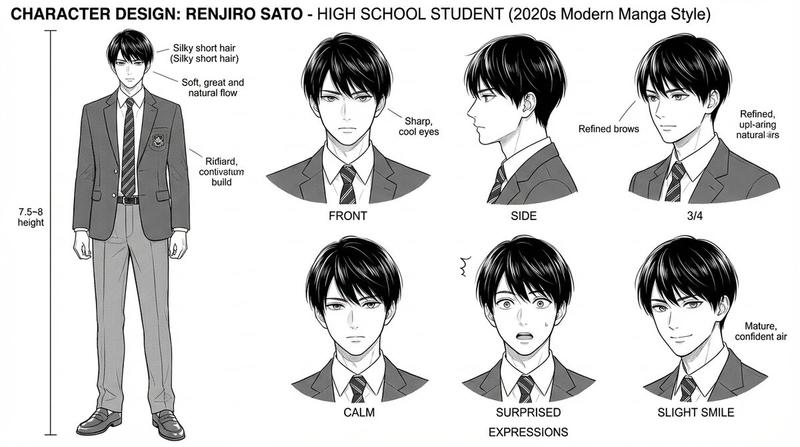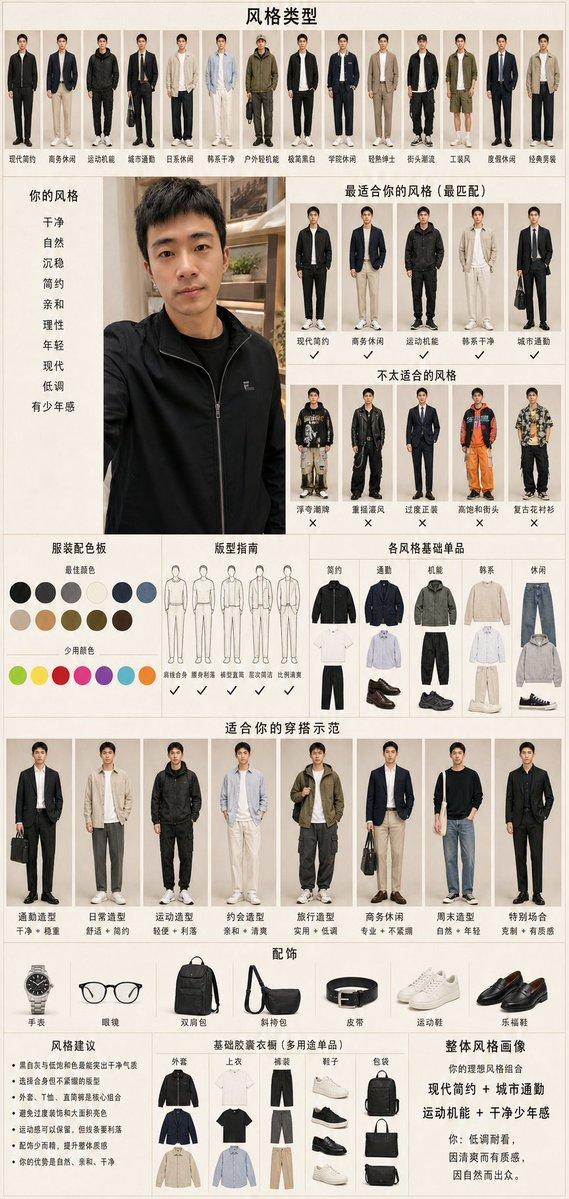
Cyclist Character Design Sheet
Prompt
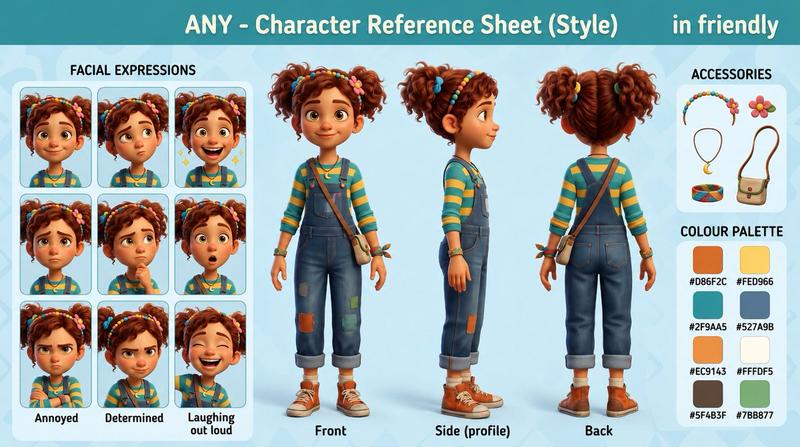
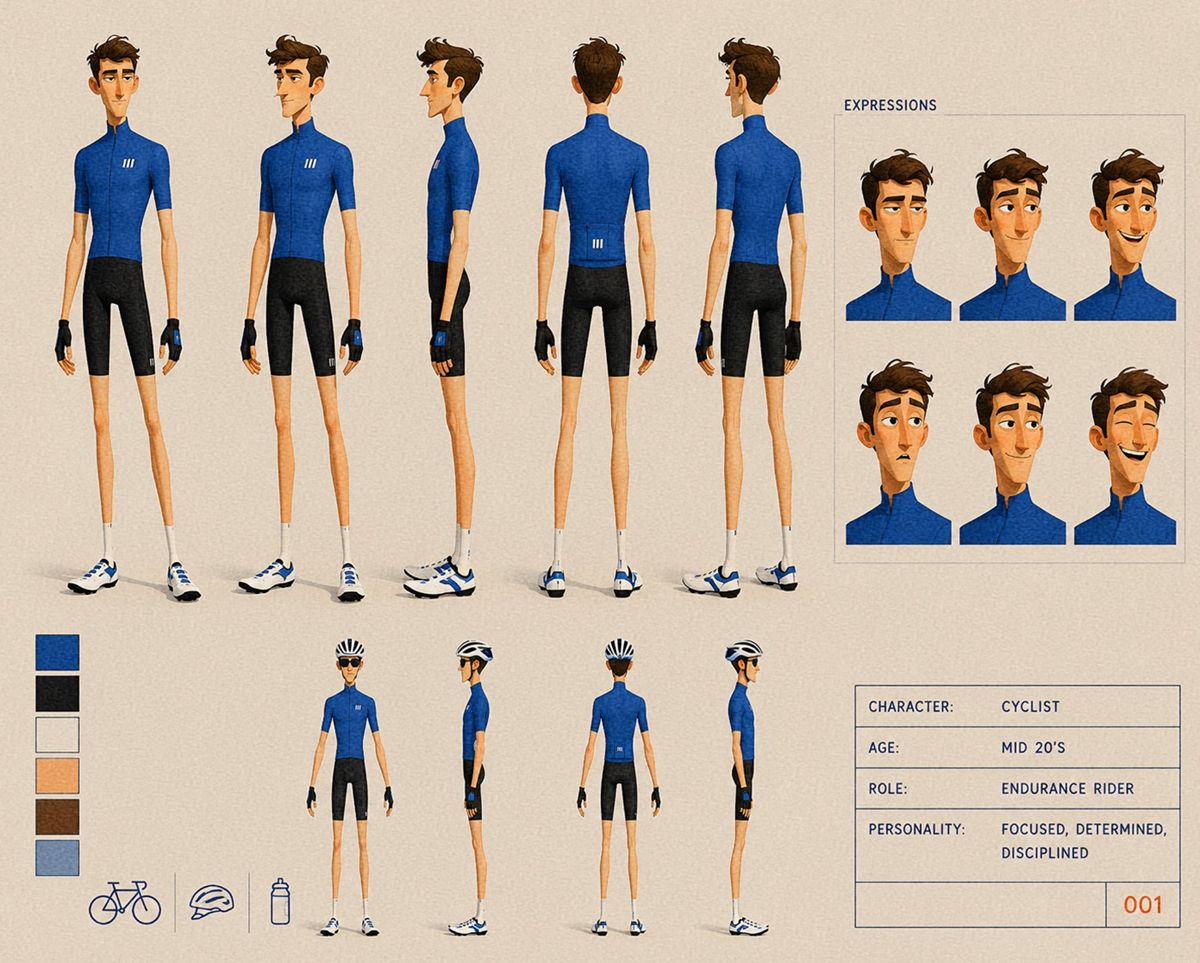
Goal: Create a stylized animation character design sheet for {argument name="character name" default="Cyclist"}, an endurance road cyclist in a clean semi-realistic 3D/painted concept-art style.

Canvas: Landscape 4:3 character sheet on a warm beige paper-textured background, with subtle grain and thin slate-blue guide lines. Overall look should feel like a professional animation model sheet, clean but hand-painted, with soft shadows under the feet.

Main layout: On the left two-thirds, show exactly 5 large full-body turnaround poses of the same slim young male cyclist with face intentionally obscured by a simple vertical blurred skin-tone rectangle: 1 front view, 2 front three-quarter view, 3 left side view, 4 back view, 5 back three-quarter view. The character is tall, very lean, mid-20s, with short tousled brown hair, narrow limbs, fair skin, and a focused athletic posture. Outfit: fitted {argument name="jersey color" default="royal blue"} short-sleeve cycling jersey with high collar and a small white triple-stripe logo on the chest/back, black cycling shorts, black fingerless cycling gloves with blue wrist details, white crew socks, and white-and-blue road cycling shoes.

Expression panel: In the upper-right, create a boxed panel labeled “EXPRESSIONS”. Inside it, show exactly 6 cropped bust/head expression portraits arranged in a 3 by 2 grid. Each portrait uses the same blue cycling jersey, brown hair, and obscured face rectangle; vary head angle and hair silhouette slightly while keeping a consistent character model.

Lower turnaround miniatures: Along the lower center, show exactly 4 smaller full-body poses of the cyclist wearing a black-and-white road cycling helmet: 1 back three-quarter view, 2 side view facing right, 3 back view, 4 side view facing left. Keep the same outfit, shoes, gloves, and slim proportions.

Color and prop area: At lower-left, include exactly 6 vertical color swatches, stacked top to bottom: royal blue, near-black, off-white, light skin peach, brown hair, muted blue-gray. Beneath or beside them, include exactly 3 simple outline icons separated by thin vertical dividers: 1 road bicycle, 2 cycling helmet, 3 water bottle.

Information box: At lower-right, include a thin-lined rectangular data card with the following text in all caps, monospaced or technical lettering: “CHARACTER: CYCLIST”, “AGE: MID 20'S”, “ROLE: ENDURANCE RIDER”, “PERSONALITY: FOCUSED, DETERMINED, DISCIPLINED”, and a small bottom-right ID number “001”.

Visual style: Semi-realistic stylized character concept art with elongated proportions, painterly shading, crisp clothing seams, subtle fabric texture on the jersey and shorts, warm neutral lighting, precise model-sheet spacing, and muted blue-gray typography. Keep faces covered/anonymous, no extra characters, no scenery, no watermark.- Category
- Charts & Infographics
- Model
- GPT Image 2
- Creator
- ALG∑BRA
- Source ID
- 24536
- Published
- Jun 6, 2026
Views1.4K