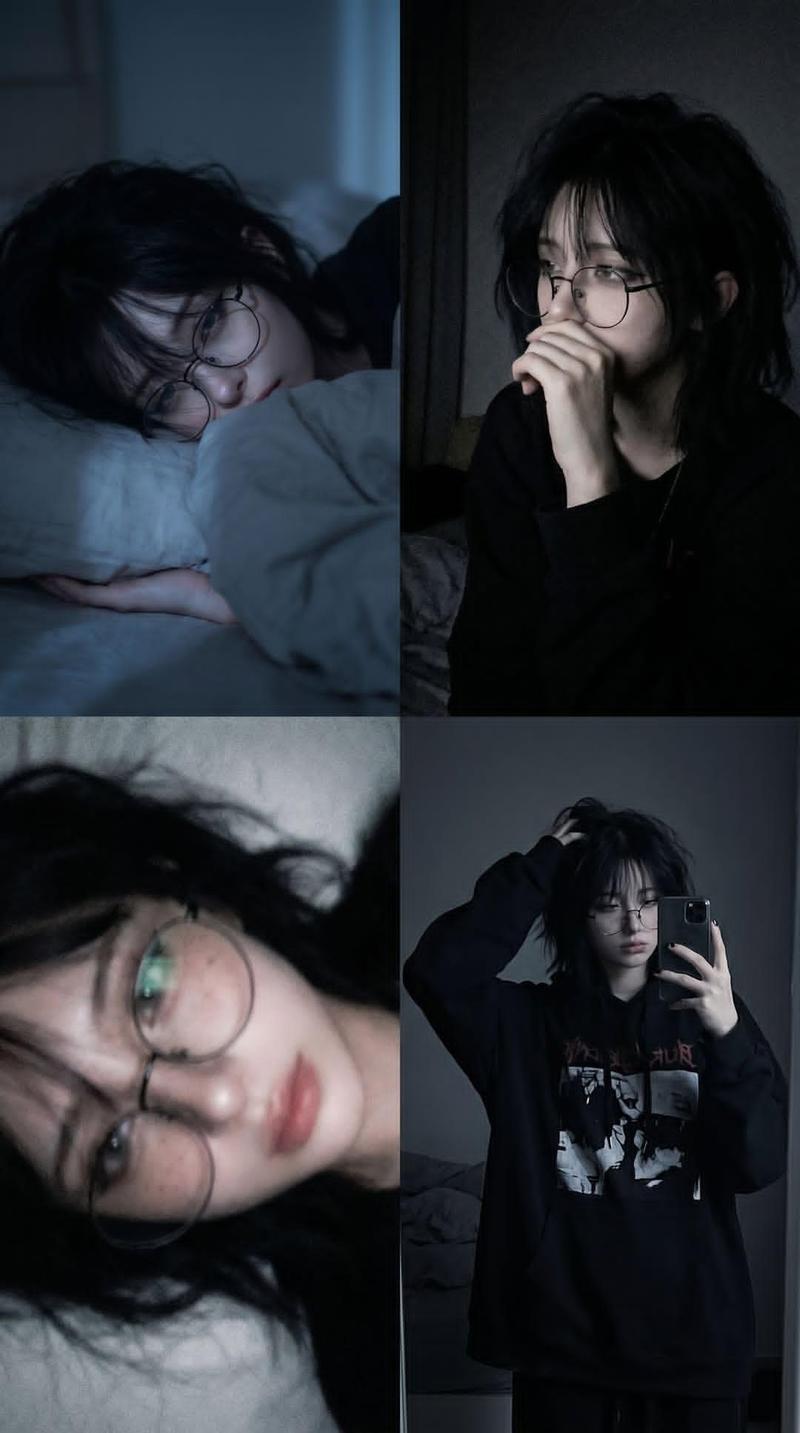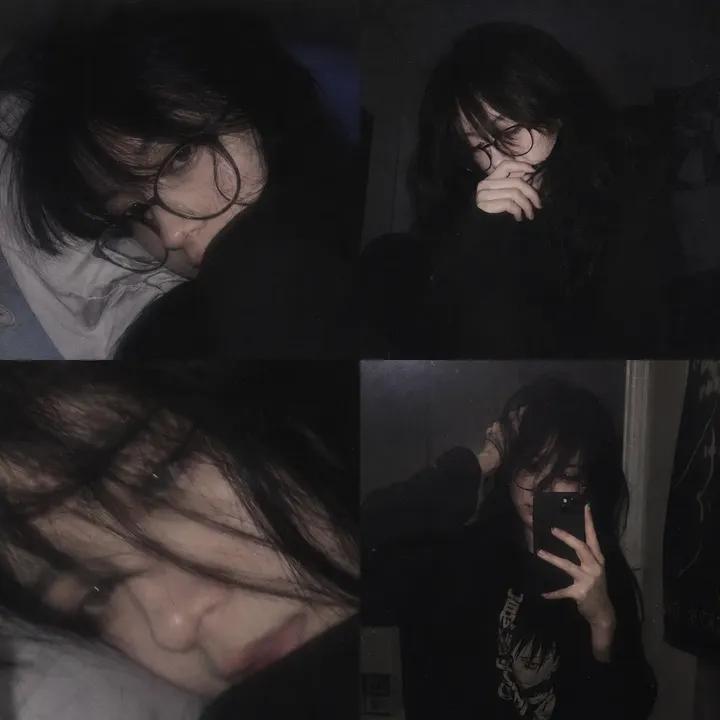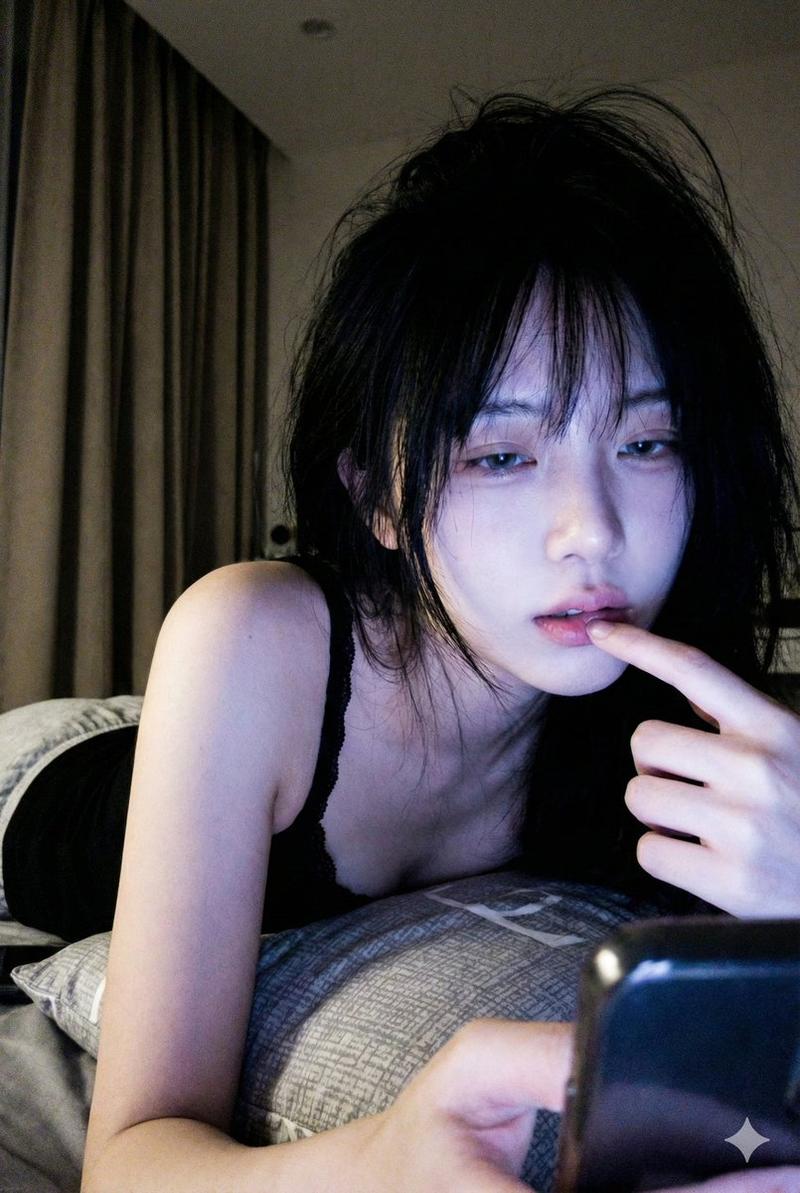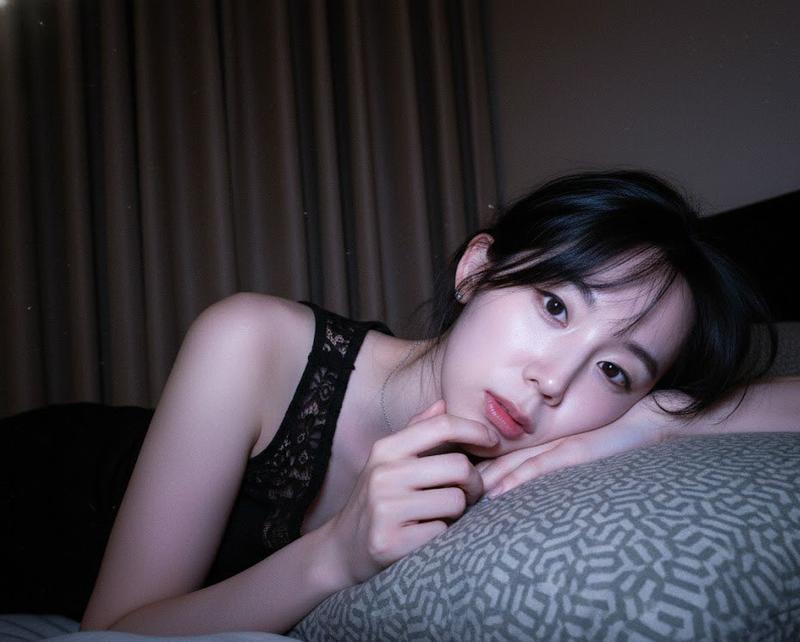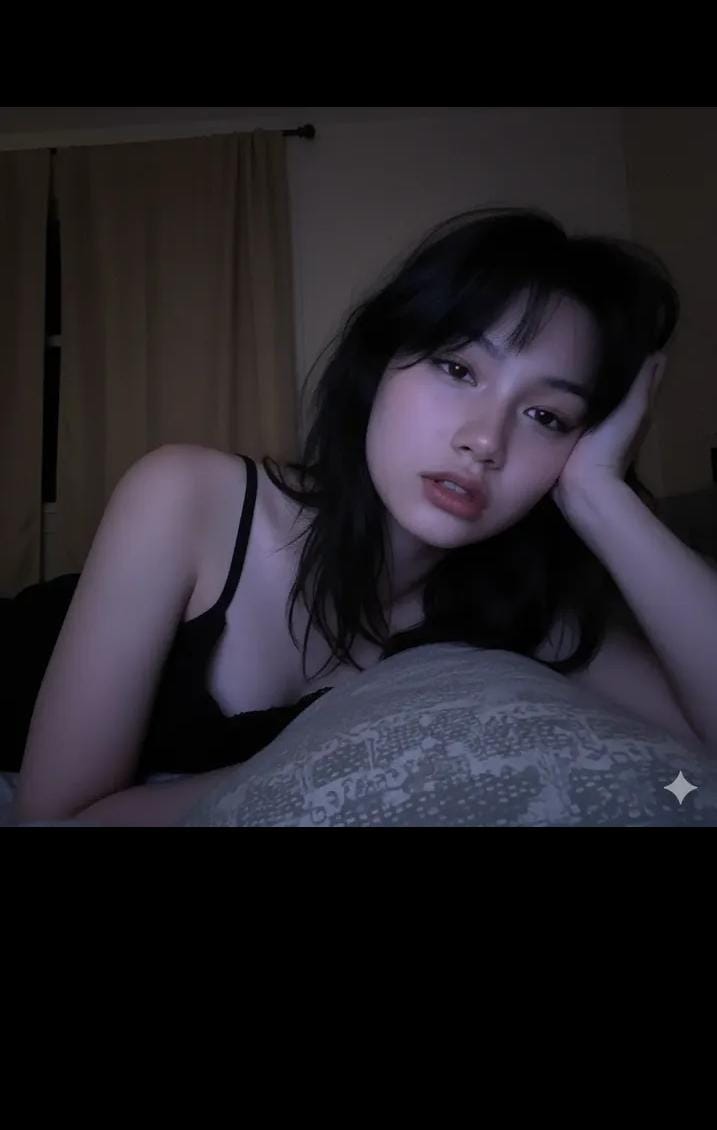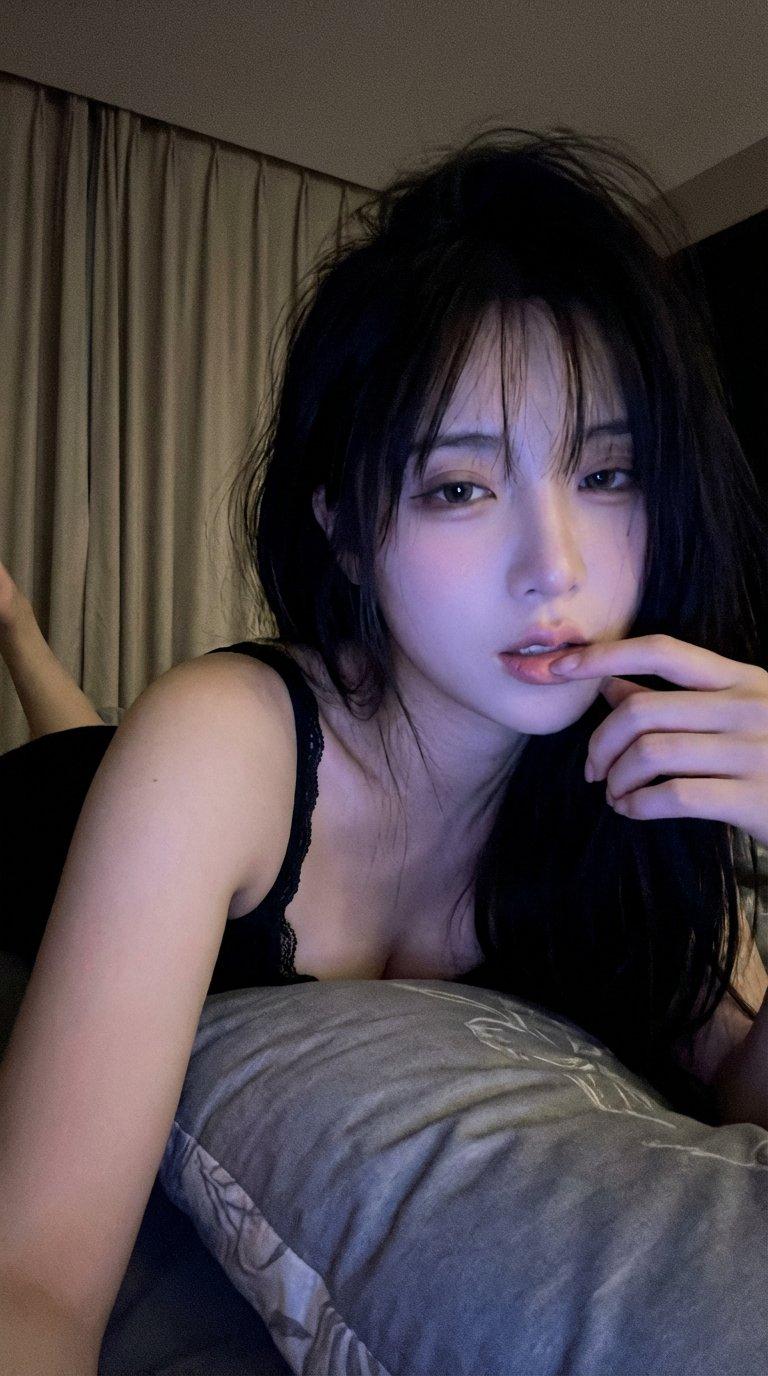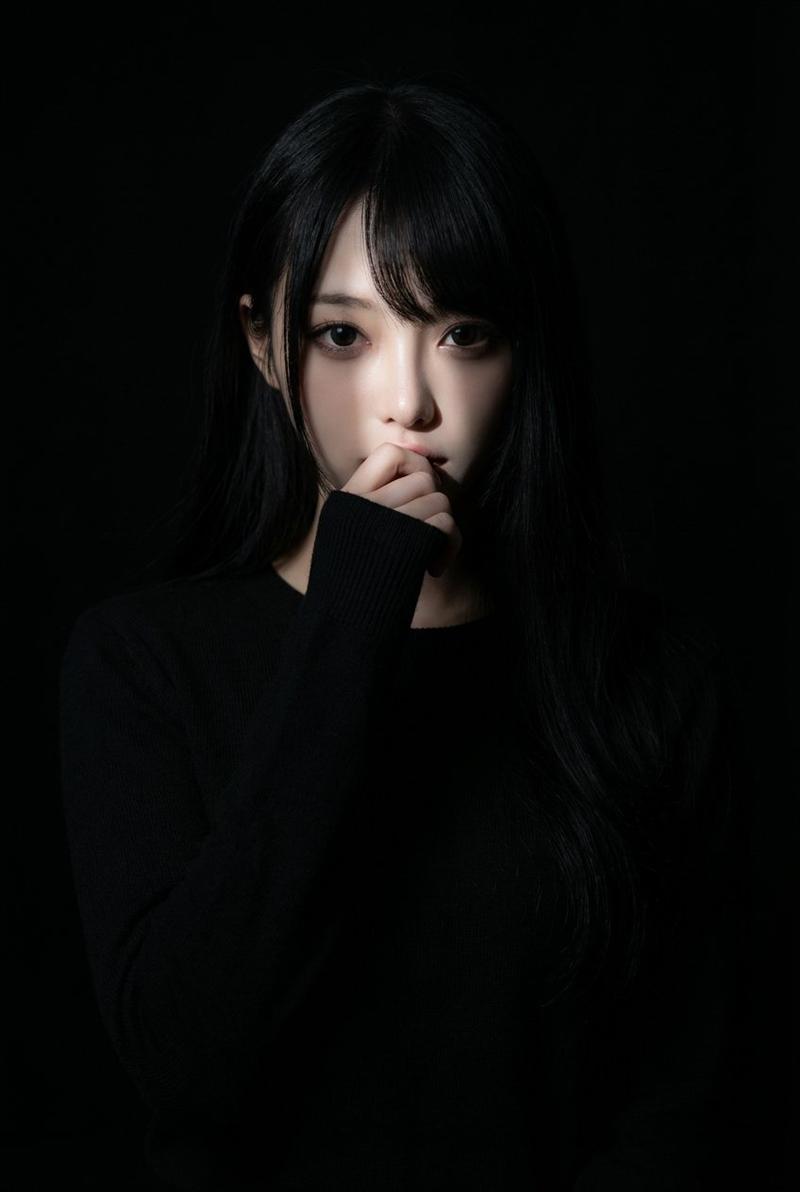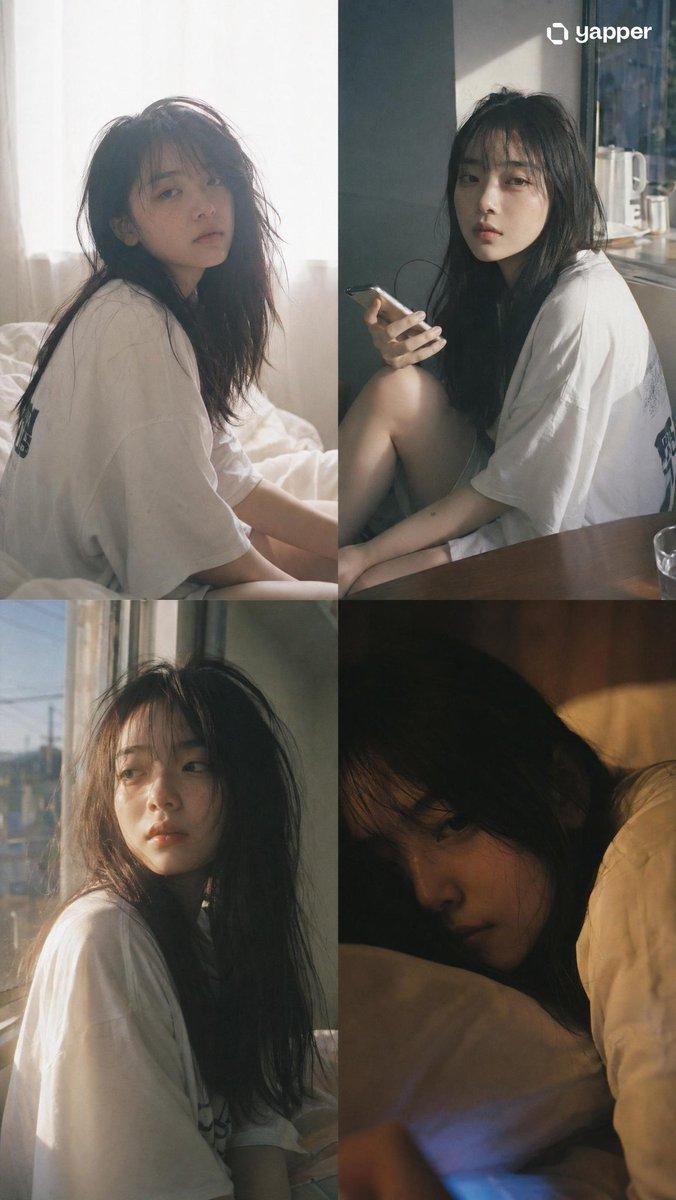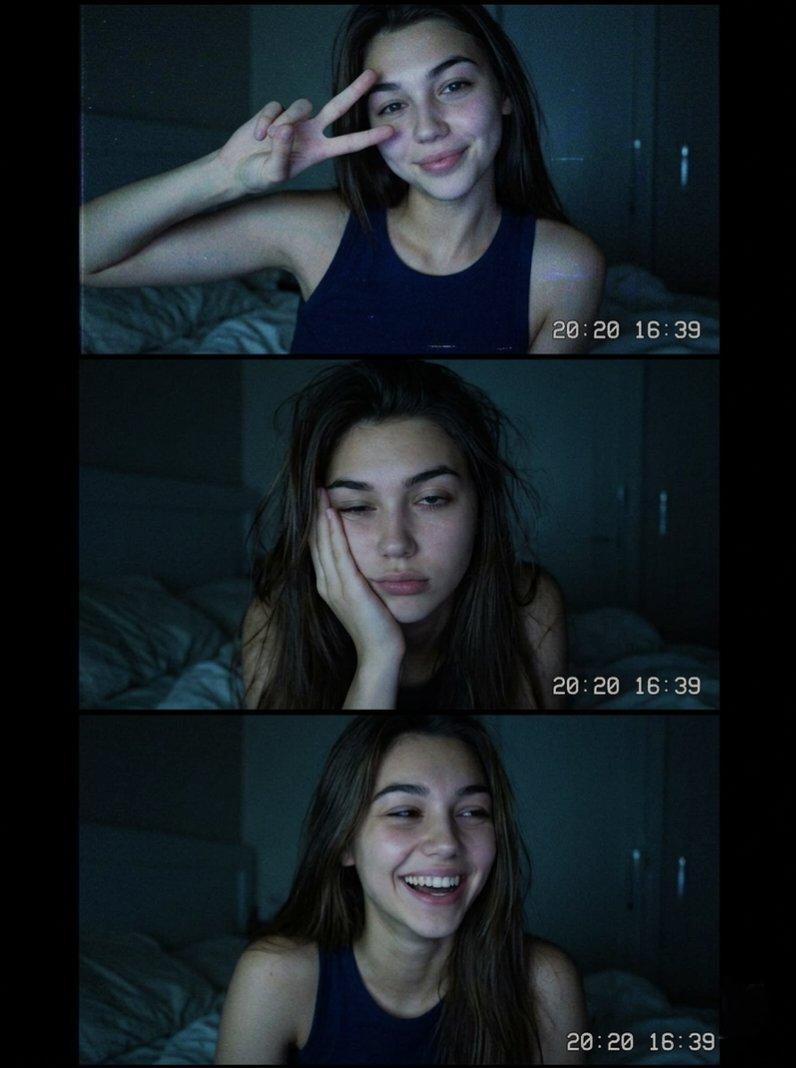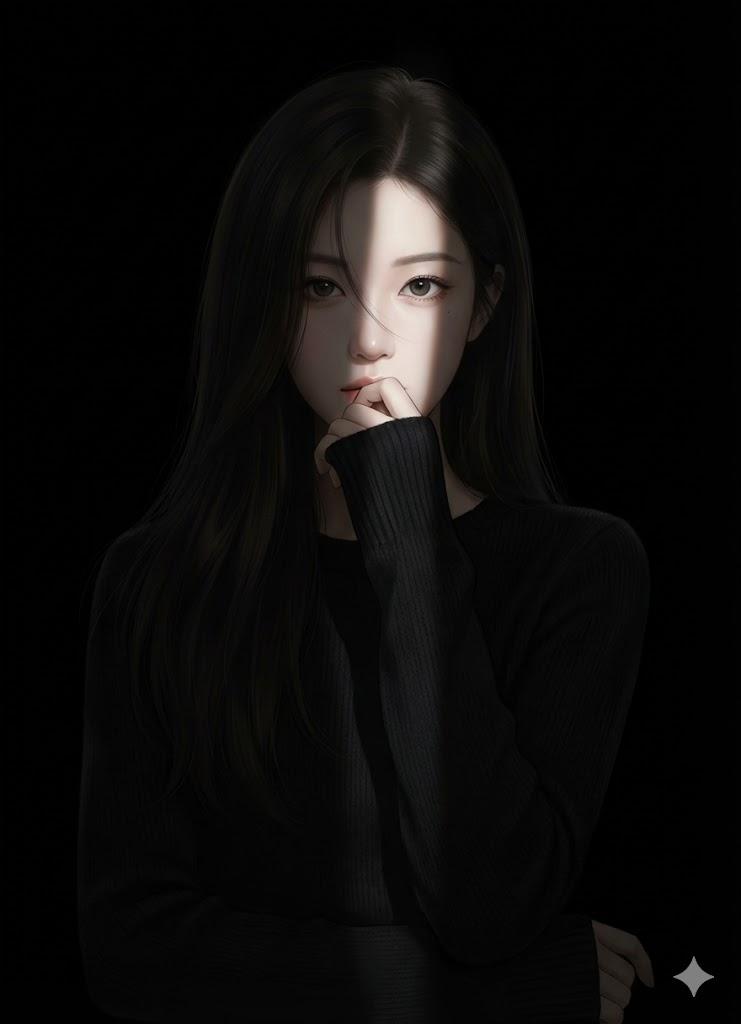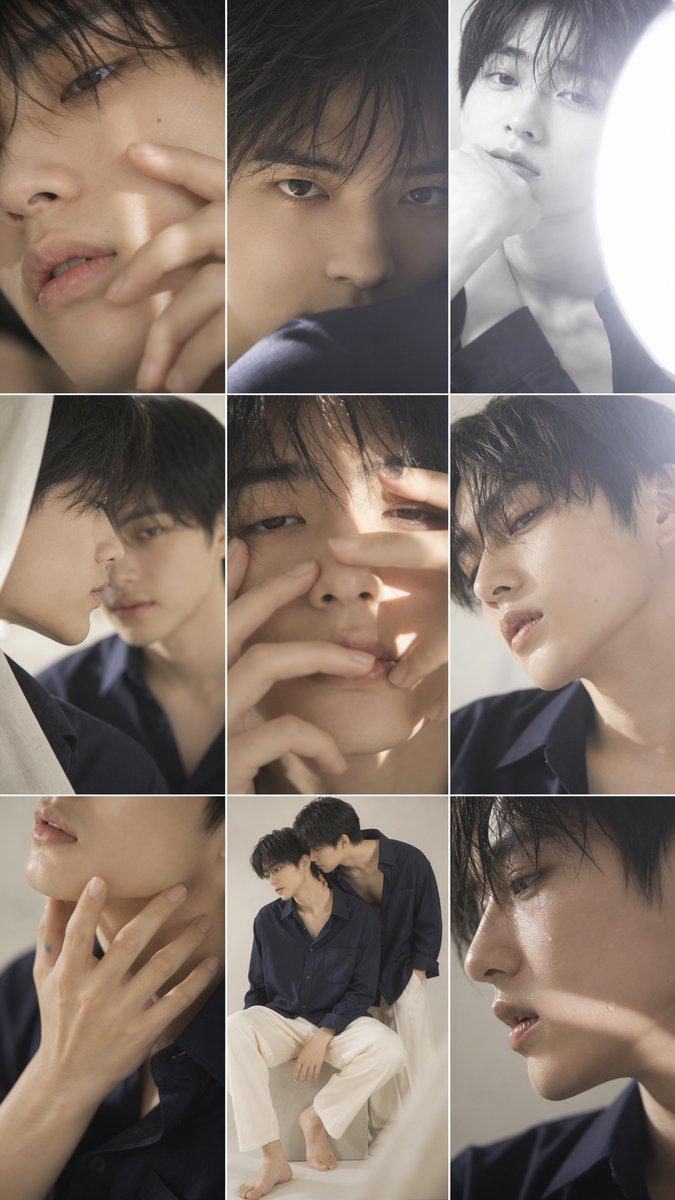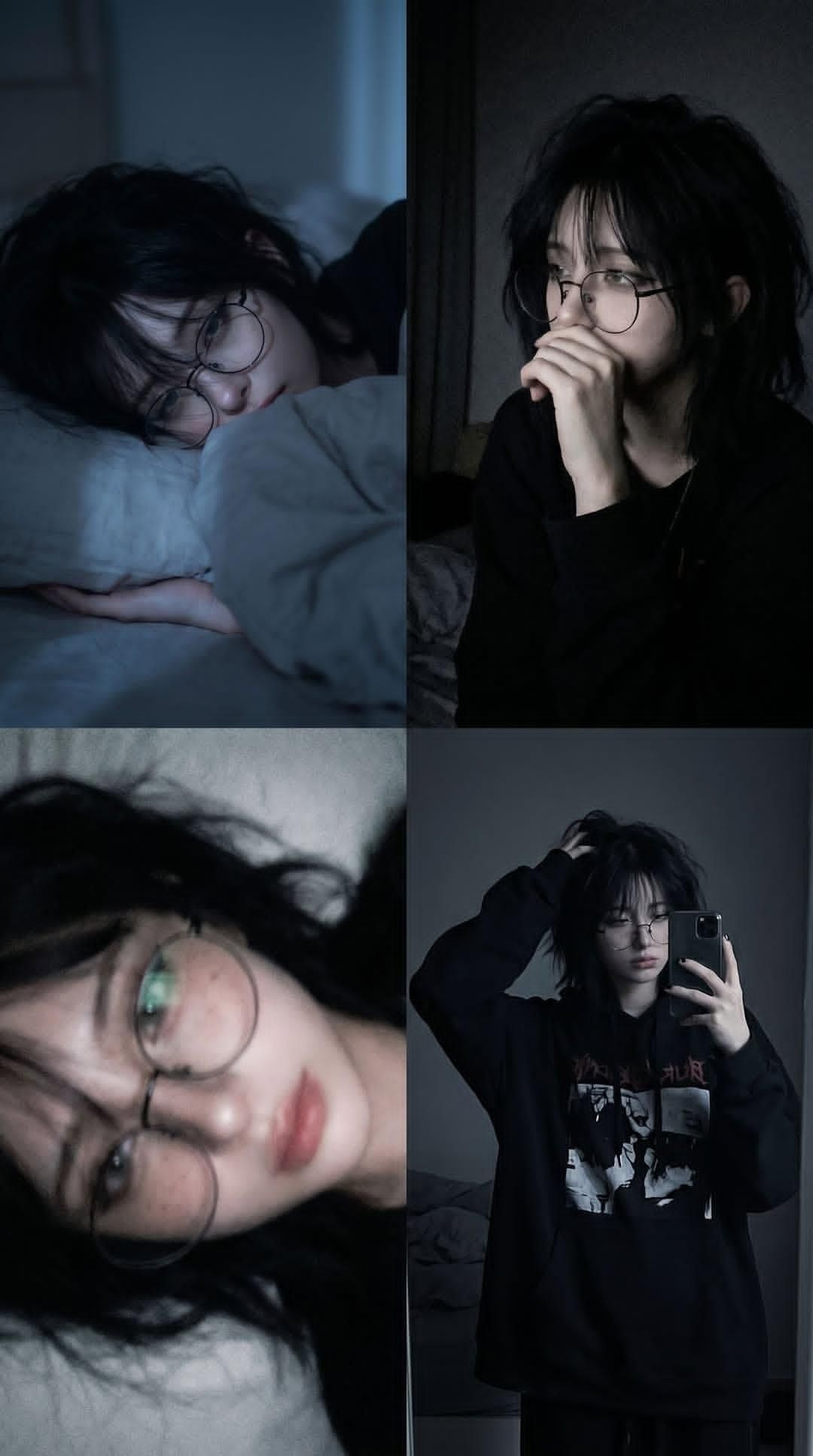
忧郁风格 2x2 照片拼贴
提示词
A 2x2 photo collage of the same {argument name="subject" default="young person"} in a {argument name="setting" default="dimly lit bedroom at night"}, {argument name="hair" default="dark messy shaggy black hair"}, oversized round wire-frame glasses, pale skin with subtle natural blemishes and freckles, wearing an oversized black hoodie. Moody blue-gray color grading, soft cinematic low-light photography, introspective and melancholic atmosphere.
Top-left: lying on a white pillow under blankets, side profile, sleepy expression, soft blue moonlight illuminating the face.
Top-right: sitting in darkness near a mirror, hand partially covering mouth, looking away thoughtfully, subtle shadows, emotional and contemplative mood.
Bottom-left: close-up portrait while lying down, shallow depth of field, slightly blurred dreamy focus, glasses reflecting faint light, soft skin texture, intimate photography.
Bottom-right: mirror selfie in a dark bedroom, oversized black graphic hoodie, one hand in messy hair, relaxed posture, minimal room details visible in the background.
Realistic photography, soft grain, muted colors, dark academia meets grunge aesthetic, natural lighting, high detail, cinematic shadows, cozy nighttime atmosphere, authentic candid moments, Fujifilm-style tones, 50mm lens, shallow depth of field, photorealistic.- 分类
- 图表信息图
- 模型
- GPT Image 2
- 来源作者
- Oogie
- 来源 ID
- 24594
- 发布时间
- 2026年6月7日
浏览量3318