20

Night Corridor Fashion Portrait
Enlarge

Example images

Night Corridor Fashion Portrait

Prompt
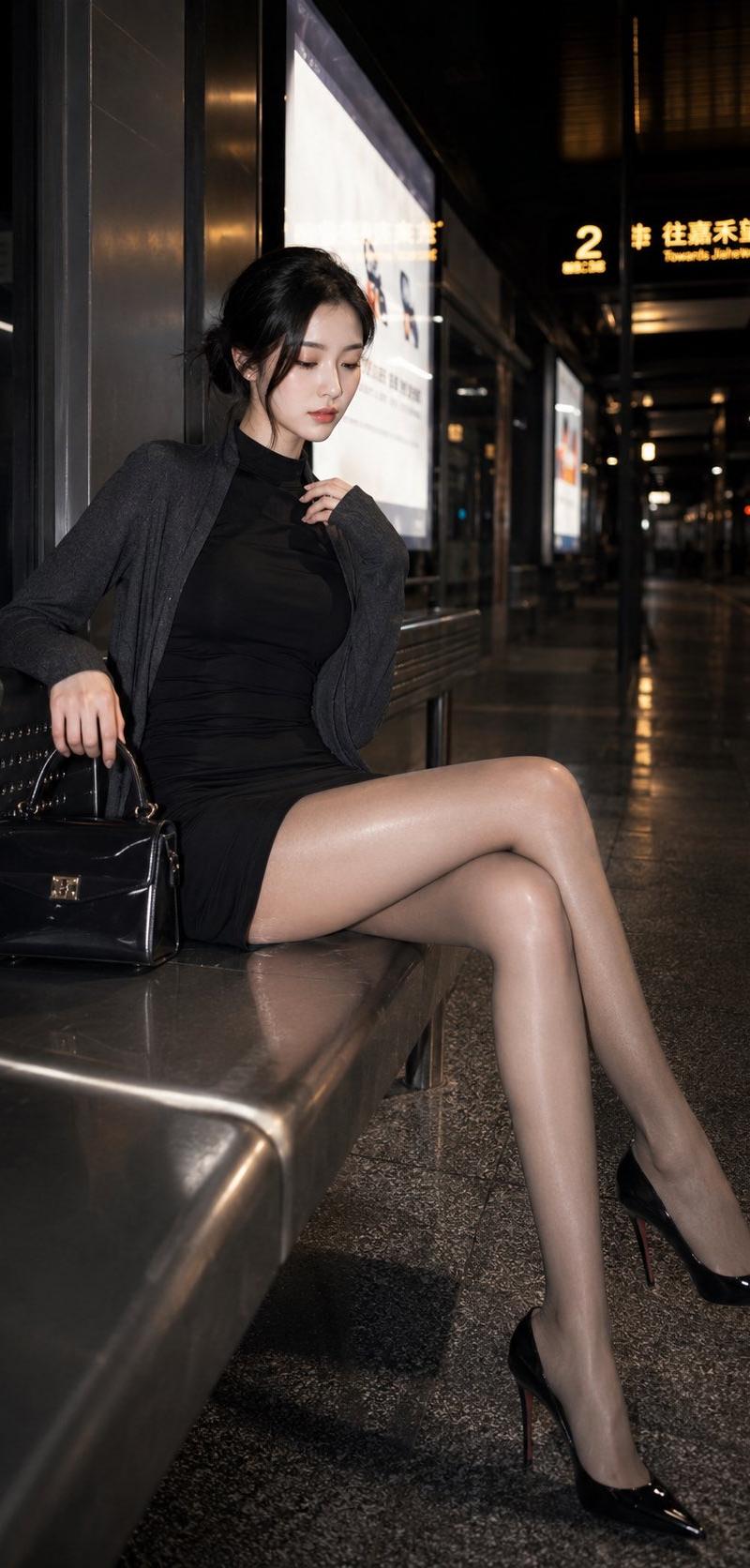
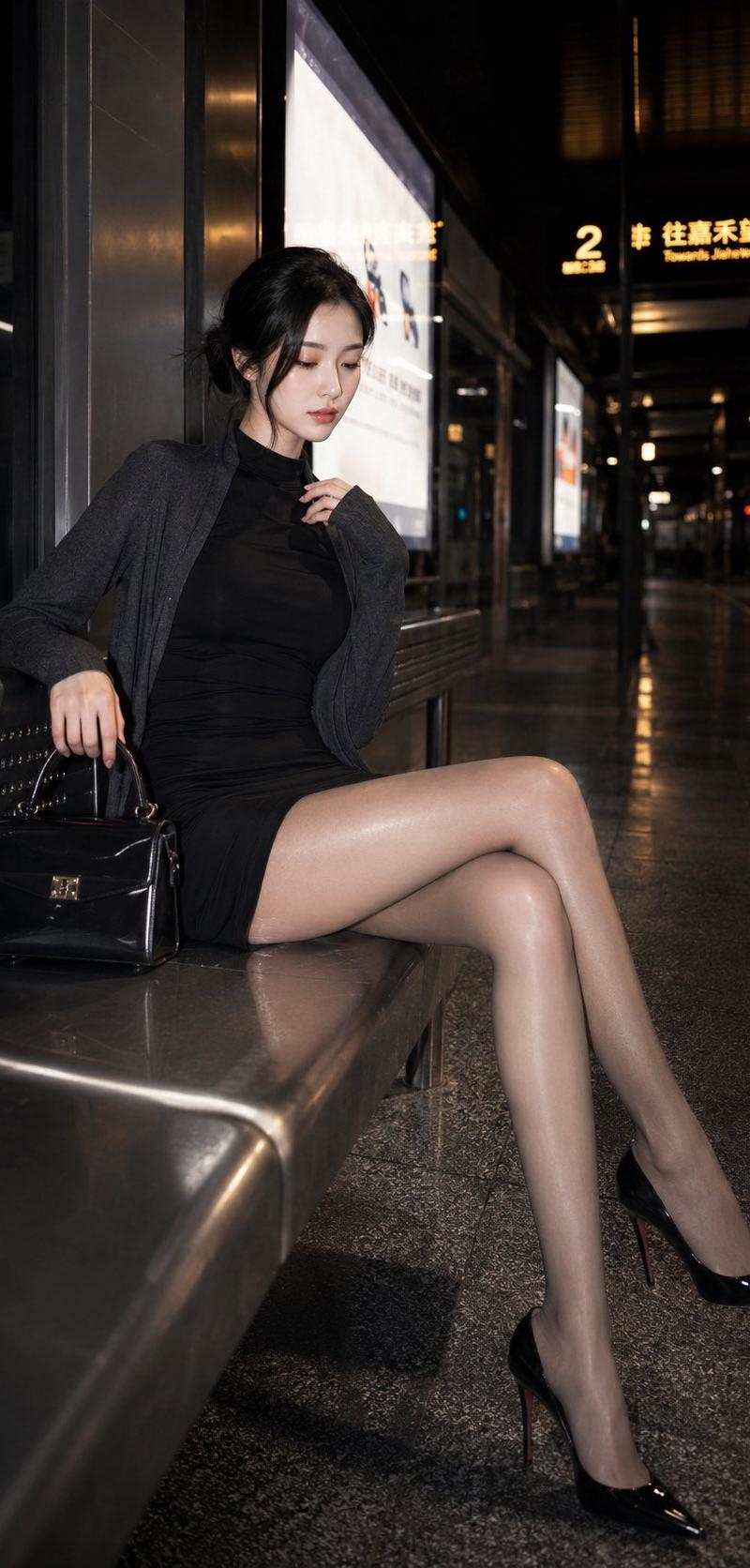
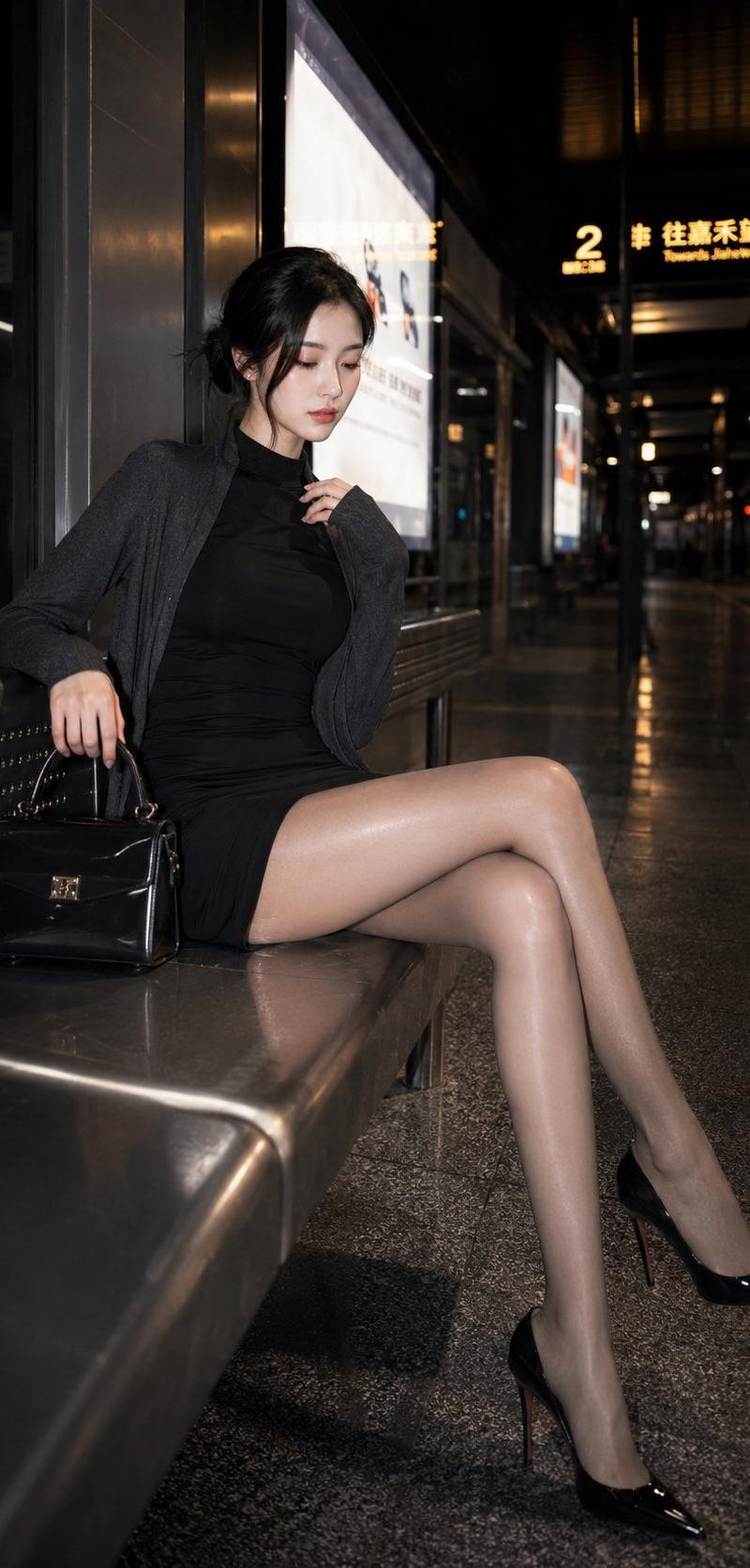
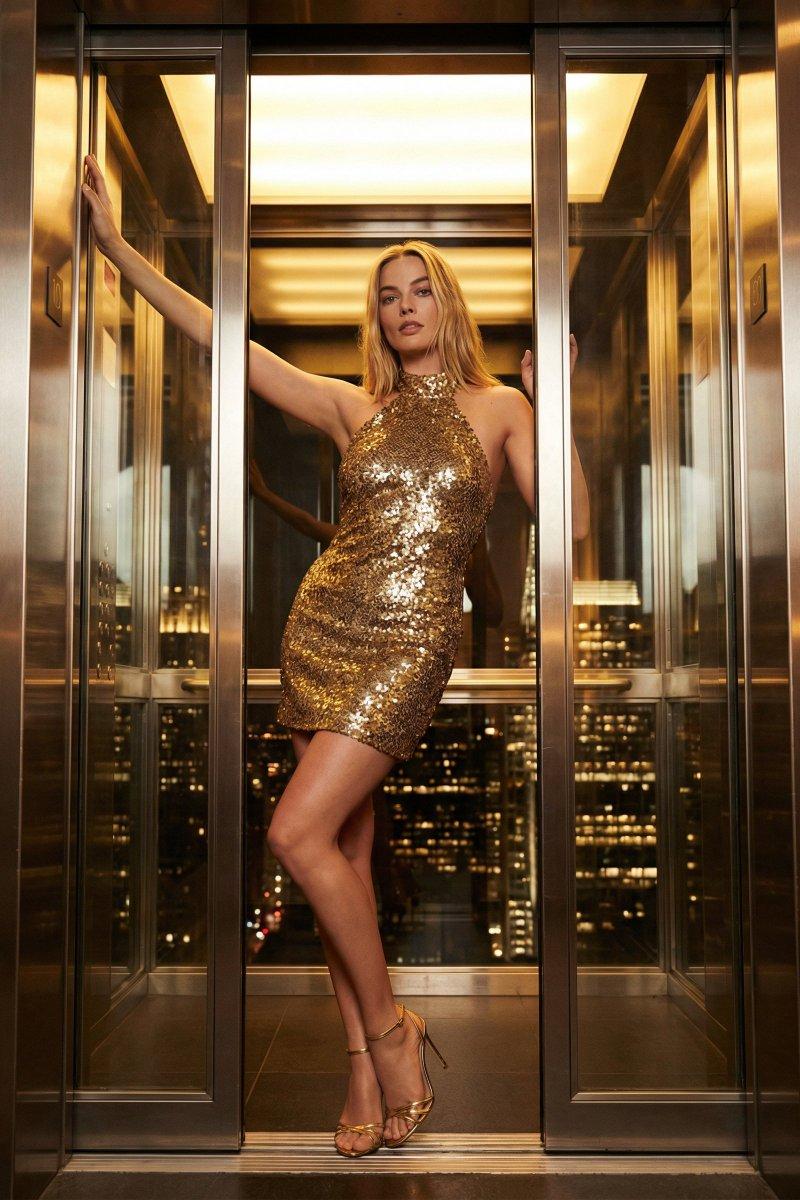
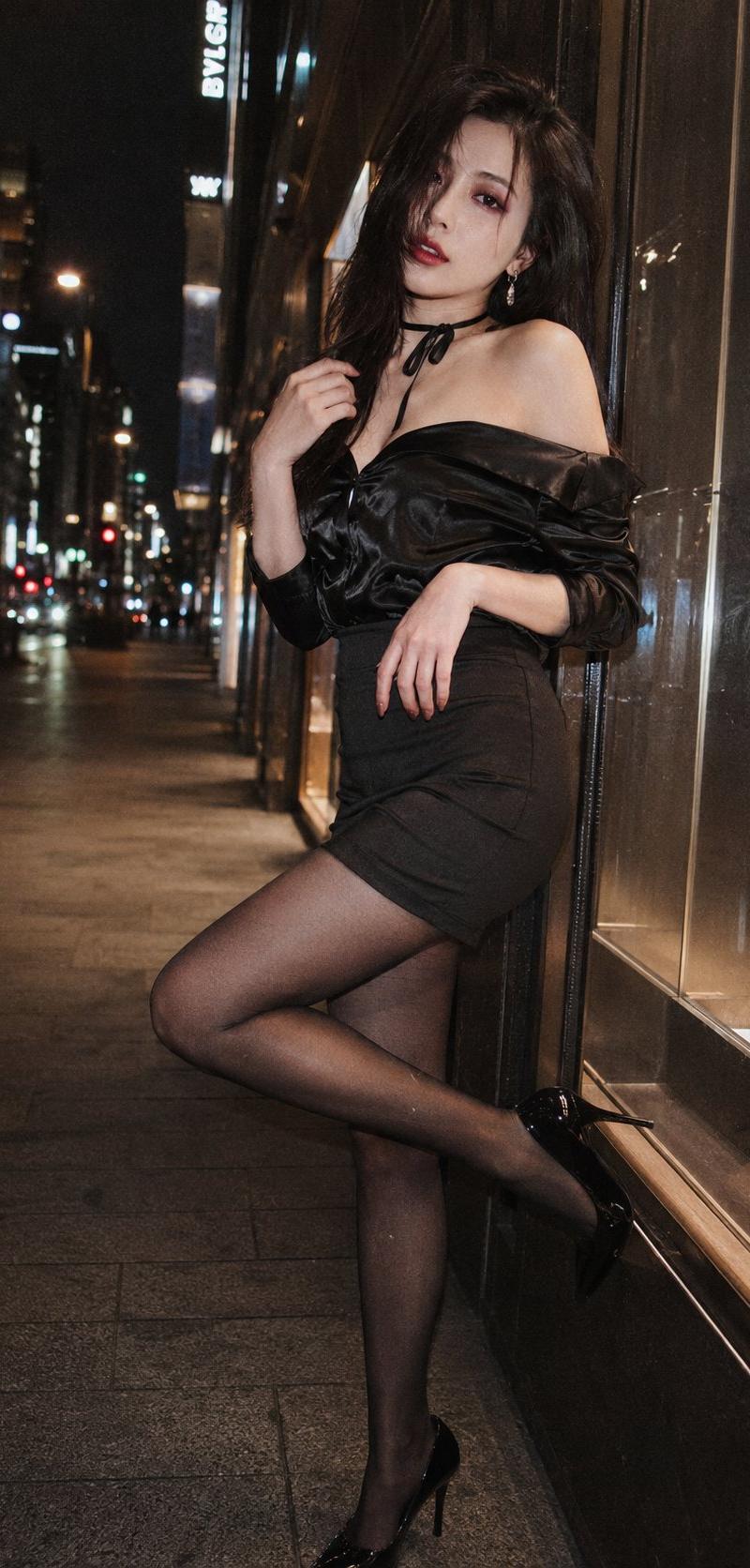
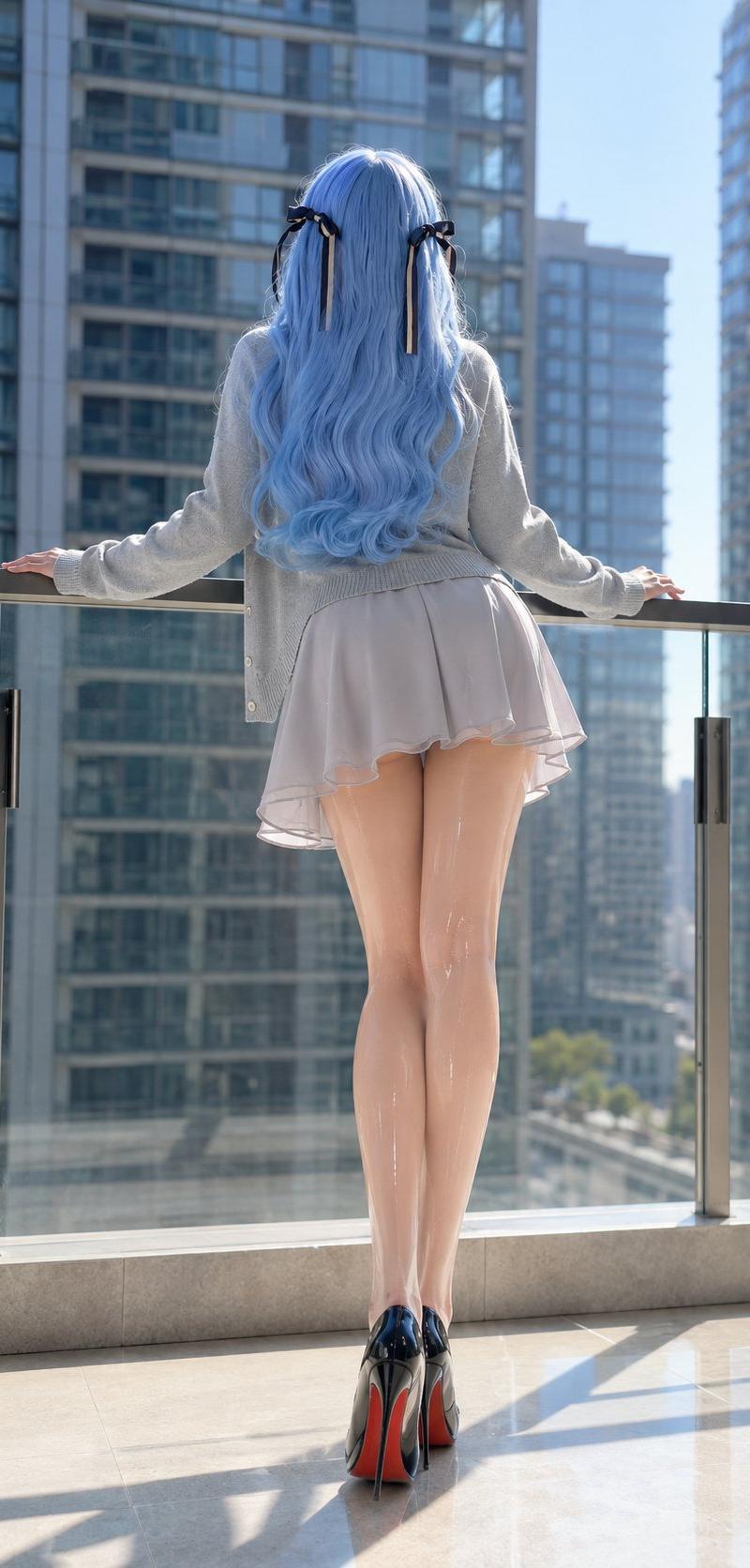
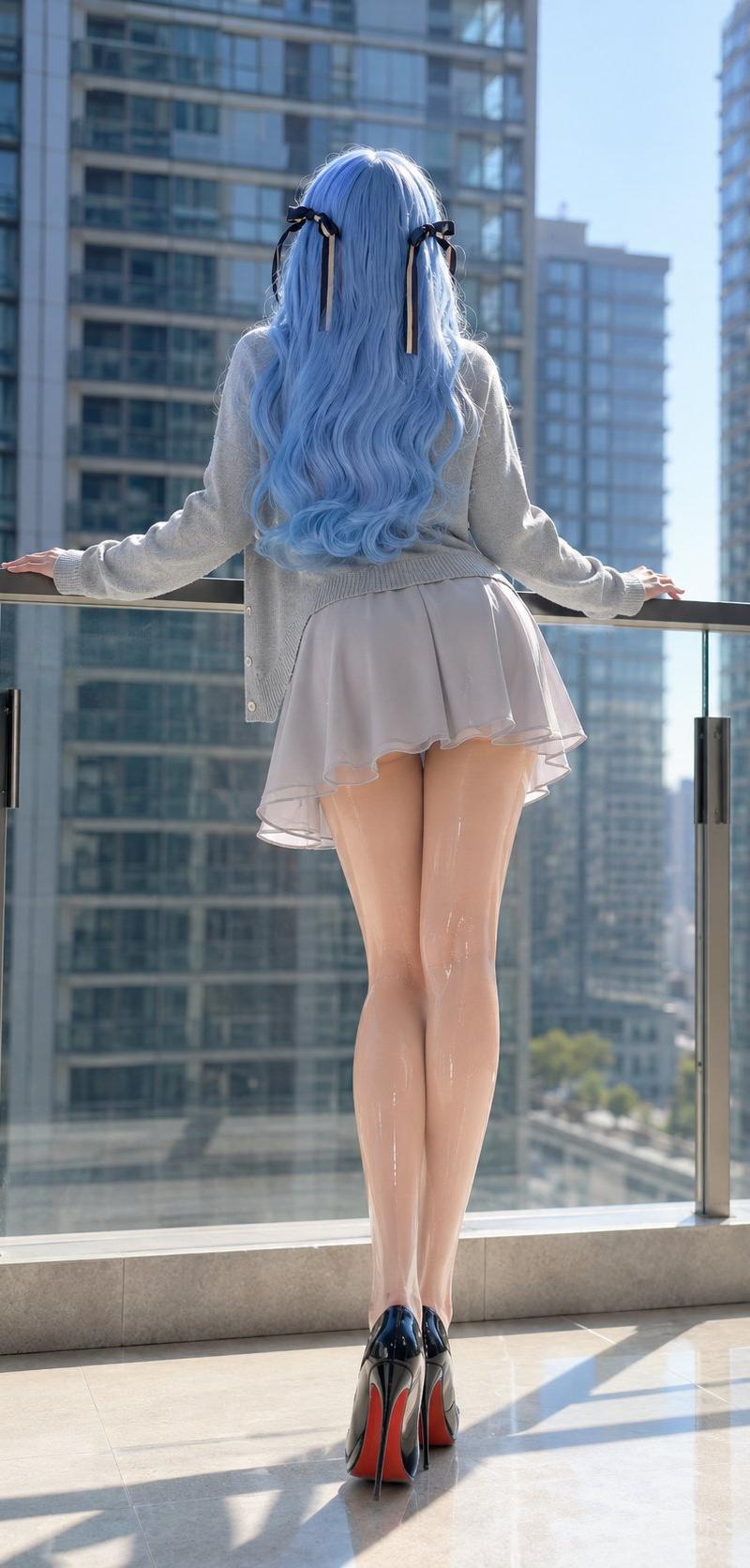
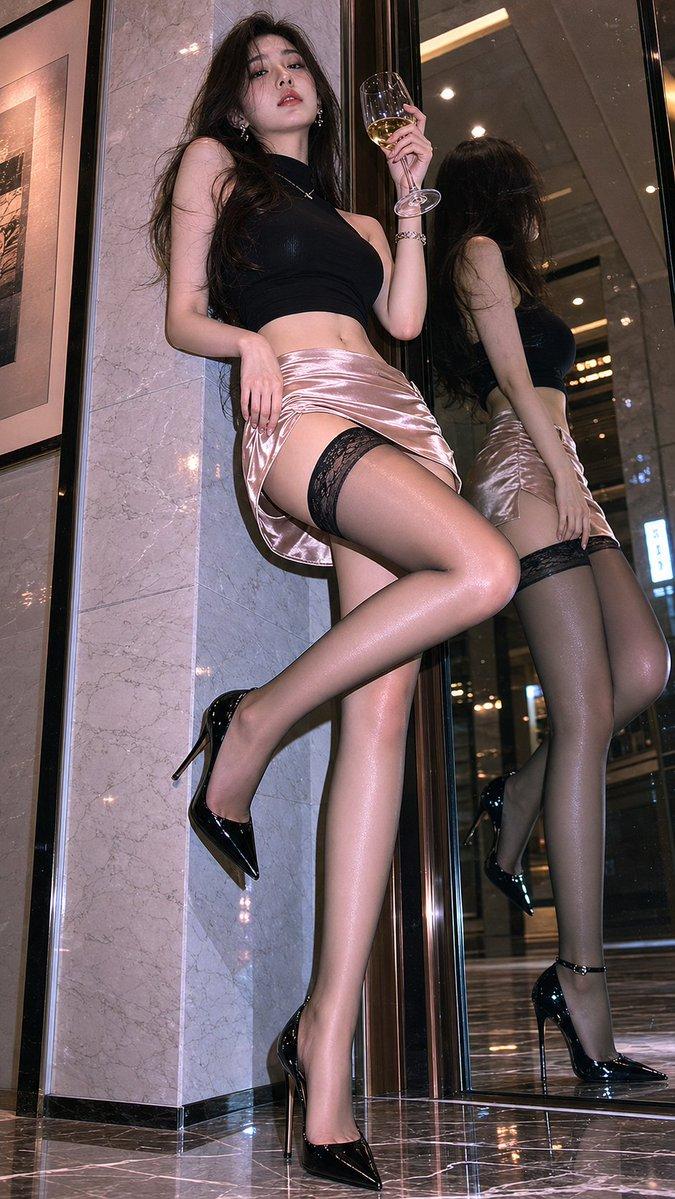
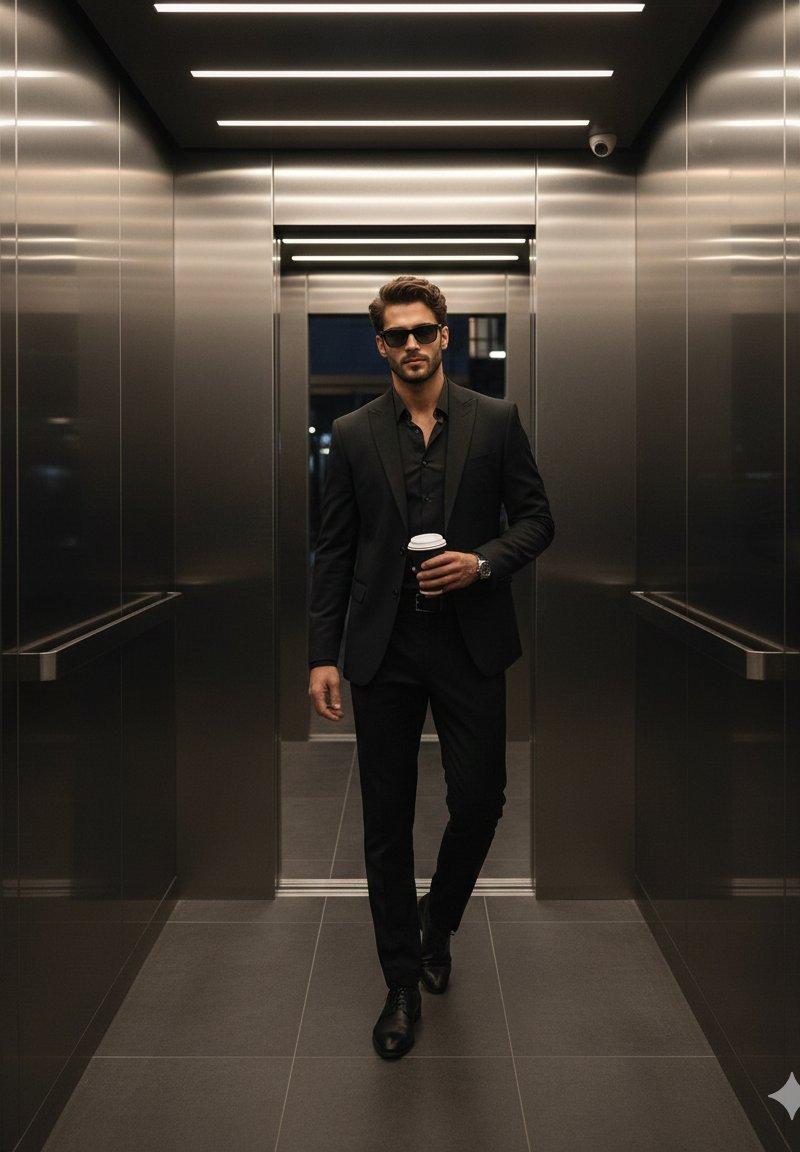
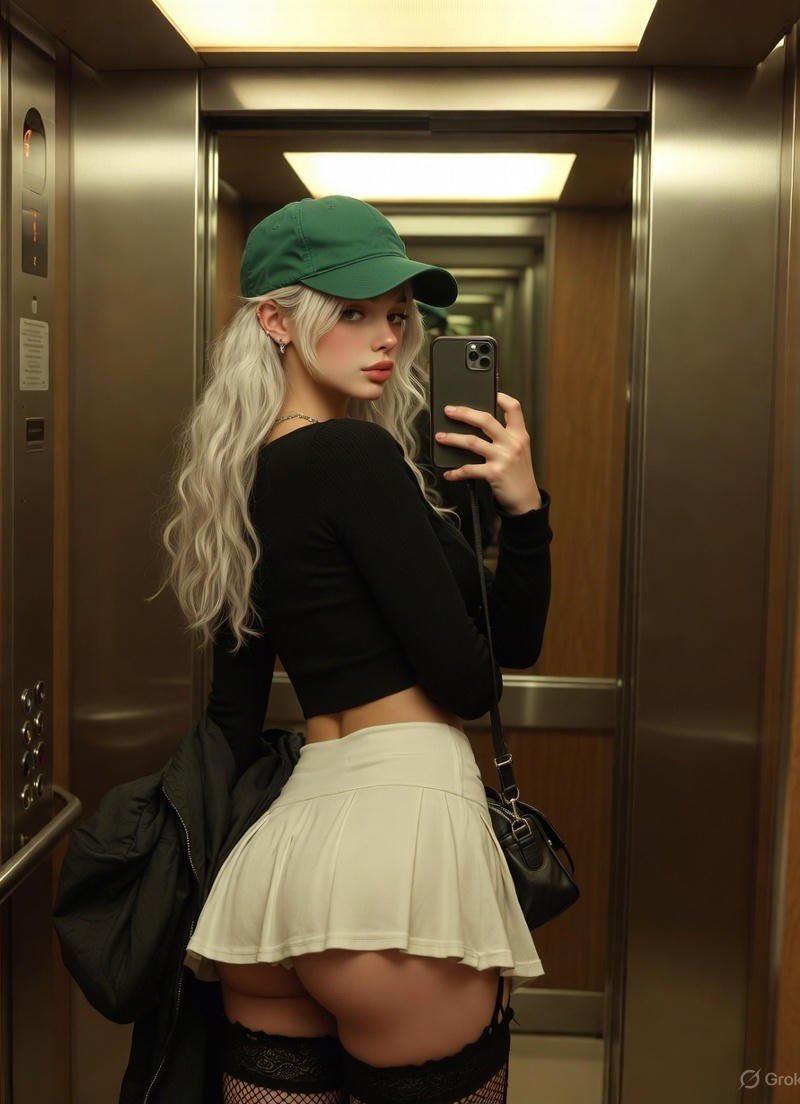
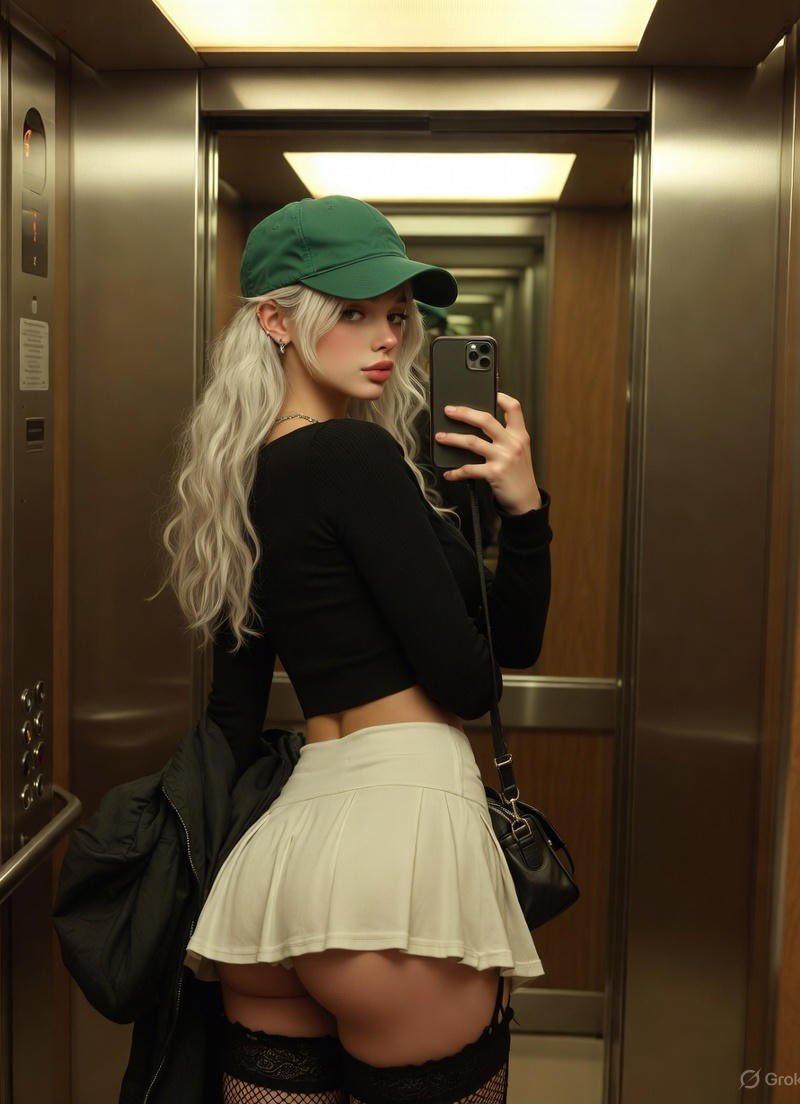
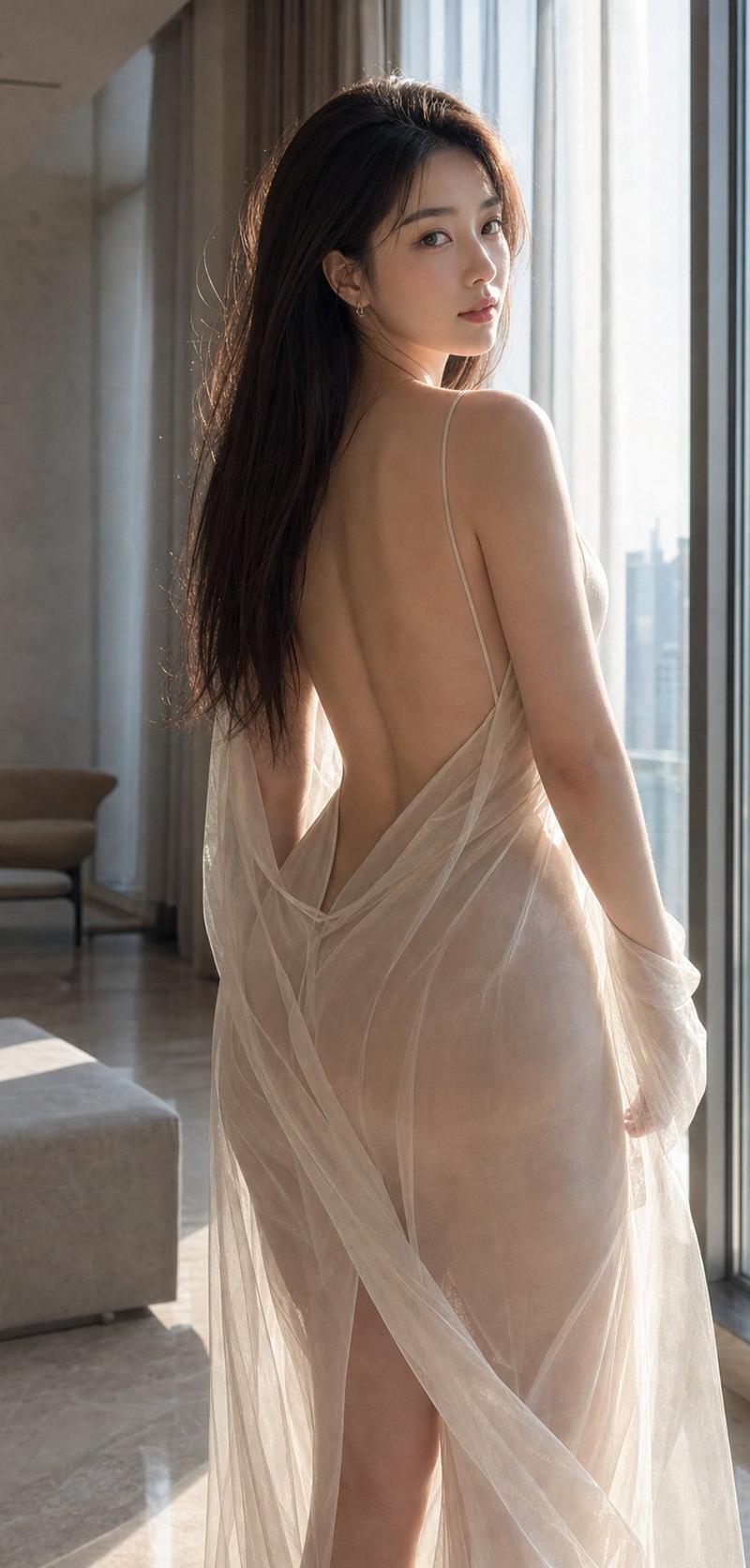
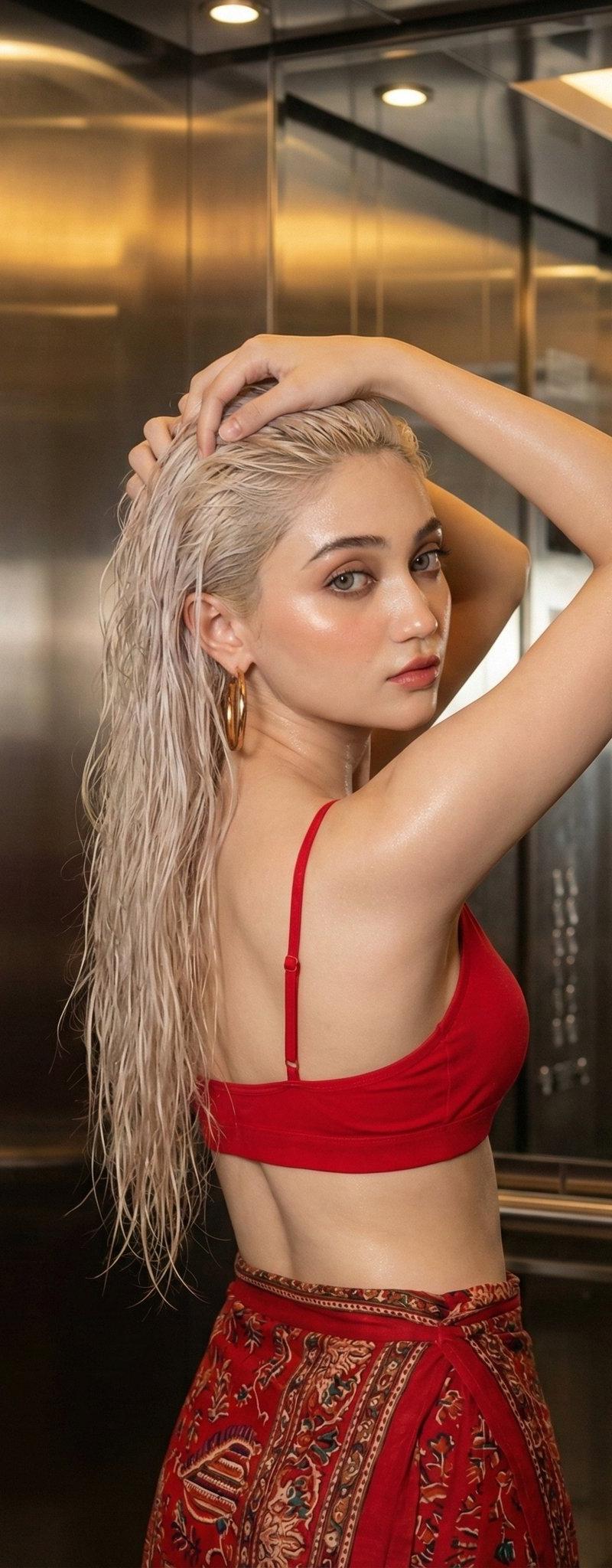
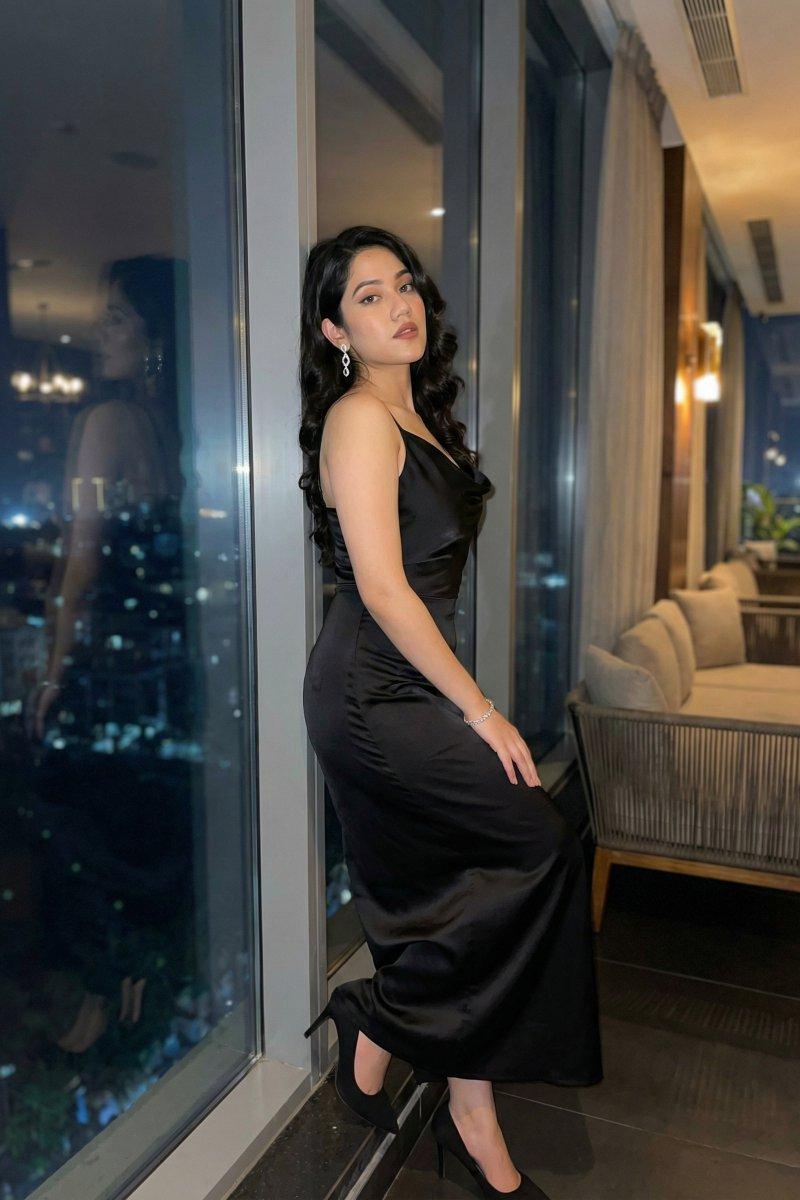
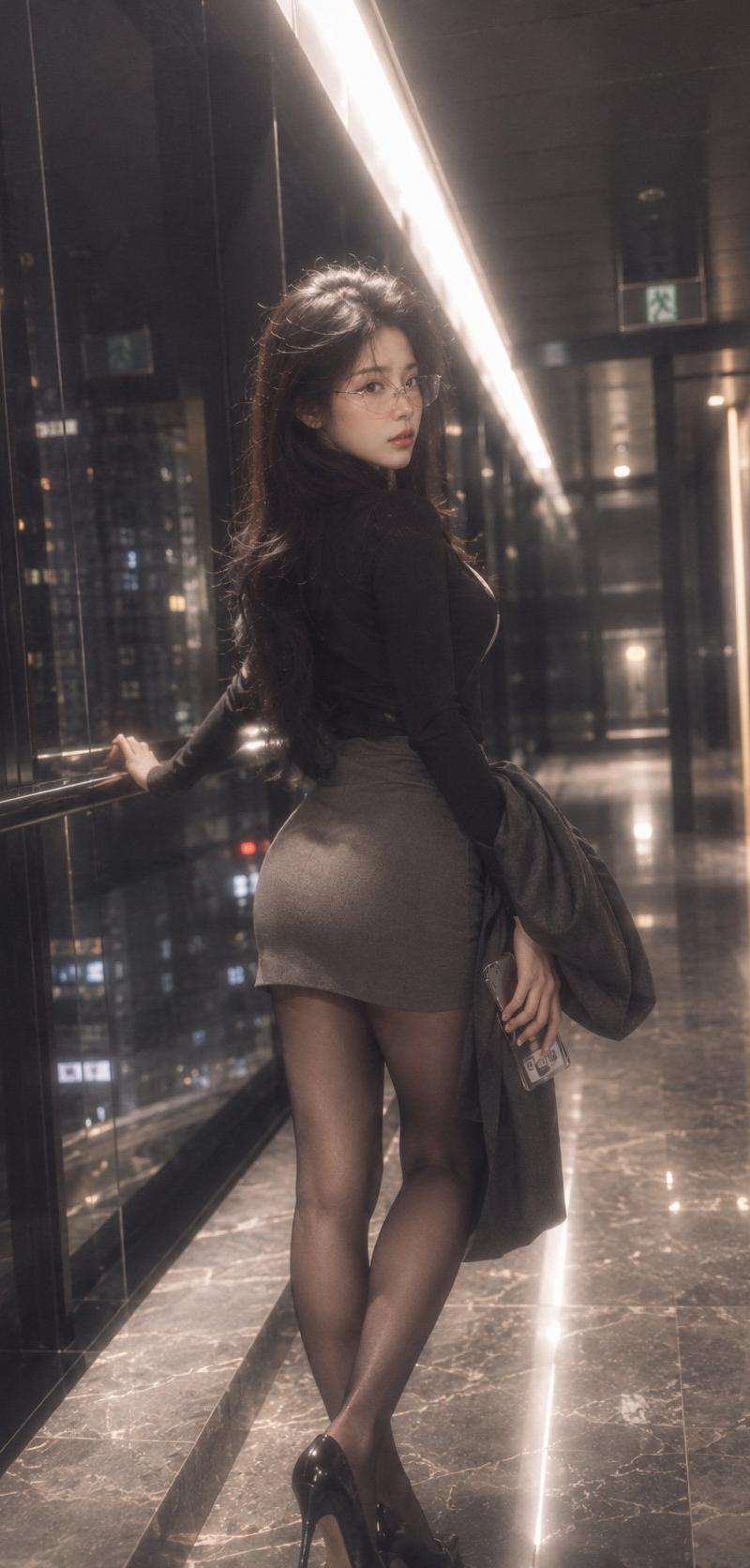
Create a photorealistic vertical full-body fashion portrait of an adult {argument name="subject" default="woman with long dark wavy hair"} standing in a sleek high-rise glass corridor at night, viewed from behind at a slight three-quarter angle as she looks back toward the camera. She is positioned near the left glass wall with one hand resting on a metal railing, city lights and building windows visible through the reflective floor-to-ceiling windows. She wears a fitted {argument name="top color and style" default="black long-sleeve turtleneck"}, a {argument name="skirt style" default="short taupe pencil skirt"}, sheer black tights, and glossy black high heels; she holds a gray coat draped over one arm and a smartphone in her hand. Add a soft square blur over the face to anonymize the identity while keeping the pose and hair visible. The corridor should feel luxurious and cinematic, with dark polished marble floors, glossy black wall panels, strong reflections, overhead linear LED lights forming a bright diagonal line into the distance, and a green exit sign far in the background. Use moody warm low-light photography, shallow depth of field, subtle haze, realistic skin and fabric texture, natural lens distortion, soft bloom on lights, and a candid upscale nighttime atmosphere. Shot on a full-frame camera with an 85mm lens look, vertical 9:16 composition, subject centered slightly left, no text, no watermark.
Category
Charts & Infographics
Model
GPT Image 2
Creator
BubbleBrain
Source language
en
Views2.6K
Source ID
24651
Published
Jun 7, 2026
Studio

Guide

About "Night Corridor Fashion Portrait"

What is this prompt for?

"Night Corridor Fashion Portrait" AI image prompt for GPT Image 2 (Charts & Infographics). A cinematic photorealistic vertical portrait of a stylish adult woma…

The full copyable prompt and example visuals above are ready for AI image generation or one-click recreate in Picva.

How to use this prompt

  1. Step 1

    Open the prompt detail

    Review the example visuals, category, and full prompt text for "Night Corridor Fashion Portrait".

  2. Step 2

    Copy the prompt

    Copy the prompt body from this page, or load it directly in Studio.

  3. Step 3

    Pick a model (GPT Image 2)

    Prefer GPT Image 2. If you switch models, keep subject and composition and tweak style terms.

  4. Step 4

    Generate and export

    Recreate the look in Picva, or export into your workflow for editing and publishing.

FAQ

What is the "Night Corridor Fashion Portrait" prompt?
It is an AI image-generation prompt for GPT Image 2 in the Charts & Infographics category. This page includes the full prompt text, example visuals, and a one-click recreate path in Picva.
How do I use this prompt to generate an image?
Copy the prompt from this page, or use Generate / Studio. Paste it into a compatible image model, or recreate the look in Picva with optional reference images.
Which model is this prompt for?
This page lists GPT Image 2. Most descriptive prompts also transfer to nearby image models such as GPT Image, Flux, or Midjourney with light style tweaks.
Can I use the result commercially?
You can usually copy the prompt for creation, but commercial use of the final image depends on the model terms, reference-image rights, and the generated content. Follow the source author and platform rules.