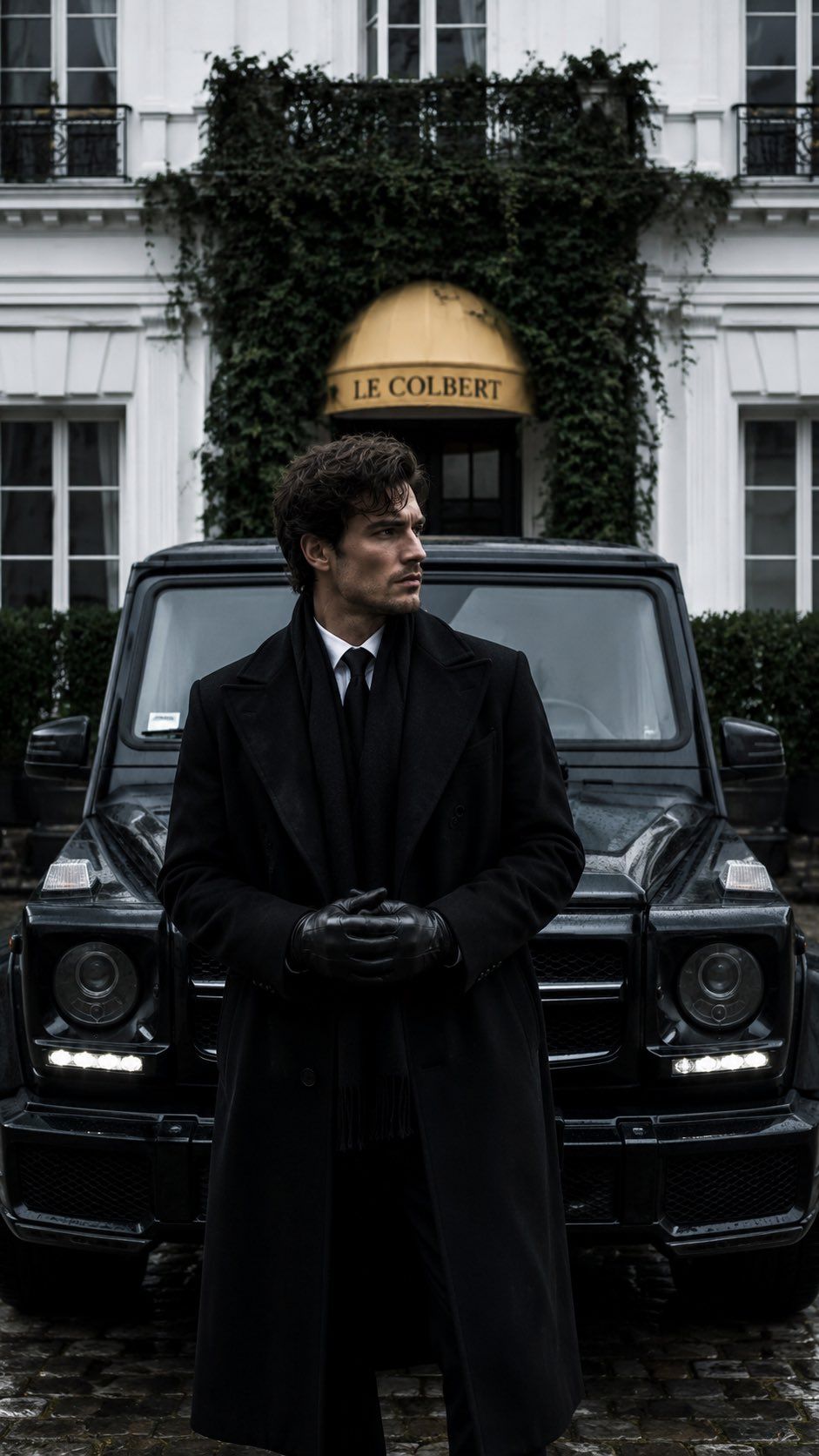
黑白奢华时尚编辑人像
提示词
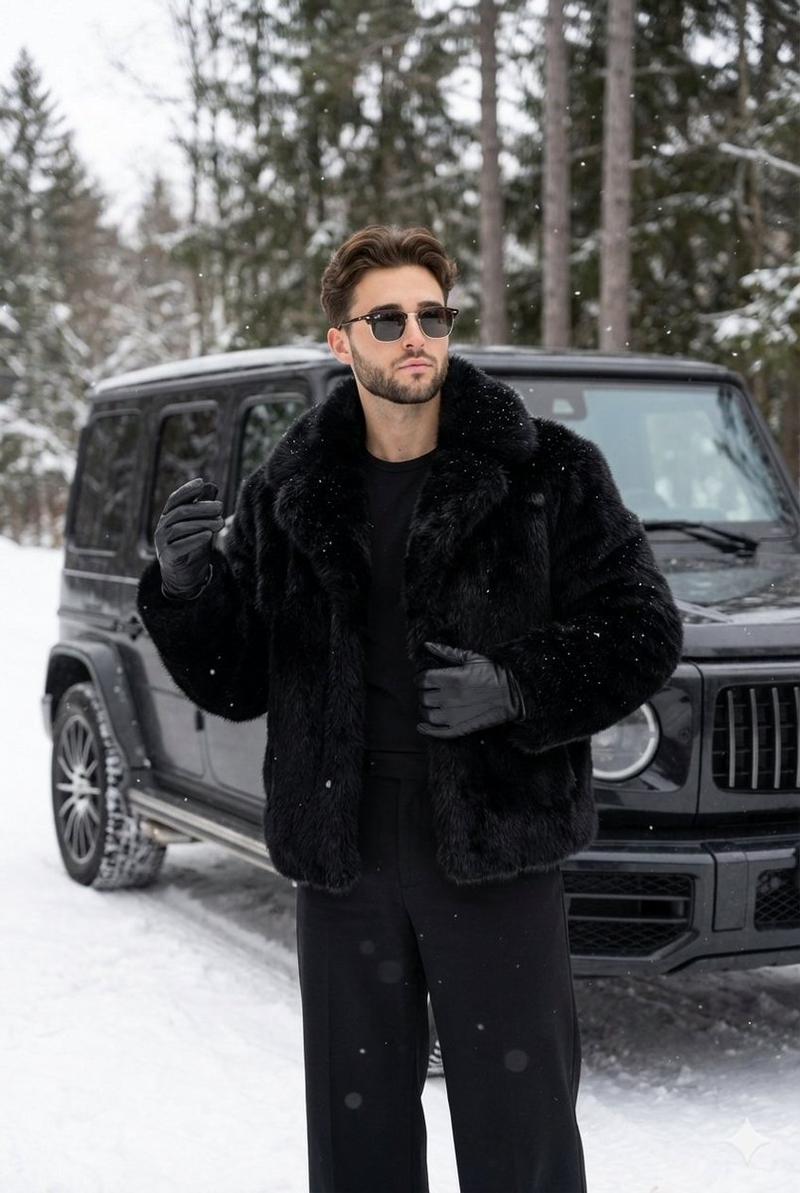
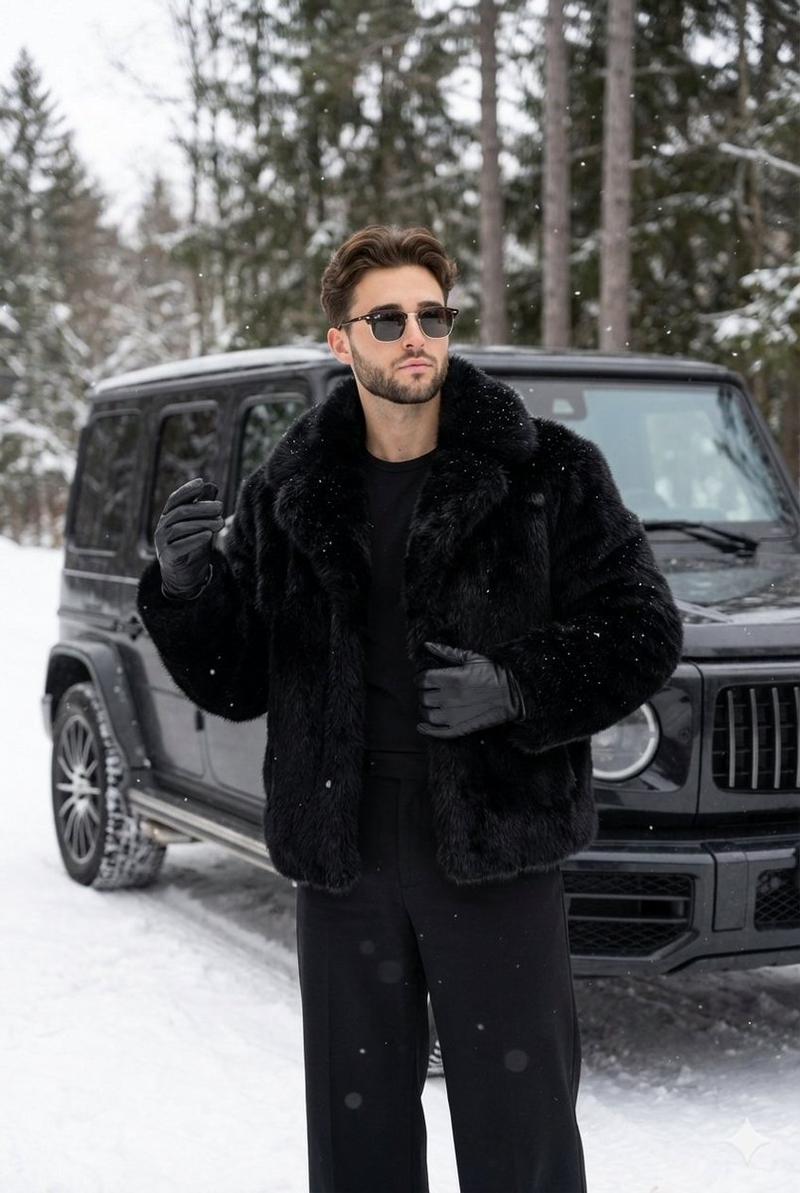
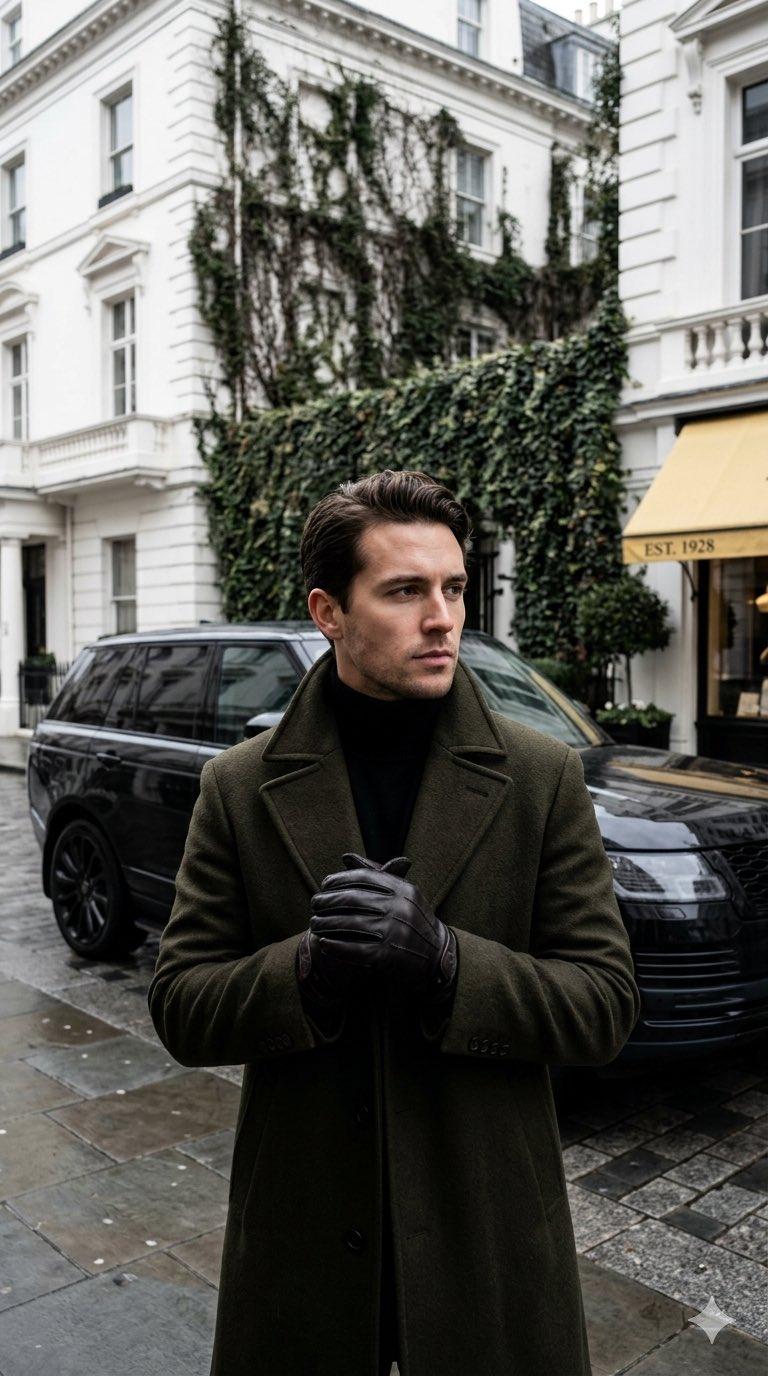
Create a monochromatic luxury editorial fashion photograph in a vertical 9:16 frame. A stylish adult man stands centered in the foreground in front of a glossy black Mercedes G-Class SUV, wearing an all-black formal winter outfit: long tailored wool overcoat, black suit, white dress shirt, slim black tie, black scarf, and black leather gloves clasped together at waist height. His head is slightly turned to the side with curly dark hair visible, but the face is intentionally obscured by a soft dark rectangular blur for anonymity. The SUV faces forward symmetrically behind him with visible round headlights, LED running lights, grille, hood reflections, and wet black paint. Background: elegant Parisian-style white building facade with tall windows, black balcony railings, dense dark green ivy framing the entrance, and a gold awning above the doorway reading {argument name="awning text" default="LE COLBERT"}. The ground is wet cobblestone, reflecting the vehicle and dark clothing. Use a moody high-fashion editorial look, muted black-white-gray palette with subtle gold accent, overcast natural light, shallow depth of field, cinematic contrast, realistic photography, luxury lifestyle atmosphere, centered composition, no extra people, no logos emphasized beyond the car shape and awning text.- 分类
- 图表信息图
- 模型
- GPT Image 2
- 来源 ID
- 24653
- 发布时间
- 2026年6月7日
浏览量409


![High-impact automotive poster featuring [VEHICLE] in a sharp side-front...](https://whqgdndlpxjbwosvipip.supabase.co/storage/v1/render/image/public/prompt-source-media/x-captures/2082470026100015526/snapshot-1-1500d7a94bc8371e.jpg?width=800&quality=75&resize=contain)