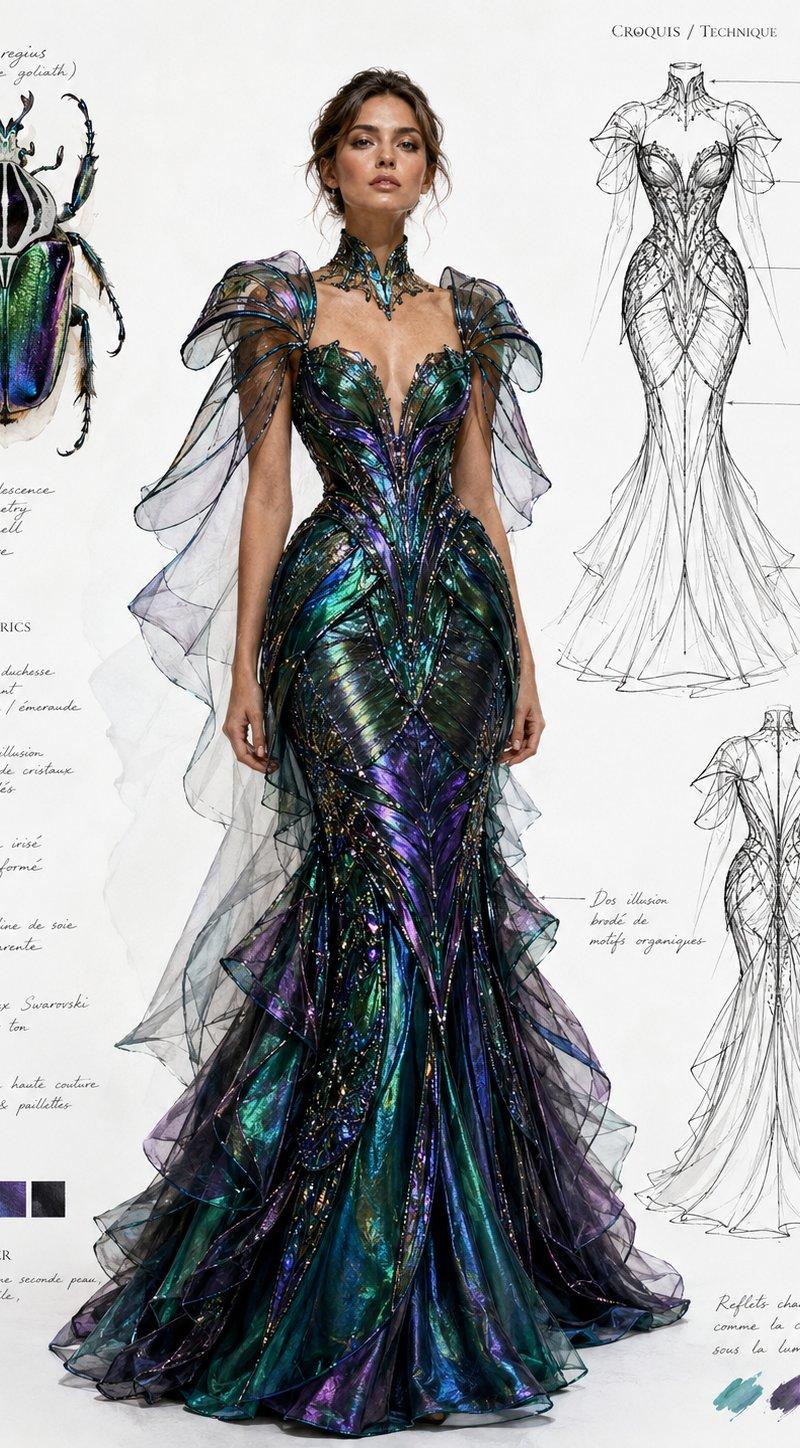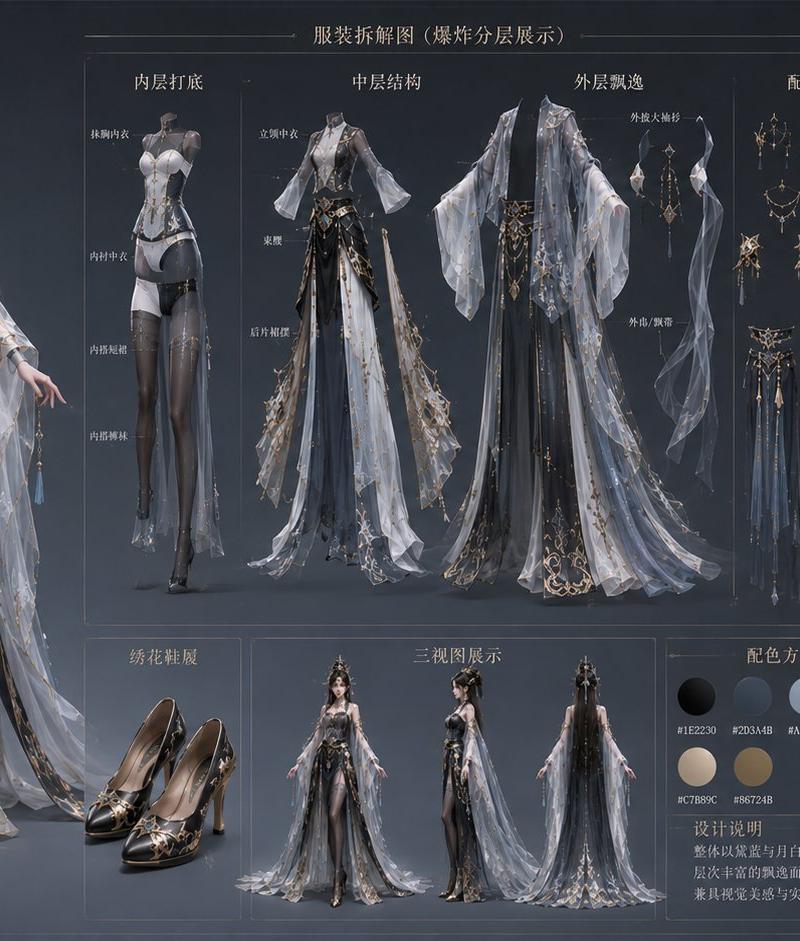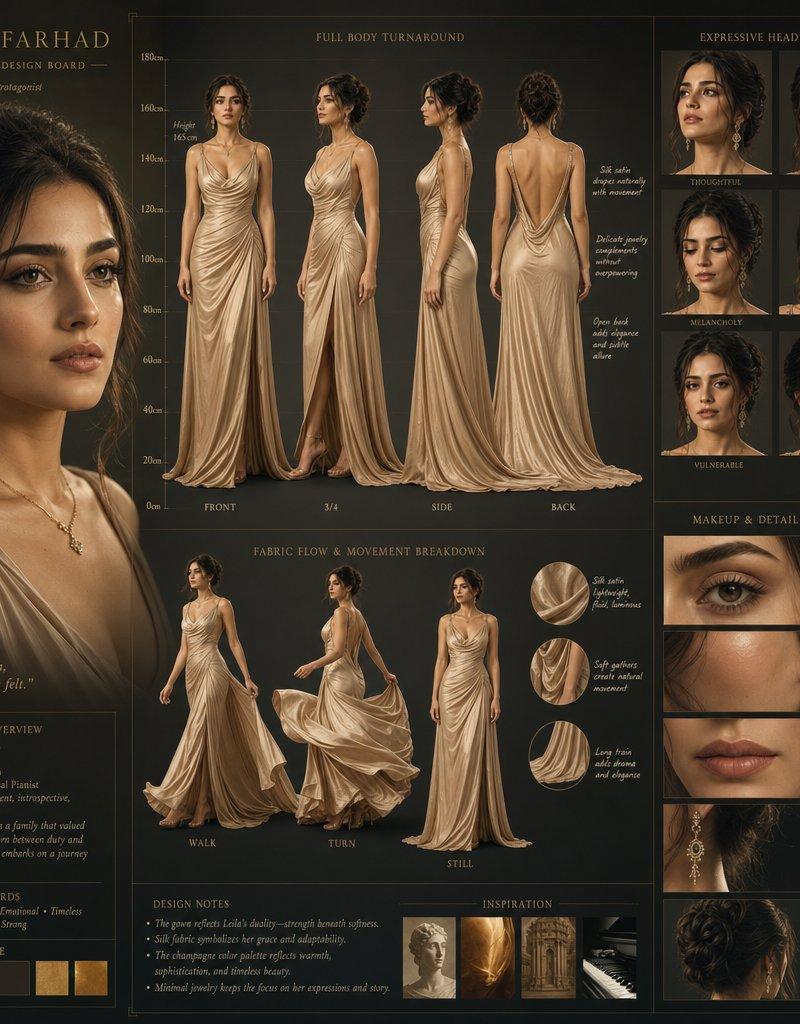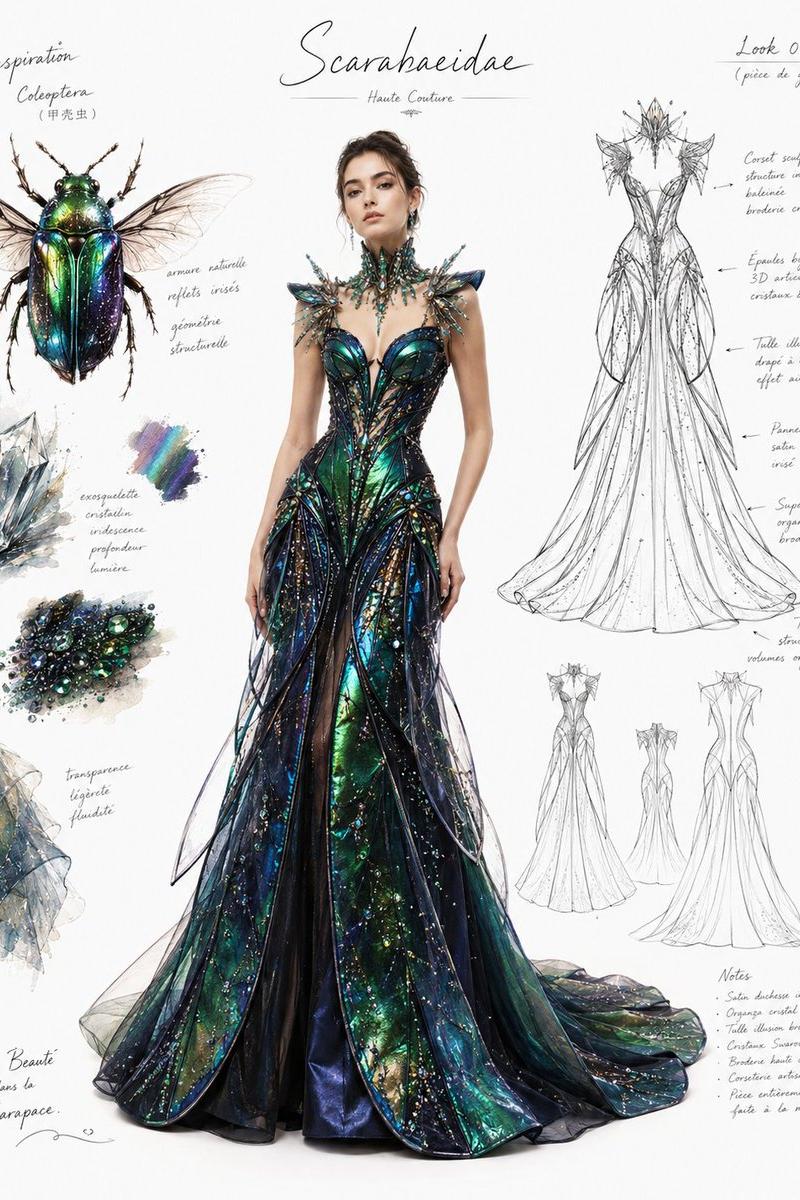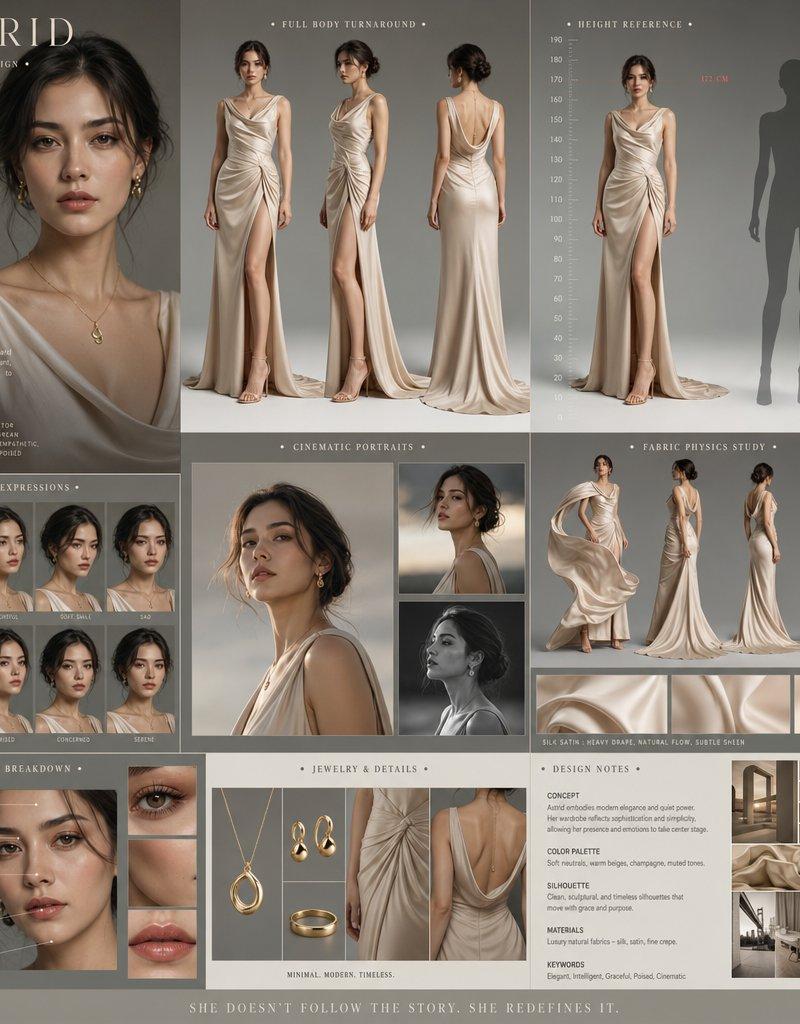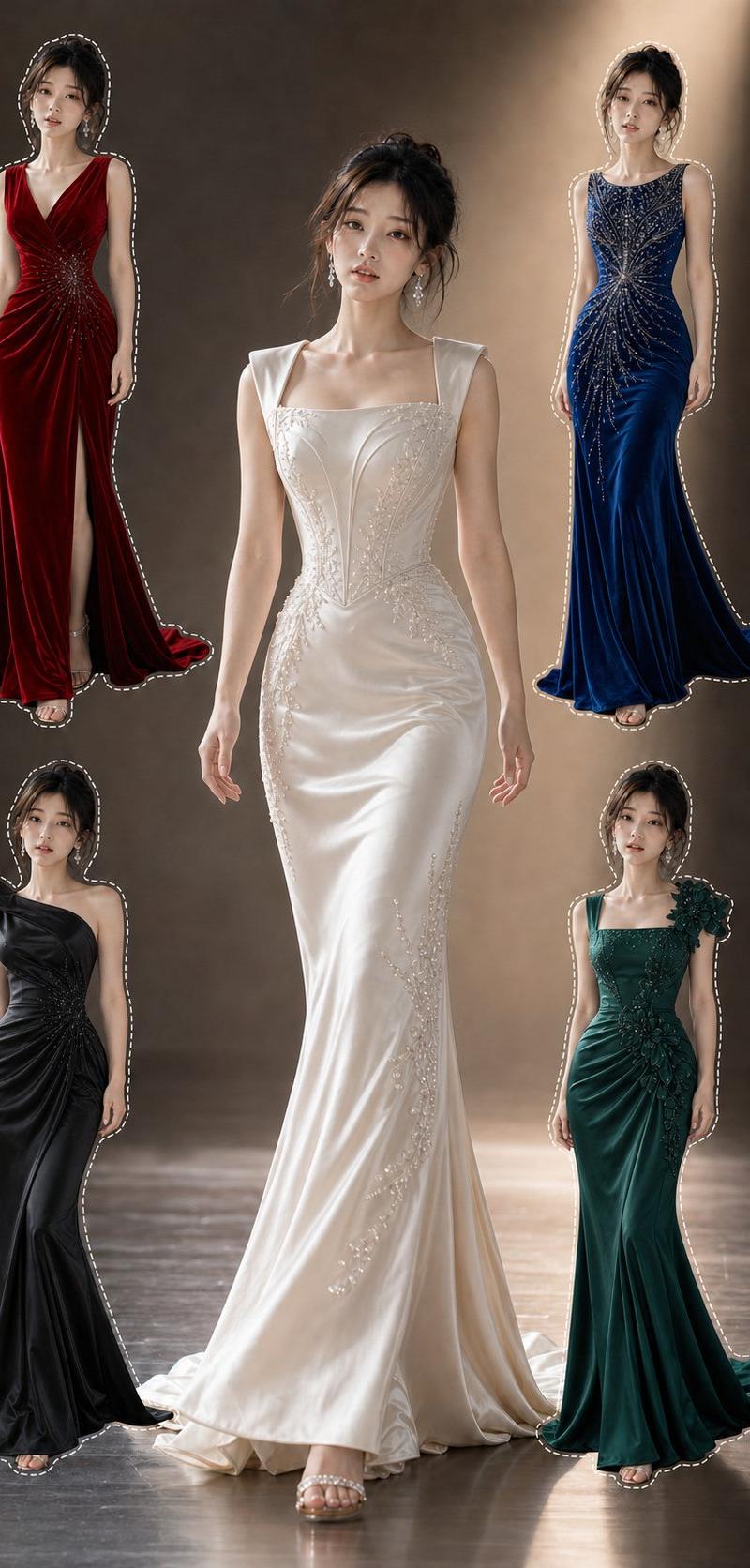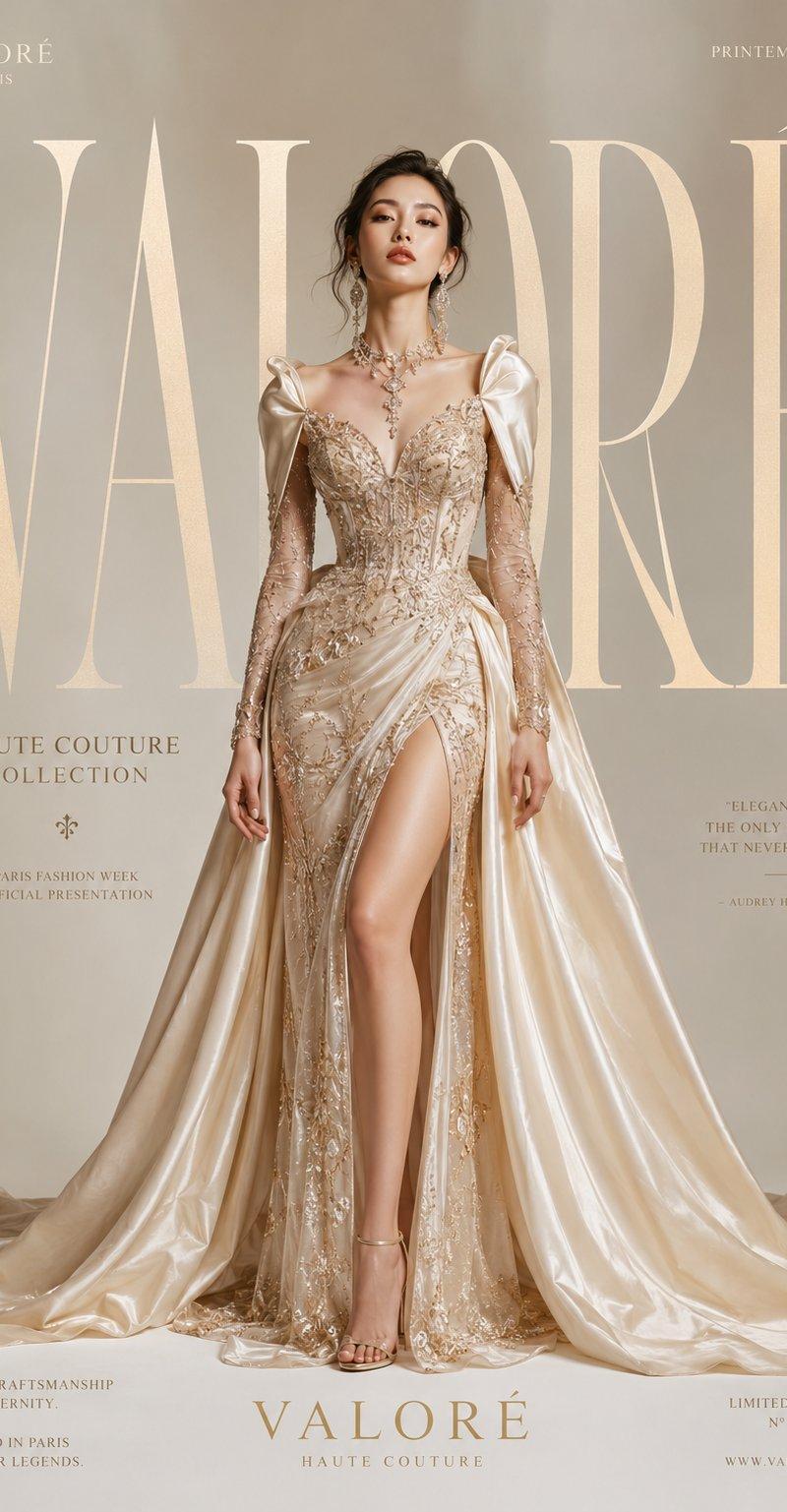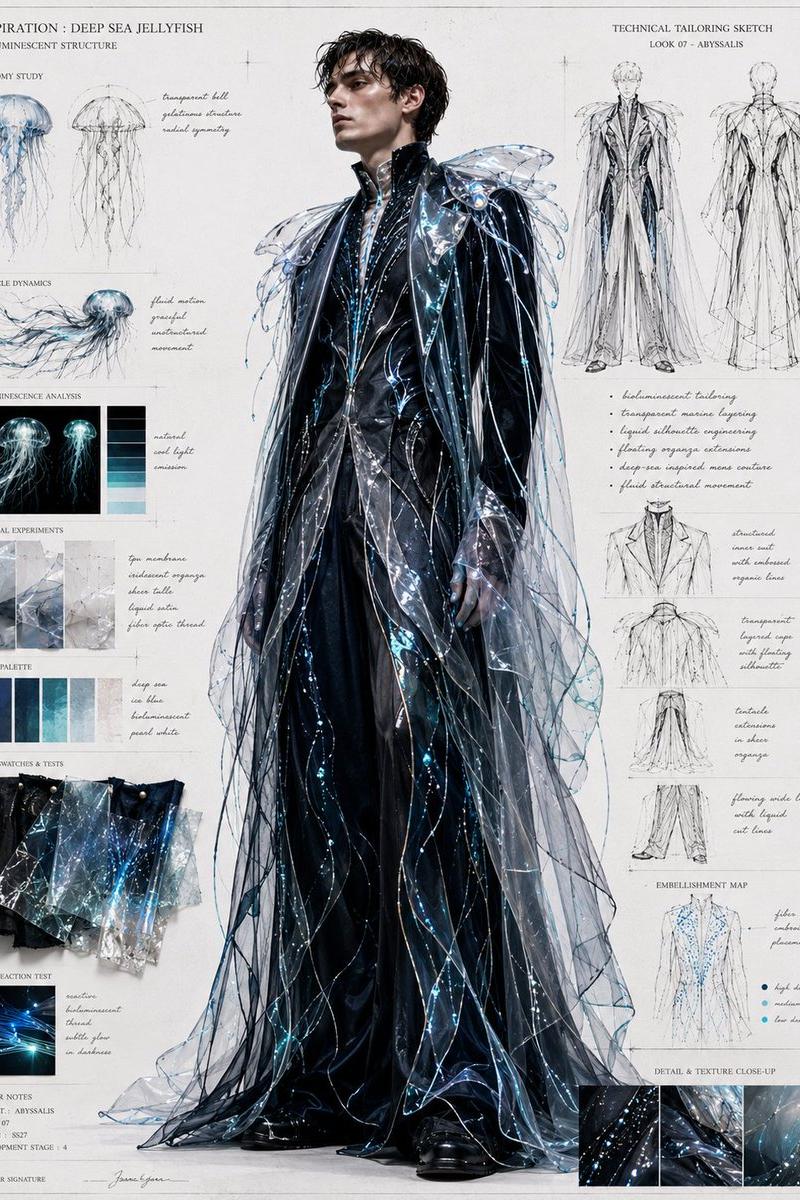
时尚布光响应测试表
提示词
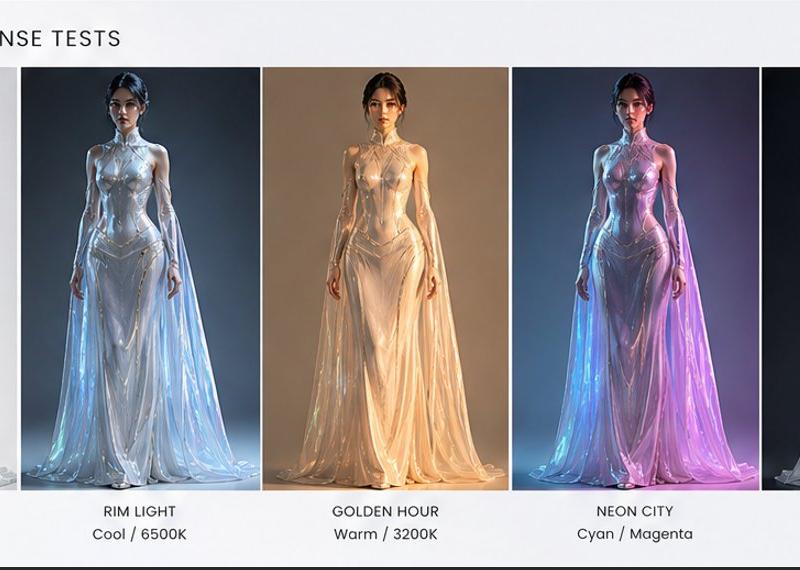
Goal: Create a clean horizontal lighting comparison sheet titled {argument name="headline text" default="LIGHTING RESPONSE TESTS"}, showing the same futuristic fashion model under five different studio lighting setups.

Canvas: Wide 16:7 presentation board on a light gray-white background, minimalist editorial layout, thin white gutters between image panels, subtle black border along the bottom edge.

Layout: Place the title in the upper left in uppercase black sans-serif letters. Below it, arrange exactly 5 equal vertical portrait panels from left to right, each containing the same full-body front-facing female model standing centered. Under each panel, add a two-line caption with the setup name in uppercase and the color temperature or color note below it.

Subject details: The model is a tall slender woman with a neutral symmetrical pose, arms relaxed at her sides, hair pulled back, face intentionally softly blurred or featureless. She wears a glossy iridescent translucent couture gown: high collar, sleeveless sculpted metallic bodice, reflective liquid-plastic surface, long sheer cape-like skirt panels flowing to the floor, pearlescent silver-white fabric with strong specular highlights. Keep the outfit identical in all five panels; only the lighting and background tones change.

Five lighting panels, exactly:
1. SOFTBOX — Daylight / 5600K: bright high-key white studio background, soft even daylight, pale pearly reflections.
2. RIM LIGHT — Cool / 6500K: dark blue-gray background, cool blue rim light outlining the model and dress edges, icy highlights.
3. GOLDEN HOUR — Warm / 3200K: warm beige-brown background, amber golden illumination, soft sunset glow through the translucent skirt.
4. NEON CITY — Cyan / Magenta: dark urban blue background, strong cyan light from one side and magenta-pink light from the other, vibrant neon reflections across the gown.
5. LOW KEY — Dramatic / 4500K: nearly black background, dramatic low-key lighting, silver highlights and deep shadows.

Visual style: Photorealistic fashion lighting test, glossy reflective materials, cinematic studio render, sharp full-body composition, professional lookbook comparison, clean typography, no extra logos or watermarks. Use {argument name="model outfit" default="iridescent translucent silver couture gown with flowing sheer cape panels"} and a {argument name="model pose" default="front-facing neutral runway stance"}.- 分类
- 图表信息图
- 模型
- GPT Image 2
- 来源作者
- Cherry 2.O
- 原始语言
- en
- 来源 ID
- 24693
- 发布时间
- 2026年6月8日
浏览量648