16

写实风格学生宿舍场景
Enlarge

Example images

写实风格学生宿舍场景

Prompt
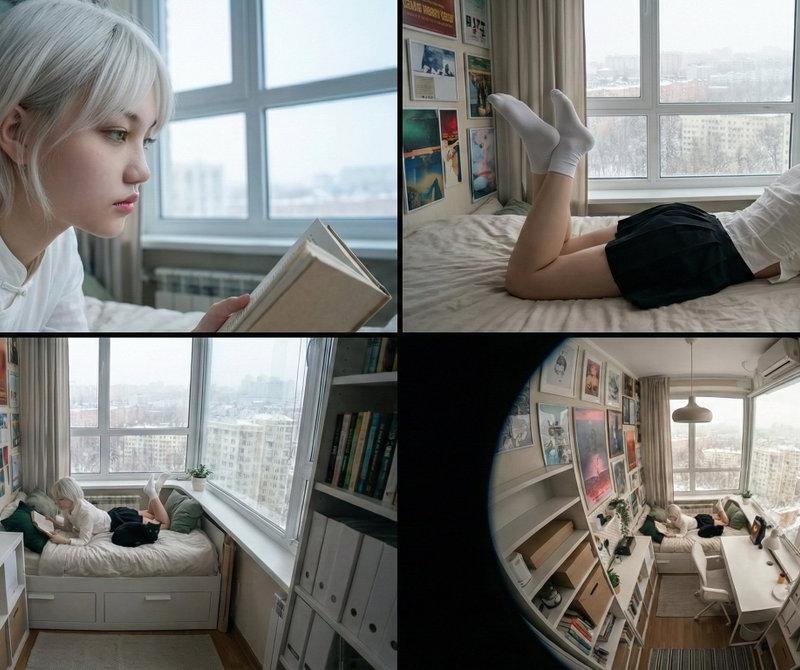
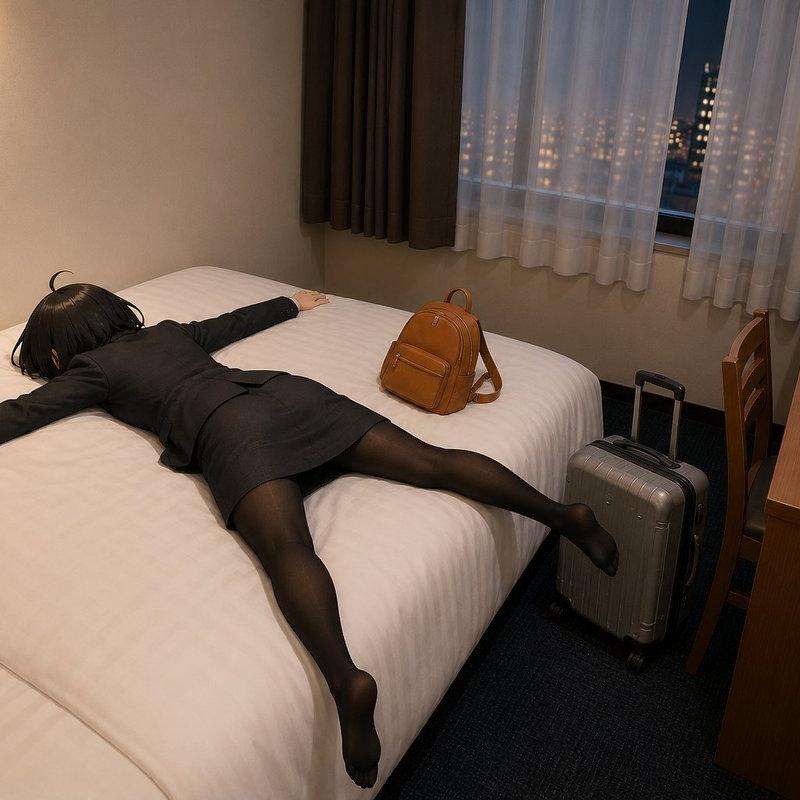
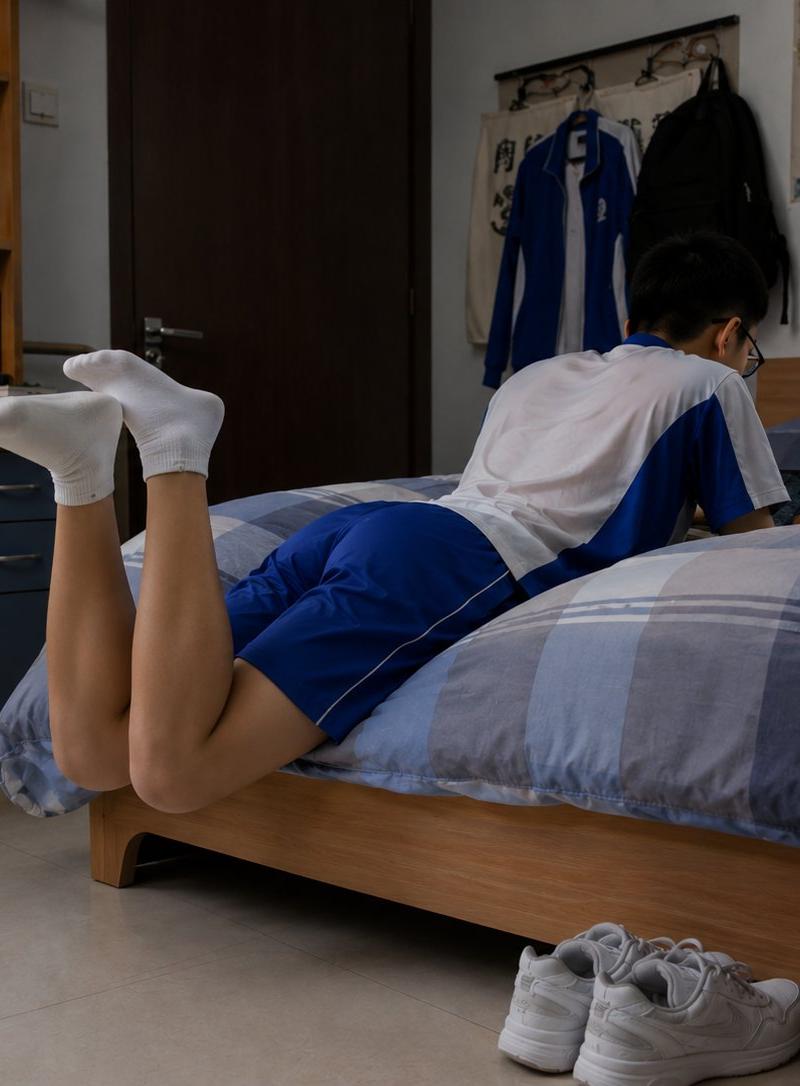
Create a photorealistic documentary-style image of a quiet student dormitory bedroom in the evening, shot from a low side angle at bed height with natural indoor lighting. A {argument name="student age" default="teenage"} male student is lying face-down across a single wooden bed, fully clothed in a {argument name="school uniform colors" default="white and royal blue"} short-sleeve athletic school uniform with matching blue shorts. His head and upper body face toward the wall side of the bed, his face is intentionally obscured with a rectangular blur, and his lower legs are bent upward behind him with both feet wearing plain white ankle socks. The room feels realistic and lived-in: a blue-gray plaid duvet covers the bed, a pair of white sneakers sits neatly on the tile floor beside the bed, a wooden desk and bookshelf with books, stationery cups, a desk lamp, and a blue office chair appear on the left, while the back wall has a dark wooden door, wall hooks holding two hanging jackets, a large colorful map, and a small orange certificate or notice. Include exactly 1 student, 1 bed, 1 pair of white sneakers, 1 desk, 1 chair, 1 bookshelf, 1 desk lamp, 2 hanging jackets, 1 wall map, and 1 orange wall certificate. Use a realistic camera look with soft shadows, muted dorm-room colors, slight wide-angle perspective, and no stylization, no glamour lighting, no extra people, no visible text emphasis, and no watermark.
Category
Charts & Infographics
Model
GPT Image 2
Creator
懒村小羊
Source language
en
Views0
Source ID
24808
Published
Jun 8, 2026
Studio

Guide

About "写实风格学生宿舍场景"

What is this prompt for?

"写实风格学生宿舍场景" AI image prompt for GPT Image 2 (Charts & Infographics). 生成一张写实风格的纪录片式宿舍卧室场景,画面中一名穿着整齐的学生正躺在床上休息,适用于电影感的生活片段影像。 Copy it on Picva and recreate the…

The full copyable prompt and example visuals above are ready for AI image generation or one-click recreate in Picva.

How to use this prompt

  1. Step 1

    Open the prompt detail

    Review the example visuals, category, and full prompt text for "写实风格学生宿舍场景".

  2. Step 2

    Copy the prompt

    Copy the prompt body from this page, or load it directly in Studio.

  3. Step 3

    Pick a model (GPT Image 2)

    Prefer GPT Image 2. If you switch models, keep subject and composition and tweak style terms.

  4. Step 4

    Generate and export

    Recreate the look in Picva, or export into your workflow for editing and publishing.

FAQ

What is the "写实风格学生宿舍场景" prompt?
It is an AI image-generation prompt for GPT Image 2 in the Charts & Infographics category. This page includes the full prompt text, example visuals, and a one-click recreate path in Picva.
How do I use this prompt to generate an image?
Copy the prompt from this page, or use Generate / Studio. Paste it into a compatible image model, or recreate the look in Picva with optional reference images.
Which model is this prompt for?
This page lists GPT Image 2. Most descriptive prompts also transfer to nearby image models such as GPT Image, Flux, or Midjourney with light style tweaks.
Can I use the result commercially?
You can usually copy the prompt for creation, but commercial use of the final image depends on the model terms, reference-image rights, and the generated content. Follow the source author and platform rules.