15

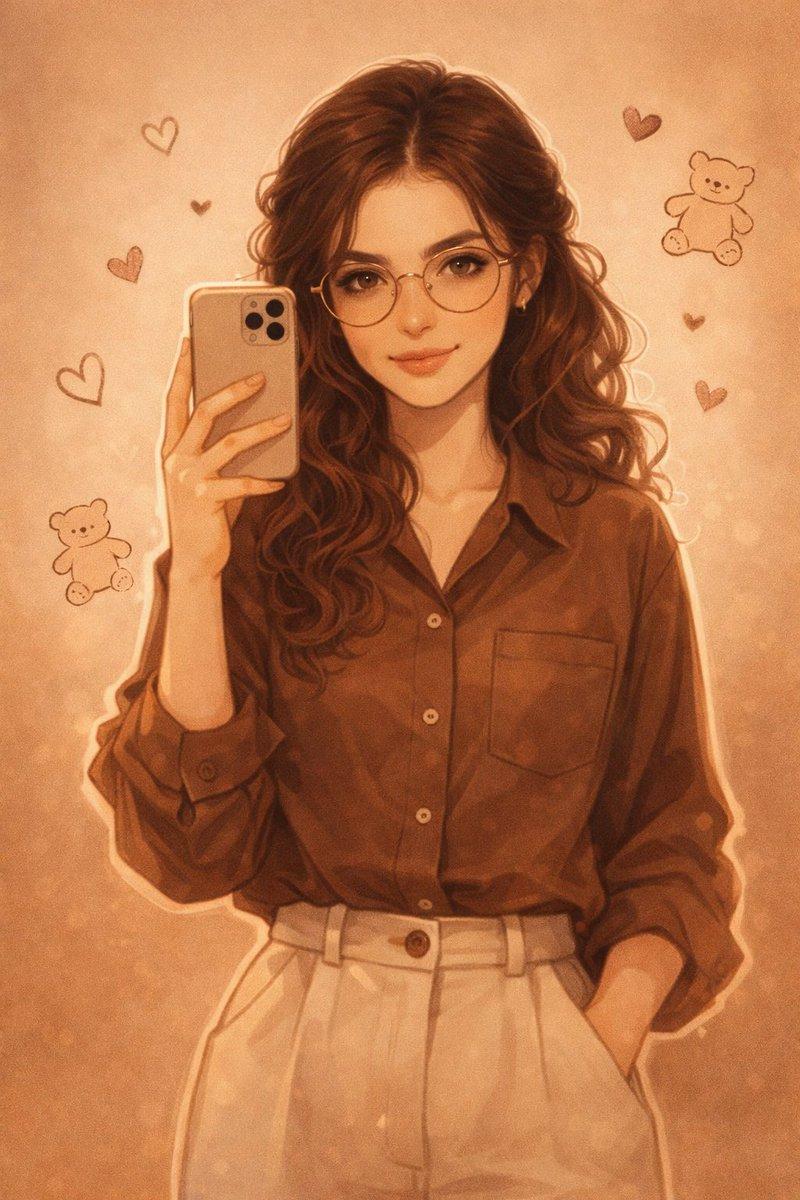
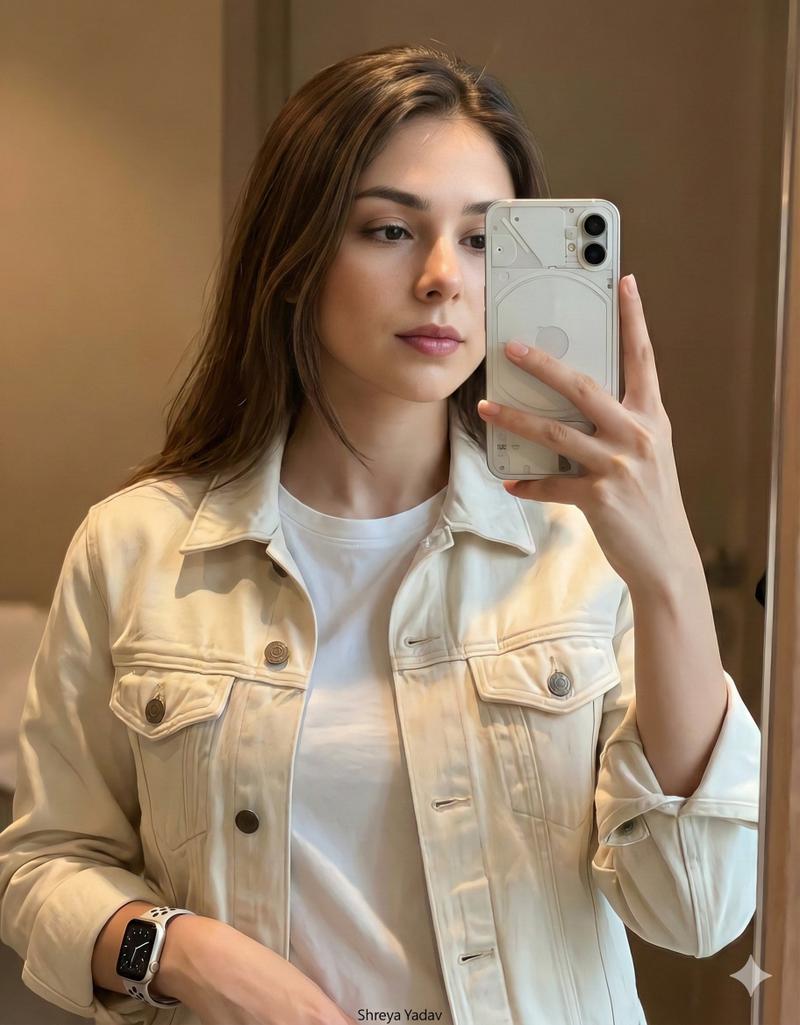
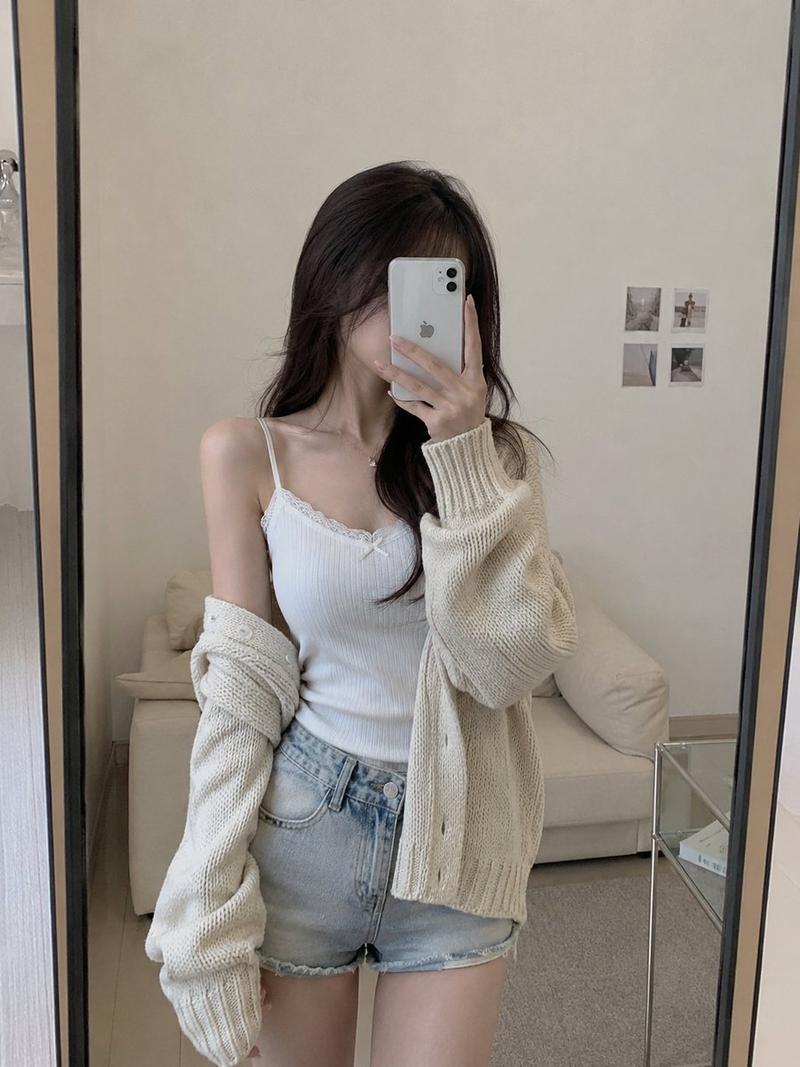
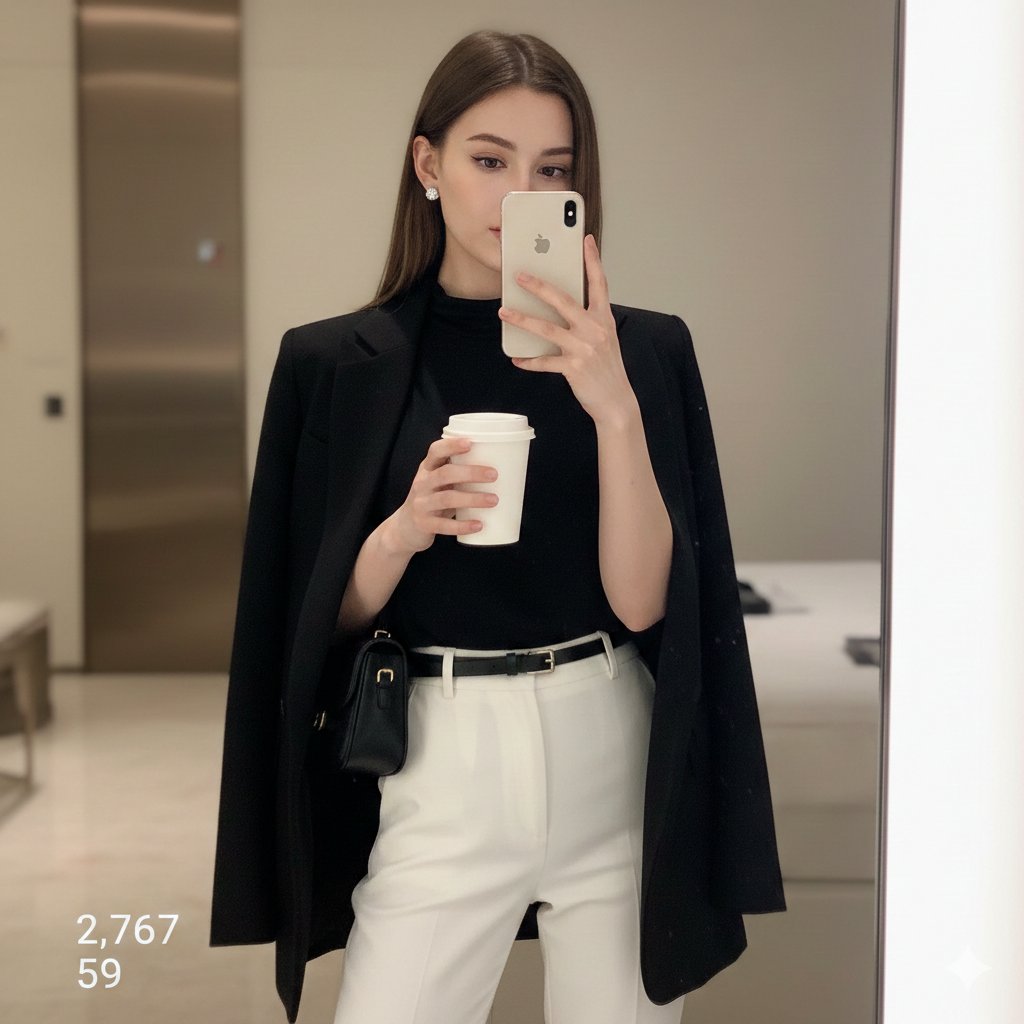
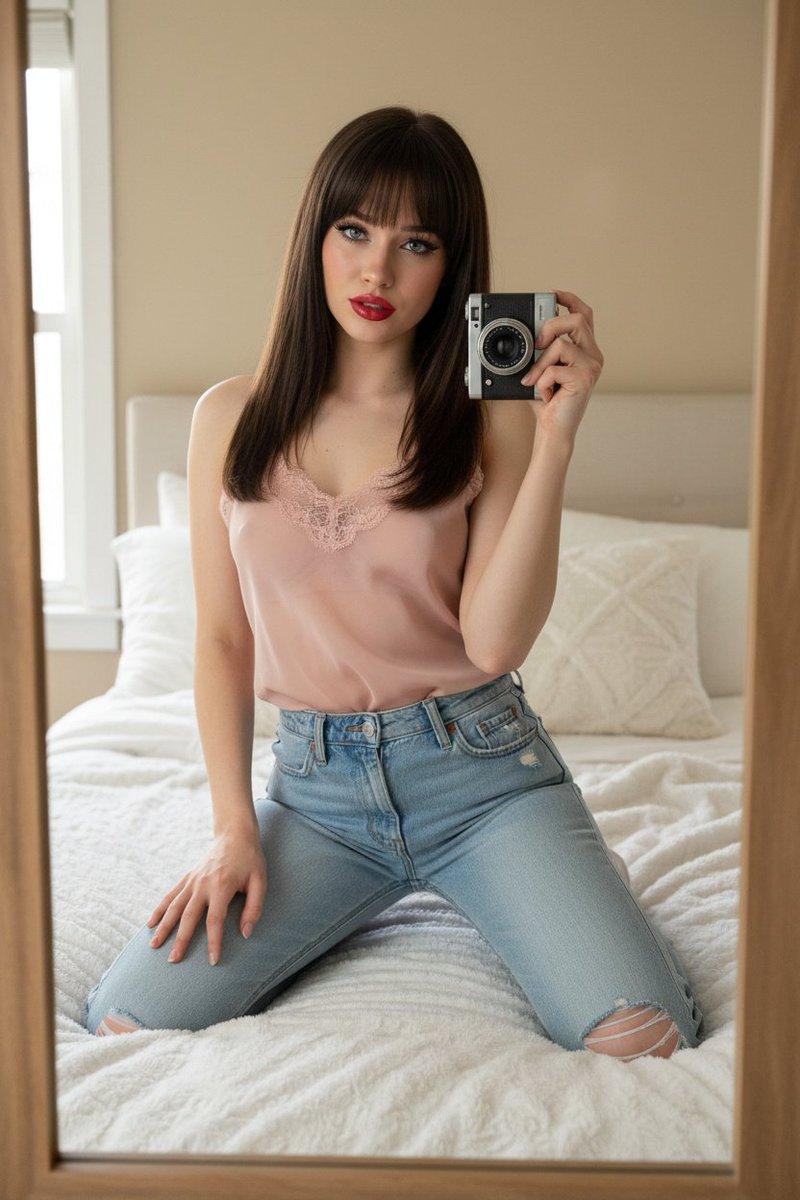
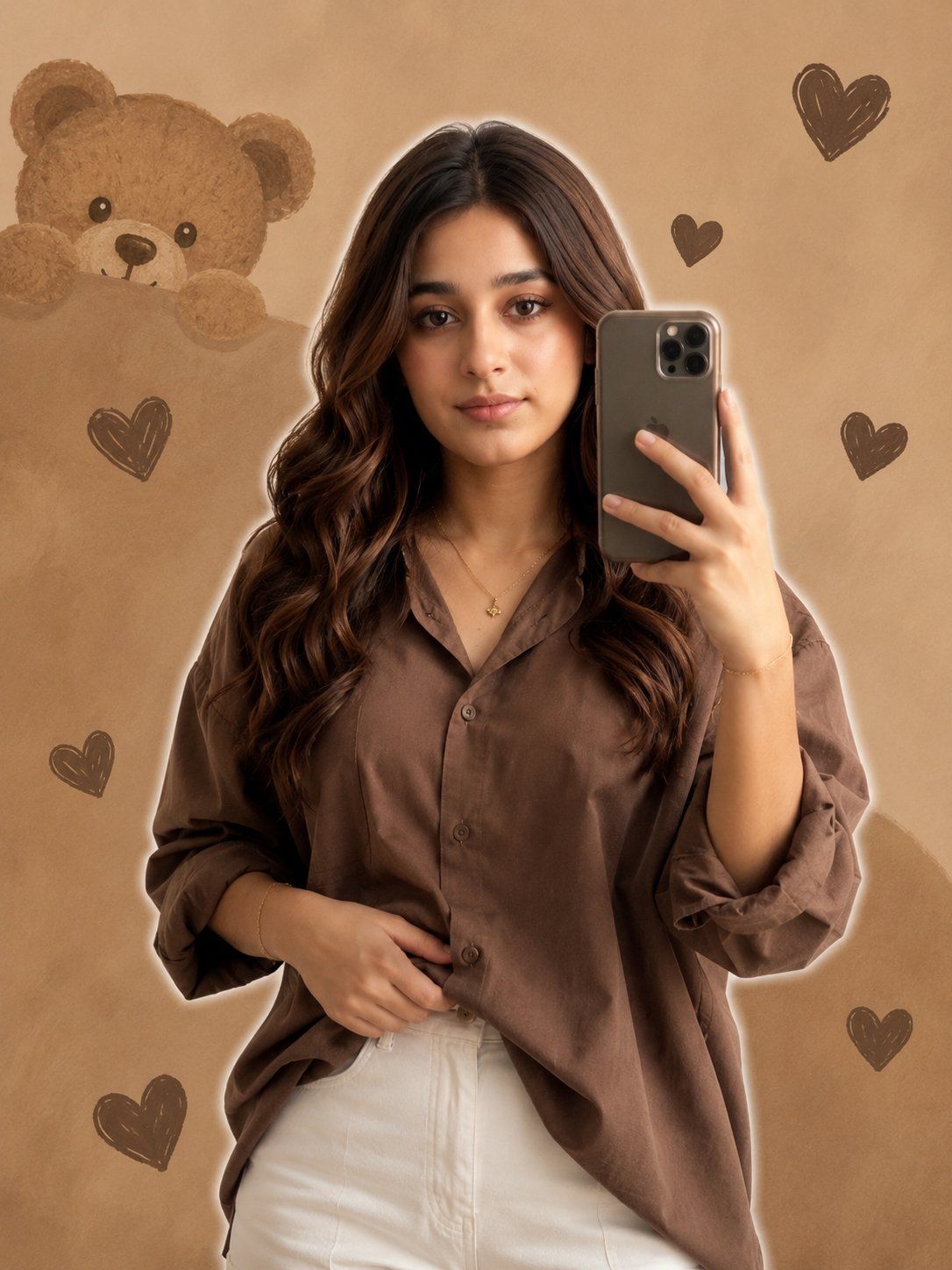
写实风格女孩镜面自拍
Enlarge

写实风格女孩镜面自拍

Prompt
{argument name="subject" default="A young girl realistic face"} taking a mirror selfie, wearing a {argument name="outfit" default="coffee loose shirt and white pants"}, holding the shirt casually with one hand, minimal jewelry, same hair, realistic lighting, and soft white outline glow around her. The background is a warm, light brown aesthetic featuring cute illustrated elements: a peek-a-boo teddy bear face in the top left, multiple textured dark brown heart shapes scattered throughout
{argument name="aspect ratio" default="Ratio 3:4"}
Category
Photography & Realism
Model
GPT Image 2
Views0
Source ID
24915
Published
Jun 9, 2026

Guide

About "写实风格女孩镜面自拍"

What is this prompt for?

"写实风格女孩镜面自拍" AI image prompt for GPT Image 2 (Photography & Realism). 一个关于身穿咖啡色衬衫、带有插画泰迪熊背景美学的写实风格女孩镜面自拍的详细提示词。 Copy it on Picva and recreate the look in one c…

The full copyable prompt and example visuals above are ready for AI image generation or one-click recreate in Picva.

How to use this prompt

  1. Step 1

    Open the prompt detail

    Review the example visuals, category, and full prompt text for "写实风格女孩镜面自拍".

  2. Step 2

    Copy the prompt

    Copy the prompt body from this page, or load it directly in Studio.

  3. Step 3

    Pick a model (GPT Image 2)

    Prefer GPT Image 2. If you switch models, keep subject and composition and tweak style terms.

  4. Step 4

    Generate and export

    Recreate the look in Picva, or export into your workflow for editing and publishing.

FAQ

What is the "写实风格女孩镜面自拍" prompt?
It is an AI image-generation prompt for GPT Image 2 in the Photography & Realism category. This page includes the full prompt text, example visuals, and a one-click recreate path in Picva.
How do I use this prompt to generate an image?
Copy the prompt from this page, or use Generate / Studio. Paste it into a compatible image model, or recreate the look in Picva with optional reference images.
Which model is this prompt for?
This page lists GPT Image 2. Most descriptive prompts also transfer to nearby image models such as GPT Image, Flux, or Midjourney with light style tweaks.
Can I use the result commercially?
You can usually copy the prompt for creation, but commercial use of the final image depends on the model terms, reference-image rights, and the generated content. Follow the source author and platform rules.