20

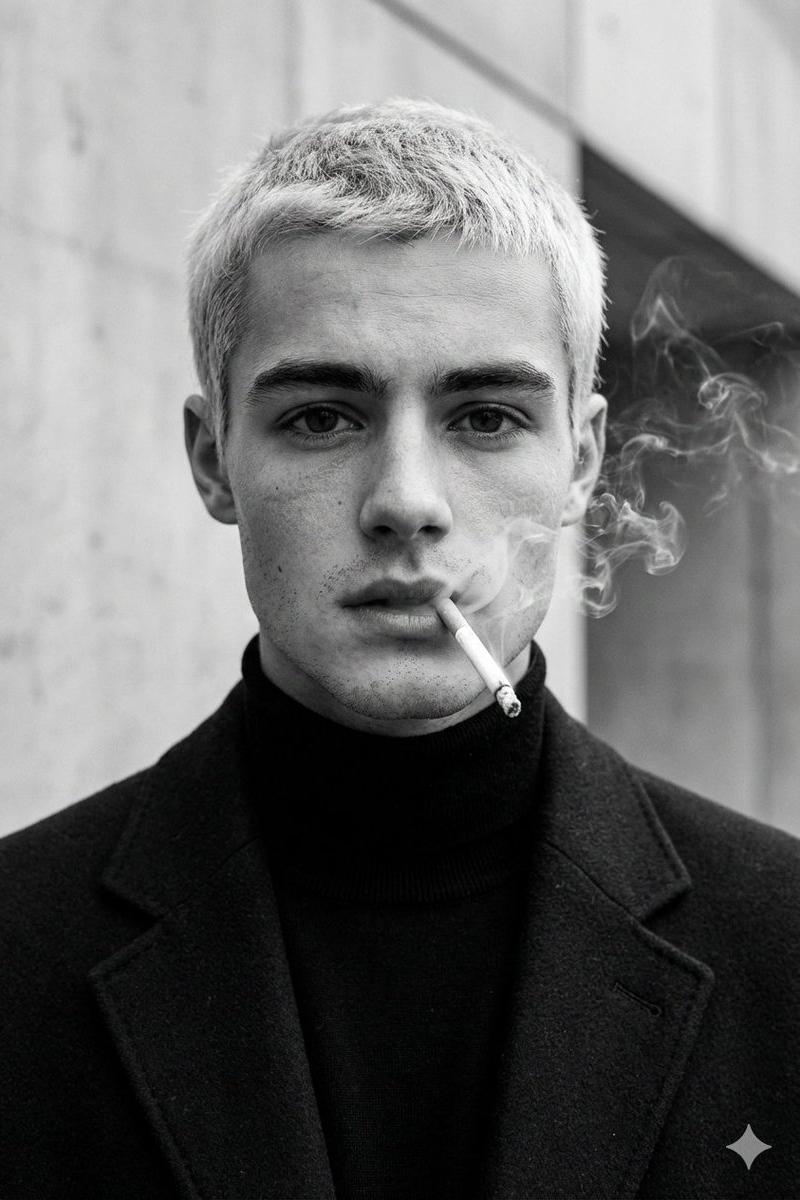
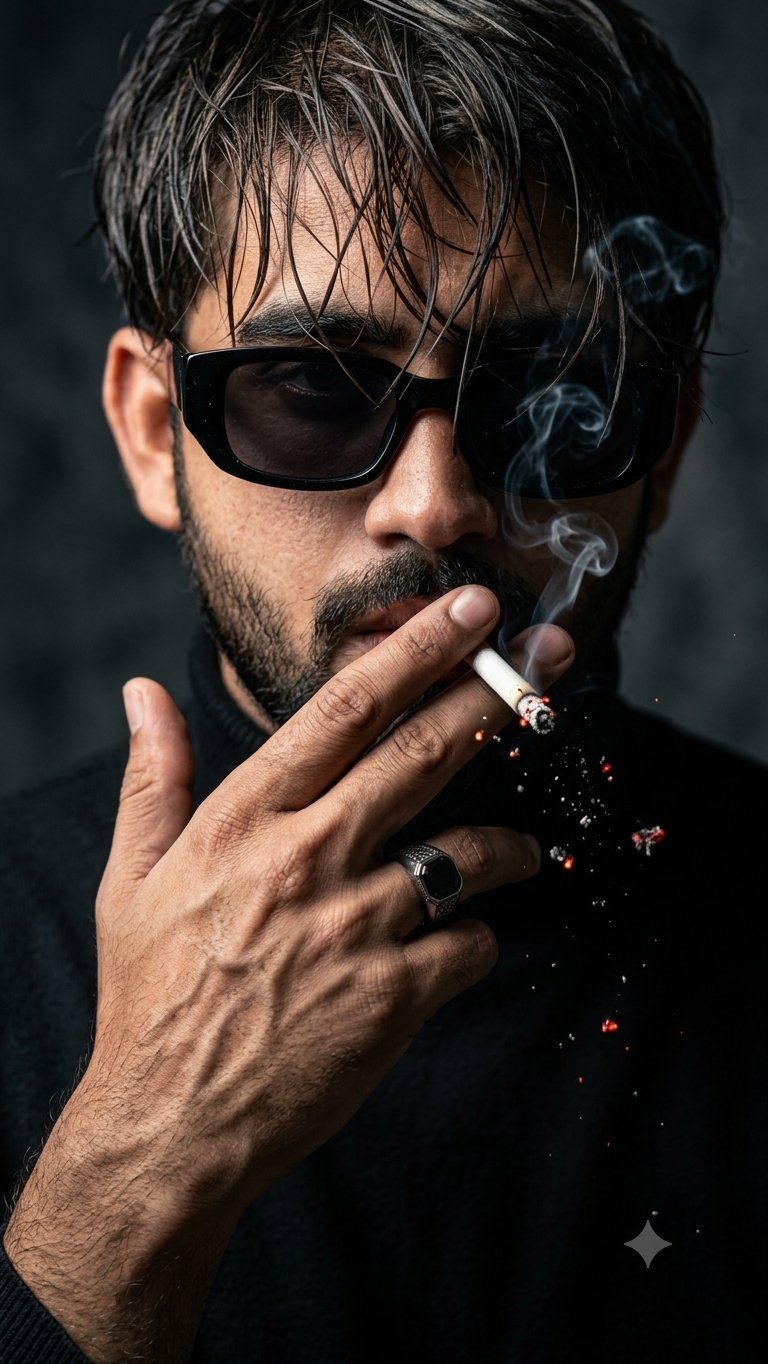
电影感烟雾特写肖像
Enlarge

电影感烟雾特写肖像

Prompt
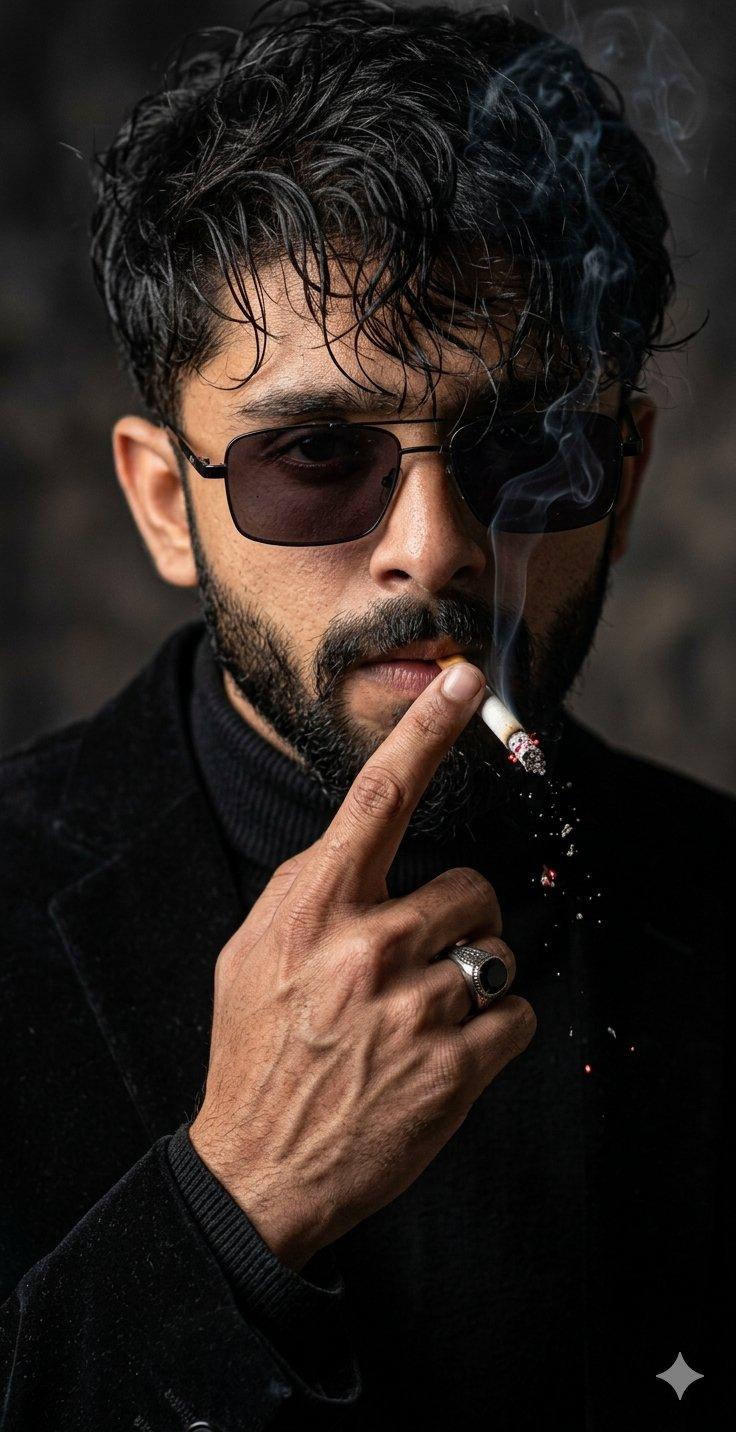
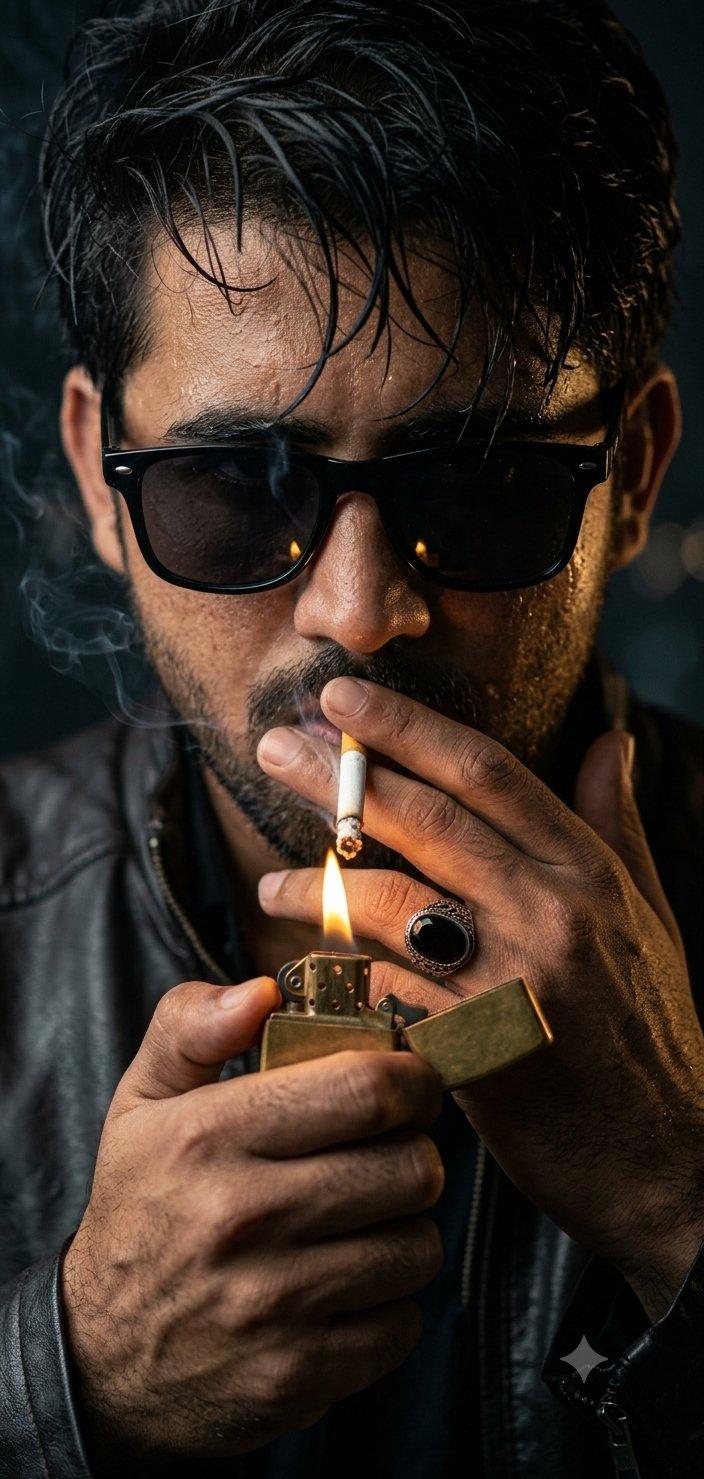
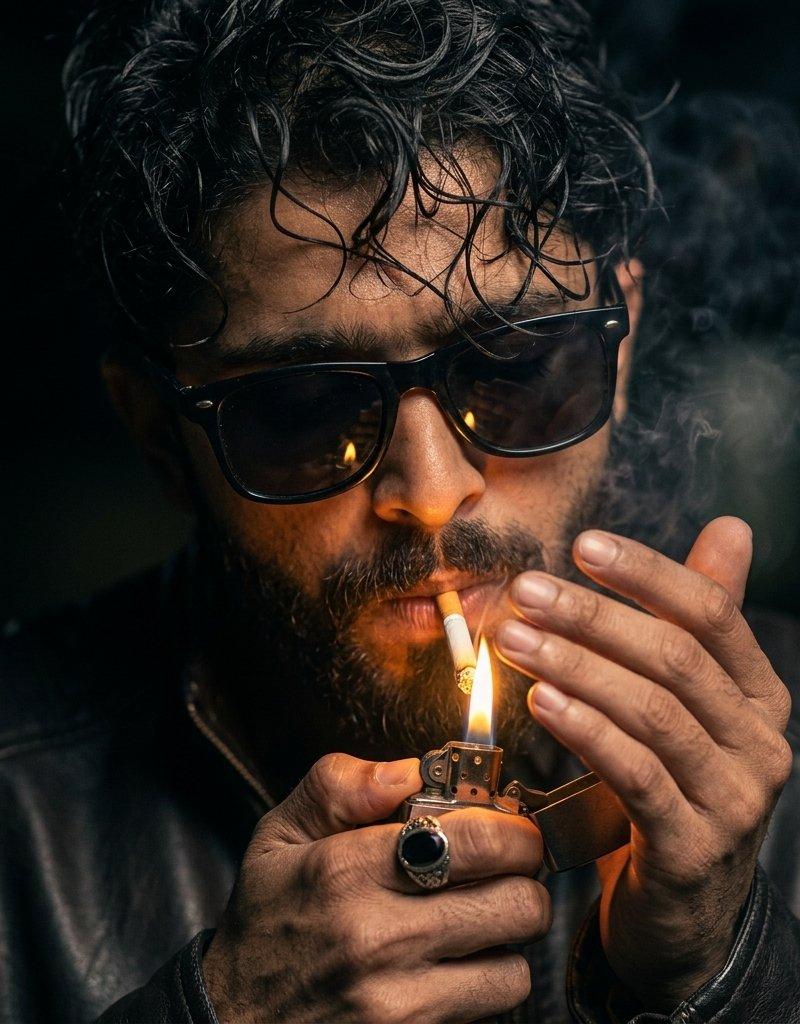
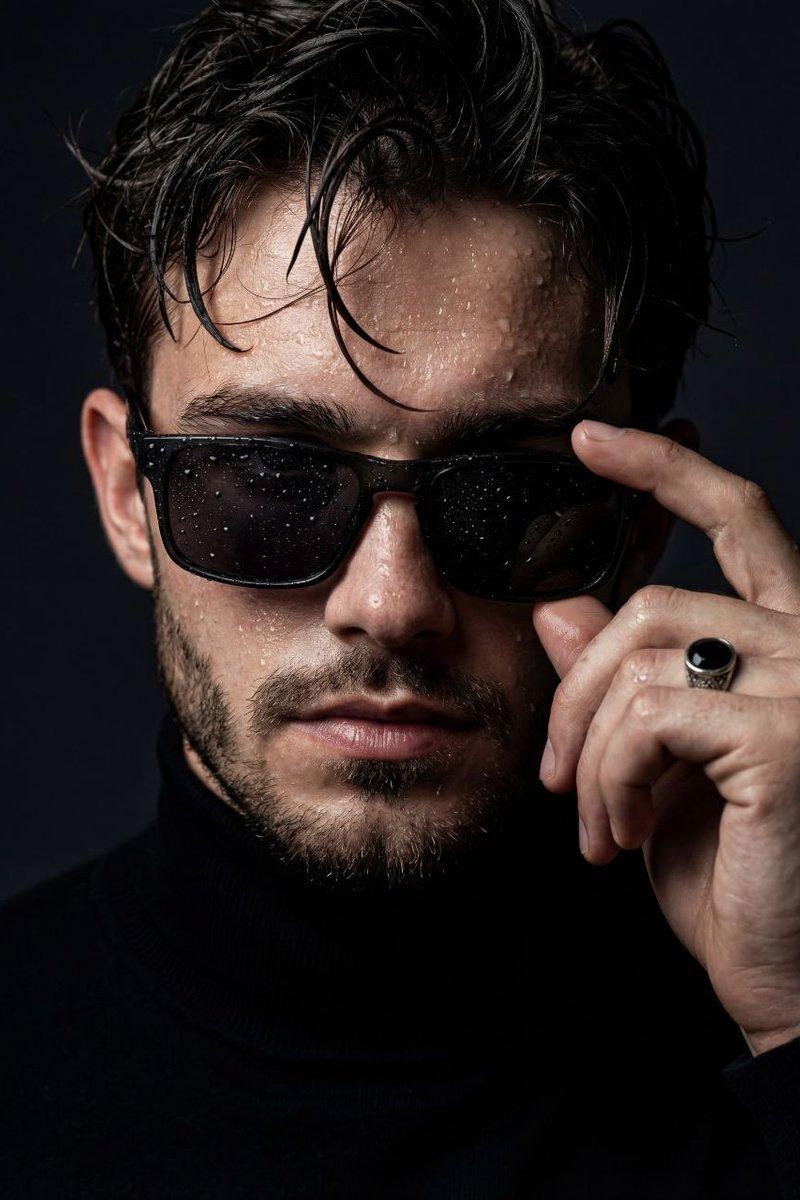
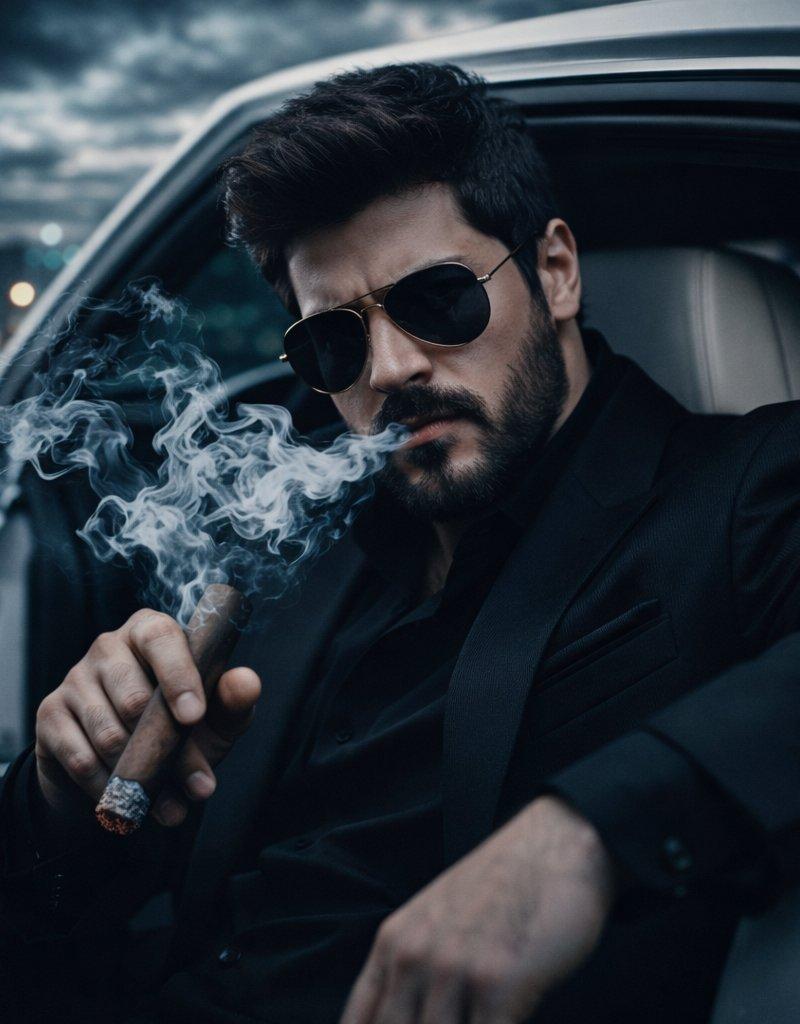
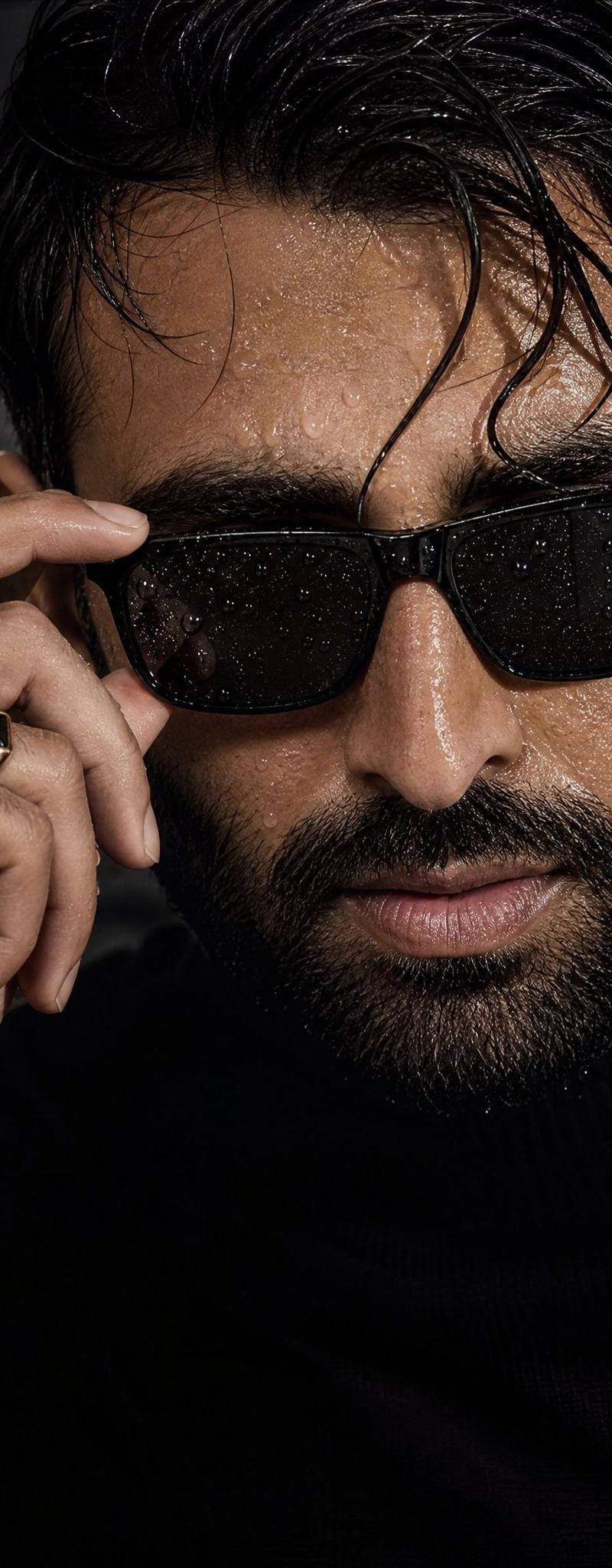
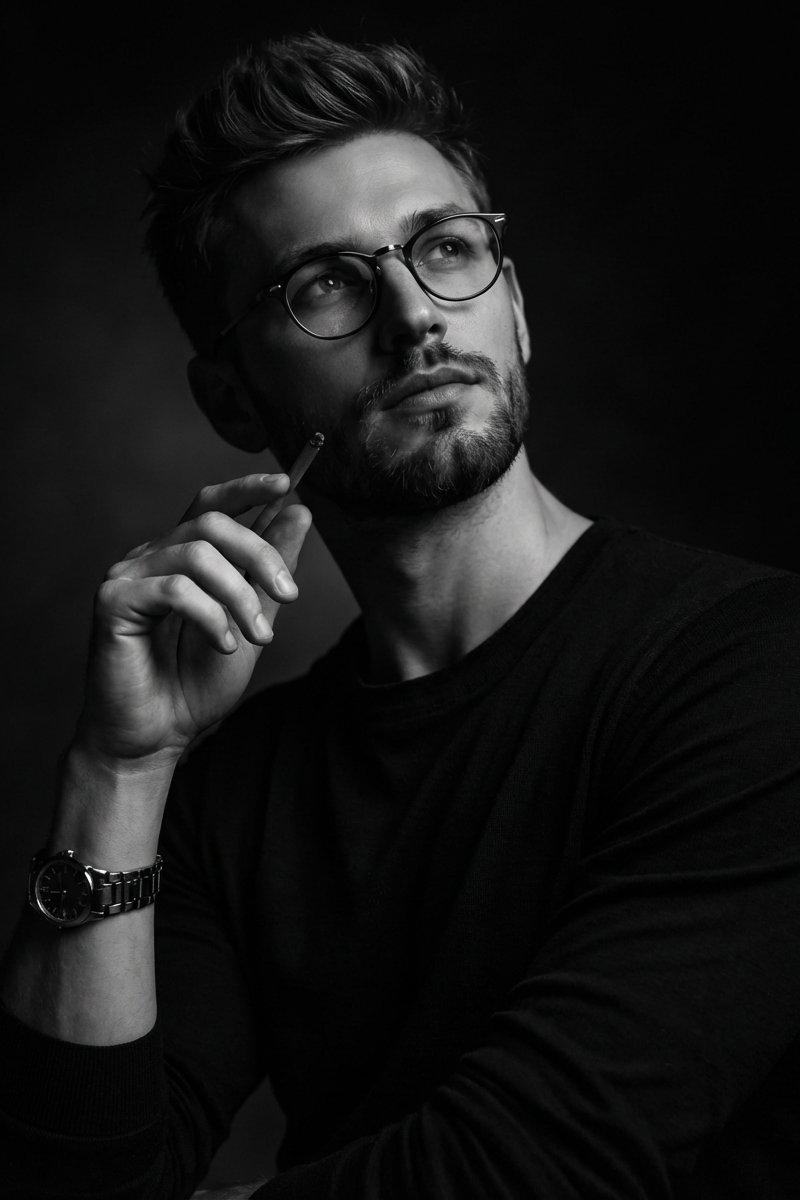
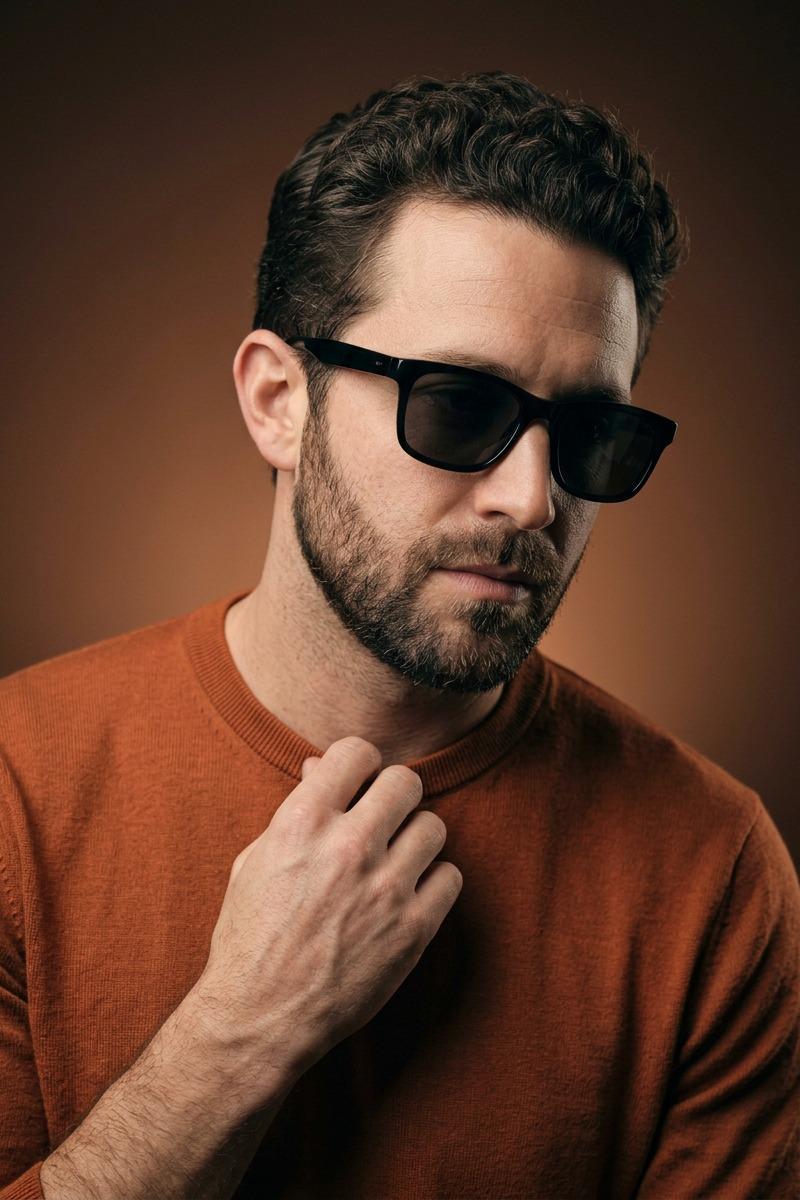
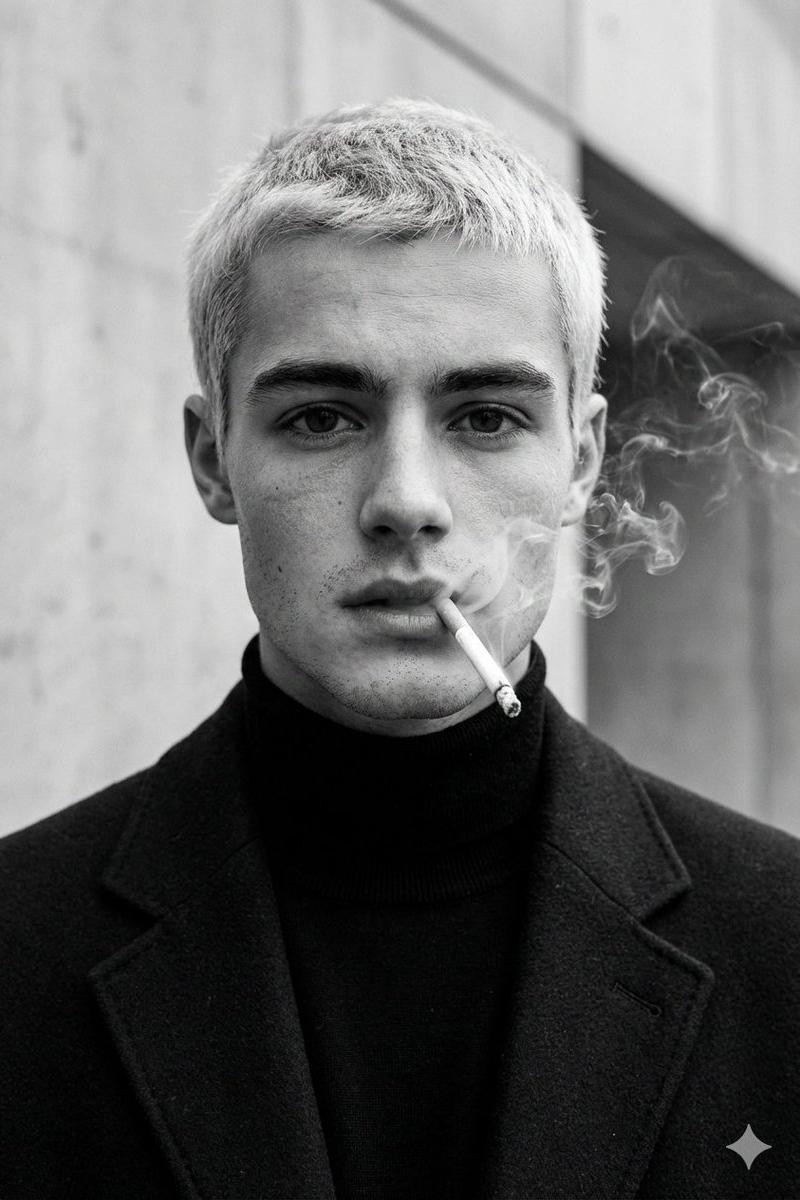
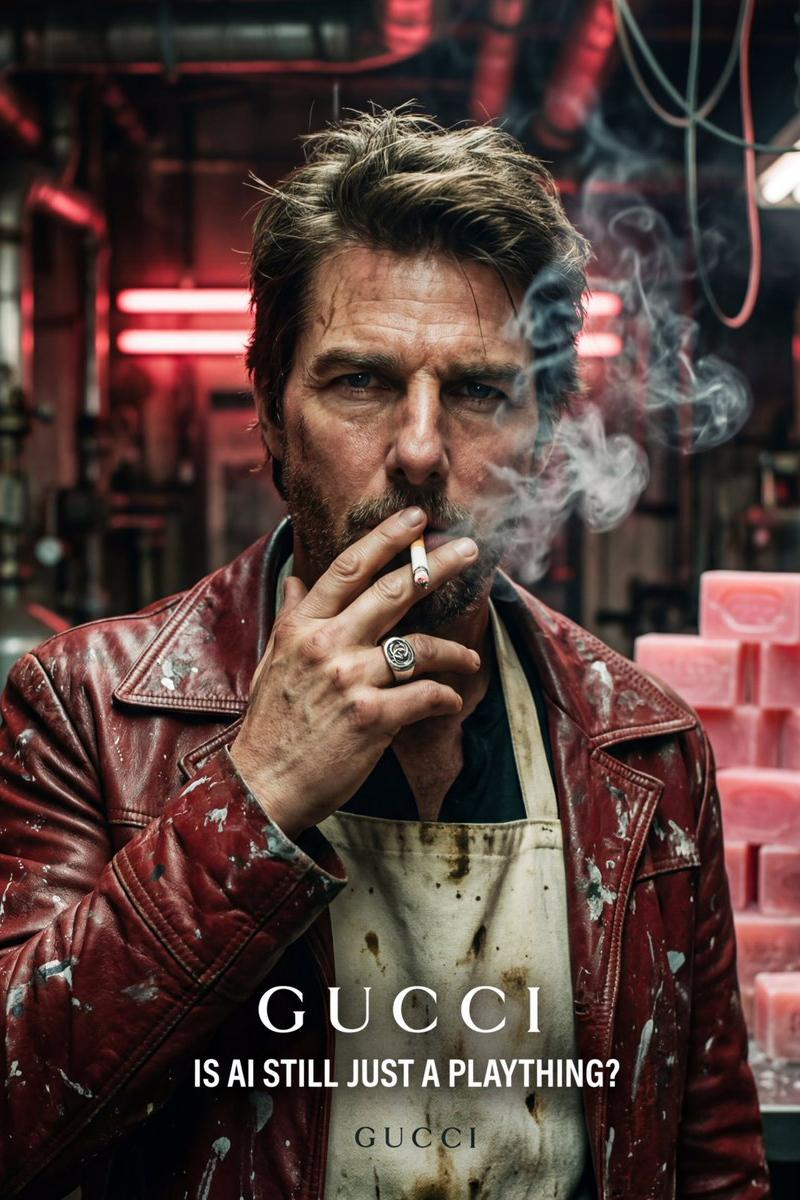
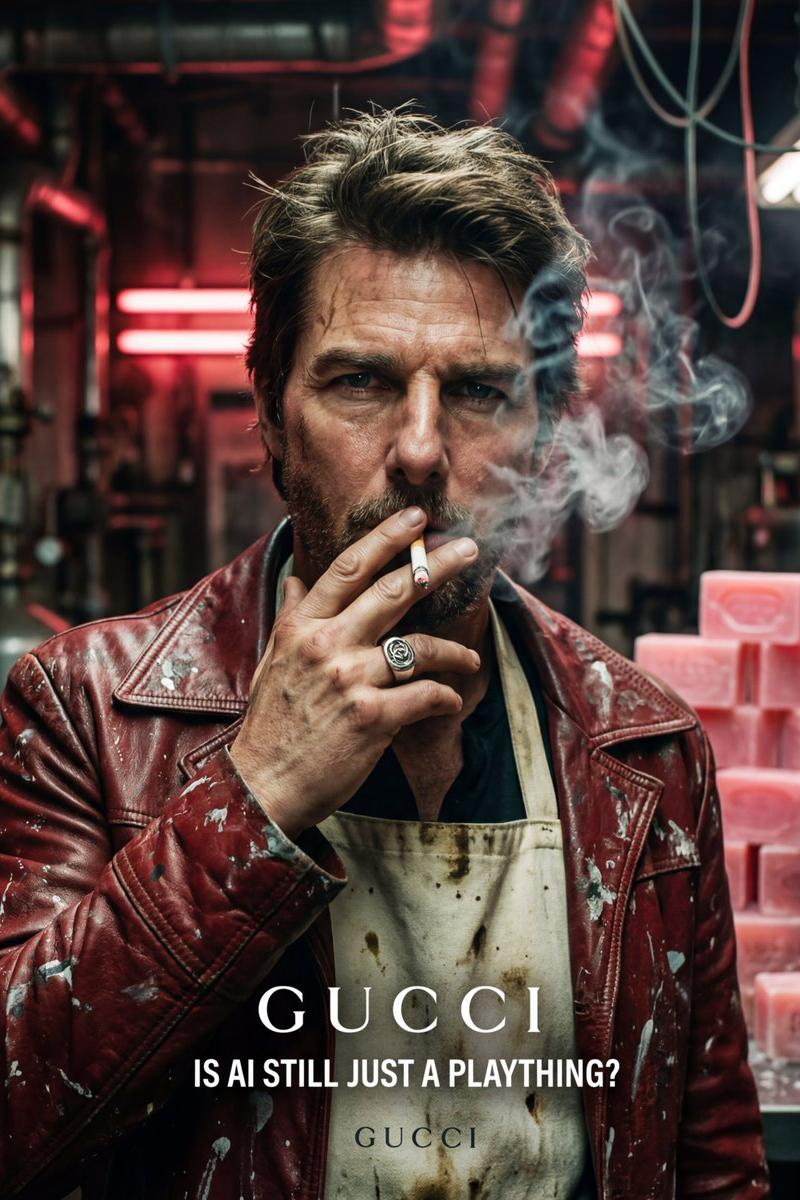
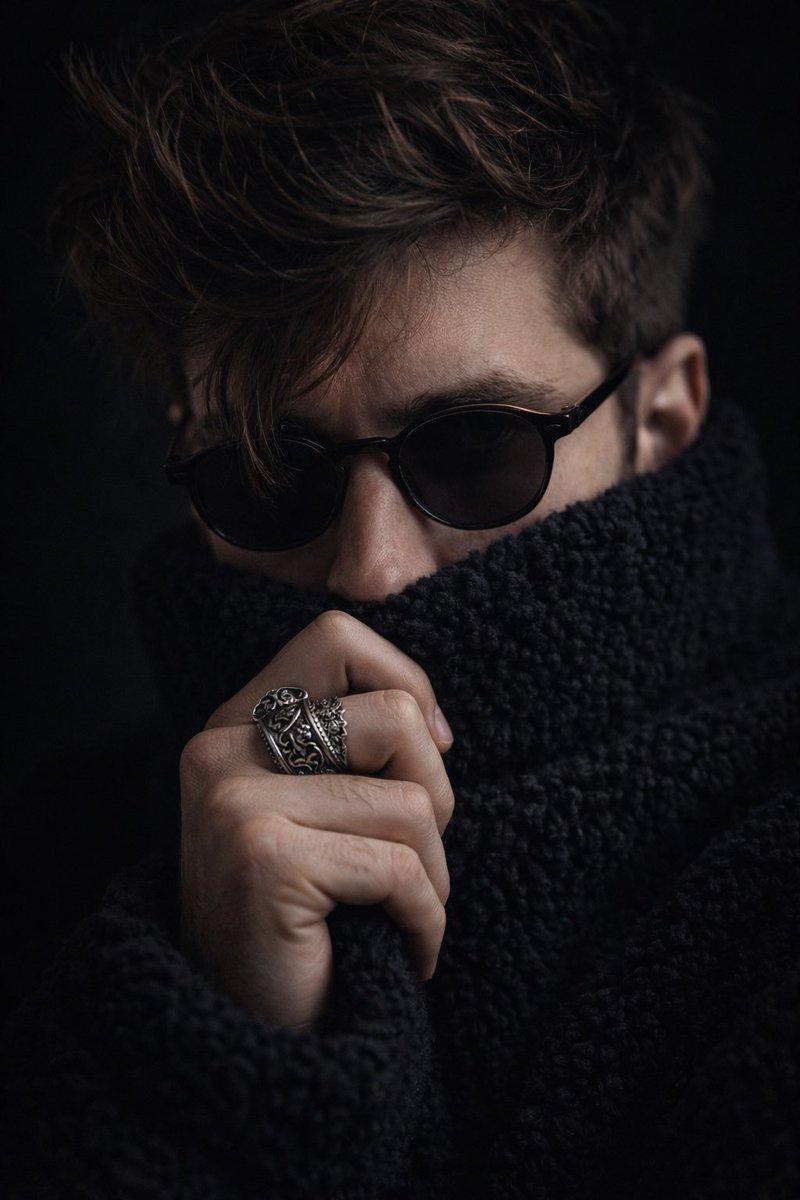
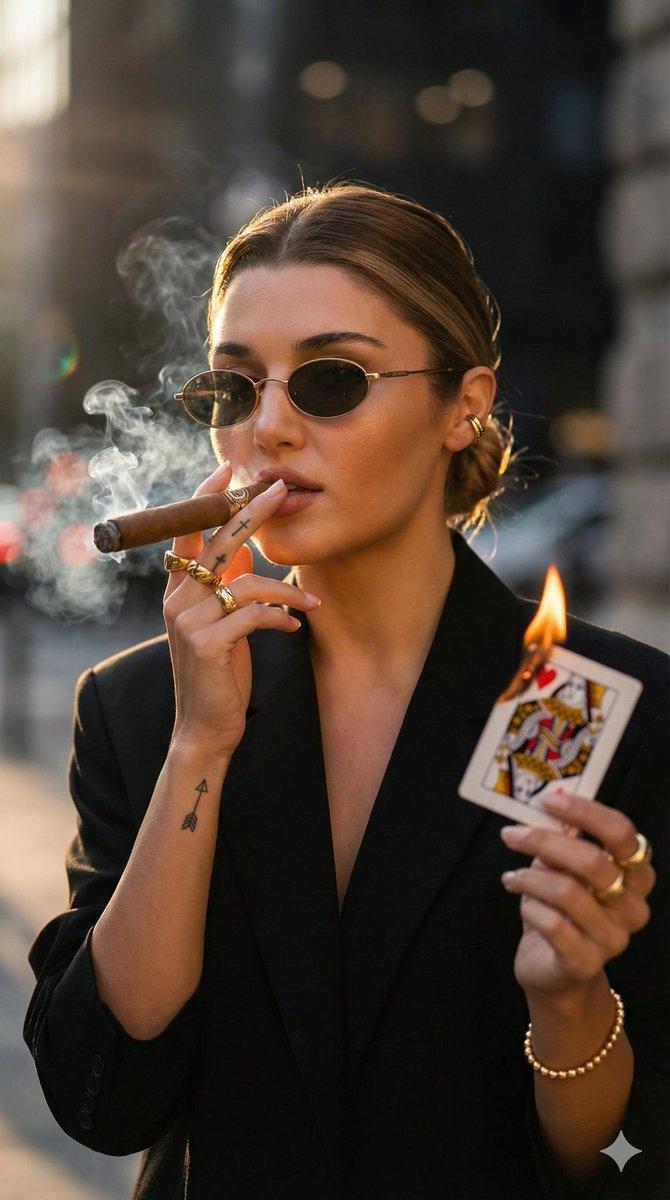
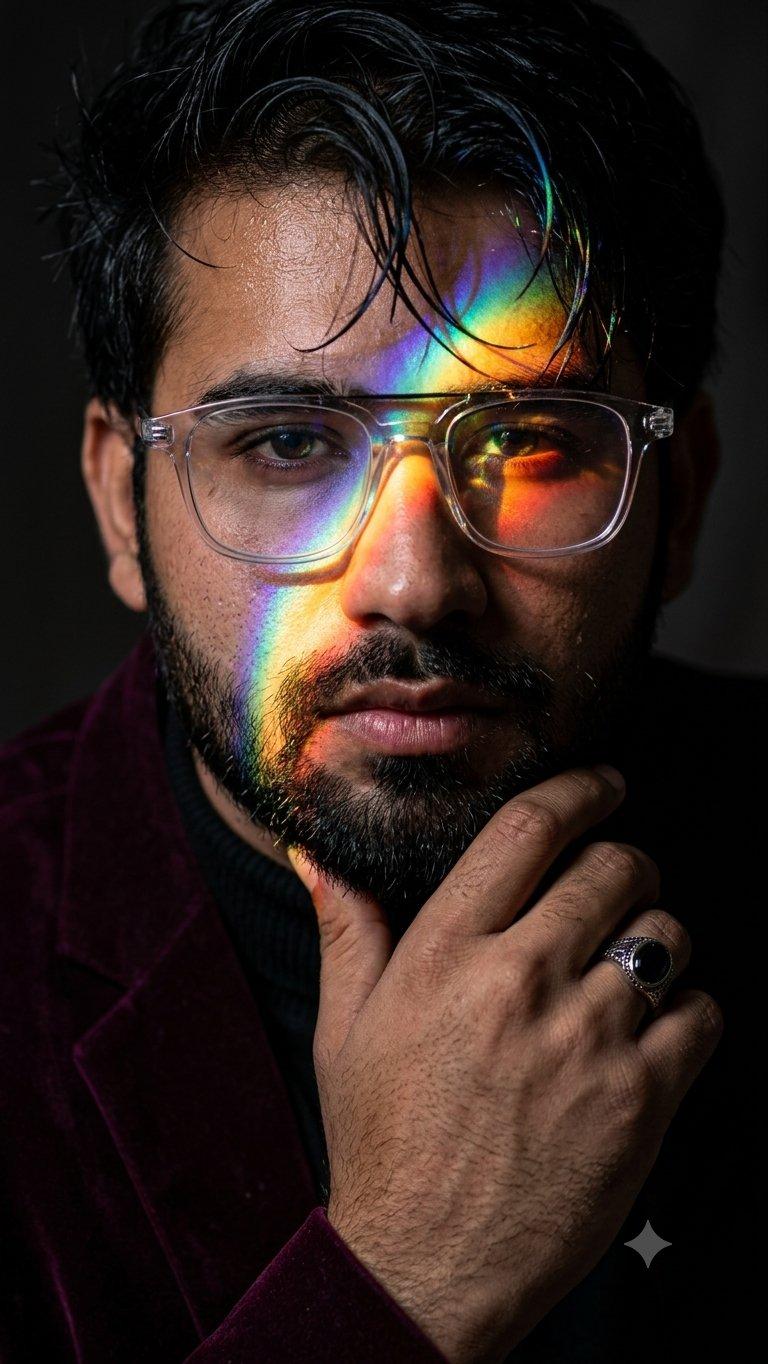
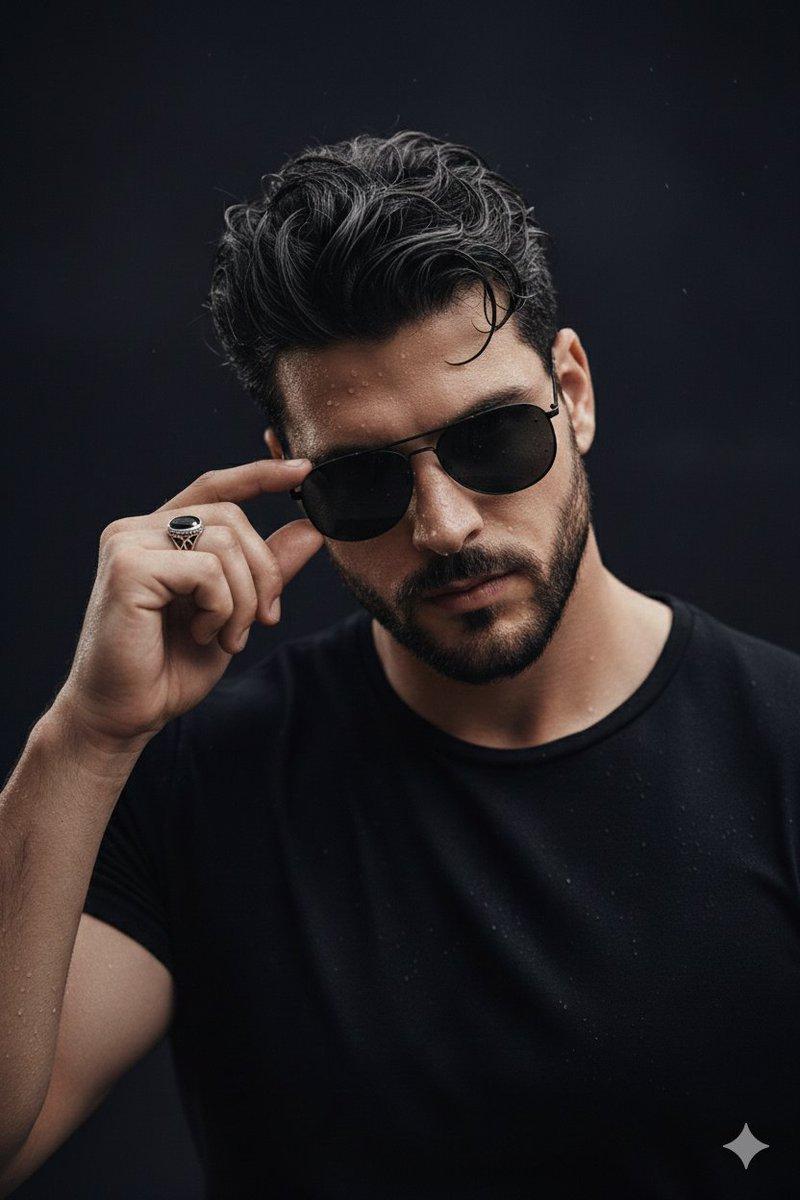
Use 100% face above uploaded photo. Create an ultra-realistic, cinematic close-up portrait of the {argument name="subject" default="young man"} with damp, messy hair falling over his forehead and wearing {argument name="accessories" default="rectangular sunglasses"}. He is in the act of {argument name="action" default="flicking ash from a burning cigarette"} with his index finger. Capture the precise moment: glowing red embers and fine grey ash particles are suspended in mid-air against a dark, textured background. Dramatic side lighting highlights the tension in his hand tendons, his knuckles, the smoke curling from the cigarette tip, and the metallic black-stone ring. He wears a black turtleneck. High contrast, razor-sharp micro-details, 85mm f/1.4 aesthetic. Don't change the face.
Category
Photography & Realism
Model
GPT Image 2
Creator
Muhammad Jamil
Source language
en
Views0
Source ID
25315
Published
Jun 12, 2026
Studio

Guide

About "电影感烟雾特写肖像"

What is this prompt for?

"电影感烟雾特写肖像" AI image prompt for GPT Image 2 (Photography & Realism). 一个用于生成粗粝、超写实特写肖像的提示词,描绘了一名年轻男子在戏剧性光影下弹掉烟灰的瞬间。 Copy it on Picva and recreate the look in on…

The full copyable prompt and example visuals above are ready for AI image generation or one-click recreate in Picva.

How to use this prompt

  1. Step 1

    Open the prompt detail

    Review the example visuals, category, and full prompt text for "电影感烟雾特写肖像".

  2. Step 2

    Copy the prompt

    Copy the prompt body from this page, or load it directly in Studio.

  3. Step 3

    Pick a model (GPT Image 2)

    Prefer GPT Image 2. If you switch models, keep subject and composition and tweak style terms.

  4. Step 4

    Generate and export

    Recreate the look in Picva, or export into your workflow for editing and publishing.

FAQ

What is the "电影感烟雾特写肖像" prompt?
It is an AI image-generation prompt for GPT Image 2 in the Photography & Realism category. This page includes the full prompt text, example visuals, and a one-click recreate path in Picva.
How do I use this prompt to generate an image?
Copy the prompt from this page, or use Generate / Studio. Paste it into a compatible image model, or recreate the look in Picva with optional reference images.
Which model is this prompt for?
This page lists GPT Image 2. Most descriptive prompts also transfer to nearby image models such as GPT Image, Flux, or Midjourney with light style tweaks.
Can I use the result commercially?
You can usually copy the prompt for creation, but commercial use of the final image depends on the model terms, reference-image rights, and the generated content. Follow the source author and platform rules.