18

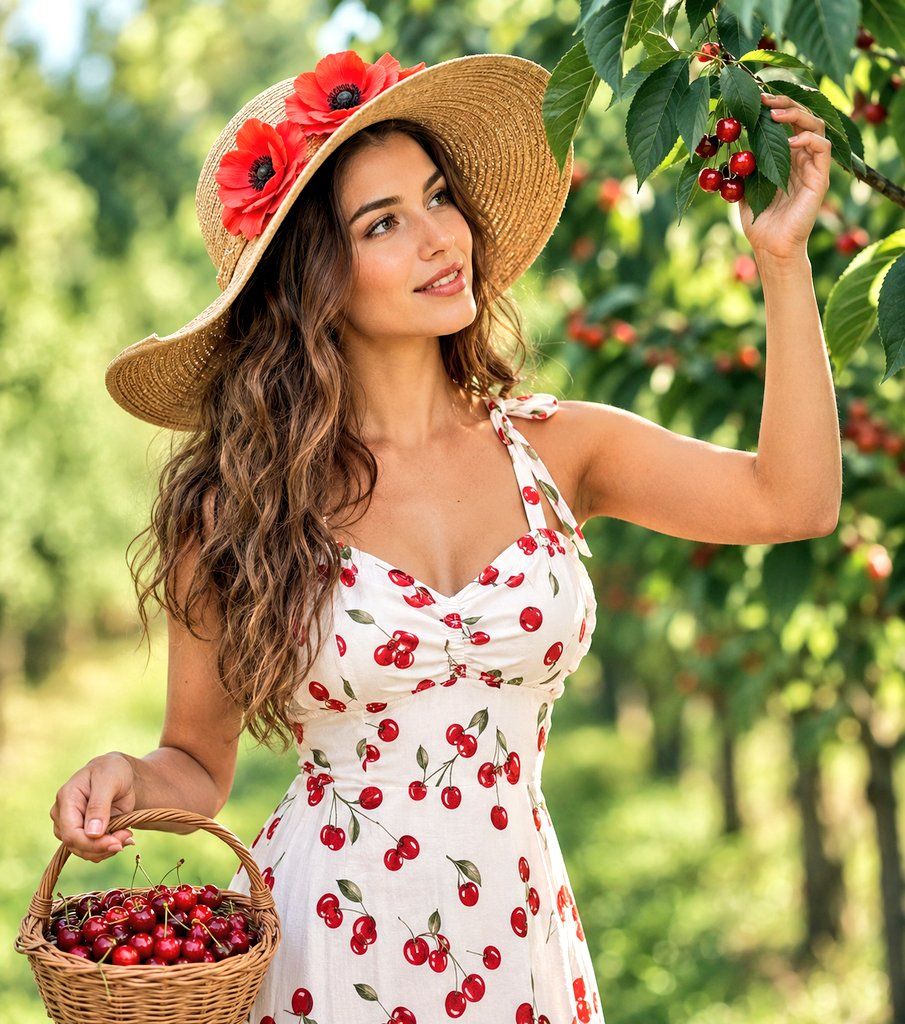
果园里采摘樱桃的女子
Enlarge

果园里采摘樱桃的女子

Prompt
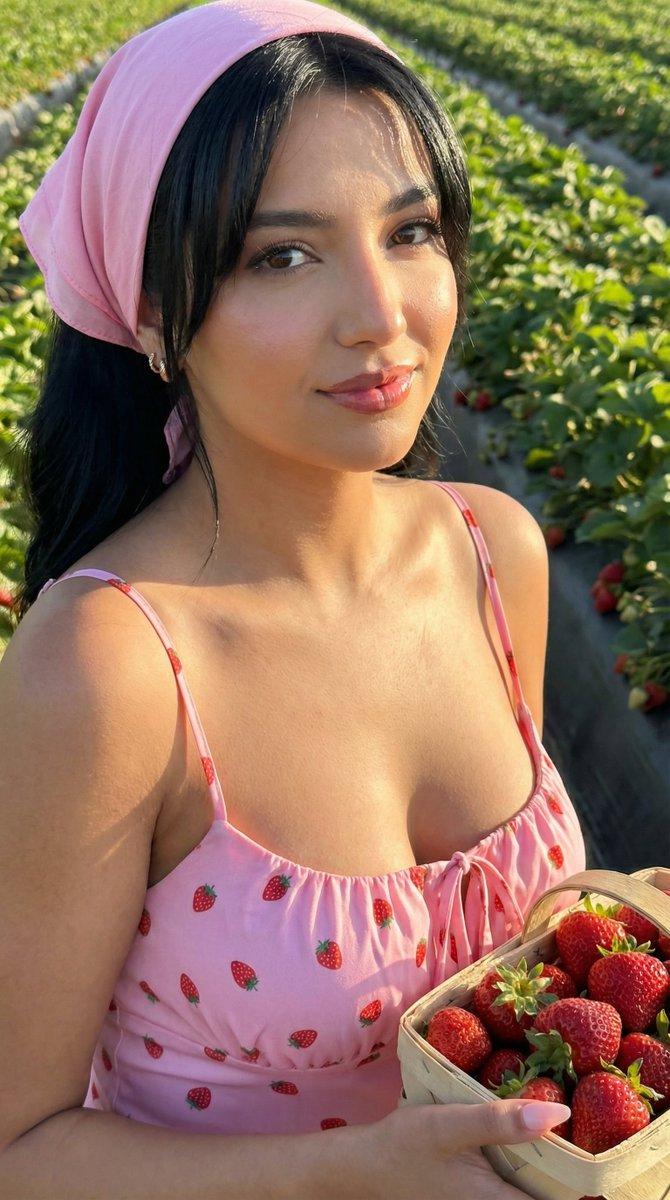
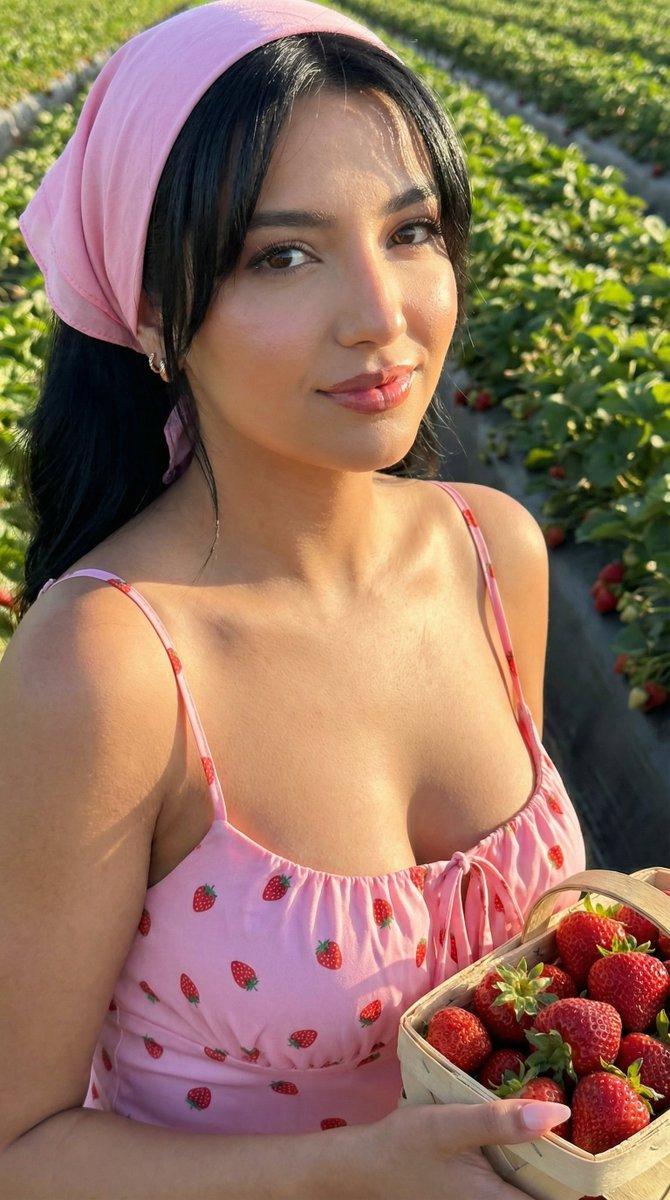
AI Studio Medium shot of a beautiful young woman with {argument name="hair" default="long, wavy brown hair"} picking cherries in an orchard. She is wearing a {argument name="dress" default="white summer sundress with a red cherry pattern"} and tie-up shoulder straps. She wears a wide-brimmed straw sunhat decorated with large, vibrant red fabric poppies. She is holding a small wicker basket filled with fresh red cherries in one hand, while her other hand gently reaches up to touch cherries hanging from a tree branch. Soft, natural morning sunlight, {argument name="background" default="lush green background with blurred cherry trees"}, cinematic lighting, photorealistic, 8k resolution, highly detailed features.
Category
Photography & Realism
Model
GPT Image 2
Creator
Avelyrah
Views0
Source ID
25343
Published
Jun 12, 2026

Guide

About "果园里采摘樱桃的女子"

What is this prompt for?

"果园里采摘樱桃的女子" AI image prompt for GPT Image 2 (Photography & Realism). 一张照片级真实的中景镜头,展示了一位身穿樱桃图案夏日连衣裙的女子在阳光明媚的果园里采摘水果。 Copy it on Picva and recreate the look in…

The full copyable prompt and example visuals above are ready for AI image generation or one-click recreate in Picva.

How to use this prompt

  1. Step 1

    Open the prompt detail

    Review the example visuals, category, and full prompt text for "果园里采摘樱桃的女子".

  2. Step 2

    Copy the prompt

    Copy the prompt body from this page, or load it directly in Studio.

  3. Step 3

    Pick a model (GPT Image 2)

    Prefer GPT Image 2. If you switch models, keep subject and composition and tweak style terms.

  4. Step 4

    Generate and export

    Recreate the look in Picva, or export into your workflow for editing and publishing.

FAQ

What is the "果园里采摘樱桃的女子" prompt?
It is an AI image-generation prompt for GPT Image 2 in the Photography & Realism category. This page includes the full prompt text, example visuals, and a one-click recreate path in Picva.
How do I use this prompt to generate an image?
Copy the prompt from this page, or use Generate / Studio. Paste it into a compatible image model, or recreate the look in Picva with optional reference images.
Which model is this prompt for?
This page lists GPT Image 2. Most descriptive prompts also transfer to nearby image models such as GPT Image, Flux, or Midjourney with light style tweaks.
Can I use the result commercially?
You can usually copy the prompt for creation, but commercial use of the final image depends on the model terms, reference-image rights, and the generated content. Follow the source author and platform rules.