19

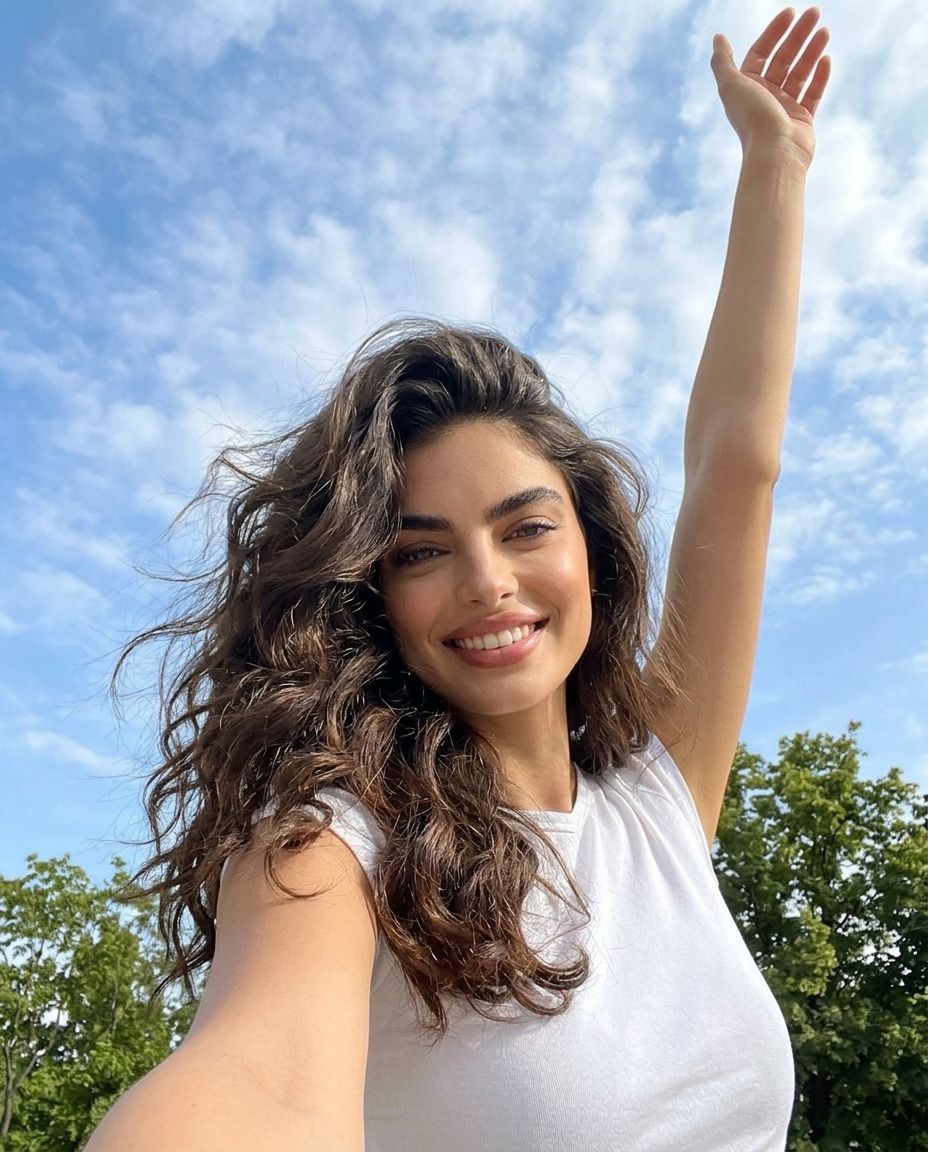
阳光公园自拍
Enlarge

Example images

阳光公园自拍

Prompt
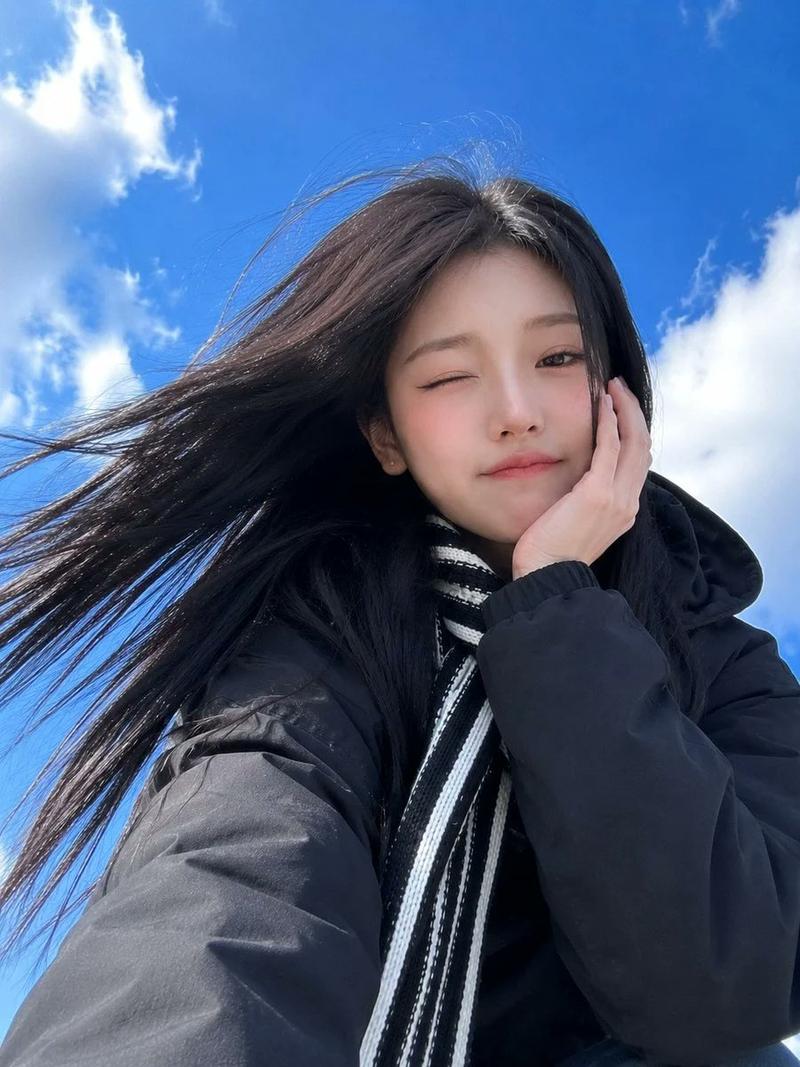
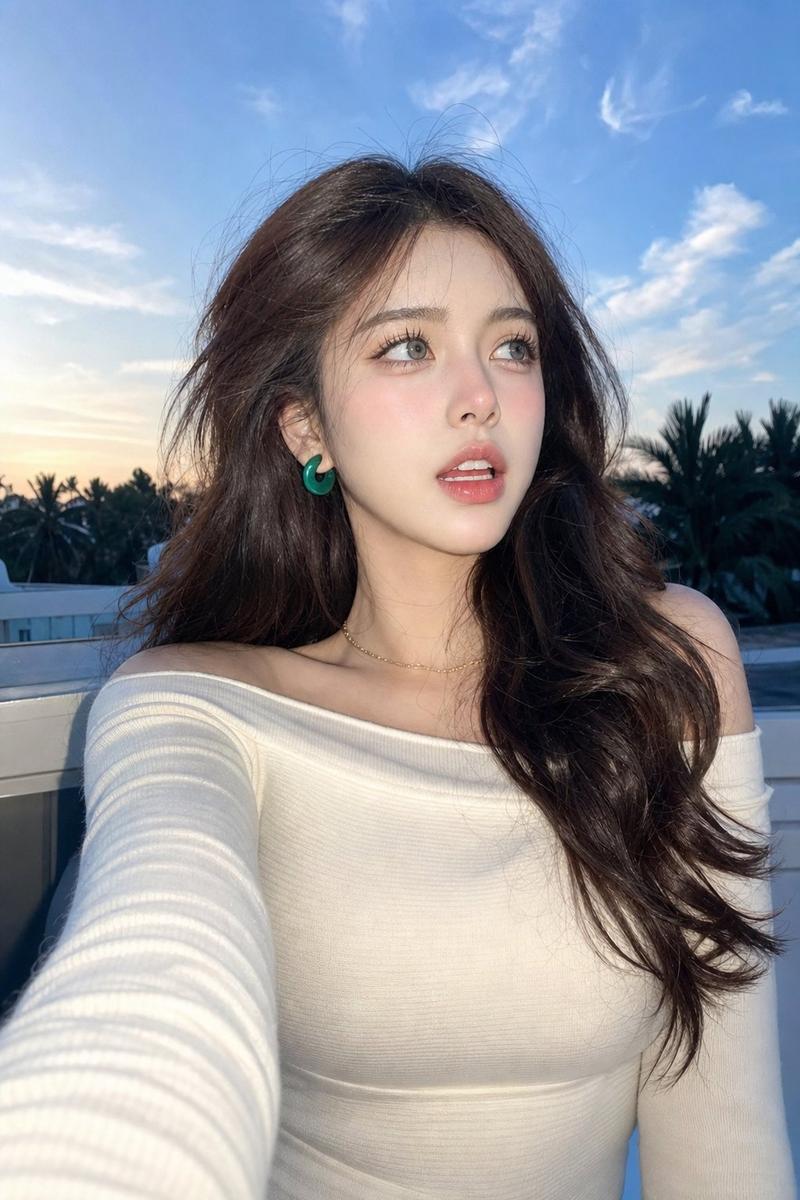
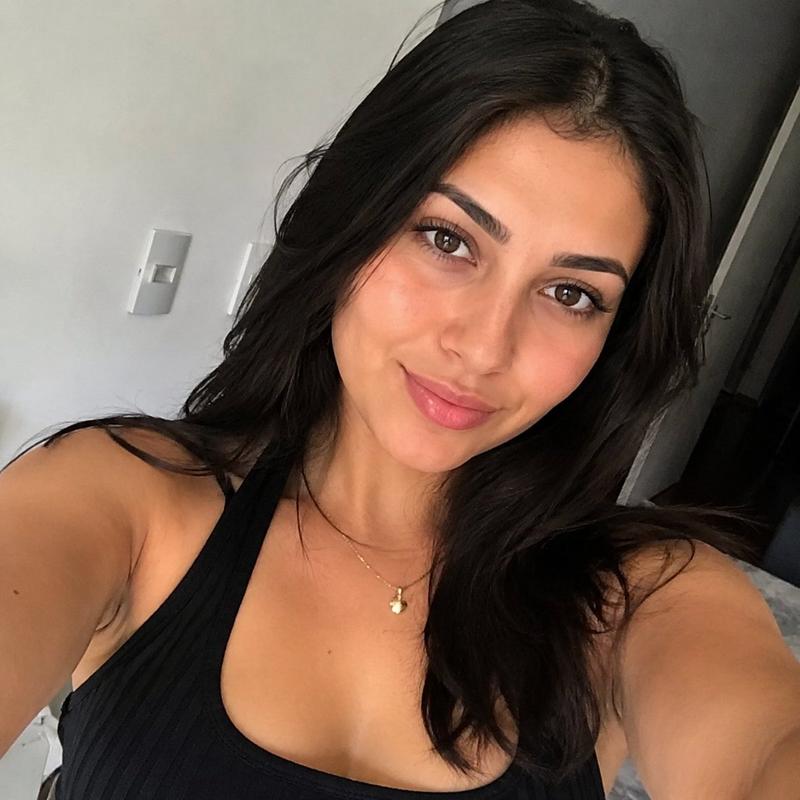
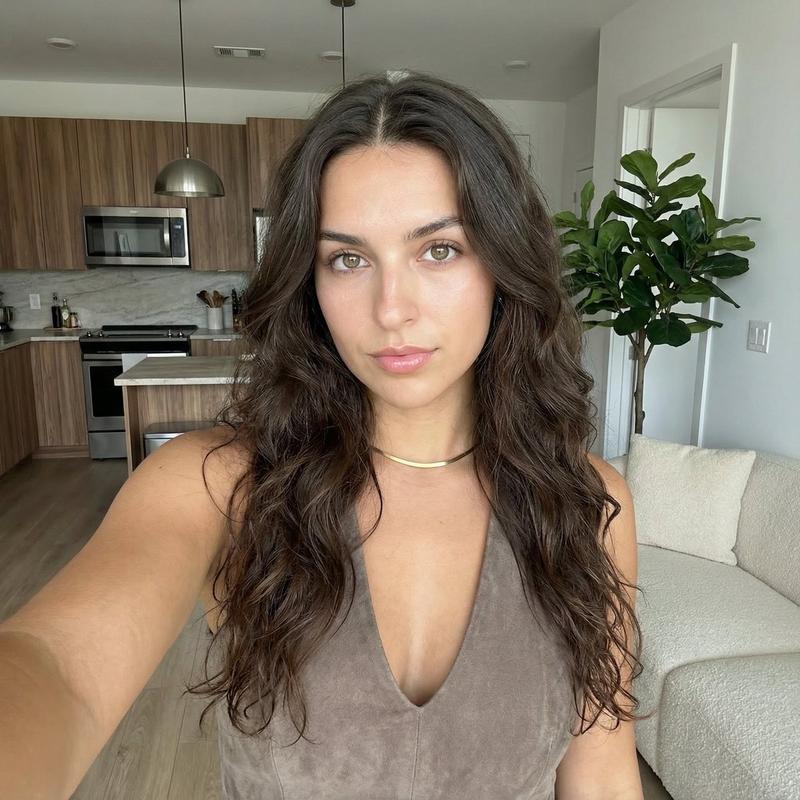
Create a photorealistic vertical outdoor selfie of a young woman standing in a sunny park beneath a bright blue sky with scattered soft white clouds. The camera is held low and close at arm’s length, creating a wide-angle smartphone selfie perspective with the left forearm extending toward the bottom left foreground and the upper body filling the lower half of the frame. The woman has {argument name="hair color" default="dark brown"} long, thick, naturally wavy hair blowing slightly in the breeze, wears a plain {argument name="shirt color" default="white"} sleeveless fitted top, and raises one arm high overhead toward the top right corner with an open relaxed hand. Her face is intentionally obscured by a centered square pixel-like privacy block in a medium brown skin-tone gradient, covering the entire facial area while leaving hair, neck, shoulders, and arm visible. Background: green leafy trees along the bottom edge and right side, open sky dominating the upper two thirds. Lighting is natural midday sunlight, crisp but flattering, with realistic skin texture, hair detail, cloud texture, and casual candid energy. No text, no watermark, no extra people, no artificial studio look.
Category
Photography & Realism
Model
GPT Image 2
Views0
Source ID
25427
Published
Jun 12, 2026

Guide

About "阳光公园自拍"

What is this prompt for?

"阳光公园自拍" AI image prompt for GPT Image 2 (Photography & Realism). 生成一张逼真的户外自拍,包含抬起的手臂、多云的蓝天背景,以及用于社交媒体“天空自拍”概念的匿名化面部处理。 Copy it on Picva and recreate the look…

The full copyable prompt and example visuals above are ready for AI image generation or one-click recreate in Picva.

How to use this prompt

  1. Step 1

    Open the prompt detail

    Review the example visuals, category, and full prompt text for "阳光公园自拍".

  2. Step 2

    Copy the prompt

    Copy the prompt body from this page, or load it directly in Studio.

  3. Step 3

    Pick a model (GPT Image 2)

    Prefer GPT Image 2. If you switch models, keep subject and composition and tweak style terms.

  4. Step 4

    Generate and export

    Recreate the look in Picva, or export into your workflow for editing and publishing.

FAQ

What is the "阳光公园自拍" prompt?
It is an AI image-generation prompt for GPT Image 2 in the Photography & Realism category. This page includes the full prompt text, example visuals, and a one-click recreate path in Picva.
How do I use this prompt to generate an image?
Copy the prompt from this page, or use Generate / Studio. Paste it into a compatible image model, or recreate the look in Picva with optional reference images.
Which model is this prompt for?
This page lists GPT Image 2. Most descriptive prompts also transfer to nearby image models such as GPT Image, Flux, or Midjourney with light style tweaks.
Can I use the result commercially?
You can usually copy the prompt for creation, but commercial use of the final image depends on the model terms, reference-image rights, and the generated content. Follow the source author and platform rules.