19

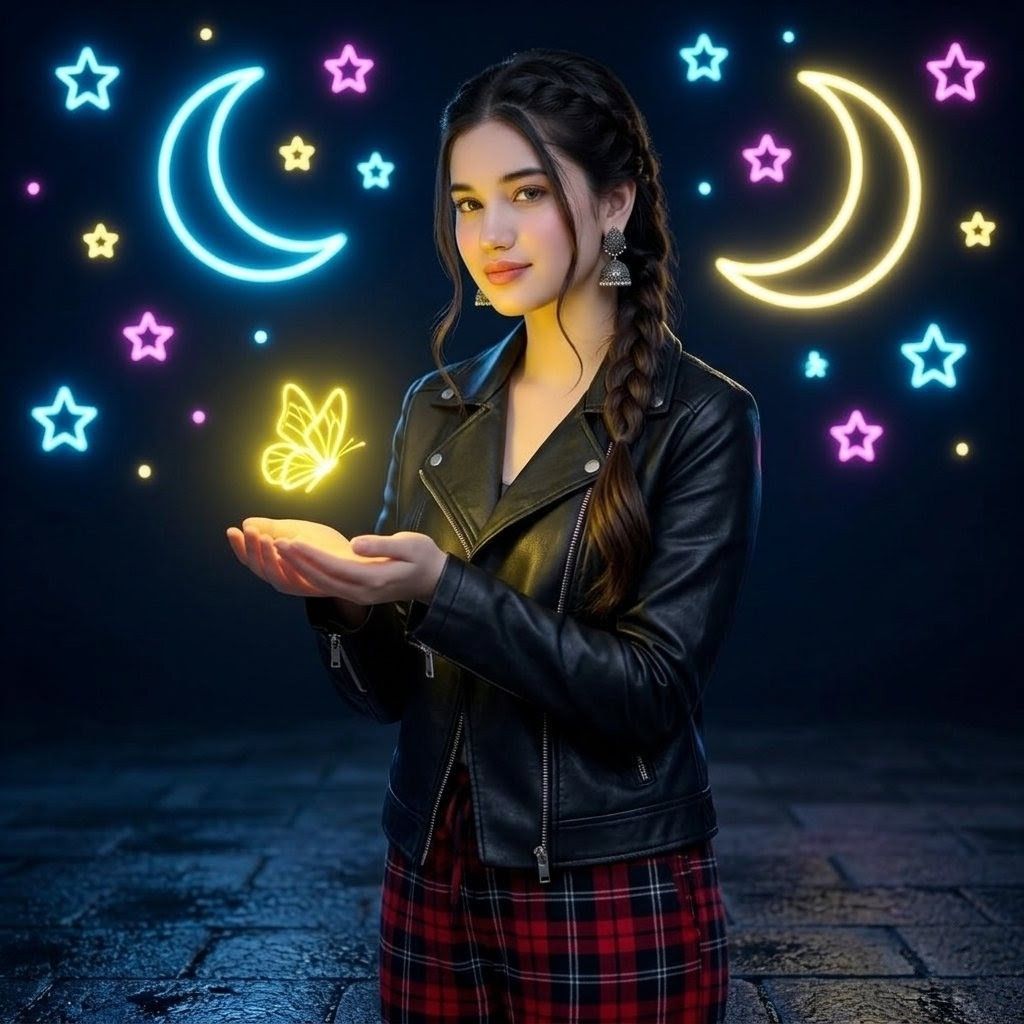
霓虹蝴蝶夜色肖像
Enlarge

霓虹蝴蝶夜色肖像

Prompt
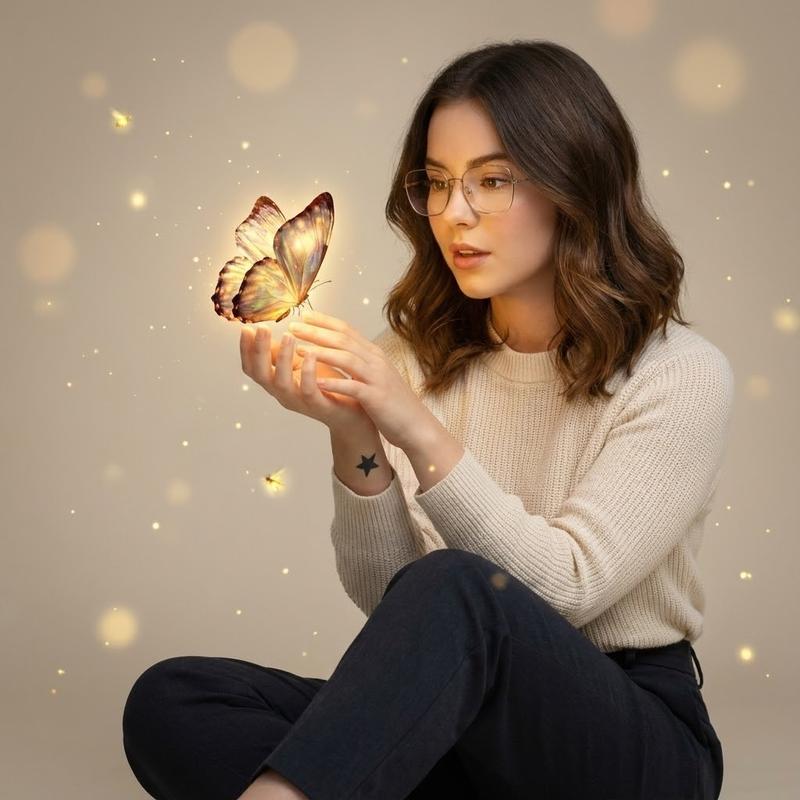
Create an ultra-realistic square portrait of a young woman standing outdoors at night on a wet dark stone pavement, centered from mid-thigh upward. She has {argument name="hair style" default="sleek long dark hair braided over one shoulder"}, wears a fitted {argument name="jacket" default="black leather biker jacket with silver zippers"} and {argument name="pants" default="red plaid pants"}, with dangling silver earrings. Her hands are gently cupped in front of her chest, holding a small glowing {argument name="magical creature" default="neon yellow butterfly"} that emits warm radiant light onto her palms, jacket, and face. Behind her is a deep navy night-sky backdrop filled with bright neon doodles: exactly 2 large crescent moons, one cyan on the upper left and one pale yellow on the upper right; exactly 10 outlined neon stars in cyan, pink, and yellow scattered around; and exactly 8 small glowing dot lights in cyan, pink, and yellow. Use cinematic photorealism, shallow depth of field, glossy leather highlights, realistic skin and fabric texture, strong neon rim lighting, high contrast, soft bloom around all neon elements, and a dreamy magical atmosphere. Keep the composition symmetrical and clean, with the butterfly as the main light source and the woman looking down toward it. No text, no watermark, no extra people.
Category
Photography & Realism
Model
GPT Image 2
Creator
Alina Ai
Views0
Source ID
25432
Published
Jun 12, 2026

Guide

About "霓虹蝴蝶夜色肖像"

What is this prompt for?

"霓虹蝴蝶夜色肖像" AI image prompt for GPT Image 2 (Photography & Realism). 生成一张电影级超写实肖像,画面中一位女性手持发光蝴蝶,背景为霓虹月亮与星辰交织的夜空。 Copy it on Picva and recreate the look in one c…

The full copyable prompt and example visuals above are ready for AI image generation or one-click recreate in Picva.

How to use this prompt

  1. Step 1

    Open the prompt detail

    Review the example visuals, category, and full prompt text for "霓虹蝴蝶夜色肖像".

  2. Step 2

    Copy the prompt

    Copy the prompt body from this page, or load it directly in Studio.

  3. Step 3

    Pick a model (GPT Image 2)

    Prefer GPT Image 2. If you switch models, keep subject and composition and tweak style terms.

  4. Step 4

    Generate and export

    Recreate the look in Picva, or export into your workflow for editing and publishing.

FAQ

What is the "霓虹蝴蝶夜色肖像" prompt?
It is an AI image-generation prompt for GPT Image 2 in the Photography & Realism category. This page includes the full prompt text, example visuals, and a one-click recreate path in Picva.
How do I use this prompt to generate an image?
Copy the prompt from this page, or use Generate / Studio. Paste it into a compatible image model, or recreate the look in Picva with optional reference images.
Which model is this prompt for?
This page lists GPT Image 2. Most descriptive prompts also transfer to nearby image models such as GPT Image, Flux, or Midjourney with light style tweaks.
Can I use the result commercially?
You can usually copy the prompt for creation, but commercial use of the final image depends on the model terms, reference-image rights, and the generated content. Follow the source author and platform rules.