18

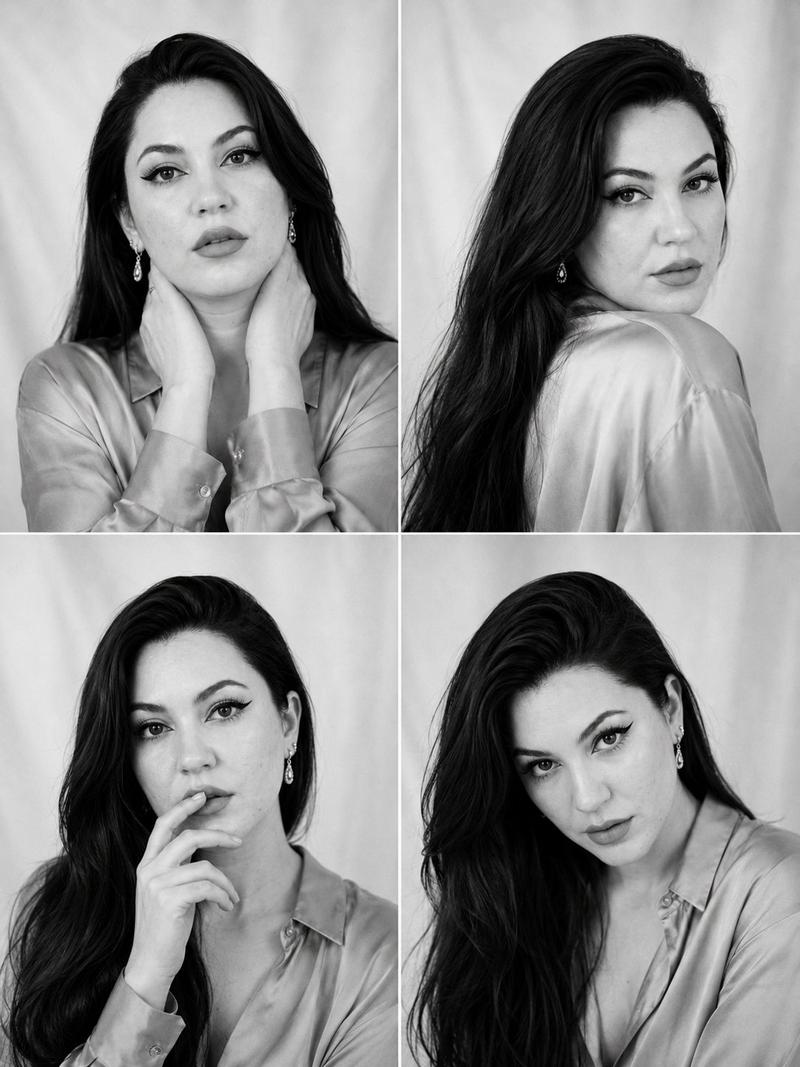
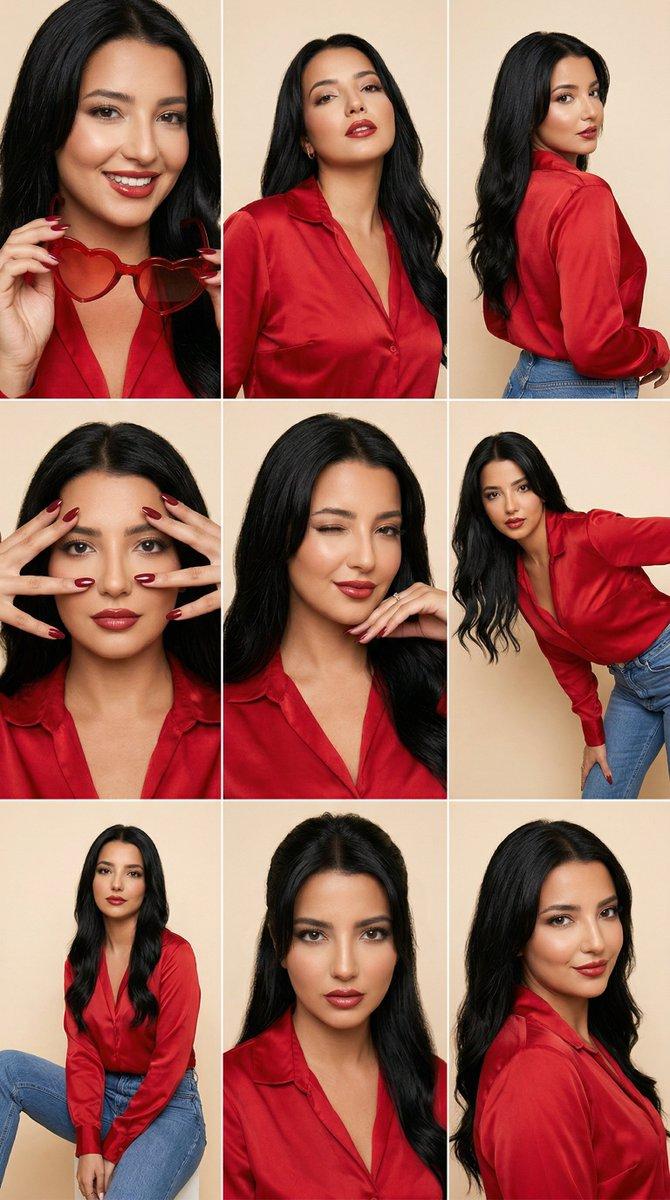
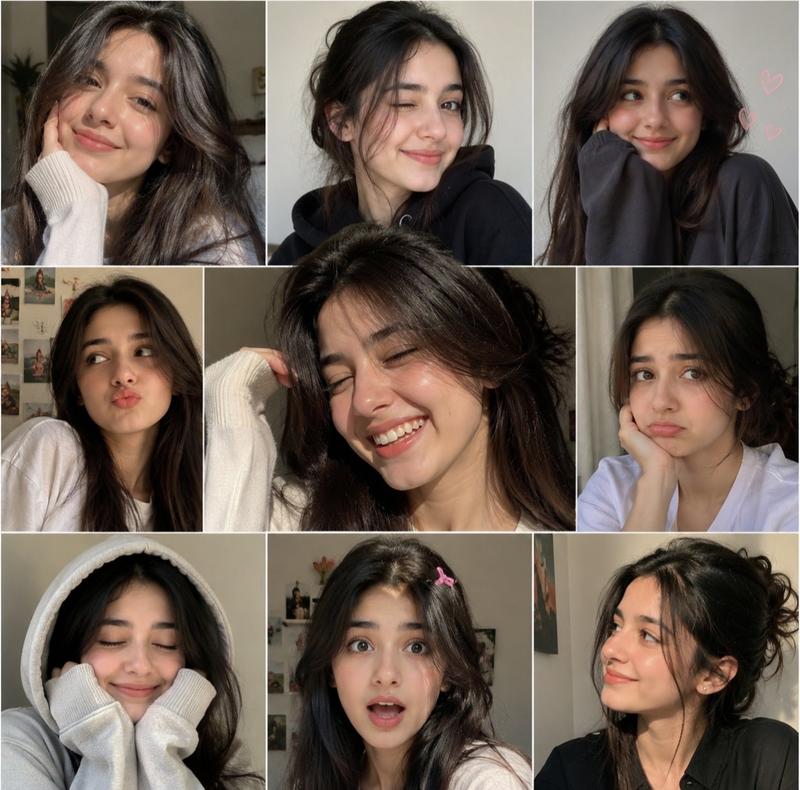
黑白时尚模特试镜联络表
Enlarge

黑白时尚模特试镜联络表

Prompt
Black-and-white fashion casting contact sheet of a {argument name="subject" default="woman with long straight hair partially covering one eye"}, arranged in a clean {argument name="layout" default="2x2 grid of four close portrait frames"} against a backdrop fading from bright white to charcoal gray, wearing an {argument name="clothing" default="oversized men's dress shirt and a single signet ring"}. Each frame shows a different expression and angle: mysterious gaze through visible eye, subtle smile, contemplative look toward the floor, and dramatic side profile with hair sweeping across her face. Soft studio lighting, crisp monochrome contrast, natural skin texture, visible facial details, clean plain backdrop, subtle film grain, high-end editorial test shoot, minimal styling, intimate camera distance, professional portrait photography, aspect ratio 4:5.
Category
Photography & Realism
Model
GPT Image 2
Creator
Virena
Views0
Source ID
25503
Published
Jun 13, 2026

Guide

About "黑白时尚模特试镜联络表"

What is this prompt for?

"黑白时尚模特试镜联络表" AI image prompt for GPT Image 2 (Photography & Realism). 一份专业的黑白时尚编辑风格联络表,展示了带有柔和影棚光效和胶片颗粒感的多种面部表情与角度的网格图。 Copy it on Picva and recreate the look…

The full copyable prompt and example visuals above are ready for AI image generation or one-click recreate in Picva.

How to use this prompt

  1. Step 1

    Open the prompt detail

    Review the example visuals, category, and full prompt text for "黑白时尚模特试镜联络表".

  2. Step 2

    Copy the prompt

    Copy the prompt body from this page, or load it directly in Studio.

  3. Step 3

    Pick a model (GPT Image 2)

    Prefer GPT Image 2. If you switch models, keep subject and composition and tweak style terms.

  4. Step 4

    Generate and export

    Recreate the look in Picva, or export into your workflow for editing and publishing.

FAQ

What is the "黑白时尚模特试镜联络表" prompt?
It is an AI image-generation prompt for GPT Image 2 in the Photography & Realism category. This page includes the full prompt text, example visuals, and a one-click recreate path in Picva.
How do I use this prompt to generate an image?
Copy the prompt from this page, or use Generate / Studio. Paste it into a compatible image model, or recreate the look in Picva with optional reference images.
Which model is this prompt for?
This page lists GPT Image 2. Most descriptive prompts also transfer to nearby image models such as GPT Image, Flux, or Midjourney with light style tweaks.
Can I use the result commercially?
You can usually copy the prompt for creation, but commercial use of the final image depends on the model terms, reference-image rights, and the generated content. Follow the source author and platform rules.