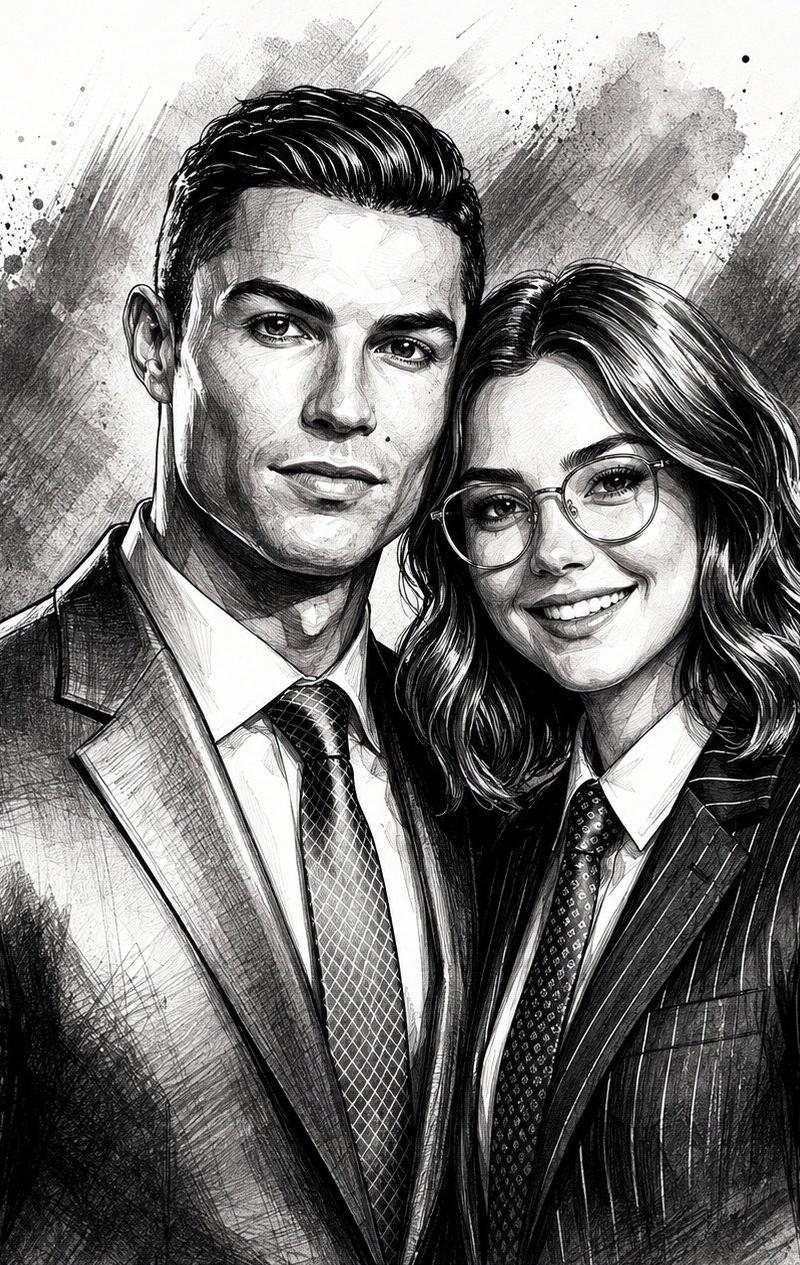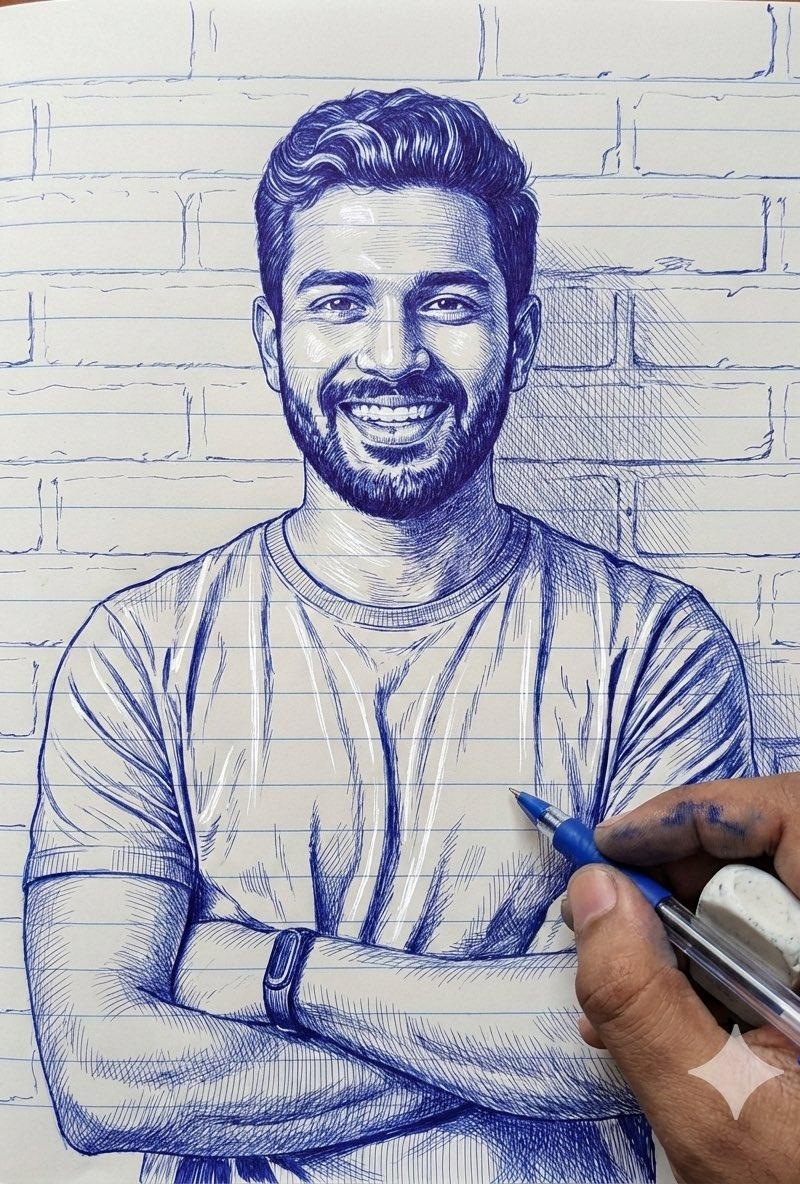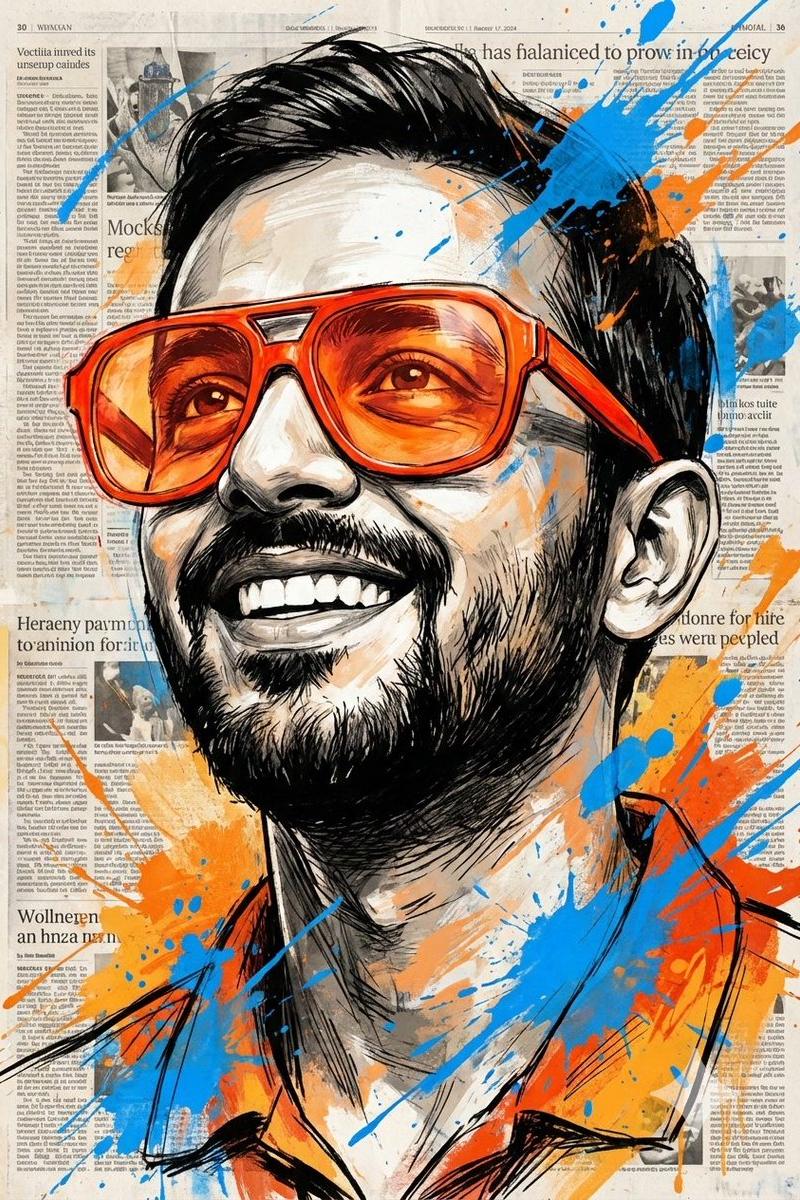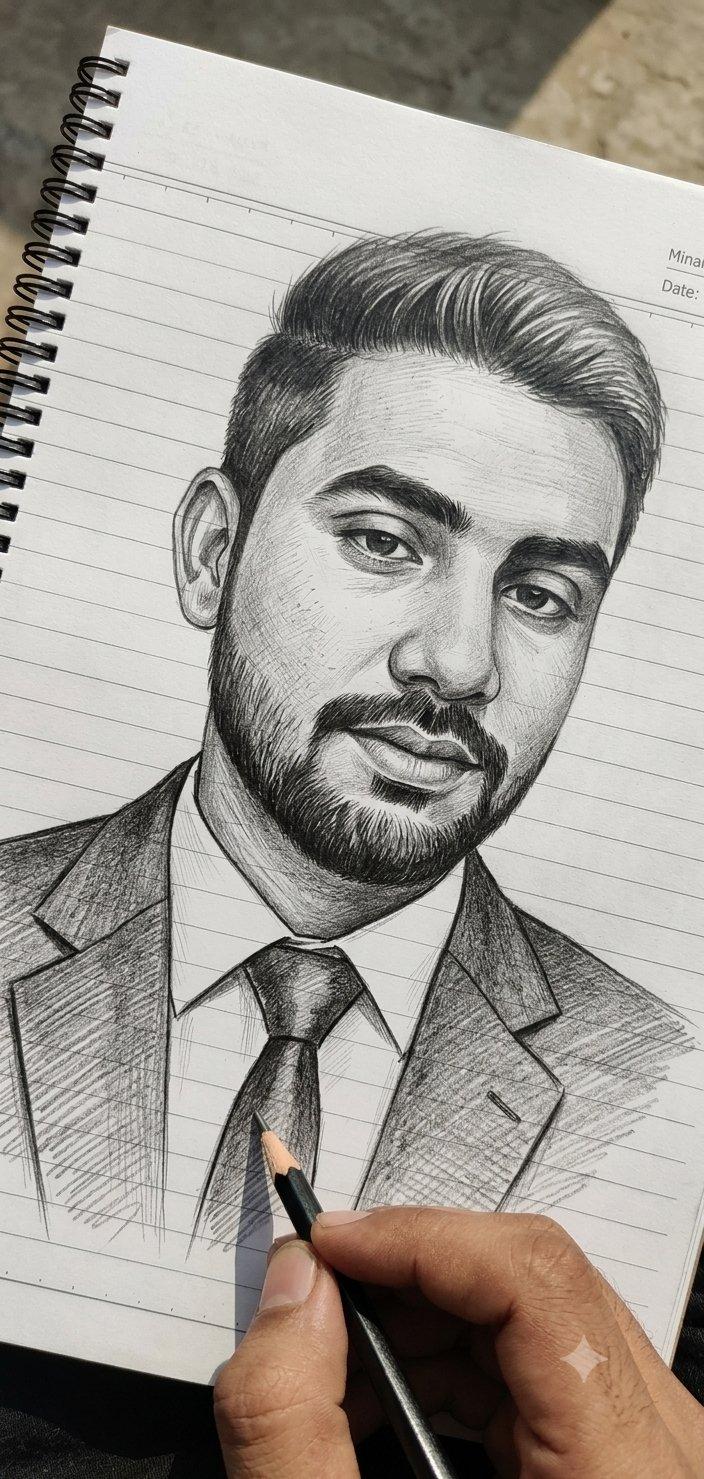
手绘铅笔素描肖像
Prompt
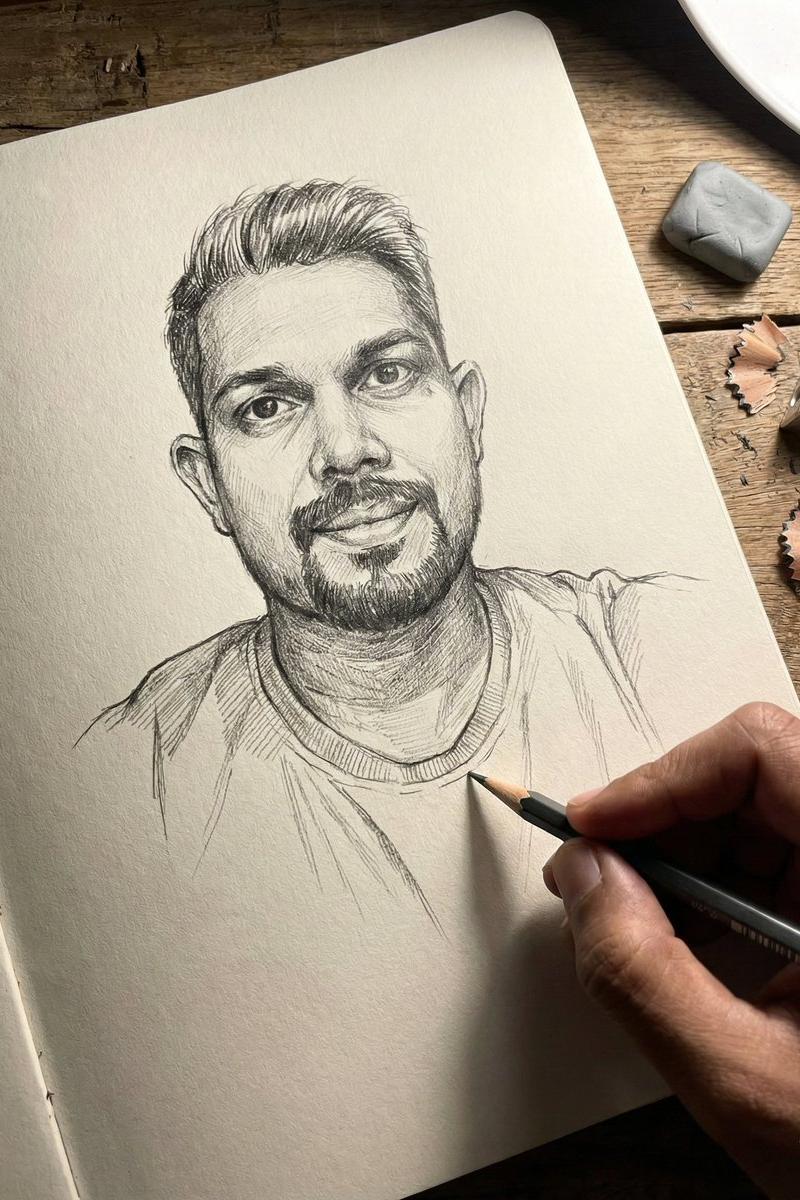
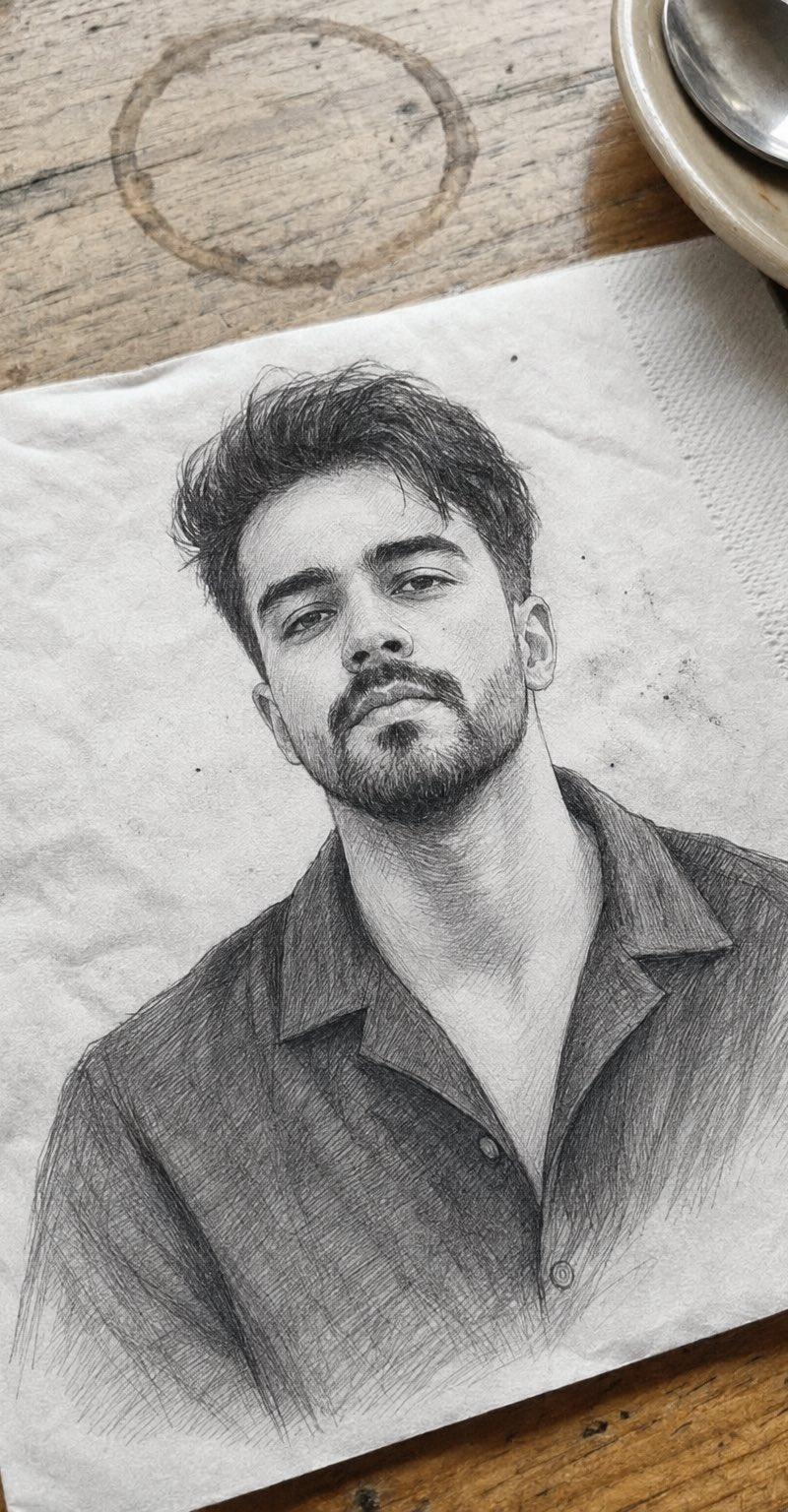
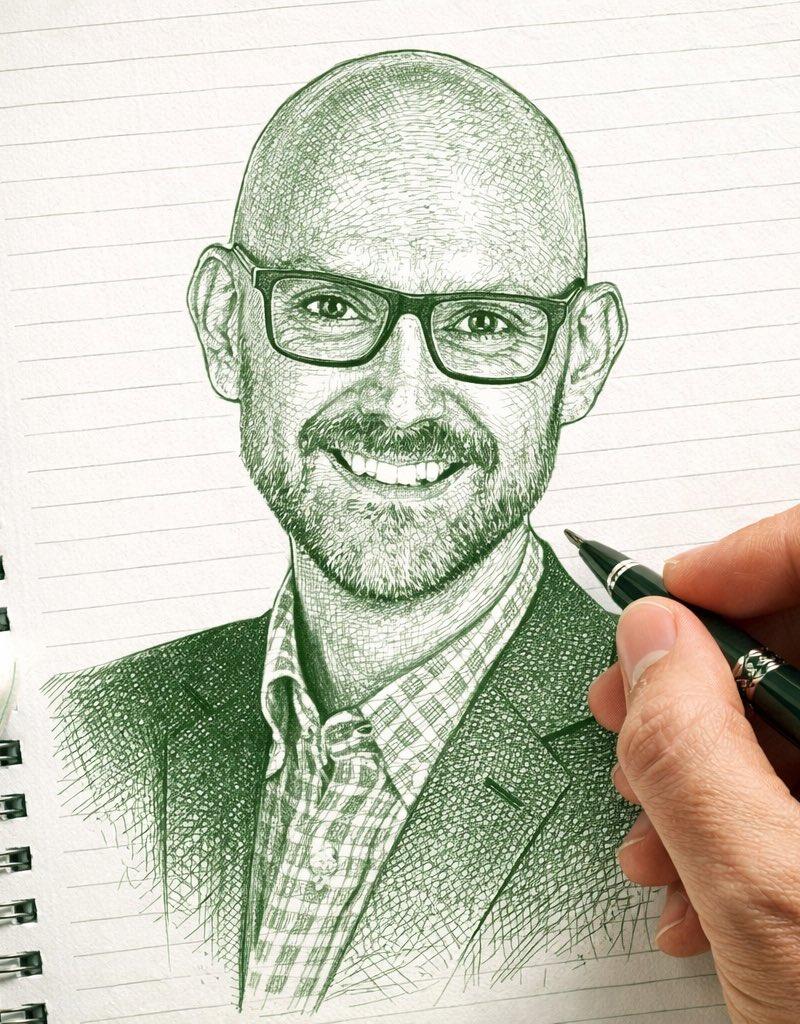
Ultra-realistic pencil sketch portrait being drawn by hand on a white spiral-bound notebook with horizontal blue ruled lines and a red margin line on the left. Centered head-and-shoulders portrait of a {argument name="subject" default="handsome young South Asian man"} facing forward, medium-length voluminous side-swept hair with detailed strands, thick eyebrows, expressive eyes, straight nose, trimmed mustache connected to a short full beard, natural lips, confident calm expression. Wearing a {argument name="outfit" default="formal business suit jacket, collared shirt, and neatly tied necktie"}.

Highly detailed {argument name="style" default="graphite drawing"} with professional cross-hatching, fine linework, realistic shading, facial contours, skin texture, and hair detailing. A realistic human hand holding a graphite pencil is actively sketching the tie area of the portrait. Another sharpened pencil lies diagonally at the bottom left of the notebook. Small graphite dust particles, pencil shavings, sketch smudges, and scattered graphite marks visible around the drawing. Handwritten artist signature and note near the lower right side of the portrait. Spiral notebook binding clearly visible along the left edge.

Top-down view, close-up composition, photorealistic drawing process, monochrome graphite artwork, crisp focus, natural lighting, high contrast pencil textures, professional artist workspace, ultra-detailed, hyper-realistic, 8K quality, masterpiece, realistic sketching scene, depth and precision in every pencil stroke.- Category
- Photography & Realism
- Model
- GPT Image 2
- Creator
- Muhammad Jamil
- Source language
- en
- Source ID
- 25509
- Published
- Jun 13, 2026
Views0