18

GPT Image 2 太空舷窗
Enlarge

GPT Image 2 太空舷窗

Prompt
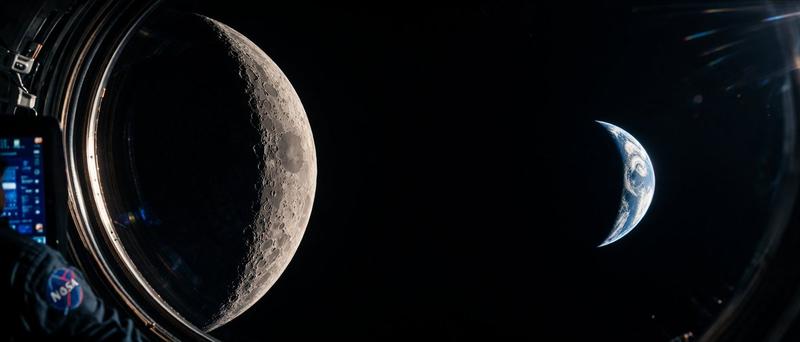
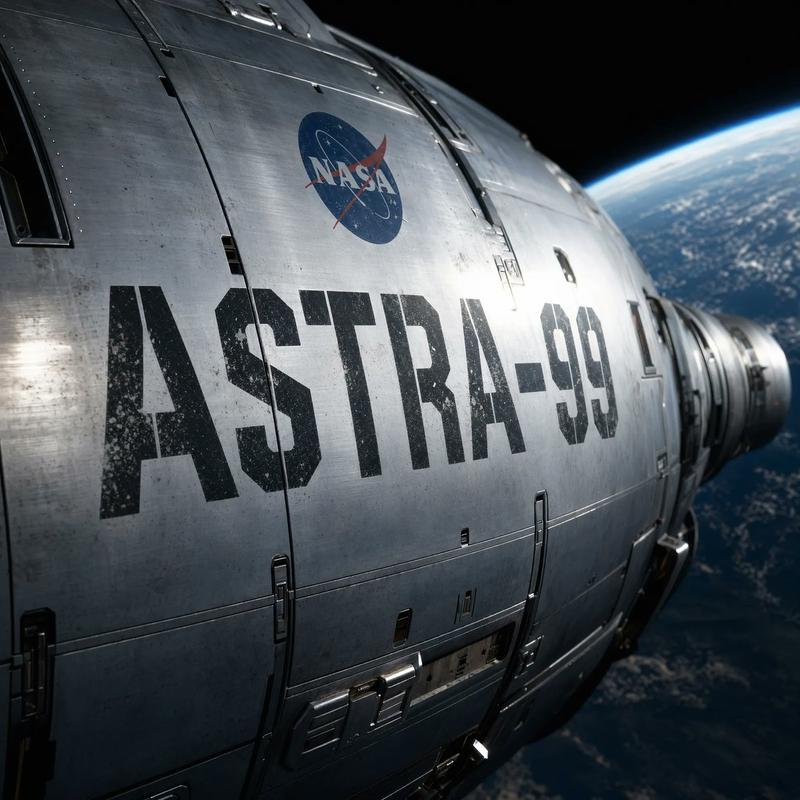
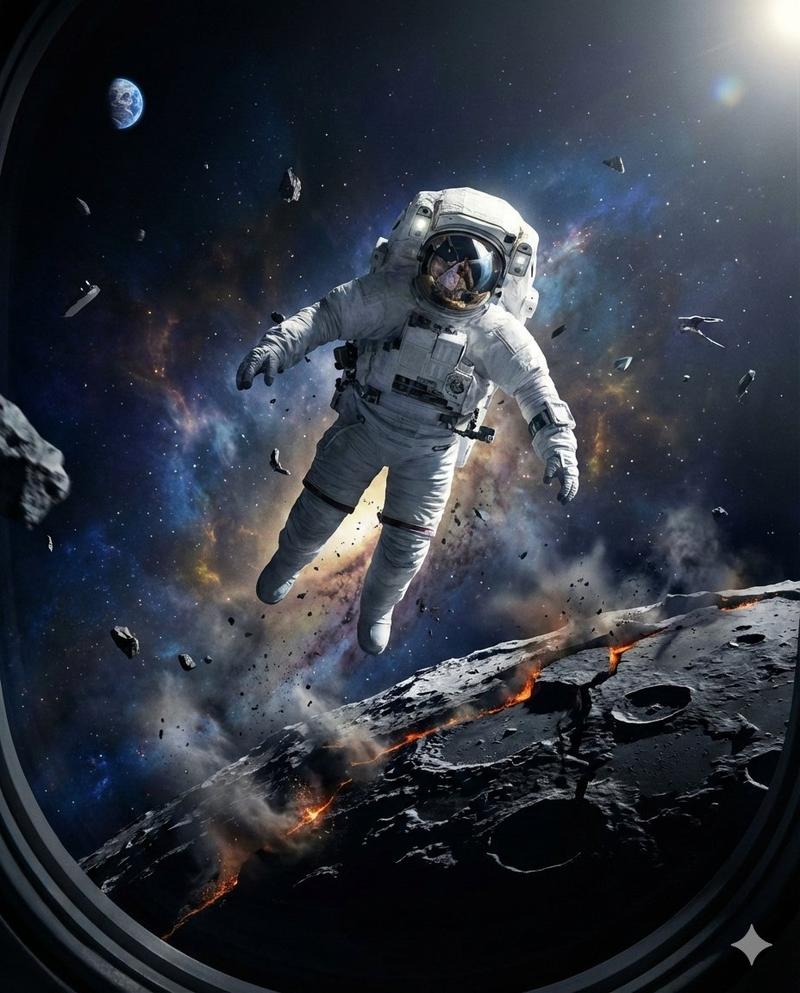
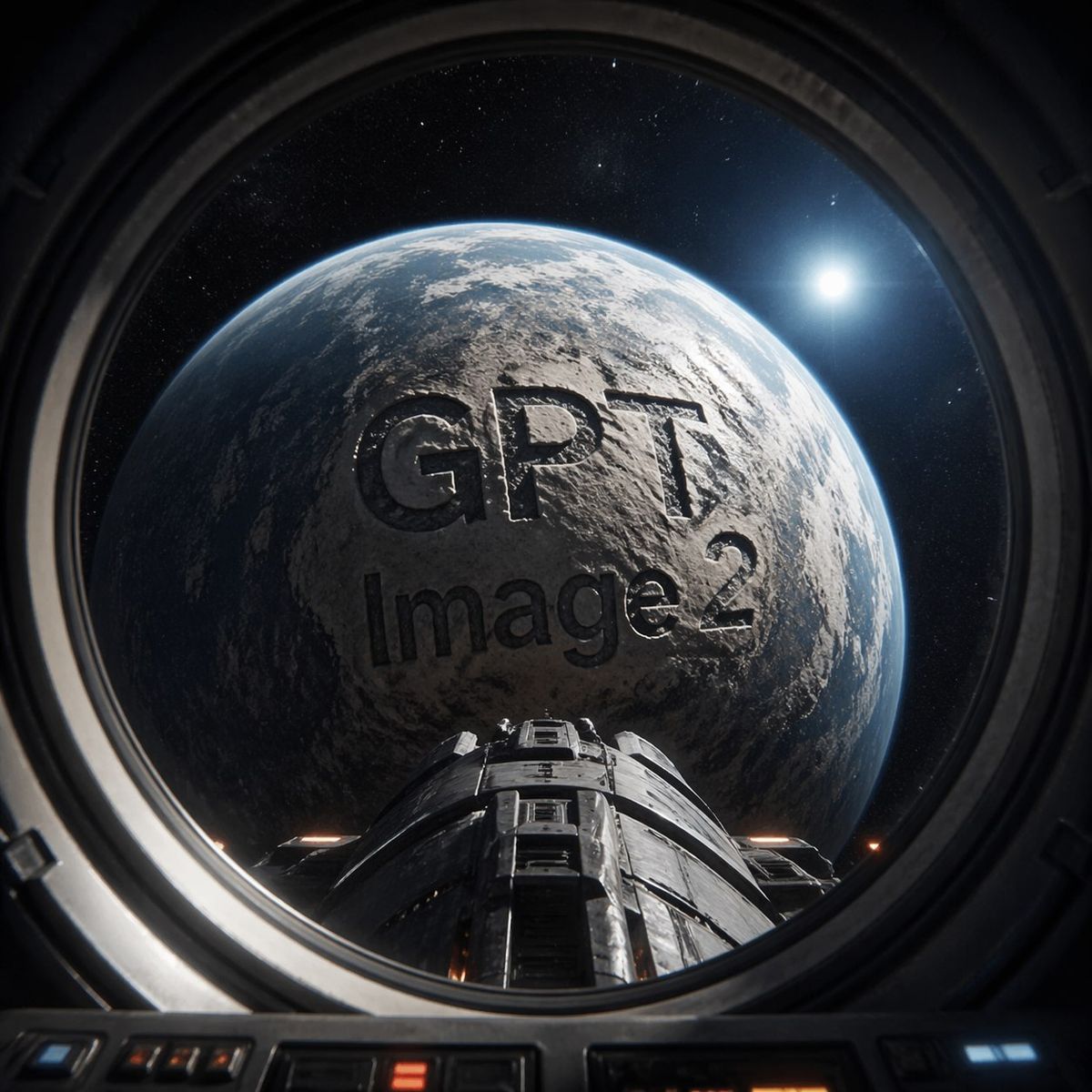
Create a cinematic photorealistic sci-fi view from inside a spacecraft cockpit or round observation window, looking out through a thick dark metal circular porthole at a huge Earth-like rocky planet filling most of the frame. The planet surface is gray-blue and cratered/textured with clouds and rim lighting, and the words “{argument name="main text" default="GPT"}” and “{argument name="subtitle text" default="Image 2"}” appear as enormous dark engraved/embossed letters across the planet’s face, integrated into the terrain with shadows and realistic depth. A futuristic spacecraft nose or docking module extends from the bottom center toward the planet, with dark segmented metal panels and small warm orange lights. The surrounding space is black with fine stars, and a bright white sun or star glows at the upper right with lens flare. Frame the scene through the circular porthole with visible cockpit controls and panels along the bottom edge, strong high-contrast lighting, realistic reflections on glass, ultra-detailed 3D render, dramatic space exploration mood, square composition, no extra text, no watermark.
Category
Photography & Realism
Model
GPT Image 2
Creator
sadeghTM
Views0
Source ID
25724
Published
Jun 14, 2026

Guide

About "GPT Image 2 太空舷窗"

What is this prompt for?

"GPT Image 2 太空舷窗" AI image prompt for GPT Image 2 (Photography & Realism). 一张照片级逼真的科幻宣传场景,展示了从航天器舷窗看到的行星景观,行星表面浮雕着 GPT Image 2 字样。 Copy it on Picva and recrea…

The full copyable prompt and example visuals above are ready for AI image generation or one-click recreate in Picva.

How to use this prompt

  1. Step 1

    Open the prompt detail

    Review the example visuals, category, and full prompt text for "GPT Image 2 太空舷窗".

  2. Step 2

    Copy the prompt

    Copy the prompt body from this page, or load it directly in Studio.

  3. Step 3

    Pick a model (GPT Image 2)

    Prefer GPT Image 2. If you switch models, keep subject and composition and tweak style terms.

  4. Step 4

    Generate and export

    Recreate the look in Picva, or export into your workflow for editing and publishing.

FAQ

What is the "GPT Image 2 太空舷窗" prompt?
It is an AI image-generation prompt for GPT Image 2 in the Photography & Realism category. This page includes the full prompt text, example visuals, and a one-click recreate path in Picva.
How do I use this prompt to generate an image?
Copy the prompt from this page, or use Generate / Studio. Paste it into a compatible image model, or recreate the look in Picva with optional reference images.
Which model is this prompt for?
This page lists GPT Image 2. Most descriptive prompts also transfer to nearby image models such as GPT Image, Flux, or Midjourney with light style tweaks.
Can I use the result commercially?
You can usually copy the prompt for creation, but commercial use of the final image depends on the model terms, reference-image rights, and the generated content. Follow the source author and platform rules.