16

电影感侧颜海滩变装
Enlarge

Example images

电影感侧颜海滩变装

Prompt
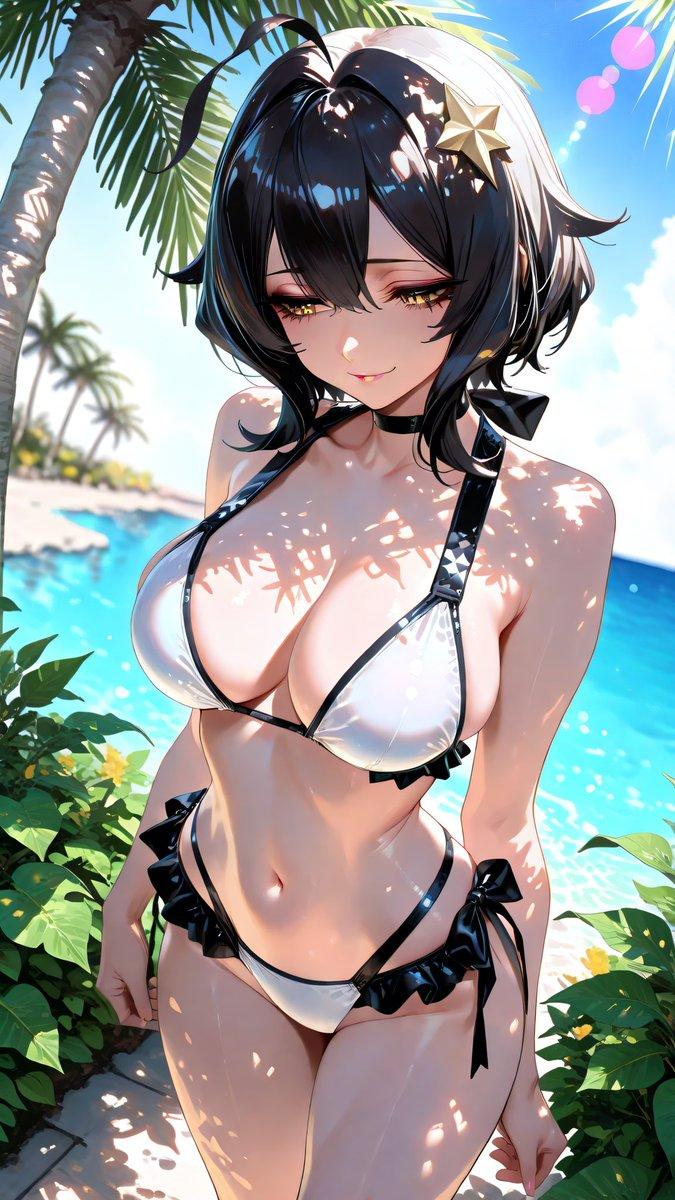
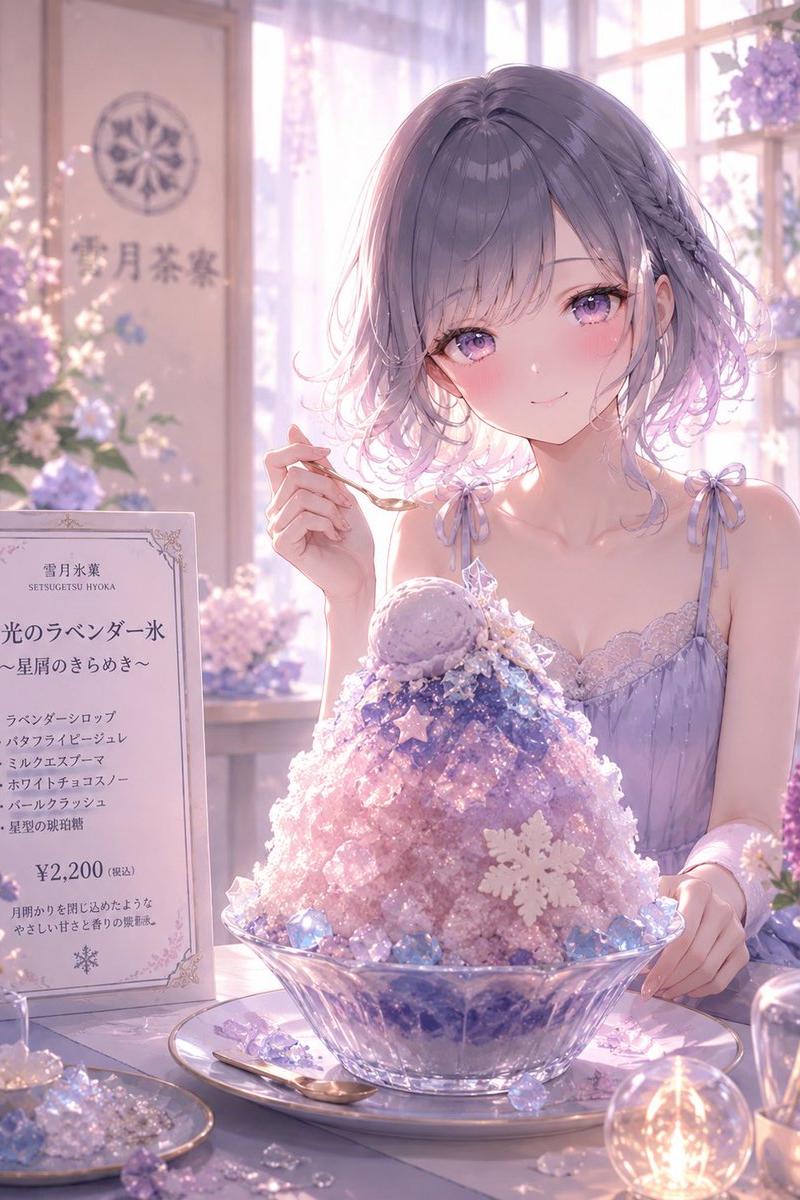
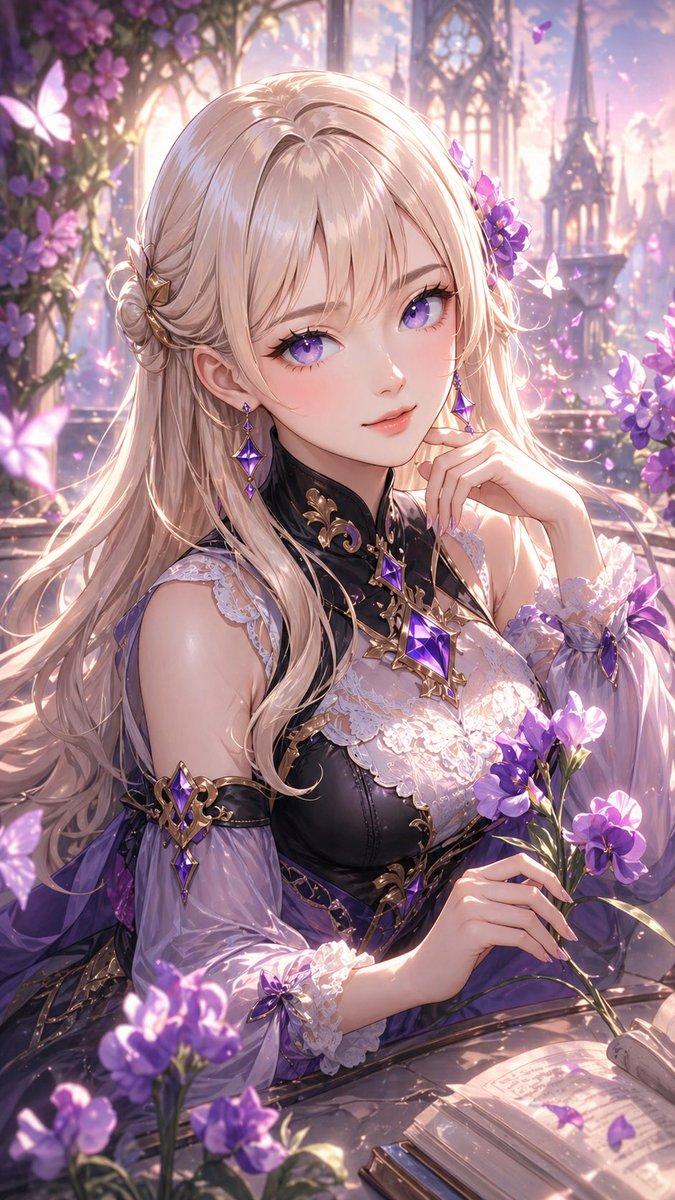
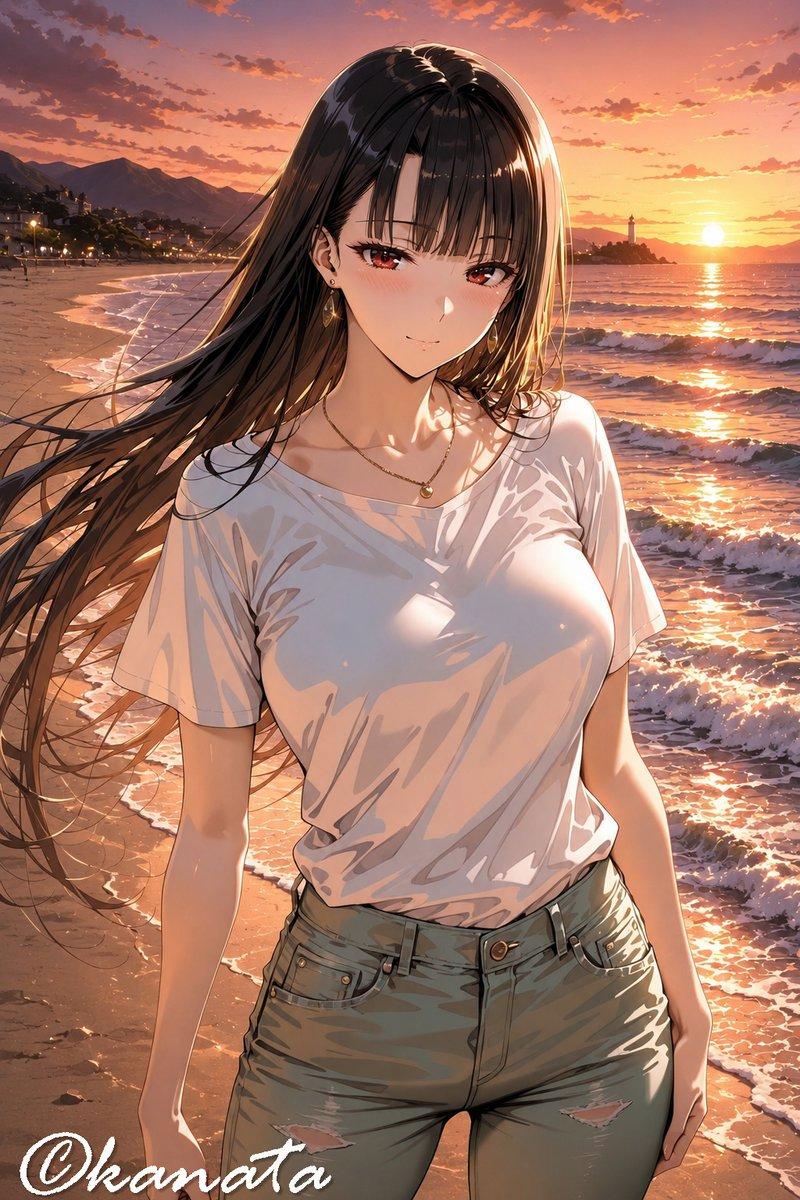
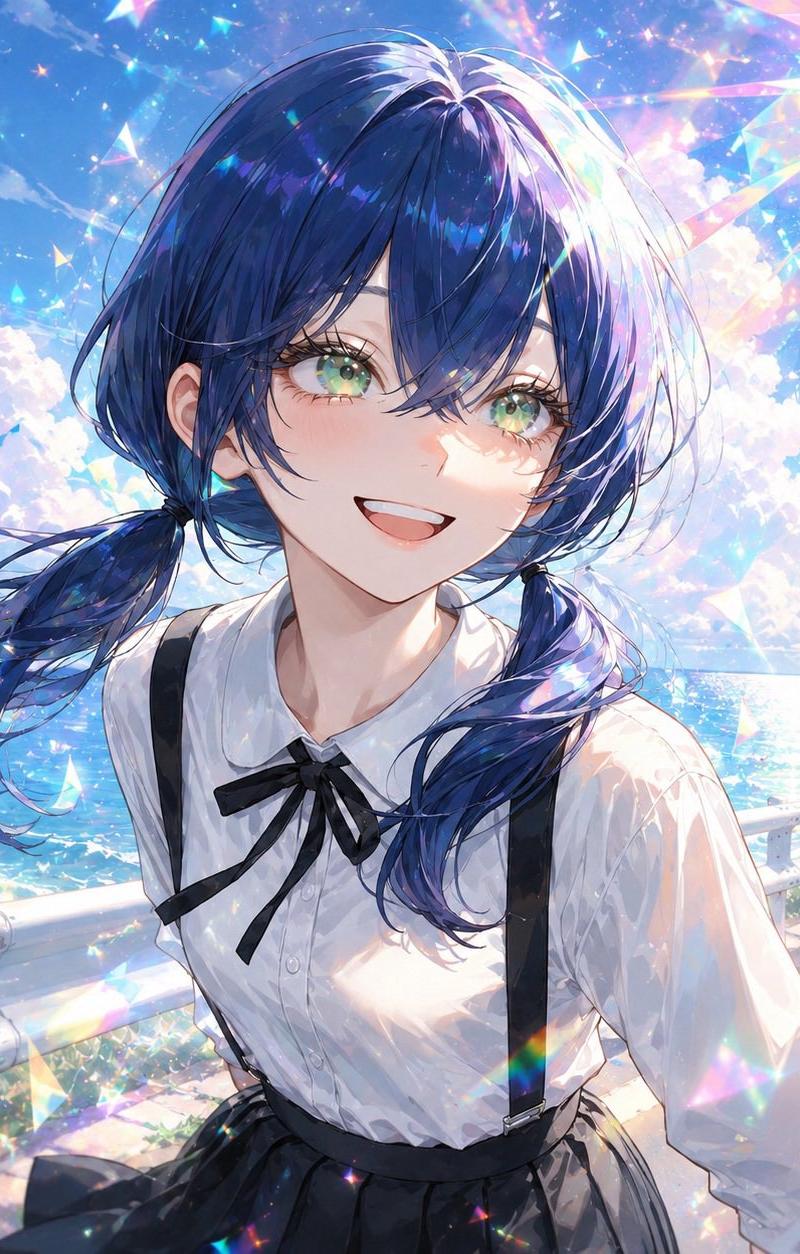
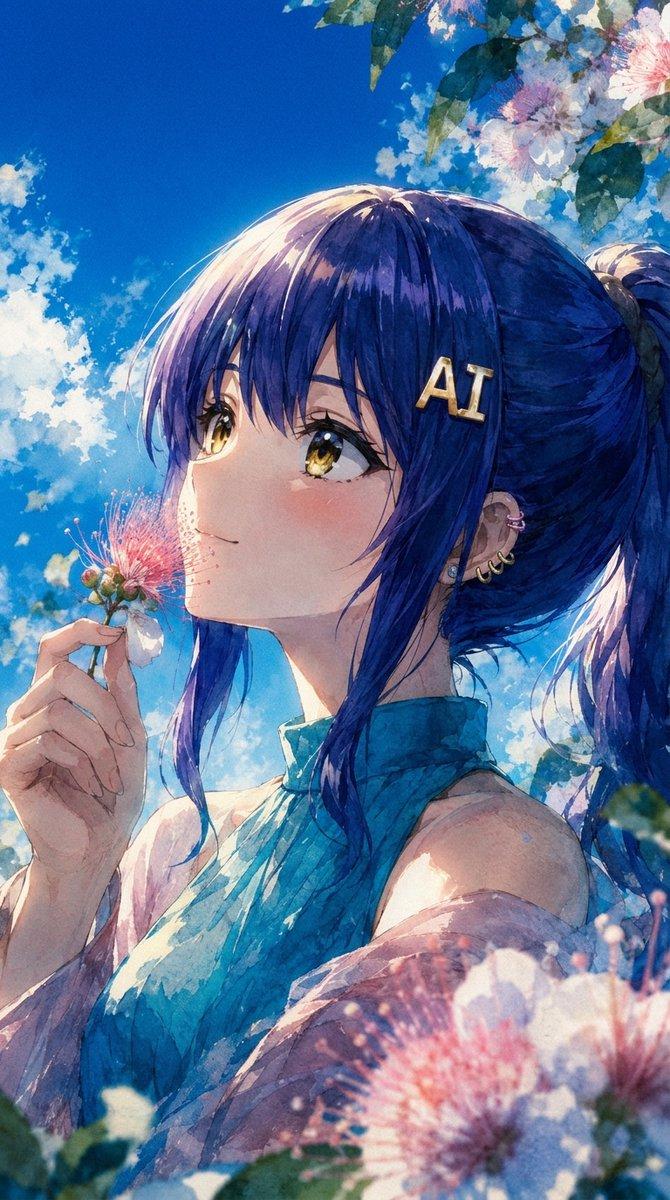
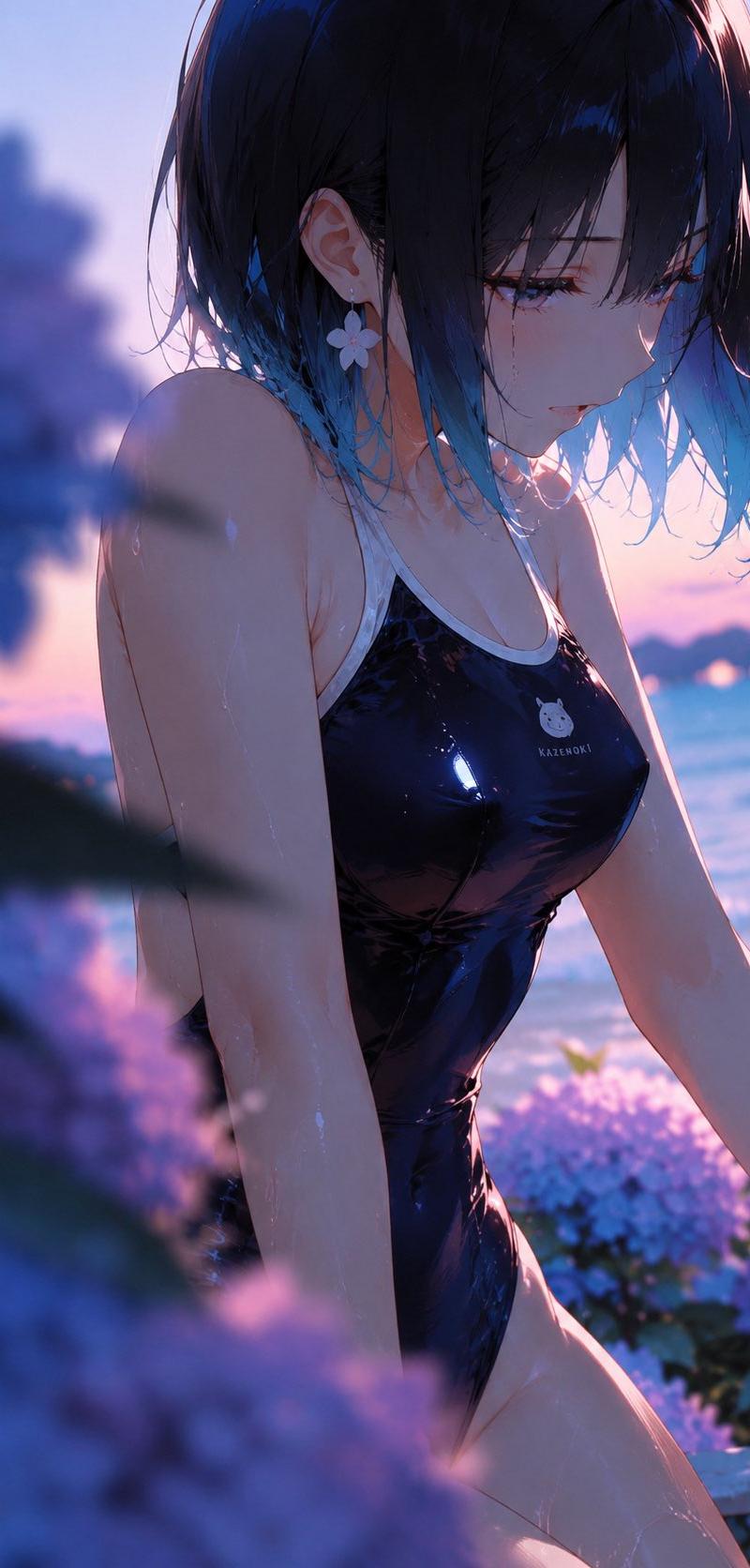
Using the provided reference image as the character and setting base, regenerate it as a new cinematic anime illustration from a closer side-profile angle. Keep the same character identity, glossy black one-piece swimsuit, short dark hair with blue tips, flower earring, seaside sunset lighting, hydrangeas, and the opaque privacy square covering the face. Change the composition so the subject is turned in a left-side three-quarter profile, upper body closer to camera, looking downward/right with wet hair falling forward, creating a more intimate candid moment. Add strong shallow depth of field with exactly 2 prominent blurred hydrangea foreground masses: one large dark purple/blue cluster on the left edge and one soft purple cluster across the lower foreground. Keep the ocean and pink-blue dusk sky in the background, with glowing rim light and reflective highlights on skin and swimsuit. Use a vertical smartphone crop, painterly high-detail anime style, soft bokeh, dreamy summer atmosphere, no added text or watermark.
Category
Photography & Realism
Model
GPT Image 2
Creator
五島 雅|Goshima Production
Source language
en
Views1
Source ID
25952
Published
Jun 16, 2026
Studio

Guide

About "电影感侧颜海滩变装"

What is this prompt for?

"电影感侧颜海滩变装" AI image prompt for GPT Image 2 (Photography & Realism). 将参考的海滩动漫角色转化为更近距离的侧颜日落场景,前景带有绣球花虚化效果,并保留核心造型。 Copy it on Picva and recreate the look in on…

The full copyable prompt and example visuals above are ready for AI image generation or one-click recreate in Picva.

How to use this prompt

  1. Step 1

    Open the prompt detail

    Review the example visuals, category, and full prompt text for "电影感侧颜海滩变装".

  2. Step 2

    Copy the prompt

    Copy the prompt body from this page, or load it directly in Studio.

  3. Step 3

    Pick a model (GPT Image 2)

    Prefer GPT Image 2. If you switch models, keep subject and composition and tweak style terms.

  4. Step 4

    Generate and export

    Recreate the look in Picva, or export into your workflow for editing and publishing.

FAQ

What is the "电影感侧颜海滩变装" prompt?
It is an AI image-generation prompt for GPT Image 2 in the Photography & Realism category. This page includes the full prompt text, example visuals, and a one-click recreate path in Picva.
How do I use this prompt to generate an image?
Copy the prompt from this page, or use Generate / Studio. Paste it into a compatible image model, or recreate the look in Picva with optional reference images.
Which model is this prompt for?
This page lists GPT Image 2. Most descriptive prompts also transfer to nearby image models such as GPT Image, Flux, or Midjourney with light style tweaks.
Can I use the result commercially?
You can usually copy the prompt for creation, but commercial use of the final image depends on the model terms, reference-image rights, and the generated content. Follow the source author and platform rules.