20

民间艺术涂鸦风格转换
Enlarge

民间艺术涂鸦风格转换

Prompt
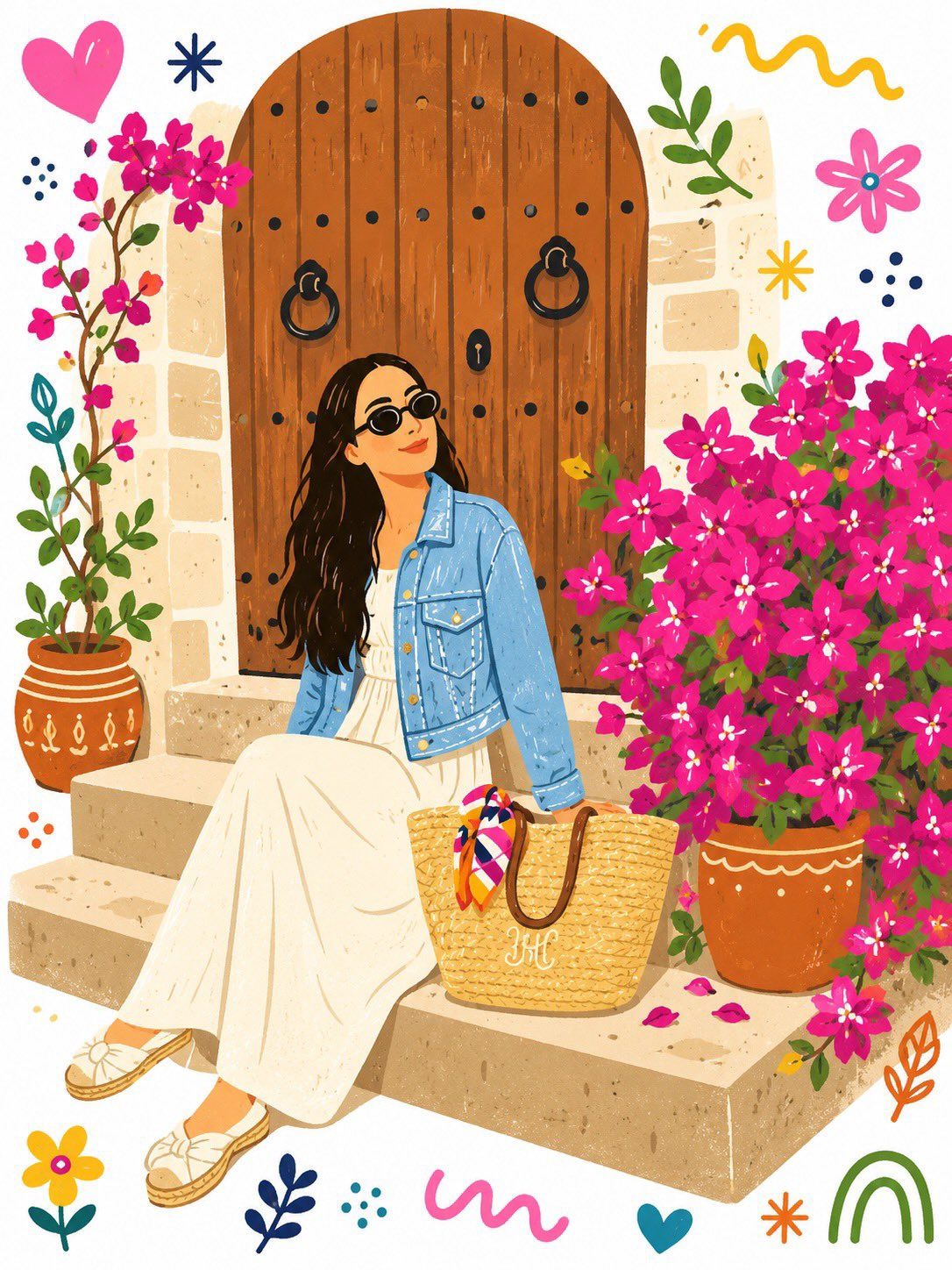
Tansform the entire image into a single flat, decorative {argument name="art style" default="folk-art illustration"} with {argument name="details" default="doodle elements"}. Use a bold and playful color palette that is completely different from the original image. Simplify all details into clean, flat shapes with a handmade, slightly imperfect feel, as if they were drawn on a sheet of white paper. The overall style should be {argument name="aesthetic" default="cute, childlike, whimsical, and charming"}.
Category
Photography & Realism
Model
GPT Image 2
Creator
Sairah
Views0
Source ID
26119
Published
Jun 19, 2026

Guide

About "民间艺术涂鸦风格转换"

What is this prompt for?

"民间艺术涂鸦风格转换" AI image prompt for GPT Image 2 (Photography & Realism). 一个用于 GPT Image 2 的艺术提示词,可将照片重构为扁平化的装饰性民间艺术插画,并融入趣味涂鸦元素与大胆配色。 Copy it on Picva and recreat…

The full copyable prompt and example visuals above are ready for AI image generation or one-click recreate in Picva.

How to use this prompt

  1. Step 1

    Open the prompt detail

    Review the example visuals, category, and full prompt text for "民间艺术涂鸦风格转换".

  2. Step 2

    Copy the prompt

    Copy the prompt body from this page, or load it directly in Studio.

  3. Step 3

    Pick a model (GPT Image 2)

    Prefer GPT Image 2. If you switch models, keep subject and composition and tweak style terms.

  4. Step 4

    Generate and export

    Recreate the look in Picva, or export into your workflow for editing and publishing.

FAQ

What is the "民间艺术涂鸦风格转换" prompt?
It is an AI image-generation prompt for GPT Image 2 in the Photography & Realism category. This page includes the full prompt text, example visuals, and a one-click recreate path in Picva.
How do I use this prompt to generate an image?
Copy the prompt from this page, or use Generate / Studio. Paste it into a compatible image model, or recreate the look in Picva with optional reference images.
Which model is this prompt for?
This page lists GPT Image 2. Most descriptive prompts also transfer to nearby image models such as GPT Image, Flux, or Midjourney with light style tweaks.
Can I use the result commercially?
You can usually copy the prompt for creation, but commercial use of the final image depends on the model terms, reference-image rights, and the generated content. Follow the source author and platform rules.



