20

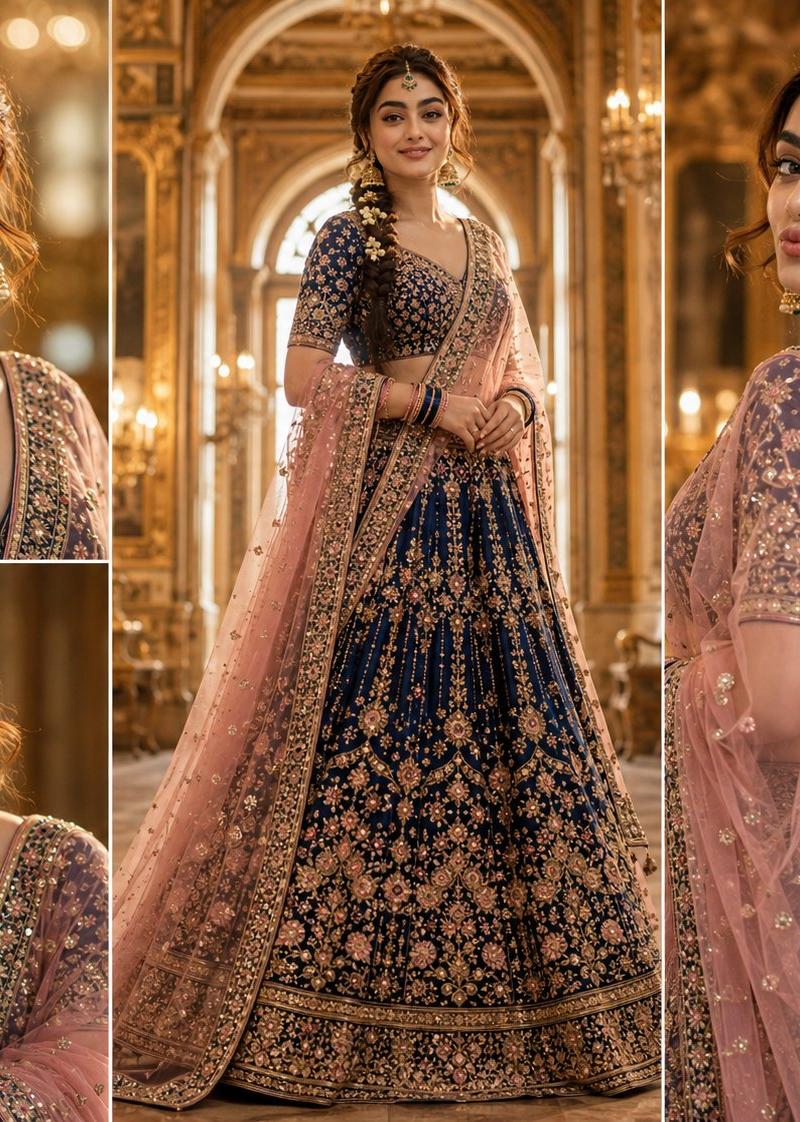
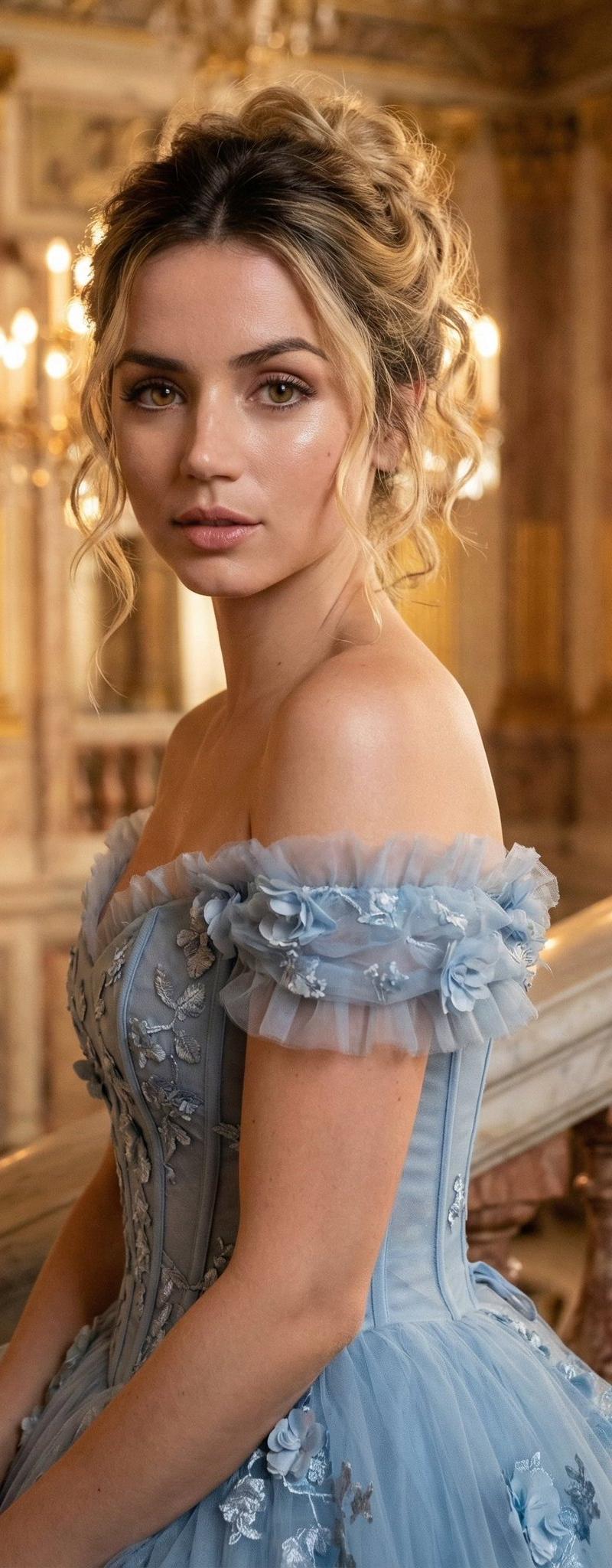
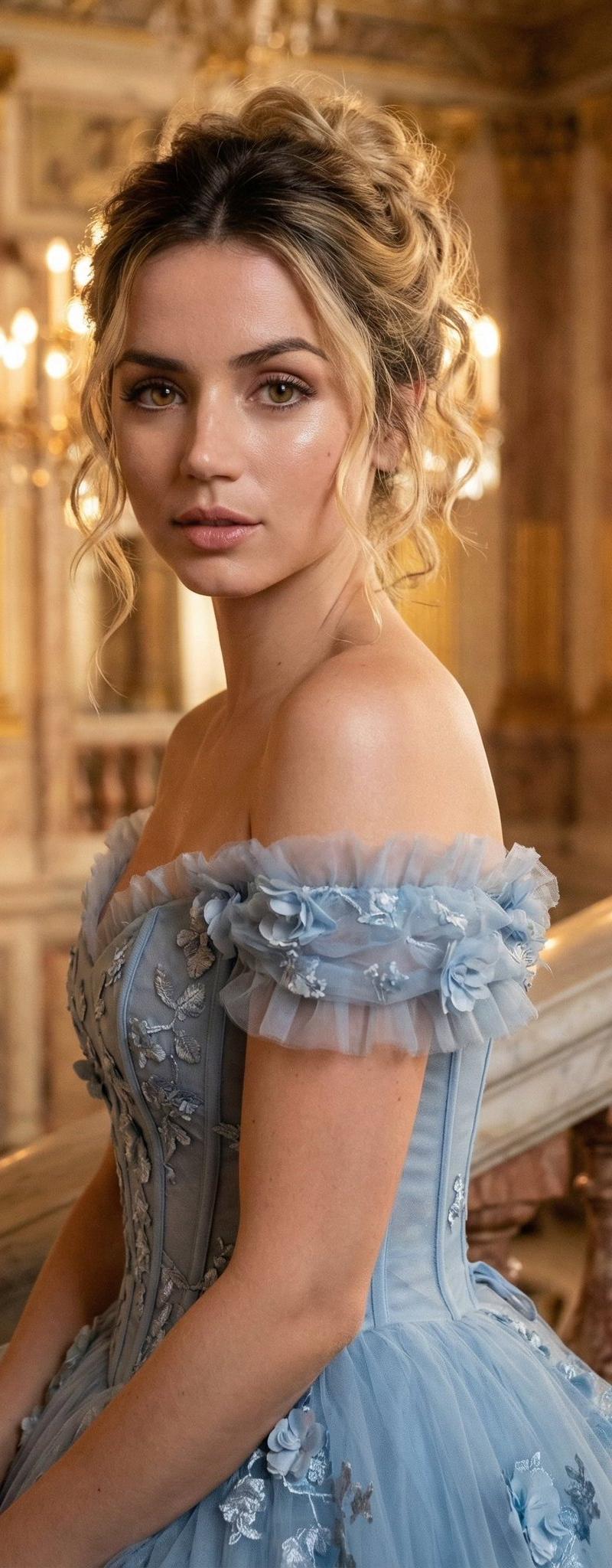
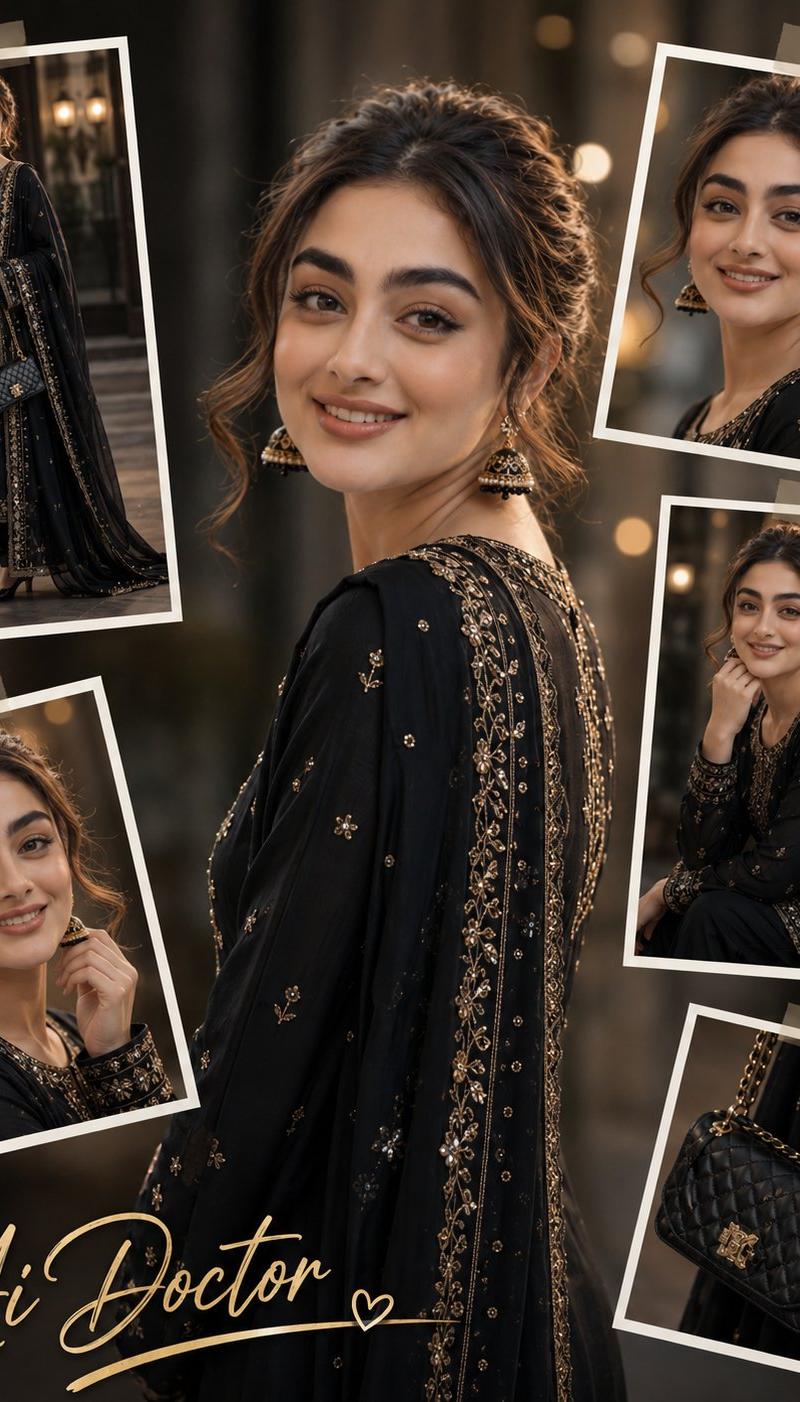
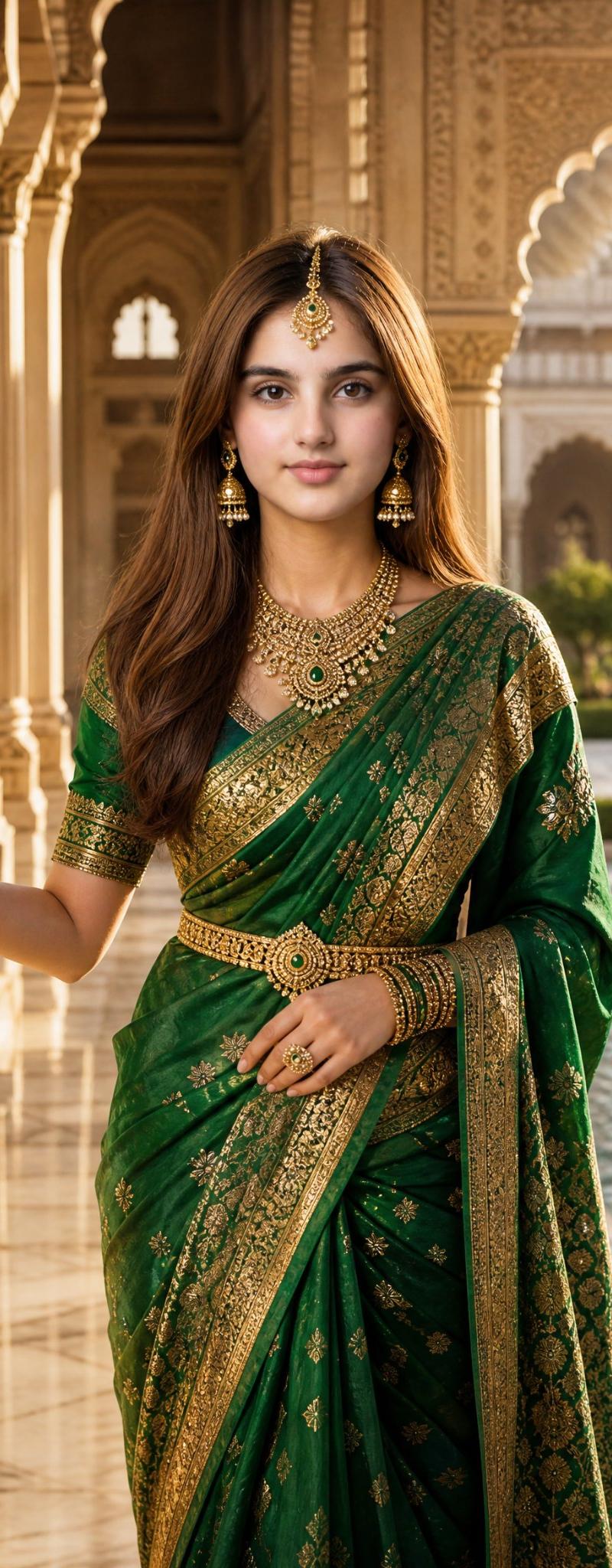
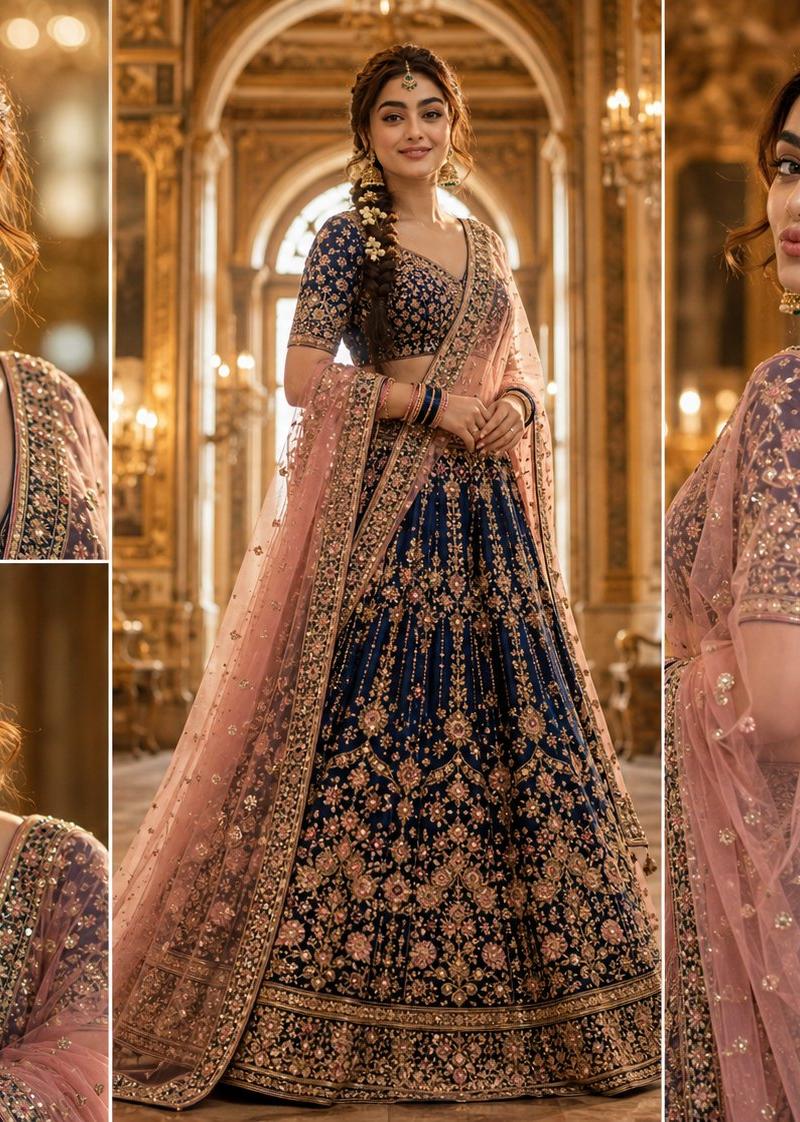
南亚皇家新娘肖像拼贴
Enlarge

Example images

南亚皇家新娘肖像拼贴

Prompt
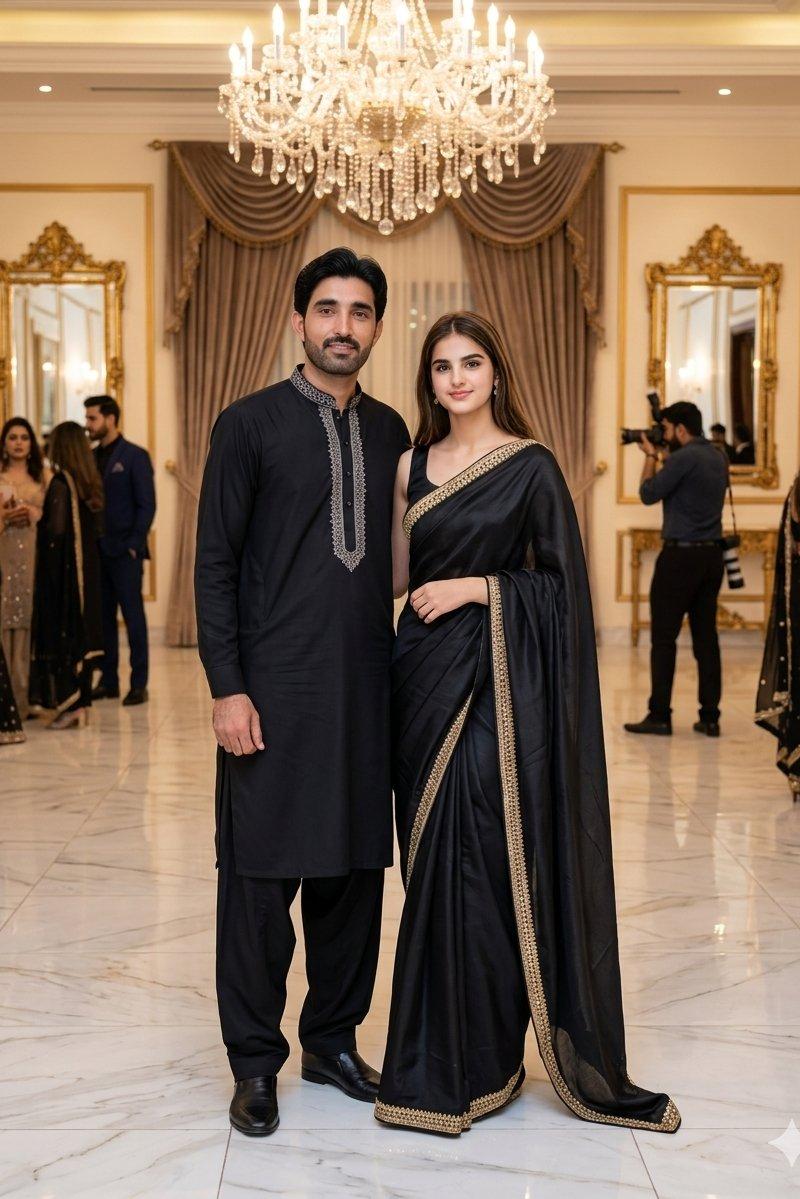
Ultra-realistic cinematic royal portrait collage featuring the same young {argument name="ethnicity" default="South Asian"} woman from the reference image, preserving her exact facial features, expressive eyes, thick eyebrows, warm smile, and natural complexion. She is dressed in an opulent {argument name="outfit color" default="sapphire blue and blush pink"} bridal lehenga adorned with intricate {argument name="embroidery style" default="gold zari"} embroidery, delicate sequins, and hand-embellished details. A sheer blush-pink dupatta with gold borders gracefully drapes over her shoulders. Her hair is styled in a {argument name="hair style" default="long, thick braid decorated with fresh jasmine flowers"}. She wears oversized traditional jhumkas, an emerald maang tikka, layered bangles, and an elegant backless blouse with dangling tassels. The composition is a luxurious royal portrait collage consisting of one majestic full-body central pose surrounded by three cinematic close-up portraits showcasing different expressions: a radiant smile, a dreamy side gaze, and a playful soft pout. The setting resembles a regal palace interior with grand arches, chandeliers, and warm golden ambient lighting. Soft volumetric light, shallow depth of field, ultra-detailed skin texture, realistic fabric folds, premium bridal fashion editorial aesthetic, Bollywood-inspired royal elegance, 8K quality, highly detailed, masterpiece, no distortions, no extra fingers, no text, no watermark.
Category
Photography & Realism
Model
GPT Image 2
Creator
Ai Doctor
Source language
en
Views0
Source ID
26228
Published
Jun 19, 2026
Studio

Guide

About "南亚皇家新娘肖像拼贴"

What is this prompt for?

"南亚皇家新娘肖像拼贴" AI image prompt for GPT Image 2 (Photography & Realism). 一个奢华的新娘肖像提示词,可生成包含一张全身姿势和三张电影级特写的拼贴画,重点展现民族特征和华丽的传统服饰。 Copy it on Picva and recreate the…

The full copyable prompt and example visuals above are ready for AI image generation or one-click recreate in Picva.

How to use this prompt

  1. Step 1

    Open the prompt detail

    Review the example visuals, category, and full prompt text for "南亚皇家新娘肖像拼贴".

  2. Step 2

    Copy the prompt

    Copy the prompt body from this page, or load it directly in Studio.

  3. Step 3

    Pick a model (GPT Image 2)

    Prefer GPT Image 2. If you switch models, keep subject and composition and tweak style terms.

  4. Step 4

    Generate and export

    Recreate the look in Picva, or export into your workflow for editing and publishing.

FAQ

What is the "南亚皇家新娘肖像拼贴" prompt?
It is an AI image-generation prompt for GPT Image 2 in the Photography & Realism category. This page includes the full prompt text, example visuals, and a one-click recreate path in Picva.
How do I use this prompt to generate an image?
Copy the prompt from this page, or use Generate / Studio. Paste it into a compatible image model, or recreate the look in Picva with optional reference images.
Which model is this prompt for?
This page lists GPT Image 2. Most descriptive prompts also transfer to nearby image models such as GPT Image, Flux, or Midjourney with light style tweaks.
Can I use the result commercially?
You can usually copy the prompt for creation, but commercial use of the final image depends on the model terms, reference-image rights, and the generated content. Follow the source author and platform rules.