17

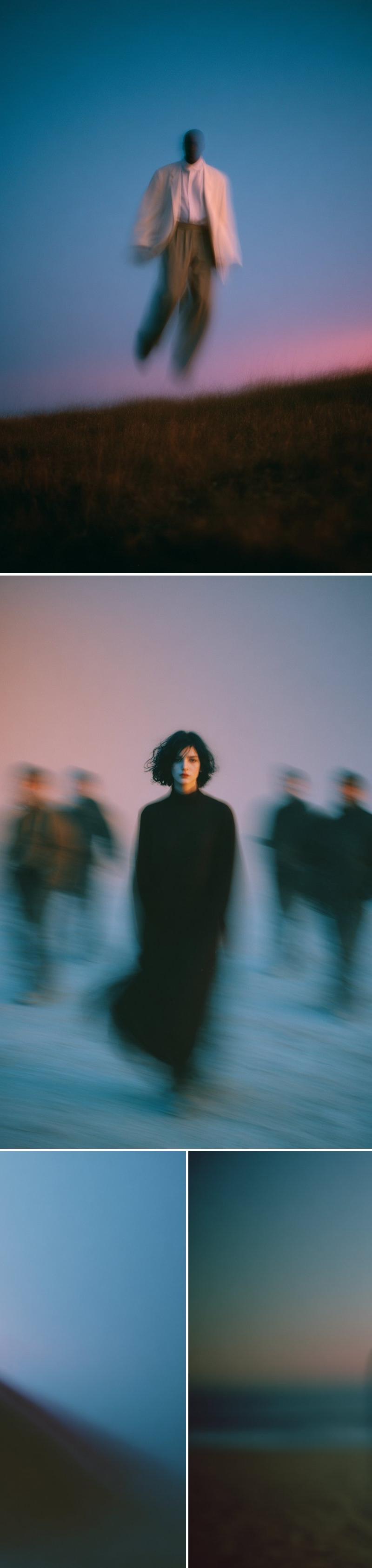
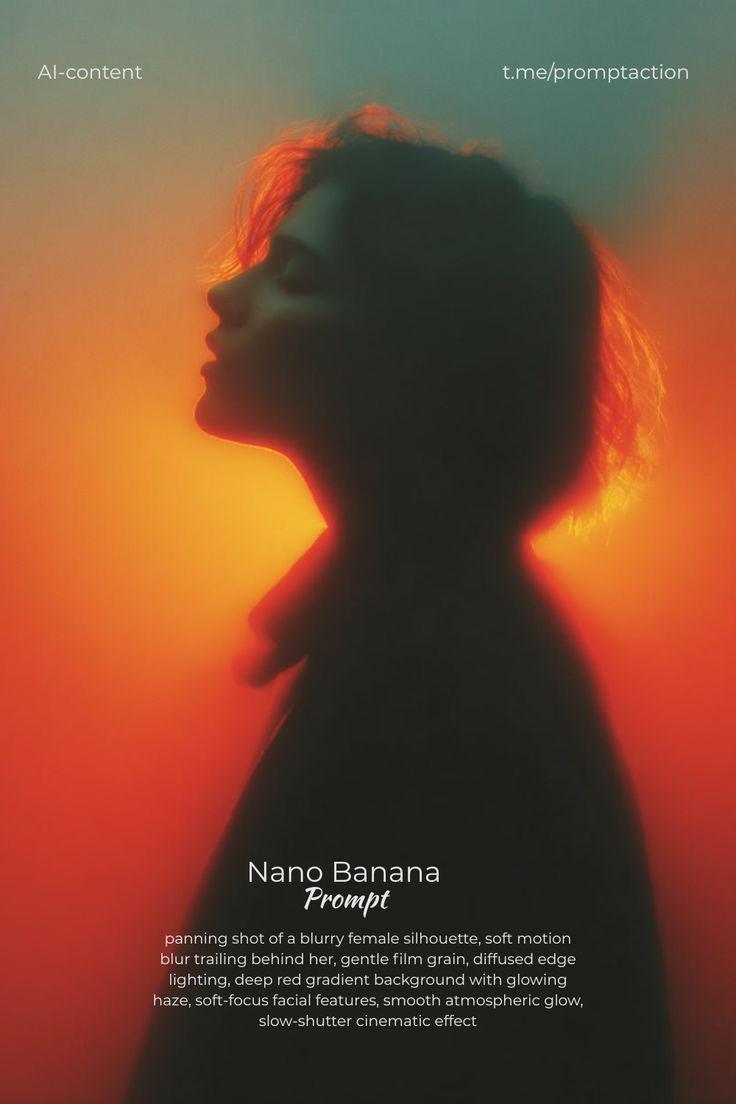
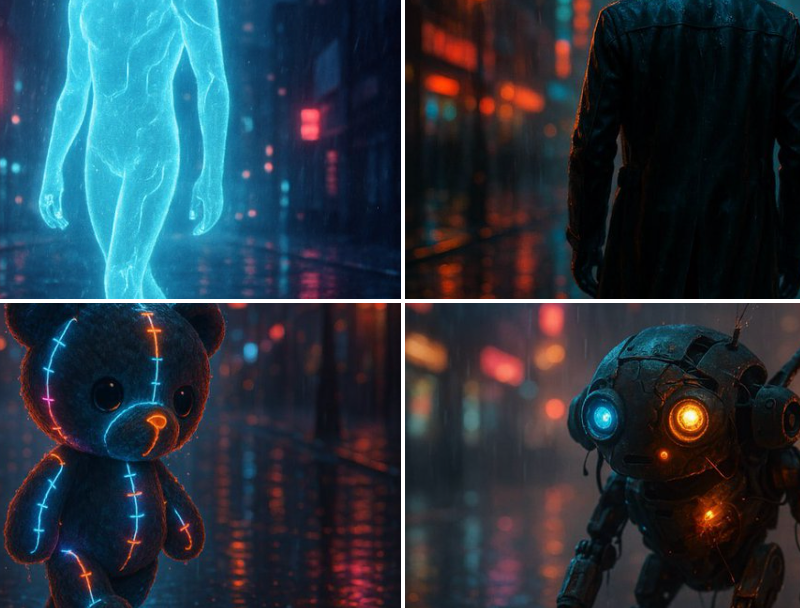
抽象剪影电影感网格
Enlarge

抽象剪影电影感网格

Prompt
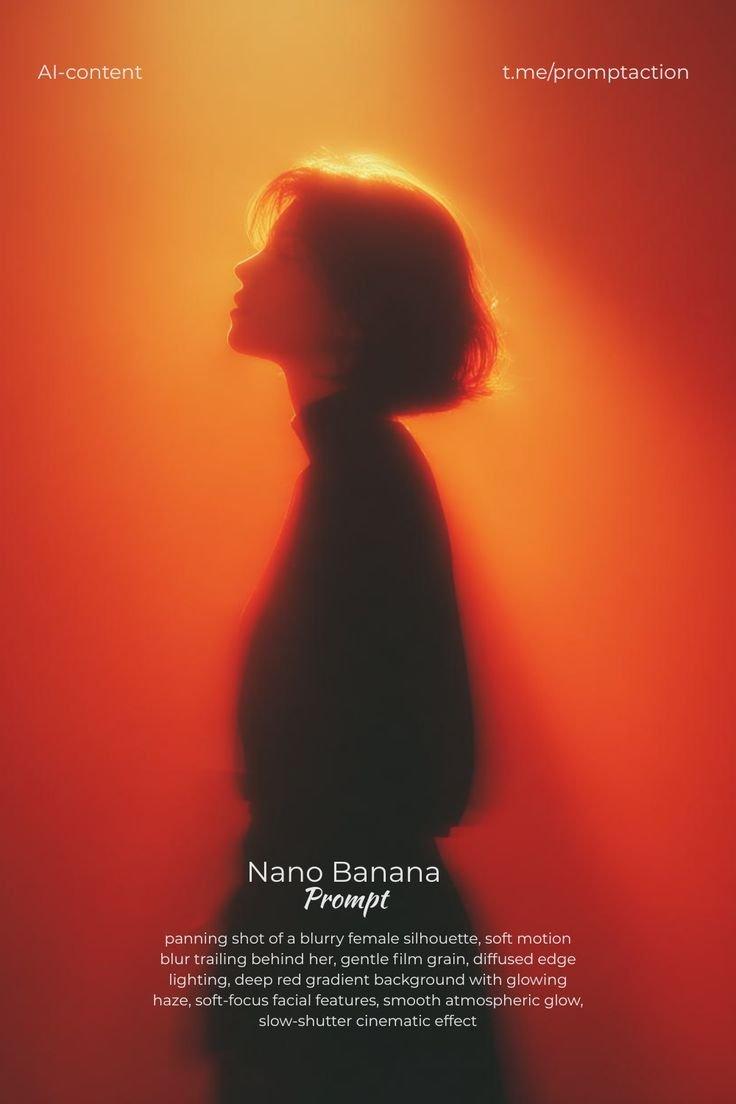
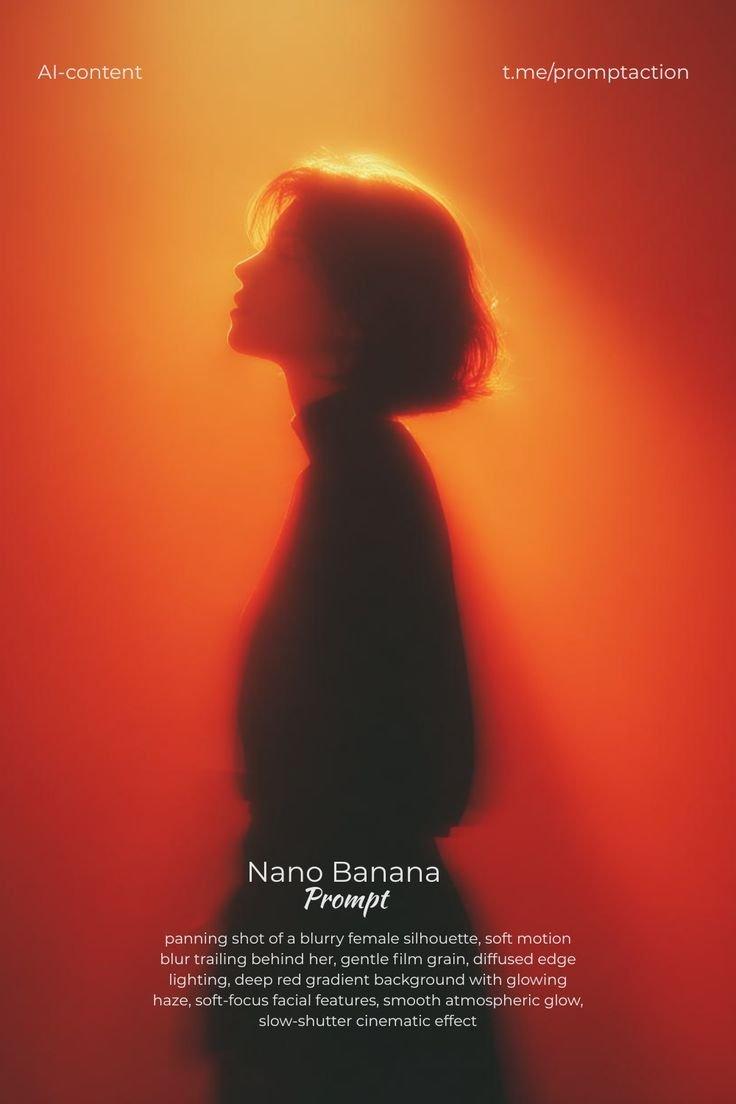
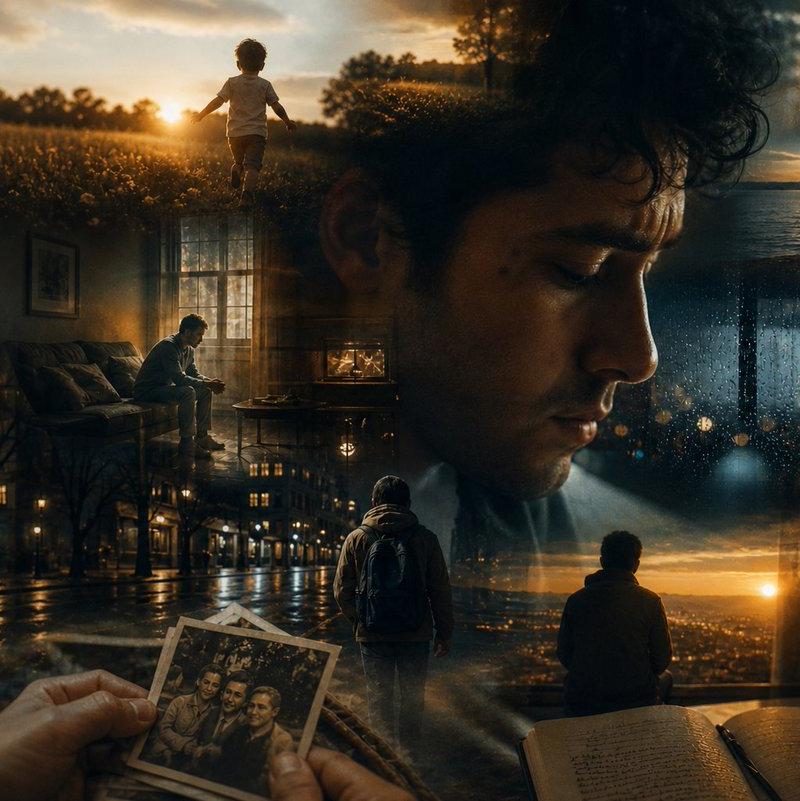
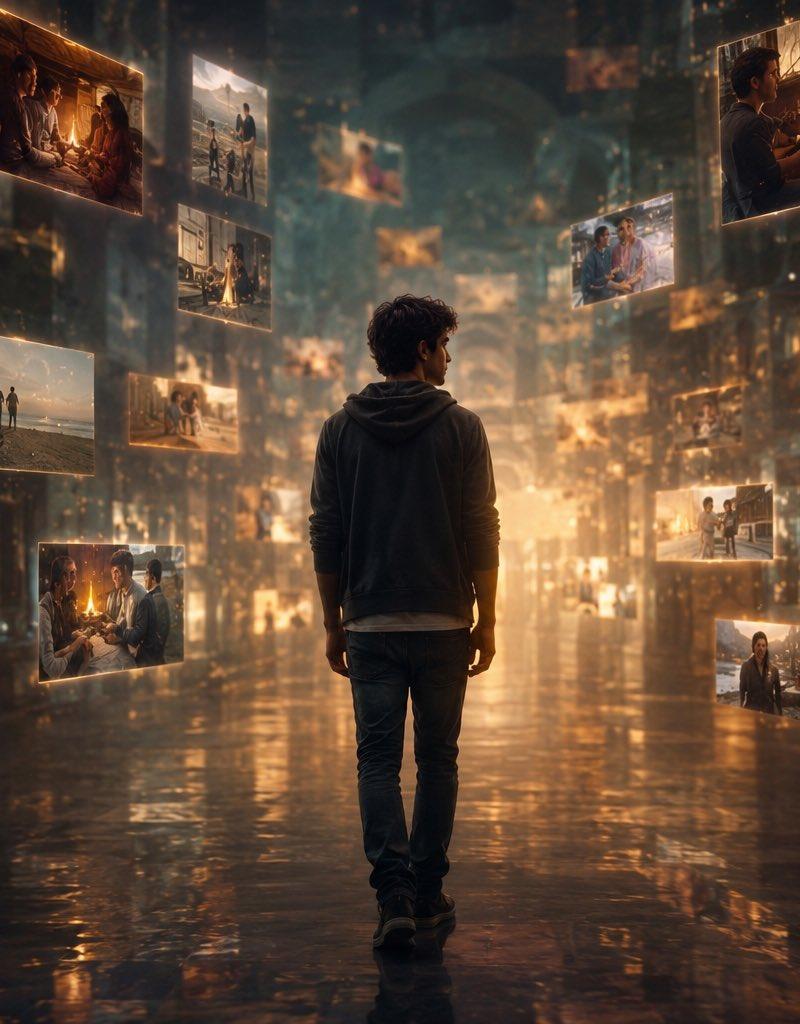
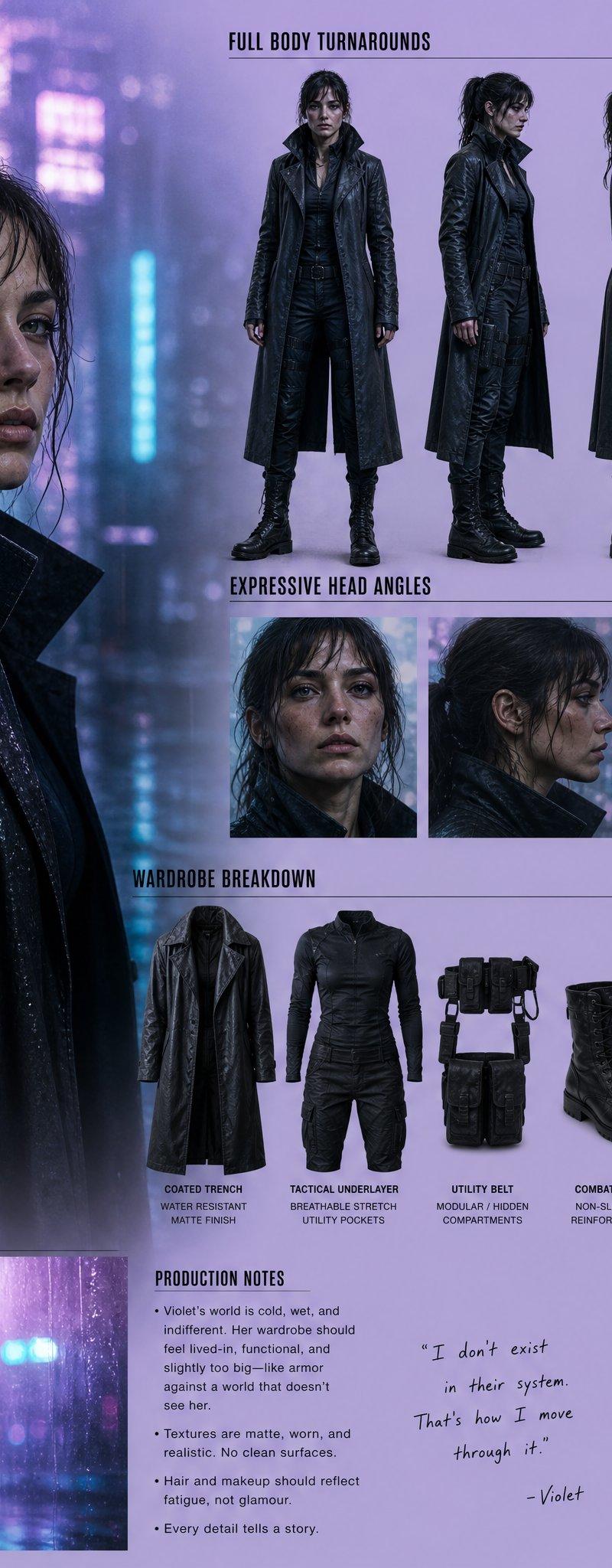
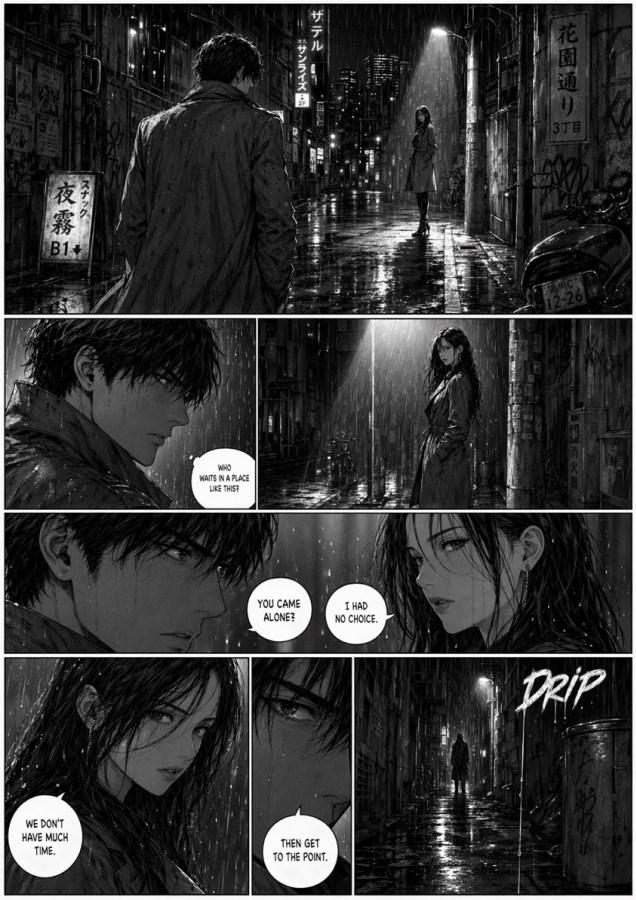
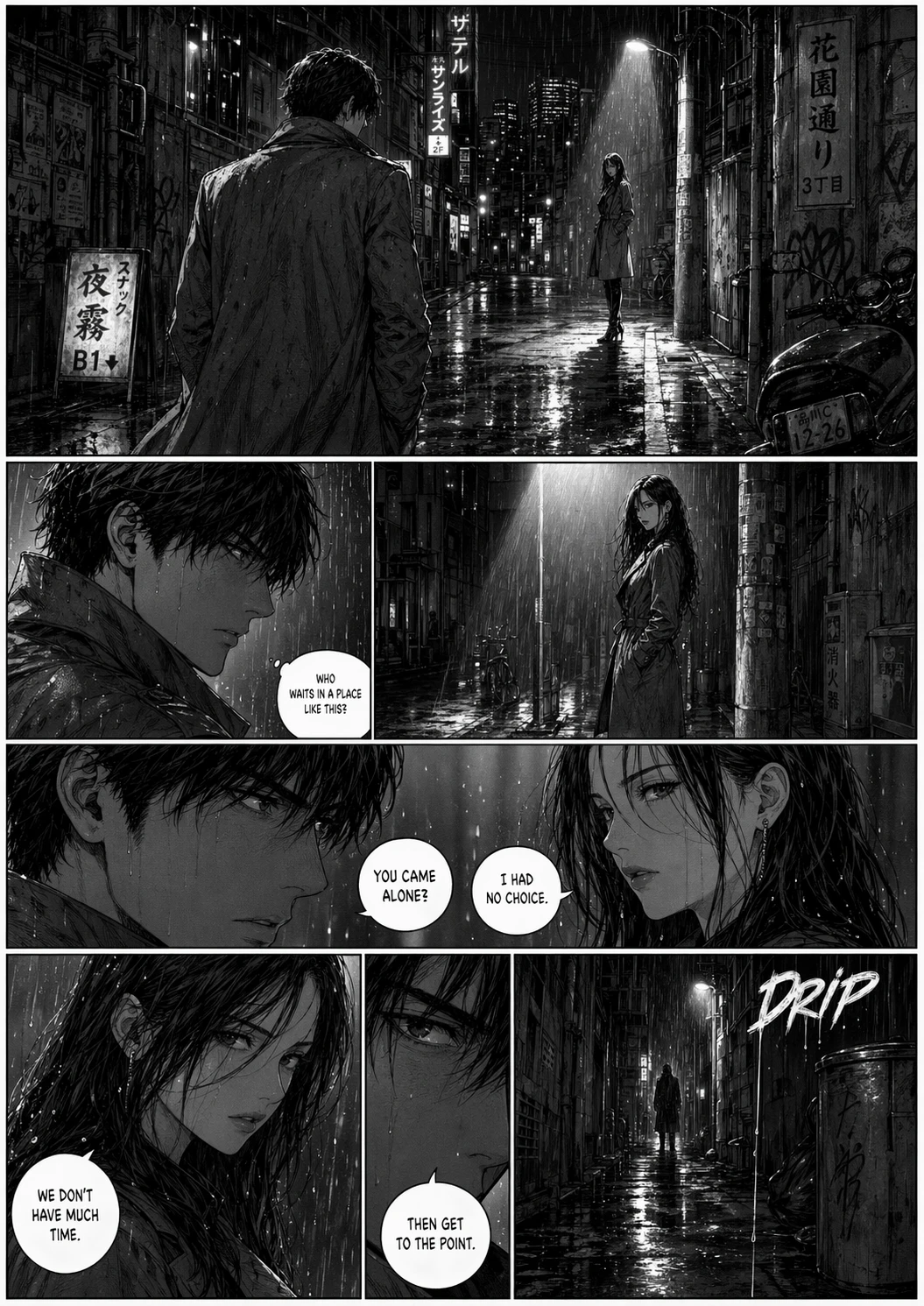
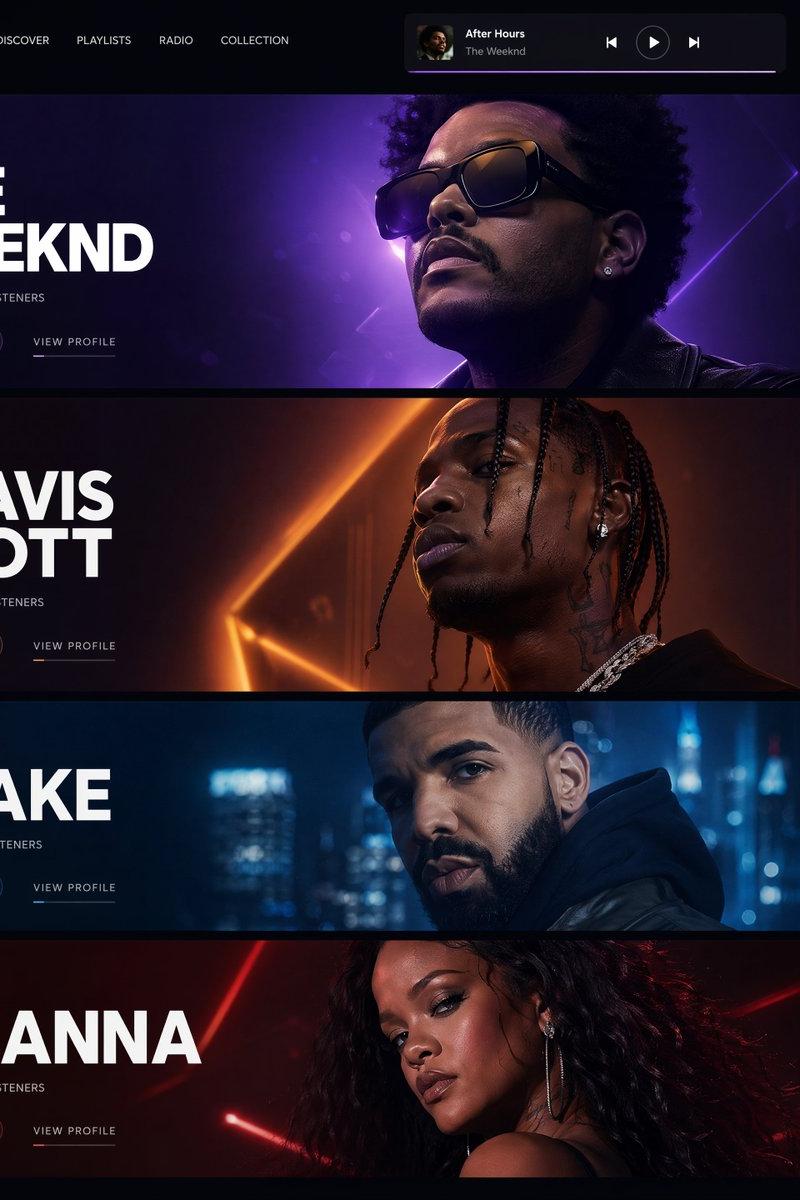
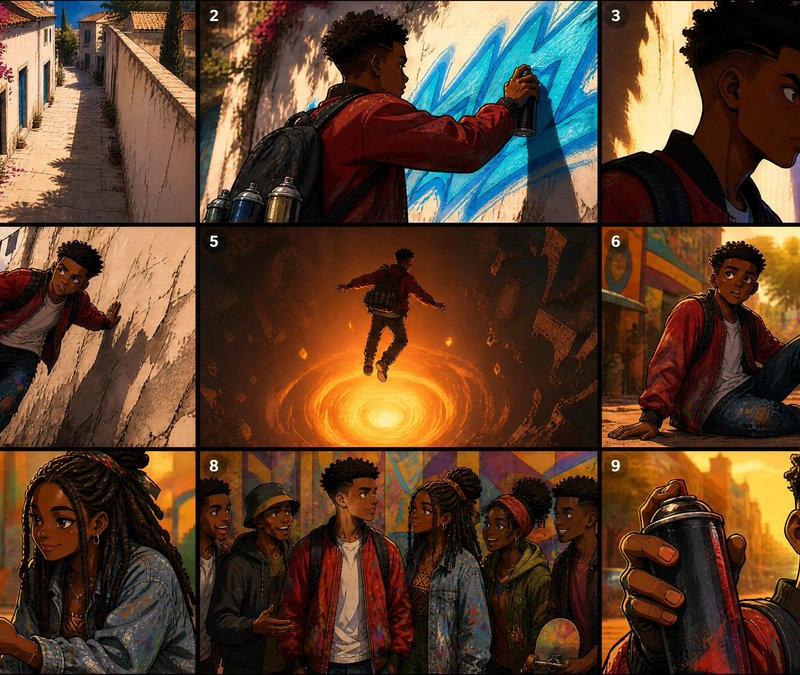
A cinematic grid of abstract human silhouettes in soft focus, featuring multiple shadowy portrait profiles and figures against glowing gradient backgrounds. {argument name="light colors" default="Warm orange, red, teal, blue, and yellow"} light leaks surround the subjects, with blurred edges, motion smear, dreamy atmospheric lighting, neon rim light, and a moody futuristic editorial style. Each portrait feels mysterious, emotional, and anonymous, like memories fading through light. High contrast silhouettes, soft bokeh, analog film texture, surreal color grading, minimalist composition, artistic photography, experimental portrait collage.
Category
Photography & Realism
Model
GPT Image 2
Creator
BMX
Source language
en
Views0
Source ID
26243
Published
Jun 19, 2026
Studio

Guide

About "抽象剪影电影感网格"

What is this prompt for?

"抽象剪影电影感网格" AI image prompt for GPT Image 2 (Photography & Realism). 一个用于创建抽象剪影网格的电影感提示词,包含暖色漏光、动态拖影以及未来主义编辑摄影风格。 Copy it on Picva and recreate the look in one…

The full copyable prompt and example visuals above are ready for AI image generation or one-click recreate in Picva.

How to use this prompt

  1. Step 1

    Open the prompt detail

    Review the example visuals, category, and full prompt text for "抽象剪影电影感网格".

  2. Step 2

    Copy the prompt

    Copy the prompt body from this page, or load it directly in Studio.

  3. Step 3

    Pick a model (GPT Image 2)

    Prefer GPT Image 2. If you switch models, keep subject and composition and tweak style terms.

  4. Step 4

    Generate and export

    Recreate the look in Picva, or export into your workflow for editing and publishing.

FAQ

What is the "抽象剪影电影感网格" prompt?
It is an AI image-generation prompt for GPT Image 2 in the Photography & Realism category. This page includes the full prompt text, example visuals, and a one-click recreate path in Picva.
How do I use this prompt to generate an image?
Copy the prompt from this page, or use Generate / Studio. Paste it into a compatible image model, or recreate the look in Picva with optional reference images.
Which model is this prompt for?
This page lists GPT Image 2. Most descriptive prompts also transfer to nearby image models such as GPT Image, Flux, or Midjourney with light style tweaks.
Can I use the result commercially?
You can usually copy the prompt for creation, but commercial use of the final image depends on the model terms, reference-image rights, and the generated content. Follow the source author and platform rules.