山顶俯瞰视角人像
Prompt
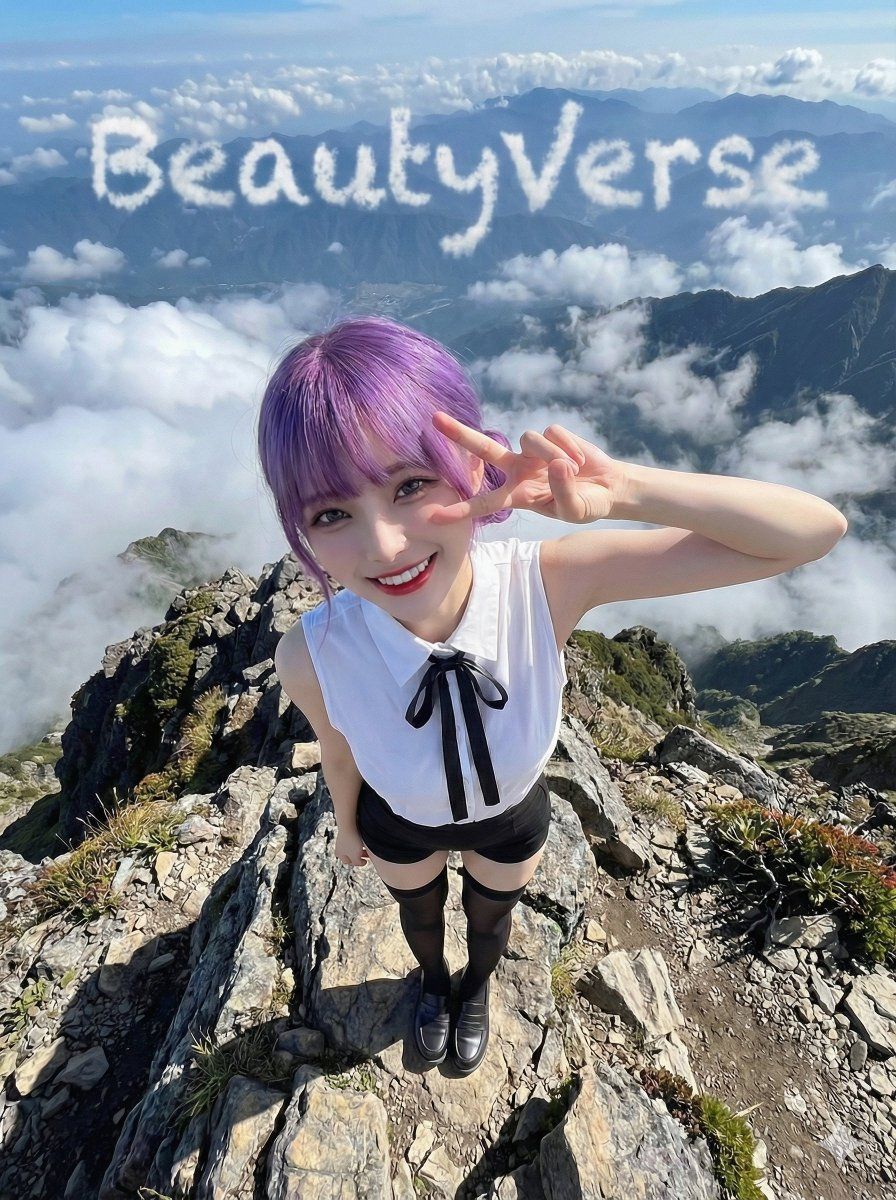
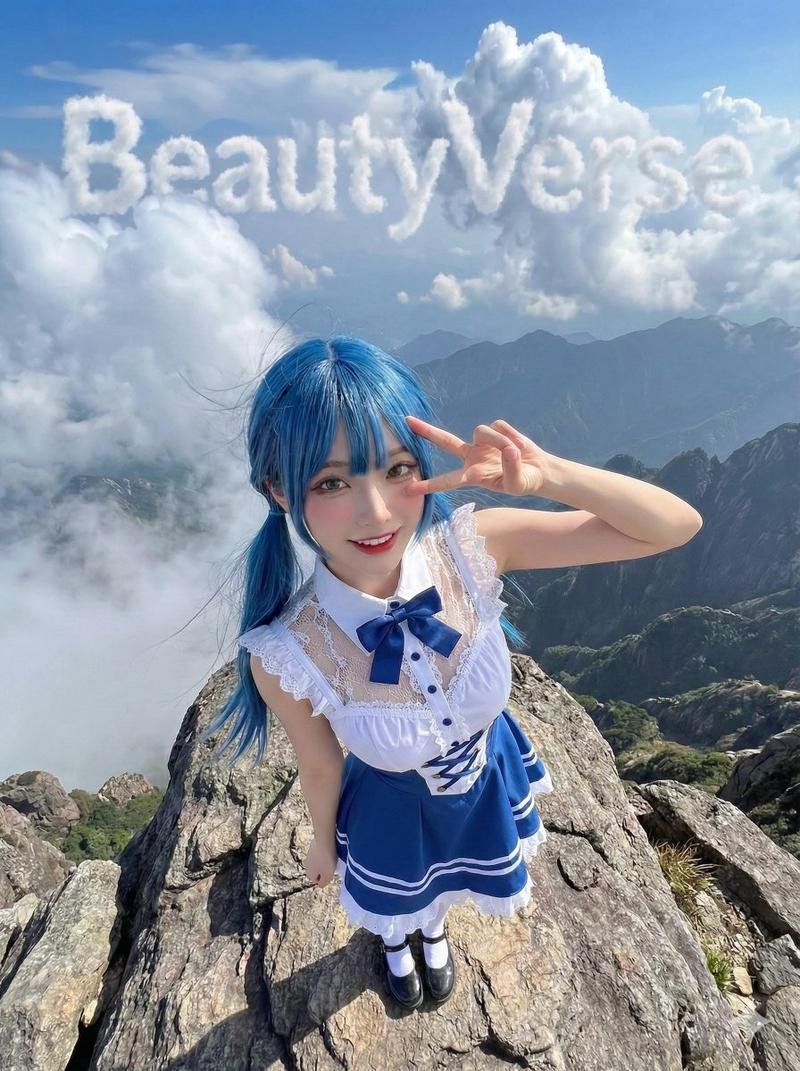
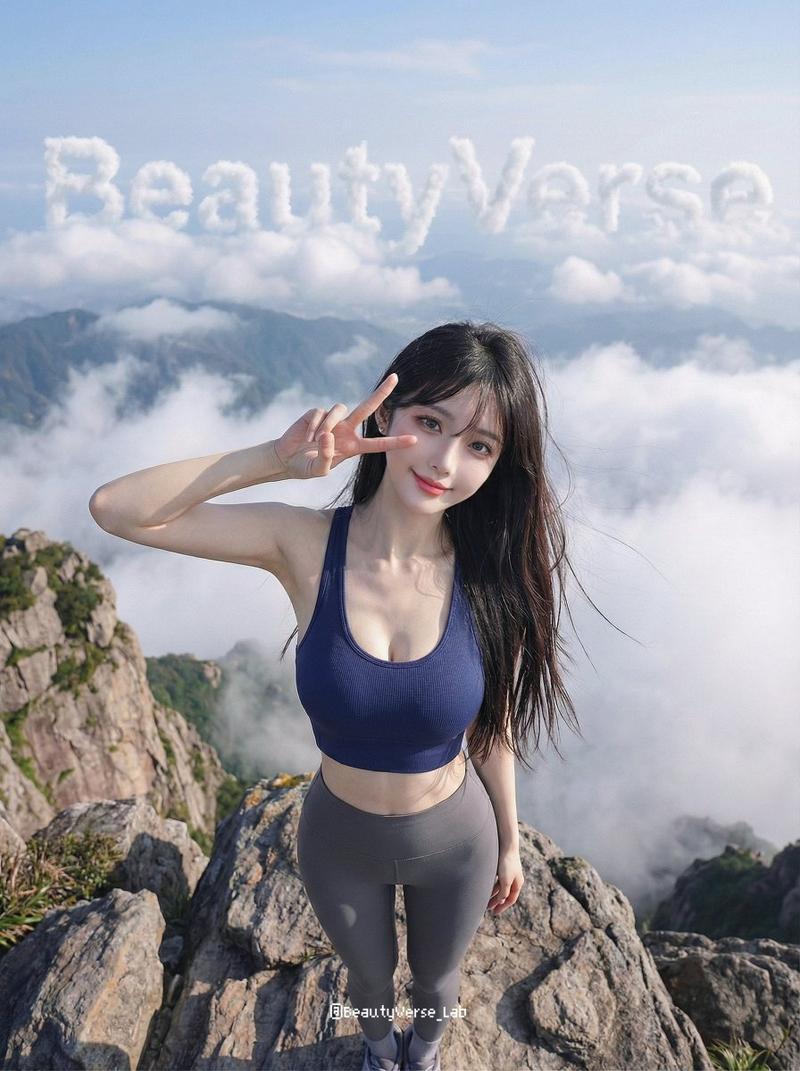
Extreme high-angle bird's-eye view full-body shot of a {argument name="subject" default="woman"} standing confidently at the summit of a rugged mountain peak. She looks up at the camera with a bright, friendly gaze, cheerful and playful smile. Her right hand is raised near her eye making a clear peace sign (V-sign / YA gesture), fingers visibly formed. Her shoulders are slightly slouched, creating a top-down foreshortening effect that makes her head look larger than her feet, with heavy wide-angle distortion. She is wearing a distinct outfit with an inner layer top and matching pants, with specific shoes — all replicated from a reference image in exact color and design. Her hairstyle, length, color, and texture are also preserved exactly as shown in the reference, no headwear. The environment is the summit of a high mountain with jagged rocks and a cliff edge. The background features dramatic cloud formations in the distant sky arranged to clearly spell out the word "{argument name="word" default="BeautyVerse"}" hovering above the mountain ranges below. Bright natural daylight, soft clouds beneath the peak, majestic and adventurous high-altitude atmosphere with surreal elements. Style: adventure outdoor photography with surrealist elements. Ultra-wide angle lens shot from above to emphasize the height of the peak. 8K resolution, hyper-realistic rock textures and fabric weave. Aspect ratio 3:4.- Category
- Photography & Realism
- Model
- GPT Image 2
- Creator
- PromptLab
- Source ID
- 26244
- Published
- Jun 20, 2026
Views0





![Prompt on Nano Banana Pro : An image of a [TYPE] landscape, featuring a cave ent](https://cdn.pixshop.app/prompt-library/tweet-1997265335494595040/preview-0-1768017073734-k8roqwit.jpeg)