15

黑白影棚人像与涂鸦艺术
Enlarge

Example images

黑白影棚人像与涂鸦艺术

Prompt
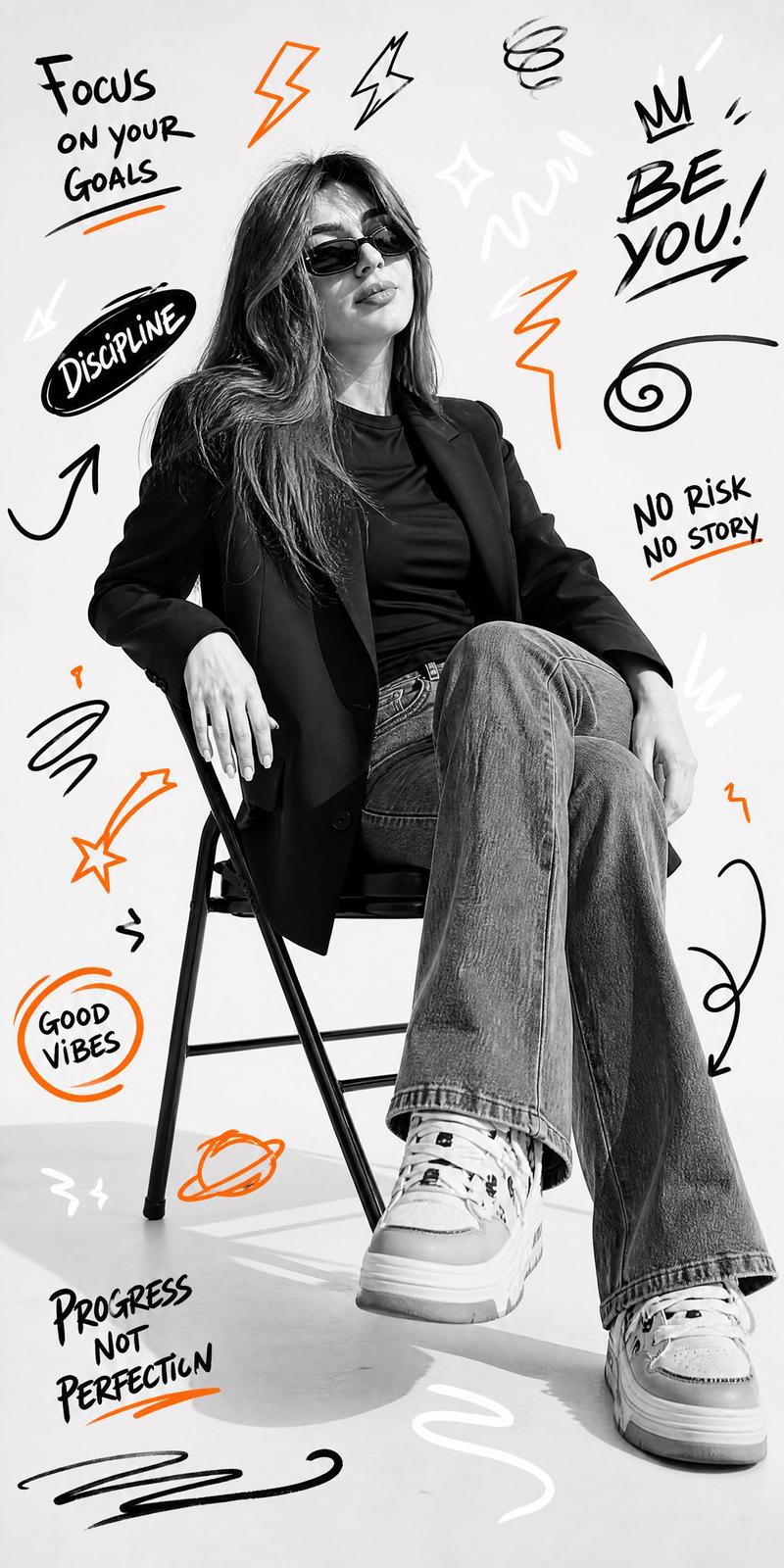
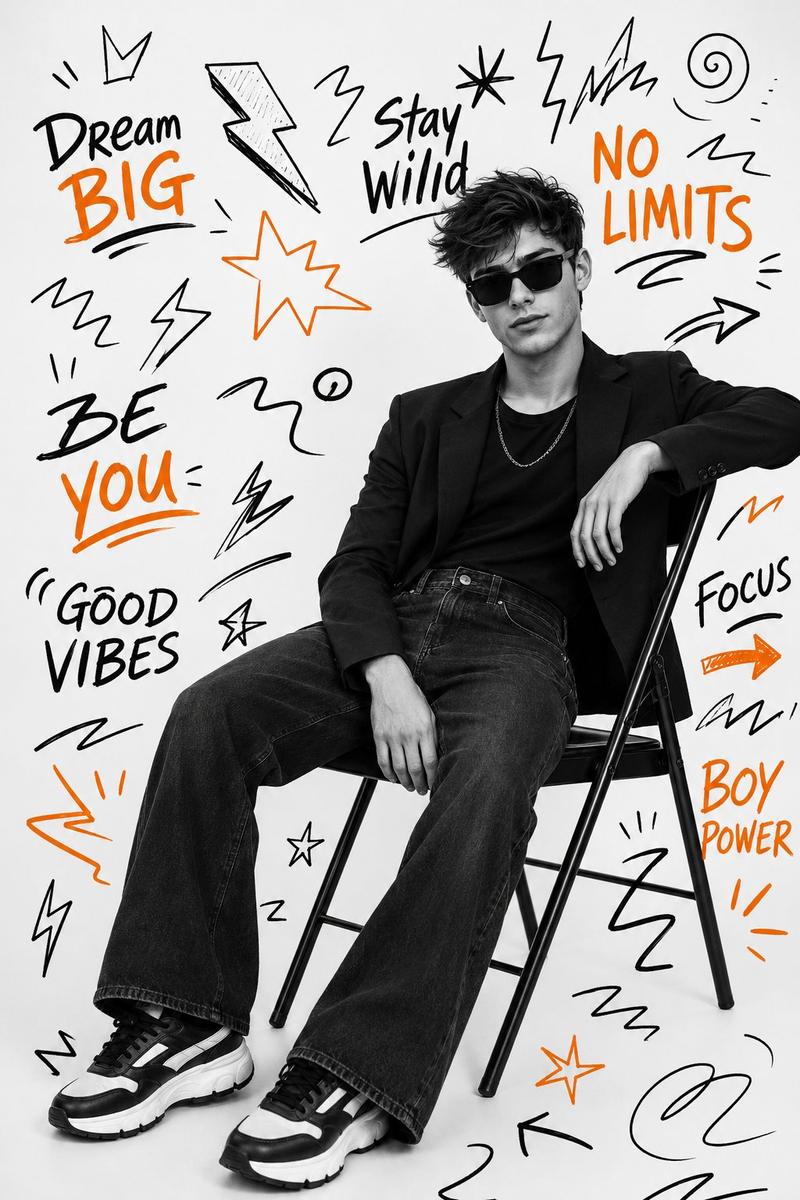
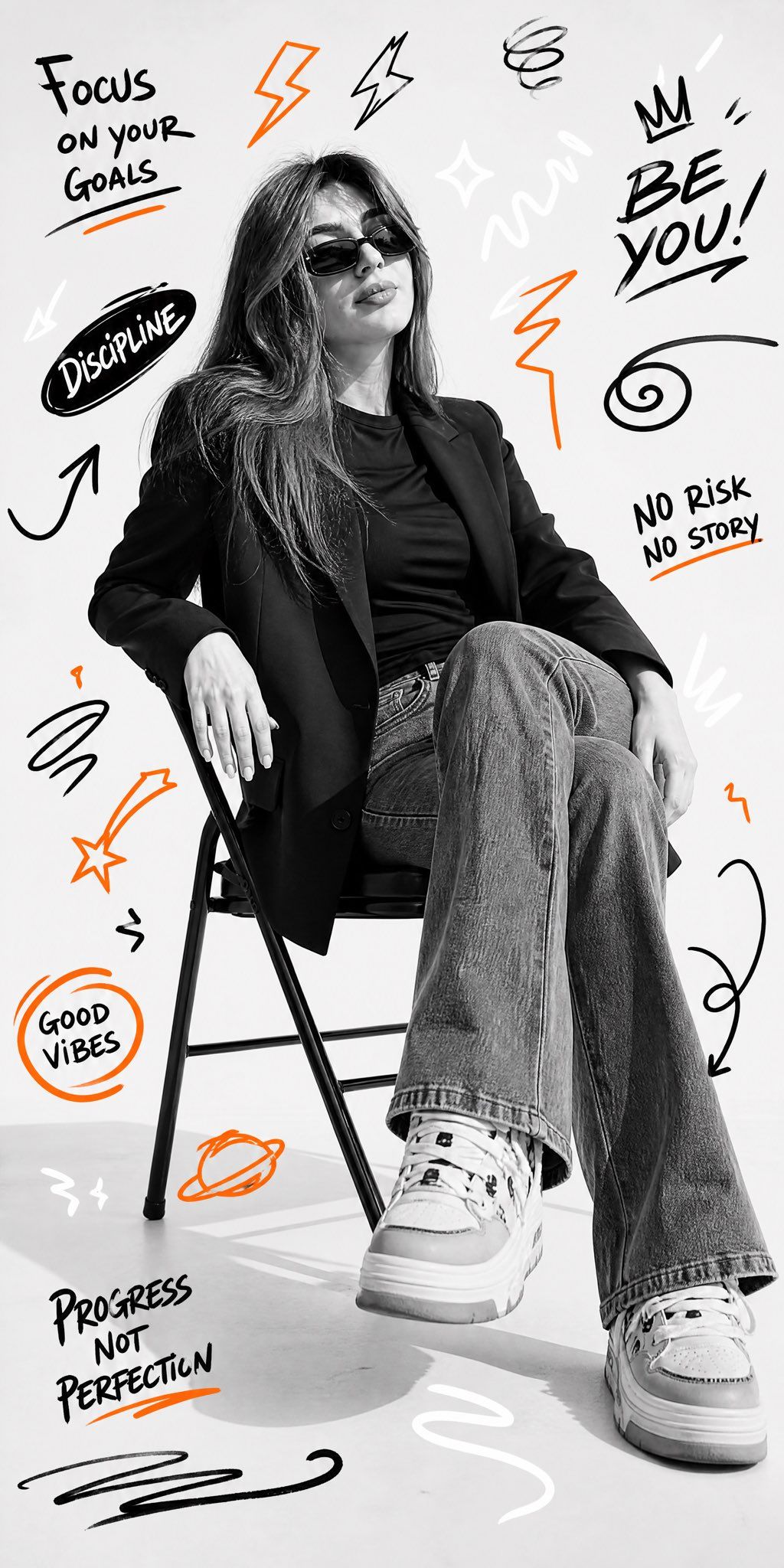
Ultra-realistic black and white studio portrait, person is sitting on a simple folding chair, wearing black blazer, black t-shirt, flared jeans, and chunky sneakers. The pose is relaxed, with legs slightly stretched forward, one hand resting casually on the chair, wearing sunglasses. The background is a plain white studio Surrounding the subject are black, white, and orange doodle graffiti illustrations: lightning, zigzag lines, swirls, arrows, and motivational words, the image is 8k Ultra-realistic black and white studio portrait, person is sitting on a simple folding chair, wearing black blazer, black t-shirt, flared jeans, and chunky sneakers.Chair pose, one arm resting on the backrest, looking at camera, stylish and confident wearing sunglasses. The background is a plain white studio Surrounding the subject are black, white, and orange doodle graffiti illustrations: lightning, zigzag lines, swirls, arrows, and motivational words, the image is 8k
Category
Photography & Realism
Model
GPT Image 2
Creator
Sairah
Views0
Source ID
26354
Published
Jun 20, 2026

Guide

About "黑白影棚人像与涂鸦艺术"

What is this prompt for?

"黑白影棚人像与涂鸦艺术" AI image prompt for GPT Image 2 (Photography & Realism). 一个用于生成高质量黑白影棚人像的提示词,画面主体为身着休闲装的人物,周围环绕着充满活力的涂鸦艺术和励志文字。 Copy it on Picva and recreate the…

The full copyable prompt and example visuals above are ready for AI image generation or one-click recreate in Picva.

How to use this prompt

  1. Step 1

    Open the prompt detail

    Review the example visuals, category, and full prompt text for "黑白影棚人像与涂鸦艺术".

  2. Step 2

    Copy the prompt

    Copy the prompt body from this page, or load it directly in Studio.

  3. Step 3

    Pick a model (GPT Image 2)

    Prefer GPT Image 2. If you switch models, keep subject and composition and tweak style terms.

  4. Step 4

    Generate and export

    Recreate the look in Picva, or export into your workflow for editing and publishing.

FAQ

What is the "黑白影棚人像与涂鸦艺术" prompt?
It is an AI image-generation prompt for GPT Image 2 in the Photography & Realism category. This page includes the full prompt text, example visuals, and a one-click recreate path in Picva.
How do I use this prompt to generate an image?
Copy the prompt from this page, or use Generate / Studio. Paste it into a compatible image model, or recreate the look in Picva with optional reference images.
Which model is this prompt for?
This page lists GPT Image 2. Most descriptive prompts also transfer to nearby image models such as GPT Image, Flux, or Midjourney with light style tweaks.
Can I use the result commercially?
You can usually copy the prompt for creation, but commercial use of the final image depends on the model terms, reference-image rights, and the generated content. Follow the source author and platform rules.