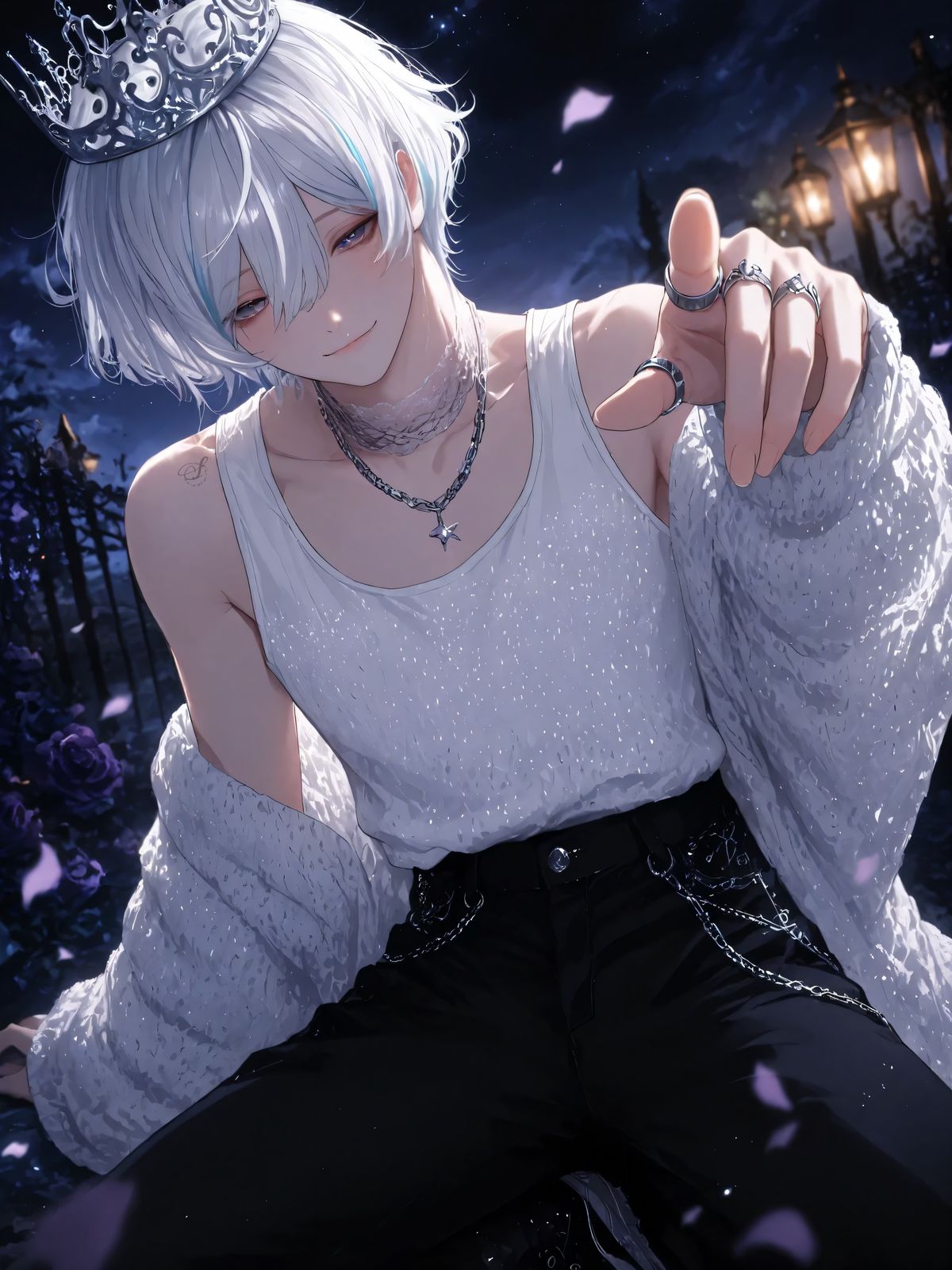
月光蕾丝王子肖像
Prompt
Create a high-detail anime-style vertical portrait of {argument name="character name" default="a delicate lace prince boy"} sitting close to the viewer in a dark moonlit rose garden at night, with a dramatic low-angle composition and shallow depth of field. The character is a slender young man with {argument name="hair color" default="short tousled silver-white hair"}, pale skin, bare shoulders, and a large flat opaque gray square deliberately covering the entire face area from forehead to chin. He wears exactly 4 main outfit pieces: an ornate silver crown tilted on his head, a sparkling white sleeveless tank top, an oversized white lace-textured cardigan slipping off both shoulders, and fitted black pants with silver chain details. Add exactly 3 visible necklaces: a delicate lace choker, a dark silver chain necklace, and a longer chain with a small star pendant. On the raised right hand reaching toward the viewer, show exactly 4 silver rings: one thick thumb band, one thin index-finger ring, one angular middle-finger ring, and one ring-finger band. The pose should feel intimate and princely, with the hand foreshortened toward the camera and the torso leaning forward. The background contains a wrought-iron fence, purple roses, glowing vintage street lamps on the right, a deep blue starry sky, and drifting pale purple flower petals. Use luminous cool blue lighting with warm lantern highlights, glossy fabric sparkles, intricate lace texture, elegant gothic-romantic atmosphere, ultra-detailed digital painting, clean anime linework, soft cinematic bokeh, no text, no watermark.- Category
- Photography & Realism
- Model
- GPT Image 2
- Creator
- Sol
- Source ID
- 26460
- Published
- Jun 21, 2026
Views1