20

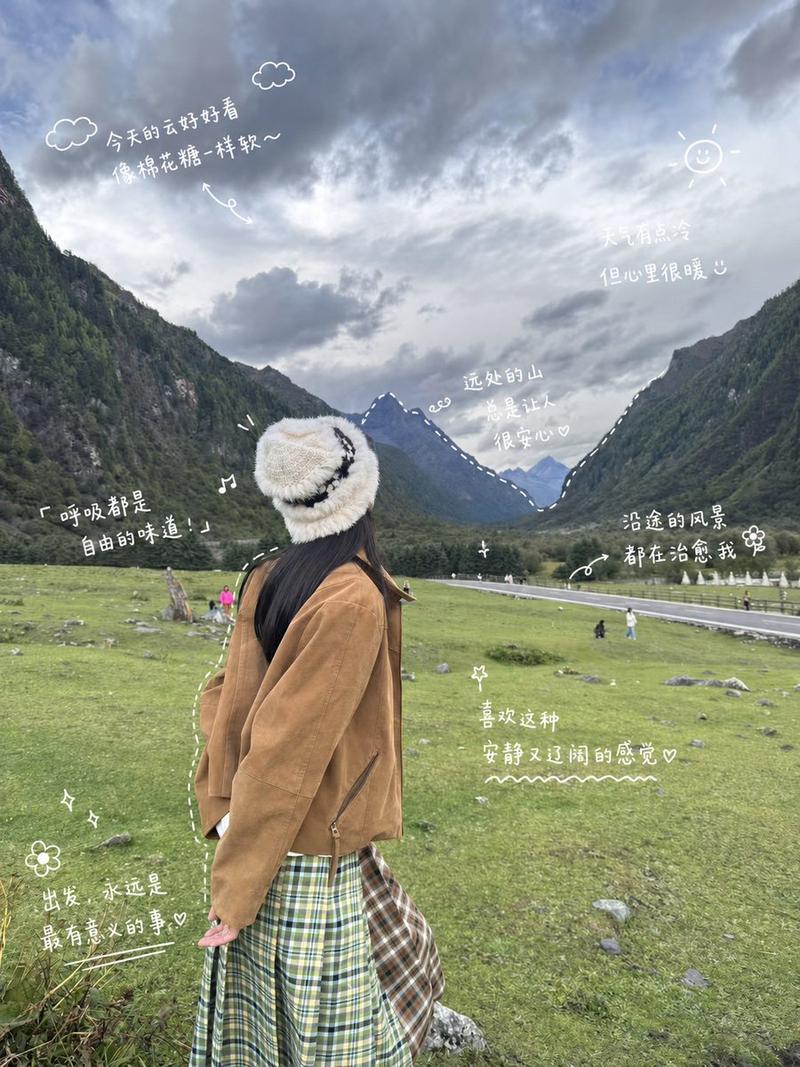
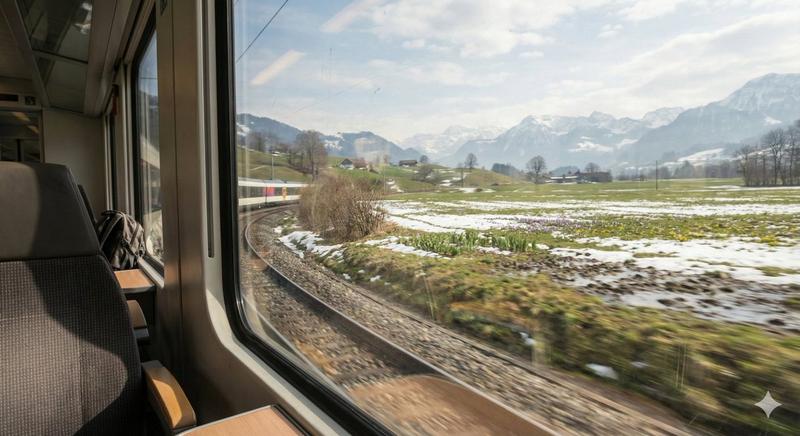
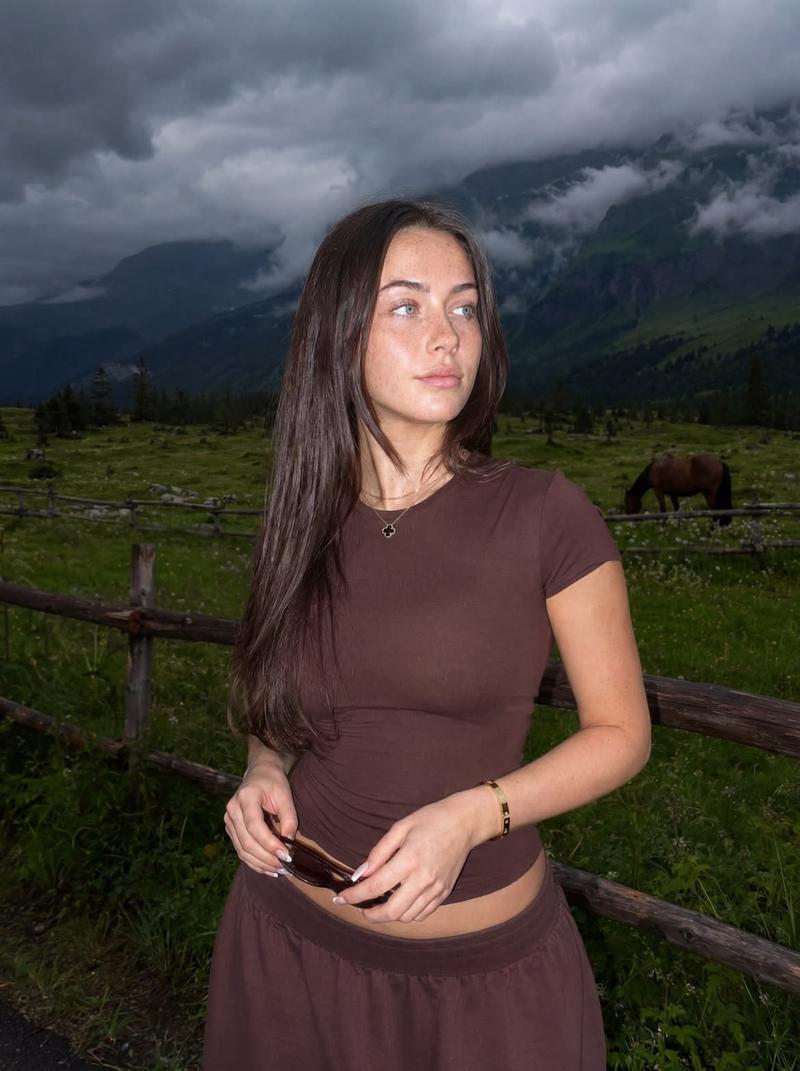
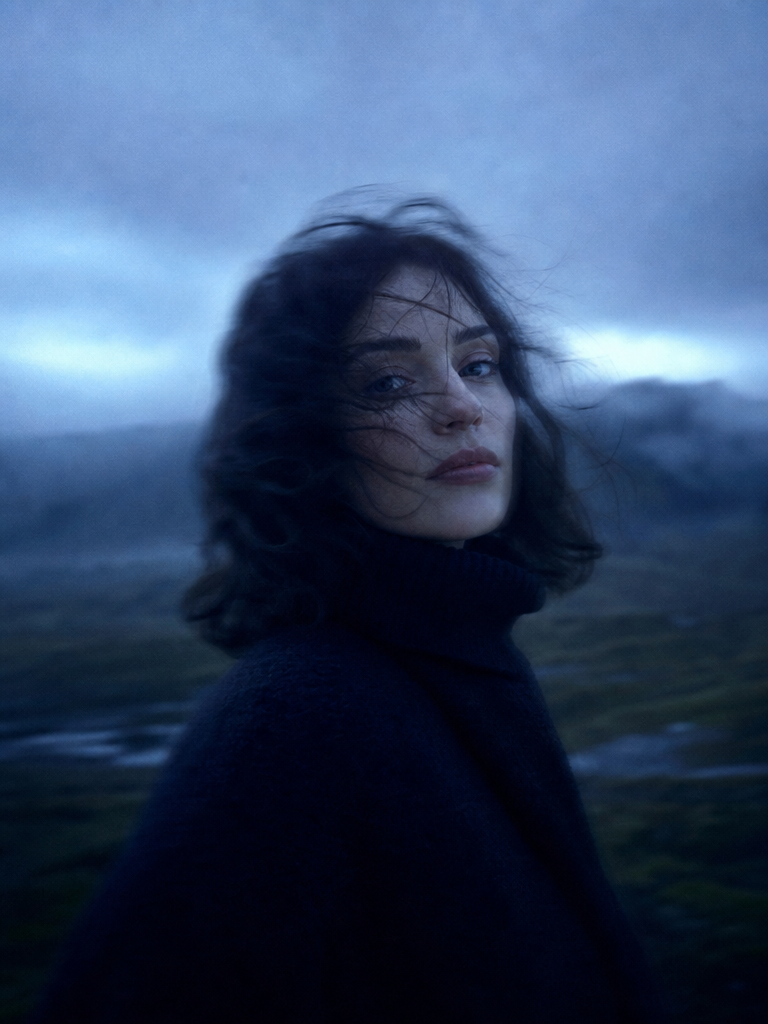
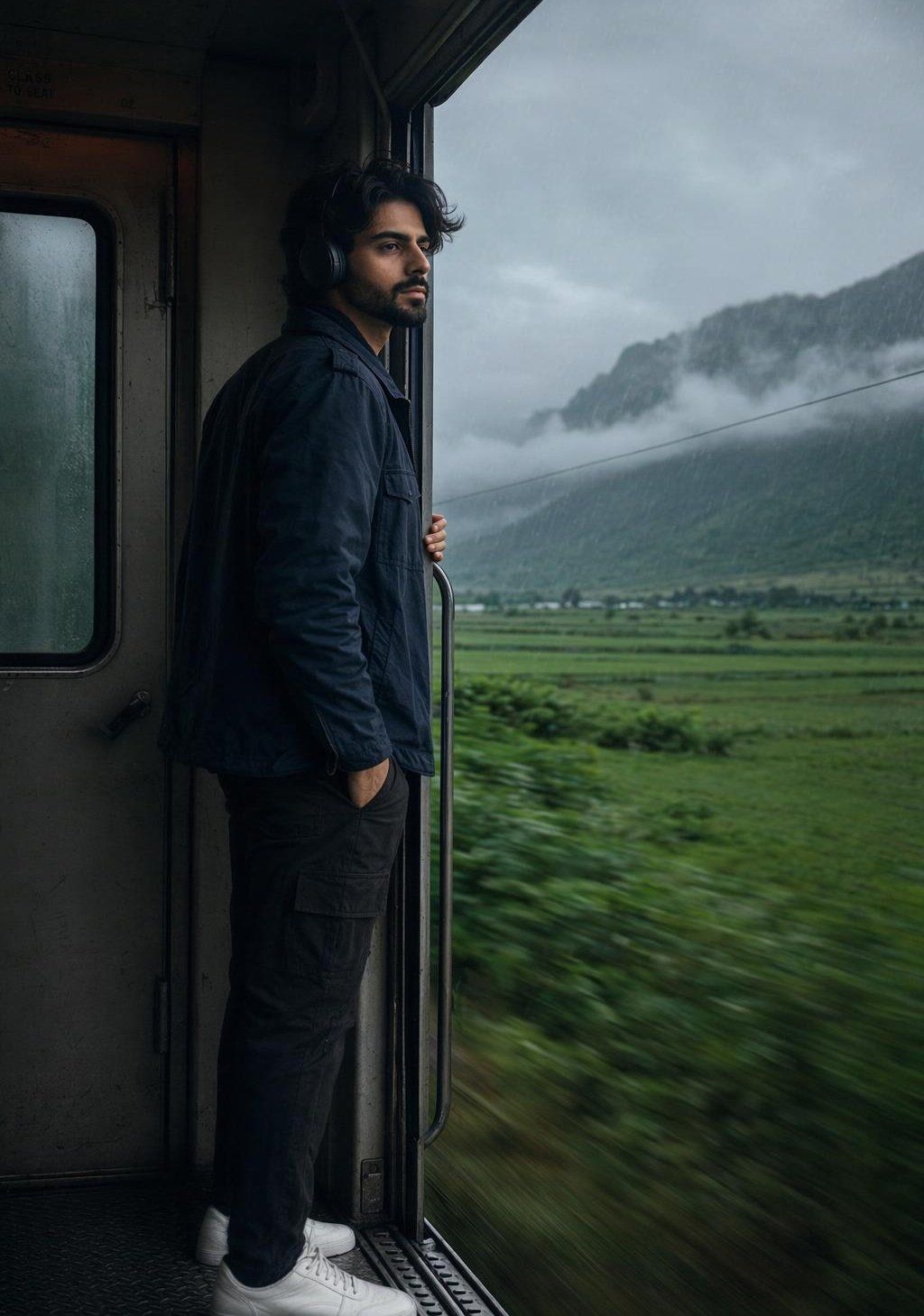
雨天氛围下的写实火车人像
Enlarge

雨天氛围下的写实火车人像

Prompt
Create a 4K realistic portrait of a {argument name="subject" default="young man"} standing in a running train. He stand at the train gate, holding the side railing of the gate with one hand while another hand remains in his pocket. He is looking outside the gate, appearing calm and quiet. Outside the train, beautiful green mountains and wide fields are visible. It is raining, with dark and cloudy weather creating a moody atmosphere. The shot is taken from a low angle, slightly behind and beside him. Some of his face is visible, and his hairs flew with the air. He put headphone and remains immersed in the moment. He wear a {argument name="jacket style" default="dark navy cargo jacket"}, {argument name="pants style" default="relaxed-fit black jeans"}, and shoes. Preserve his skinny parsonality as uploaded image, and he is tall. Strictly preserve his facial details as uploaded image. Maintain the exact face structure, hairstyle, and identity. The overall image should have enhanced quality, realistic skin texture, cinematic lighting, and a dark effect with a moody rainy atmosphere. Ultra-detailed, highly realistic, 4K resolution.
Category
Photography & Realism
Model
GPT Image 2
Creator
Zar⭕on
Views0
Source ID
26490
Published
Jun 22, 2026

Guide

About "雨天氛围下的写实火车人像"

What is this prompt for?

"雨天氛围下的写实火车人像" AI image prompt for GPT Image 2 (Photography & Realism). 一个用于生成高质量人像的电影感提示词,描绘了一名年轻男子在雨中旅途站在火车车厢连接处的场景,强调忧郁的氛围与身份特征保留。 Copy it on Picva and recr…

The full copyable prompt and example visuals above are ready for AI image generation or one-click recreate in Picva.

How to use this prompt

  1. Step 1

    Open the prompt detail

    Review the example visuals, category, and full prompt text for "雨天氛围下的写实火车人像".

  2. Step 2

    Copy the prompt

    Copy the prompt body from this page, or load it directly in Studio.

  3. Step 3

    Pick a model (GPT Image 2)

    Prefer GPT Image 2. If you switch models, keep subject and composition and tweak style terms.

  4. Step 4

    Generate and export

    Recreate the look in Picva, or export into your workflow for editing and publishing.

FAQ

What is the "雨天氛围下的写实火车人像" prompt?
It is an AI image-generation prompt for GPT Image 2 in the Photography & Realism category. This page includes the full prompt text, example visuals, and a one-click recreate path in Picva.
How do I use this prompt to generate an image?
Copy the prompt from this page, or use Generate / Studio. Paste it into a compatible image model, or recreate the look in Picva with optional reference images.
Which model is this prompt for?
This page lists GPT Image 2. Most descriptive prompts also transfer to nearby image models such as GPT Image, Flux, or Midjourney with light style tweaks.
Can I use the result commercially?
You can usually copy the prompt for creation, but commercial use of the final image depends on the model terms, reference-image rights, and the generated content. Follow the source author and platform rules.