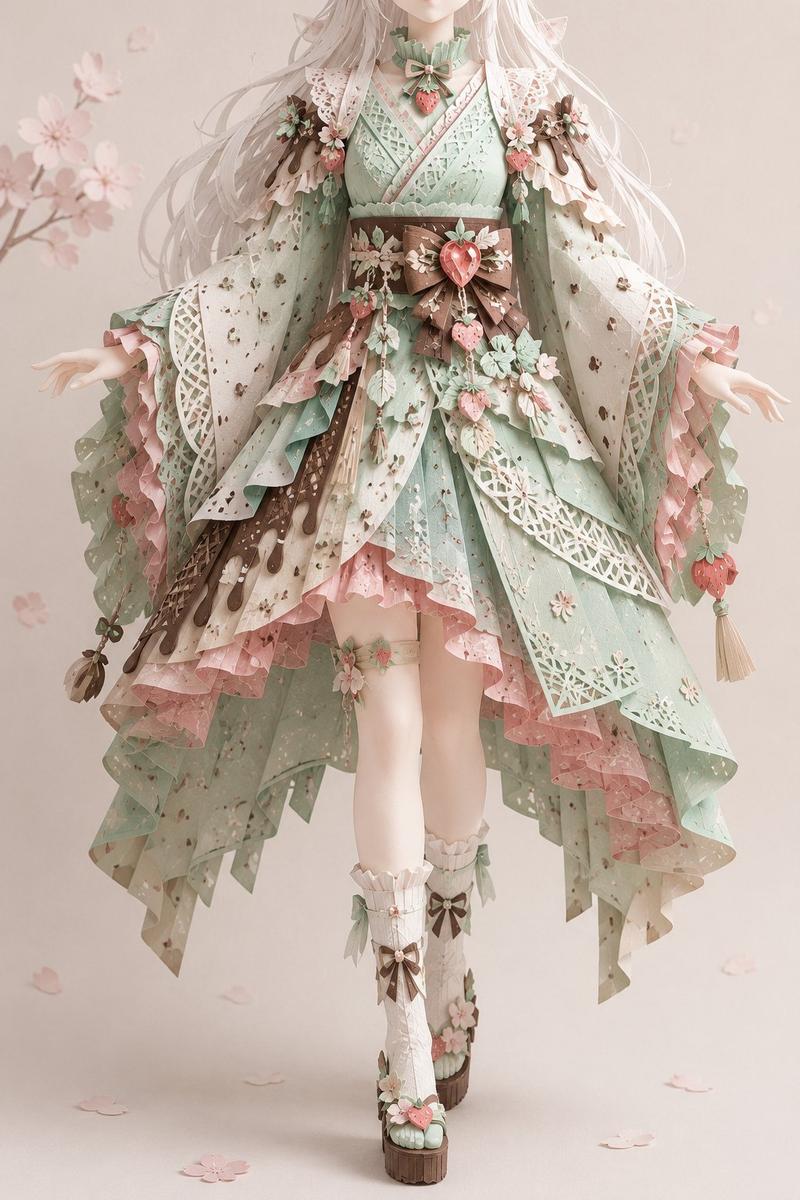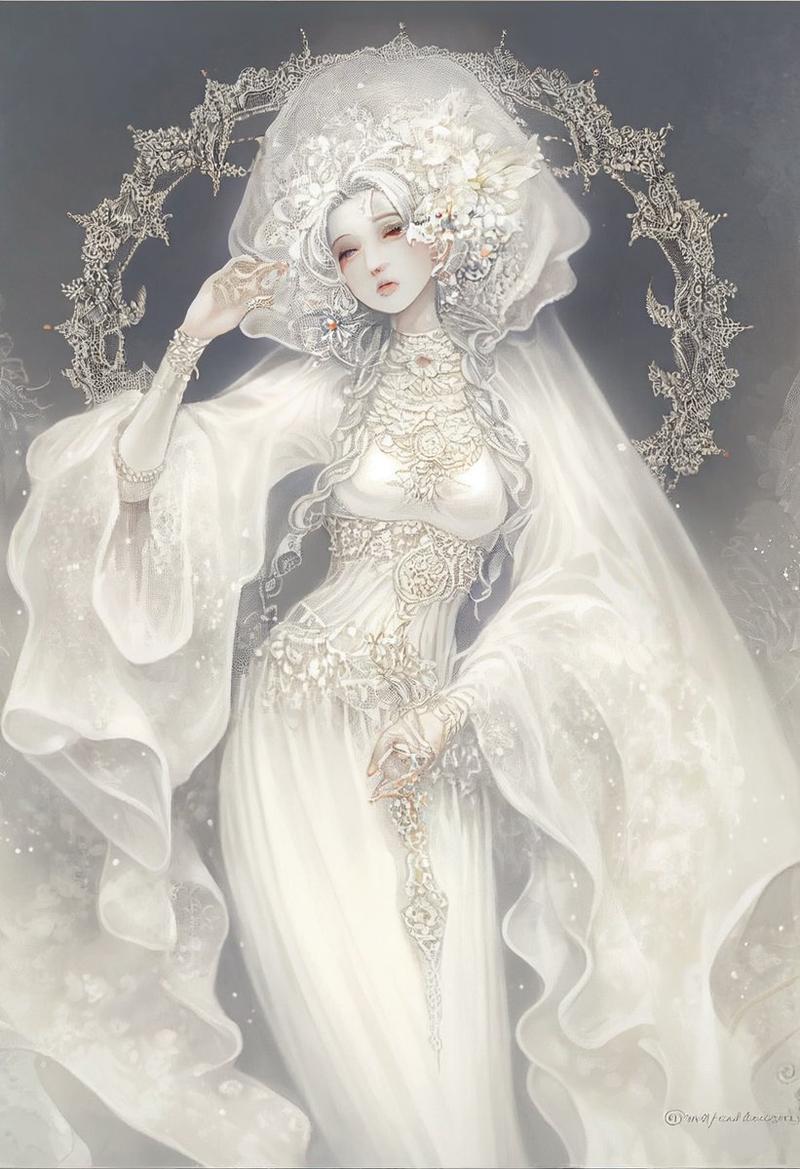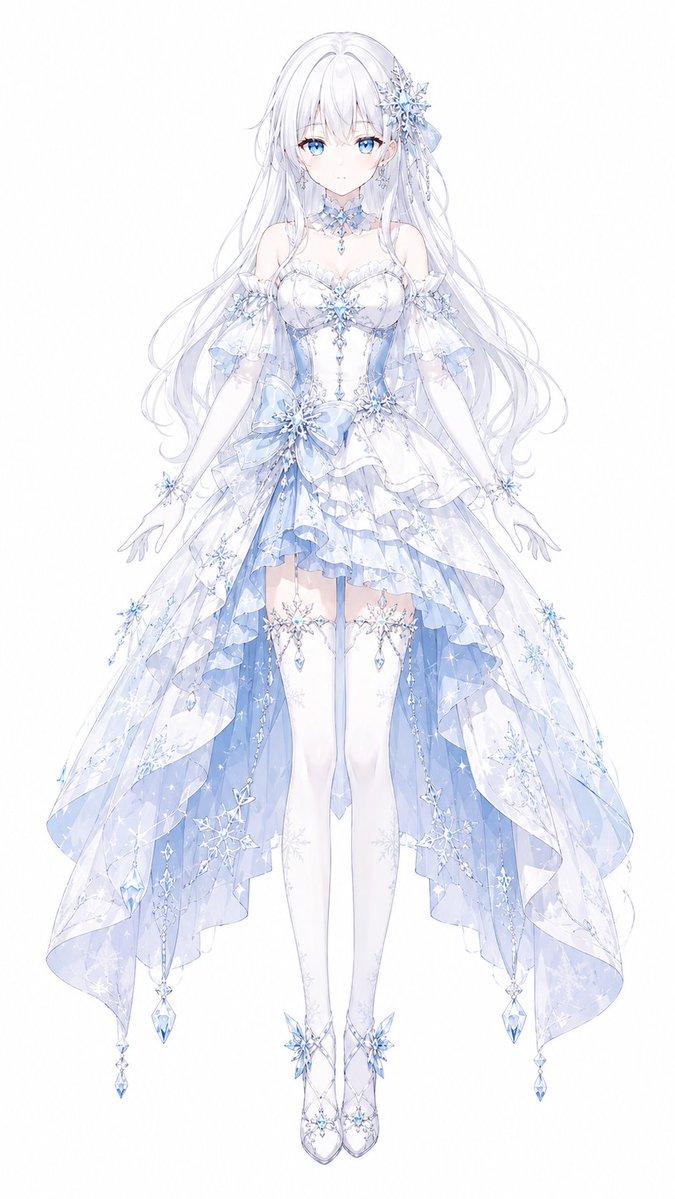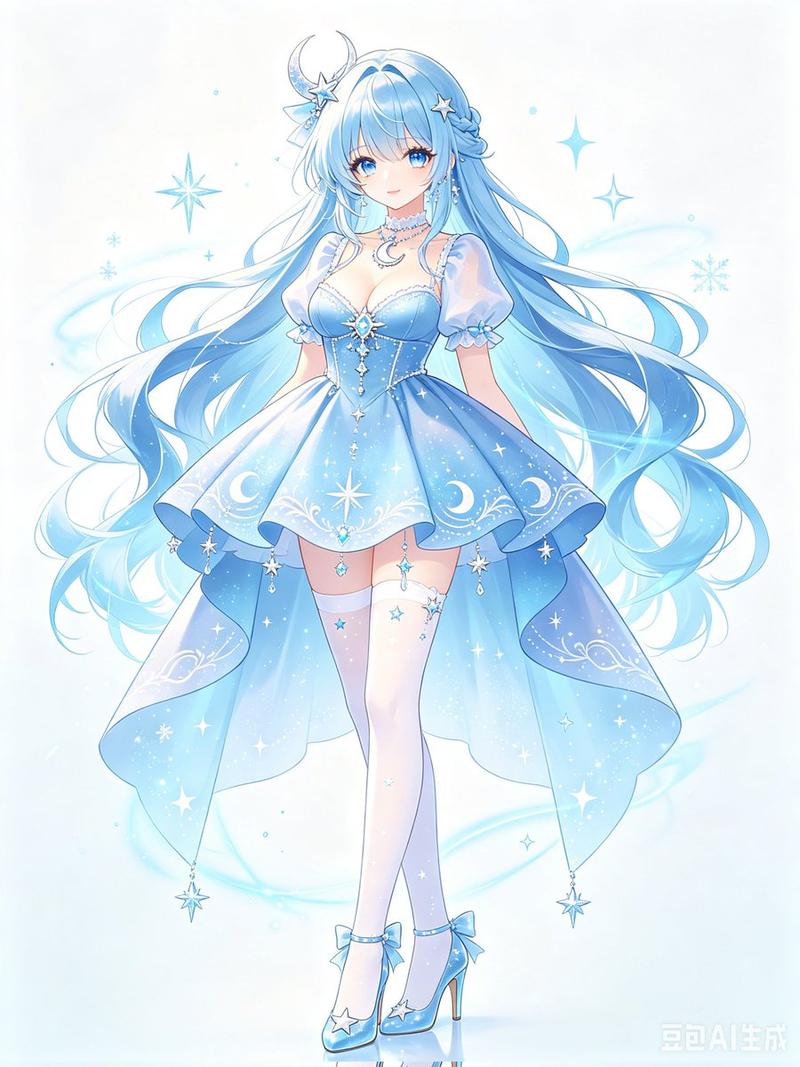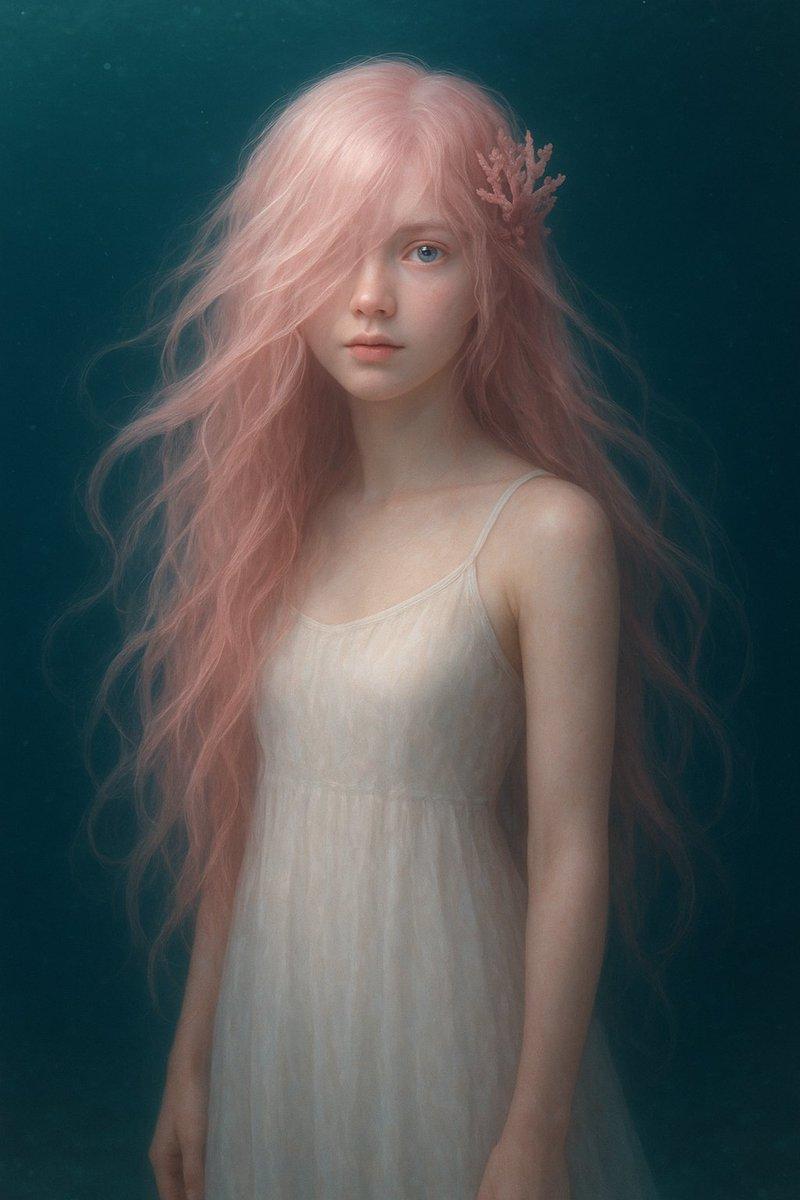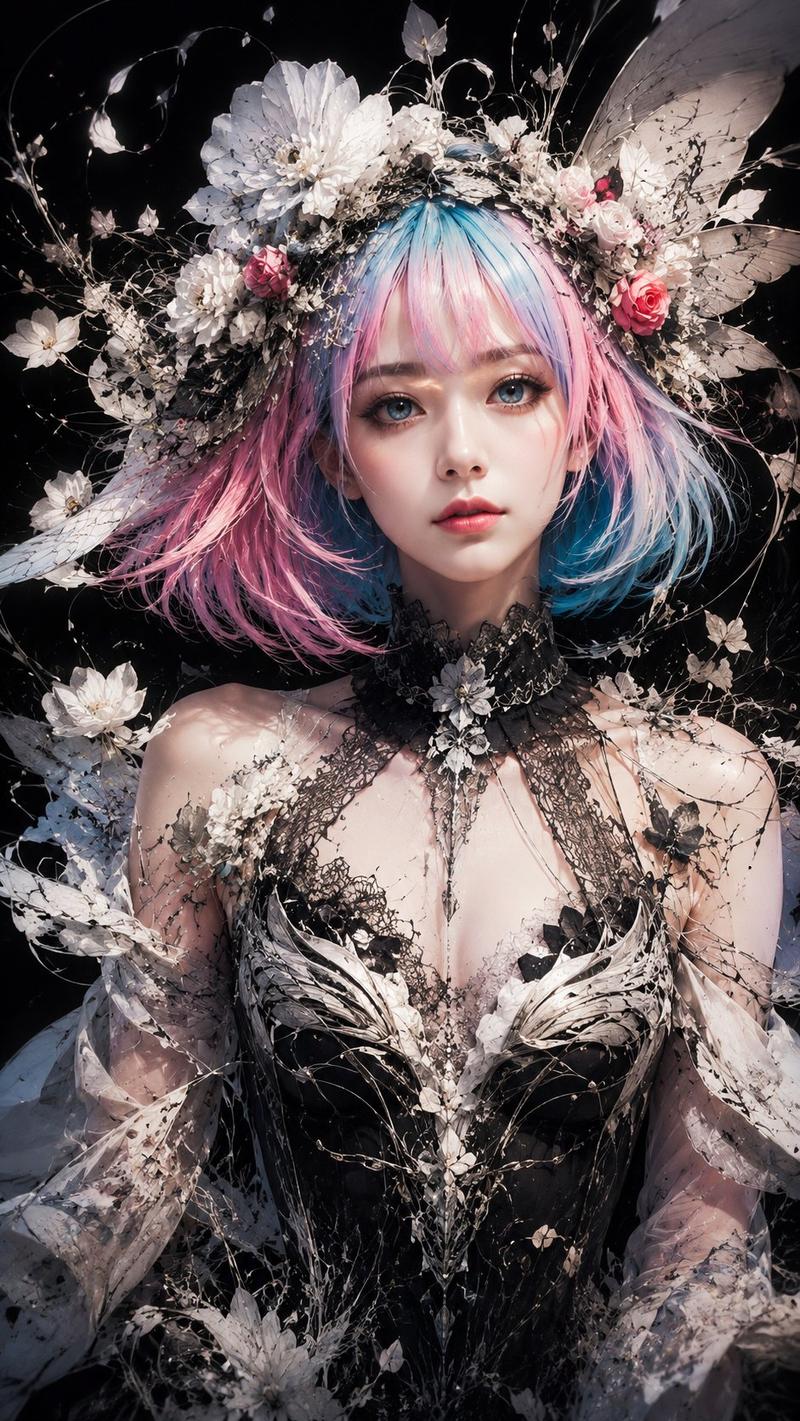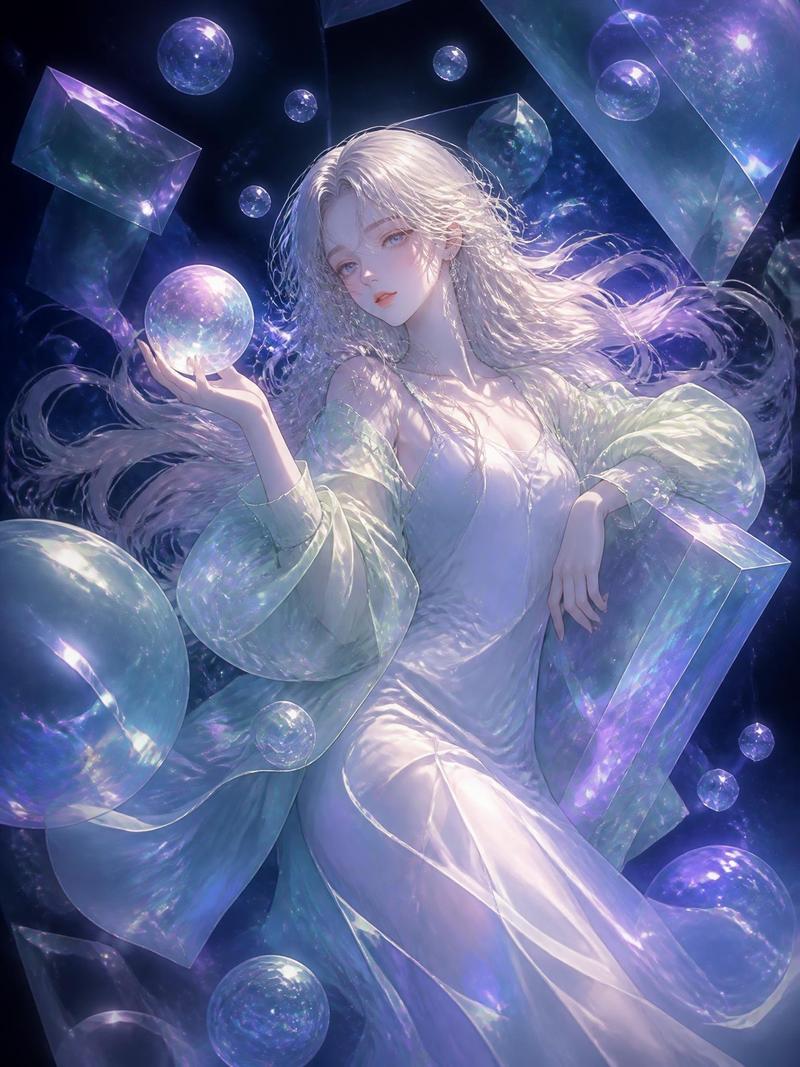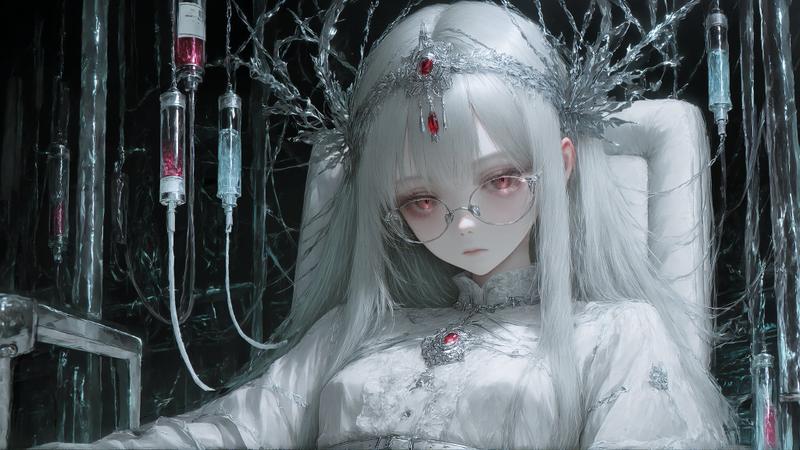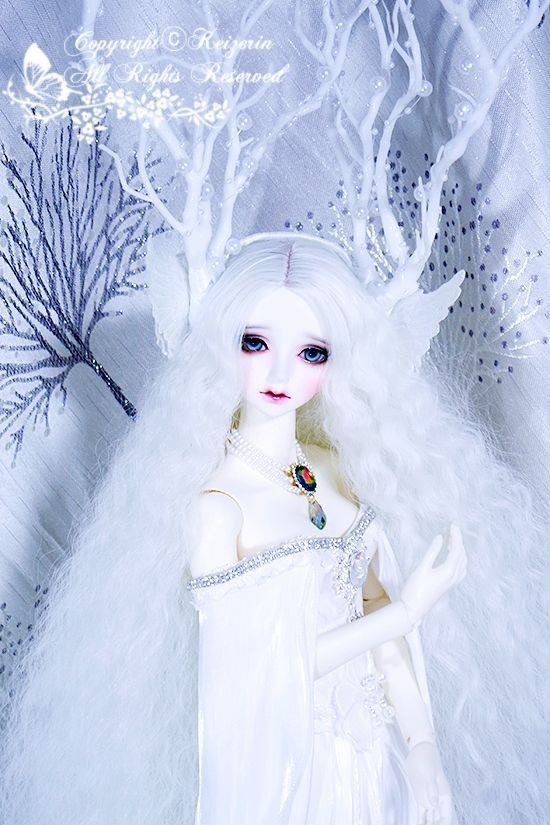
冰雪白梦幻人偶肖像
Prompt
Create a vertical fantasy doll portrait in an icy white winter-fairy aesthetic. Show a porcelain ball-jointed doll or ethereal queen from the waist up, centered, with very pale skin and an intentionally blank/featureless face covered by a soft pale lavender rectangular mask. The character has extremely long, voluminous, crimped white hair spreading outward like a cloud around the shoulders. Add elaborate white antler-like branch headpieces rising high above the head, decorated with small pearl beads and icy droplets. Dress the figure in an elegant {argument name="dress color" default="pure white"} off-shoulder gown with sheer draped fabric, lace appliqué, silver rhinestone trim across the neckline, and long white opera gloves; one gloved hand is raised delicately near the chest and the other rests lower at the side. Place a jeweled necklace at the throat with a large oval rainbow opal or dark multicolor gemstone pendant and a smaller teardrop gem below it. Background: pale blue-gray satin or textured fabric with embroidered winter branches, frost-like bead clusters, and a dark navy bare branch motif on the left. Include a small glowing white butterfly and floral flourish in the upper left, with faint cursive watermark text reading {argument name="watermark text" default="Copyright © Ryyetin All Rights Reserved"}. Use soft diffused lighting, high-key exposure, cool blue-white color grading, delicate sparkle highlights, shallow depth of field, and a dreamy vintage gothic fairytale mood. Keep the composition portrait-oriented, ornate and monochromatic, with no modern objects and no extra people.- Category
- Photography & Realism
- Model
- GPT Image 2
- Creator
- Keizerin
- Source ID
- 26560
- Published
- Jun 22, 2026
Views0