20

令人难忘的复古美式肖像
Enlarge

令人难忘的复古美式肖像

Prompt
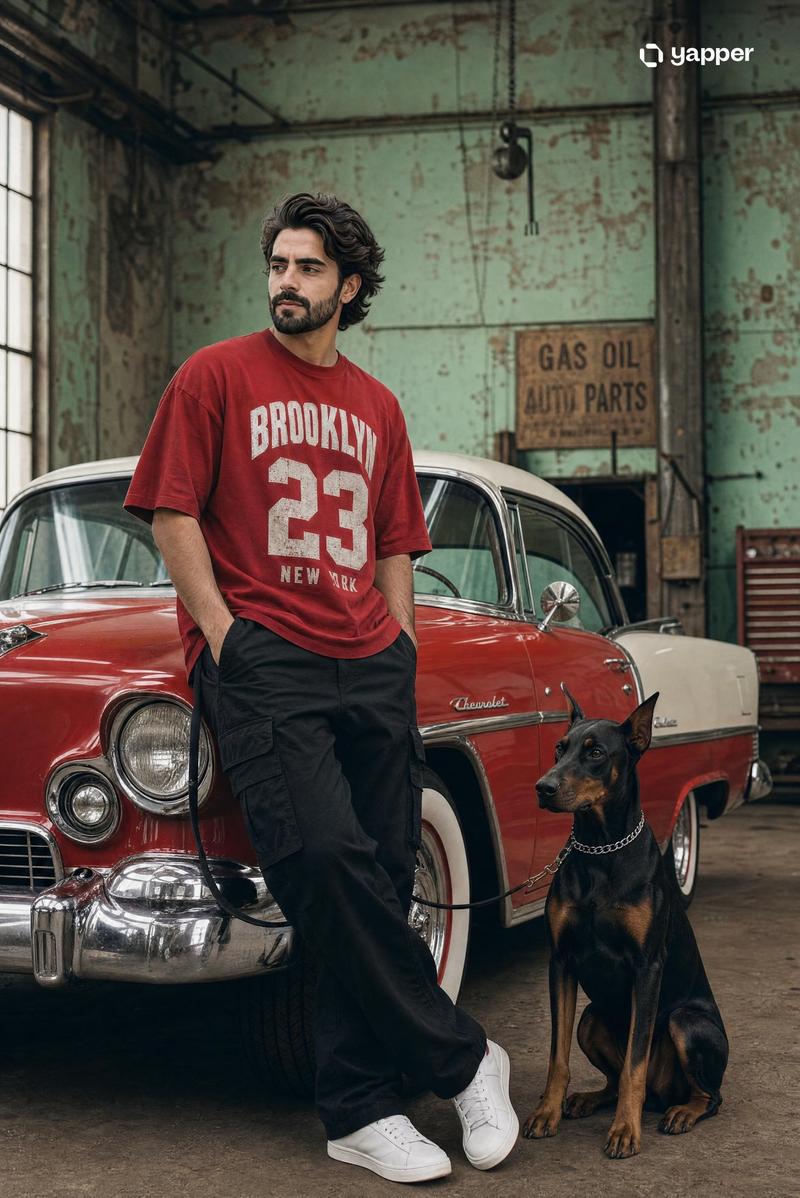
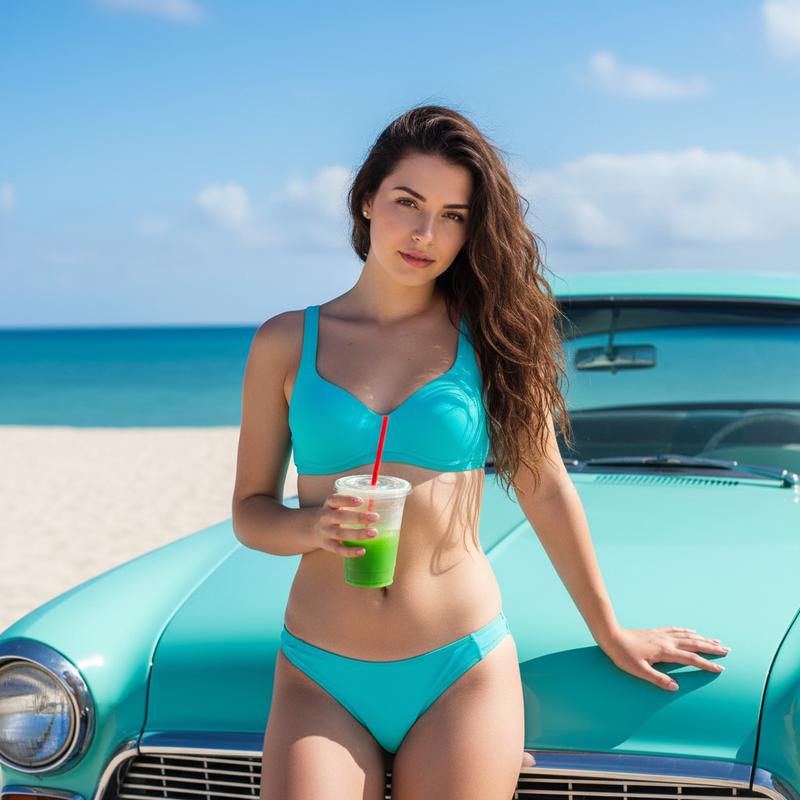
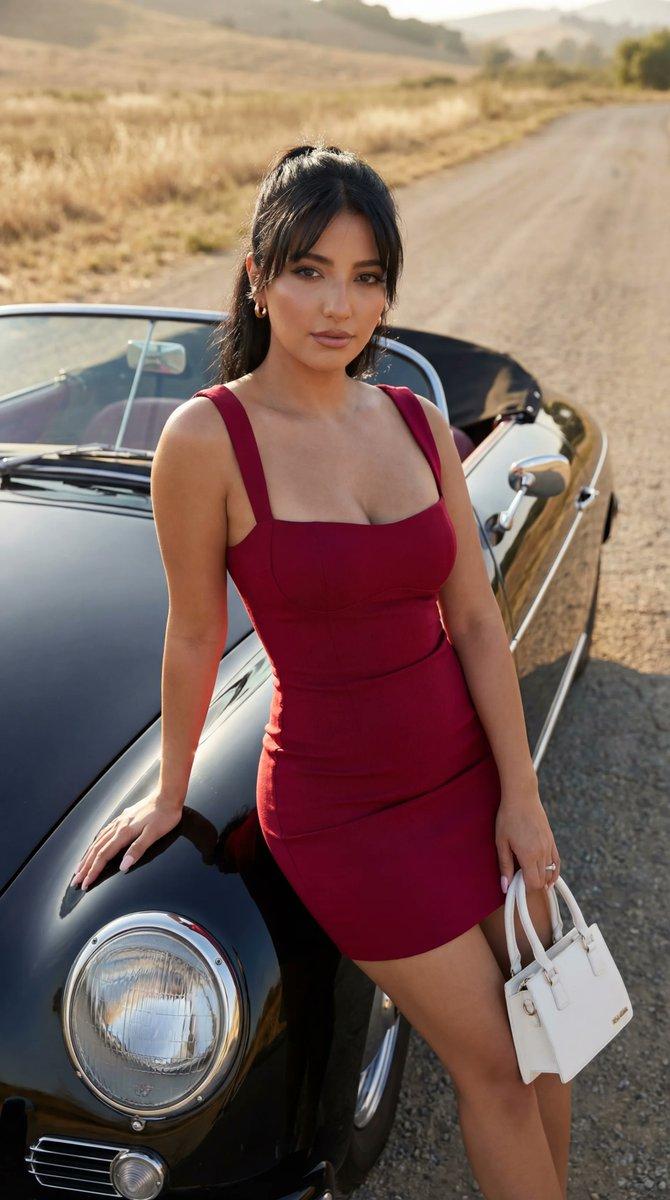
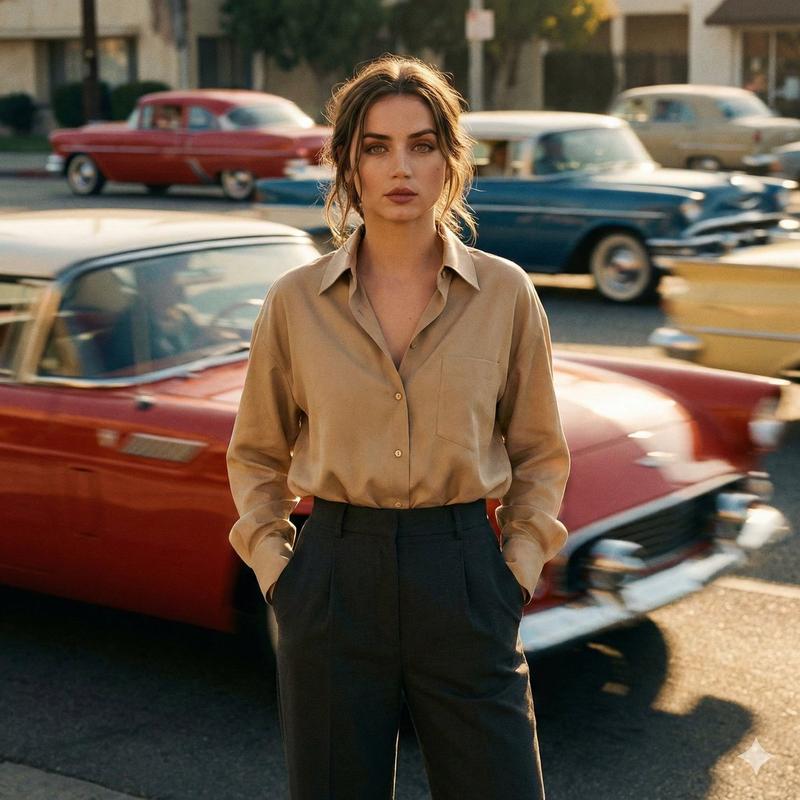
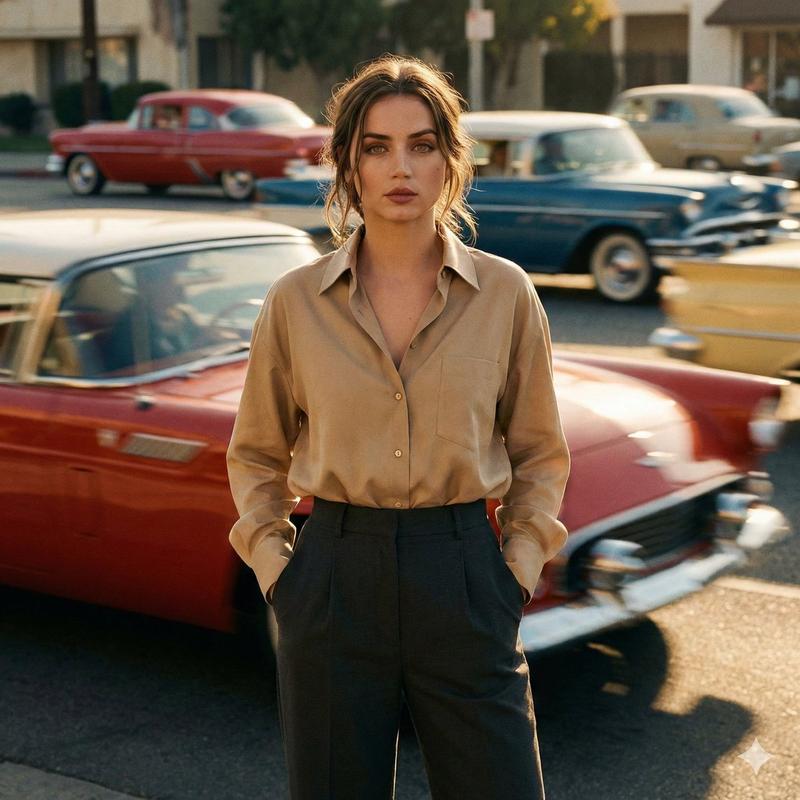
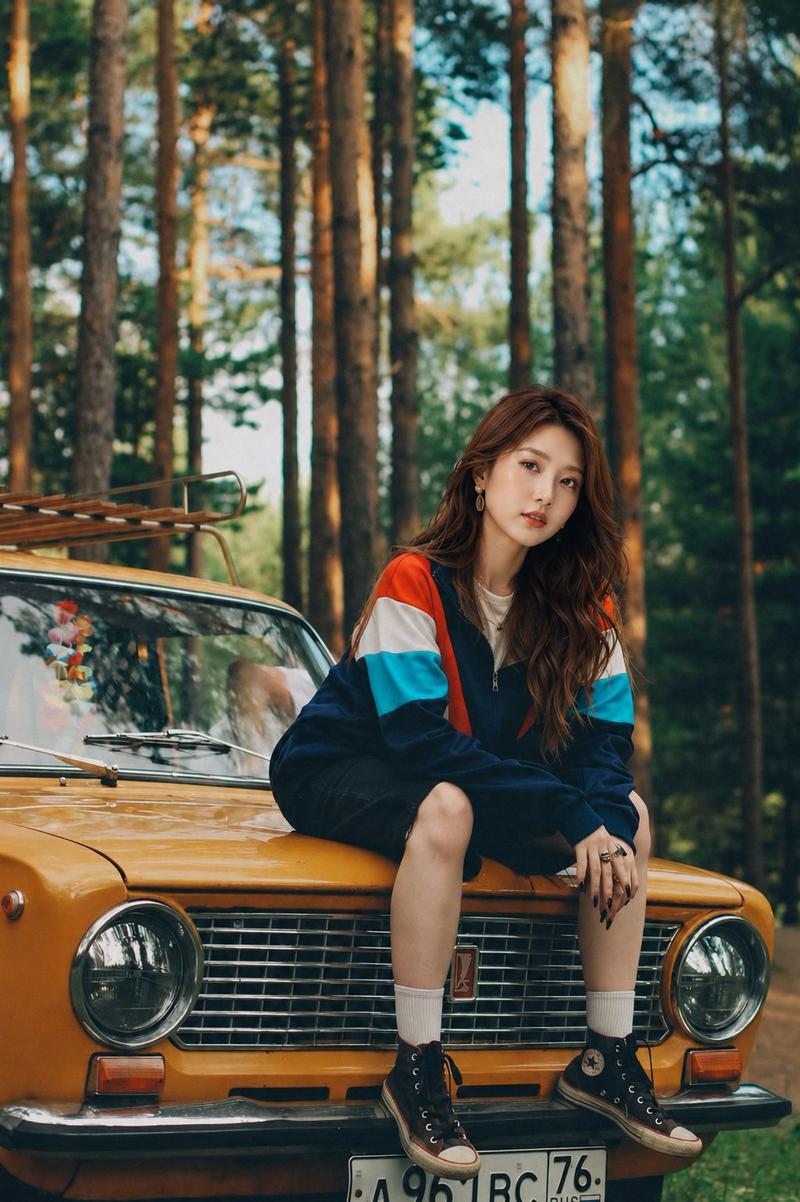
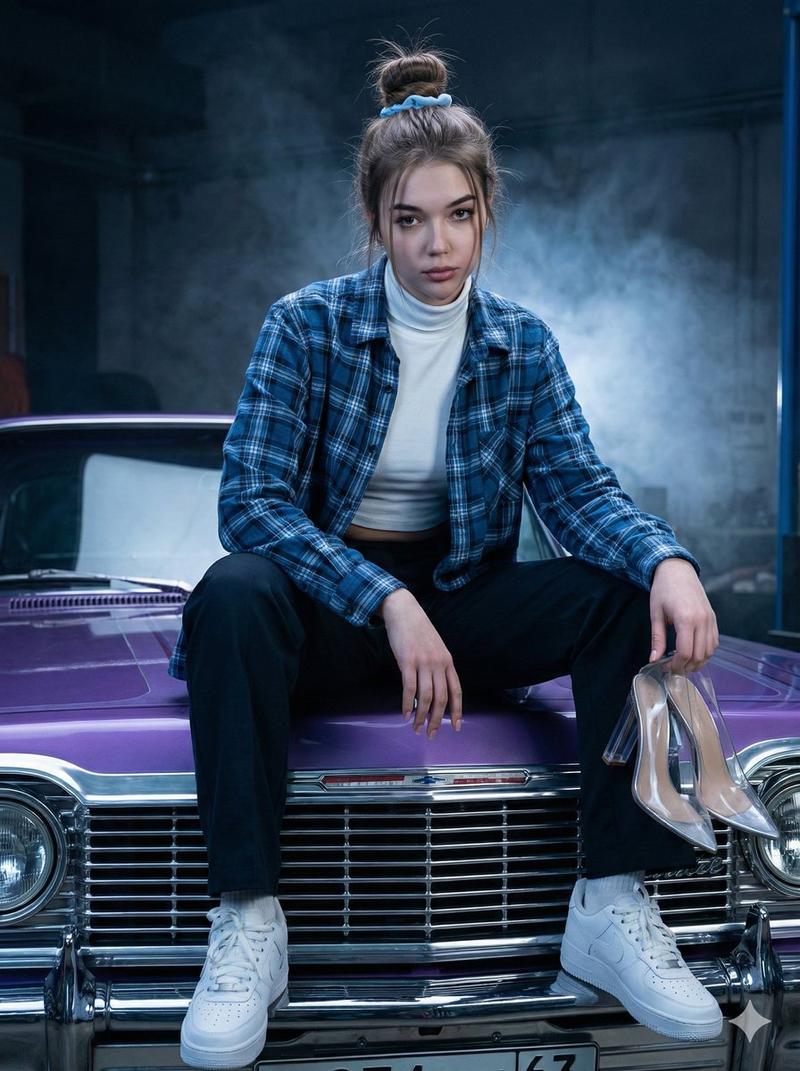
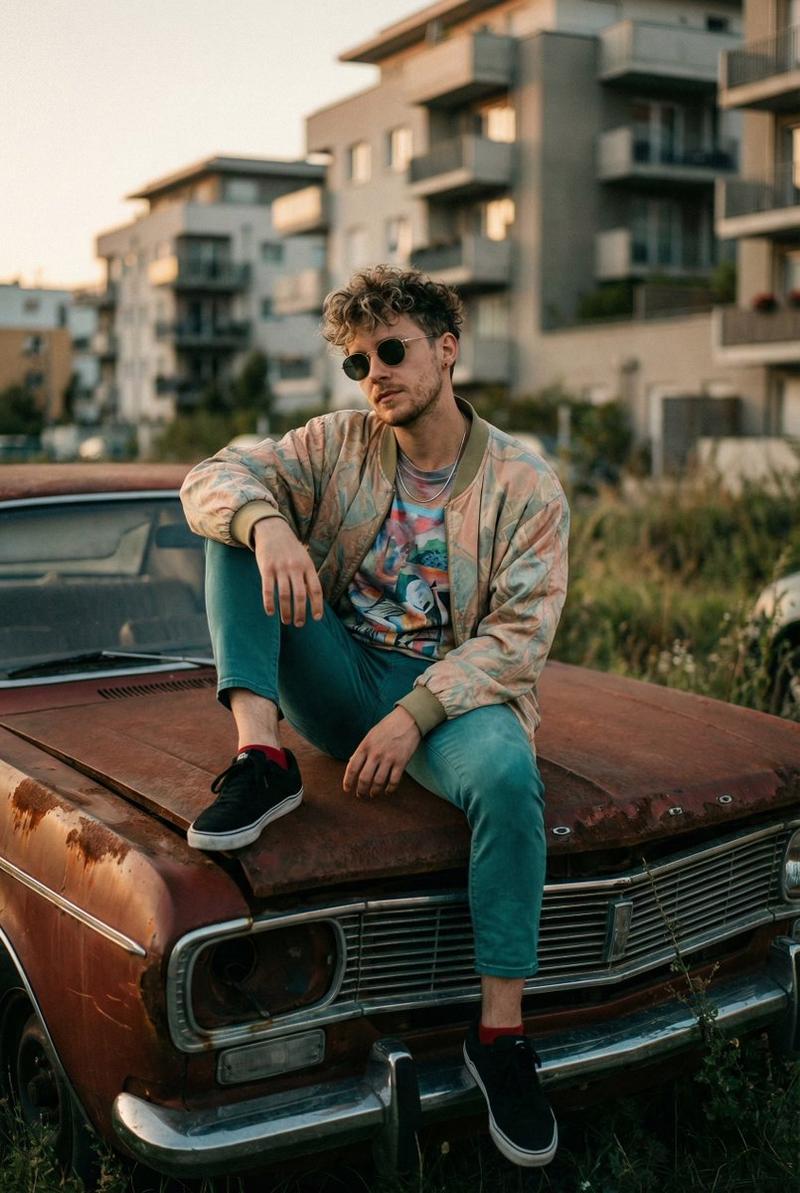
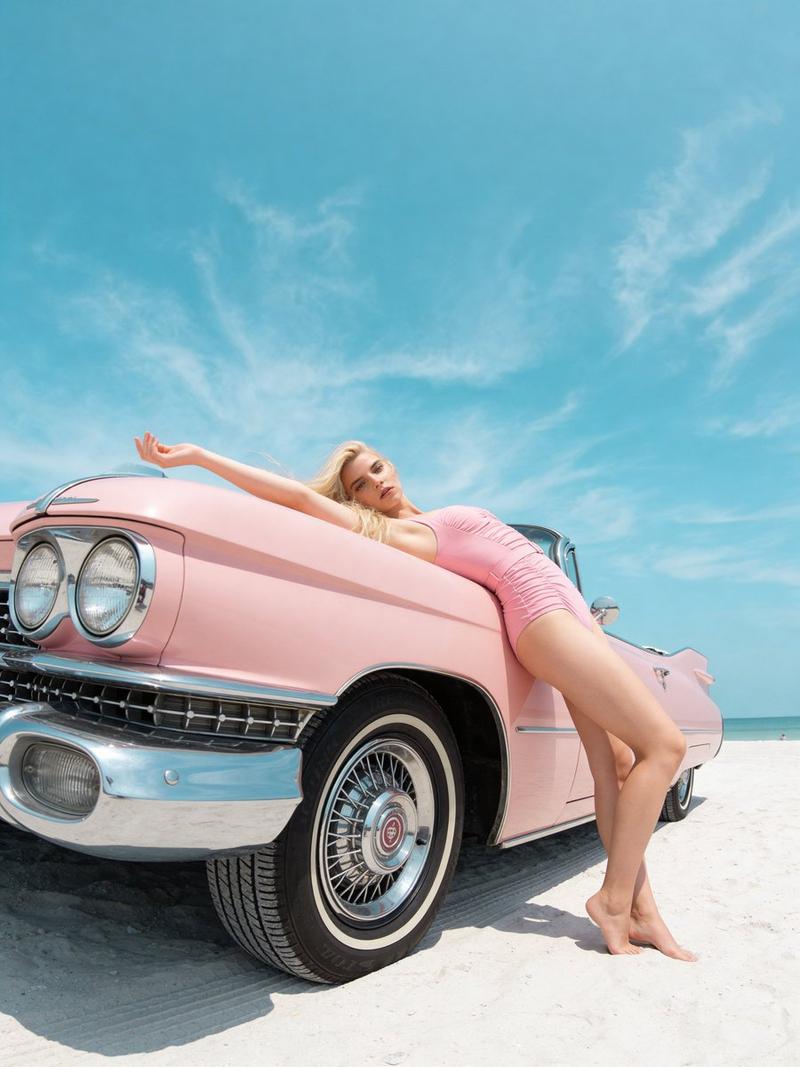
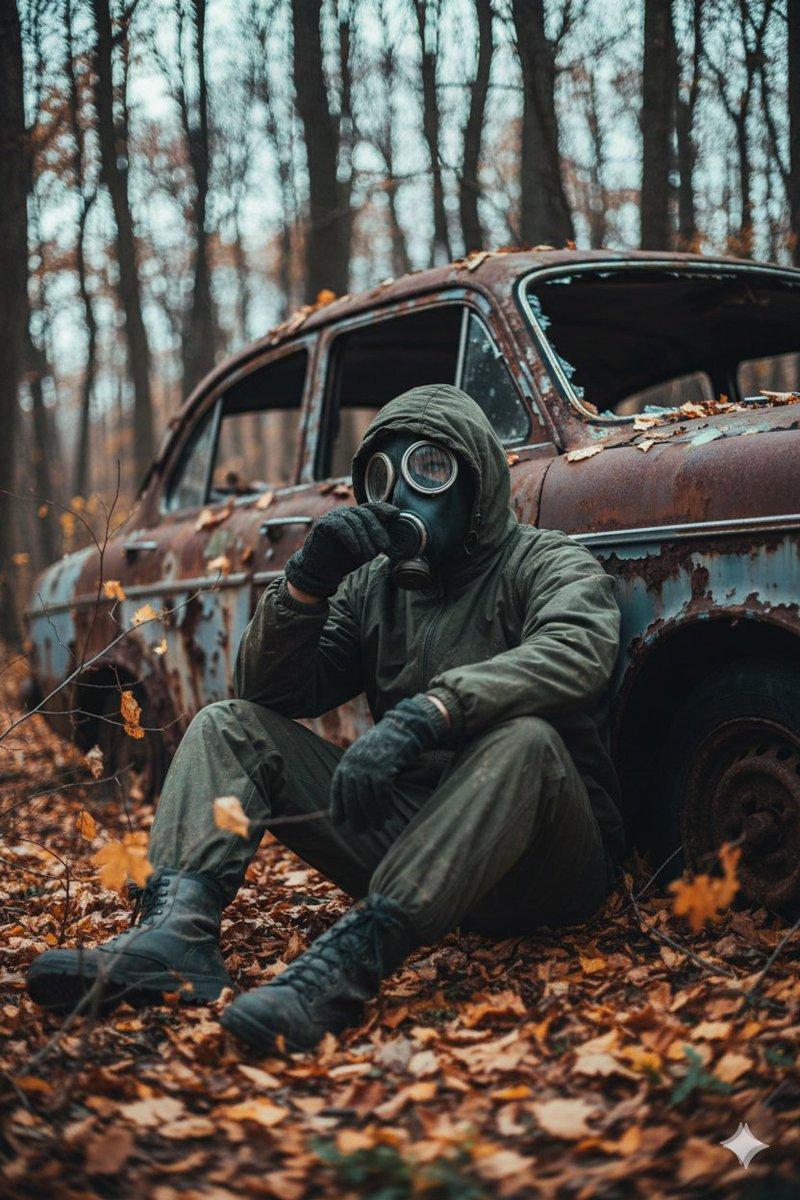
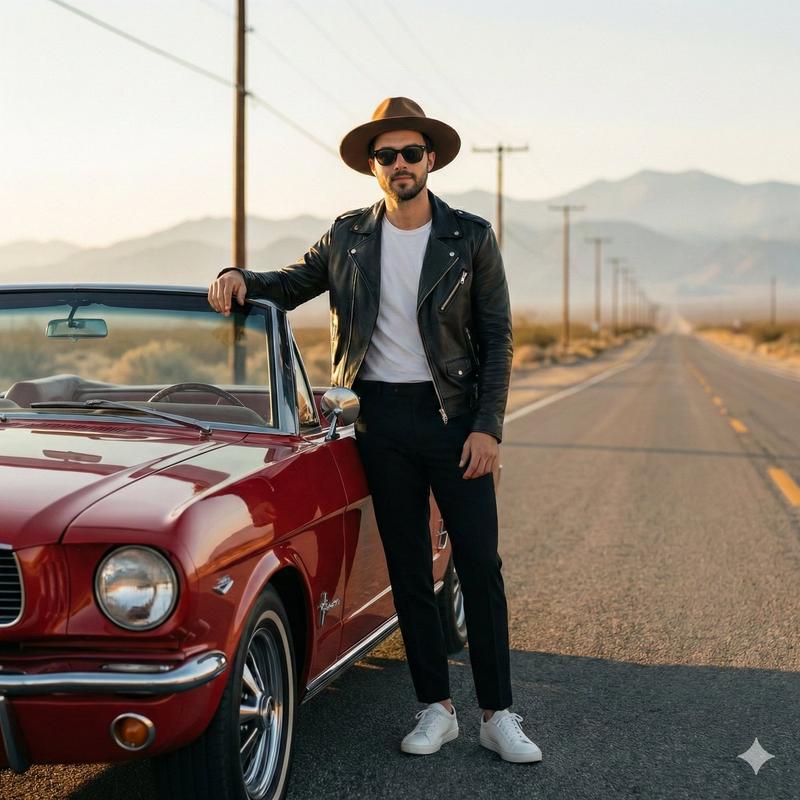
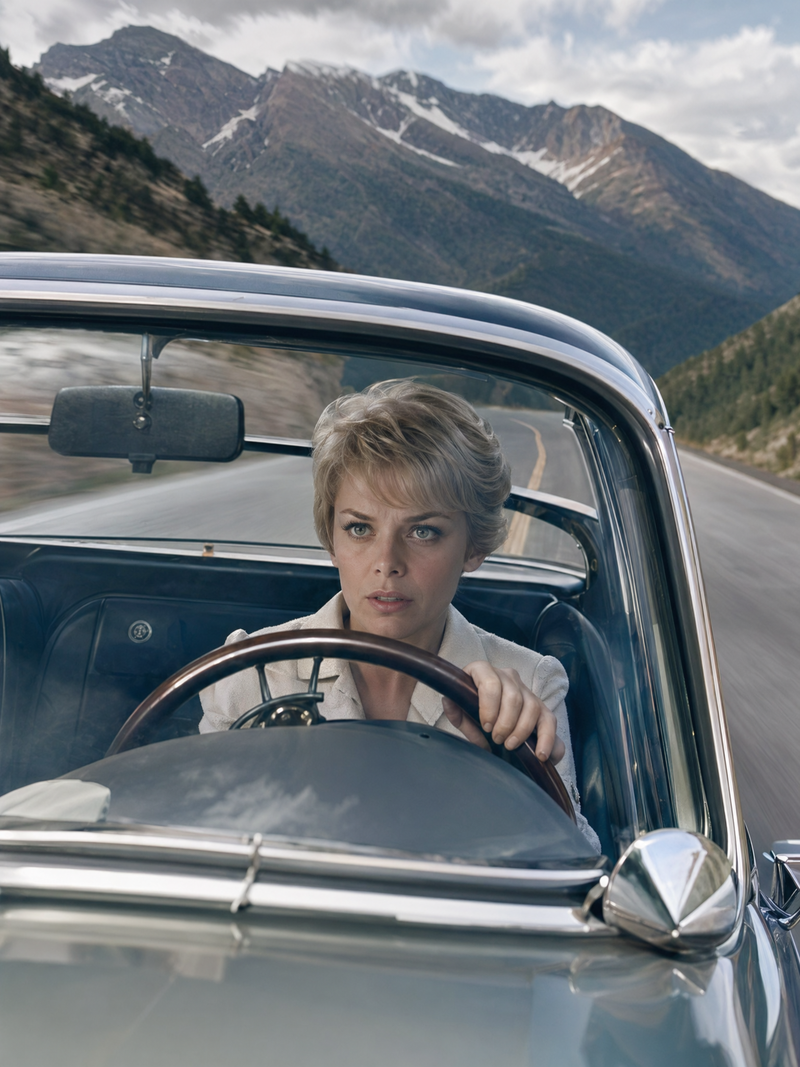
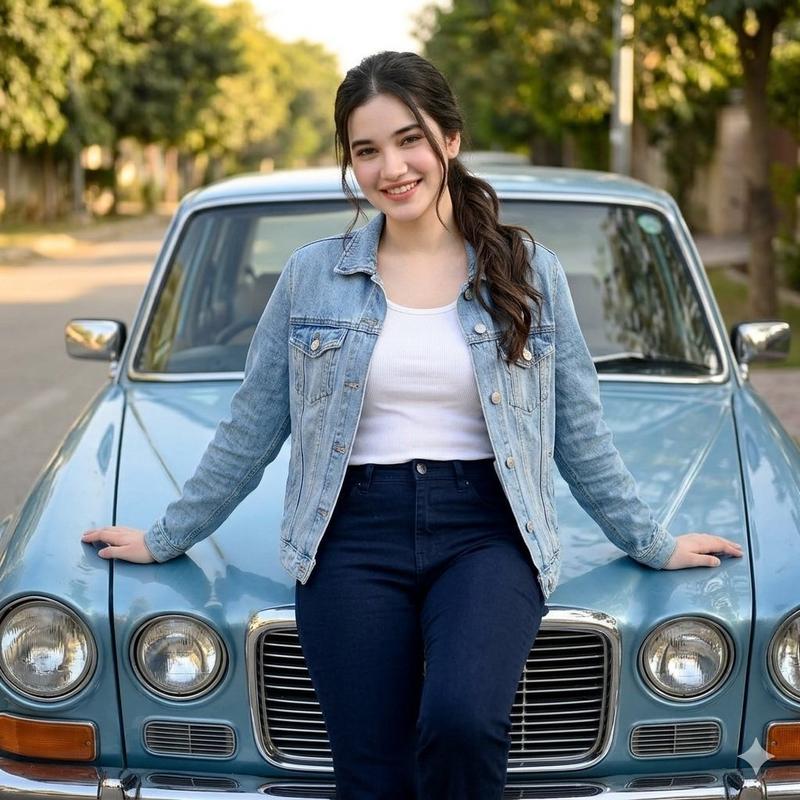
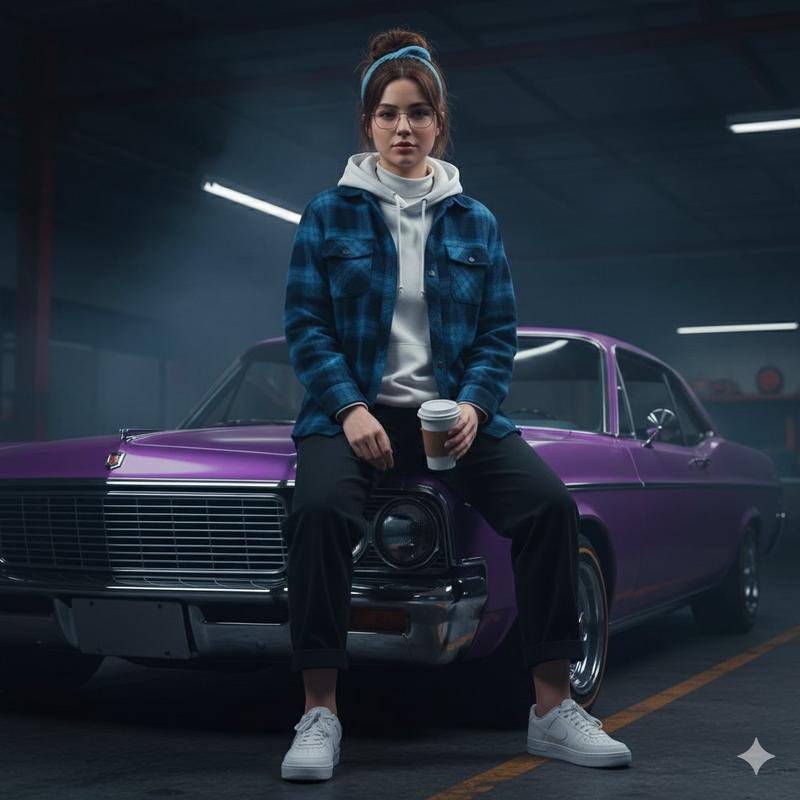
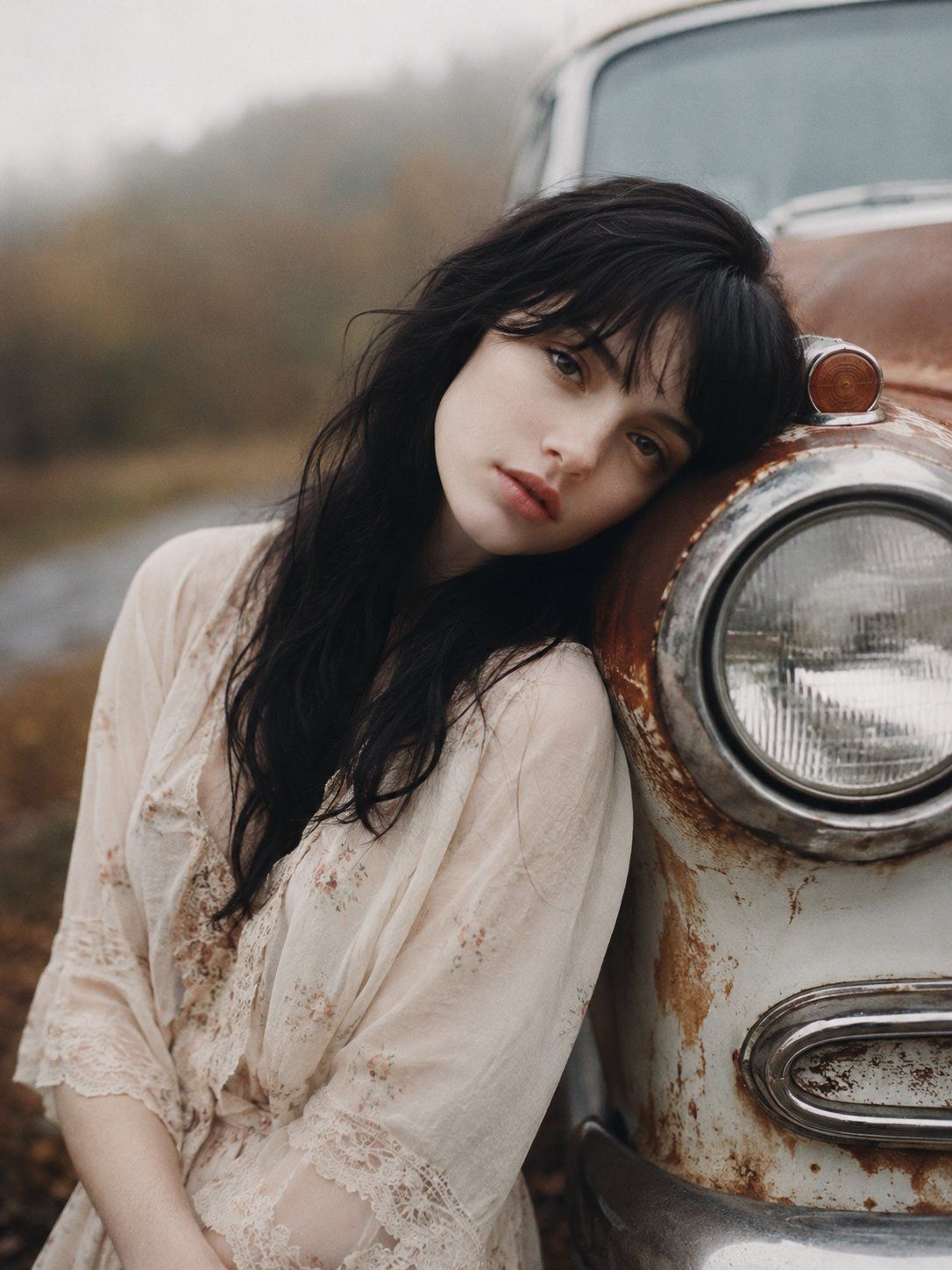
A hauntingly beautiful young woman with {argument name="hair" default="long black hair"} leaning against the front fender of a {argument name="vehicle" default="weathered vintage car"}, rusted white and copper paint, close to the headlight, dreamy gaze toward camera, soft parted lips, pale porcelain skin, melancholic mood, cinematic portrait photography, shallow depth of field, creamy bokeh, overcast {argument name="setting" default="autumn countryside"}, blurred trees in background, muted earthy color palette, faded film tones, atmospheric haze, natural soft light, ultra realistic skin texture, delicate facial features, nostalgic Americana, moody editorial fashion photography, analog film aesthetic, shot wide open at f/1.2, medium close-up, off-center composition, subtle grain, slight lens bloom, soft focus falloff, Kodak Portra 400, cinematic color grading, masterpiece, photorealistic, highly detailed, 3:4 aspect ratio.
Category
Photography & Realism
Model
GPT Image 2
Creator
Heisenberg
Views0
Source ID
26612
Published
Jun 23, 2026

Guide

About "令人难忘的复古美式肖像"

What is this prompt for?

"令人难忘的复古美式肖像" AI image prompt for GPT Image 2 (Photography & Realism). 一个为 GPT Image 2 设计的忧郁电影感摄影提示词,以秋季背景下的一位女性与复古汽车为主题。 Copy it on Picva and recreate the loo…

The full copyable prompt and example visuals above are ready for AI image generation or one-click recreate in Picva.

How to use this prompt

  1. Step 1

    Open the prompt detail

    Review the example visuals, category, and full prompt text for "令人难忘的复古美式肖像".

  2. Step 2

    Copy the prompt

    Copy the prompt body from this page, or load it directly in Studio.

  3. Step 3

    Pick a model (GPT Image 2)

    Prefer GPT Image 2. If you switch models, keep subject and composition and tweak style terms.

  4. Step 4

    Generate and export

    Recreate the look in Picva, or export into your workflow for editing and publishing.

FAQ

What is the "令人难忘的复古美式肖像" prompt?
It is an AI image-generation prompt for GPT Image 2 in the Photography & Realism category. This page includes the full prompt text, example visuals, and a one-click recreate path in Picva.
How do I use this prompt to generate an image?
Copy the prompt from this page, or use Generate / Studio. Paste it into a compatible image model, or recreate the look in Picva with optional reference images.
Which model is this prompt for?
This page lists GPT Image 2. Most descriptive prompts also transfer to nearby image models such as GPT Image, Flux, or Midjourney with light style tweaks.
Can I use the result commercially?
You can usually copy the prompt for creation, but commercial use of the final image depends on the model terms, reference-image rights, and the generated content. Follow the source author and platform rules.