19

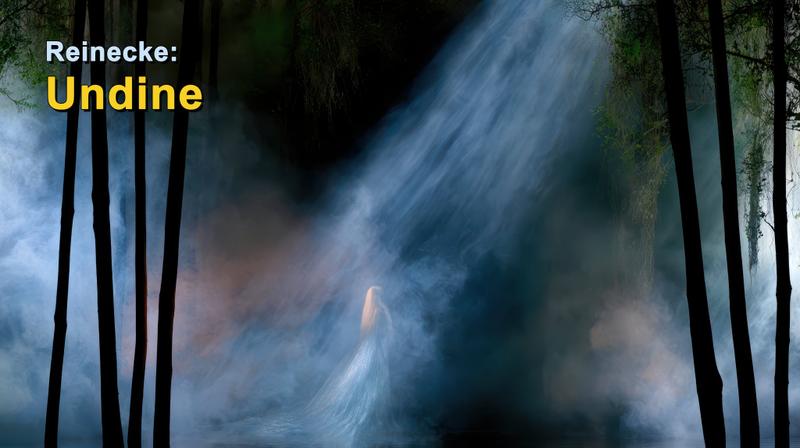
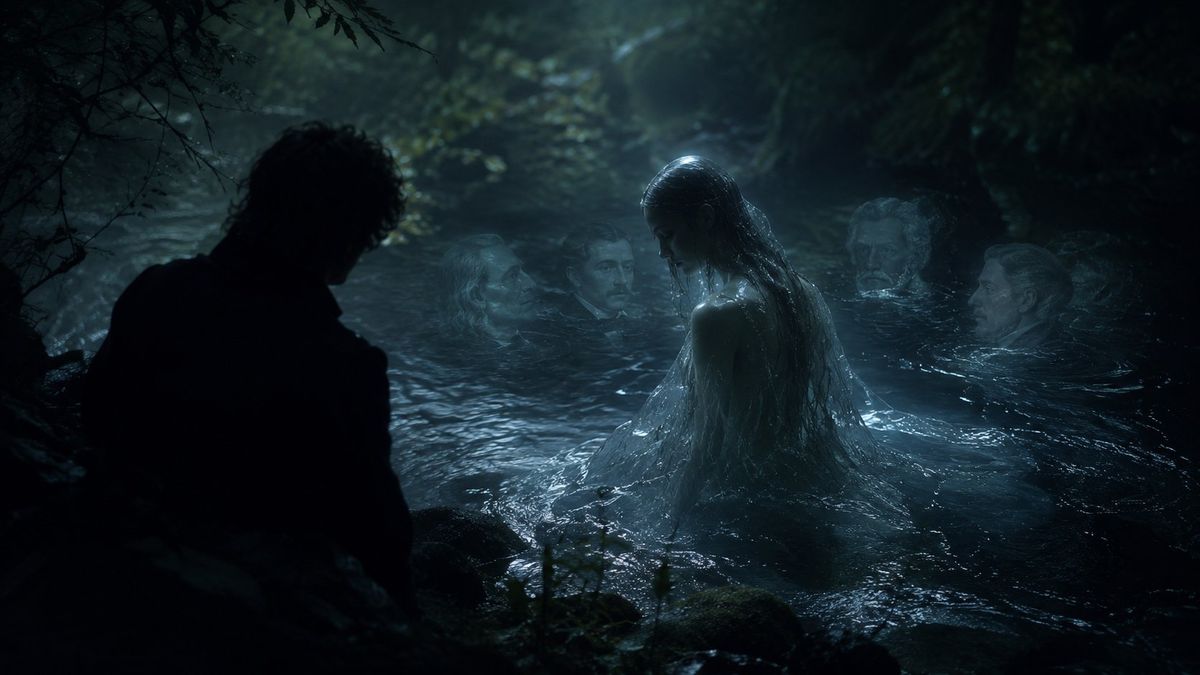
月光下的水妖森林湖泊
Enlarge

月光下的水妖森林湖泊

Prompt
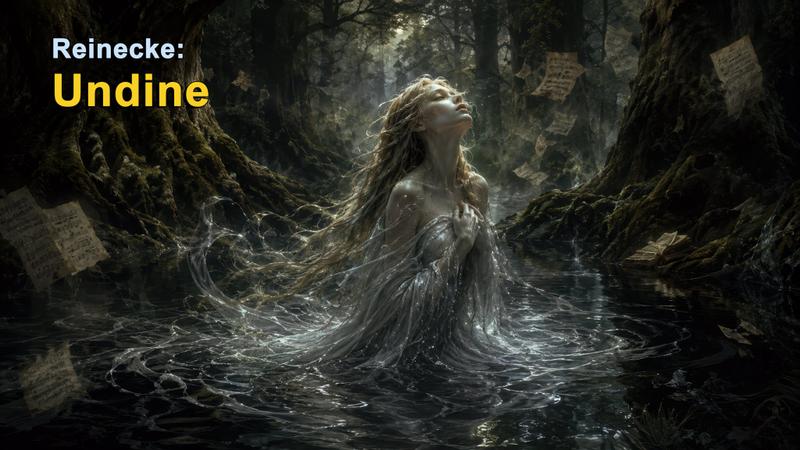
Create a dark cinematic fantasy scene inspired by {argument name="musical work" default="Carl Reinecke's Undine sonata"}: a moonlit German forest pool at night, with black trees and tangled branches enclosing a cold lake. Show exactly five human figures: one male figure in the left foreground seen only as a near-black silhouette from behind, crouched or standing at the water's edge; one central water nymph rising waist-deep from the lake with long soaked dark hair, pale wet skin, and a translucent drenched gown clinging to her body; and three ghostly pale faces or heads partially submerged in the water behind her, spaced across the middle and right background like drowned witnesses. The central nymph should be the brightest focal point, lit by cool blue moonlight and mist, while the man remains almost completely unlit. The water should look black, rippling, reflective, and protective, with small waves around the nymph and dim highlights on mossy rocks in the foreground. Use a realistic film-still style, gothic romantic atmosphere, low-key lighting, teal-blue color grading, heavy shadows, fog, wet textures, shallow depth of field, and a sense of betrayal and quiet menace. Keep the composition wide and horizontal, like a dramatic movie frame, with no text, no modern objects, and no visible instruments.
Category
Photography & Realism
Model
GPT Image 2
Views0
Source ID
26631
Published
Jun 23, 2026

Guide

About "月光下的水妖森林湖泊"

What is this prompt for?

"月光下的水妖森林湖泊" AI image prompt for GPT Image 2 (Photography & Realism). 一个电影质感的哥特奇幻场景,描绘了一个类似水妖(Undine)的灵魂从黑暗的森林湖泊中升起,而一名男子在剪影中注视着这一切。 Copy it on Picva and recre…

The full copyable prompt and example visuals above are ready for AI image generation or one-click recreate in Picva.

How to use this prompt

  1. Step 1

    Open the prompt detail

    Review the example visuals, category, and full prompt text for "月光下的水妖森林湖泊".

  2. Step 2

    Copy the prompt

    Copy the prompt body from this page, or load it directly in Studio.

  3. Step 3

    Pick a model (GPT Image 2)

    Prefer GPT Image 2. If you switch models, keep subject and composition and tweak style terms.

  4. Step 4

    Generate and export

    Recreate the look in Picva, or export into your workflow for editing and publishing.

FAQ

What is the "月光下的水妖森林湖泊" prompt?
It is an AI image-generation prompt for GPT Image 2 in the Photography & Realism category. This page includes the full prompt text, example visuals, and a one-click recreate path in Picva.
How do I use this prompt to generate an image?
Copy the prompt from this page, or use Generate / Studio. Paste it into a compatible image model, or recreate the look in Picva with optional reference images.
Which model is this prompt for?
This page lists GPT Image 2. Most descriptive prompts also transfer to nearby image models such as GPT Image, Flux, or Midjourney with light style tweaks.
Can I use the result commercially?
You can usually copy the prompt for creation, but commercial use of the final image depends on the model terms, reference-image rights, and the generated content. Follow the source author and platform rules.