19

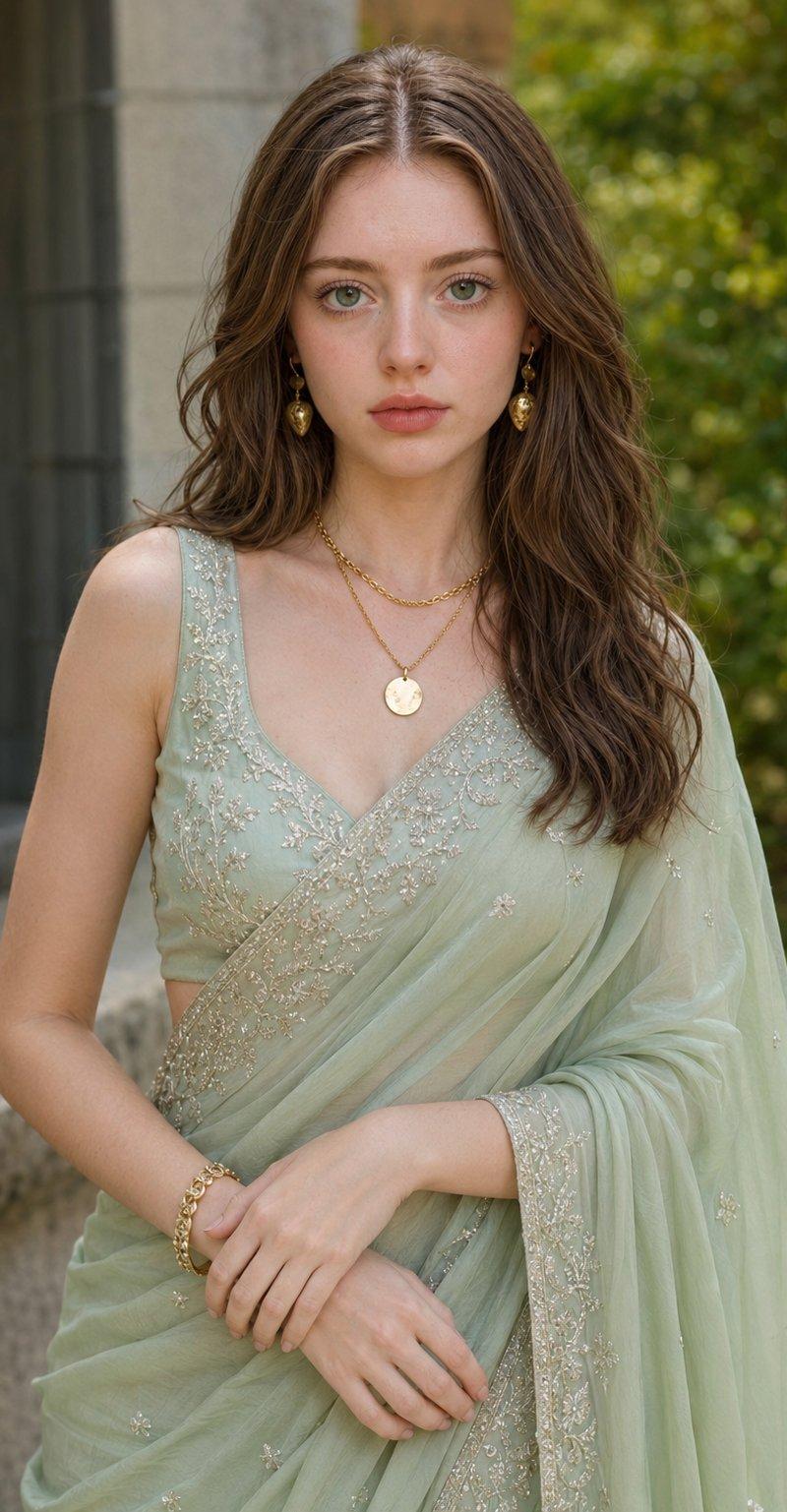
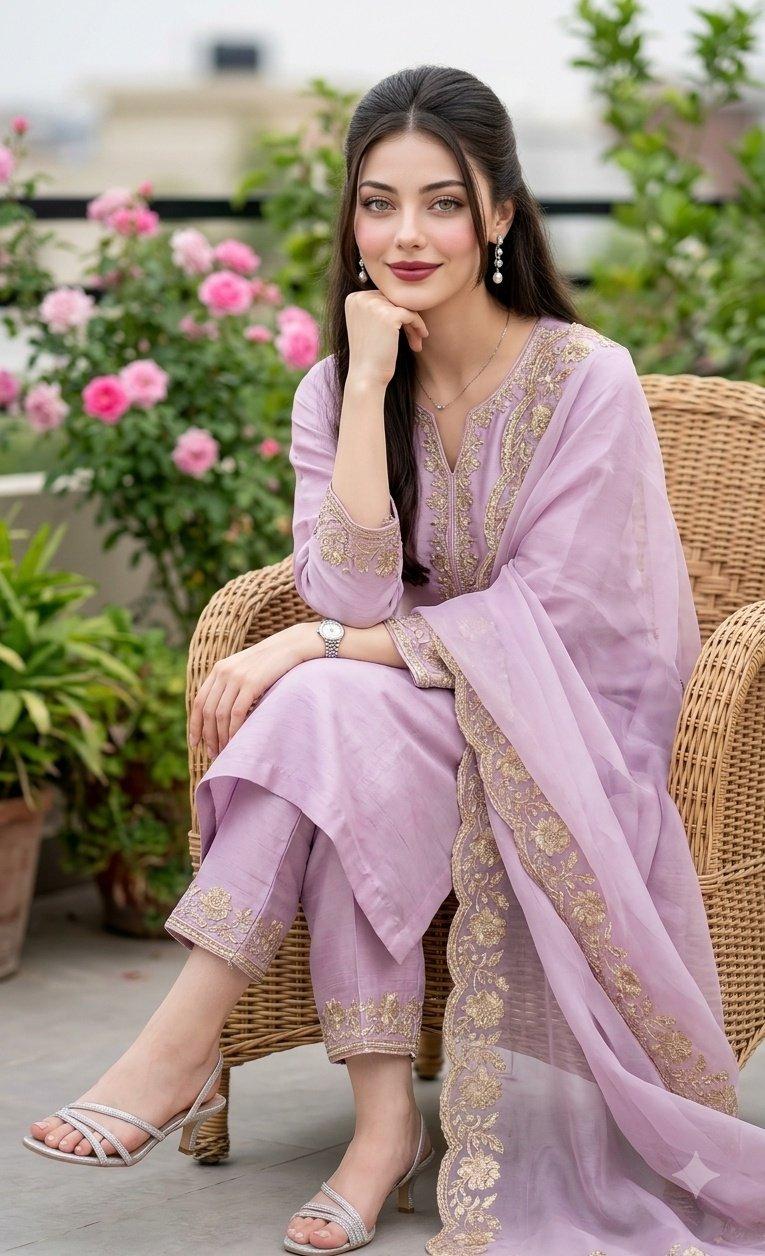
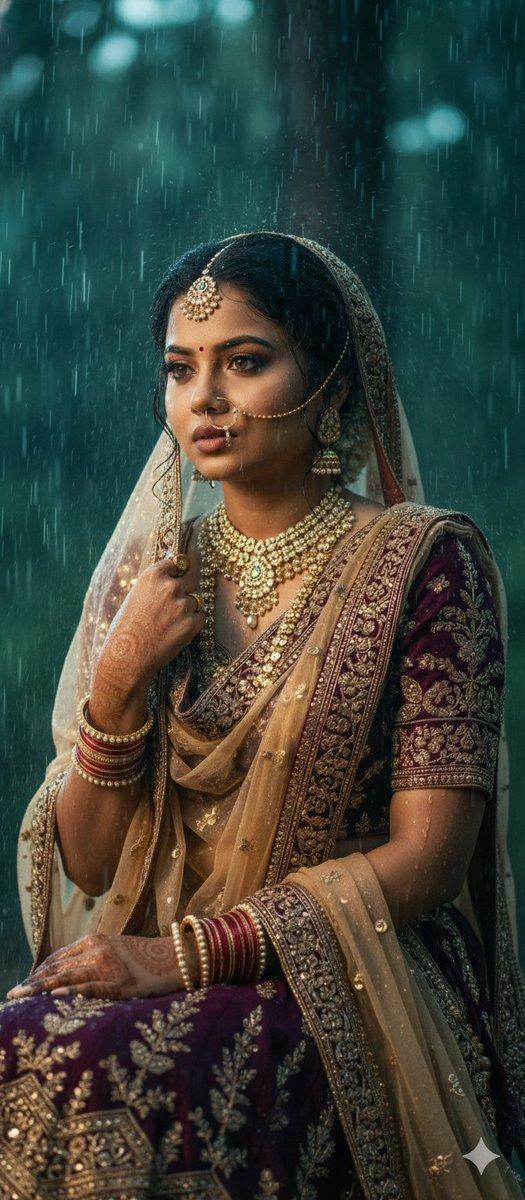
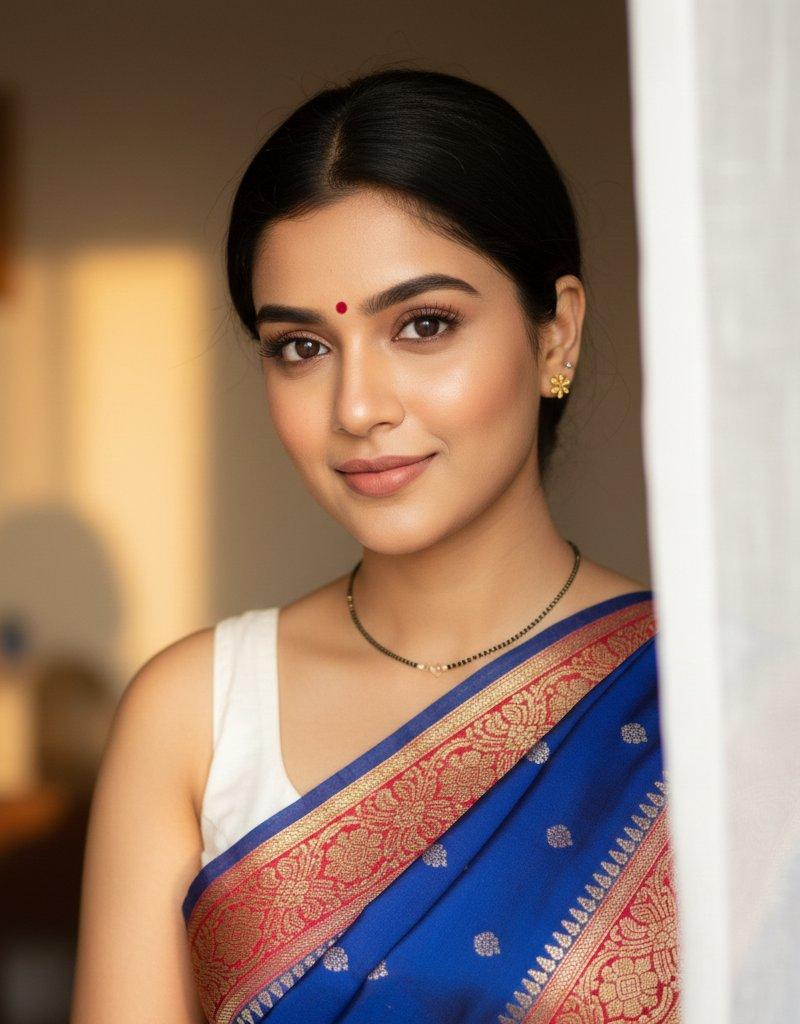
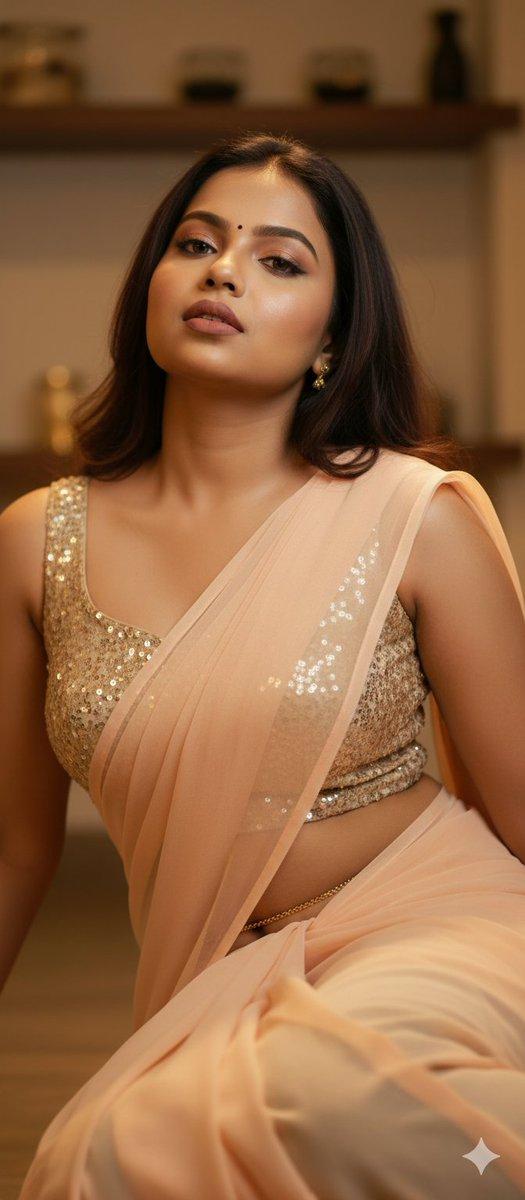
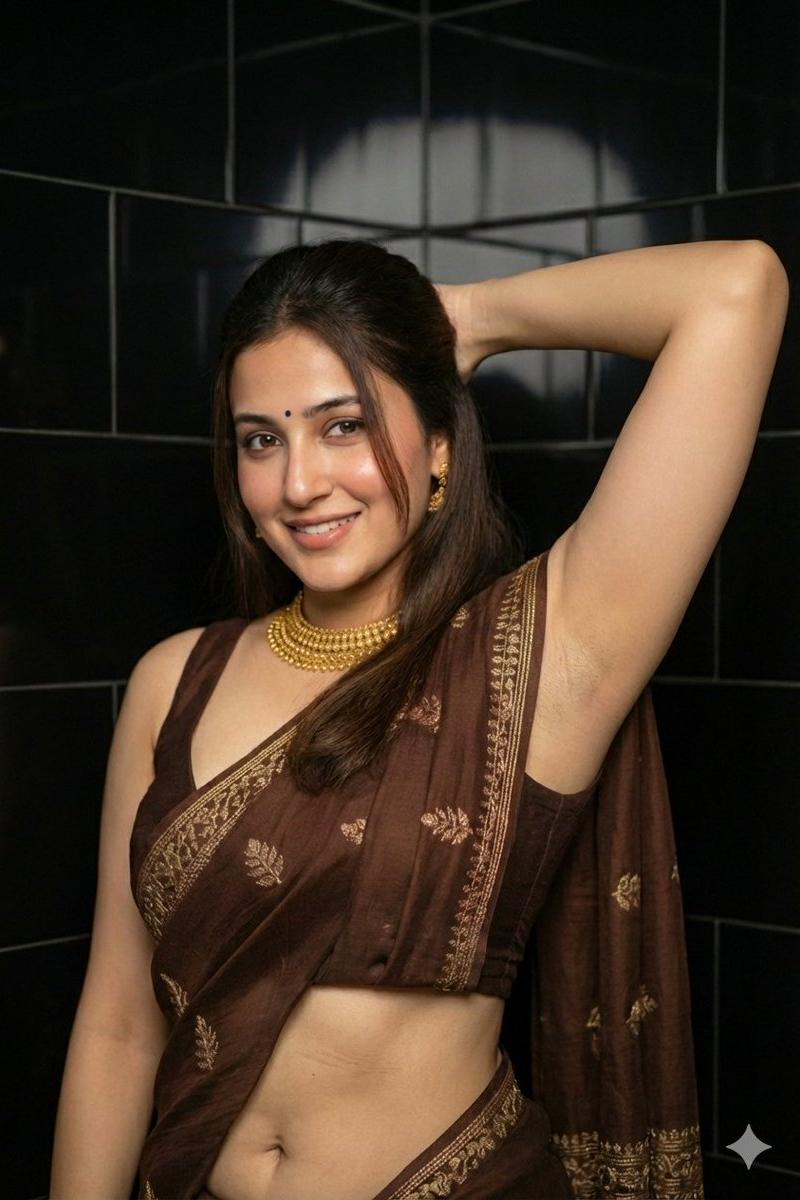
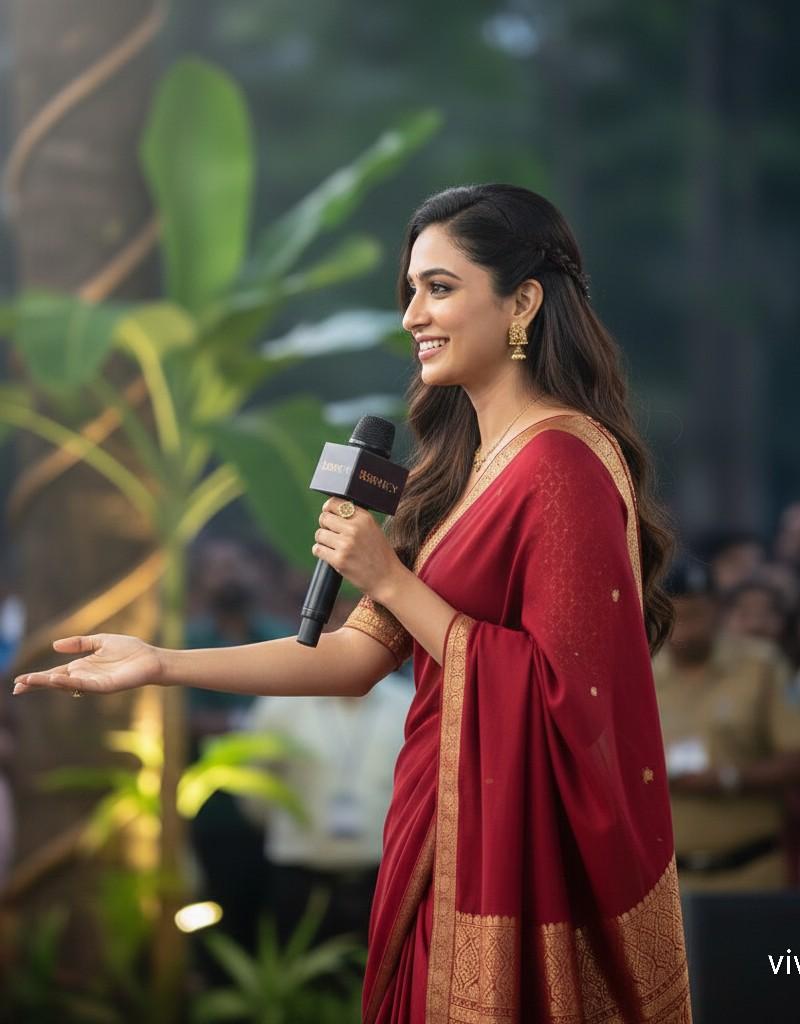
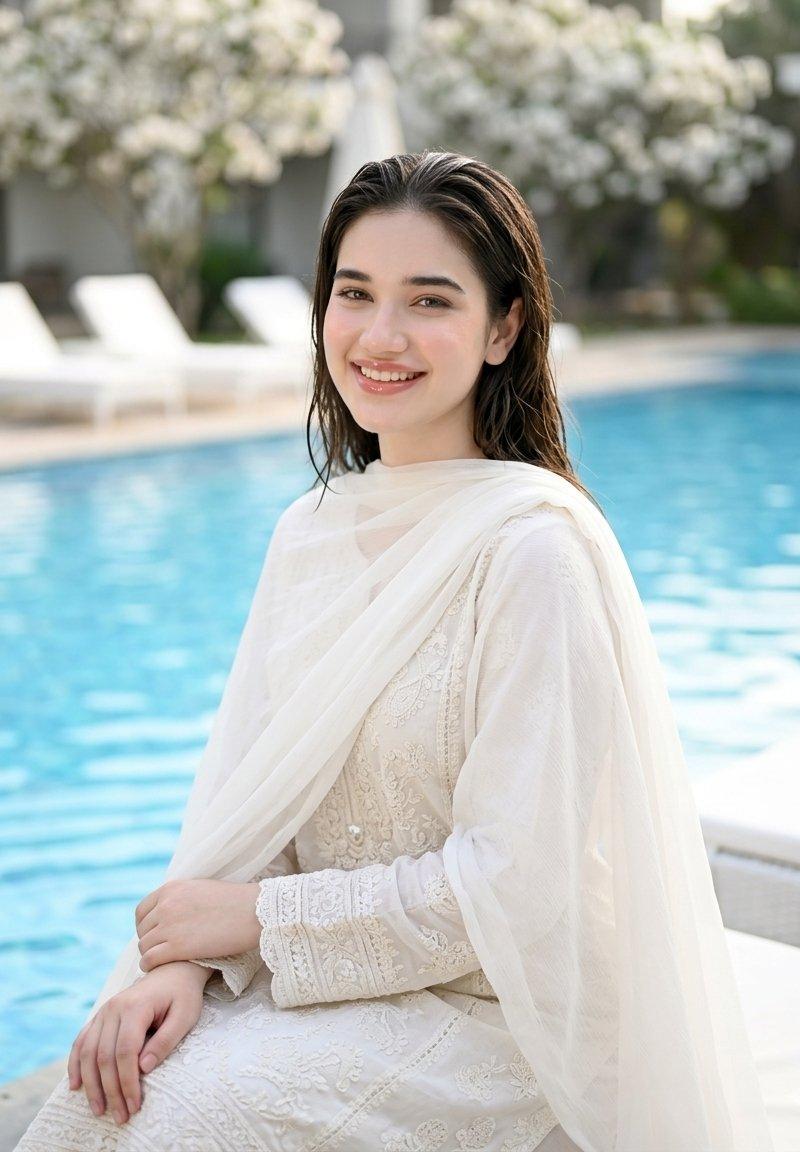
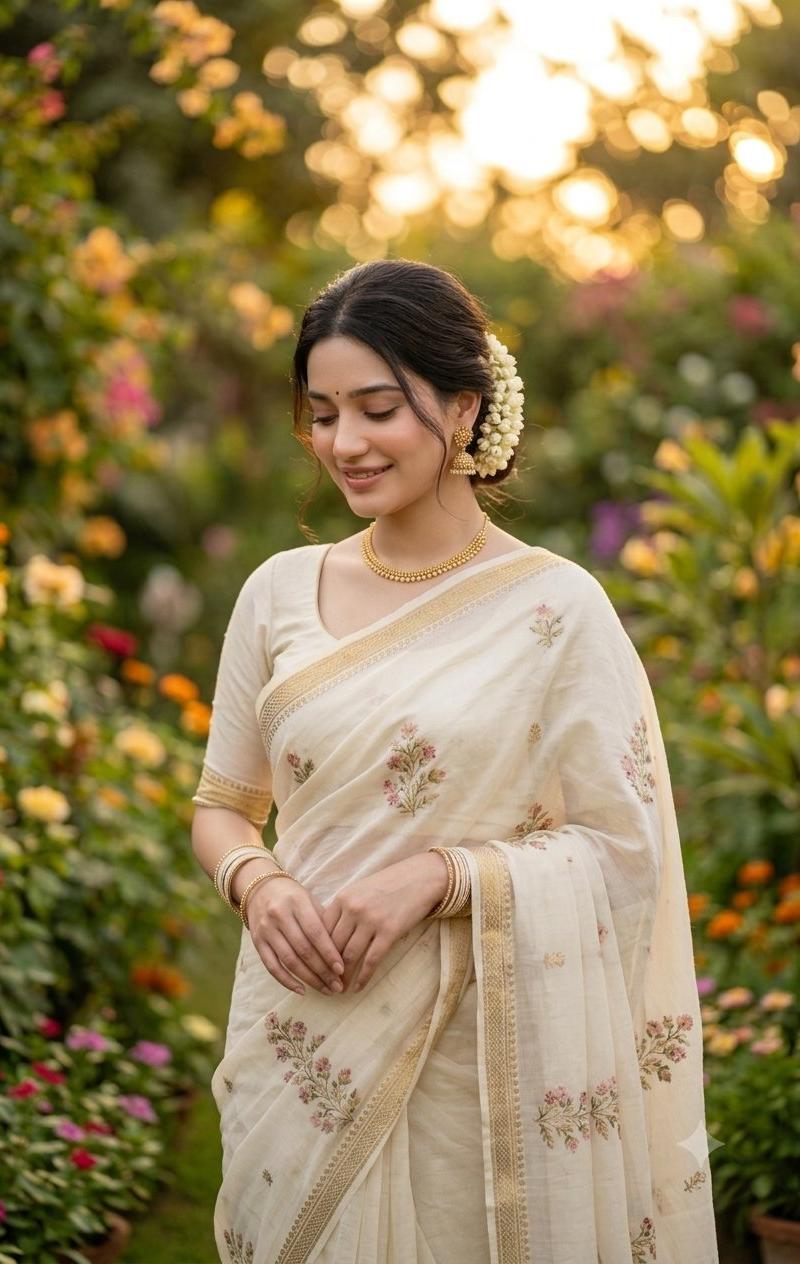
印度纱丽花园肖像
Enlarge

Example images

印度纱丽花园肖像

Prompt
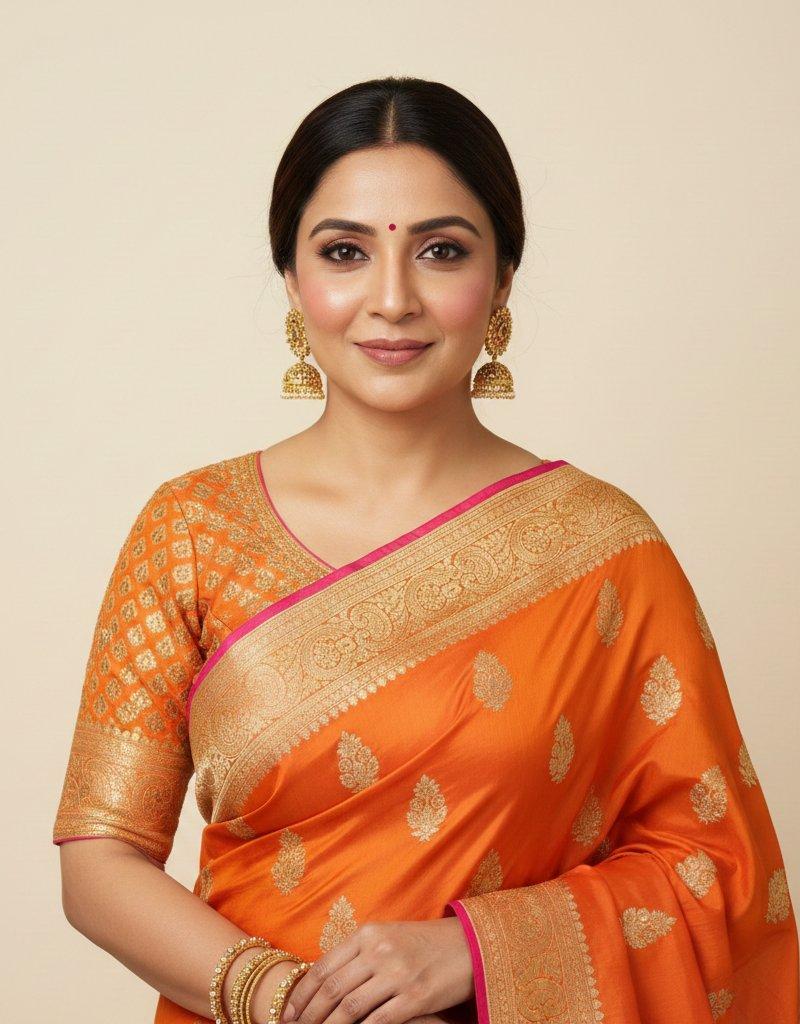
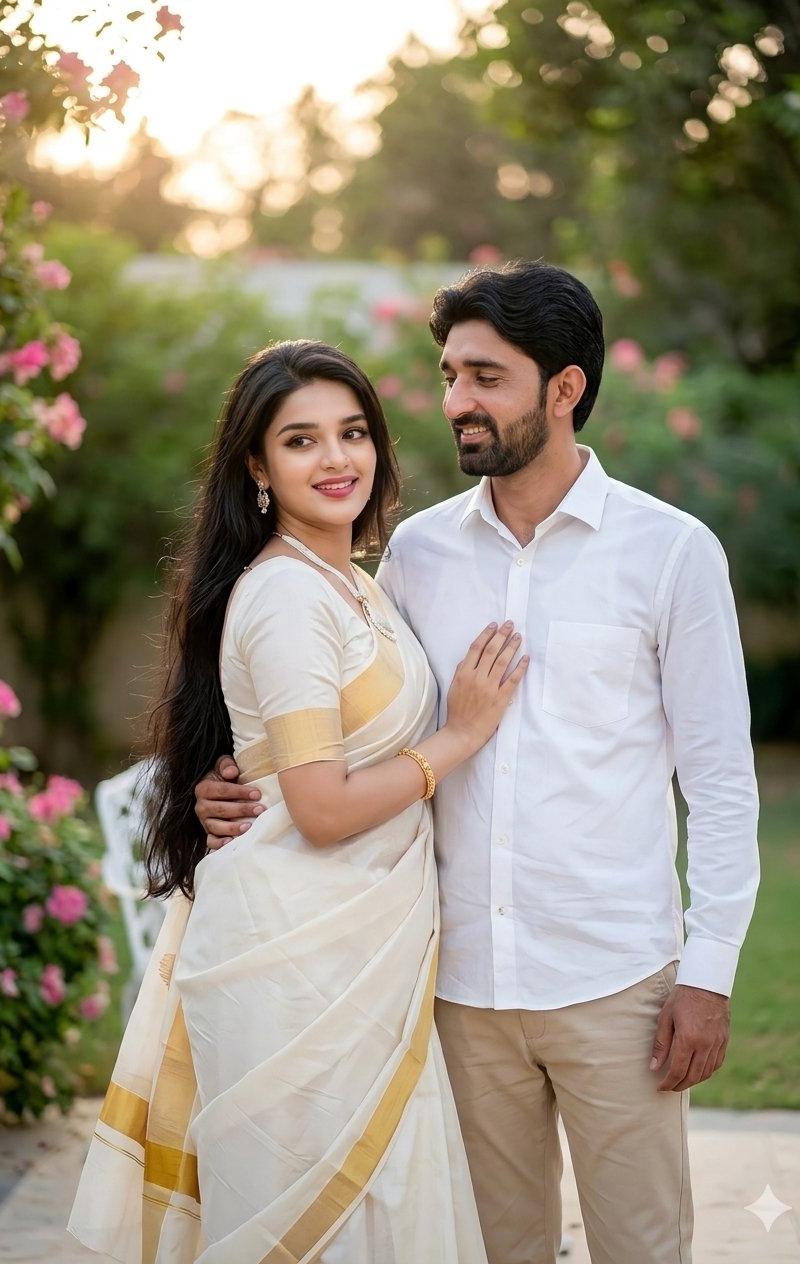
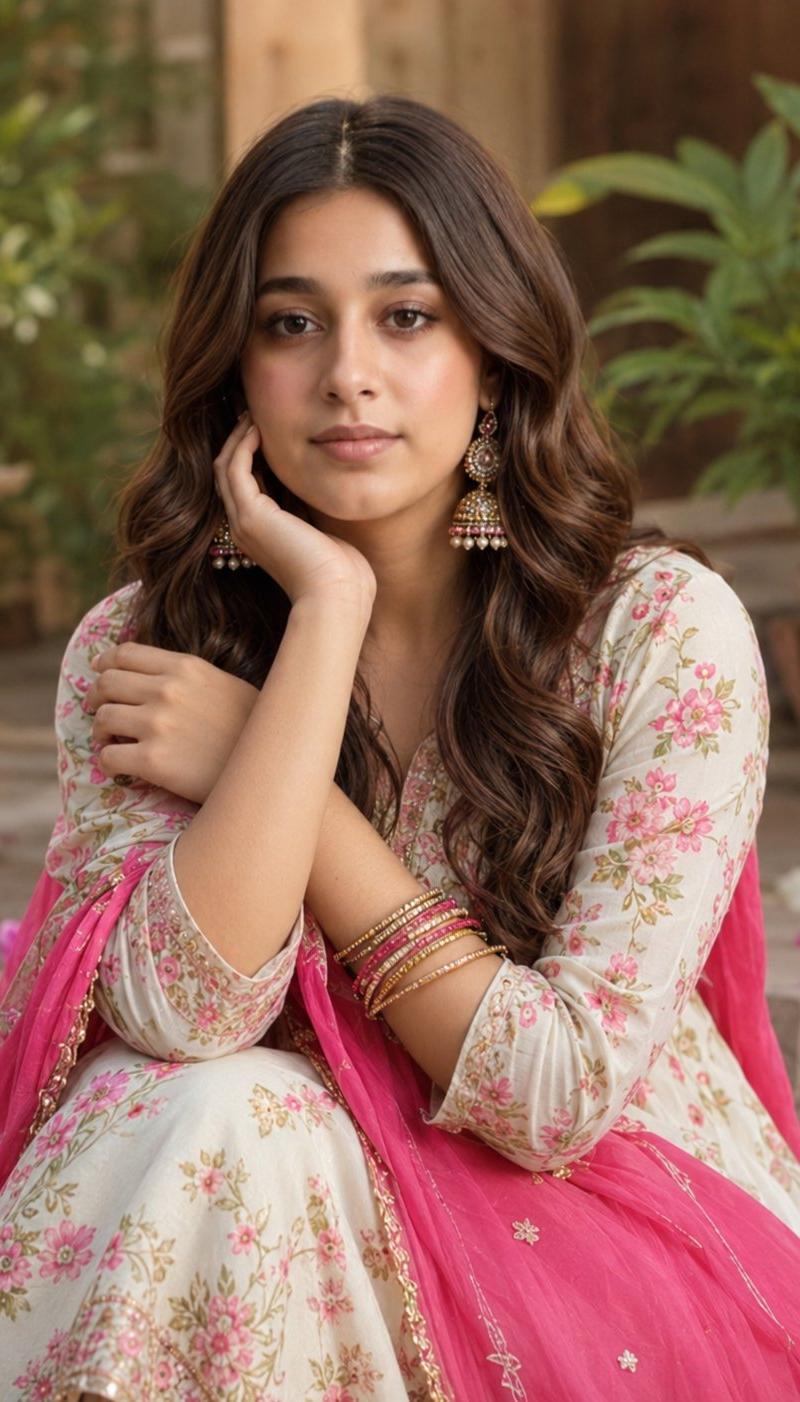
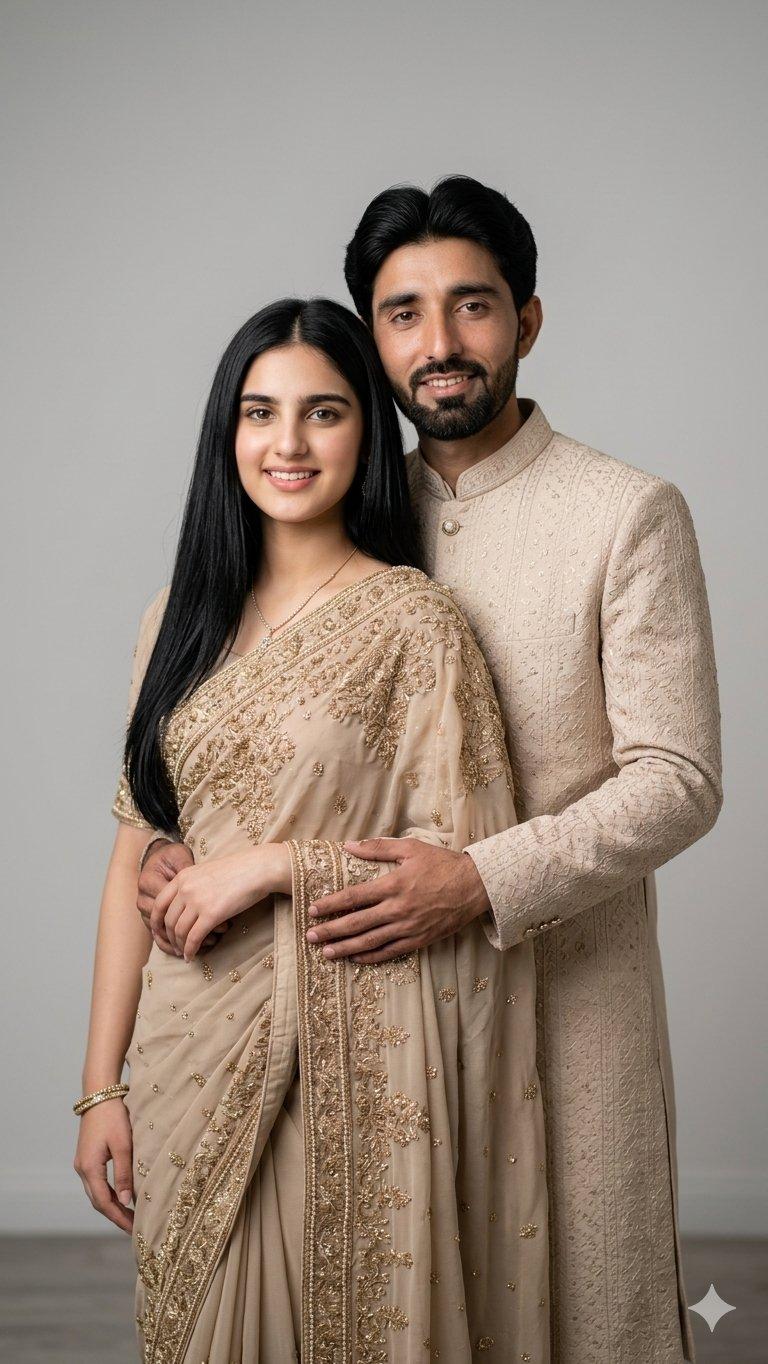
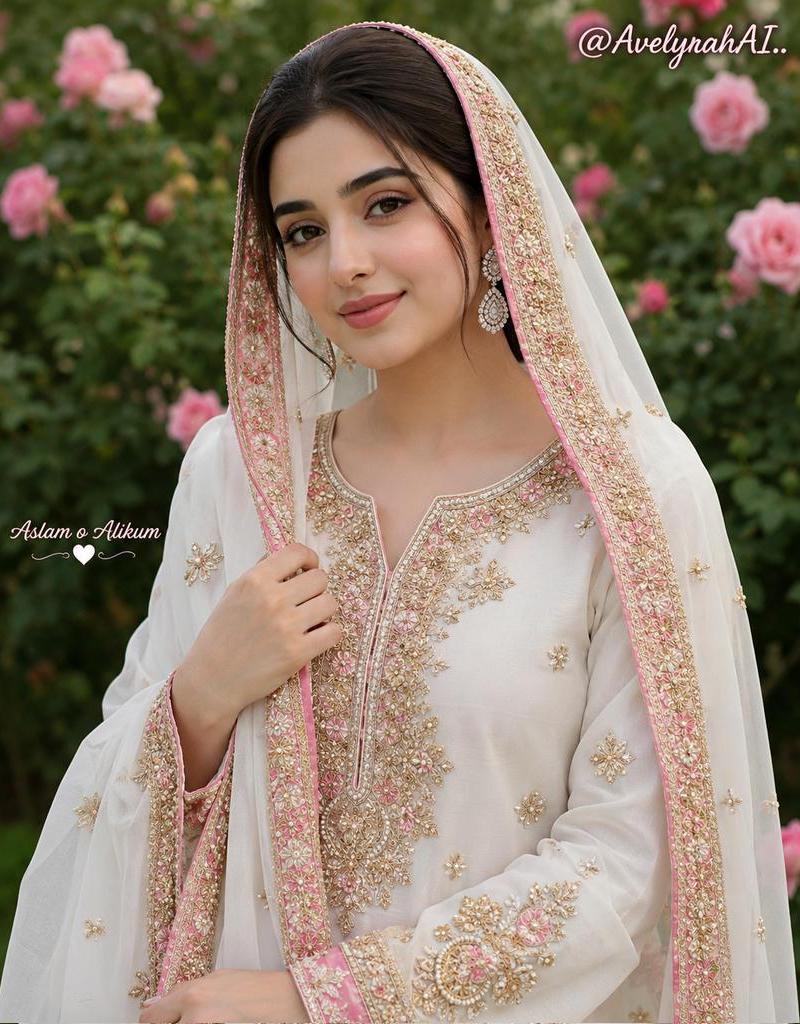
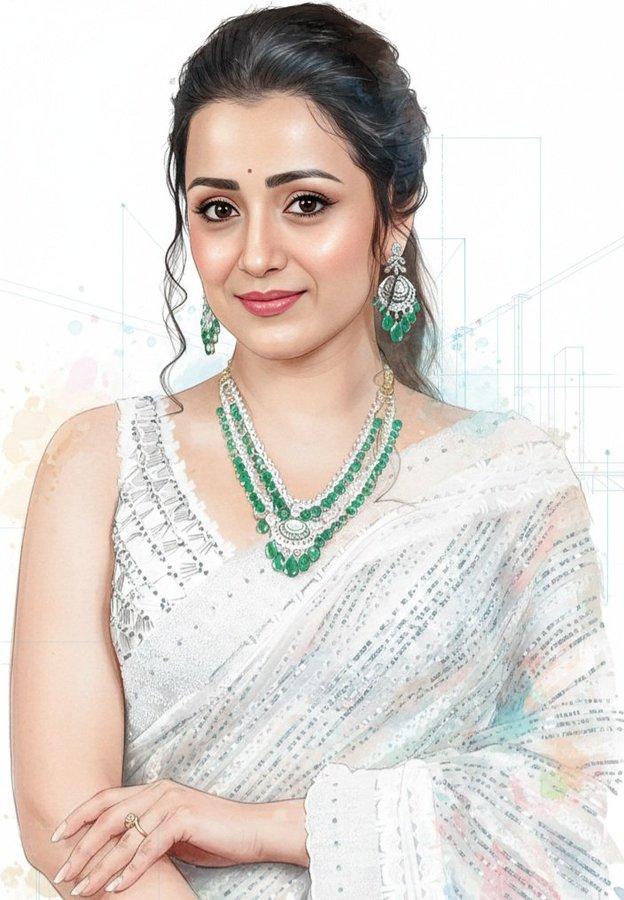
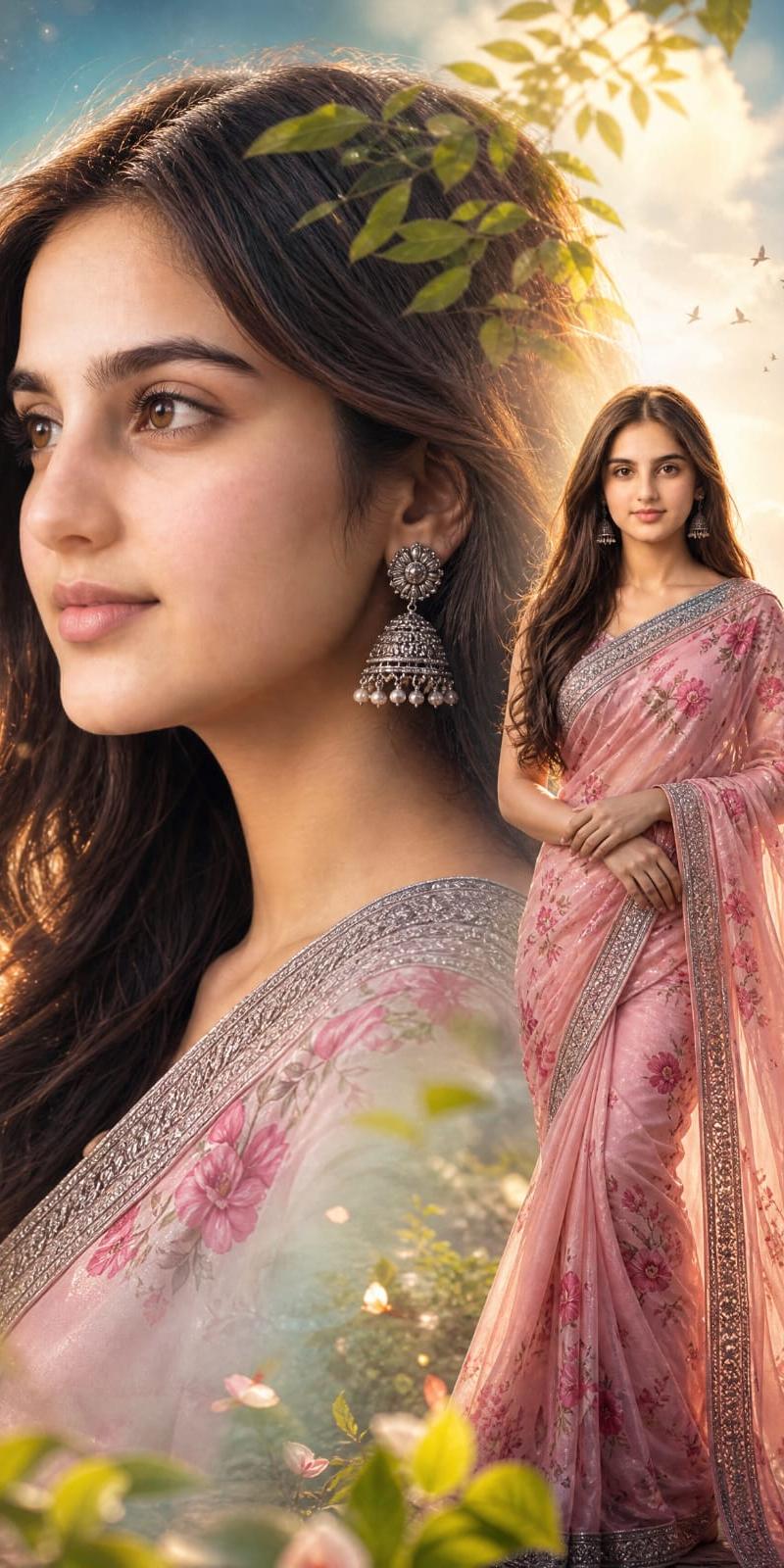
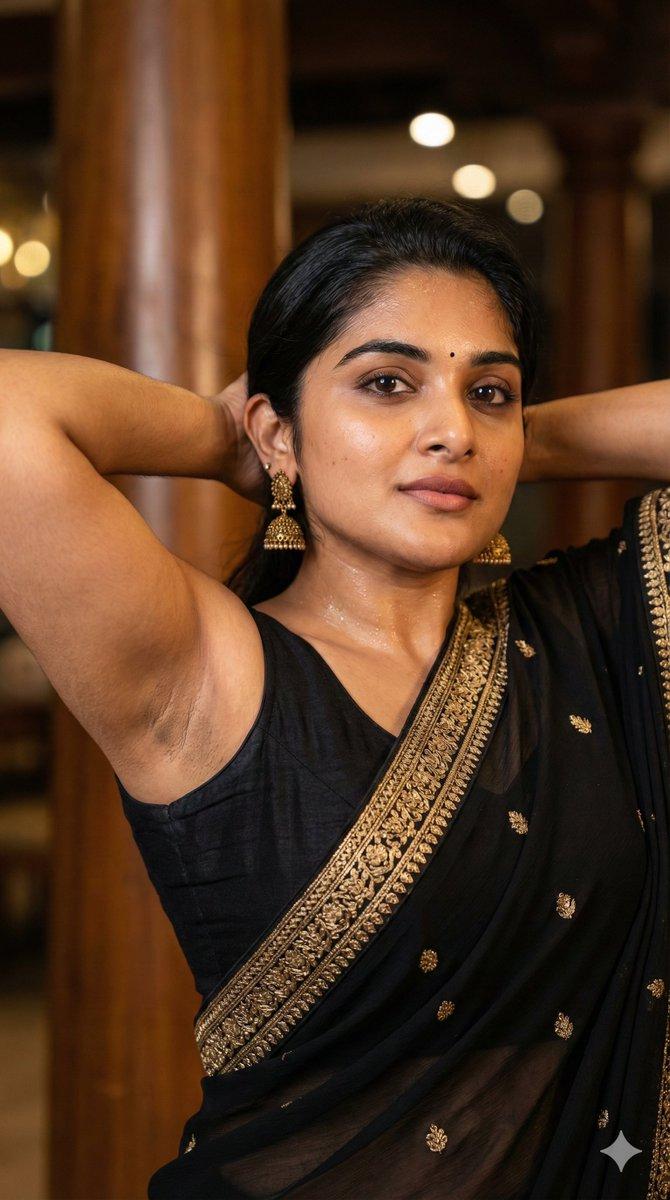
Create a high-quality professional portrait photograph of a young {argument name="nationality" default="Indian"} woman standing in a lush flowering garden at golden hour, framed vertically from mid-thigh upward. She wears a classic {argument name="saree color" default="cream-colored"} saree with elegant gold borders and delicate pink-and-green floral embroidery scattered across the fabric, paired with a short-sleeved matching blouse. Her dark hair is parted and tied into a low elegant bun decorated with a thick garland of fresh white jasmine flowers on one side. Add traditional gold jewelry: one necklace, one pair of ornate dangling earrings, and multiple slim bangles on both wrists. Her hands rest gently together at her waist in a graceful pose. Place a plain medium-brown rectangular privacy block over the entire face area, centered vertically from forehead to chin, with no facial features visible. The background should be a richly blurred garden path with abundant green foliage and colorful flowers in pink, orange, yellow, and purple, with warm sunset bokeh glowing behind her. Use soft natural light, shallow depth of field, realistic skin and fabric texture, refined editorial photography, warm romantic color grading, no text, no watermark.
Category
Photography & Realism
Model
GPT Image 2
Creator
Mehwish kiran
Source language
en
Views0
Source ID
26638
Published
Jun 24, 2026
Studio

Guide

About "印度纱丽花园肖像"

What is this prompt for?

"印度纱丽花园肖像" AI image prompt for GPT Image 2 (Photography & Realism). 一张写实的黄金时刻花园肖像,画面中是一位身着奶油色花卉纱丽、佩戴茉莉花和金饰的传统印度女性。 Copy it on Picva and recreate the look in on…

The full copyable prompt and example visuals above are ready for AI image generation or one-click recreate in Picva.

How to use this prompt

  1. Step 1

    Open the prompt detail

    Review the example visuals, category, and full prompt text for "印度纱丽花园肖像".

  2. Step 2

    Copy the prompt

    Copy the prompt body from this page, or load it directly in Studio.

  3. Step 3

    Pick a model (GPT Image 2)

    Prefer GPT Image 2. If you switch models, keep subject and composition and tweak style terms.

  4. Step 4

    Generate and export

    Recreate the look in Picva, or export into your workflow for editing and publishing.

FAQ

What is the "印度纱丽花园肖像" prompt?
It is an AI image-generation prompt for GPT Image 2 in the Photography & Realism category. This page includes the full prompt text, example visuals, and a one-click recreate path in Picva.
How do I use this prompt to generate an image?
Copy the prompt from this page, or use Generate / Studio. Paste it into a compatible image model, or recreate the look in Picva with optional reference images.
Which model is this prompt for?
This page lists GPT Image 2. Most descriptive prompts also transfer to nearby image models such as GPT Image, Flux, or Midjourney with light style tweaks.
Can I use the result commercially?
You can usually copy the prompt for creation, but commercial use of the final image depends on the model terms, reference-image rights, and the generated content. Follow the source author and platform rules.