15

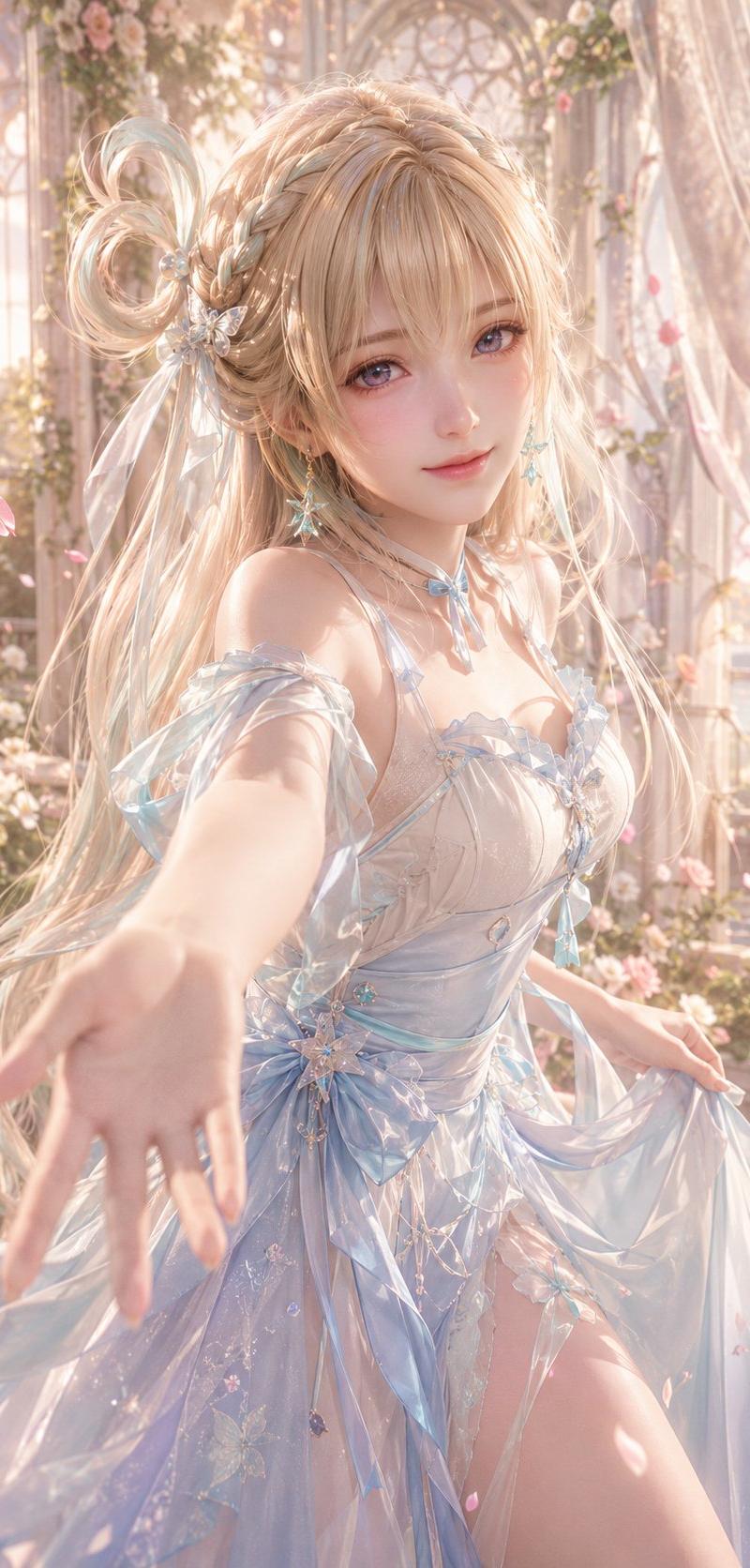
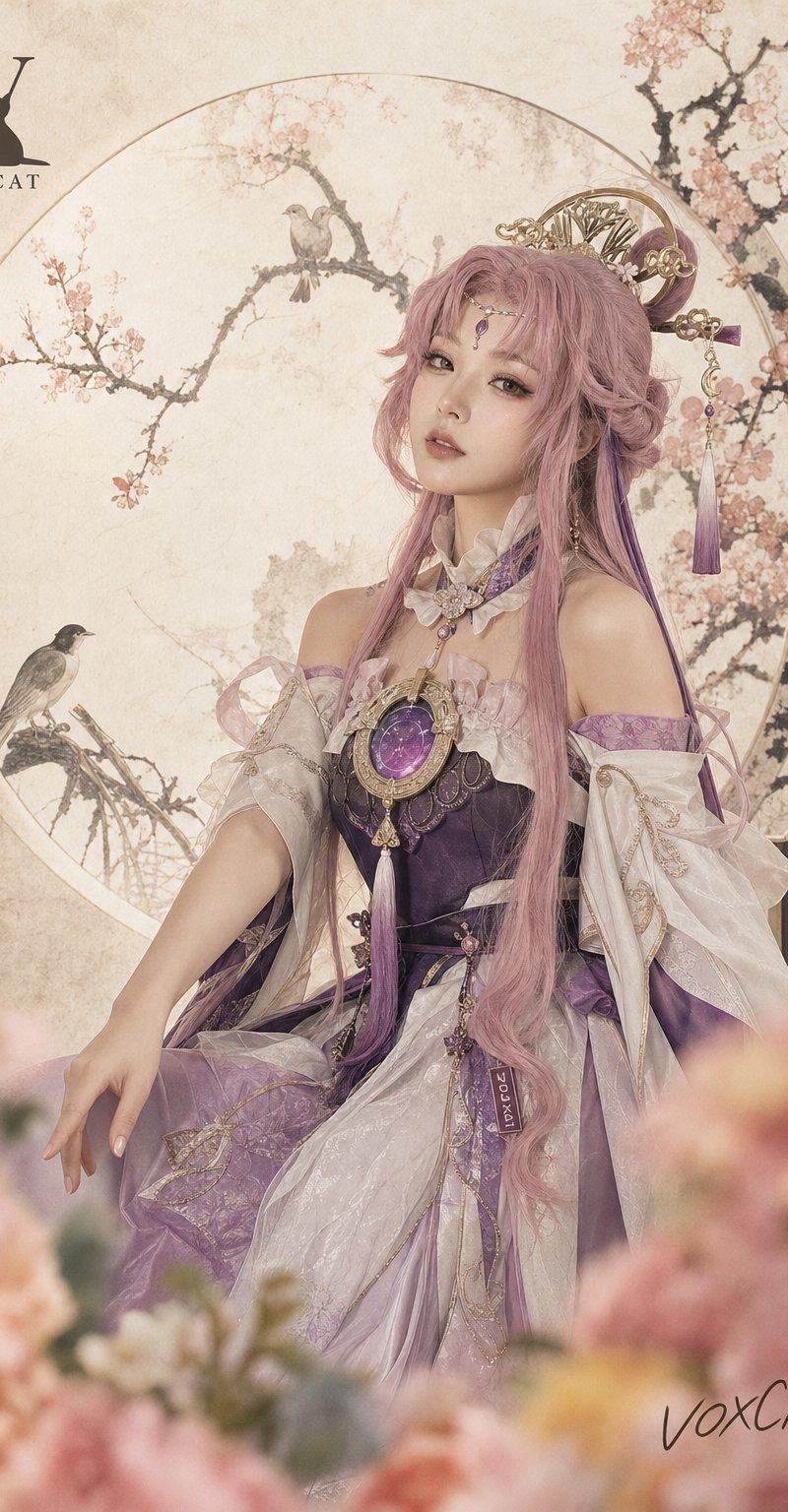
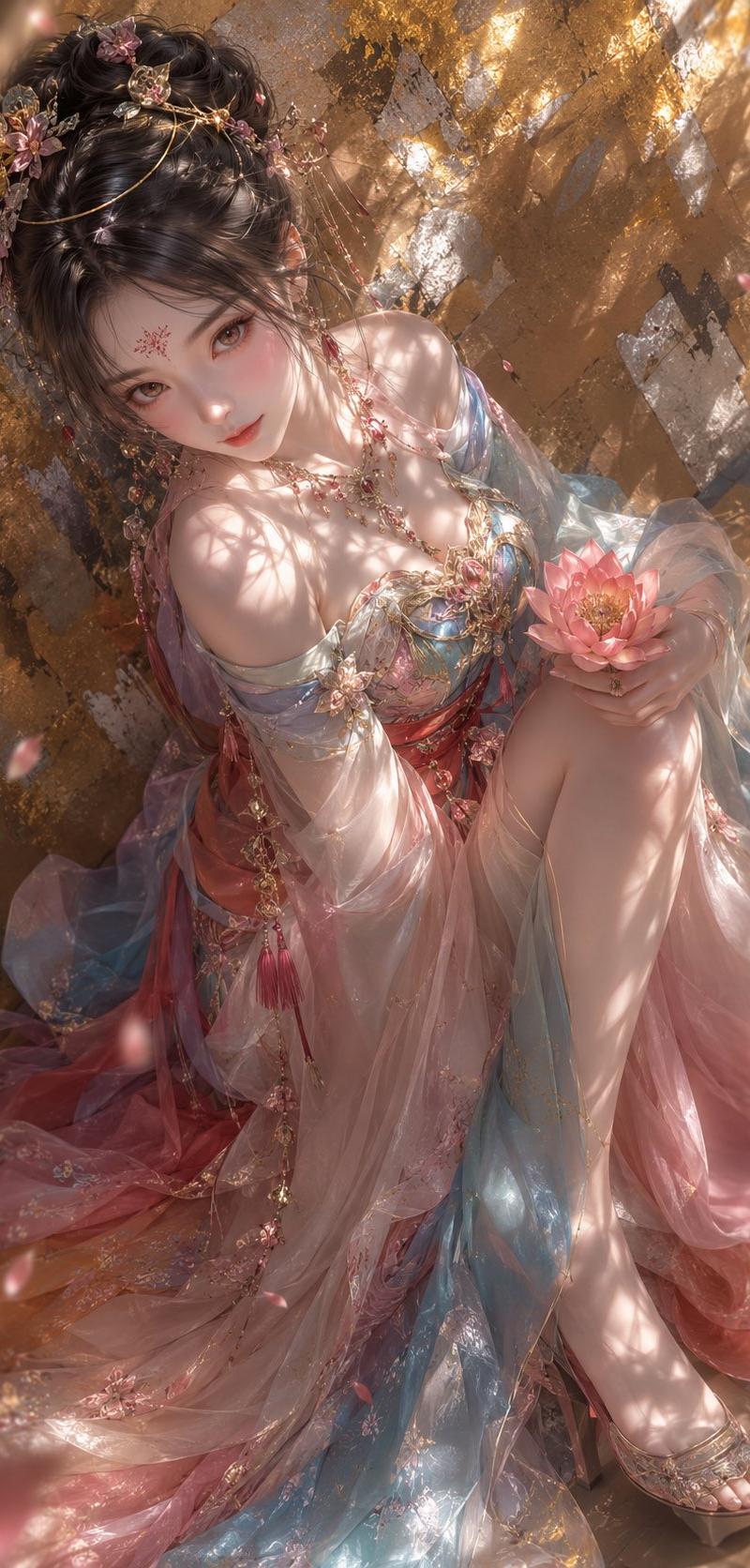
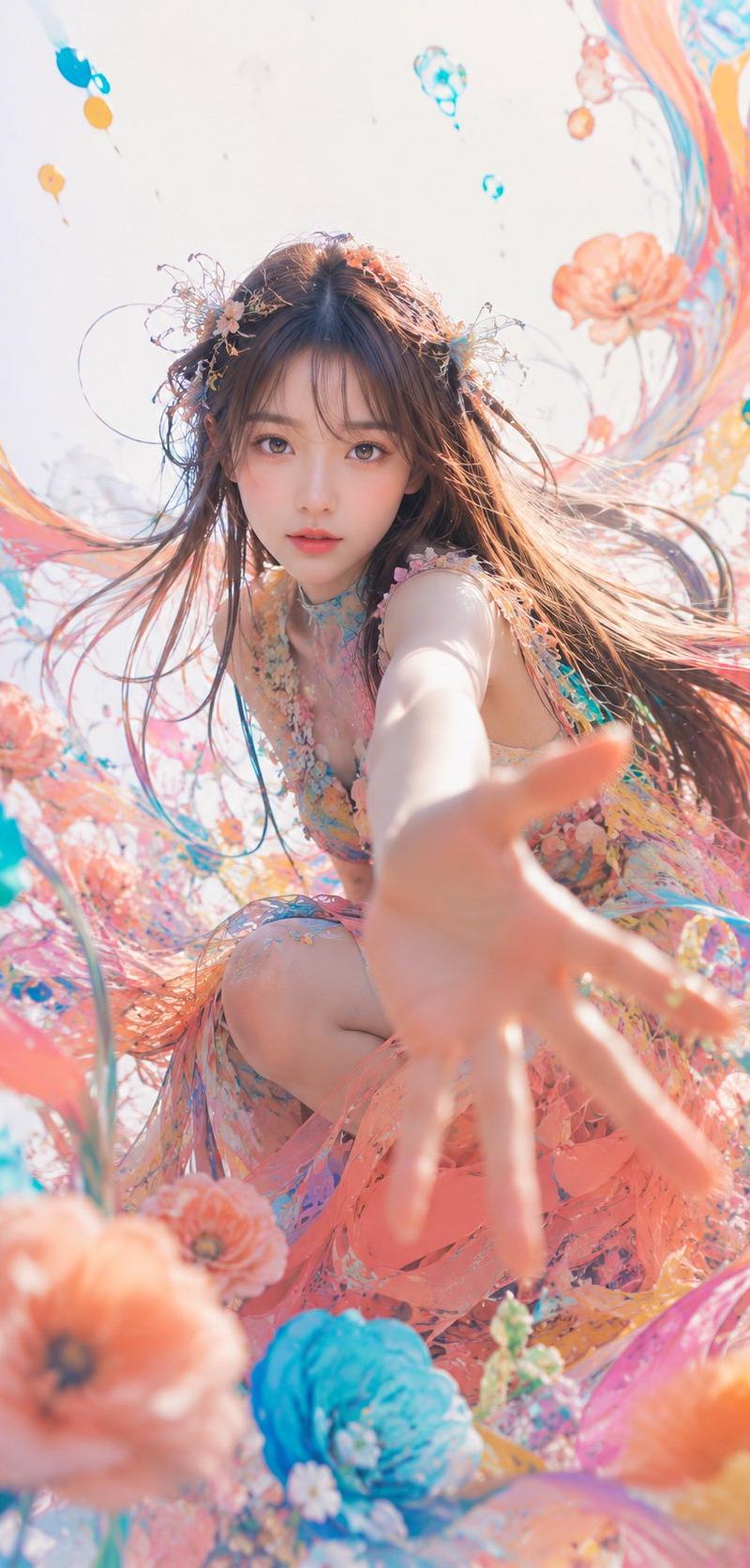
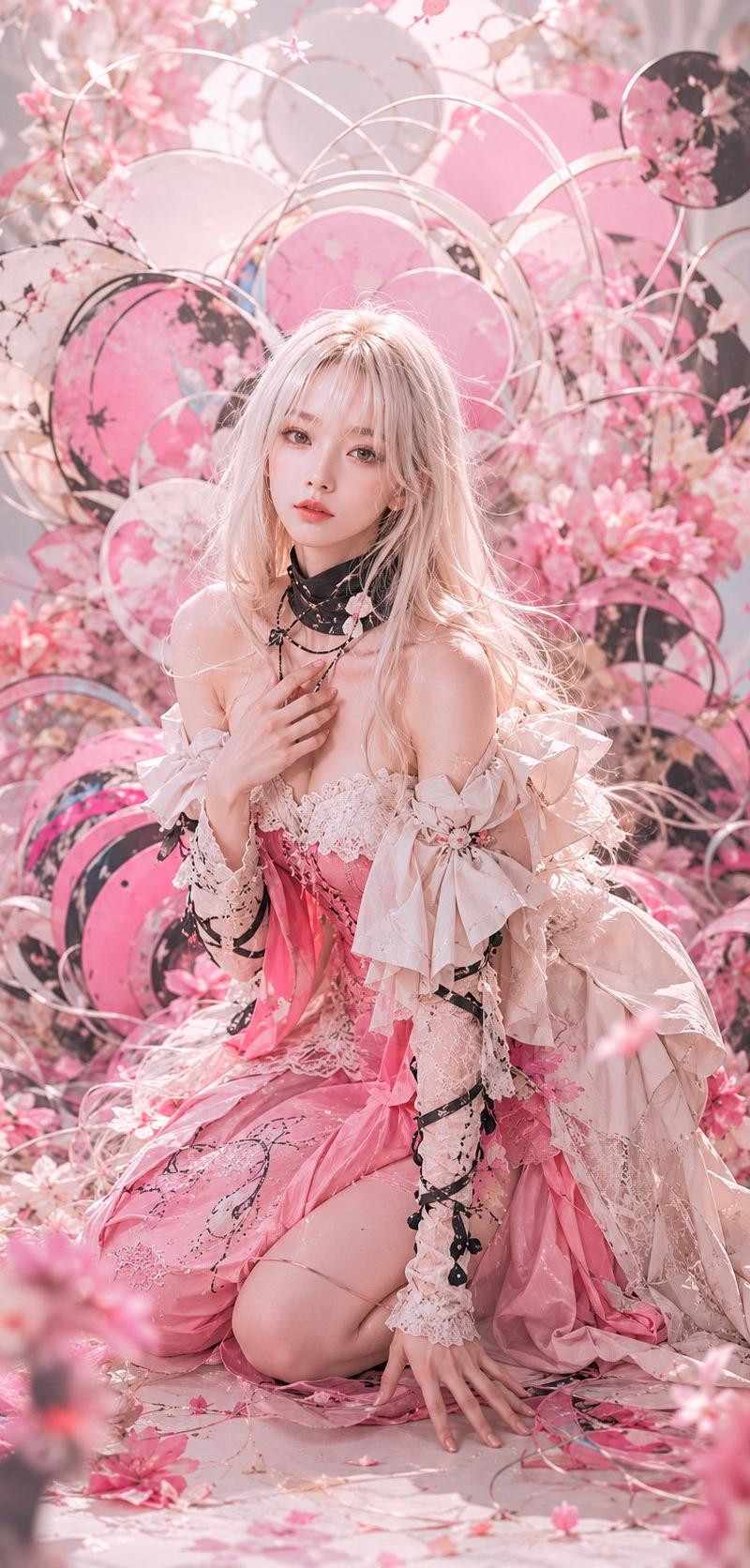
樱花高定人像
Enlarge

Example images

樱花高定人像

Prompt
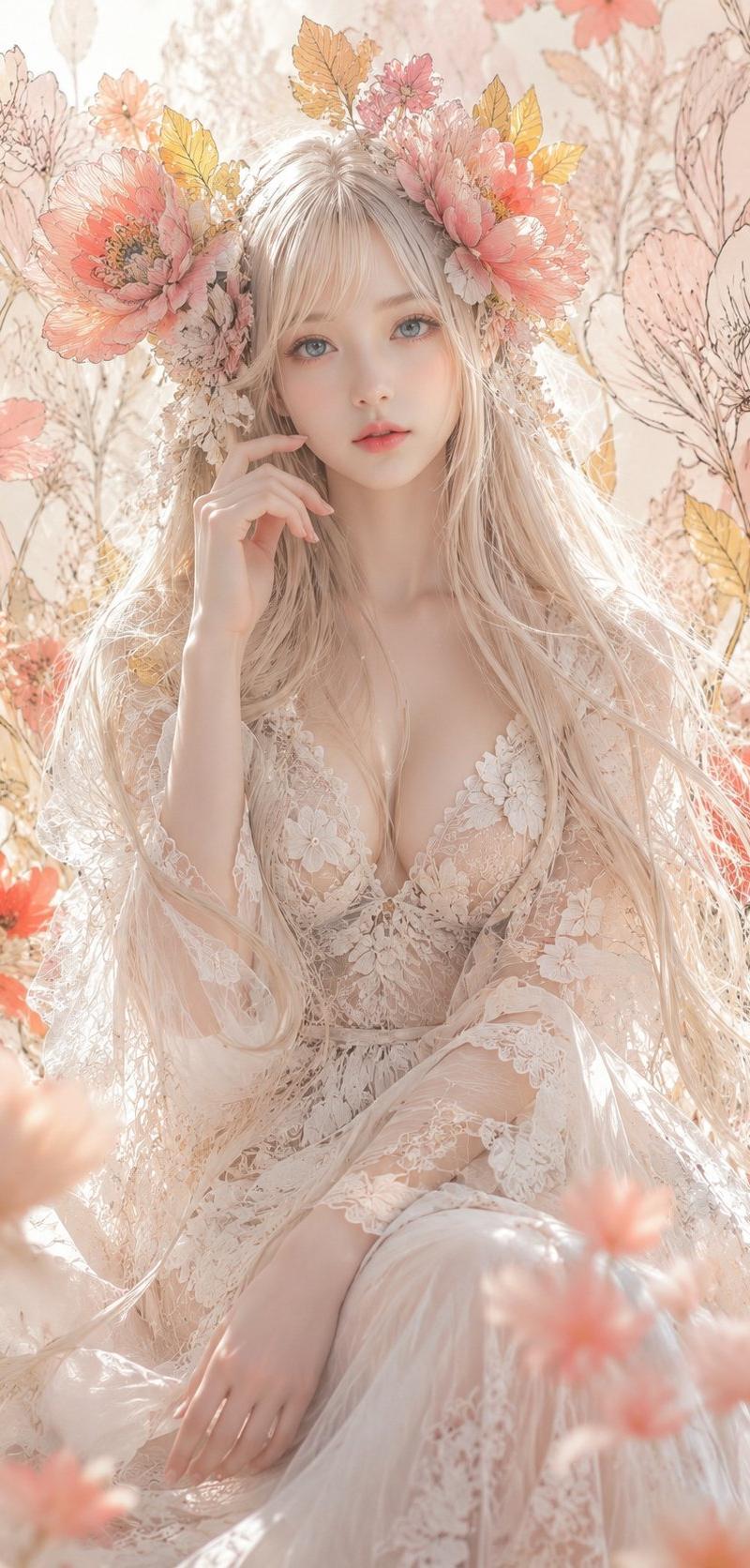
Create a vertical 2:3 high-fashion fantasy portrait of {argument name="character name" default="a young woman"} kneeling in an elaborate cherry-blossom installation, with a deliberately featureless face covered by a centered matte dusty-pink rectangular mask. She has very long, tousled {argument name="hair color" default="pale platinum-blonde hair"} and fair glowing skin, posed with one hand touching layered black necklaces at her chest and the other hand resting on the floor. Dress her in an ornate off-shoulder {argument name="dress color" default="pink and ivory"} couture gown with lace bodice, ruffled sleeves, oversized ribbon bows on both arms, sheer lace gloves or sleeves, black ribbon wrapping accents, dangling black bead details, and a voluminous skirt pooling around her knees. Surround her with a dense romantic background of cherry blossoms, petals, and circular hoop structures resembling mizuhiki cords: count exactly 14 visible circular hoops and disks, including 9 thin metallic white or rose-gold rings, 3 large pink floral disks, and 2 dark black floral disks. Add scattered pink petals on the floor, soft foreground blossom blur at the bottom edge, and a dreamy pastel palette of blush pink, cream, ivory, rose gold, and soft gray. Lighting should be bright, ethereal, backlit, and diffused, with shallow depth of field, glossy skin highlights, delicate fabric texture, cinematic editorial composition, ultra-detailed photorealistic rendering, no text, no watermark, no extra people.
Category
Photography & Realism
Model
GPT Image 2
Creator
NIKKO
Source language
en
Views0
Source ID
26693
Published
Jun 24, 2026
Studio

Guide

About "樱花高定人像"

What is this prompt for?

"樱花高定人像" AI image prompt for GPT Image 2 (Photography & Realism). 一张梦幻的竖构图时尚人像,描绘了一位面部留白的女性,身着精致的粉色与象牙白礼服,周围环绕着樱花和类似水引结的圆形环饰。 Copy it on Picva and recreate the…

The full copyable prompt and example visuals above are ready for AI image generation or one-click recreate in Picva.

How to use this prompt

  1. Step 1

    Open the prompt detail

    Review the example visuals, category, and full prompt text for "樱花高定人像".

  2. Step 2

    Copy the prompt

    Copy the prompt body from this page, or load it directly in Studio.

  3. Step 3

    Pick a model (GPT Image 2)

    Prefer GPT Image 2. If you switch models, keep subject and composition and tweak style terms.

  4. Step 4

    Generate and export

    Recreate the look in Picva, or export into your workflow for editing and publishing.

FAQ

What is the "樱花高定人像" prompt?
It is an AI image-generation prompt for GPT Image 2 in the Photography & Realism category. This page includes the full prompt text, example visuals, and a one-click recreate path in Picva.
How do I use this prompt to generate an image?
Copy the prompt from this page, or use Generate / Studio. Paste it into a compatible image model, or recreate the look in Picva with optional reference images.
Which model is this prompt for?
This page lists GPT Image 2. Most descriptive prompts also transfer to nearby image models such as GPT Image, Flux, or Midjourney with light style tweaks.
Can I use the result commercially?
You can usually copy the prompt for creation, but commercial use of the final image depends on the model terms, reference-image rights, and the generated content. Follow the source author and platform rules.