19

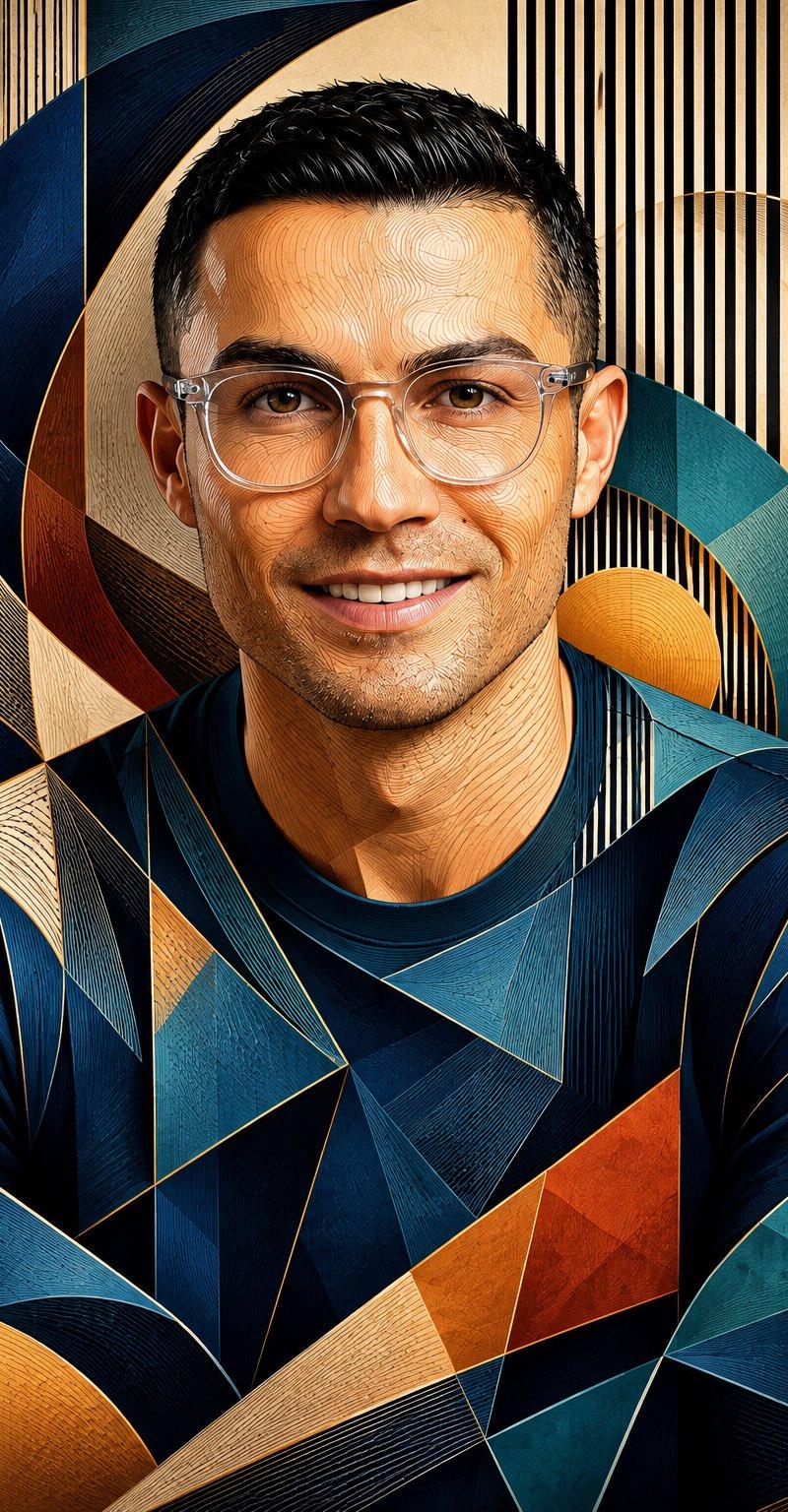
立体主义轮廓肖像
Enlarge

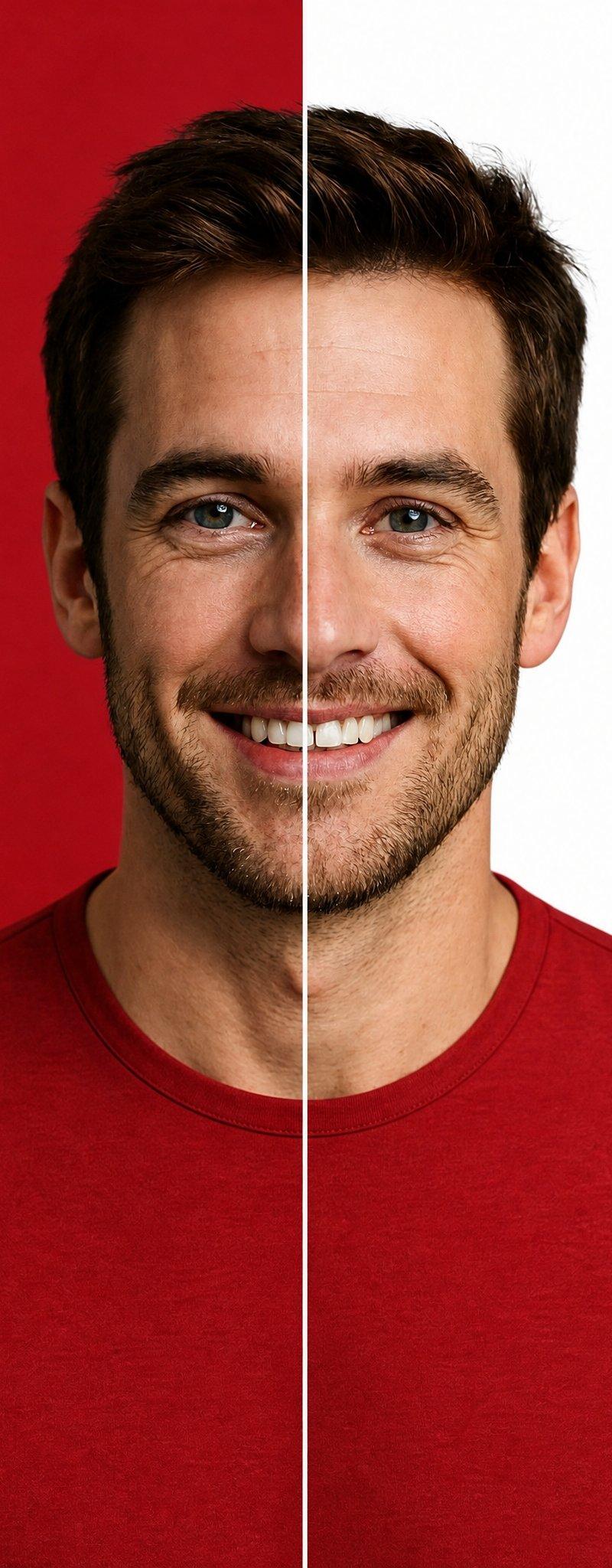
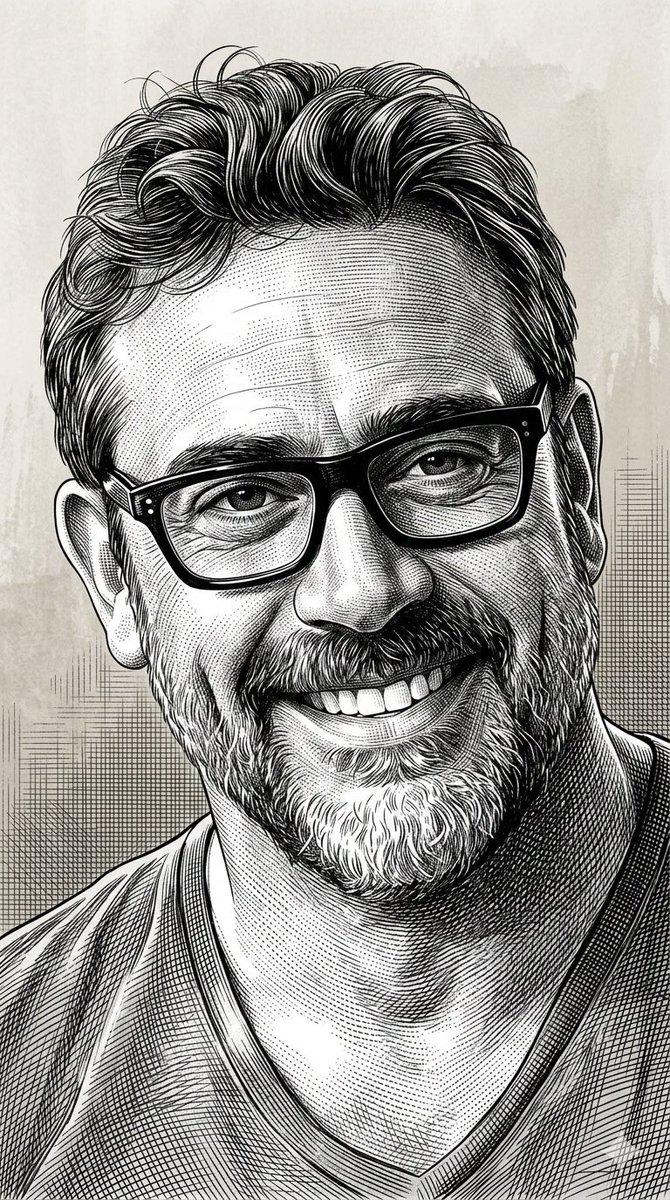
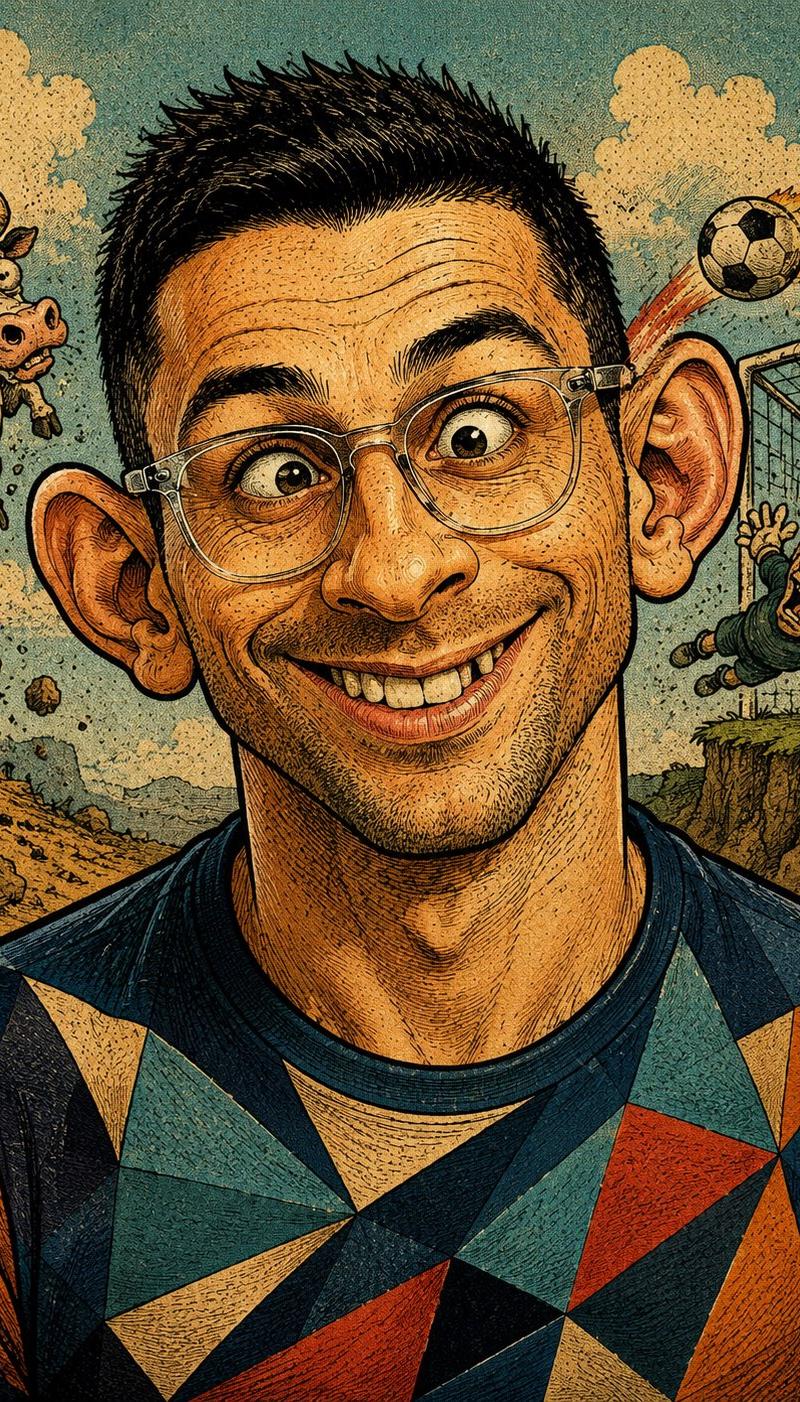
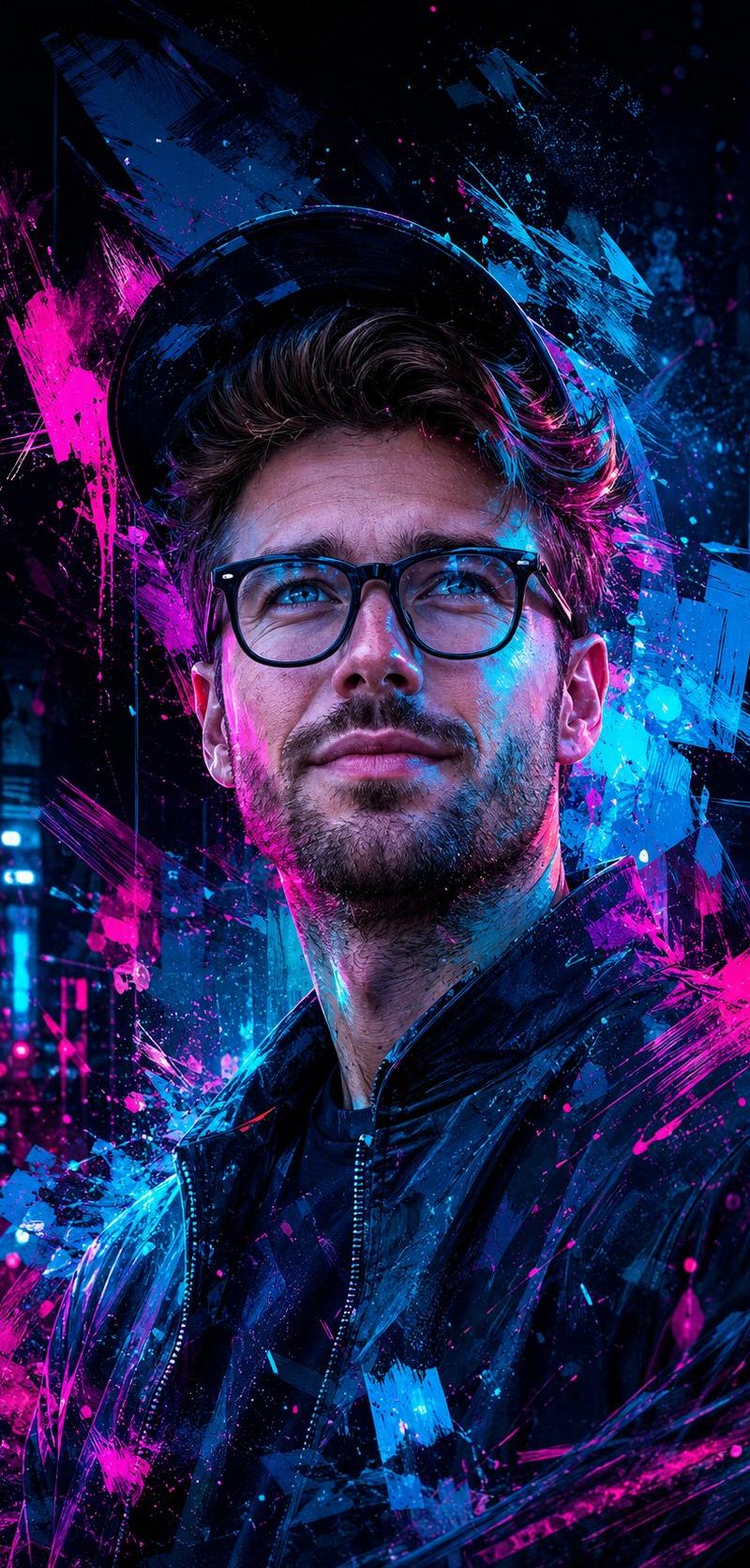
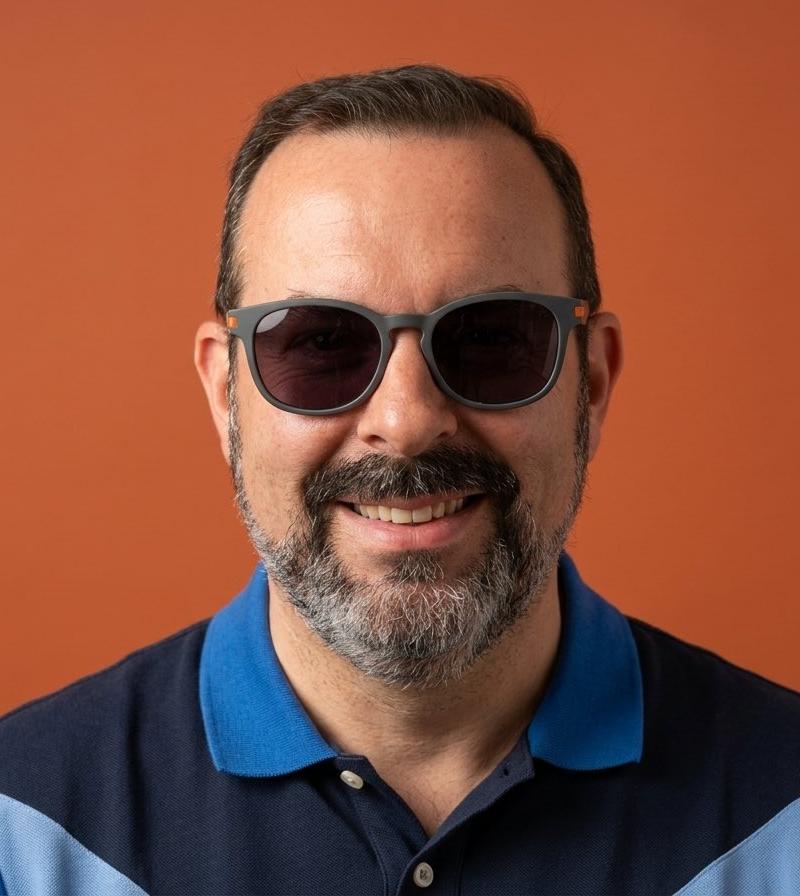
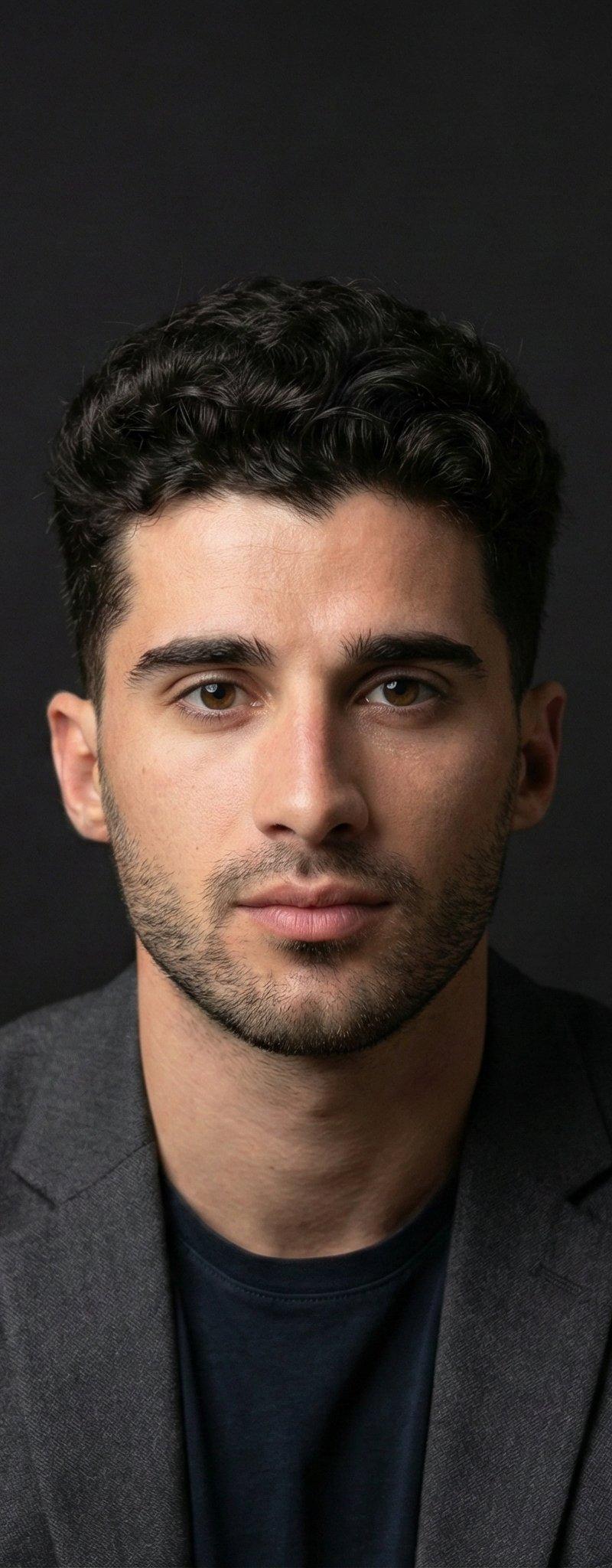
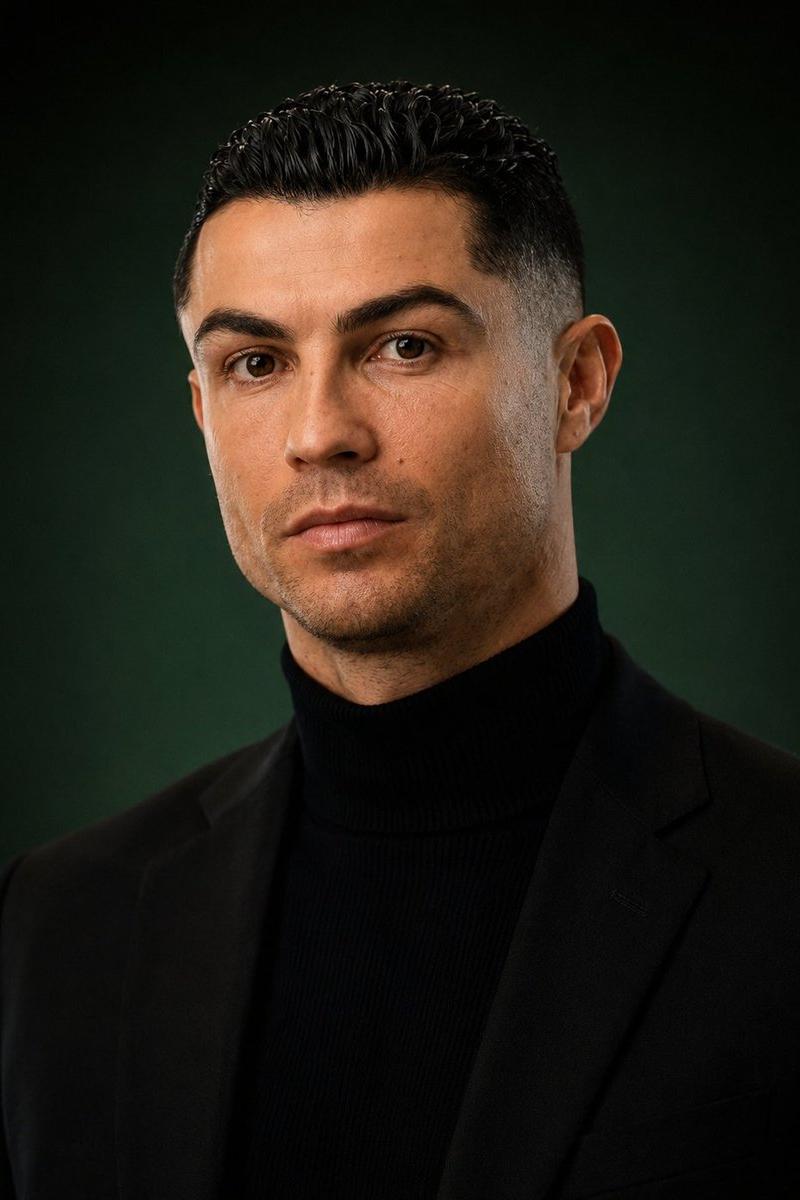
Example images

立体主义轮廓肖像

Prompt
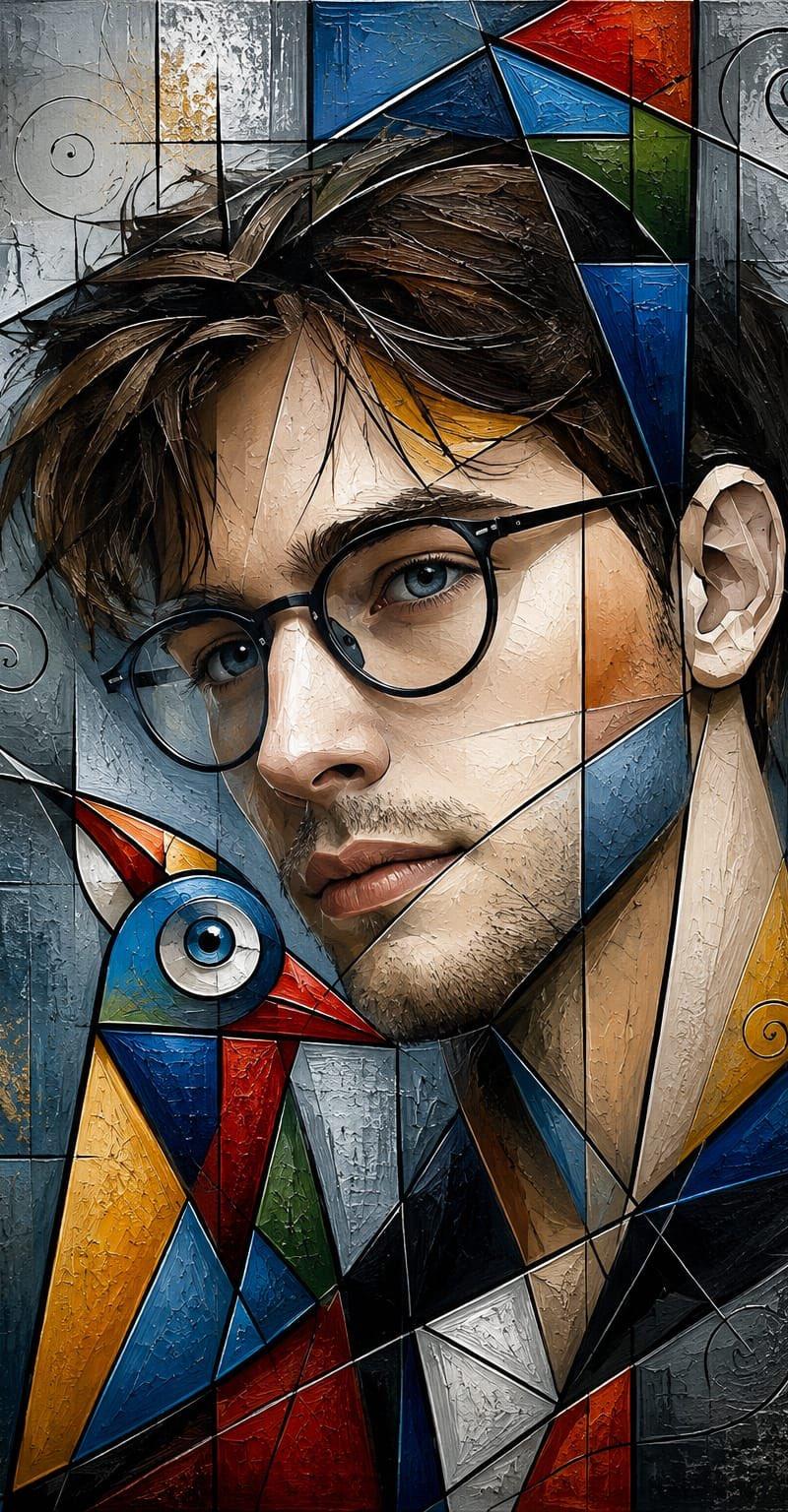
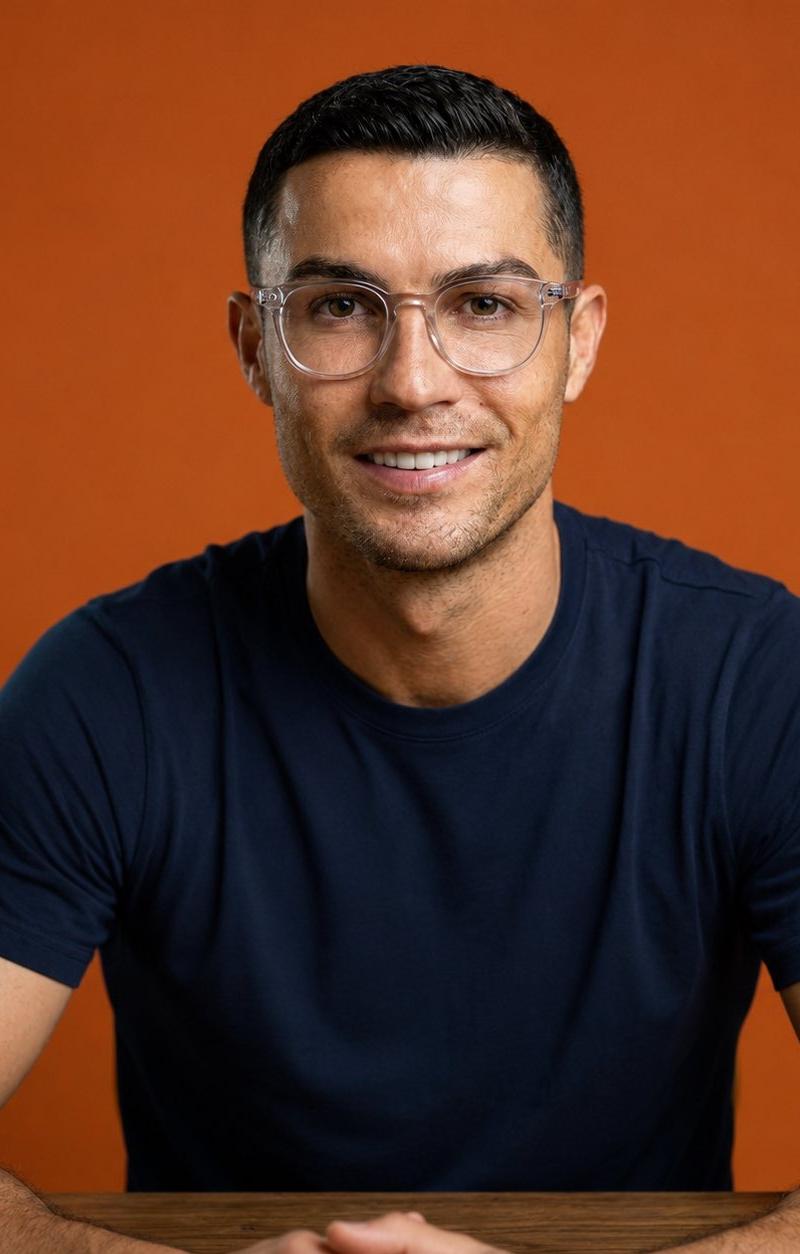
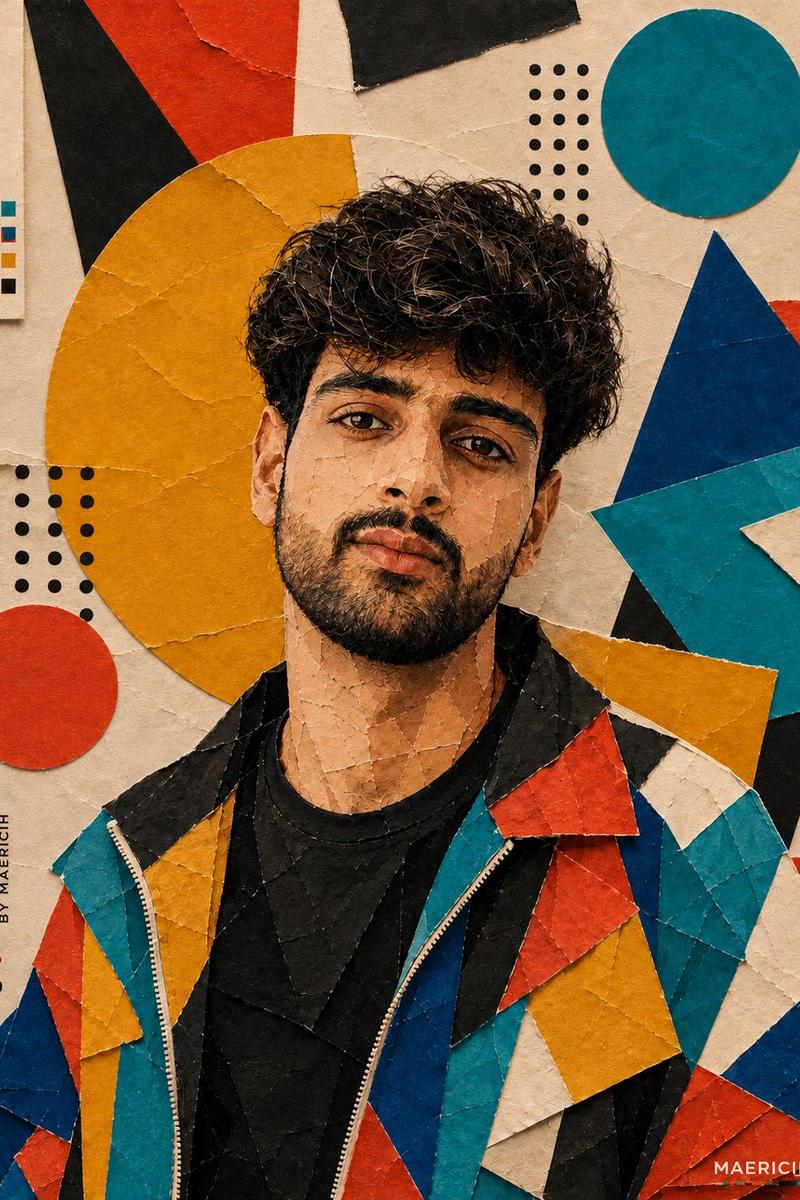
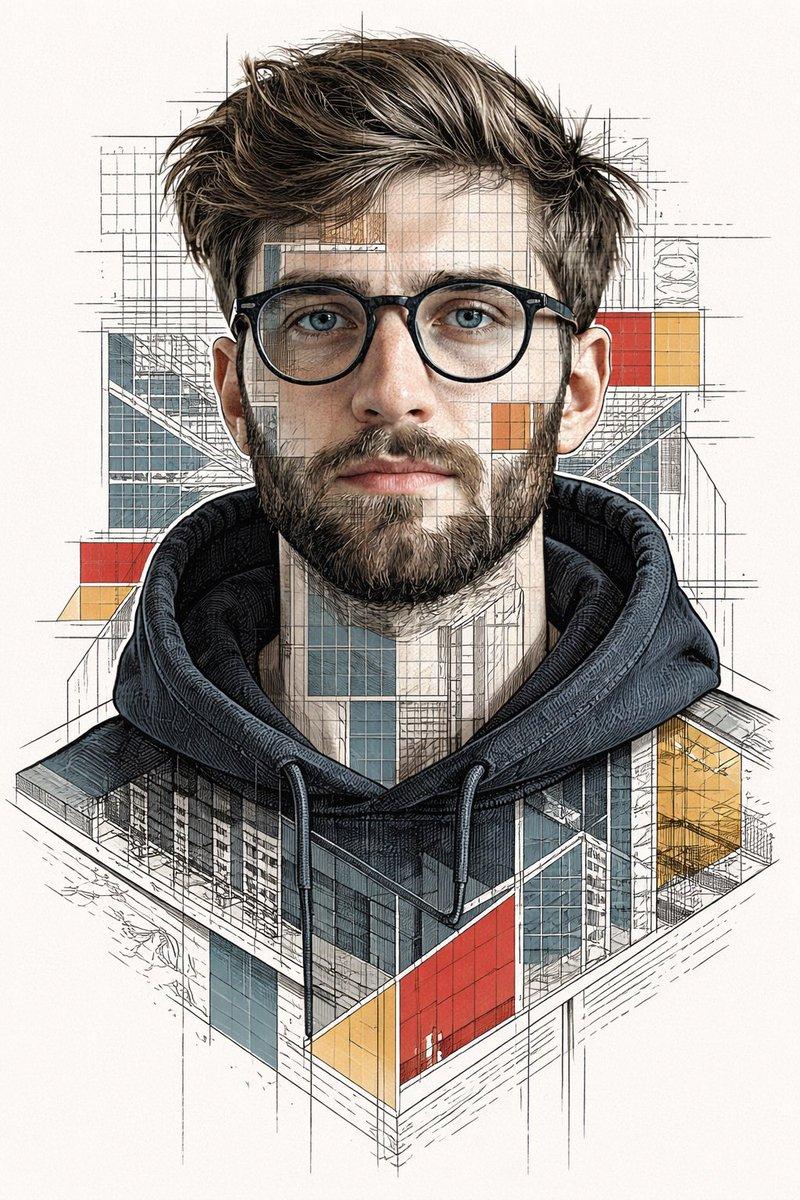
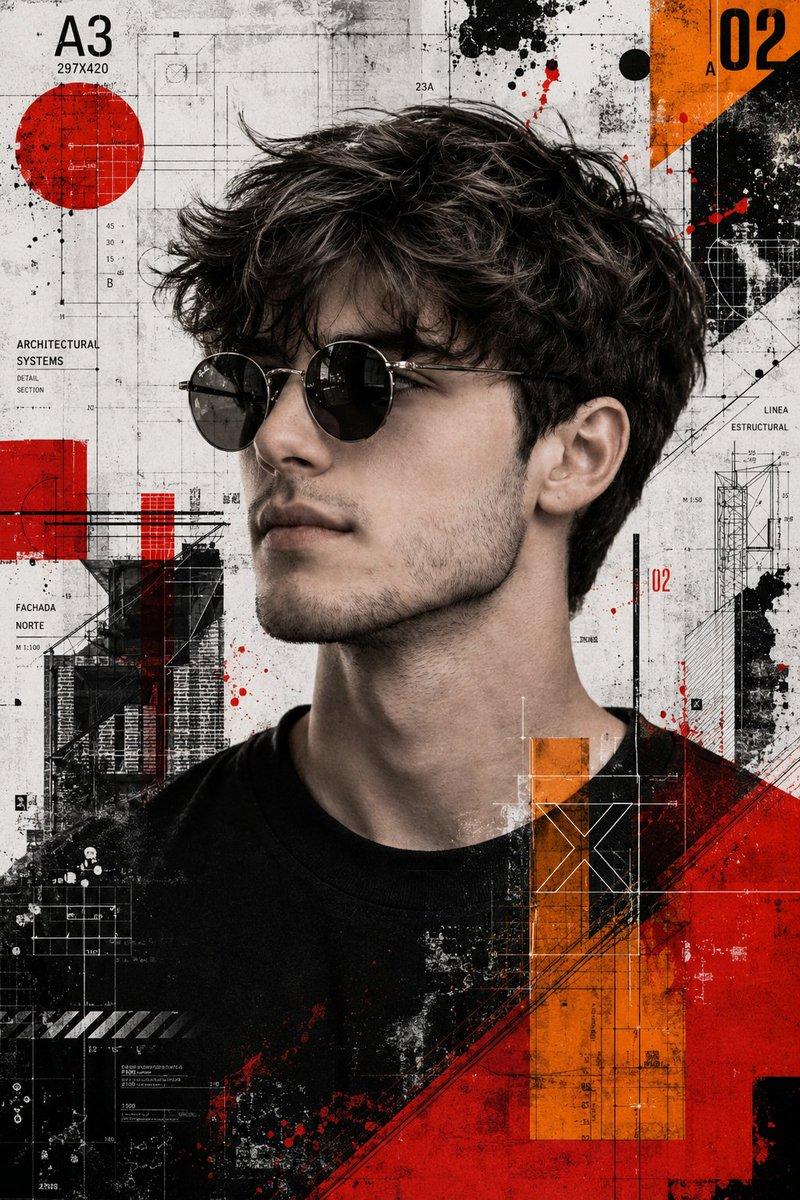
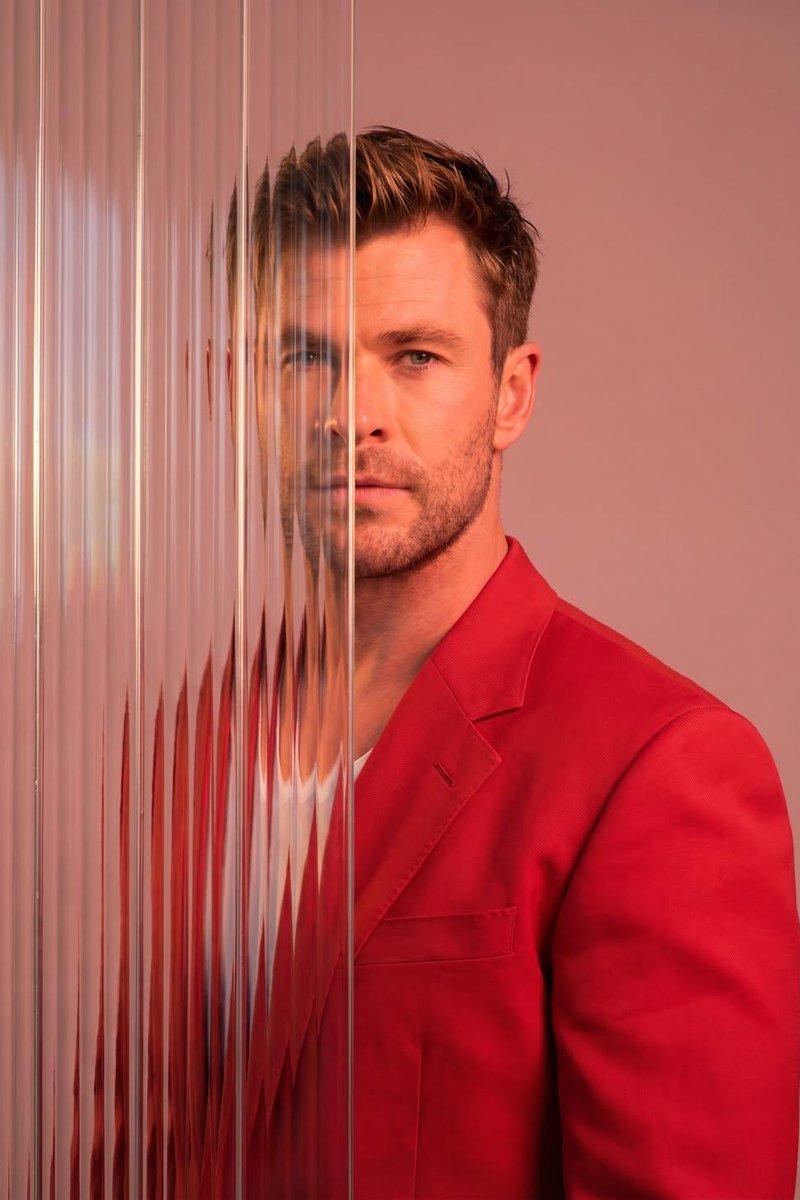
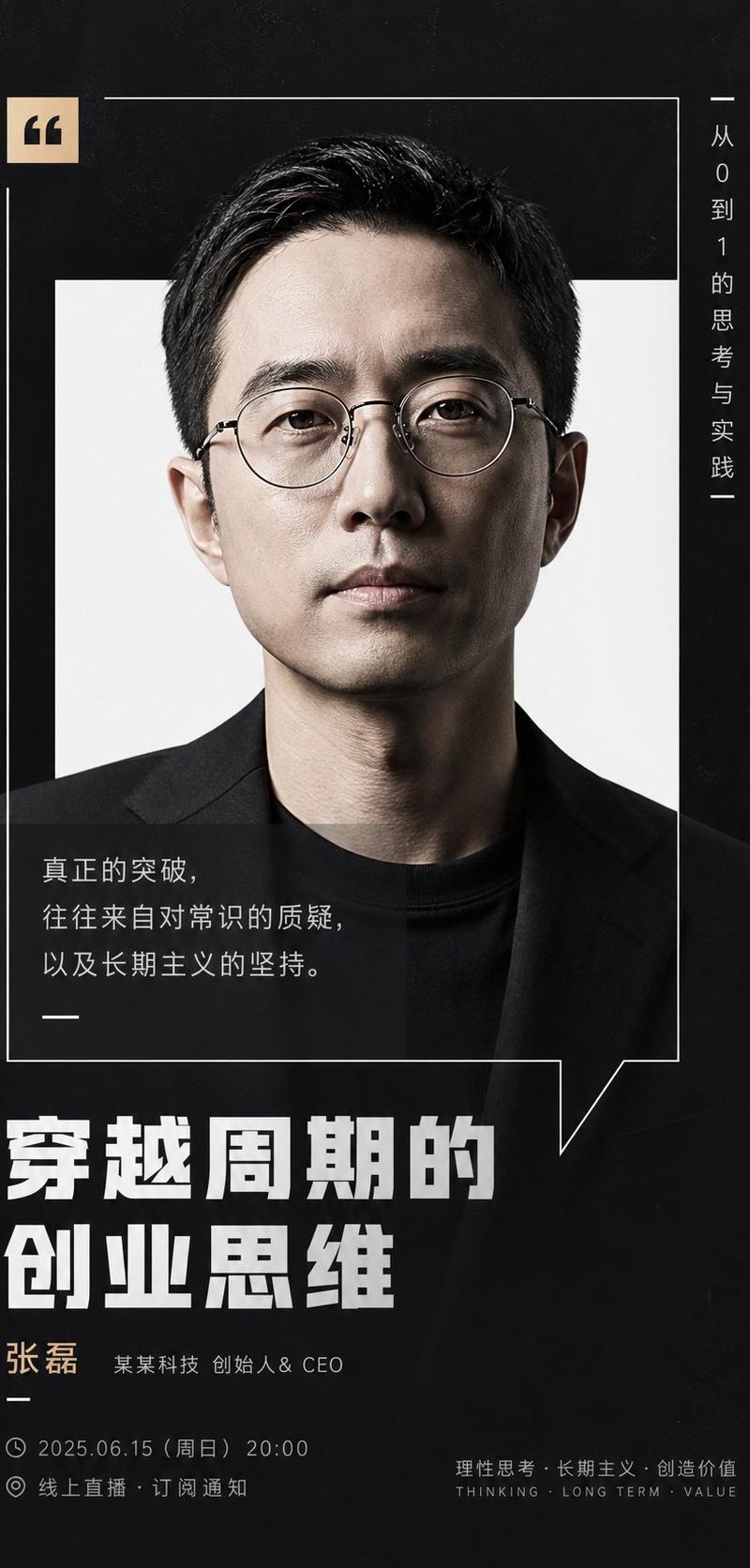
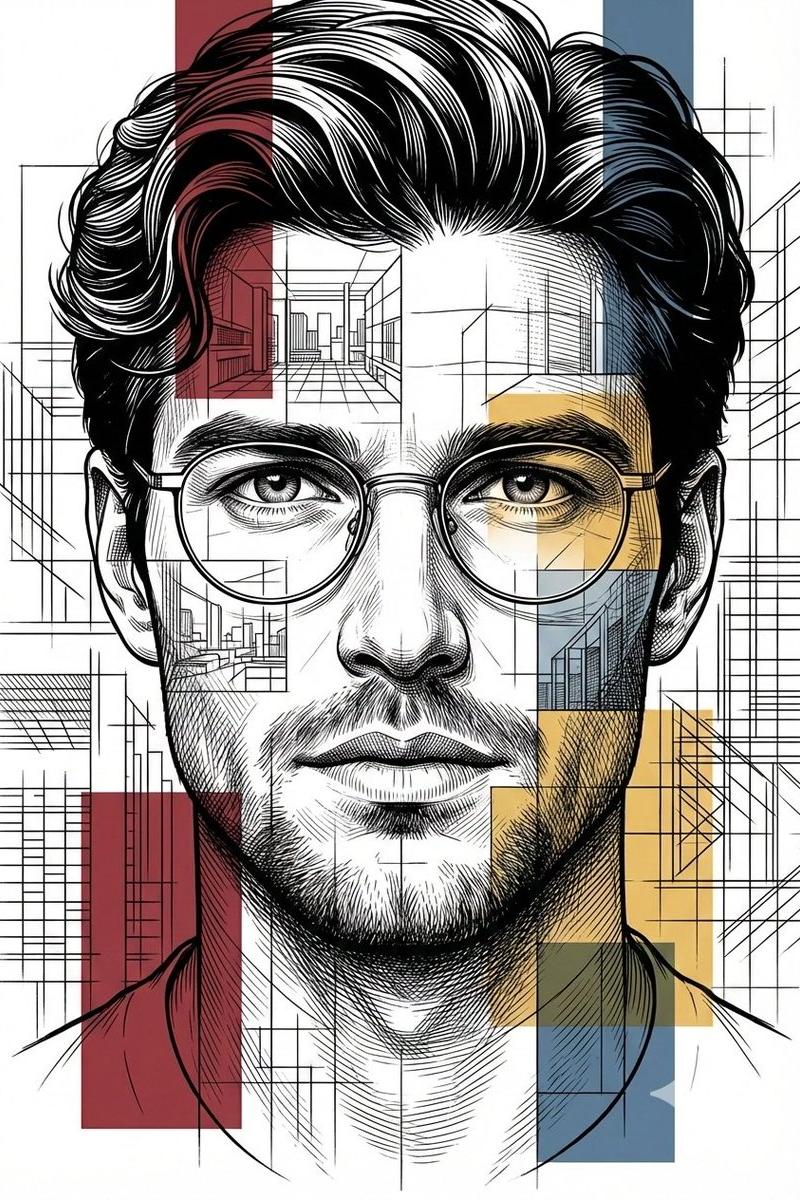
Transform the uploaded portrait into a masterpiece combining optical contour-line illustration and modern geometric cubism. Preserve the exact facial identity, glasses, hairstyle, age, skin tone, and facial proportions of the original person. Build the face from hundreds of flowing vertical contour lines that bend naturally around the eyes, nose, cheeks, lips, ears, and chin. Merge these contour lines with layered polygonal planes and faceted geometric surfaces inspired by contemporary cubist sculpture.
Surround the portrait with large curved geometric ribbons in {argument name="ribbon colors" default="navy blue, teal, ochre, amber, terracotta, and cream"}. Background contains dense {argument name="background pattern" default="vertical black-and-cream stripes"} that continue through parts of the face to create an optical illusion effect. Skin rendered using warm sandstone and ivory tones with subtle engraved textures. Clothing simplified into elegant angular geometric shapes with deep blue gradients. Fine line engraving visible across all surfaces. Sophisticated museum artwork, high detail, premium gallery illustration, dimensional shading, sculptural appearance, realistic likeness, symmetrical composition, portrait centered, 4:6 aspect ratio, masterpiece quality, 8k resolution.
Category
Photography & Realism
Model
GPT Image 2
Creator
simeon-sanai
Source language
en
Views0
Source ID
26730
Published
Jun 25, 2026
Studio

Guide

About "立体主义轮廓肖像"

What is this prompt for?

"立体主义轮廓肖像" AI image prompt for GPT Image 2 (Photography & Realism). 一个精致的博物馆级提示词,将肖像的身份特征与现代几何立体主义及光学轮廓线巧妙融合。 Copy it on Picva and recreate the look in one cli…

The full copyable prompt and example visuals above are ready for AI image generation or one-click recreate in Picva.

How to use this prompt

  1. Step 1

    Open the prompt detail

    Review the example visuals, category, and full prompt text for "立体主义轮廓肖像".

  2. Step 2

    Copy the prompt

    Copy the prompt body from this page, or load it directly in Studio.

  3. Step 3

    Pick a model (GPT Image 2)

    Prefer GPT Image 2. If you switch models, keep subject and composition and tweak style terms.

  4. Step 4

    Generate and export

    Recreate the look in Picva, or export into your workflow for editing and publishing.

FAQ

What is the "立体主义轮廓肖像" prompt?
It is an AI image-generation prompt for GPT Image 2 in the Photography & Realism category. This page includes the full prompt text, example visuals, and a one-click recreate path in Picva.
How do I use this prompt to generate an image?
Copy the prompt from this page, or use Generate / Studio. Paste it into a compatible image model, or recreate the look in Picva with optional reference images.
Which model is this prompt for?
This page lists GPT Image 2. Most descriptive prompts also transfer to nearby image models such as GPT Image, Flux, or Midjourney with light style tweaks.
Can I use the result commercially?
You can usually copy the prompt for creation, but commercial use of the final image depends on the model terms, reference-image rights, and the generated content. Follow the source author and platform rules.