15

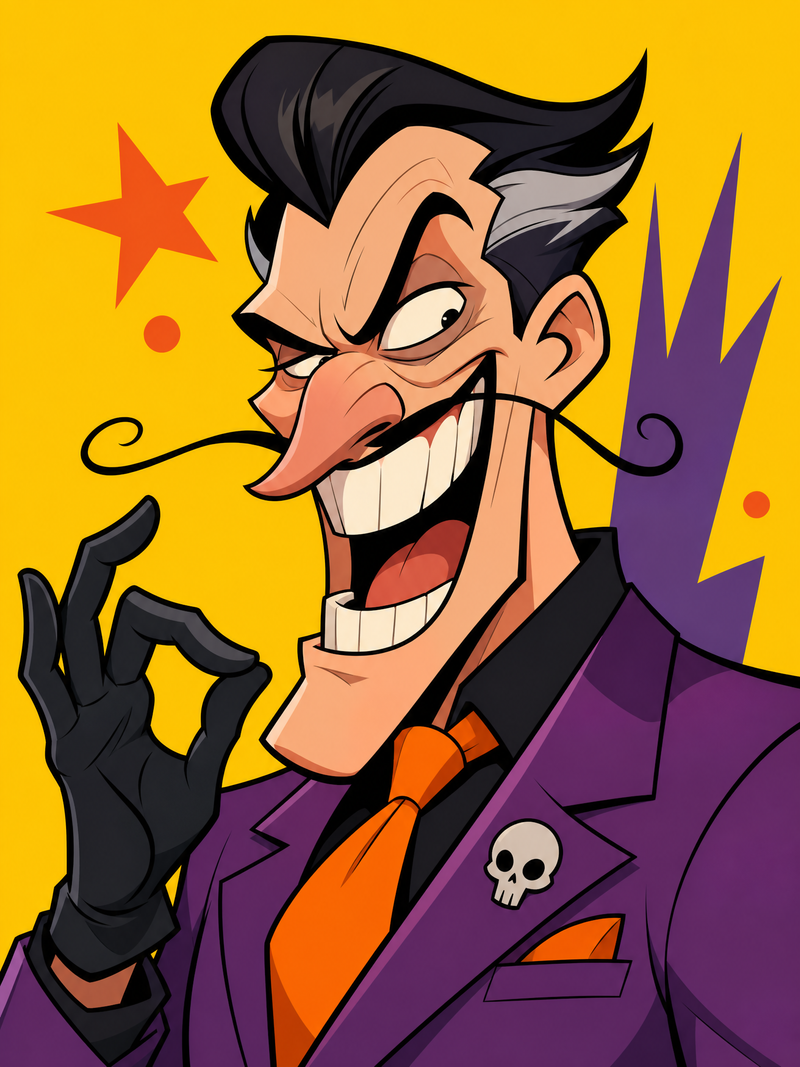
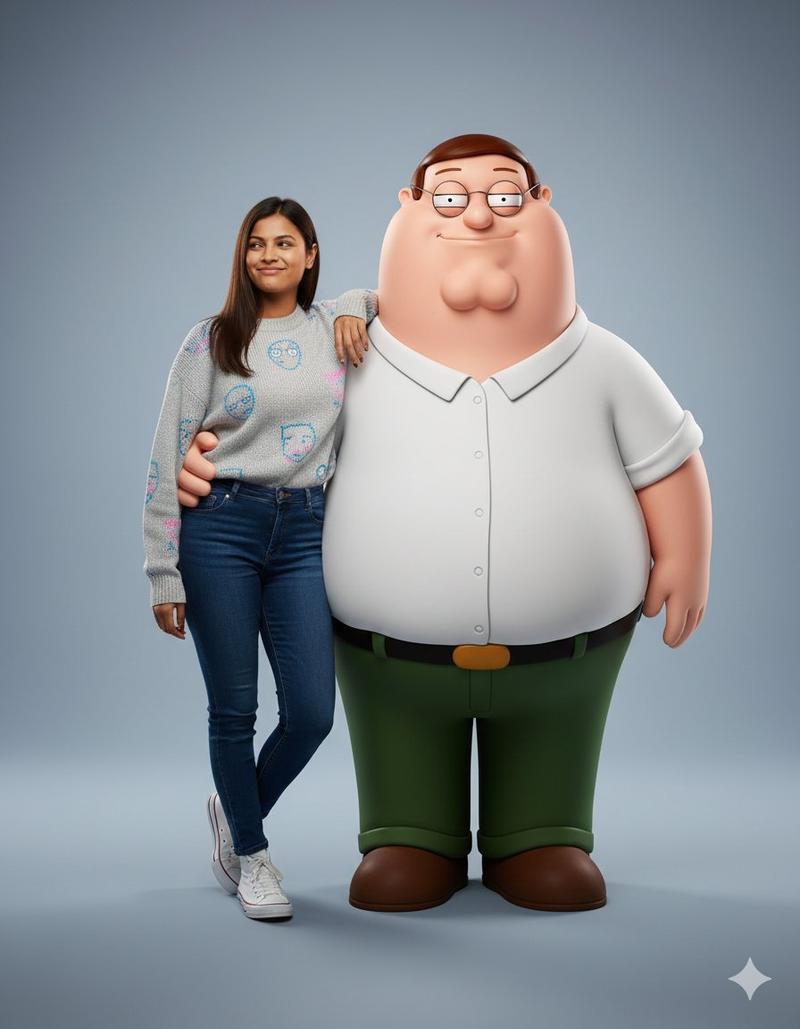
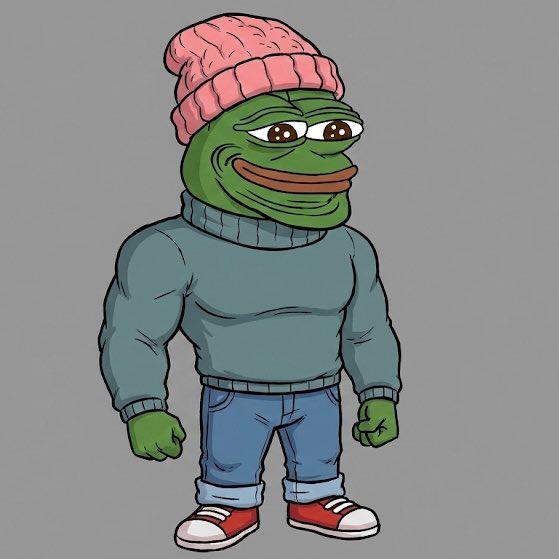
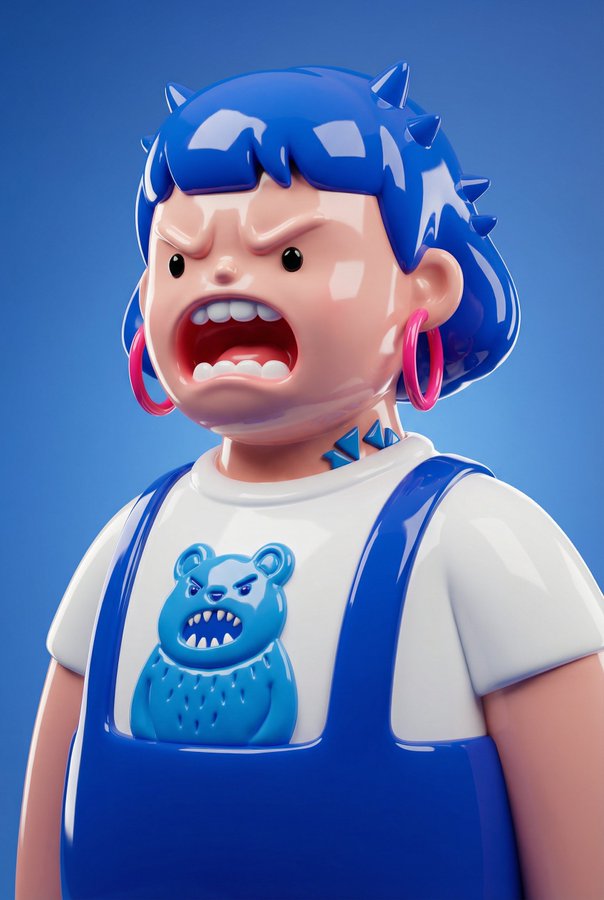
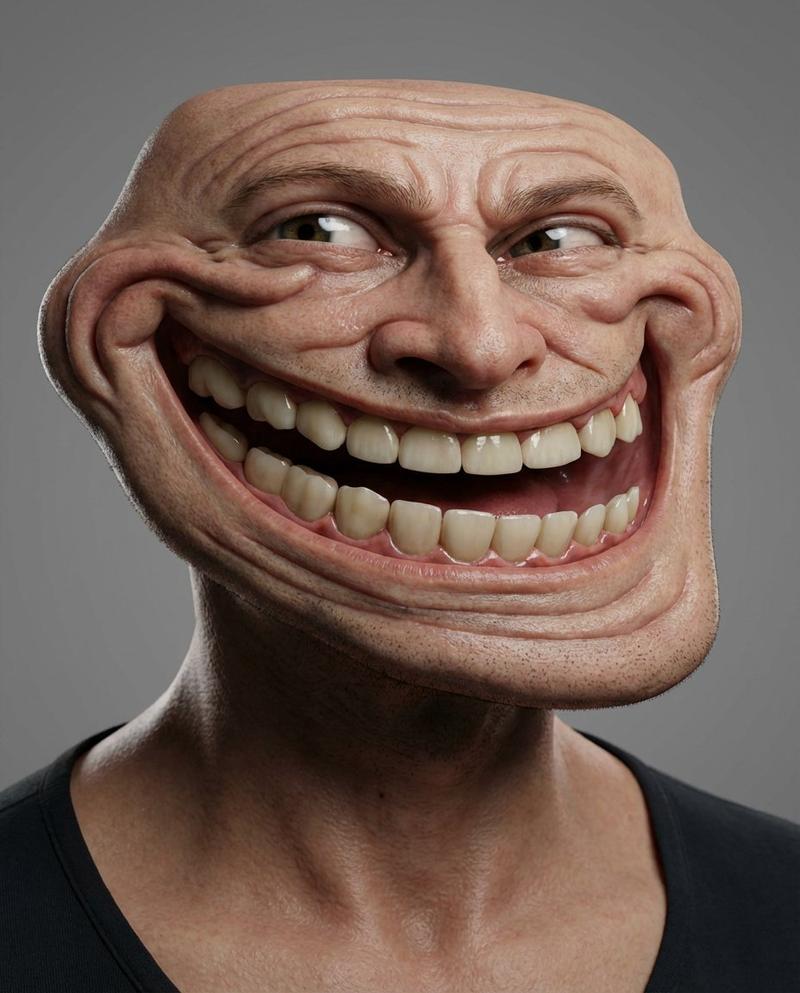
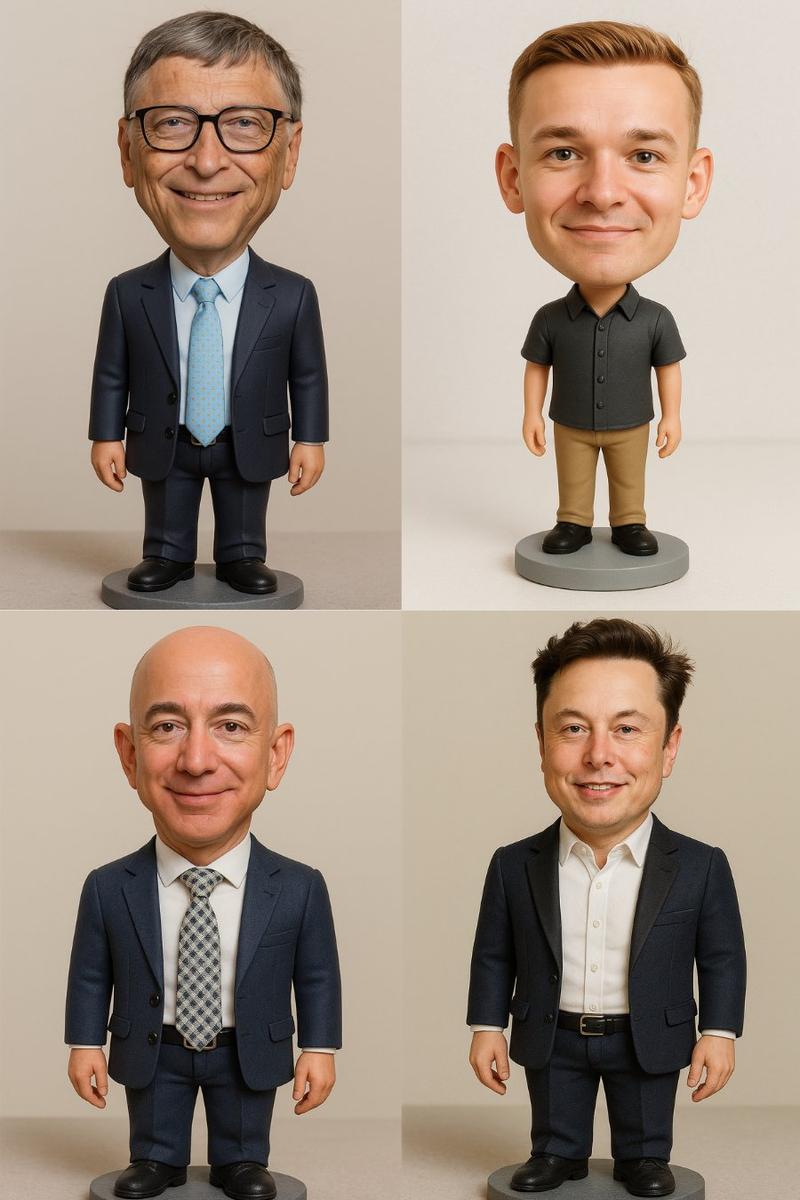
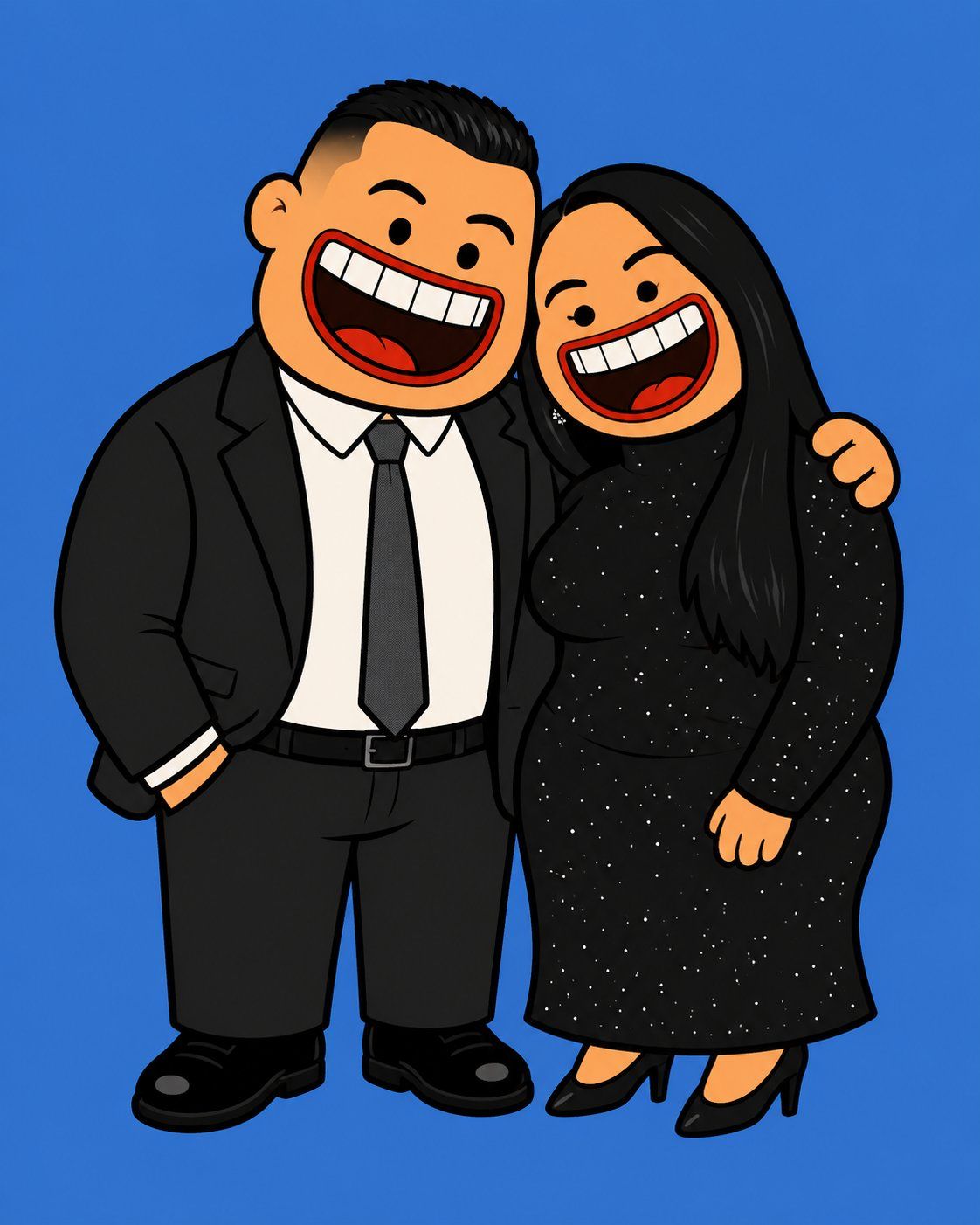
荒诞风格 2D 橡胶卡通插画
Enlarge

Example images

荒诞风格 2D 橡胶卡通插画

Prompt
Transform the uploaded image into a {argument name="style" default="flat 2D absurdist cartoon illustration"} while preserving the subject(s), composition, clothing, accessories, and overall identity.

Redraw every subject as chunky, rubbery cartoon characters with simplified, exaggerated anatomy: oversized rounded bodies, short stubby limbs, tiny beady dot eyes, and an enormous wide-open mouth with large flat teeth and a bold red lip outline dominating the lower half of the face. Push the facial proportions into a grotesque yet playful, joyfully absurd aesthetic.

Use flat {argument name="skin tone" default="warm peach-orange"} skin tones. Render everything in crisp vector-style line art with thick bold black outlines, solid flat colors, and absolutely no gradients, shadows, textures, lighting effects, or photorealism.

Faithfully recreate all clothing, hairstyles, accessories, footwear, bags, hats, and props from the reference image, simplifying them into the same bold graphic cartoon style while maintaining recognizable colors and silhouettes.

Center the full-body subject(s) in a portrait composition against a clean {argument name="background color" default="solid cobalt blue (#4A7FD4)"}.

Style DNA: Flat 2D editorial cartoon, inspired by classic American animation with a modern streetwear illustration aesthetic. Bold, graphic, irreverent, expressive, and intentionally exaggerated.
Category
Photography & Realism
Model
GPT Image 2
Views0
Source ID
26848
Published
Jun 26, 2026

Guide

About "荒诞风格 2D 橡胶卡通插画"

What is this prompt for?

"荒诞风格 2D 橡胶卡通插画" AI image prompt for GPT Image 2 (Photography & Realism). 将照片转换为扁平、夸张的 2D 卡通角色,呈现橡胶般的身体结构和粗线条轮廓。 Copy it on Picva and recreate the look in one…

The full copyable prompt and example visuals above are ready for AI image generation or one-click recreate in Picva.

How to use this prompt

  1. Step 1

    Open the prompt detail

    Review the example visuals, category, and full prompt text for "荒诞风格 2D 橡胶卡通插画".

  2. Step 2

    Copy the prompt

    Copy the prompt body from this page, or load it directly in Studio.

  3. Step 3

    Pick a model (GPT Image 2)

    Prefer GPT Image 2. If you switch models, keep subject and composition and tweak style terms.

  4. Step 4

    Generate and export

    Recreate the look in Picva, or export into your workflow for editing and publishing.

FAQ

What is the "荒诞风格 2D 橡胶卡通插画" prompt?
It is an AI image-generation prompt for GPT Image 2 in the Photography & Realism category. This page includes the full prompt text, example visuals, and a one-click recreate path in Picva.
How do I use this prompt to generate an image?
Copy the prompt from this page, or use Generate / Studio. Paste it into a compatible image model, or recreate the look in Picva with optional reference images.
Which model is this prompt for?
This page lists GPT Image 2. Most descriptive prompts also transfer to nearby image models such as GPT Image, Flux, or Midjourney with light style tweaks.
Can I use the result commercially?
You can usually copy the prompt for creation, but commercial use of the final image depends on the model terms, reference-image rights, and the generated content. Follow the source author and platform rules.