17

夏季低角度微距自拍
Enlarge

夏季低角度微距自拍

Prompt
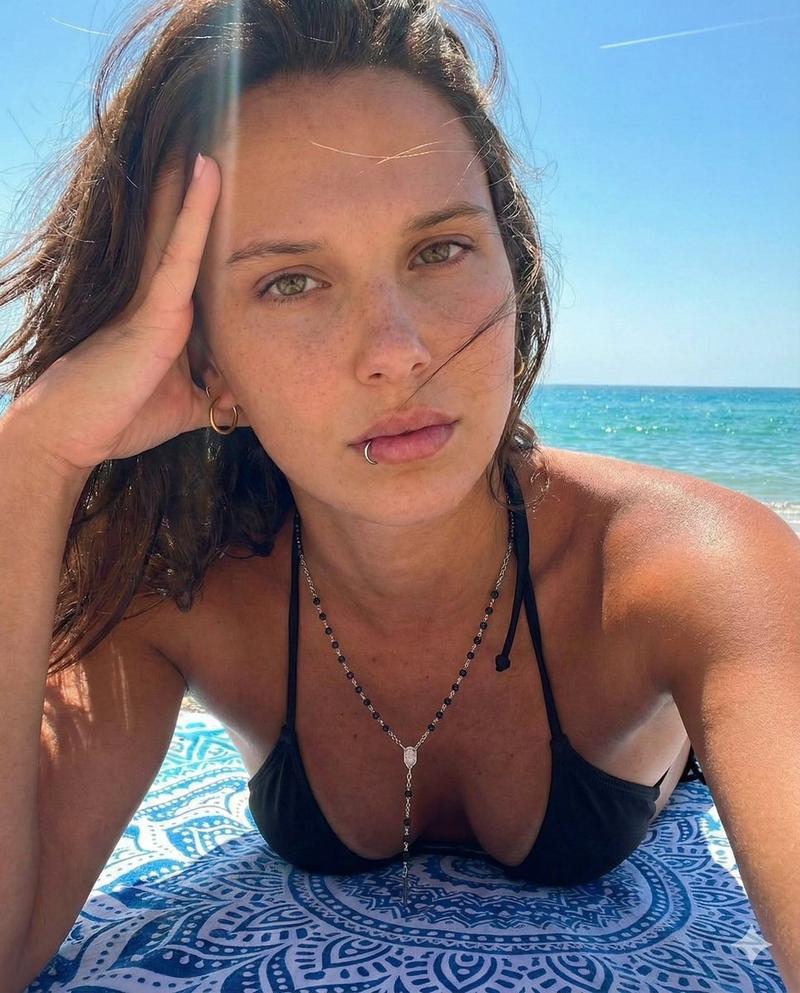
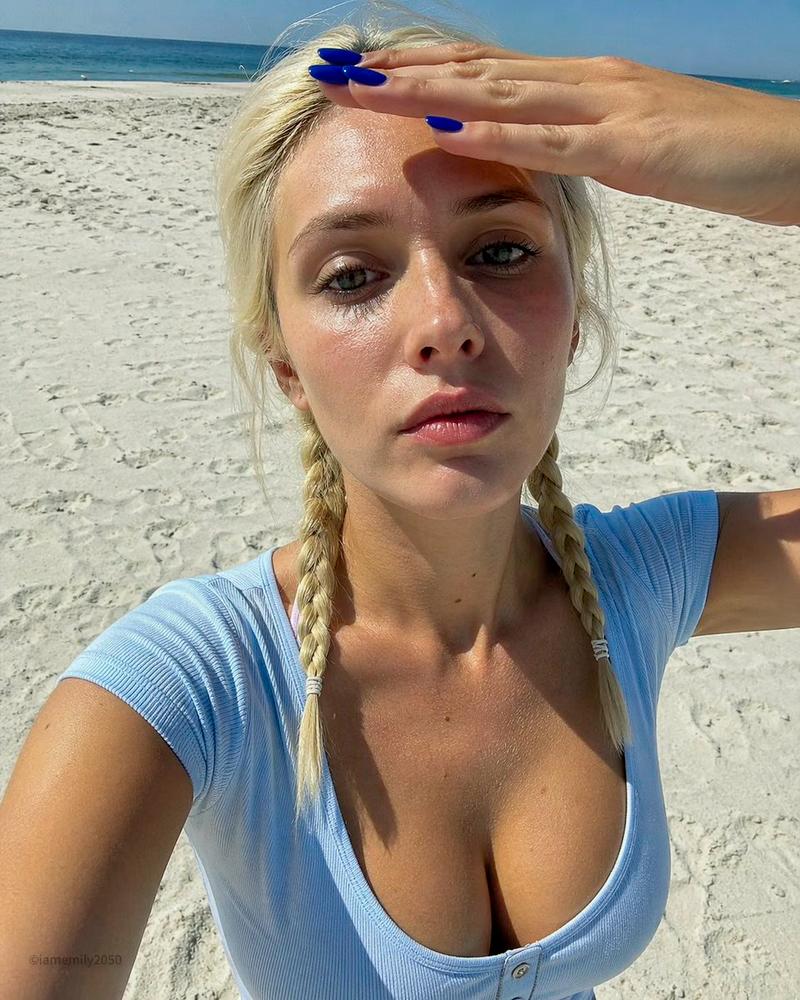
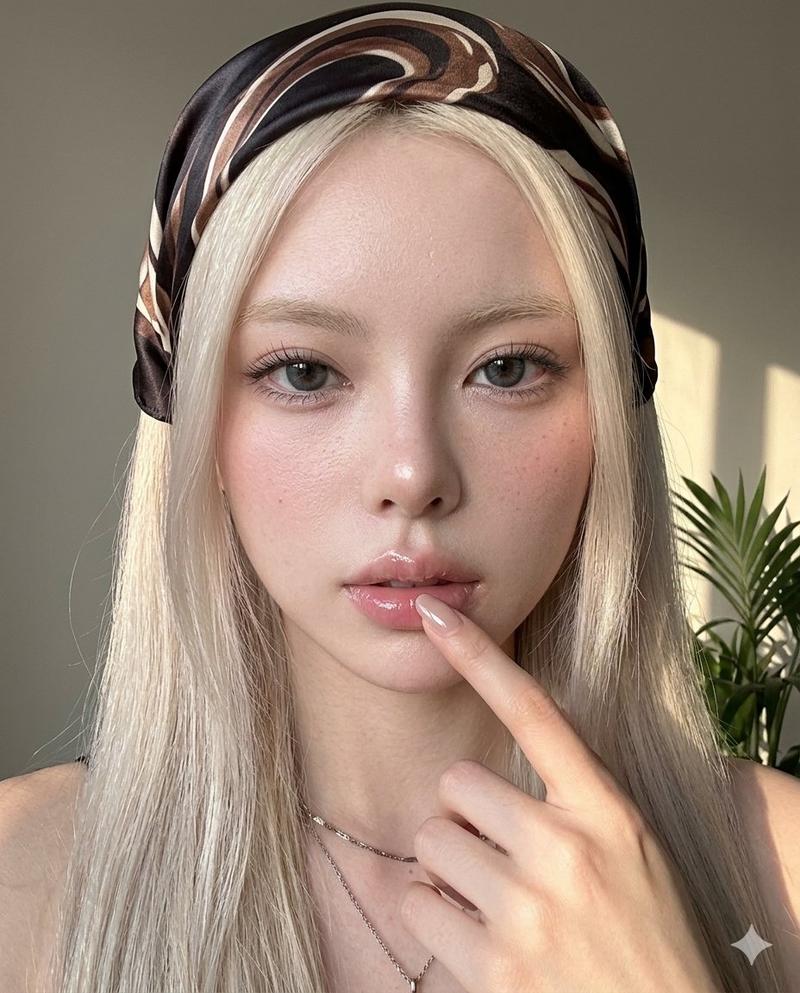
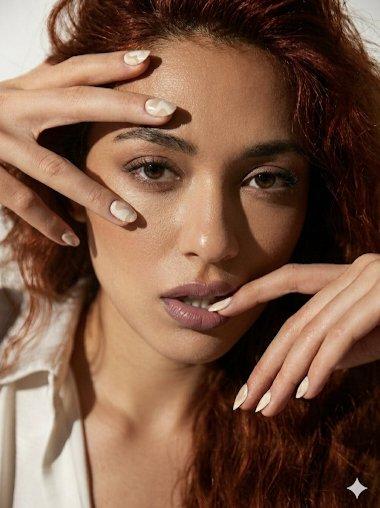
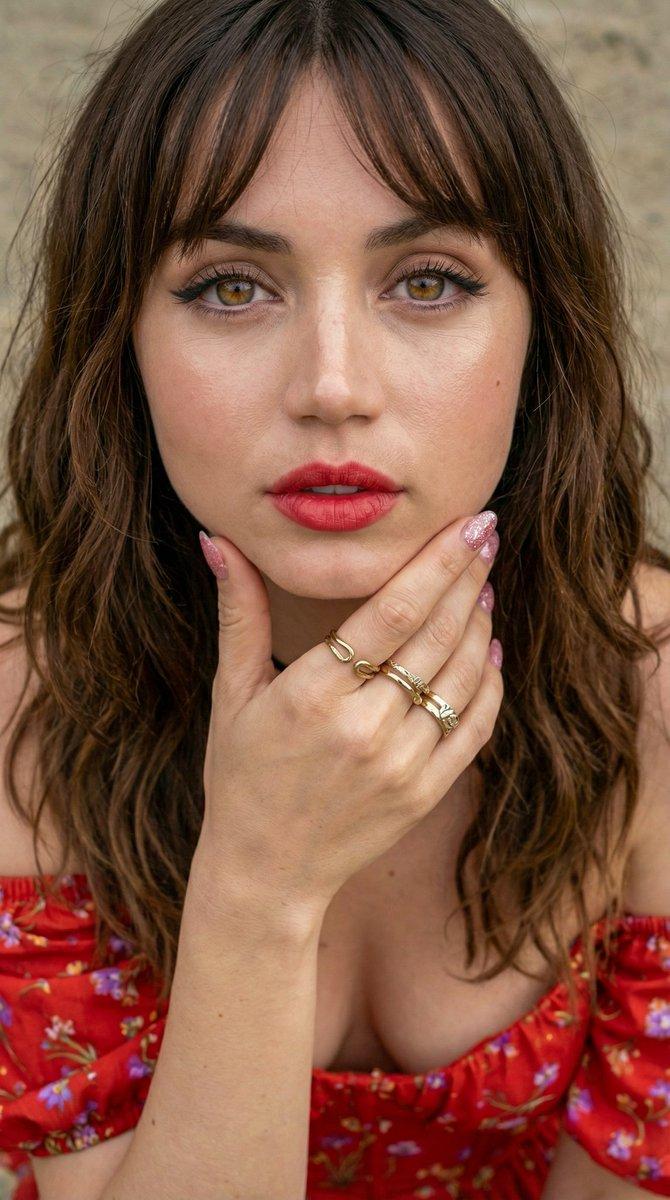
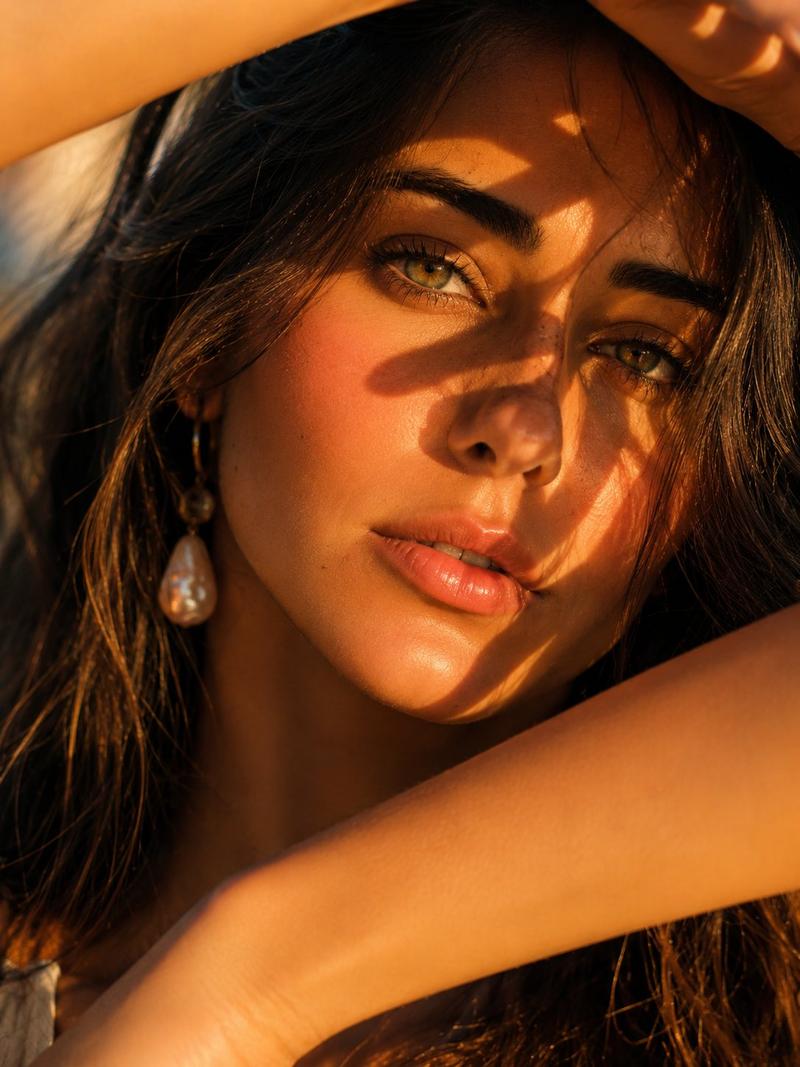
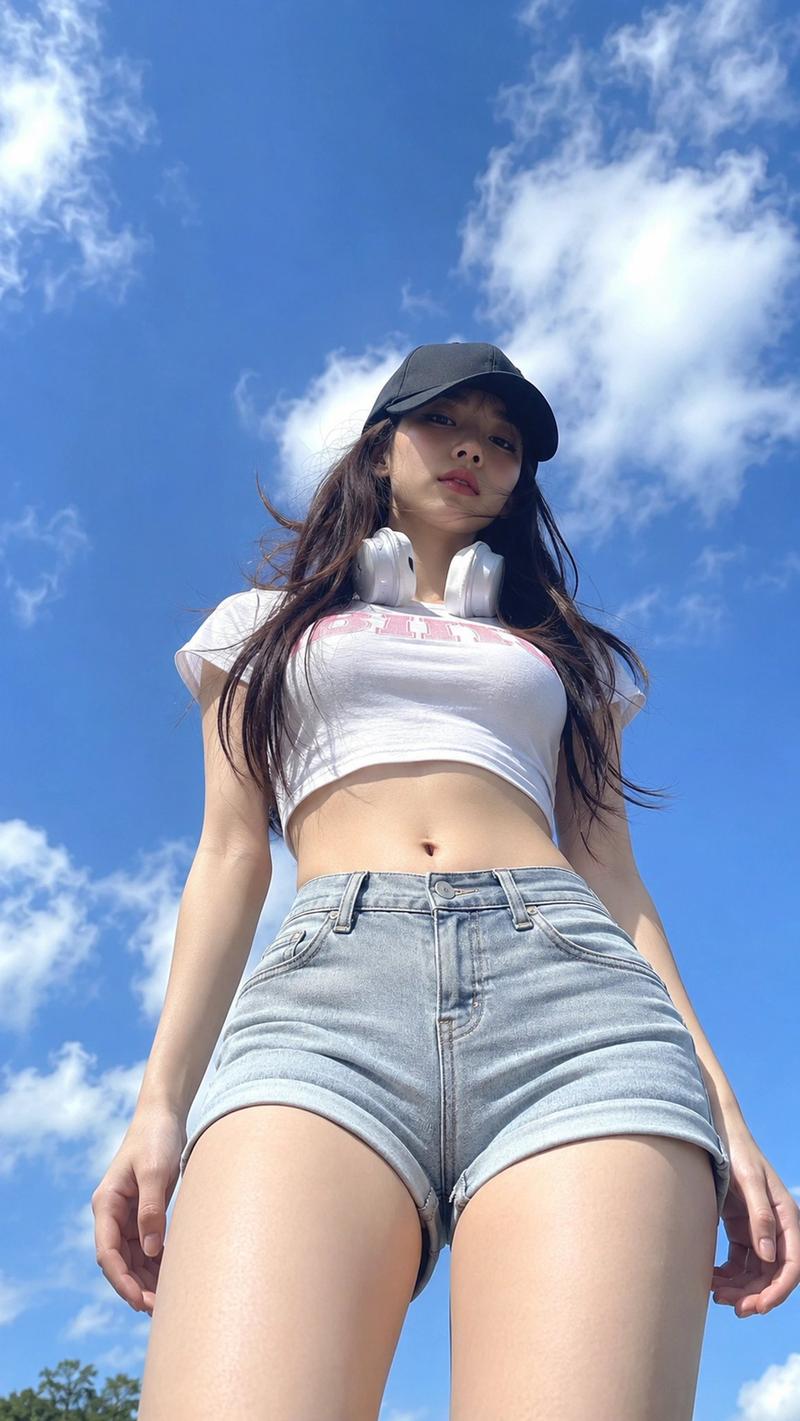
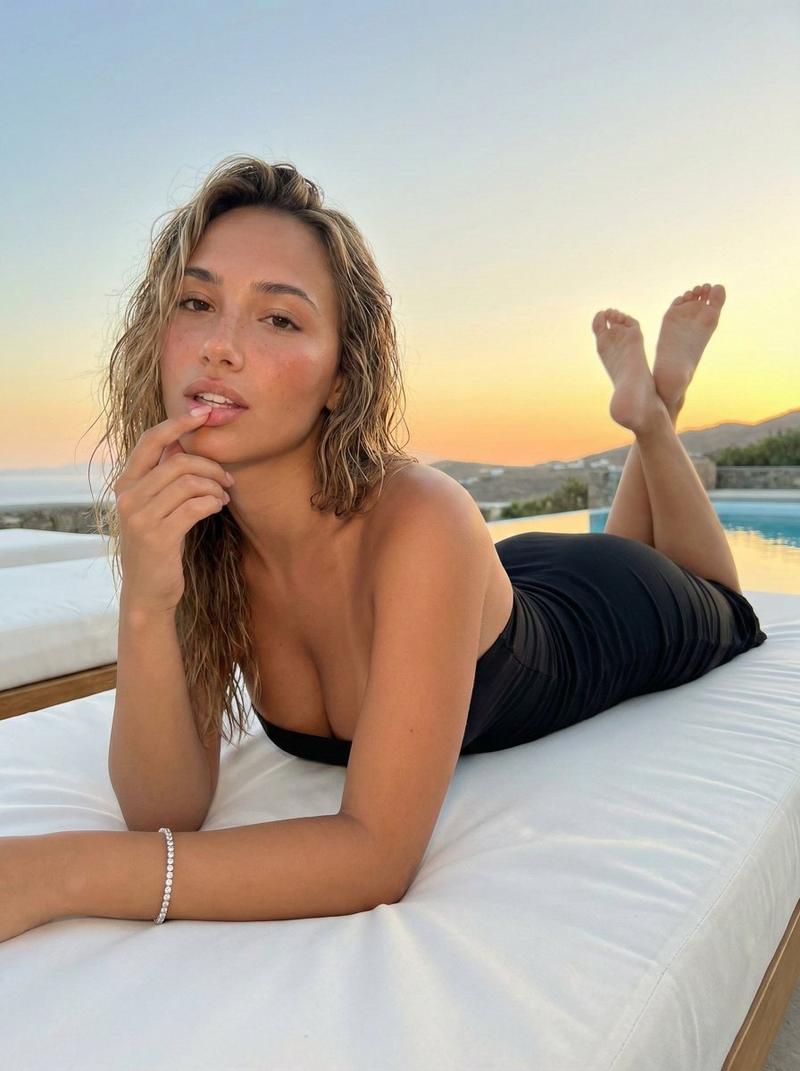
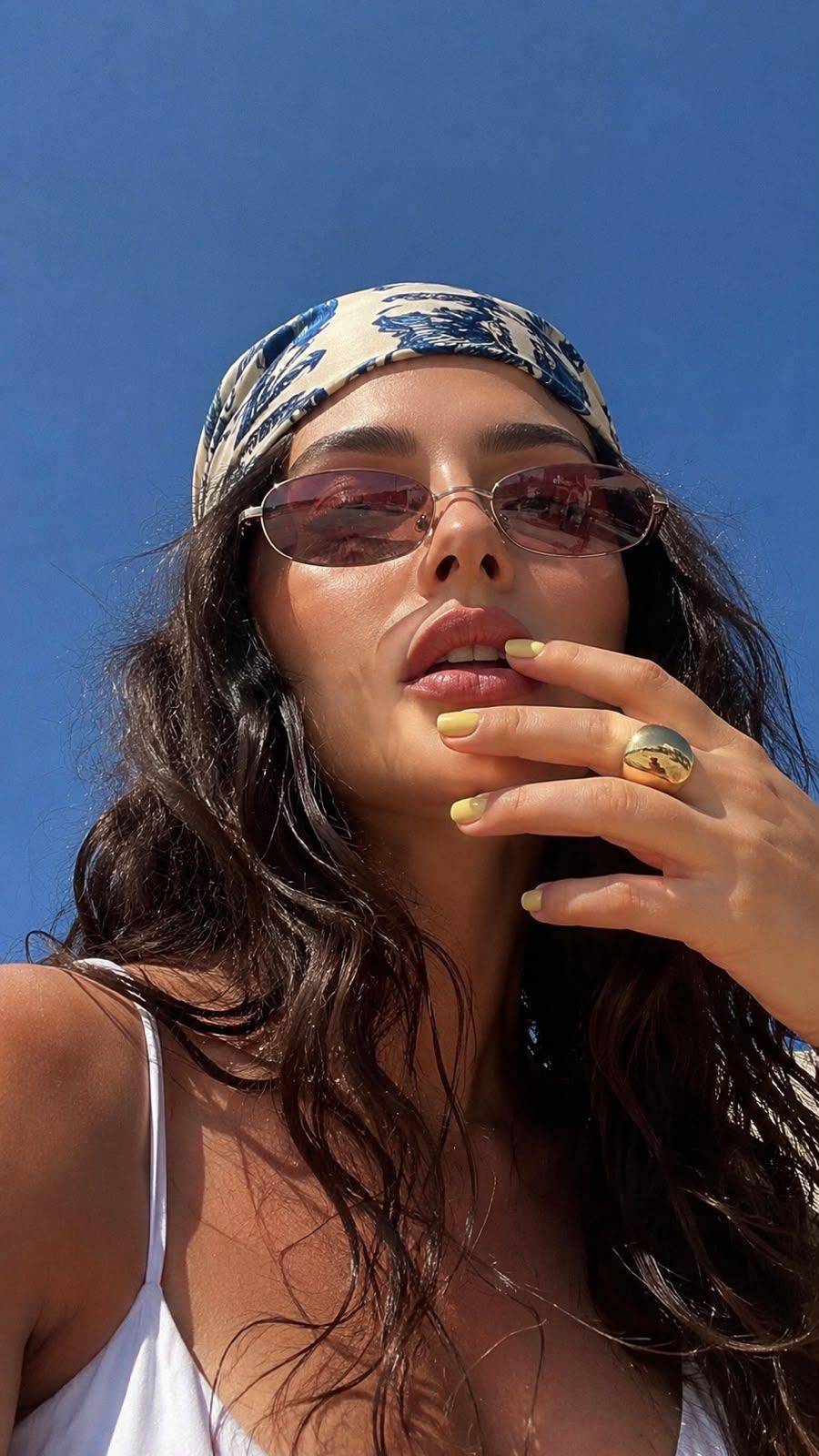
Without changing your facial features, create an ultra-realistic macro selfie shot from below to above. The woman holding the camera from below captures the bright summer atmosphere in the frame, along with the sunlight and the cloudless blue sky. A woman looks at the camera with a slight challenge, slightly lifting her chin and tilting her head forward. Her gaze is hidden behind narrow chic {argument name="sunglasses color" default="pink-brown"} lensed sunglasses that reflect her surroundings. She has flawless makeup, sun-tanned skin, and dusty pink lips.

On her head, there is a bandana with stylish blue and white patterns that contrasts with the smooth skin of her shoulders and face, creating a relaxed summer style. You can see the straps from her white top. Very long, {argument name="hair style" default="wet wavy hair"}. Her right hand is touching her lips, her nails show short square {argument name="nail color" default="yellow"} manicure and a large gold ring. The open shadow hat emphasizes the skin texture, while the warm natural light increases the depth and saturation of the colors.

Photorealism, photo taken on iPhone, film grain, no 'staged' feeling, graininess, photo 9:16
Category
Photography & Realism
Model
GPT Image 2
Creator
Meem
Views0
Source ID
27070
Published
Jun 28, 2026

Guide

About "夏季低角度微距自拍"

What is this prompt for?

"夏季低角度微距自拍" AI image prompt for GPT Image 2 (Photography & Realism). 这是一个为 GPT Image 2 设计的风格化提示词,旨在生成具有明亮夏季氛围和特定时尚细节的超写实 iPhone 风格自拍。 Copy it on Picva and recr…

The full copyable prompt and example visuals above are ready for AI image generation or one-click recreate in Picva.

How to use this prompt

  1. Step 1

    Open the prompt detail

    Review the example visuals, category, and full prompt text for "夏季低角度微距自拍".

  2. Step 2

    Copy the prompt

    Copy the prompt body from this page, or load it directly in Studio.

  3. Step 3

    Pick a model (GPT Image 2)

    Prefer GPT Image 2. If you switch models, keep subject and composition and tweak style terms.

  4. Step 4

    Generate and export

    Recreate the look in Picva, or export into your workflow for editing and publishing.

FAQ

What is the "夏季低角度微距自拍" prompt?
It is an AI image-generation prompt for GPT Image 2 in the Photography & Realism category. This page includes the full prompt text, example visuals, and a one-click recreate path in Picva.
How do I use this prompt to generate an image?
Copy the prompt from this page, or use Generate / Studio. Paste it into a compatible image model, or recreate the look in Picva with optional reference images.
Which model is this prompt for?
This page lists GPT Image 2. Most descriptive prompts also transfer to nearby image models such as GPT Image, Flux, or Midjourney with light style tweaks.
Can I use the result commercially?
You can usually copy the prompt for creation, but commercial use of the final image depends on the model terms, reference-image rights, and the generated content. Follow the source author and platform rules.