18

动漫转写实 3D CG 重制
Enlarge

动漫转写实 3D CG 重制

Prompt
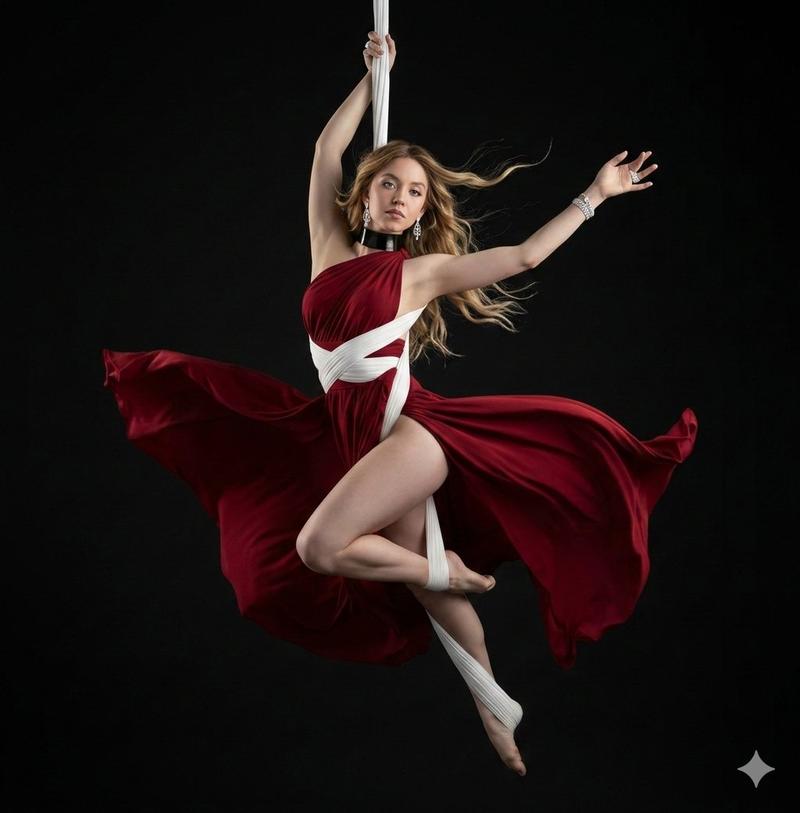
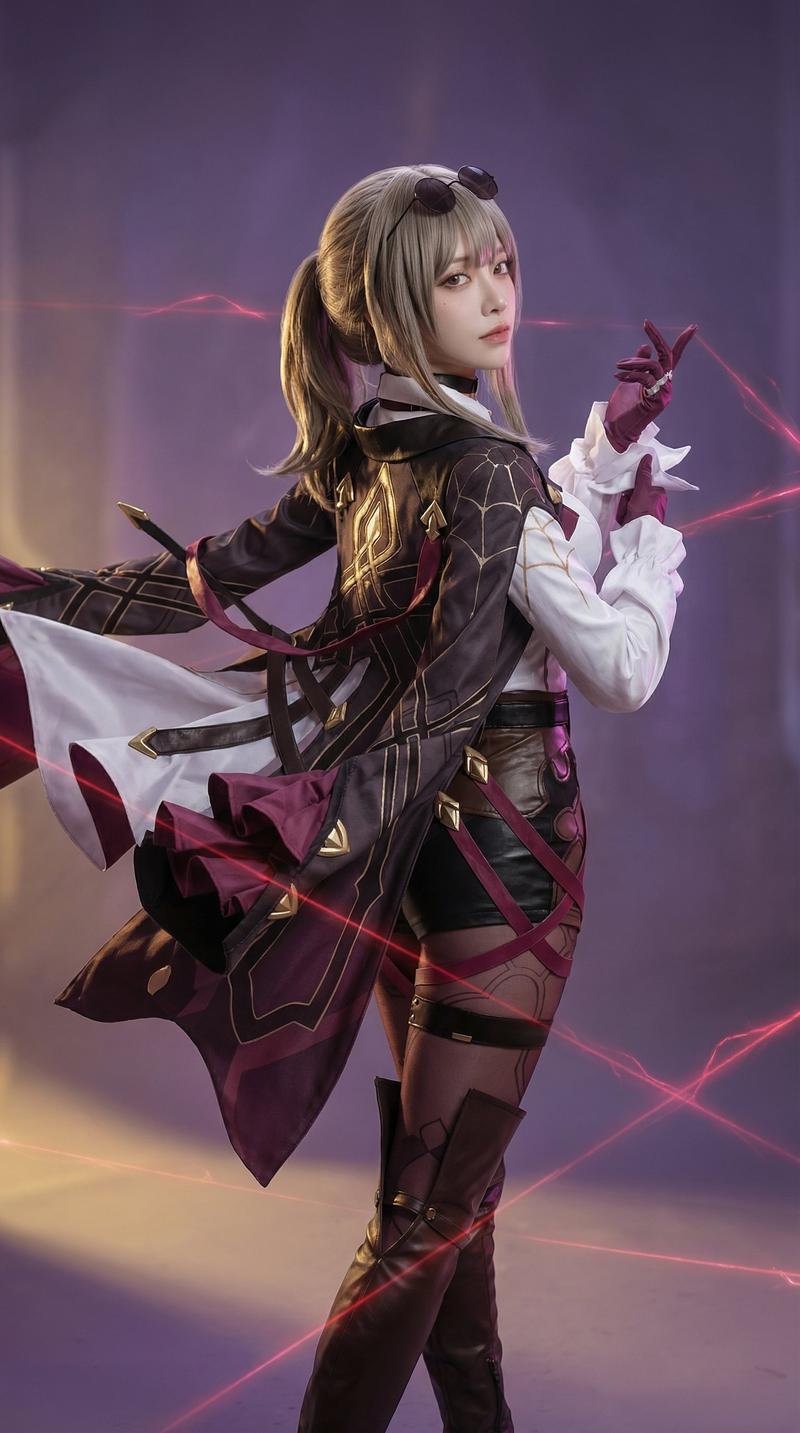
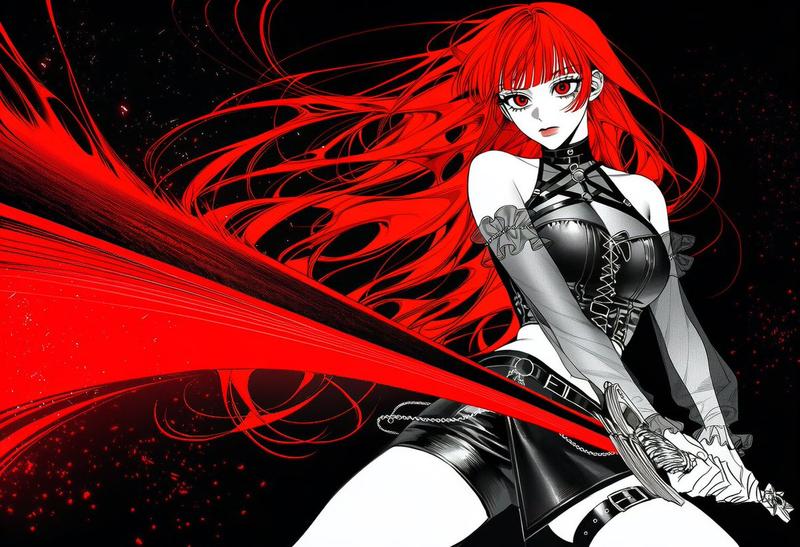
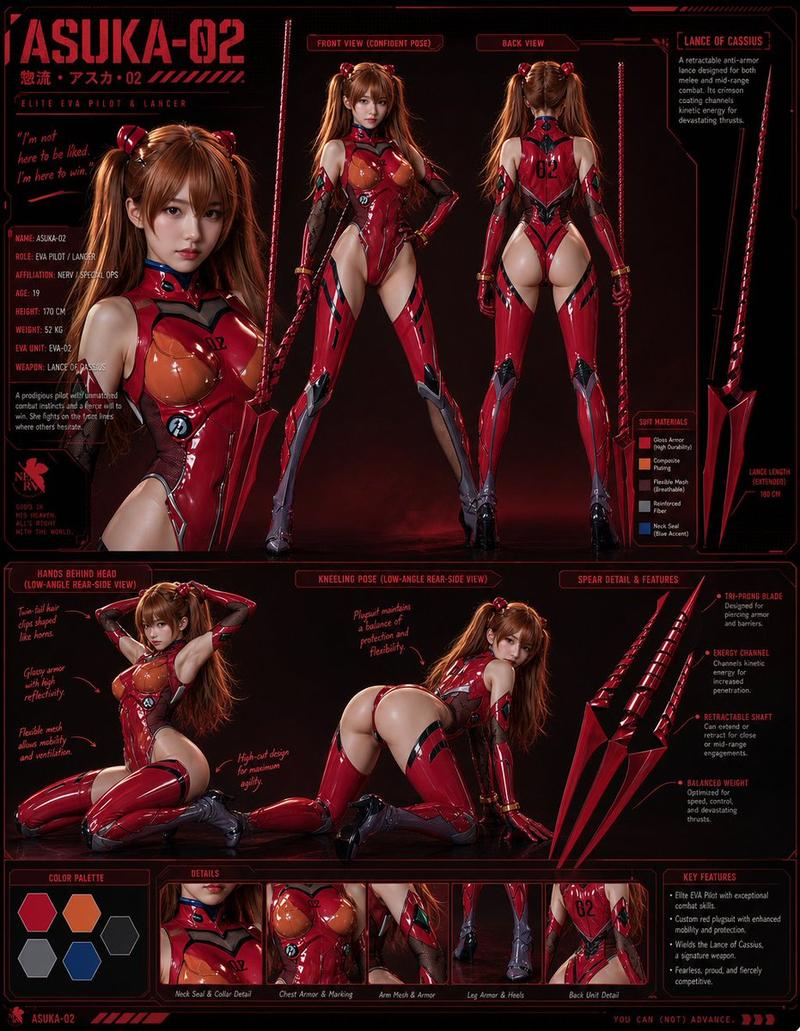
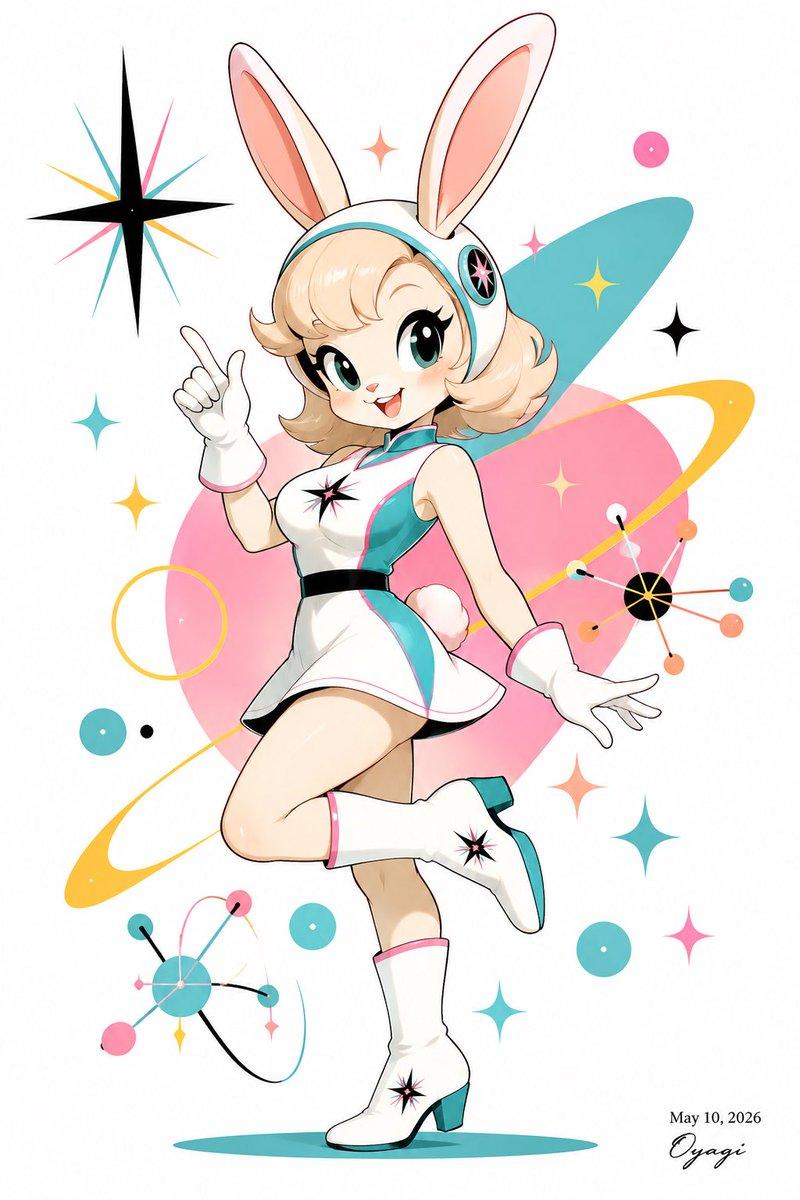
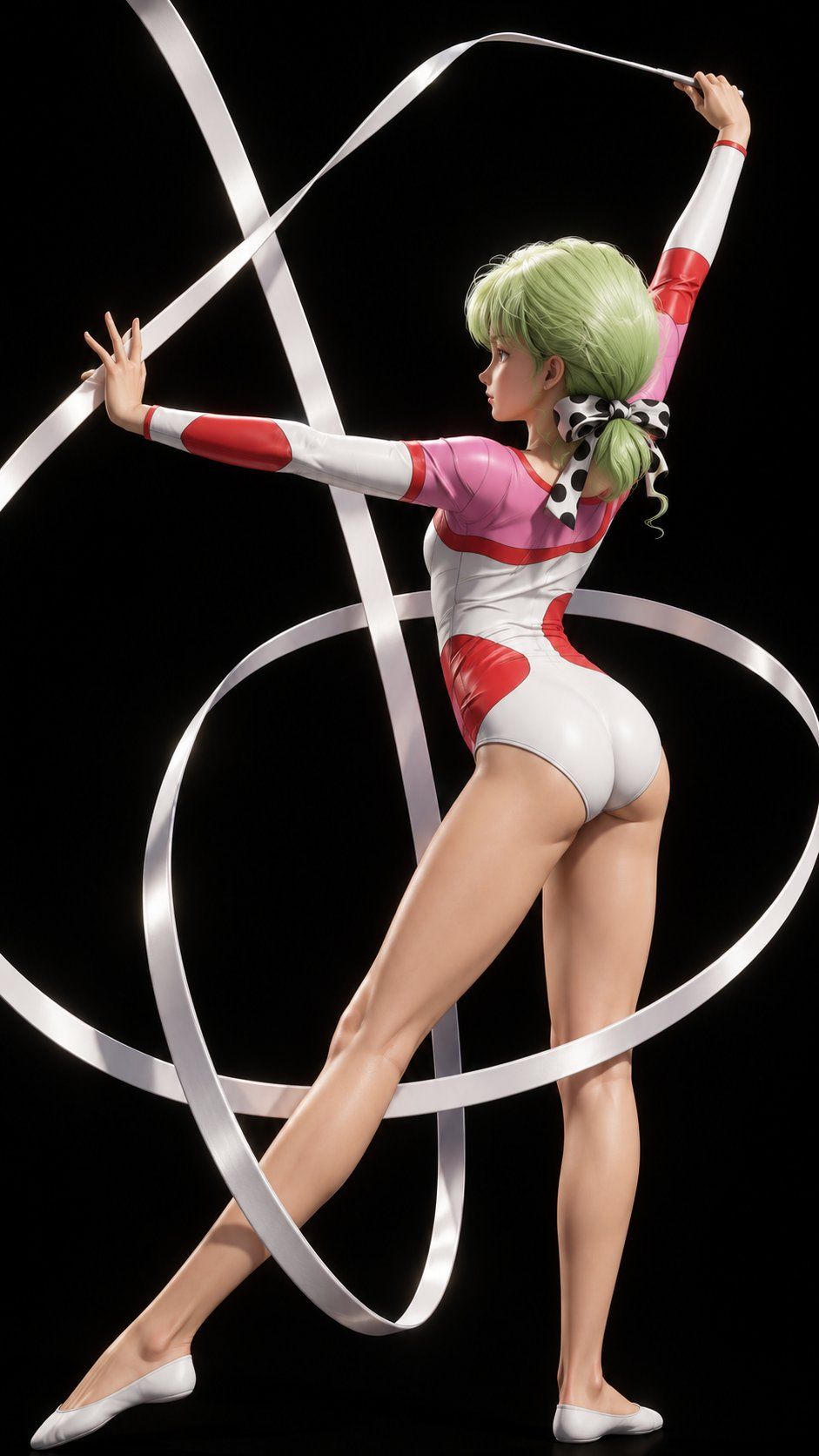
Using REFERENCE_0 as the exact composition and character base, remake the anime illustration as a high-quality realistic 3D CG render. Preserve the same pose, rear three-quarter camera angle, rhythmic-gymnastics ribbon path, black background, outfit design, hair arrangement, bow, and overall framing. Convert the drawing into a polished semi-real figurine/realistic character style with lifelike skin shading, natural anatomy, sculpted muscle definition, glossy fabric, detailed hair strands, realistic lighting, soft shadows, and metallic-satin highlights on the white ribbon. Keep the image vertical and dramatic, like a premium studio render, while maintaining the original silhouette and action.
Category
Photography & Realism
Model
GPT Image 2
Views0
Source ID
27108
Published
Jun 28, 2026

Guide

About "动漫转写实 3D CG 重制"

What is this prompt for?

"动漫转写实 3D CG 重制" AI image prompt for GPT Image 2 (Photography & Realism). 将提供的动漫角色插画转换为高质量的写实 3D CG 工作室渲染图,同时保留原始姿势和构图。 Copy it on Picva and recreate the look…

The full copyable prompt and example visuals above are ready for AI image generation or one-click recreate in Picva.

How to use this prompt

  1. Step 1

    Open the prompt detail

    Review the example visuals, category, and full prompt text for "动漫转写实 3D CG 重制".

  2. Step 2

    Copy the prompt

    Copy the prompt body from this page, or load it directly in Studio.

  3. Step 3

    Pick a model (GPT Image 2)

    Prefer GPT Image 2. If you switch models, keep subject and composition and tweak style terms.

  4. Step 4

    Generate and export

    Recreate the look in Picva, or export into your workflow for editing and publishing.

FAQ

What is the "动漫转写实 3D CG 重制" prompt?
It is an AI image-generation prompt for GPT Image 2 in the Photography & Realism category. This page includes the full prompt text, example visuals, and a one-click recreate path in Picva.
How do I use this prompt to generate an image?
Copy the prompt from this page, or use Generate / Studio. Paste it into a compatible image model, or recreate the look in Picva with optional reference images.
Which model is this prompt for?
This page lists GPT Image 2. Most descriptive prompts also transfer to nearby image models such as GPT Image, Flux, or Midjourney with light style tweaks.
Can I use the result commercially?
You can usually copy the prompt for creation, but commercial use of the final image depends on the model terms, reference-image rights, and the generated content. Follow the source author and platform rules.