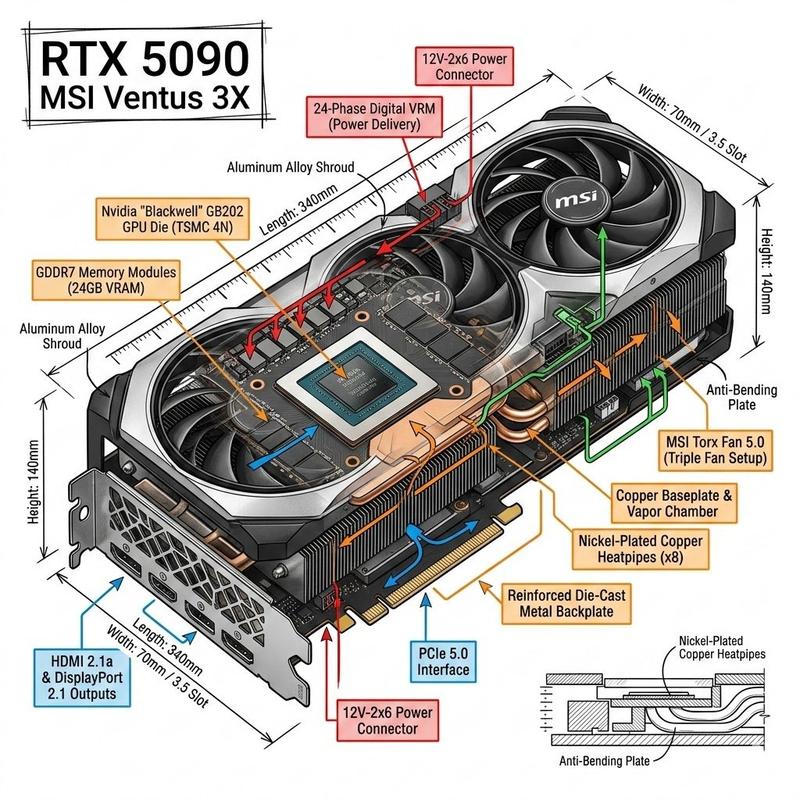
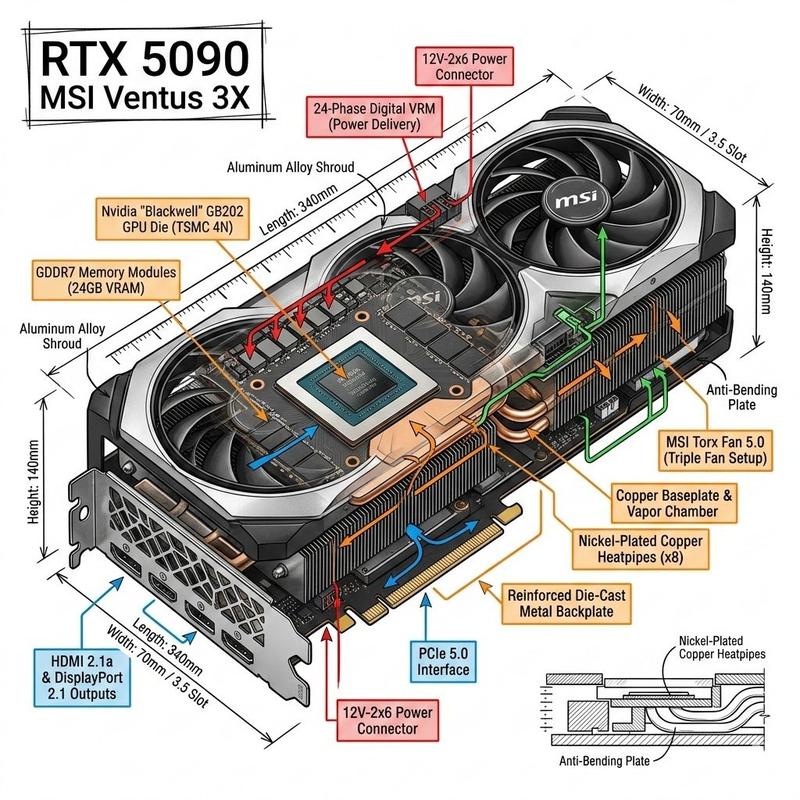
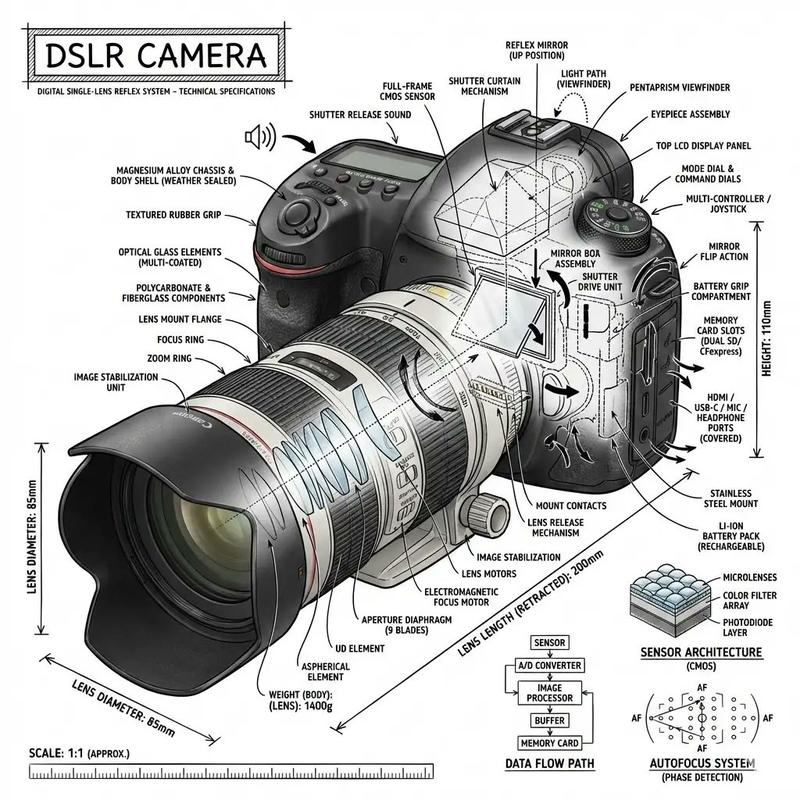
Engineering Product Infographic Design
Prompt
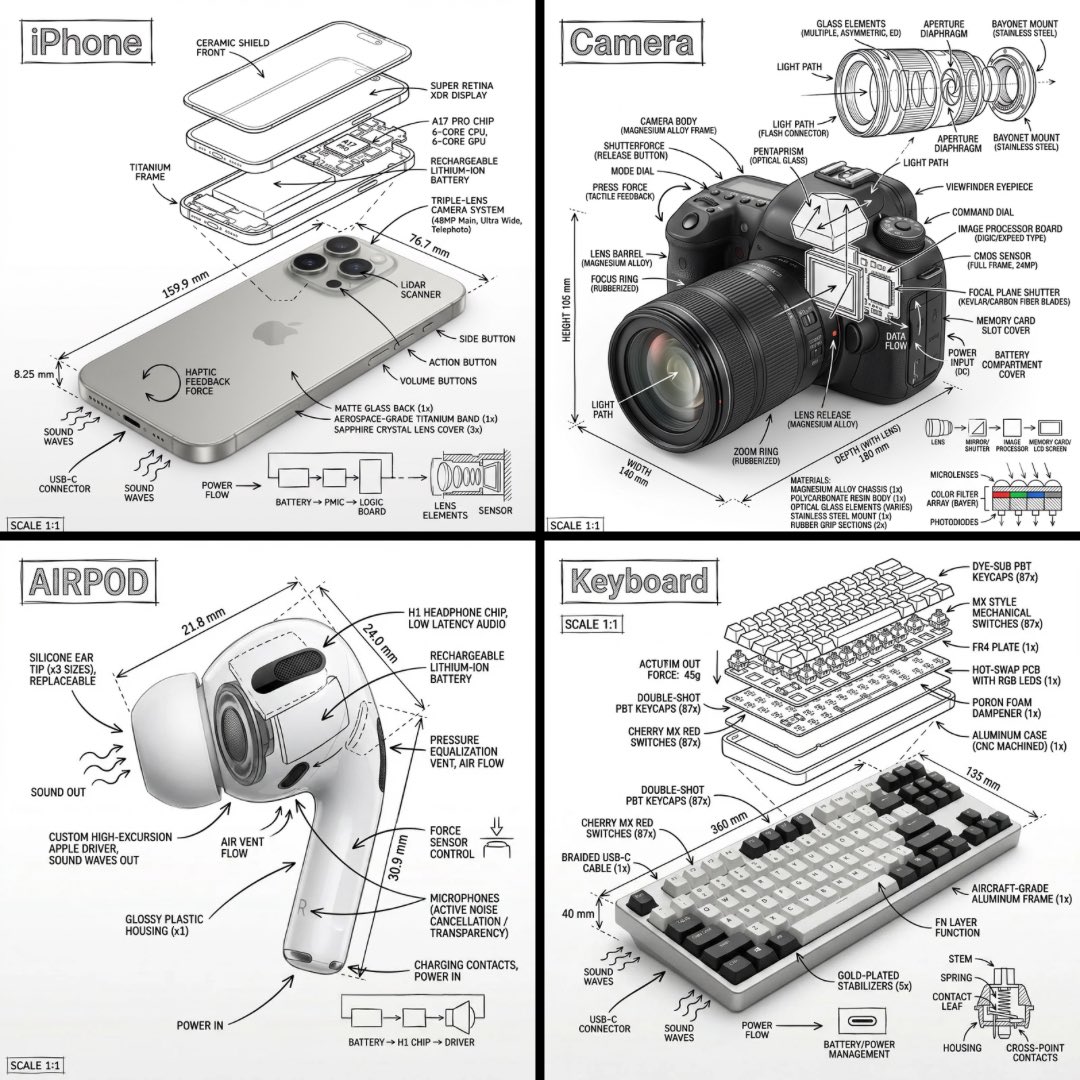
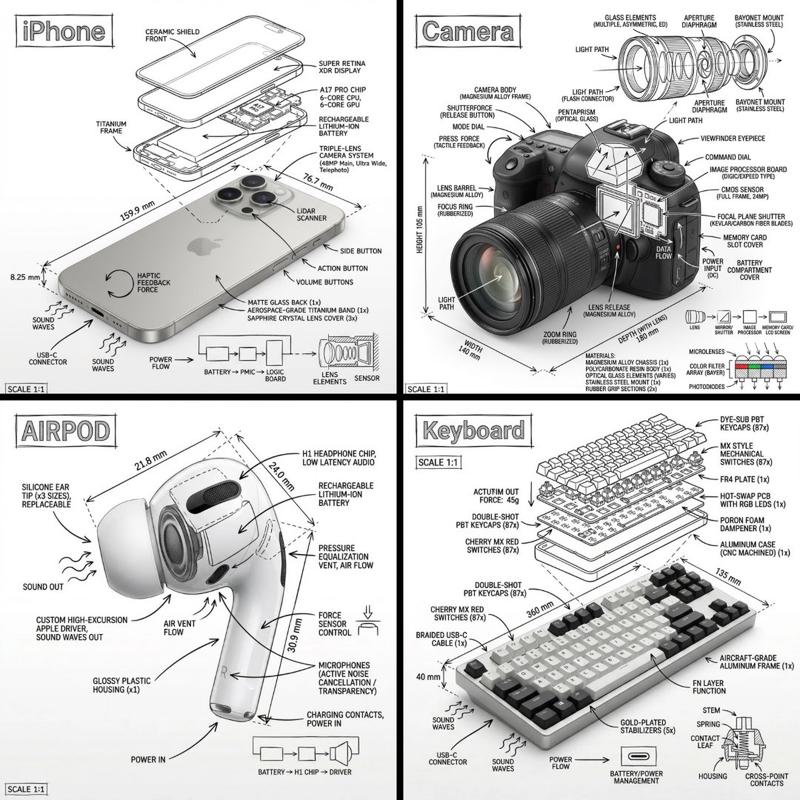
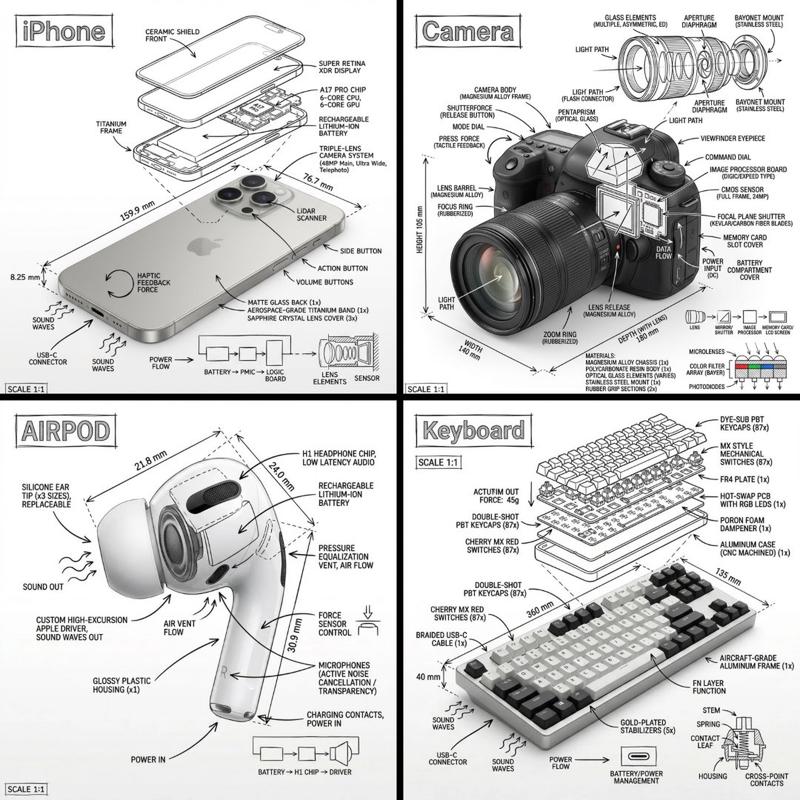
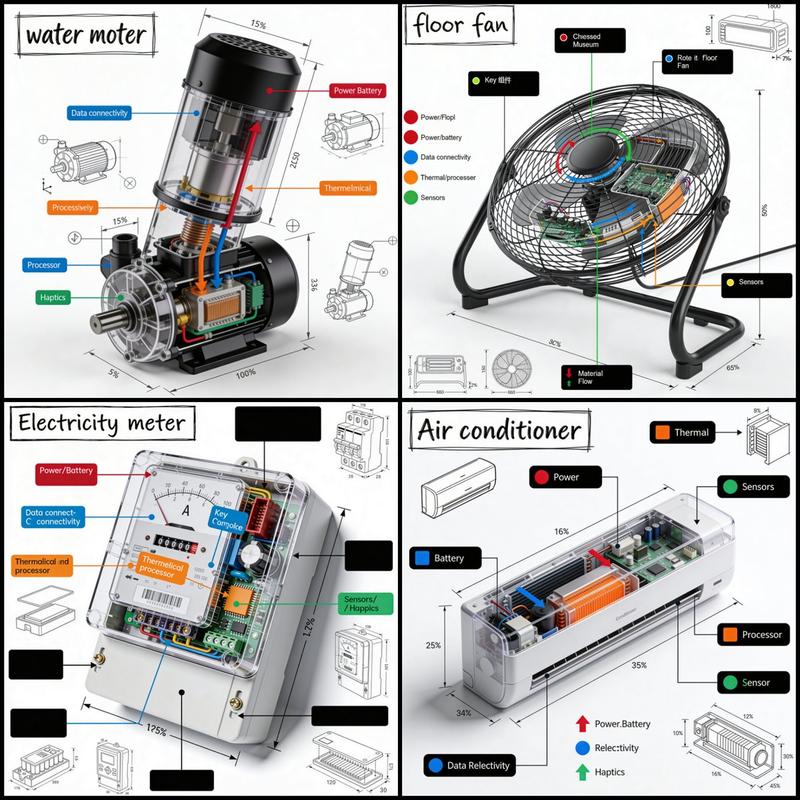
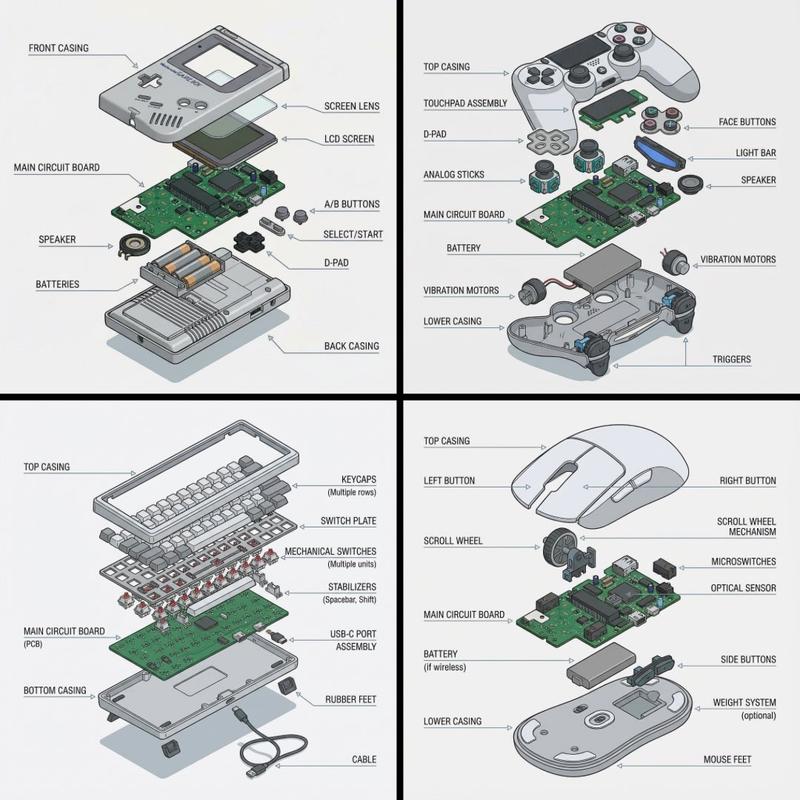
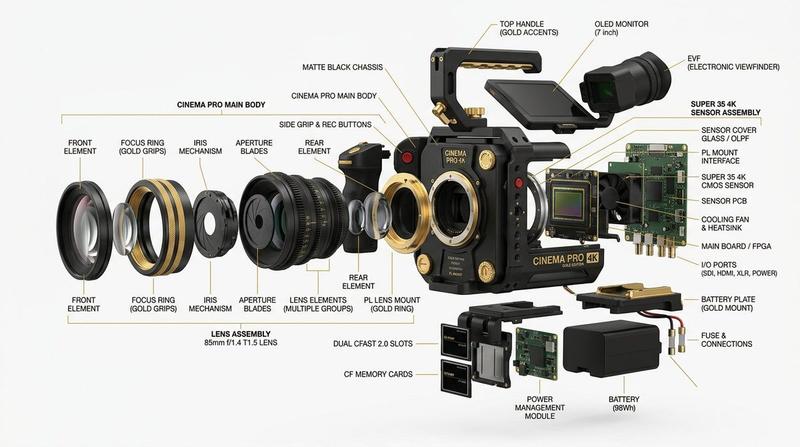
Ultra-detailed technical engineering infographic, clean {argument name="background color" default="white"} background, divided into a precise {argument name="grid layout" default="2×2 grid"} by sharp black separator lines. Blueprint-style industrial design visualization featuring photorealistic 3D renders, transparent cutaways, exploded views, dimensional annotations, technical callout boxes, measurement guides, and color-coded engineering arrows (red, blue, green, orange). Professional product design presentation, Apple-style industrial design documentation, high-end technical illustration. TOP LEFT: {argument name="primary subject" default="Modern smartphone"} shown in angled perspective with display removed, exposing densely packed internal components. Visible L-shaped battery, advanced logic board, processor chip, camera module, Face ID sensors, Taptic Engine, thermal pathways, ribbon cables, screws, connectors, and cooling architecture. Precise engineering labels and dimension lines surrounding components. TOP RIGHT: Professional mirrorless camera with large zoom lens. Longitudinal cutaway through lens assembly revealing multiple glass elements, optical groups, aperture mechanism, image sensor, shutter system, electronic components, and viewfinder structure. Additional exploded sub-diagram illustrating aperture blade construction and assembly sequence. Detailed optical engineering annotations. BOTTOM LEFT: Premium wireless earbud charging case displayed partially transparent and split open. One earbud seated inside, second earbud floating above in exploded-view configuration. Internal lithium-polymer battery, miniature logic board, charging contacts, wiring channels, magnets, and compact electronic architecture clearly visible through transparent shell. Technical callouts and component identification markers. BOTTOM RIGHT: Modern mechanical keyboard with charcoal-gray keycaps and single red accent key. Horizontal transparent cutaway sections exposing mechanical switches, switch housings, springs, stabilizers, PCB circuitry, LEDs, and internal frame structure. Lower margin includes enlarged switch cross-section diagram and geometric PCB schematic blueprint. Engineering measurements and component annotations throughout. Highly detailed CAD visualization, industrial design presentation board, precision engineering drawing, exploded assembly diagrams, transparent materials, photorealistic rendering, ultra-sharp focus, clean typography, scientific infographic aesthetics, professional product teardown documentation, white paper style, 8K resolution, museum-quality technical illustration, symmetrical layout, exceptional clarity.- Category
- Charts & Infographics
- Model
- nano-banana-pro
- Creator
- luciaAI
- Source ID
- 24219
- Published
- Jun 5, 2026
Views671


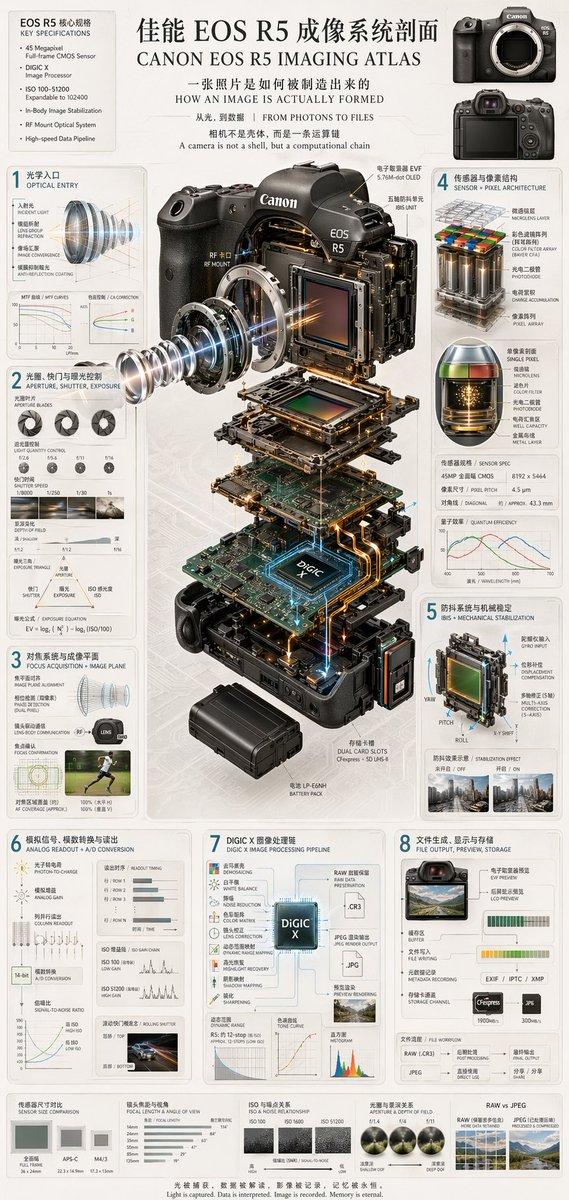



![分享一波GPT-Image生成手绘工程科普信息图的提示词 提示词如下 创作一张竖版手绘工程科普信息图,主题为《[主题]的组成部分》。 背景是一张...](https://whqgdndlpxjbwosvipip.supabase.co/storage/v1/render/image/public/prompt-source-media/x-captures/2082459938757181949/snapshot-1-057af4159c300e78.jpg?width=800&quality=75&resize=contain)