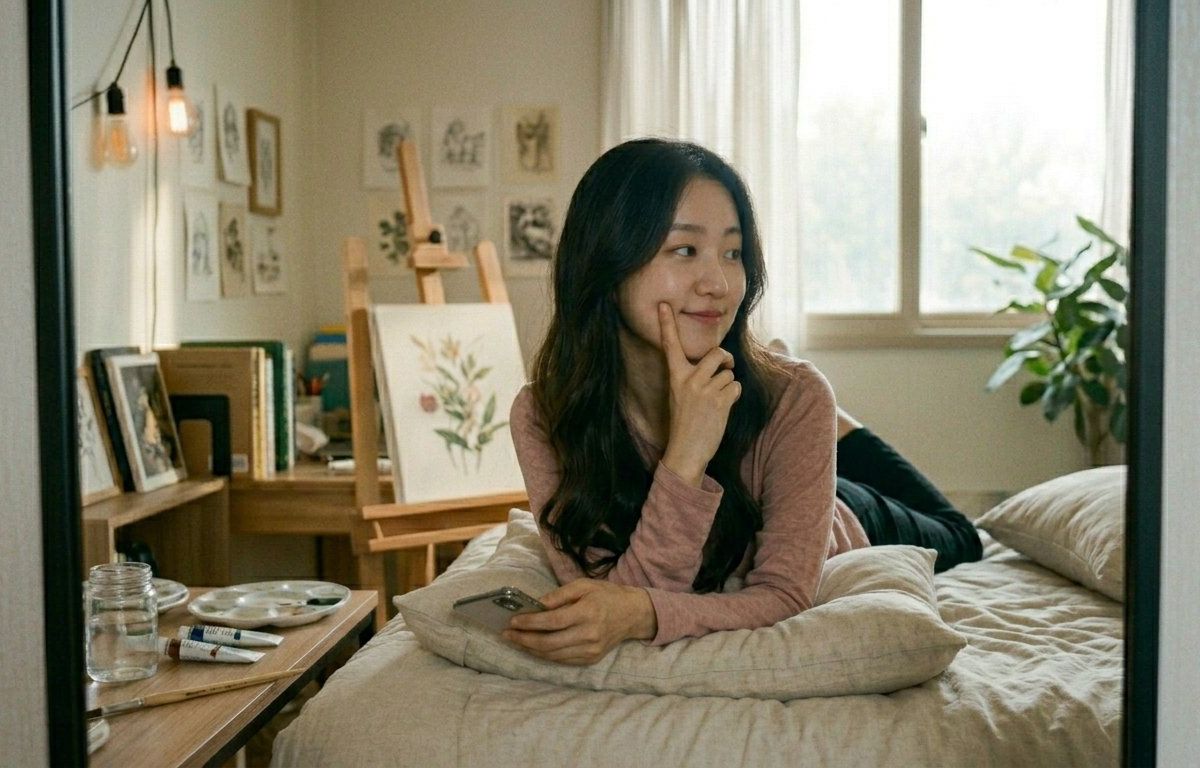
创意工作室镜面反射
提示词
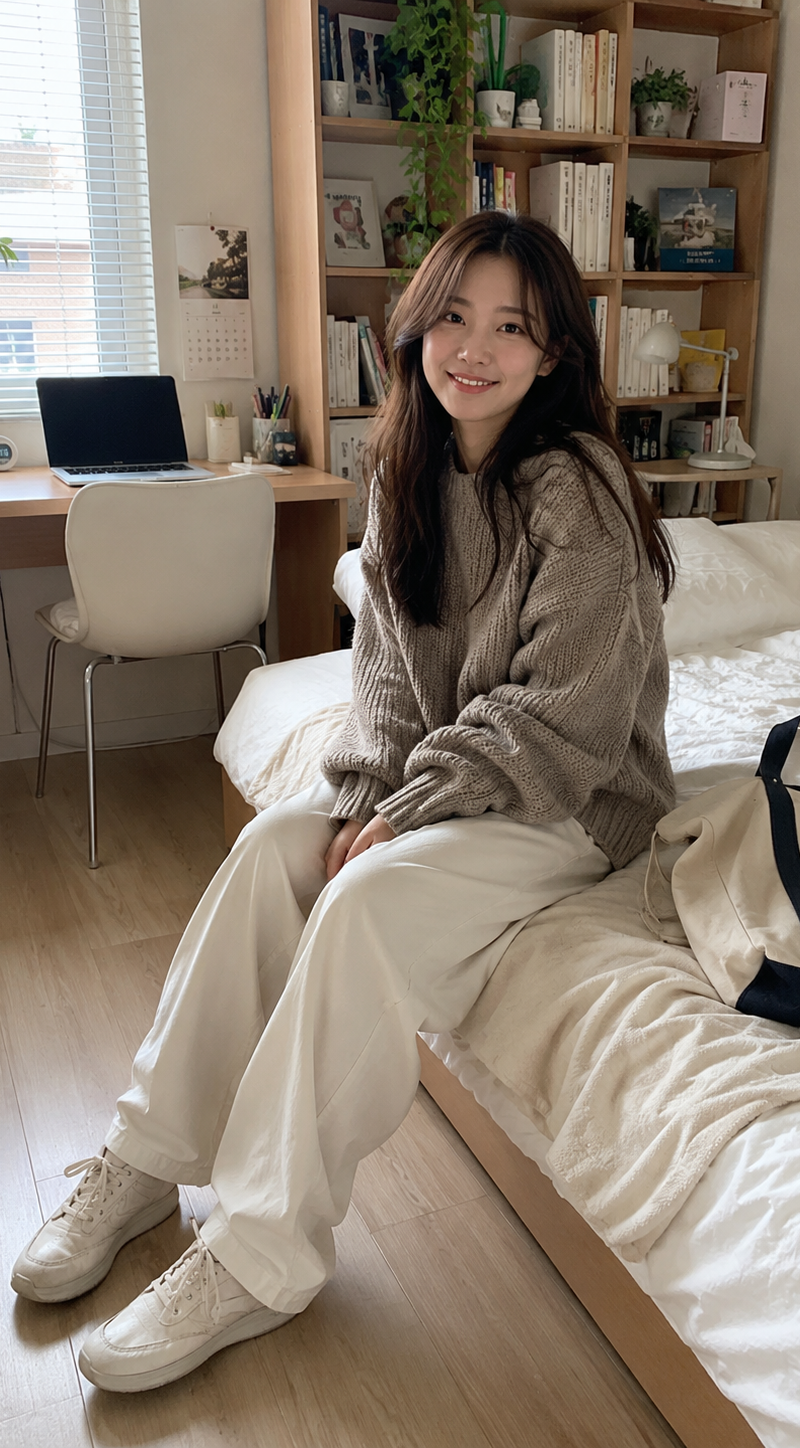
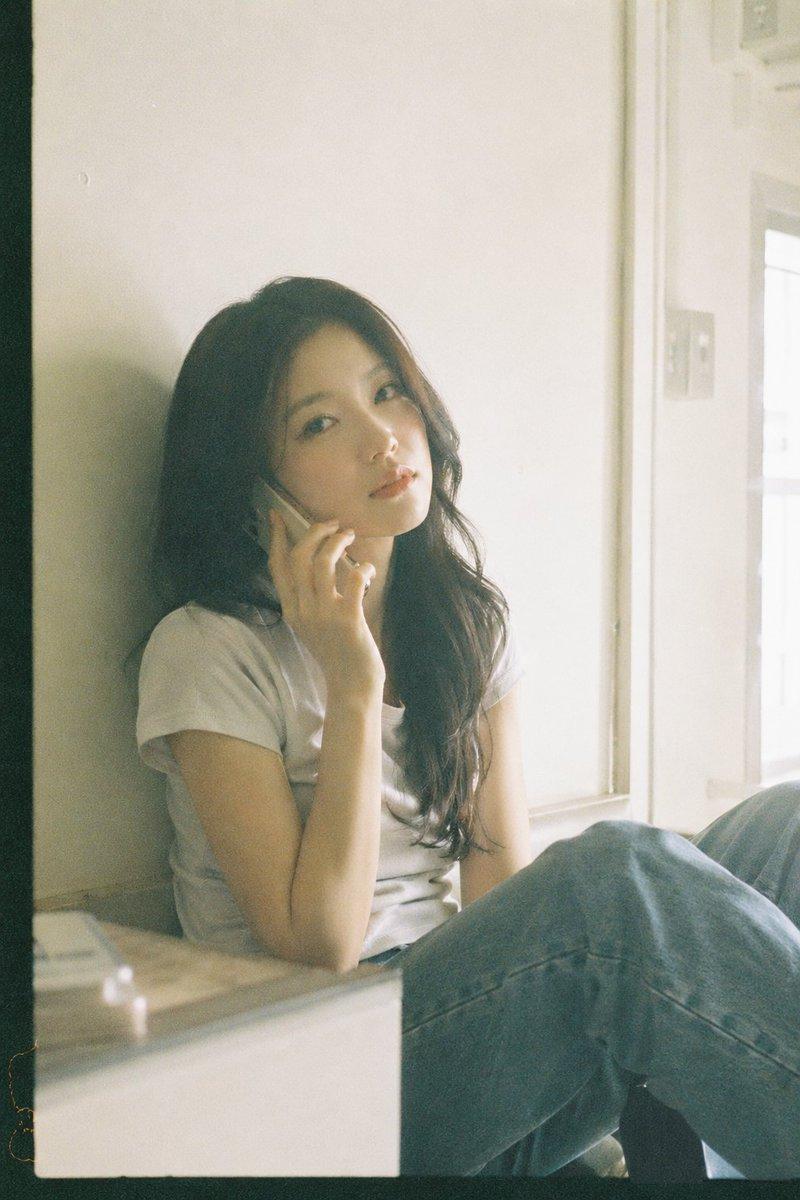
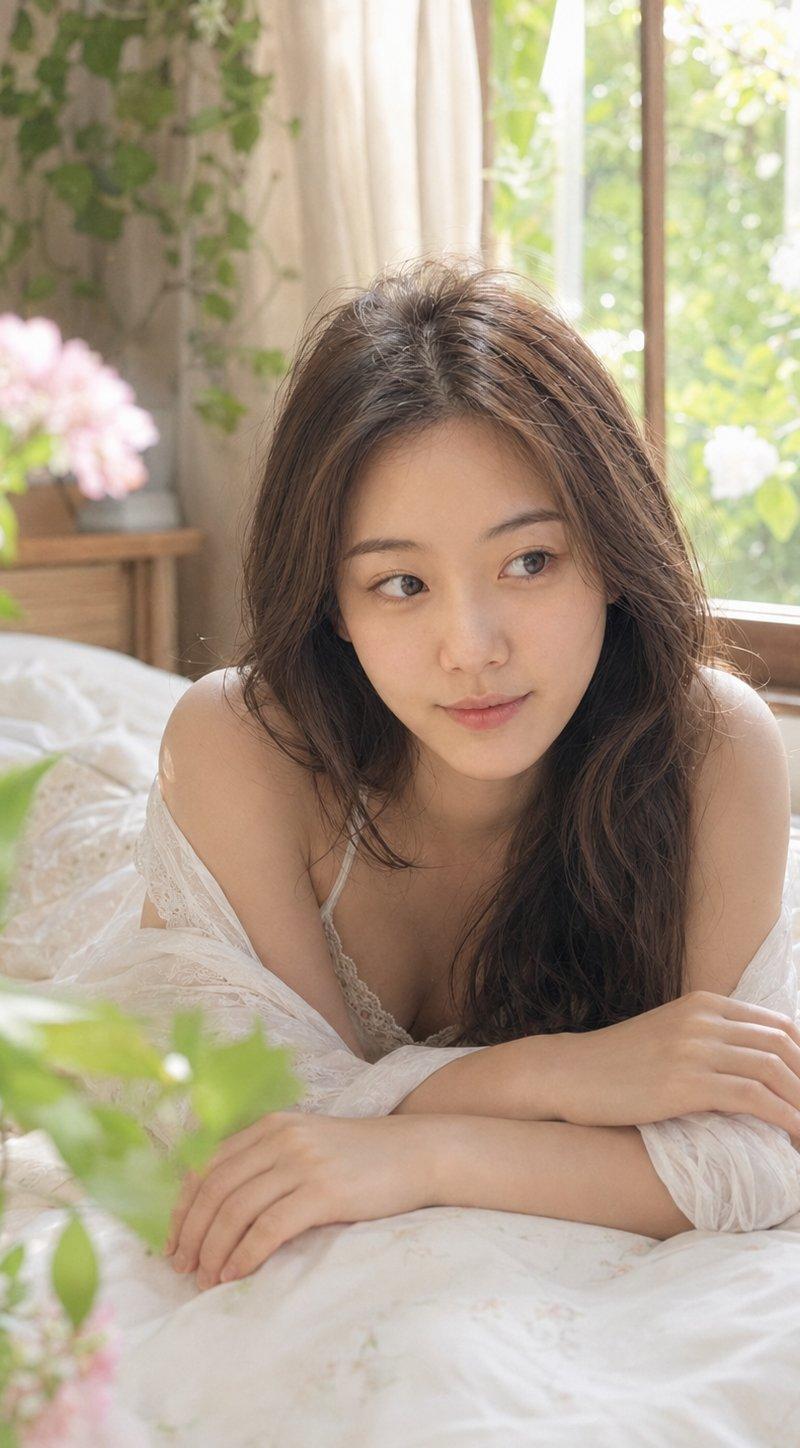
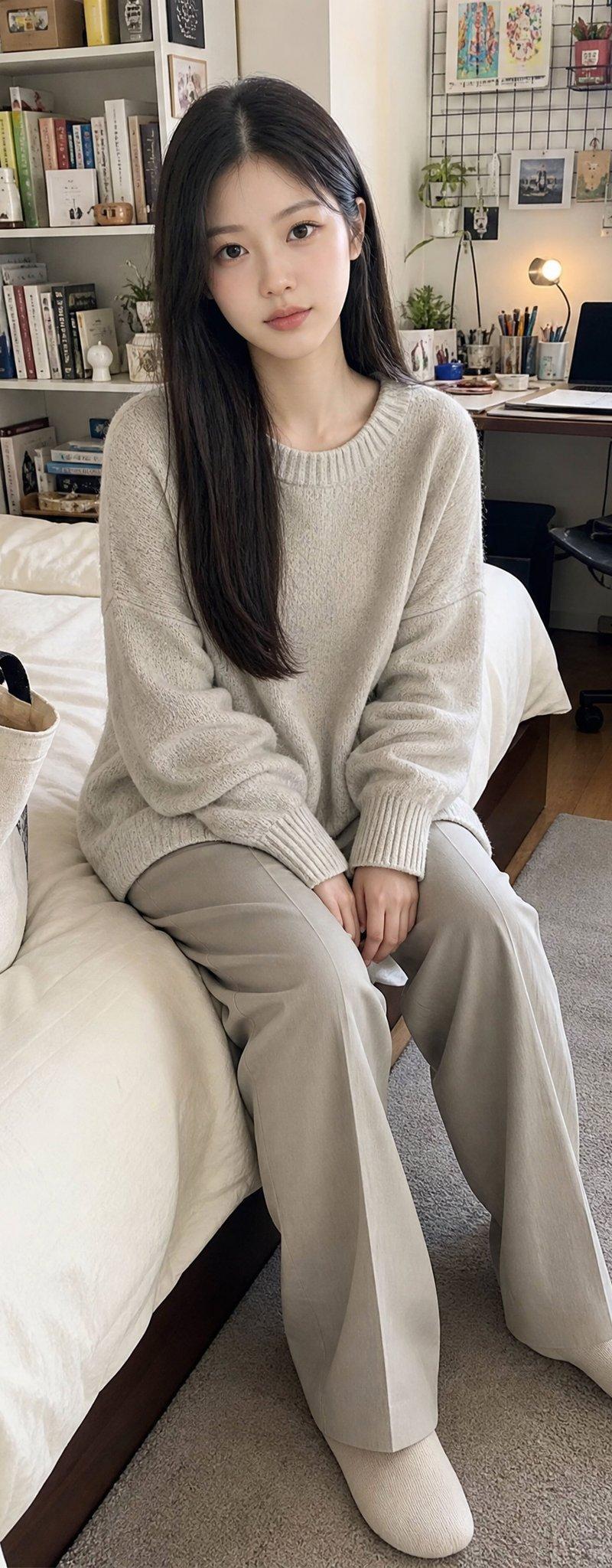
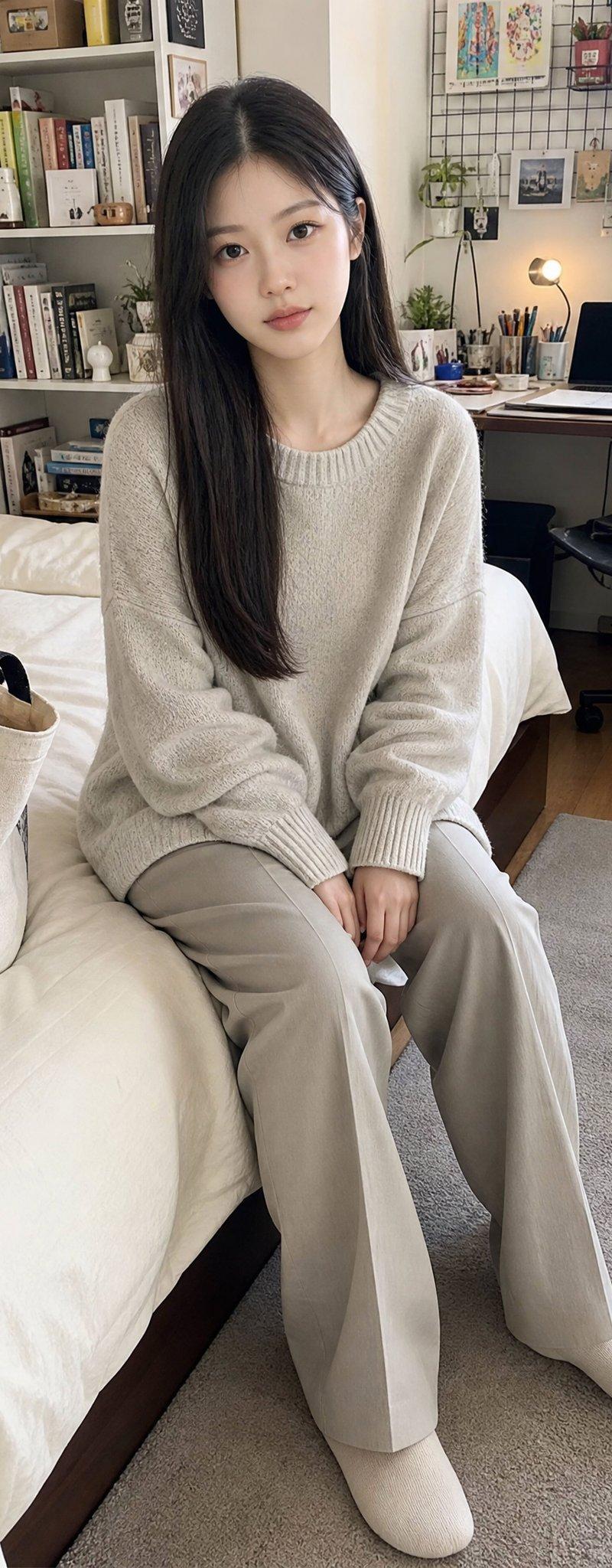
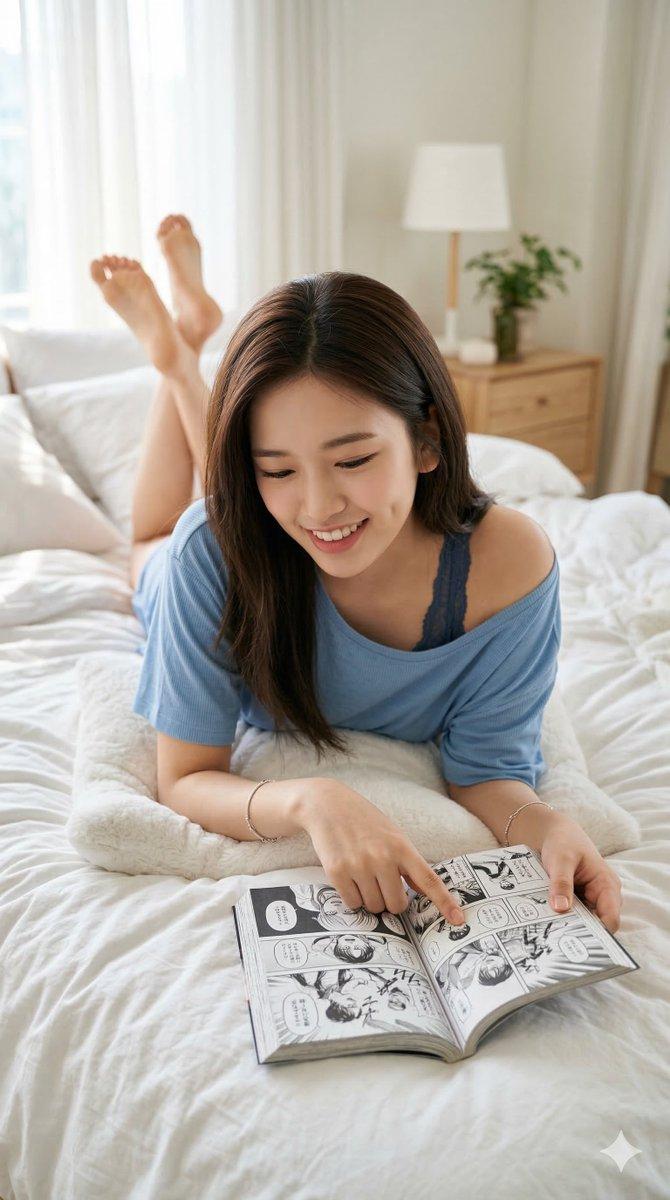
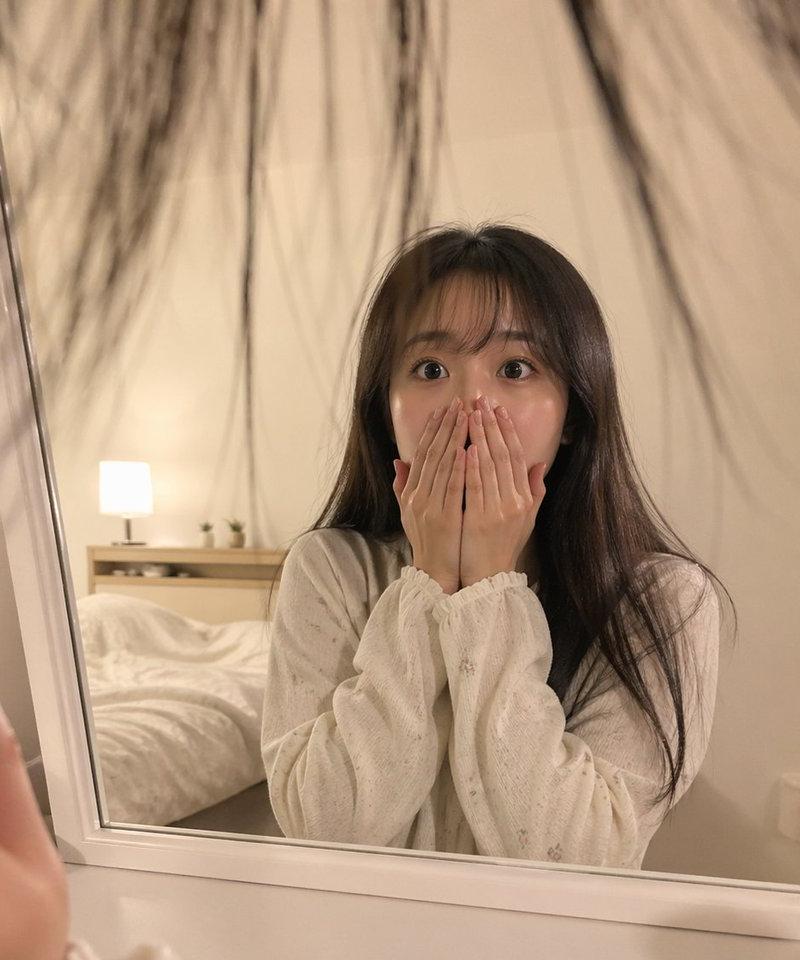
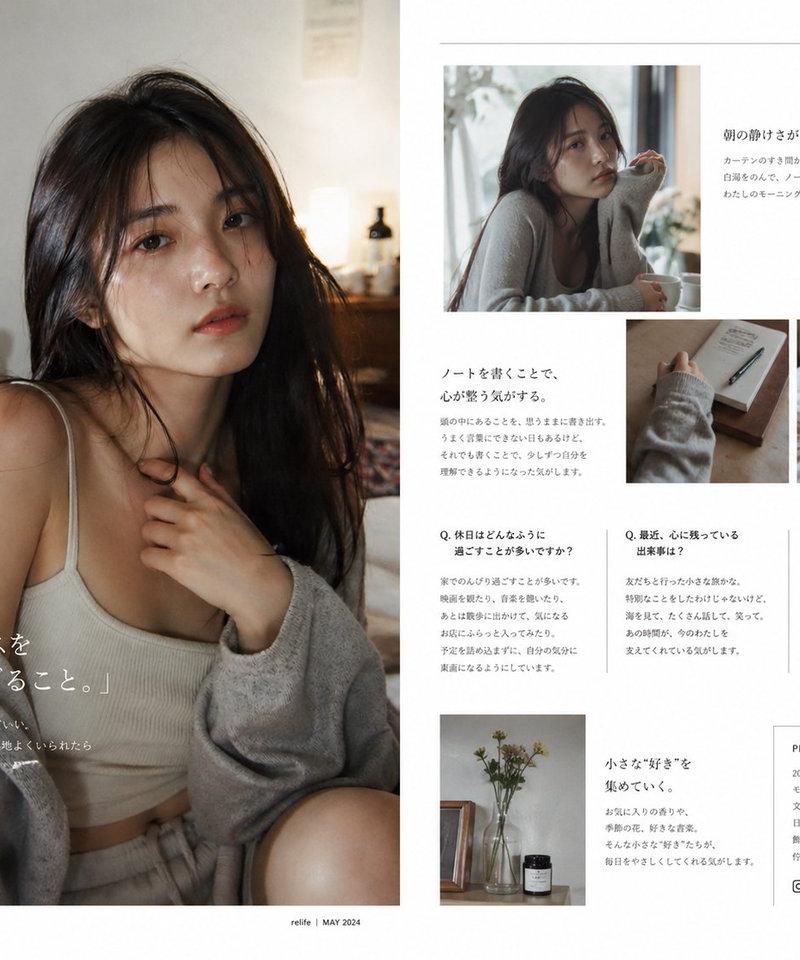
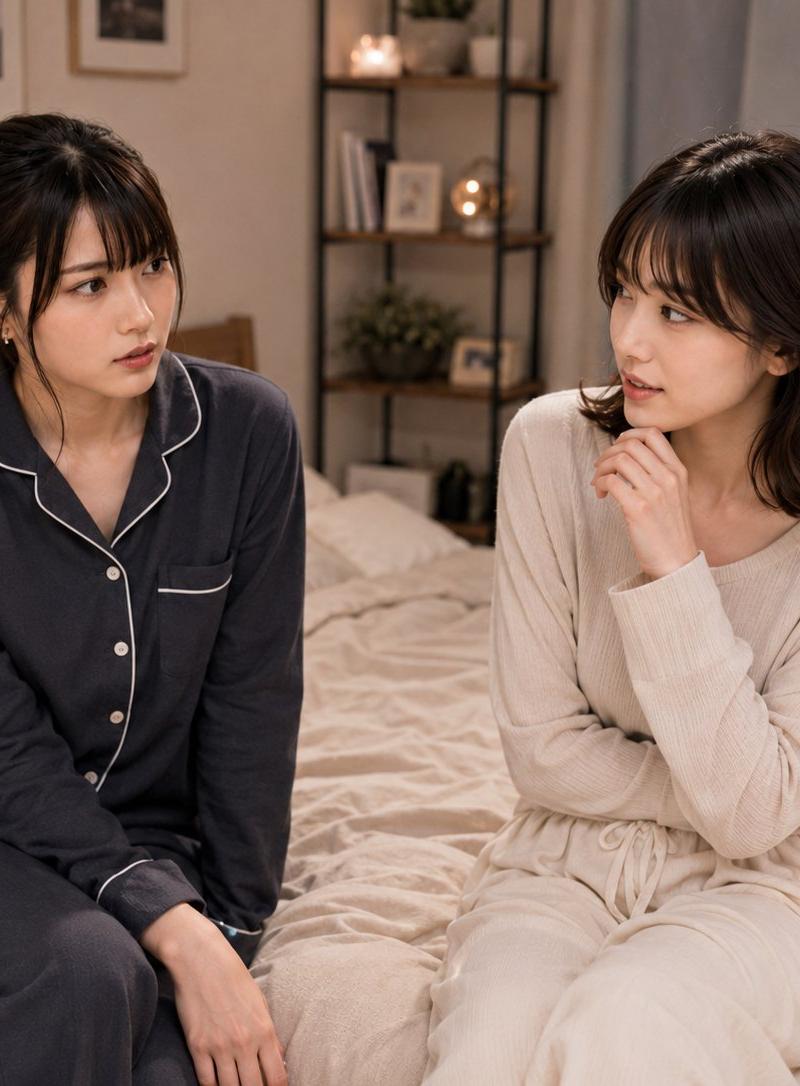
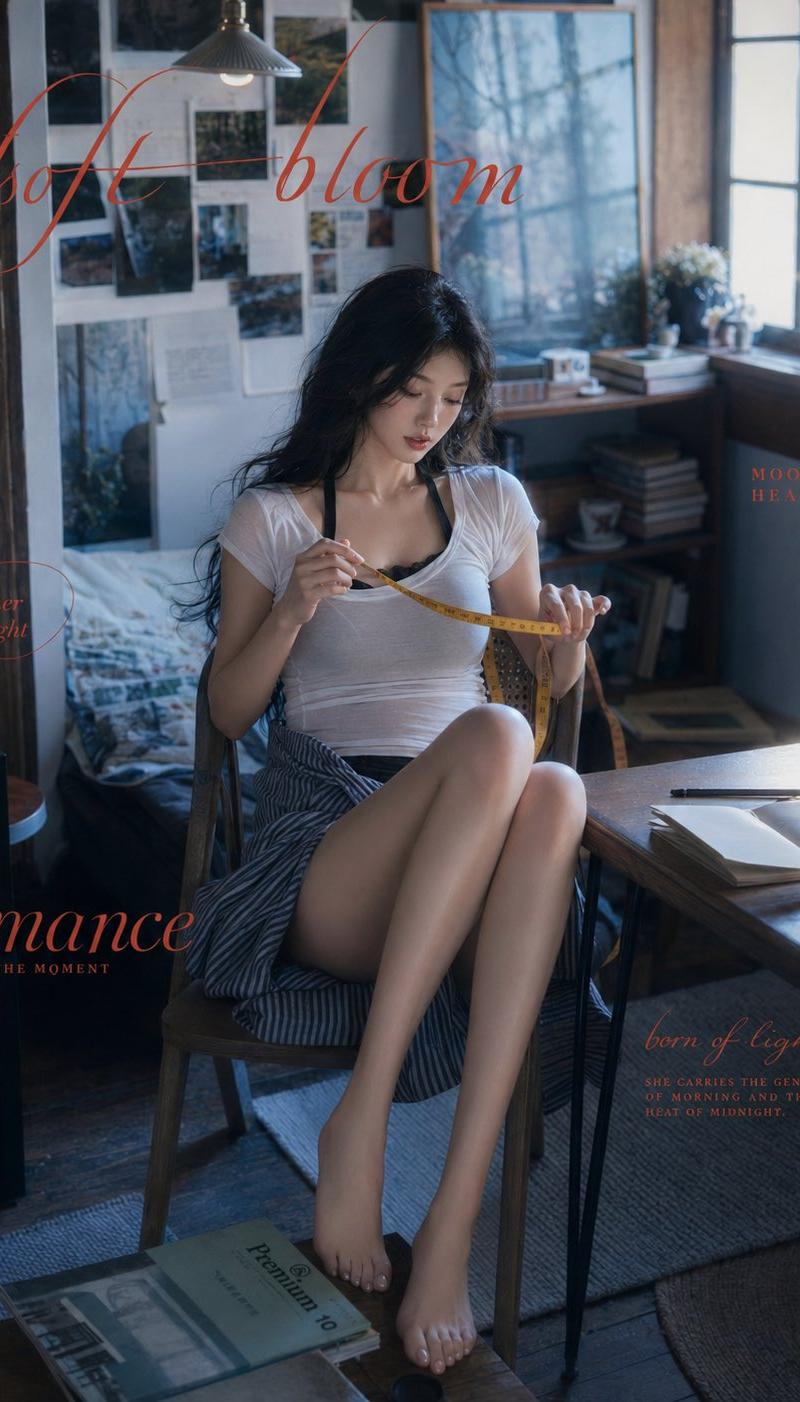
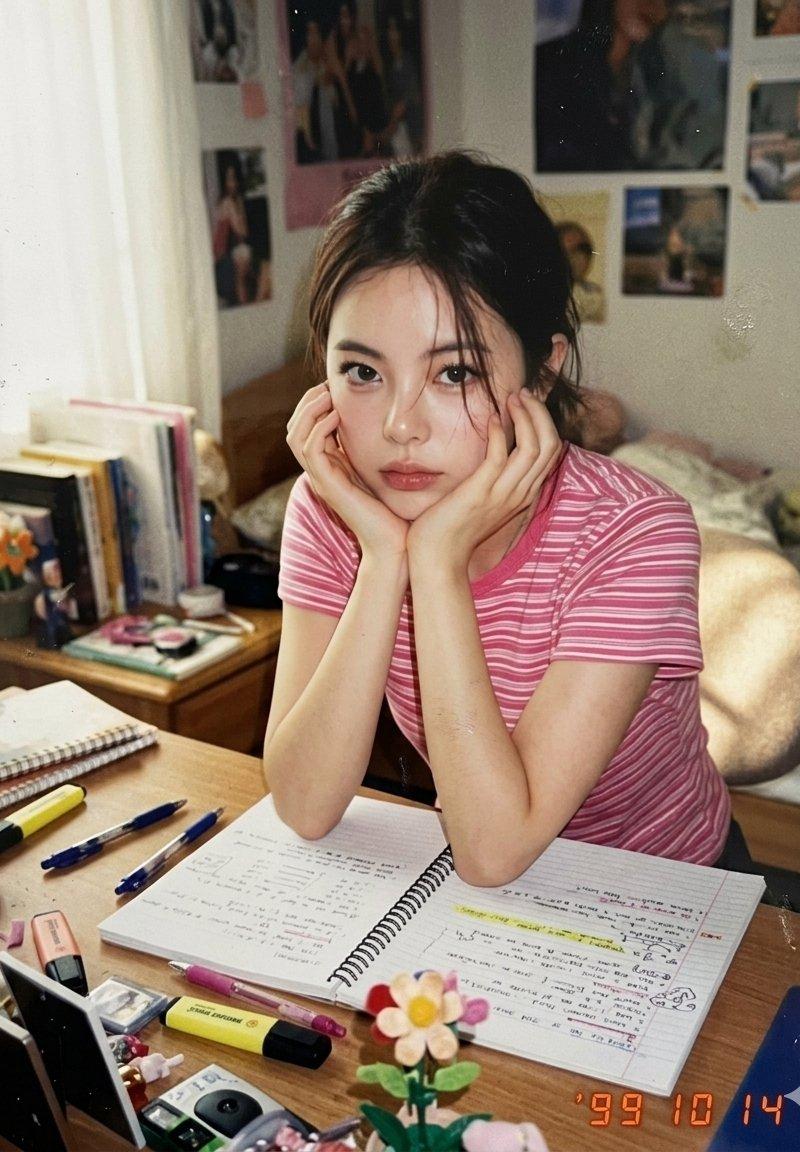
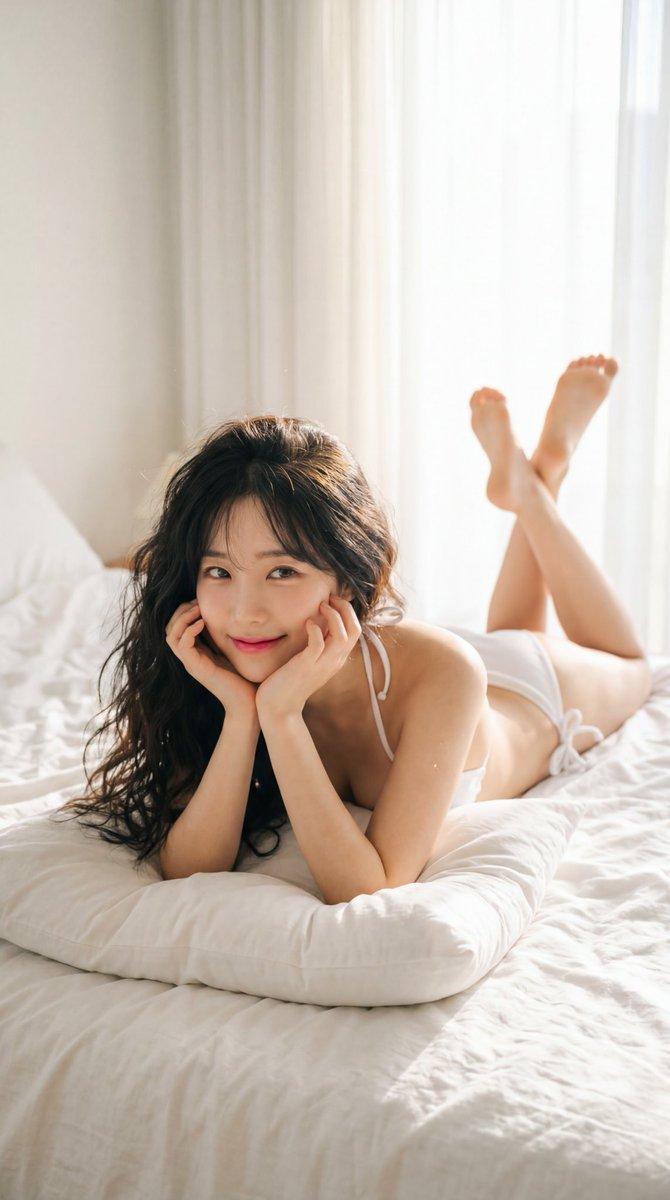
A warm, cozy bedroom setup seen through a mirror reflection, where a {argument name="subject" default="young East Asian woman"} with long, wavy dark hair is relaxing on a bed covered in light beige linens. She is wearing a {argument name="clothing" default="soft, dusty pink long-sleeved shirt and black pants"}. The room serves as a personal art studio, featuring a wooden easel with a botanical painting of {argument name="flower" default="lilies"}, art supplies like paint tubes, brushes, a mixing palette, and jars of water on a nearby wooden table, alongside sketches pinned to the wall and a potted green plant near a bright window. The sequence of actions captures her multi-tasking and resting in her creative space: first, she smiles warmly as she holds her smartphone up to take a mirror selfie, showing the phone's screen displaying her camera view. Next, she lies comfortably on her stomach with a thoughtful expression, holding her phone while resting her chin on her hand. She then transitions into her creative process, leaning forward on a pillow while dipping a paintbrush into a jar of water with her phone resting flat on the cushion. Finally, she sits facing away from the mirror, looking back thoughtfully with one hand running through her hair, while her phone lies idle on the mattress beside her.- 分类
- 图表信息图
- 模型
- nano-banana-pro
- 来源作者
- Minahil
- 原始语言
- en
- 来源 ID
- 24402
- 发布时间
- 2026年6月6日
浏览量1804