20

宁静治愈的室内场景

Prompt
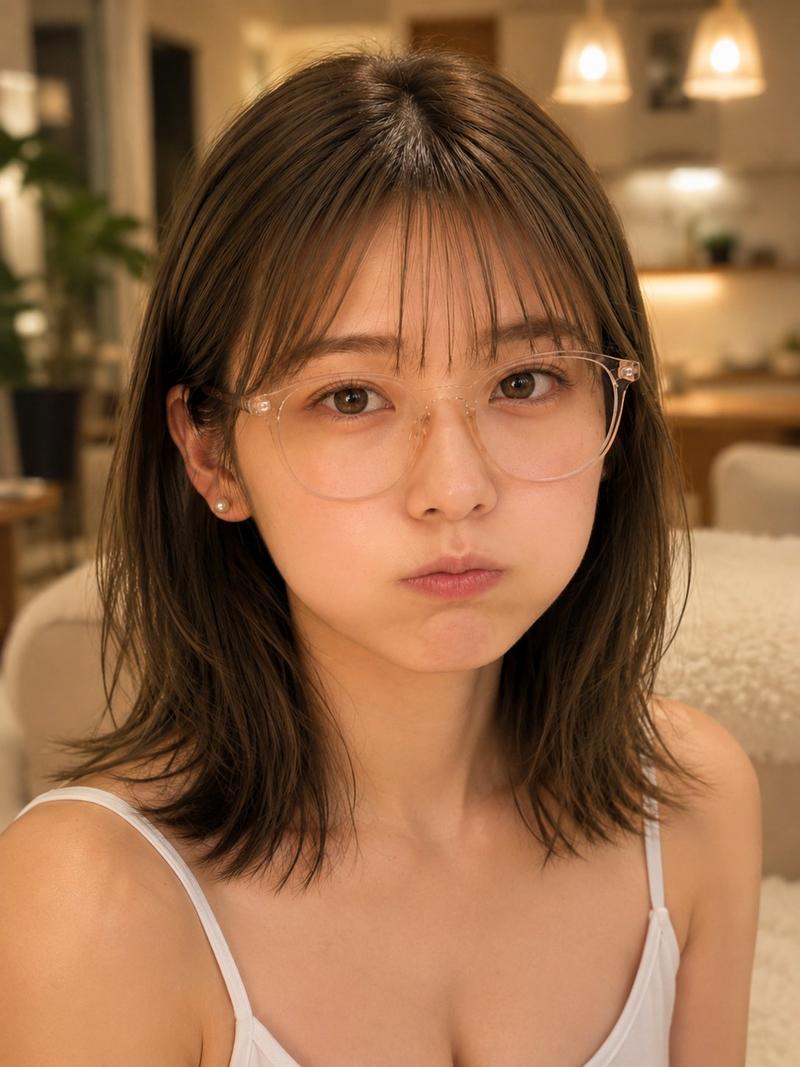
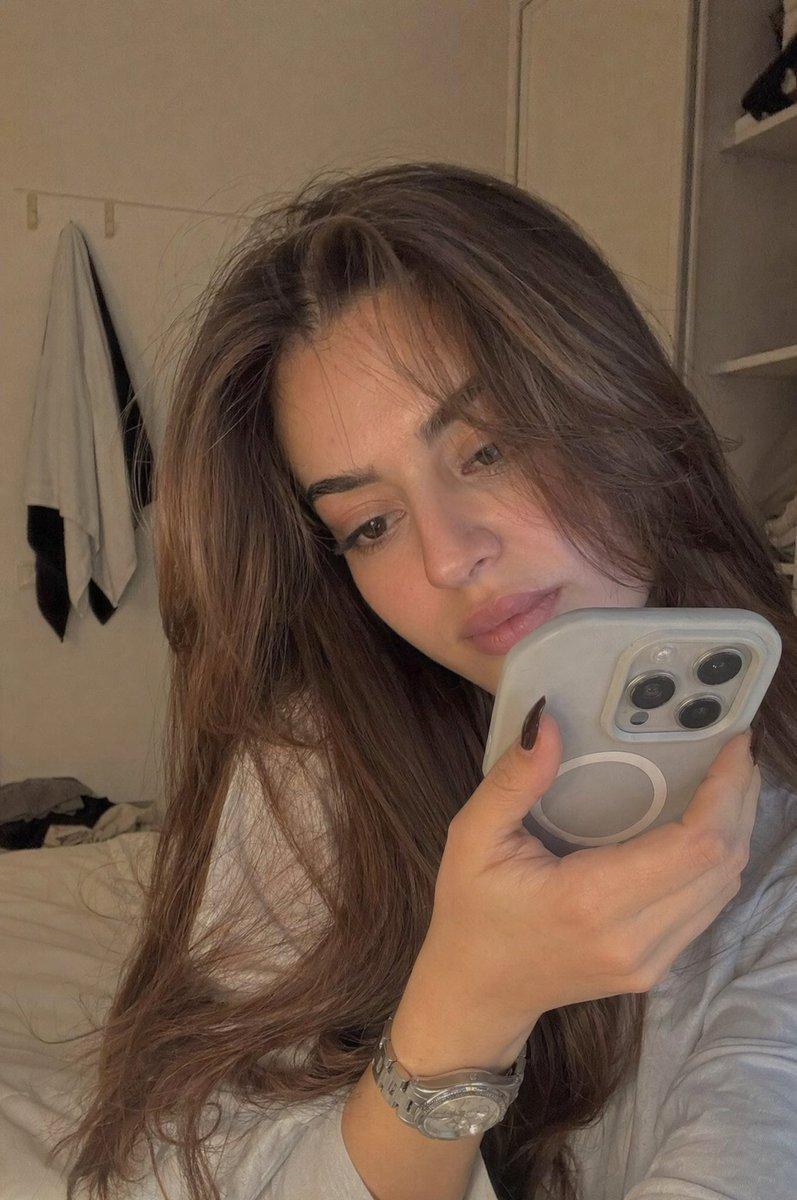
An indoor room with large windows and soft daylight. A young woman sits on the floor surrounded by scattered photographs and small personal objects. She looks at a photo → gently places it down → pauses. Sequence: She begins picking up pieces slowly, arranging them carefully. Each object placed brings subtle order to the space. Mid-scene: Overhead shot reveals the scattered items forming a meaningful pattern → brief slow-motion moment as her hand places the final piece. Final scene: She sits back, observing the arrangement. Her expression softens. She leans back against the wall, quietly at peace. Lighting: soft natural daylight, calm shadows, warm neutral tones. VFX: minimal, focus on physical interaction and composition. Tone: fragmentation → effort → reconstruction → quiet healing.
Category
Architecture & Spaces
Model
seedance-2.0
Creator
Ai Doctor
Views0
Source ID
3633
Published
Apr 24, 2026

Guide

About "宁静治愈的室内场景"

What is this prompt for?

"宁静治愈的室内场景" AI image prompt for seedance-2.0 (Architecture & Spaces). 一段平静且富有情感的视频提示词:一位年轻女性在阳光明媚的房间里整理照片,侧重于重建与内心平和。 Copy it on Picva and recreate the look in…

The full copyable prompt and example visuals above are ready for AI image generation or one-click recreate in Picva.

How to use this prompt

  1. Step 1

    Open the prompt detail

    Review the example visuals, category, and full prompt text for "宁静治愈的室内场景".

  2. Step 2

    Copy the prompt

    Copy the prompt body from this page, or load it directly in Studio.

  3. Step 3

    Pick a model (seedance-2.0)

    Prefer seedance-2.0. If you switch models, keep subject and composition and tweak style terms.

  4. Step 4

    Generate and export

    Recreate the look in Picva, or export into your workflow for editing and publishing.

FAQ

What is the "宁静治愈的室内场景" prompt?
It is an AI image-generation prompt for seedance-2.0 in the Architecture & Spaces category. This page includes the full prompt text, example visuals, and a one-click recreate path in Picva.
How do I use this prompt to generate an image?
Copy the prompt from this page, or use Generate / Studio. Paste it into a compatible image model, or recreate the look in Picva with optional reference images.
Which model is this prompt for?
This page lists seedance-2.0. Most descriptive prompts also transfer to nearby image models such as GPT Image, Flux, or Midjourney with light style tweaks.
Can I use the result commercially?
You can usually copy the prompt for creation, but commercial use of the final image depends on the model terms, reference-image rights, and the generated content. Follow the source author and platform rules.