20

街头美食梦境转场

Prompt
A young person walks through a busy night street, normal pace. Suddenly, they pause—eyes close slightly as they smell something irresistible.

0–3s:
Close-up of nose + subtle inhale, cinematic slow motion. Background sound fades, focus on sizzling audio.

3–6s:
Whip transition—the world transforms into a vibrant street food dreamscape. Neon lights, smoke, glowing stalls.

6–10s:
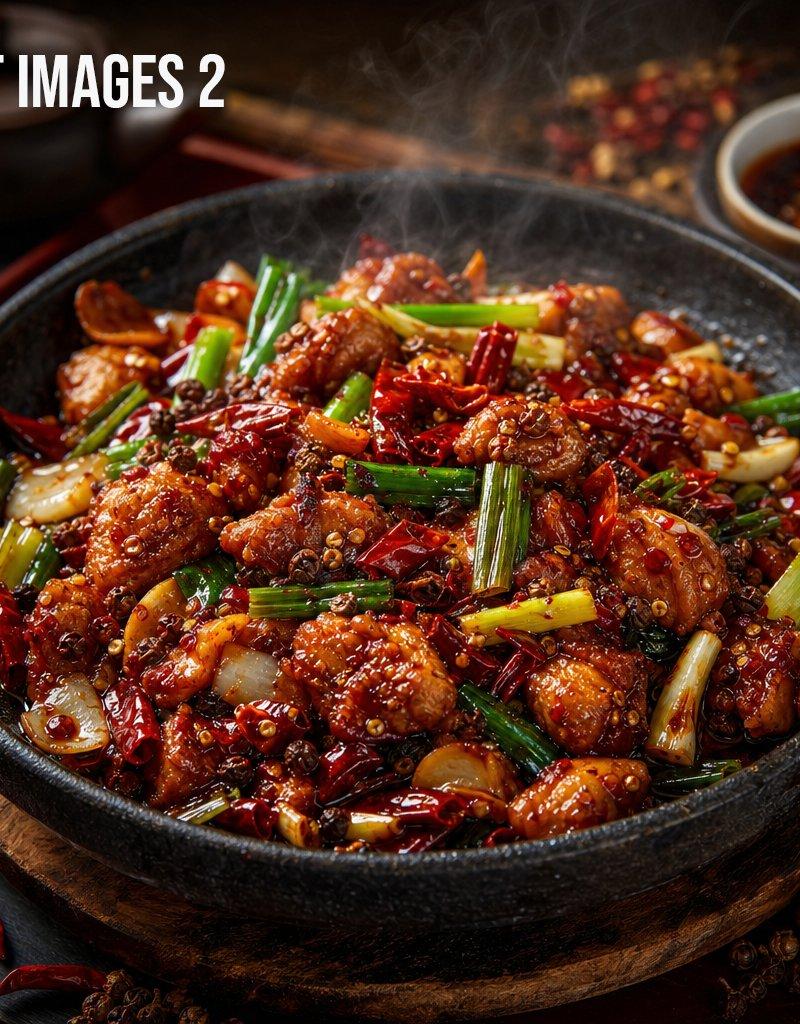
Ultra close-ups in slow motion:

oil sizzling on a hot grill

spices being tossed in the air

juicy kebabs turning over flames

sauce dripping in macro detail

10–13s:
The person walks through this dream world, eyes wide, touching the air as food visuals swirl around them.

13–15s:
They take a bite—cut back to reality. Same street, but now smiling, holding real street food.

Style:
Hyper-realistic, cinematic lighting, slow motion, macro food shots, rich colors, neon + warm tones, shallow depth of field, strong sound design (sizzle, crunch).
Category
Products & E-commerce
Model
seedance-2.0
Creator
ayzalnoor
Source language
en
Views0
Source ID
4544
Published
May 10, 2026
Studio

Guide

About "街头美食梦境转场"

What is this prompt for?

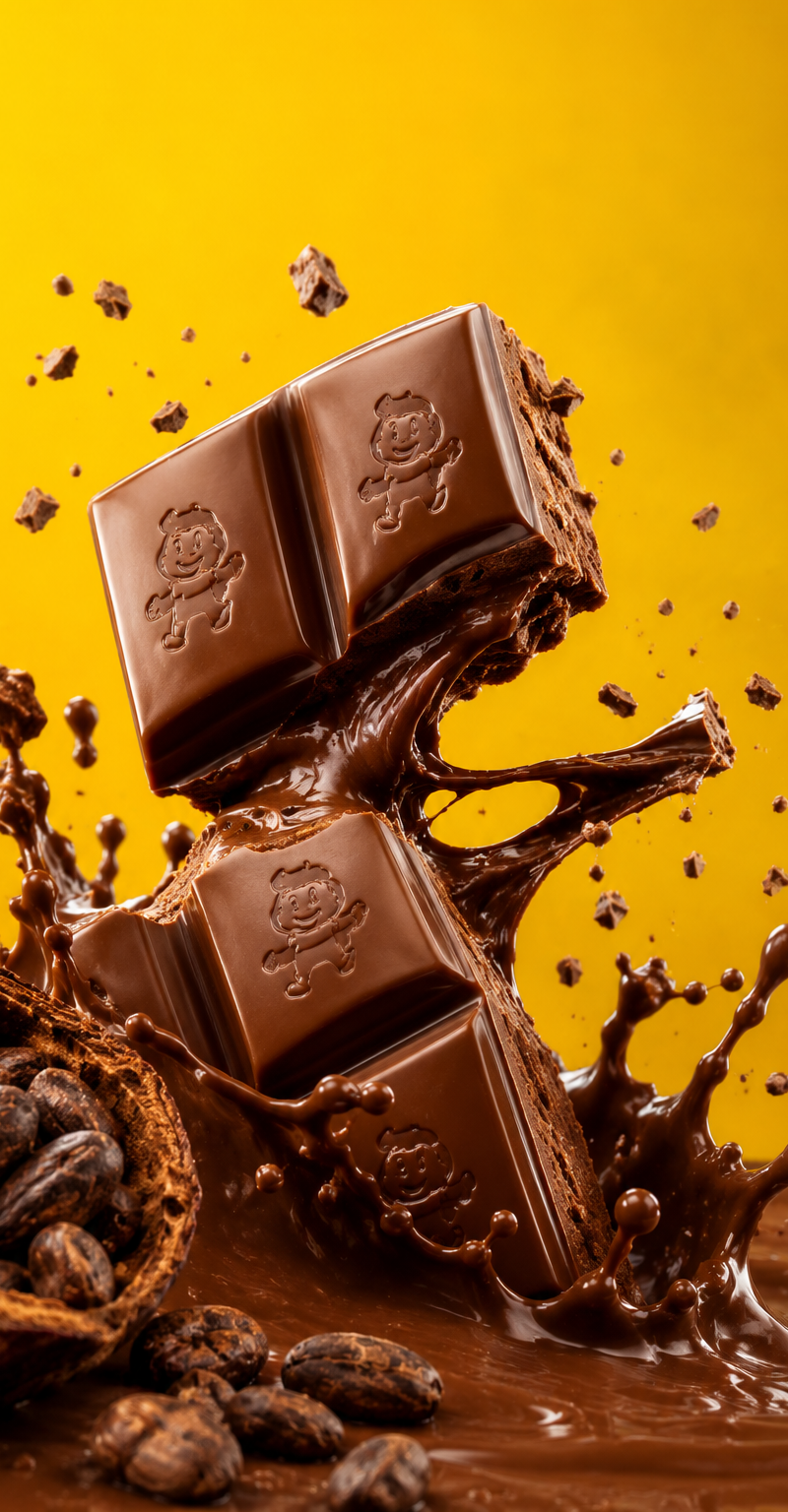
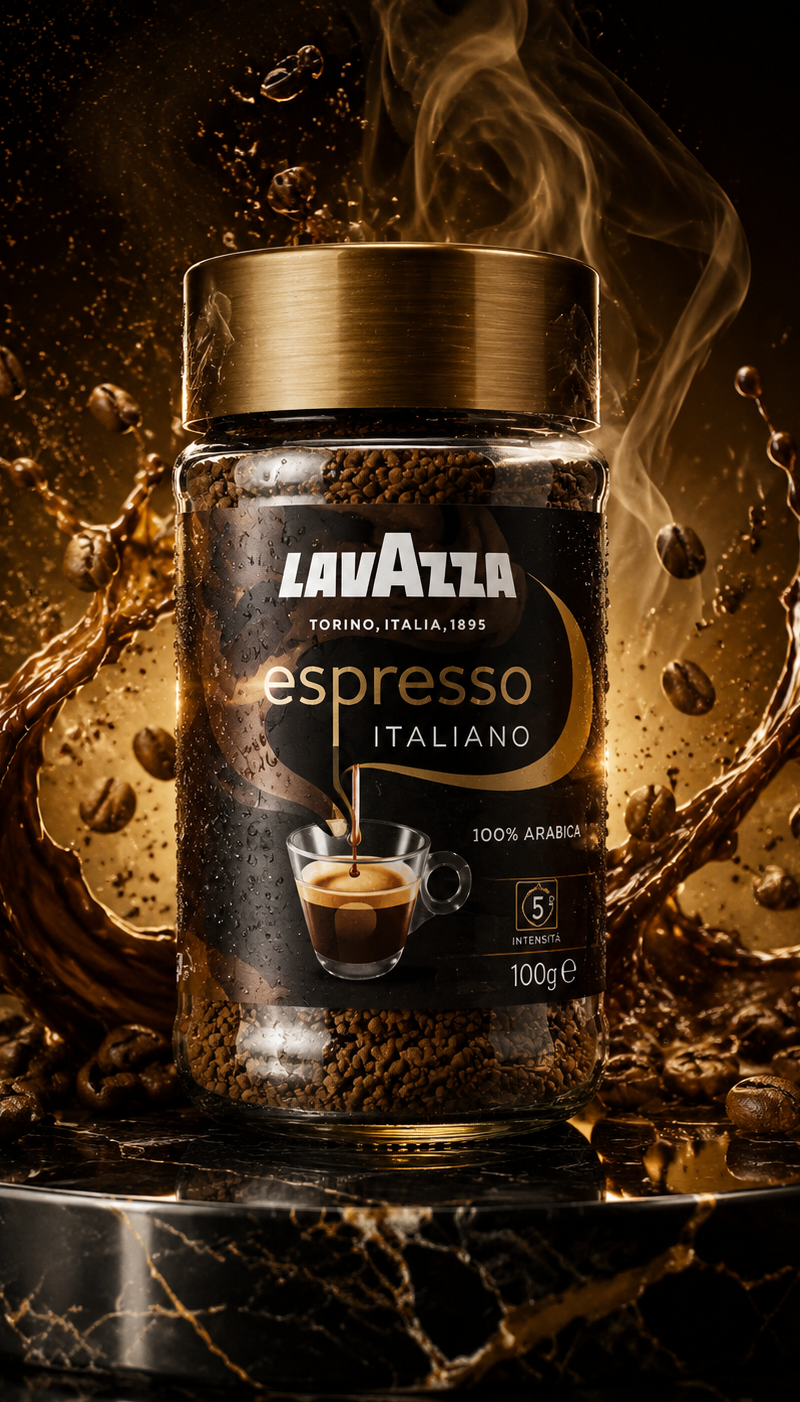
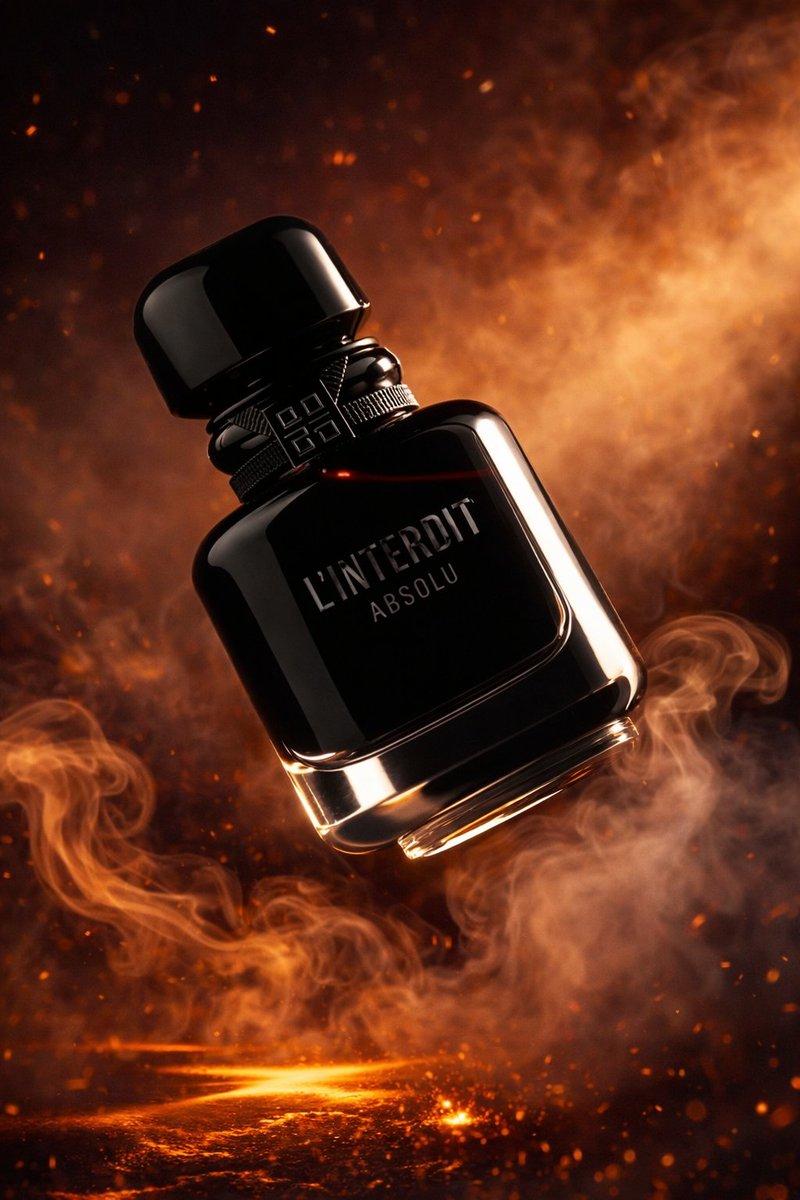
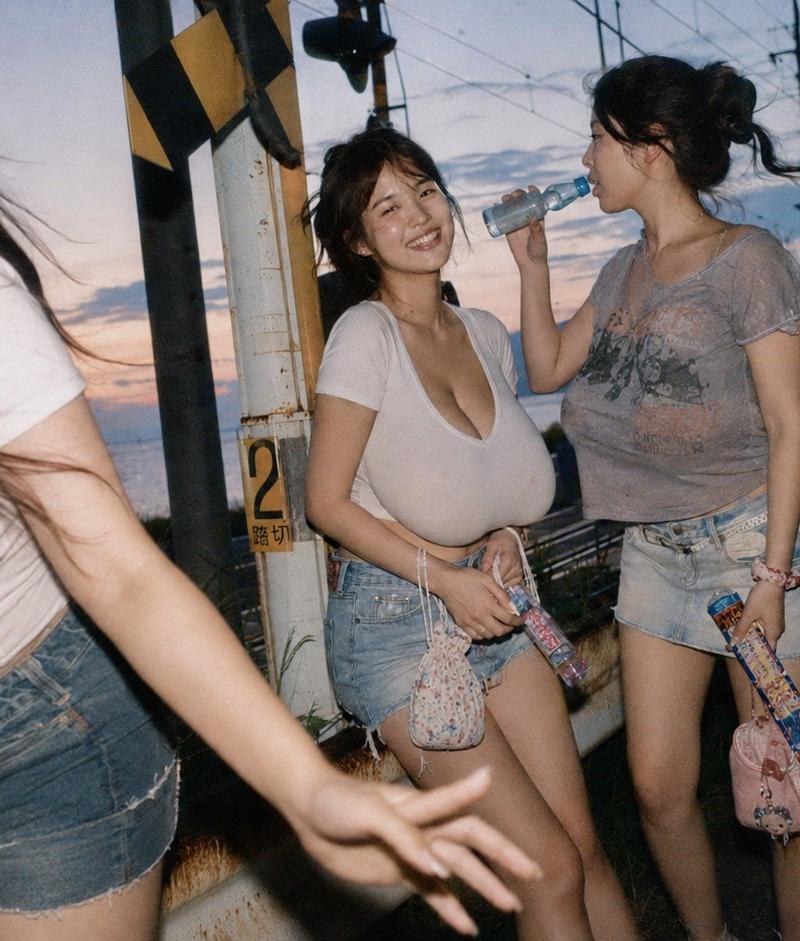
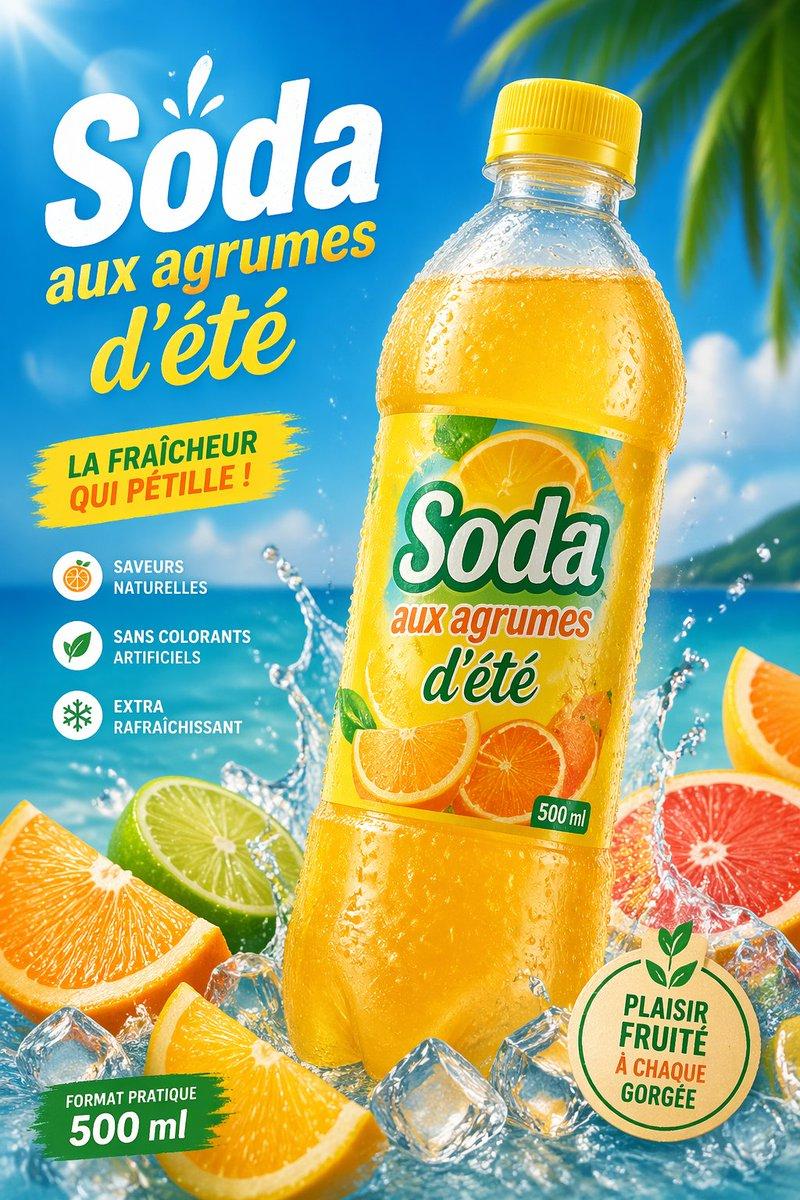
"街头美食梦境转场" AI image prompt for seedance-2.0 (Products & E-commerce). 一段电影质感的视频序列,从平淡的城市街道转场至充满活力的霓虹街头美食世界,并包含食物的微距特写。 Copy it on Picva and recreate the look in…

The full copyable prompt and example visuals above are ready for AI image generation or one-click recreate in Picva.

How to use this prompt

  1. Step 1

    Open the prompt detail

    Review the example visuals, category, and full prompt text for "街头美食梦境转场".

  2. Step 2

    Copy the prompt

    Copy the prompt body from this page, or load it directly in Studio.

  3. Step 3

    Pick a model (seedance-2.0)

    Prefer seedance-2.0. If you switch models, keep subject and composition and tweak style terms.

  4. Step 4

    Generate and export

    Recreate the look in Picva, or export into your workflow for editing and publishing.

FAQ

What is the "街头美食梦境转场" prompt?
It is an AI image-generation prompt for seedance-2.0 in the Products & E-commerce category. This page includes the full prompt text, example visuals, and a one-click recreate path in Picva.
How do I use this prompt to generate an image?
Copy the prompt from this page, or use Generate / Studio. Paste it into a compatible image model, or recreate the look in Picva with optional reference images.
Which model is this prompt for?
This page lists seedance-2.0. Most descriptive prompts also transfer to nearby image models such as GPT Image, Flux, or Midjourney with light style tweaks.
Can I use the result commercially?
You can usually copy the prompt for creation, but commercial use of the final image depends on the model terms, reference-image rights, and the generated content. Follow the source author and platform rules.