20

写实卧室中的 Q 版角色

Prompt
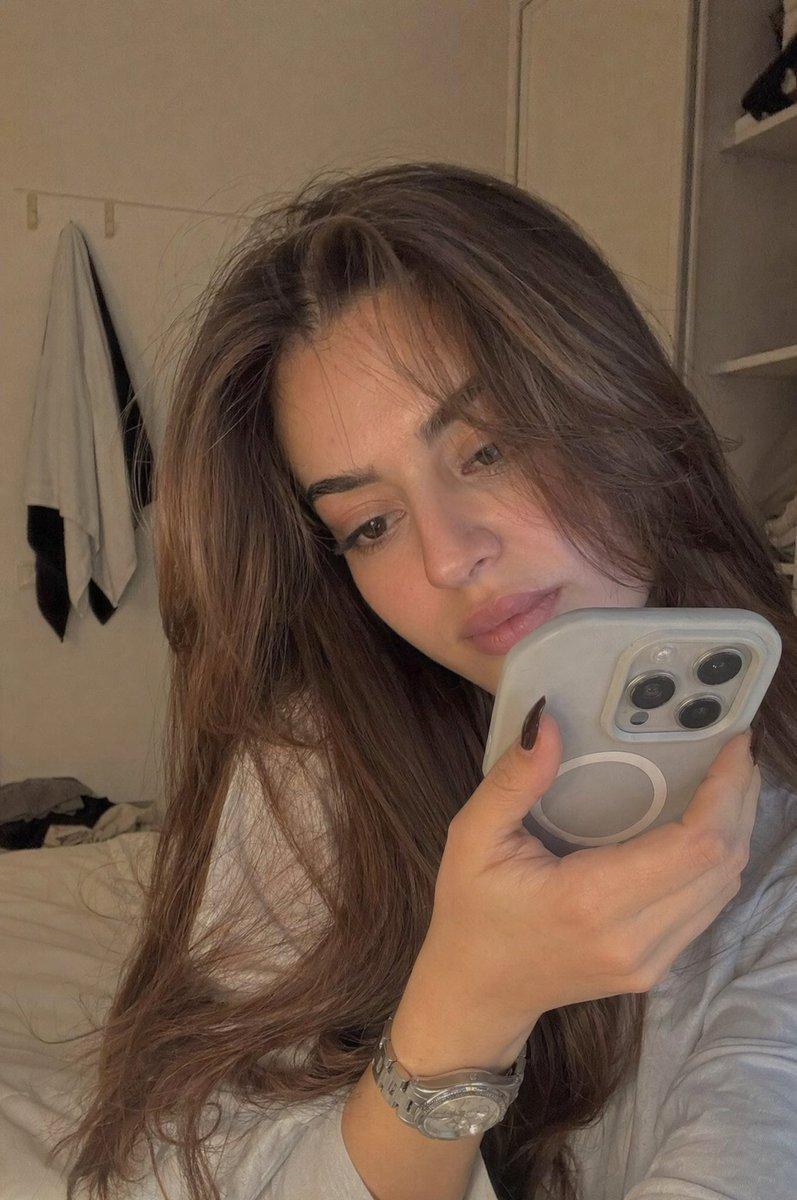
Create a short cinematic sequence in a 'highly realistic modern bedroom environment' with natural soft daylight, detailed textures (wood, fabric, soft bedding), and subtle atmospheric dust particles in sun rays. The scene should feel photorealistic and grounded in reality, with no cartoon environment. A tiny stylized '3D chibi female character' exists within this real-world space. She has a soft rounded toddler-like body, fair skin with warm rosy undertones, large expressive dark brown eyes with thick eyelashes, round apple cheeks with pink blush, small pouty lips, and thin arched eyebrows. Her long voluminous jet-black hair is center-parted and softly wavy.
Category
Architecture & Spaces
Model
seedance-2.0
Creator
NoorAI
Views0
Source ID
4791
Published
May 14, 2026

Guide

About "写实卧室中的 Q 版角色"

What is this prompt for?

"写实卧室中的 Q 版角色" AI image prompt for seedance-2.0 (Architecture & Spaces). 一段电影感短片,展示了一个风格化的 3D Q 版角色置身于细节丰富、写实的现代卧室中,并配有自然光效。 Copy it on Picva and recreate the…

The full copyable prompt and example visuals above are ready for AI image generation or one-click recreate in Picva.

How to use this prompt

  1. Step 1

    Open the prompt detail

    Review the example visuals, category, and full prompt text for "写实卧室中的 Q 版角色".

  2. Step 2

    Copy the prompt

    Copy the prompt body from this page, or load it directly in Studio.

  3. Step 3

    Pick a model (seedance-2.0)

    Prefer seedance-2.0. If you switch models, keep subject and composition and tweak style terms.

  4. Step 4

    Generate and export

    Recreate the look in Picva, or export into your workflow for editing and publishing.

FAQ

What is the "写实卧室中的 Q 版角色" prompt?
It is an AI image-generation prompt for seedance-2.0 in the Architecture & Spaces category. This page includes the full prompt text, example visuals, and a one-click recreate path in Picva.
How do I use this prompt to generate an image?
Copy the prompt from this page, or use Generate / Studio. Paste it into a compatible image model, or recreate the look in Picva with optional reference images.
Which model is this prompt for?
This page lists seedance-2.0. Most descriptive prompts also transfer to nearby image models such as GPT Image, Flux, or Midjourney with light style tweaks.
Can I use the result commercially?
You can usually copy the prompt for creation, but commercial use of the final image depends on the model terms, reference-image rights, and the generated content. Follow the source author and platform rules.