18

皮克斯风格东京拉面店

Prompt
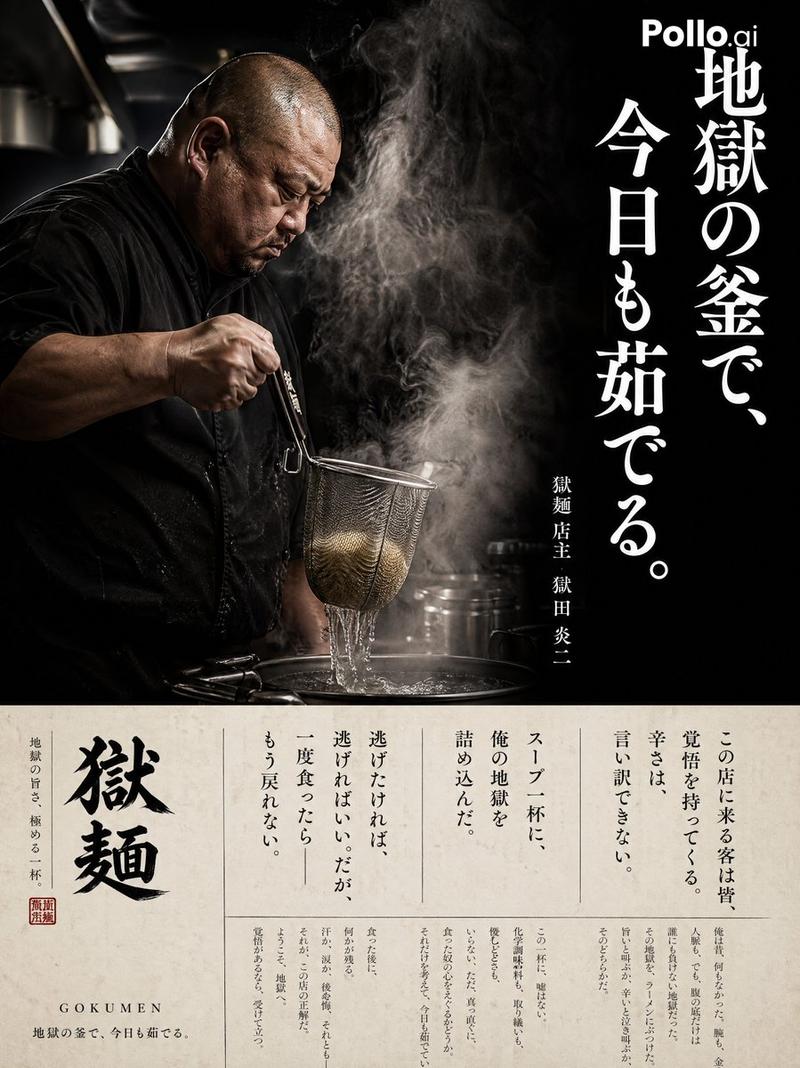
Stylized animated cinematic scene inside a tiny Tokyo ramen shop during a stormy evening, legendary ramen chef performing dramatic noodle-pulling tricks with intense focus while flames burst from giant pots, exhausted young apprentice staring with wide eyes while struggling to clean dishes, warm lantern lighting mixed with rainy neon reflections, cinematic anime-meets-Pixar aesthetic, expressive character animation, exaggerated proportions, realistic steam and broth textures, dynamic camera movement, immersive restaurant atmosphere, polished 3D rendering, emotional storytelling, dramatic shadows, shallow depth of field, cinematic color grading, ultra detailed ramen close-ups, DreamWorks/Pixar-quality animated short film style, 16:9 aspect ratio
Category
Photography & Realism
Model
seedance-2.0
Views0
Source ID
5154
Published
May 22, 2026

Guide

About "皮克斯风格东京拉面店"

What is this prompt for?

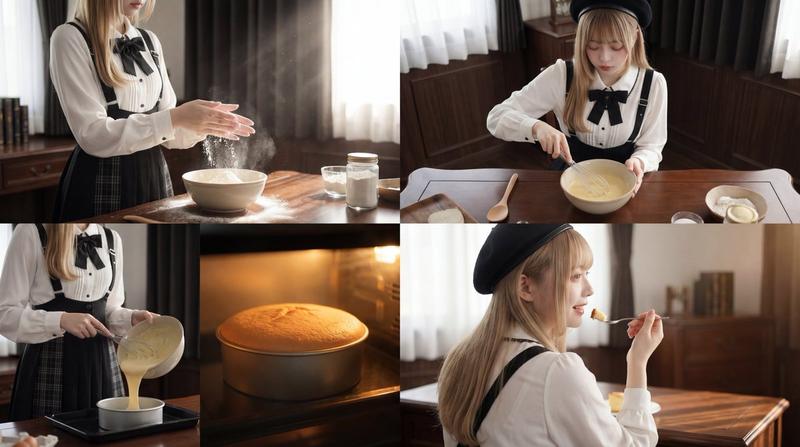
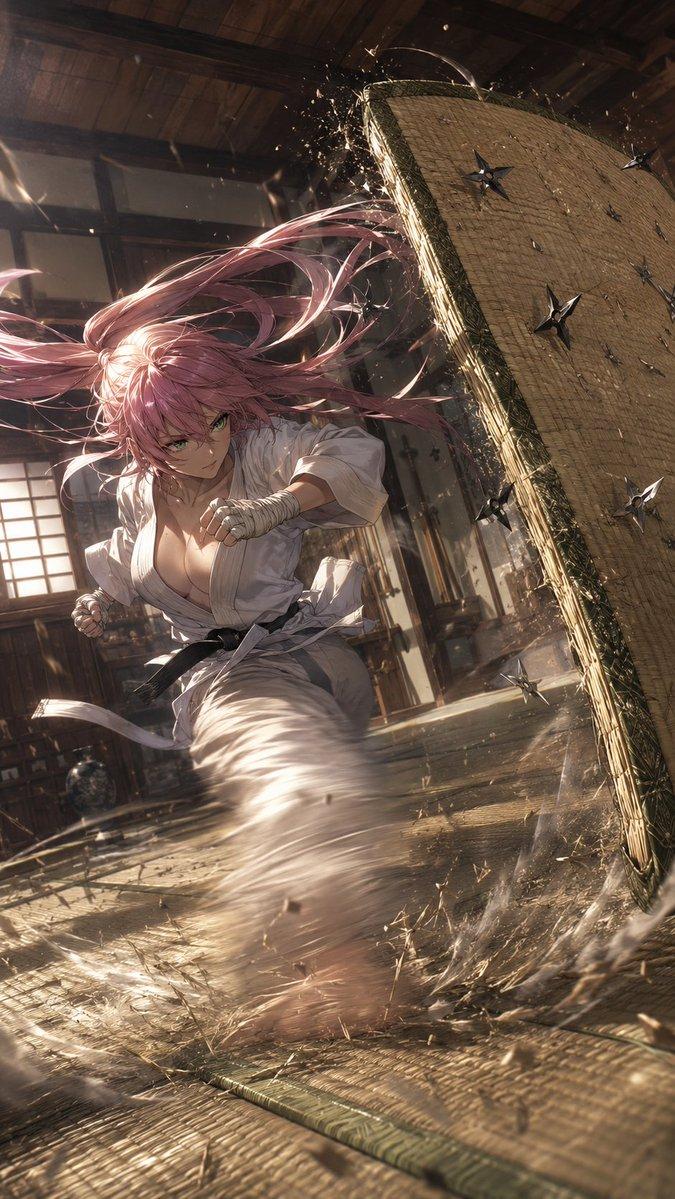
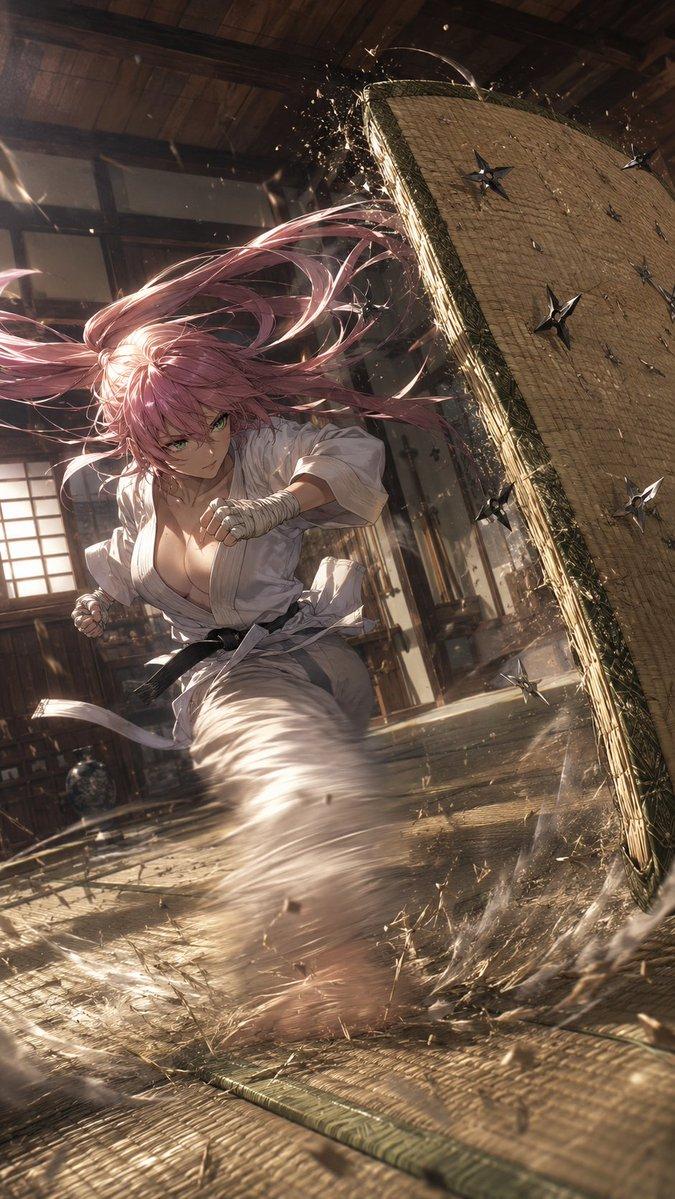
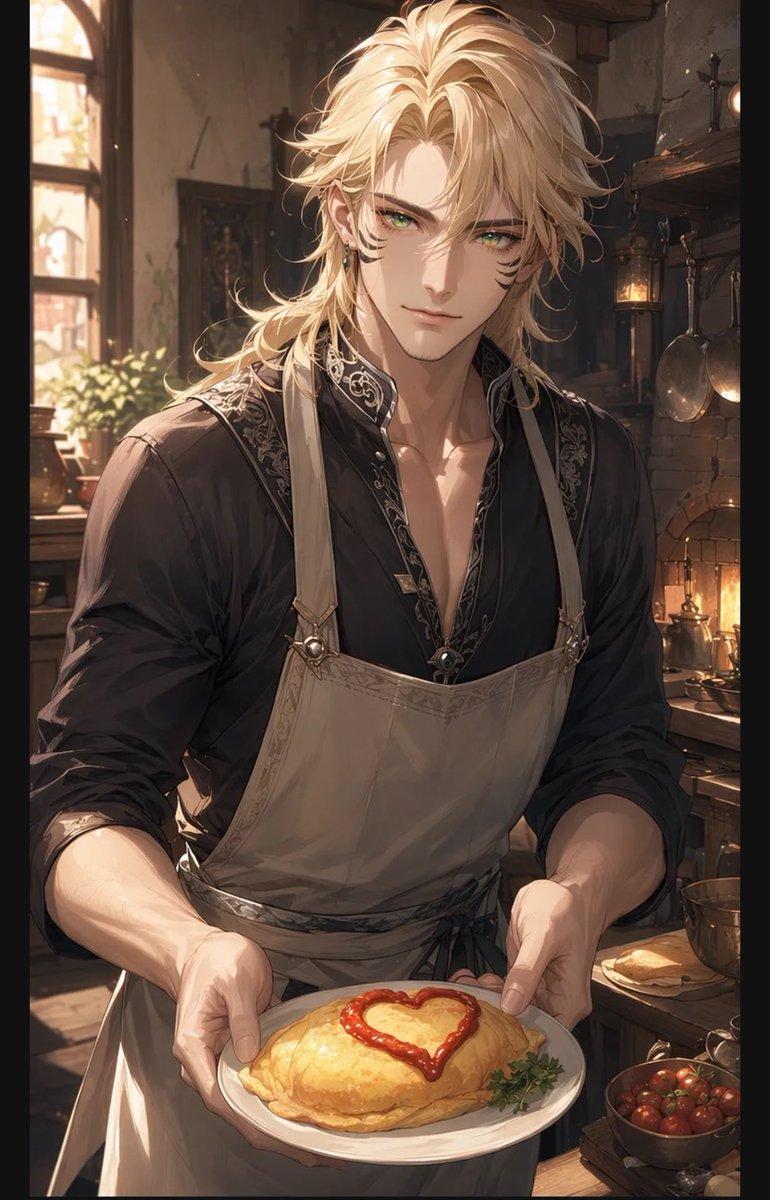
"皮克斯风格东京拉面店" AI image prompt for seedance-2.0 (Photography & Realism). 一个风格化的 3D 动画场景,描绘了一位传奇拉面厨师在雨中的东京小店里表演绝活,展现了生动的角色动画和鲜艳的灯光效果。 Copy it on Picva and recreat…

The full copyable prompt and example visuals above are ready for AI image generation or one-click recreate in Picva.

How to use this prompt

  1. Step 1

    Open the prompt detail

    Review the example visuals, category, and full prompt text for "皮克斯风格东京拉面店".

  2. Step 2

    Copy the prompt

    Copy the prompt body from this page, or load it directly in Studio.

  3. Step 3

    Pick a model (seedance-2.0)

    Prefer seedance-2.0. If you switch models, keep subject and composition and tweak style terms.

  4. Step 4

    Generate and export

    Recreate the look in Picva, or export into your workflow for editing and publishing.

FAQ

What is the "皮克斯风格东京拉面店" prompt?
It is an AI image-generation prompt for seedance-2.0 in the Photography & Realism category. This page includes the full prompt text, example visuals, and a one-click recreate path in Picva.
How do I use this prompt to generate an image?
Copy the prompt from this page, or use Generate / Studio. Paste it into a compatible image model, or recreate the look in Picva with optional reference images.
Which model is this prompt for?
This page lists seedance-2.0. Most descriptive prompts also transfer to nearby image models such as GPT Image, Flux, or Midjourney with light style tweaks.
Can I use the result commercially?
You can usually copy the prompt for creation, but commercial use of the final image depends on the model terms, reference-image rights, and the generated content. Follow the source author and platform rules.