20

北极峡谷极光 FPV 俯冲

Prompt
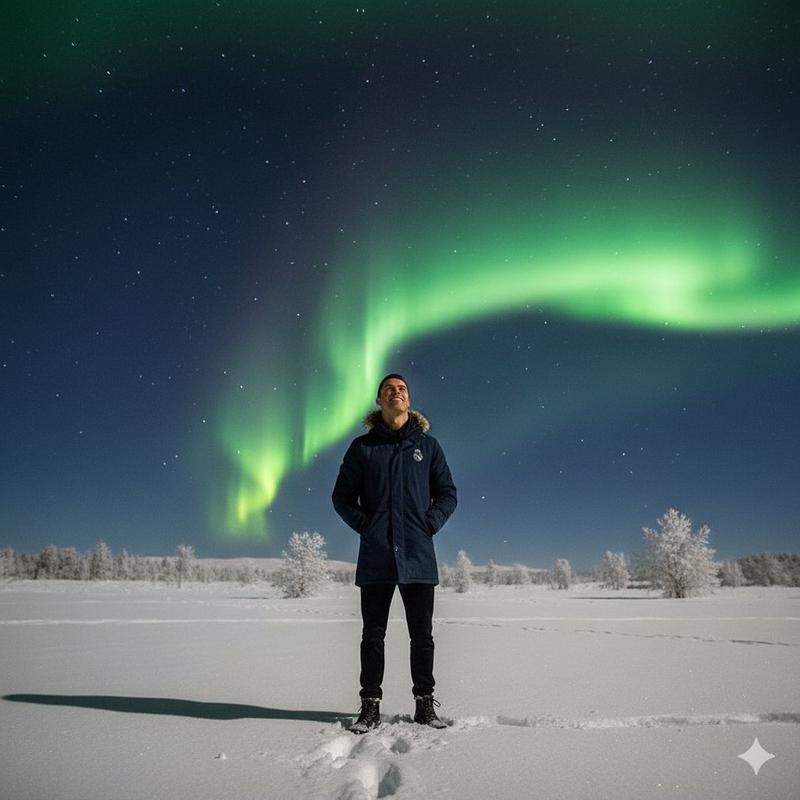
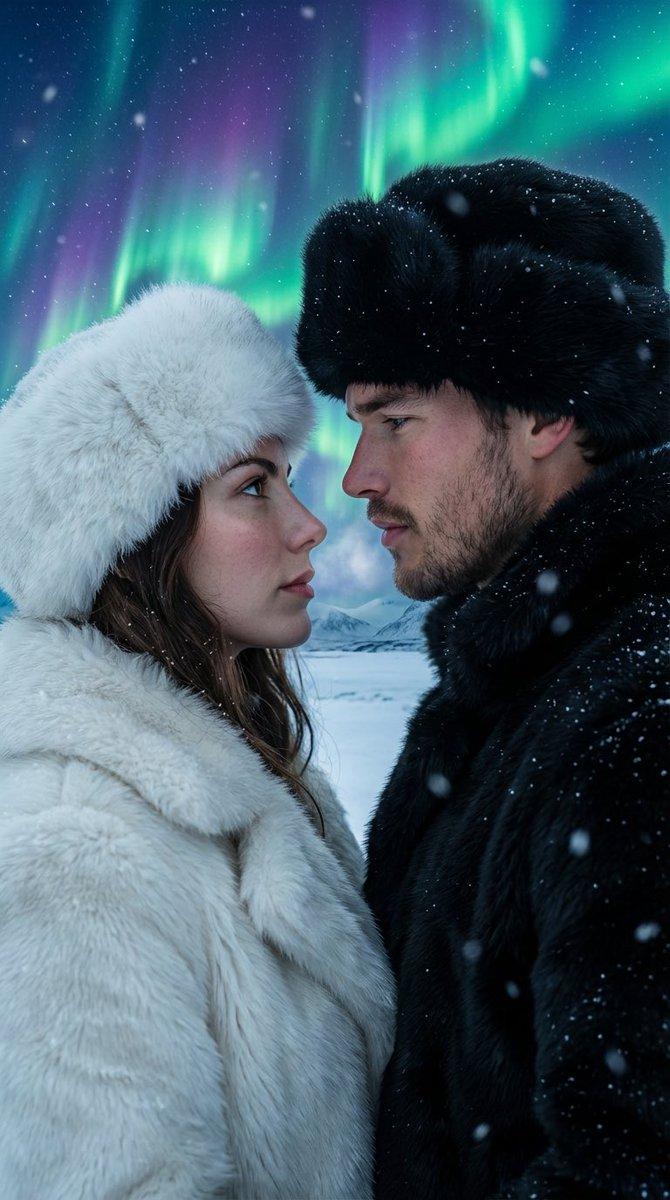
First-person FPV drone shot diving into a frozen arctic canyon during a violent aurora storm. The drone rockets over cracked ice sheets, slips through glowing blue glacier tunnels, and banks between towering ice spires as green and violet aurora light ripples across every surface. The flight accelerates toward a colossal frozen waterfall suspended in midair. At the final moment, the waterfall shatters upward into millions of luminous ice fragments, revealing a hidden alien ocean beneath the glacier. The drone plunges through the floating ice debris and bursts underwater into a glowing bioluminescent abyss filled with giant drifting light forms. Seamless one-take, extreme FPV speed, realistic inertia, aggressive banking, cinematic motion blur, high-end VFX finale, volumetric mist, refractive ice, surreal scale, ultra-photorealistic, blockbuster ending, no cuts.
Category
Photography & Realism
Model
seedance-2.0
Views0
Source ID
6600
Published
Jun 29, 2026

Guide

About "北极峡谷极光 FPV 俯冲"

What is this prompt for?

"北极峡谷极光 FPV 俯冲" AI image prompt for seedance-2.0 (Photography & Realism). 一个视觉效果惊人的 Seedance 2.0 提示词,用于生成一段在极光风暴中穿越北极峡谷的一镜到底 FPV 无人机飞行视频,并以水下生物发光场景作为结尾。 Copy i…

The full copyable prompt and example visuals above are ready for AI image generation or one-click recreate in Picva.

How to use this prompt

  1. Step 1

    Open the prompt detail

    Review the example visuals, category, and full prompt text for "北极峡谷极光 FPV 俯冲".

  2. Step 2

    Copy the prompt

    Copy the prompt body from this page, or load it directly in Studio.

  3. Step 3

    Pick a model (seedance-2.0)

    Prefer seedance-2.0. If you switch models, keep subject and composition and tweak style terms.

  4. Step 4

    Generate and export

    Recreate the look in Picva, or export into your workflow for editing and publishing.

FAQ

What is the "北极峡谷极光 FPV 俯冲" prompt?
It is an AI image-generation prompt for seedance-2.0 in the Photography & Realism category. This page includes the full prompt text, example visuals, and a one-click recreate path in Picva.
How do I use this prompt to generate an image?
Copy the prompt from this page, or use Generate / Studio. Paste it into a compatible image model, or recreate the look in Picva with optional reference images.
Which model is this prompt for?
This page lists seedance-2.0. Most descriptive prompts also transfer to nearby image models such as GPT Image, Flux, or Midjourney with light style tweaks.
Can I use the result commercially?
You can usually copy the prompt for creation, but commercial use of the final image depends on the model terms, reference-image rights, and the generated content. Follow the source author and platform rules.