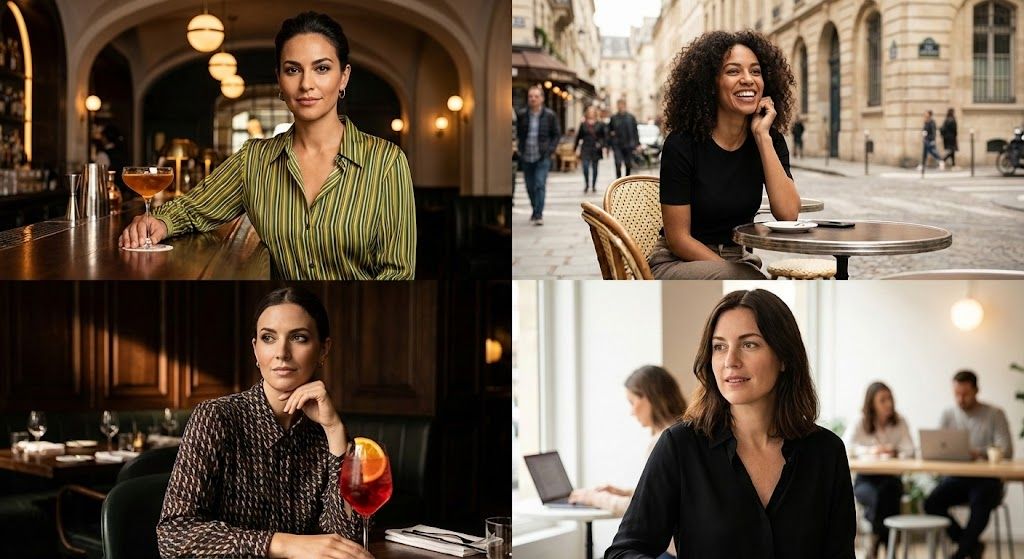
电影人像网格对比
提示词
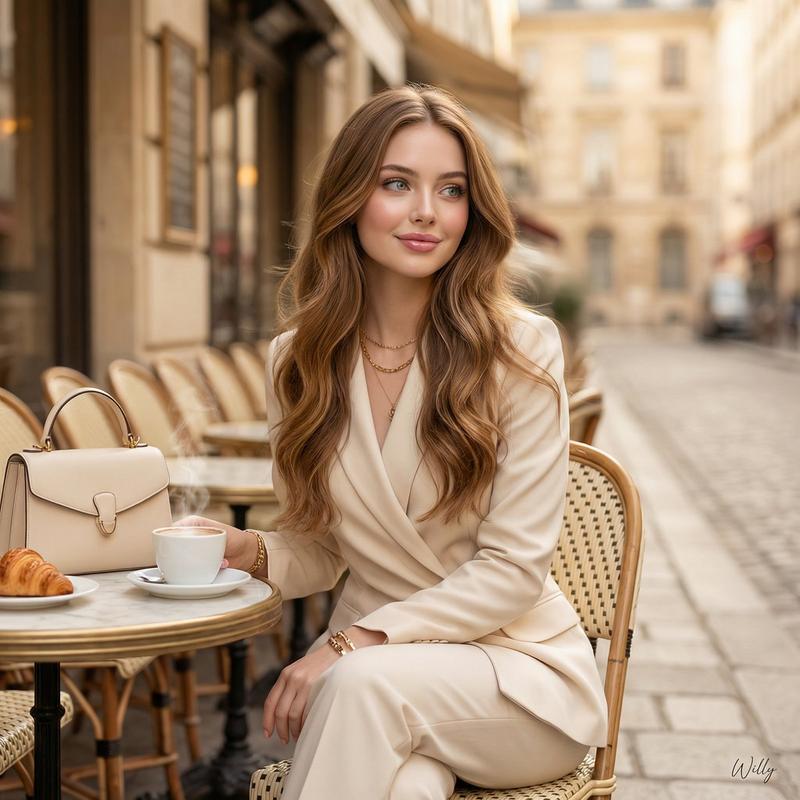
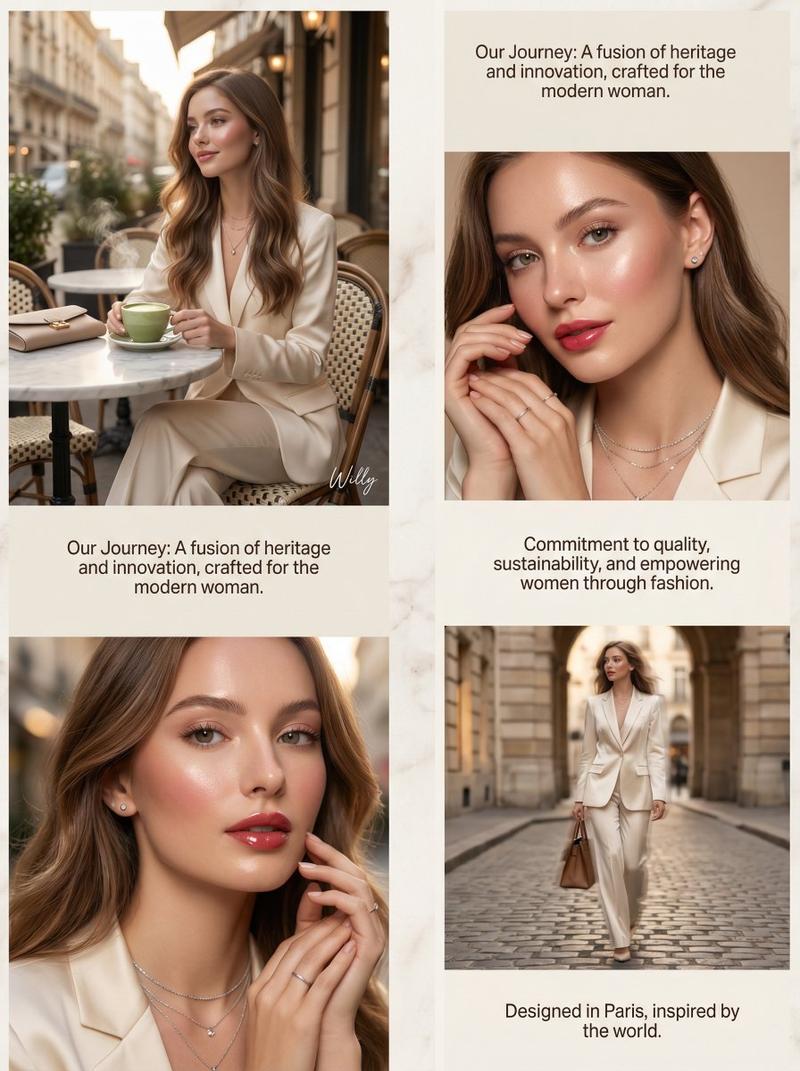
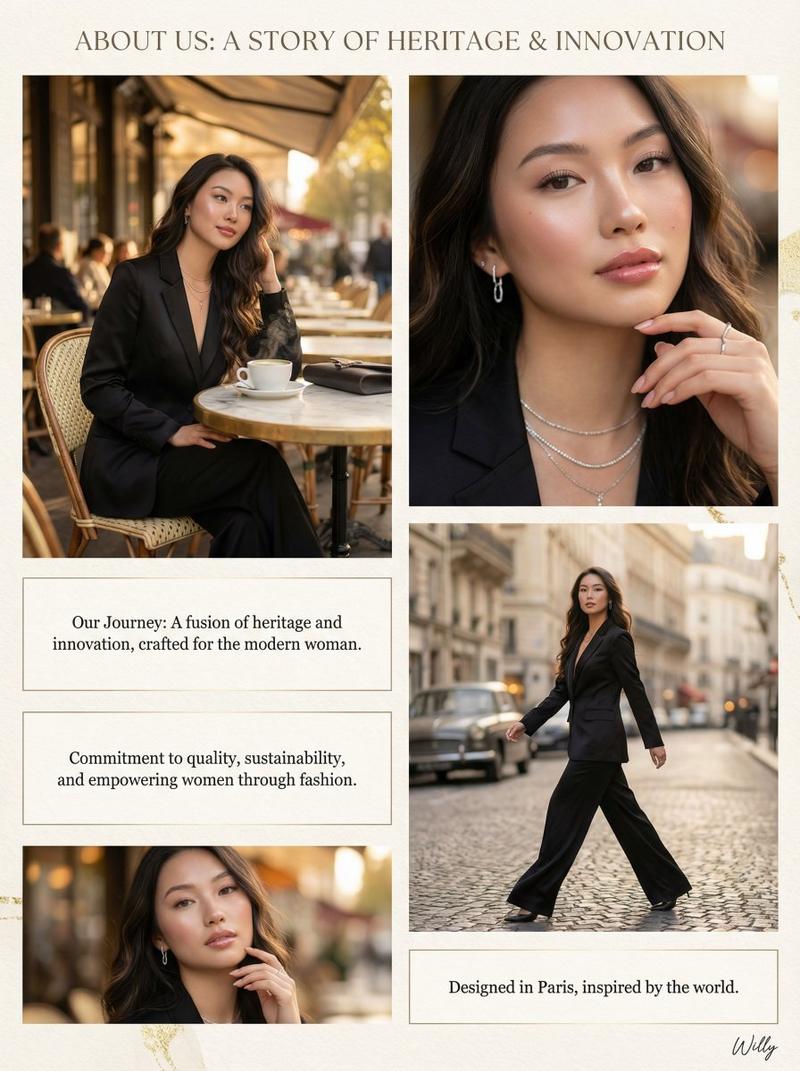
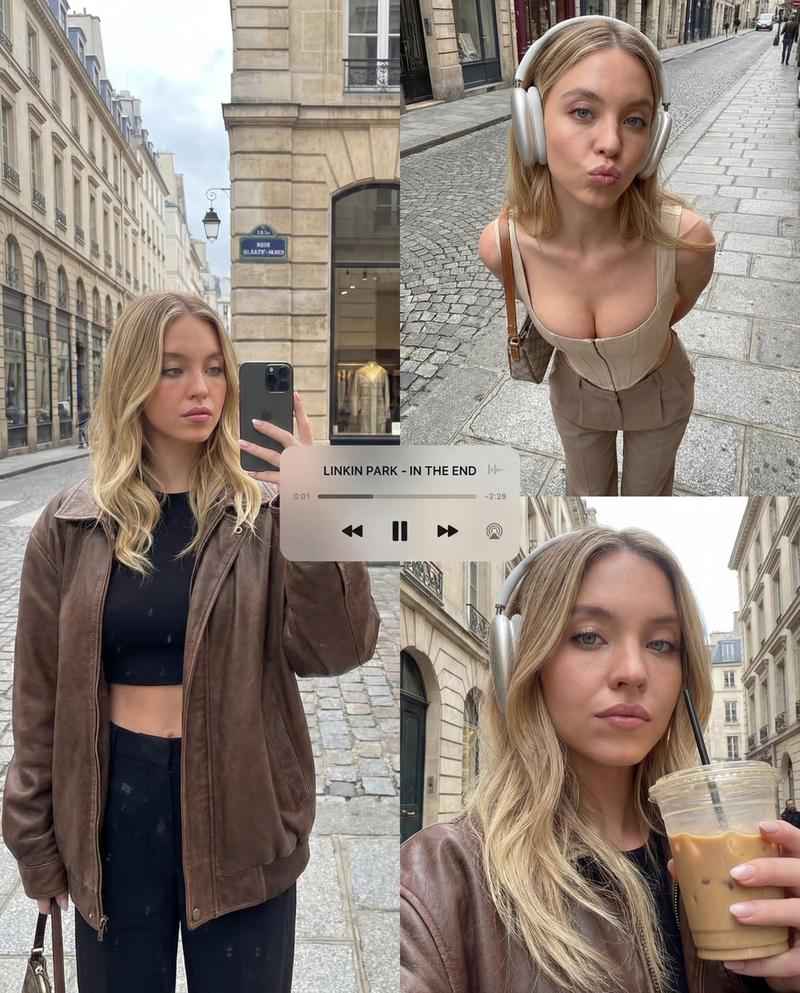
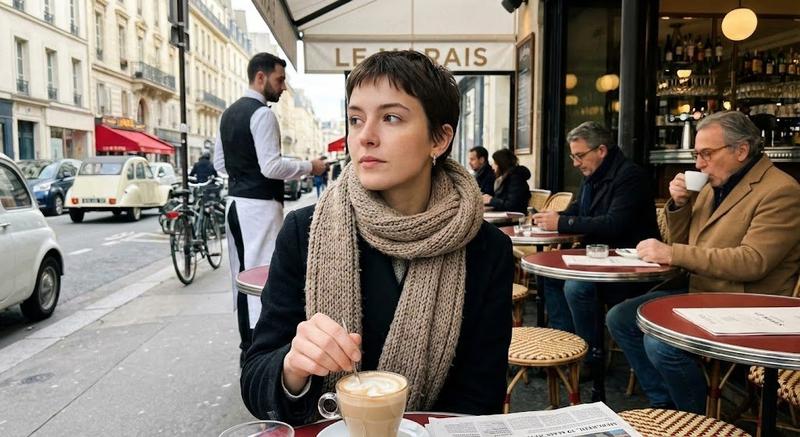
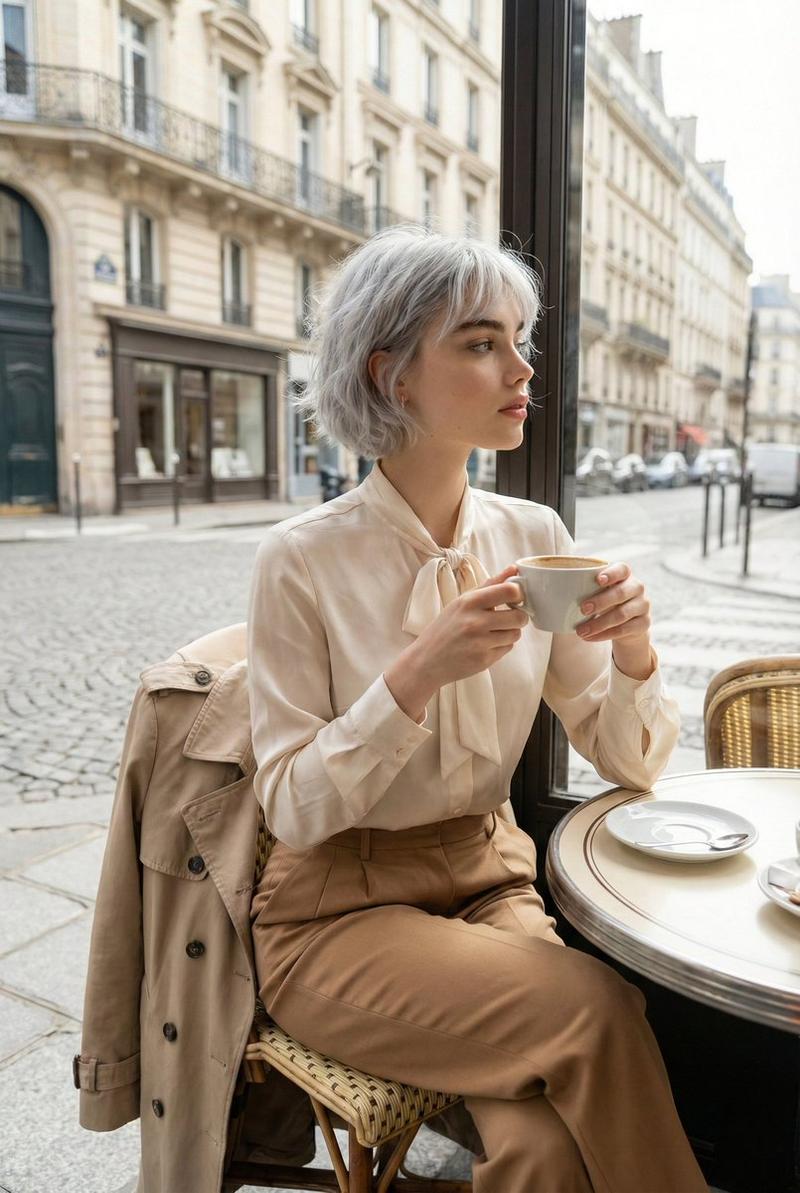
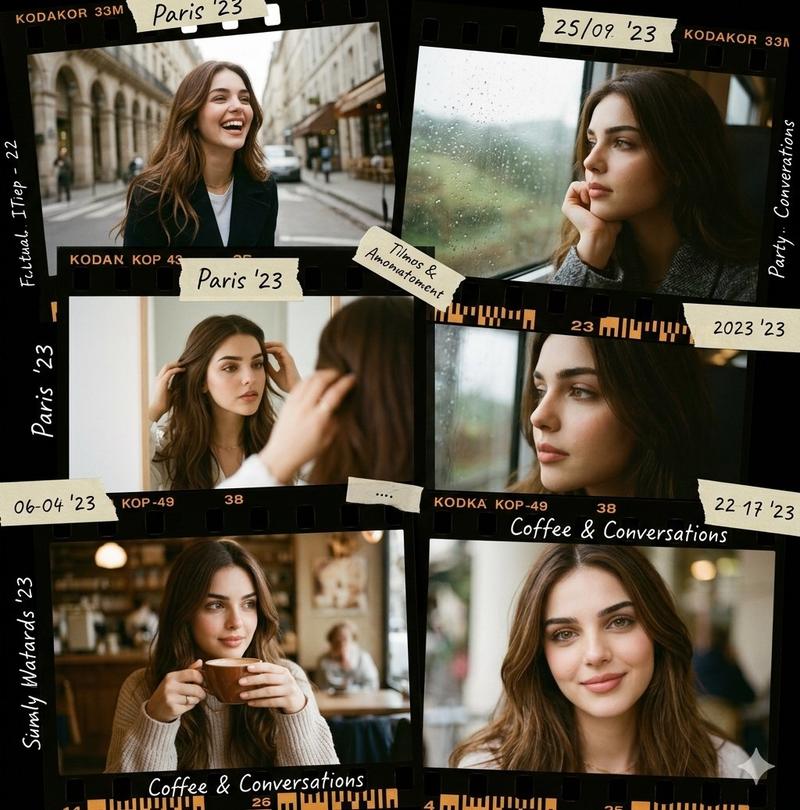
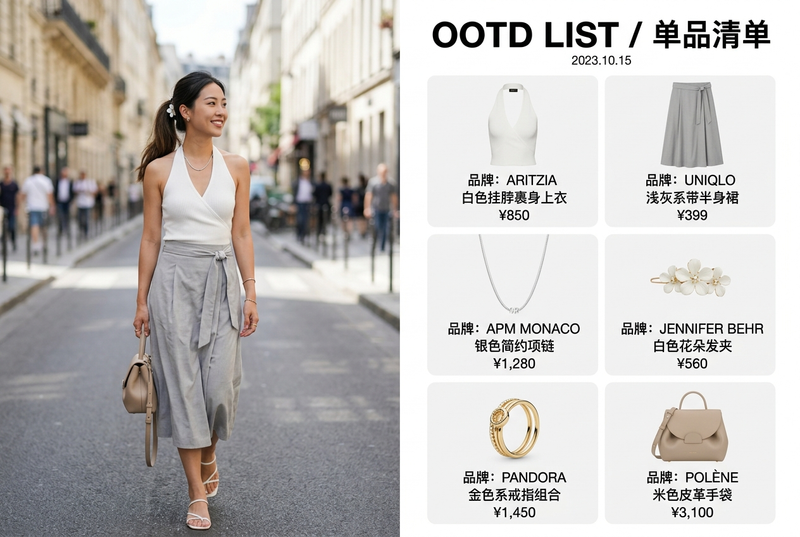
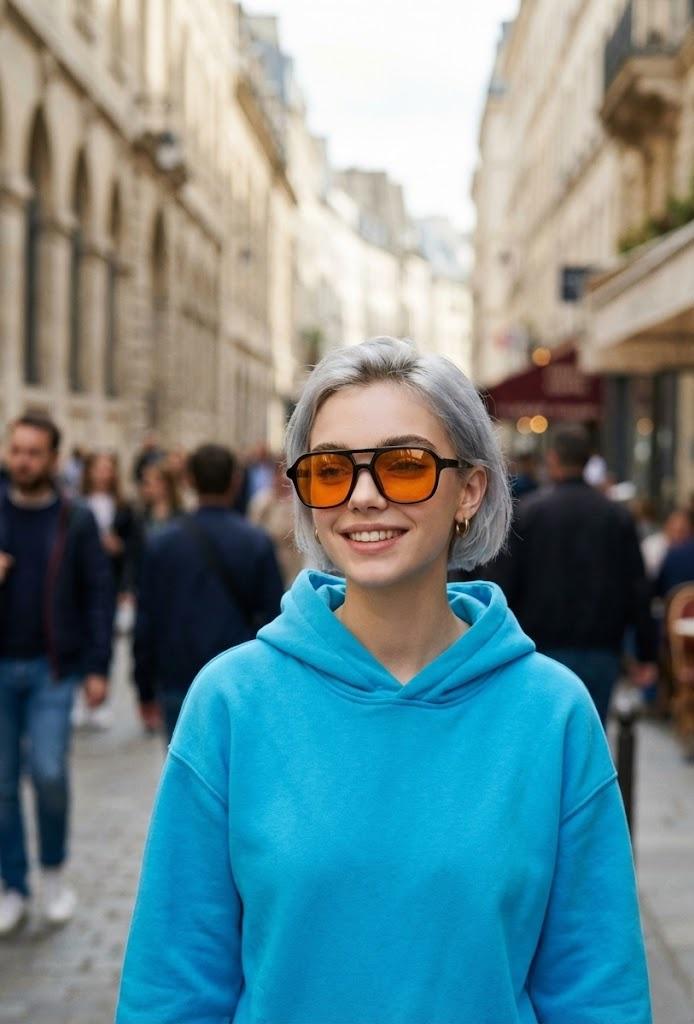
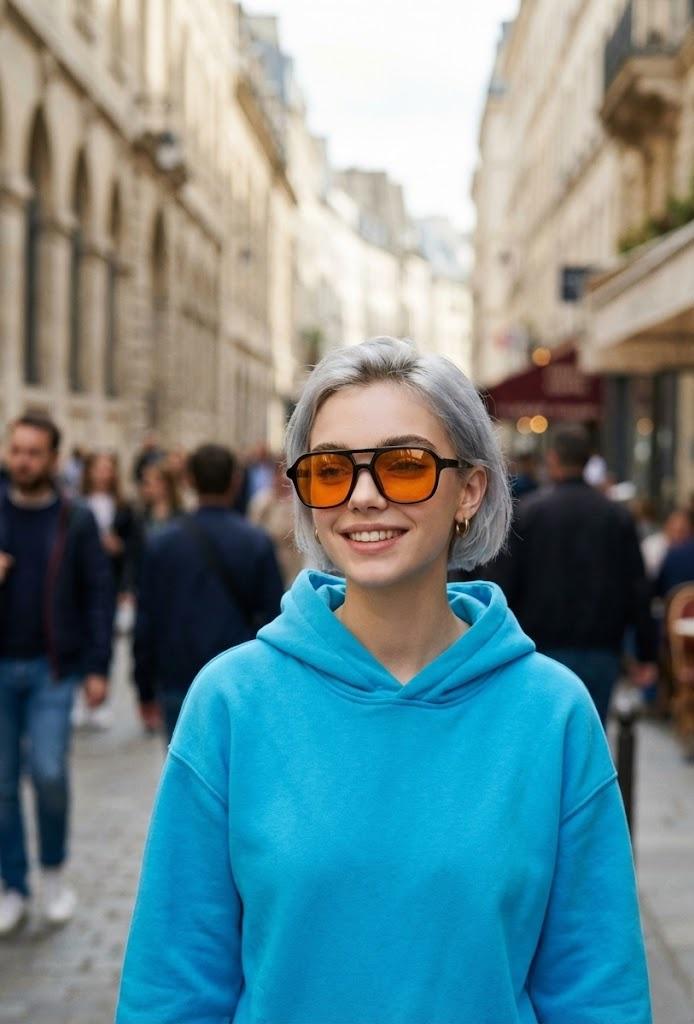
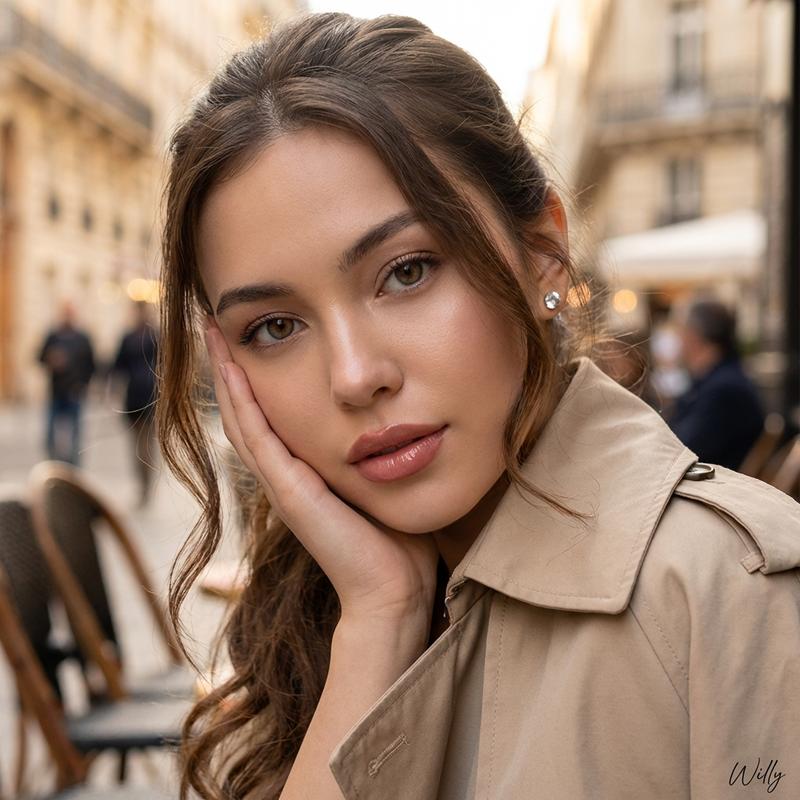
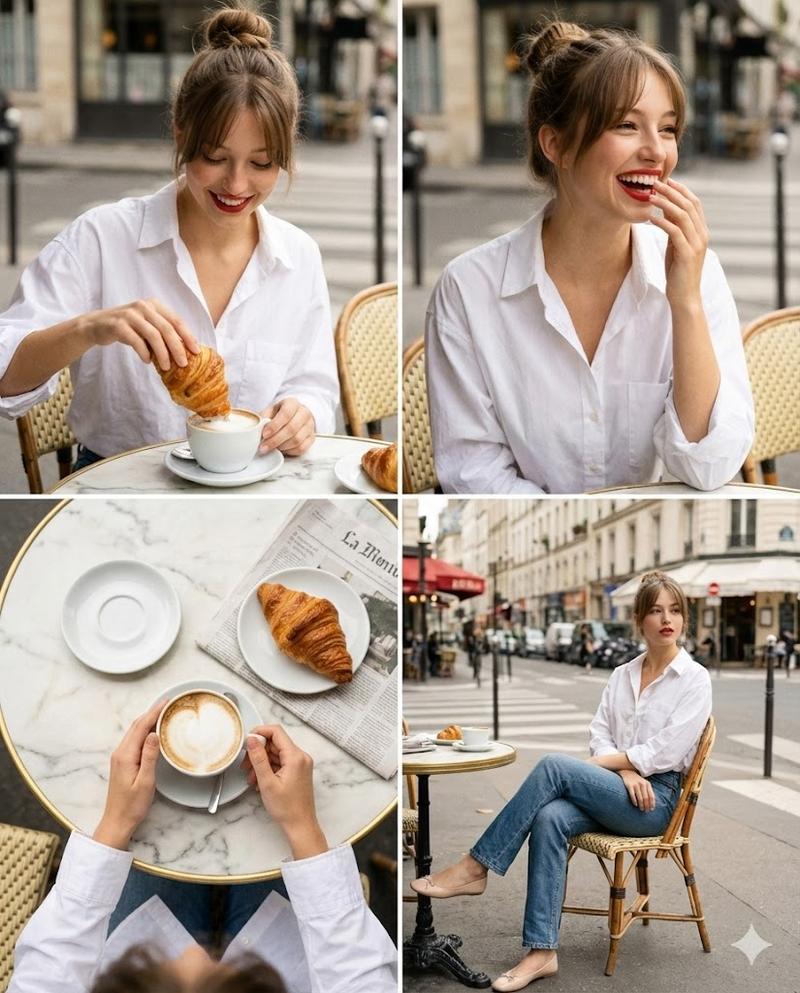
Four cinematic portrait shots arranged in a 2x2 grid, each featuring a different stylish woman sitting at a café or bar table. Warm natural lighting, shallow depth of field, soft bokeh background, shot on a 50mm lens, high detail, realistic skin tones.

Top left: A confident woman with dark hair tied back, wearing a green and yellow striped top, leaning on a polished wooden bar with a cocktail in front of her, warm ambient bar lighting, elegant interior with arches and hanging globe lights.

Top right: A curly-haired woman smiling at an outdoor Parisian-style café, seated at a small round table on a city street, soft daylight, blurred pedestrians and buildings in the background, candid lifestyle photography.

Bottom left: A woman in a chic patterned blouse sitting in a moody upscale restaurant, resting her chin on her hand, vibrant red cocktail with an orange garnish in the foreground, dramatic side lighting, dark wood interior.

Bottom right: A woman with shoulder-length dark hair wearing a black blouse in a modern café workspace, soft window light, people working in the background, relaxed and natural expression.

Color grading: warm, cinematic tones, subtle contrast, magazine editorial style, shallow focus, professional photography, high resolution.
- 分类
- 创意图片
- 模型
- Nano Banana Pro
- 来源作者
- M. Asif
- 来源 ID
- 1c7f1e3e-7e04-49b8-93cf-acca15f20ce0
- 发布时间
- 2026年3月8日
浏览量0