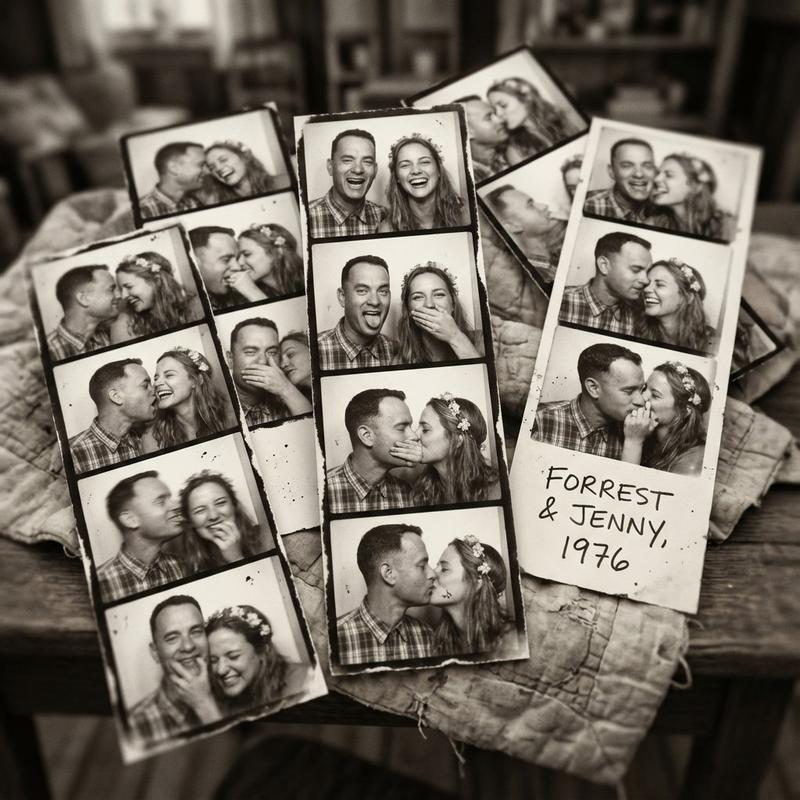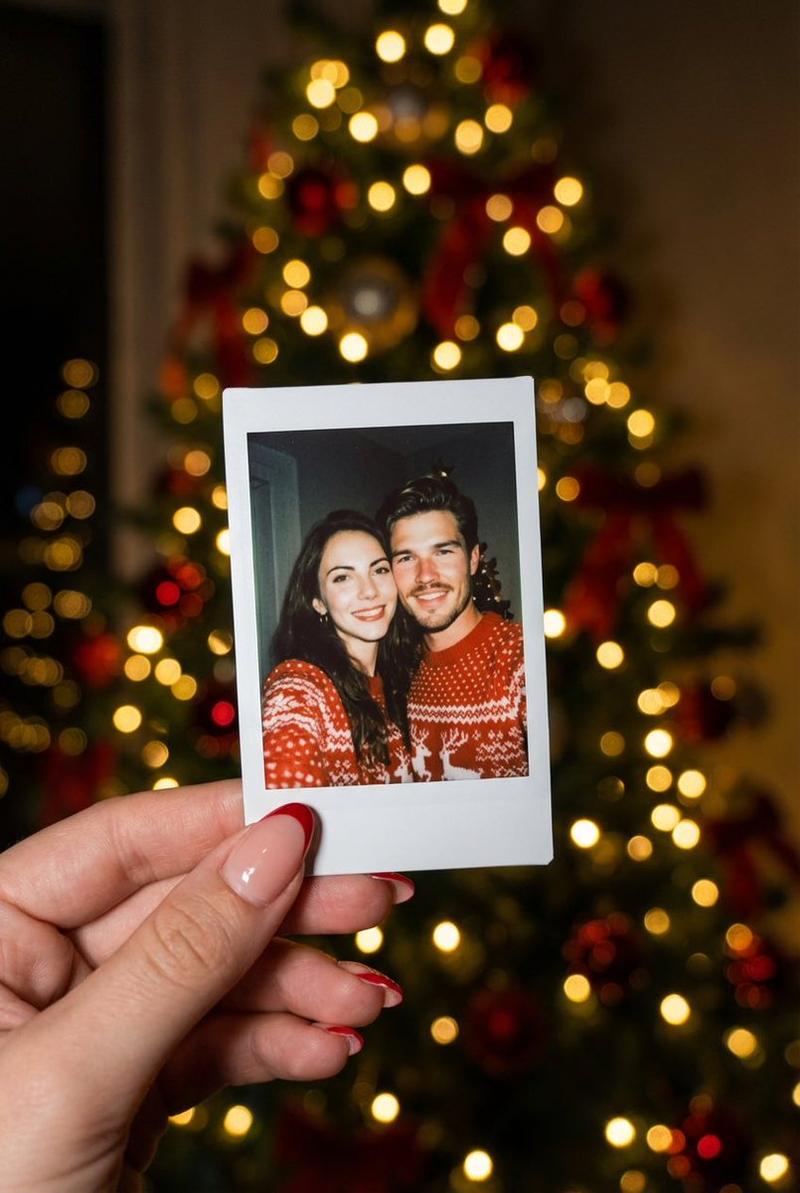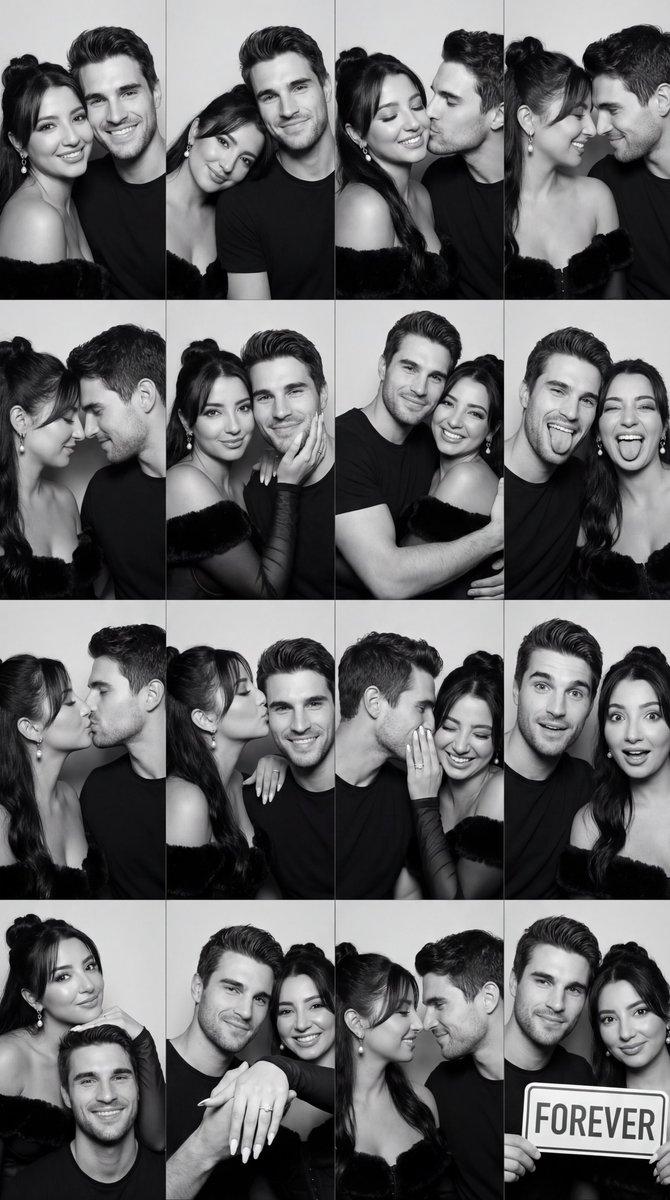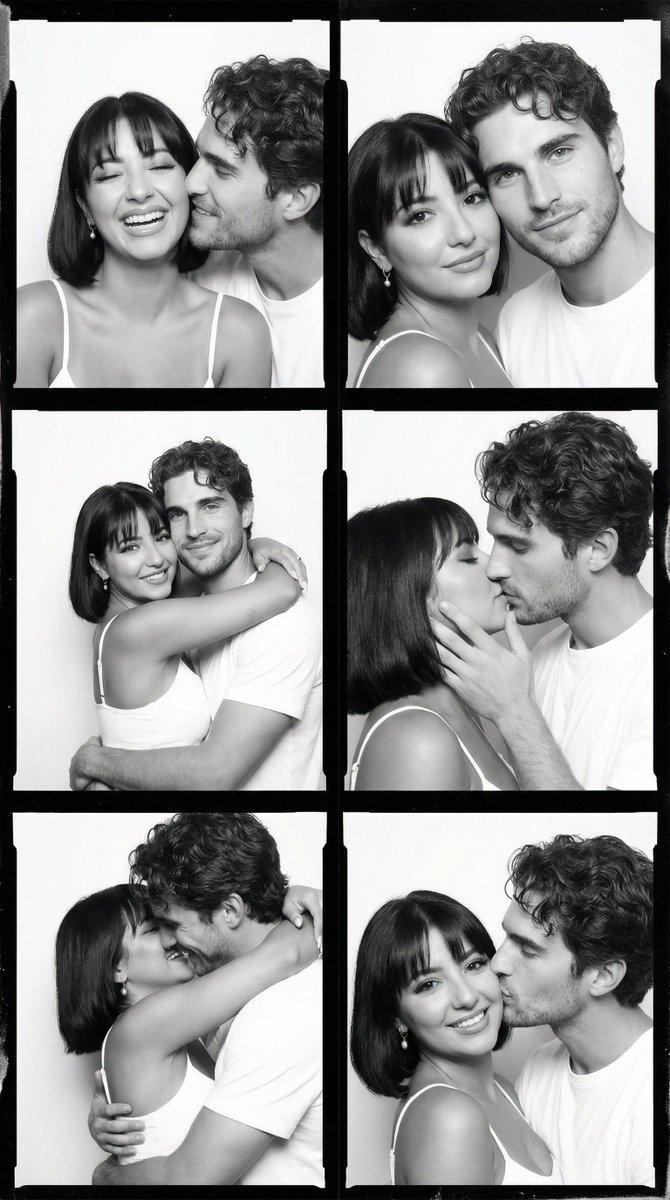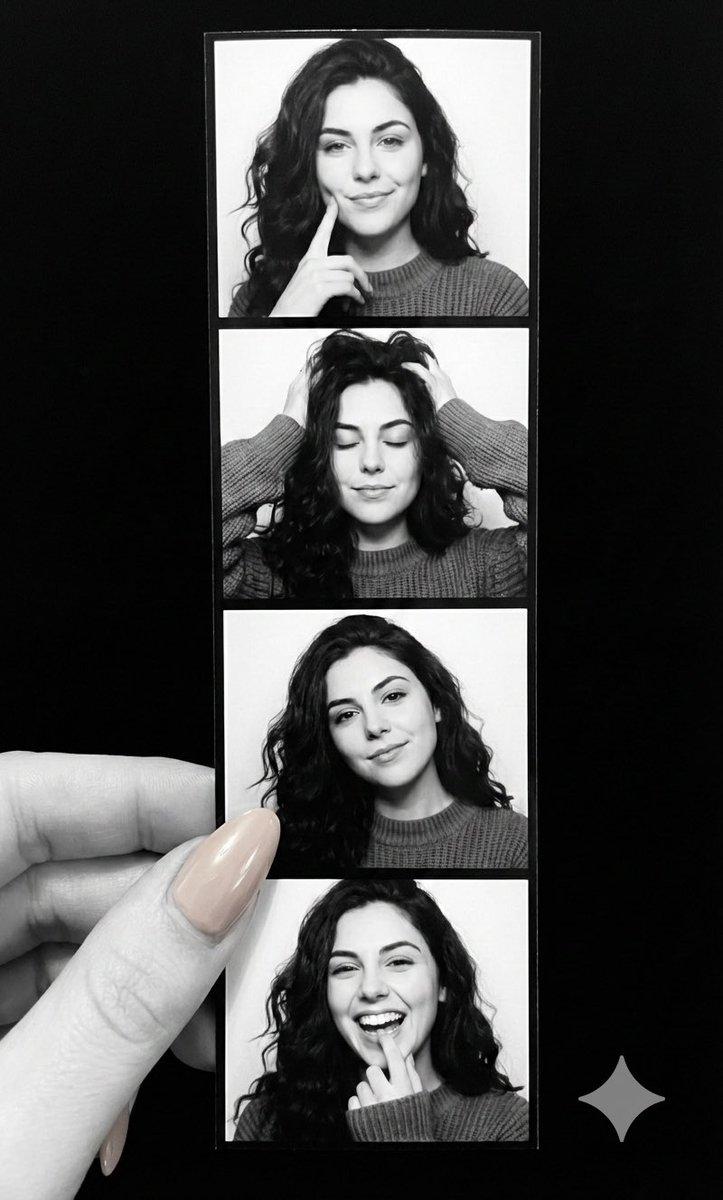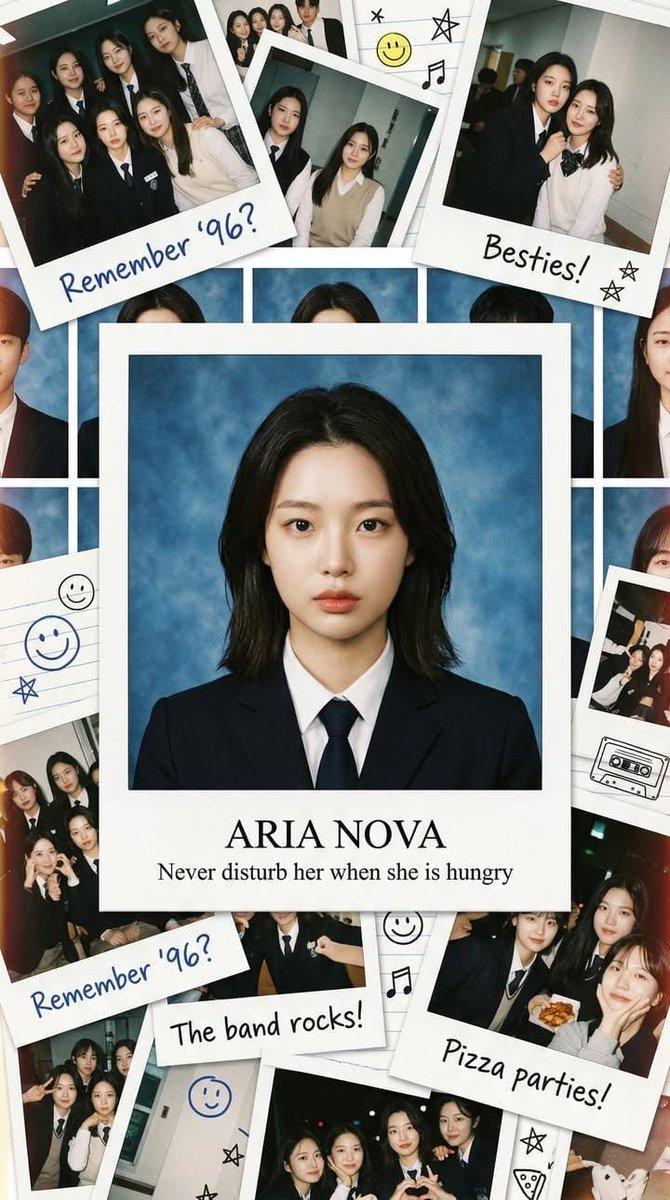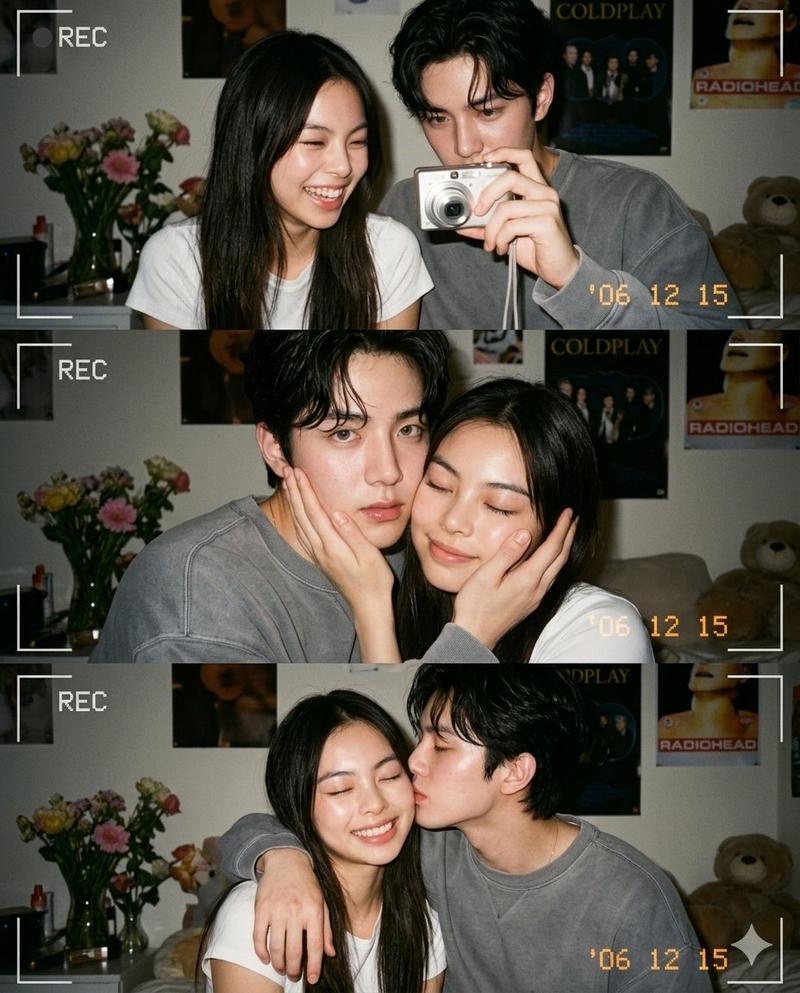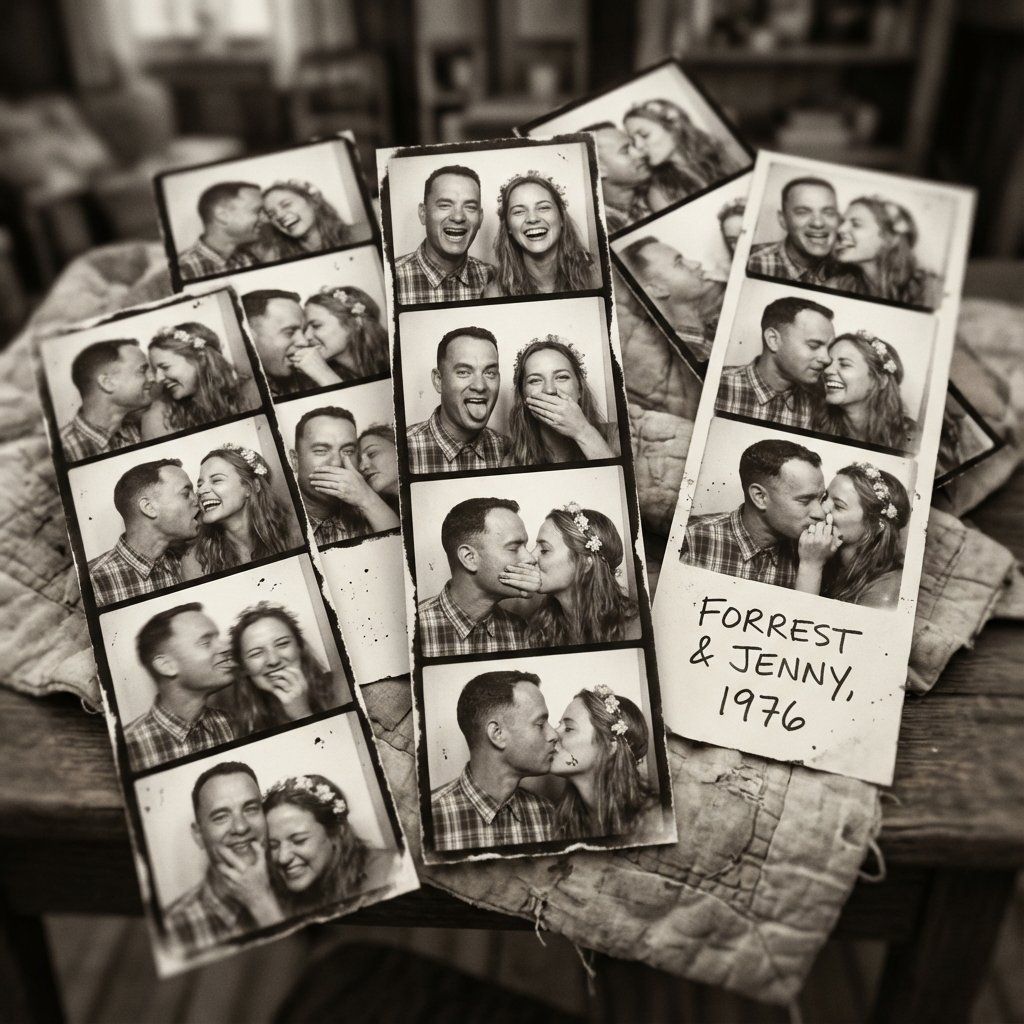
阿甘与珍妮模拟照相亭拼贴画
提示词
"Create an Analog Photobooth Collage of high-definition, in black and white (warm, grainy), messy overlapping photostrips scattered across a bed or table, freeform collage. The background must be slightly out of focus. The atmosphere is energetic, fun, spontaneous, emotional. The characters in the photos must be Forrest Gump and Jenny Curran from the movie Forrest Gump (1994). The expressions that they need to have in the different photos: laughing uncontrollably, sticking tongues out, covering each other's mouths, dramatic playful expressions, messy spontaneous kisses, forehead-to-forehead laughter and playfully biting each other's cheek. The poses must be: close, chaotic kissing frames, faces squished together, leaning into each other laughing, hands on each other's cheeks, goofy movement blur, fun, intimate and unfiltered moments. analog grain, soft blur, subtle noise. The photos need imperfections like dust speckles, tiny scratches, flash hotspots, slight motion blur and uneven exposure. The collage layout must be 8–14 photobooth shots scattered messily, overlapping, rotated in all directions, central photostrips remain sharp, outer edges slightly blurred. Presentation: looks like Forrest and Jenny dumped all their photobooth memories on a bed"
- 分类
- 创意图片
- 模型
- Nano Banana Pro
- 来源 ID
- 104e1b43-dac0-46d7-81ee-59e46df2a39b
- 发布时间
- 2026年3月8日
浏览量0