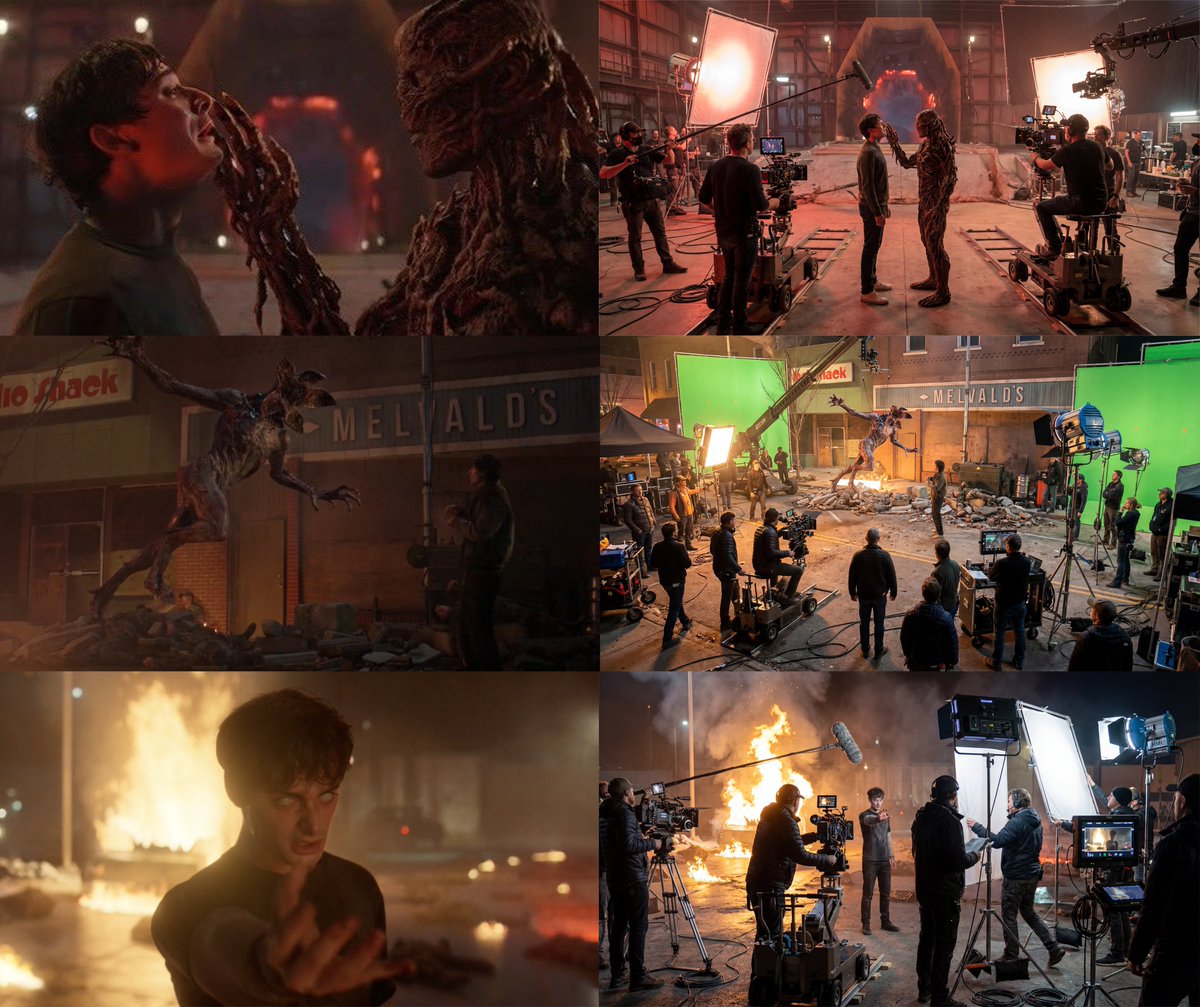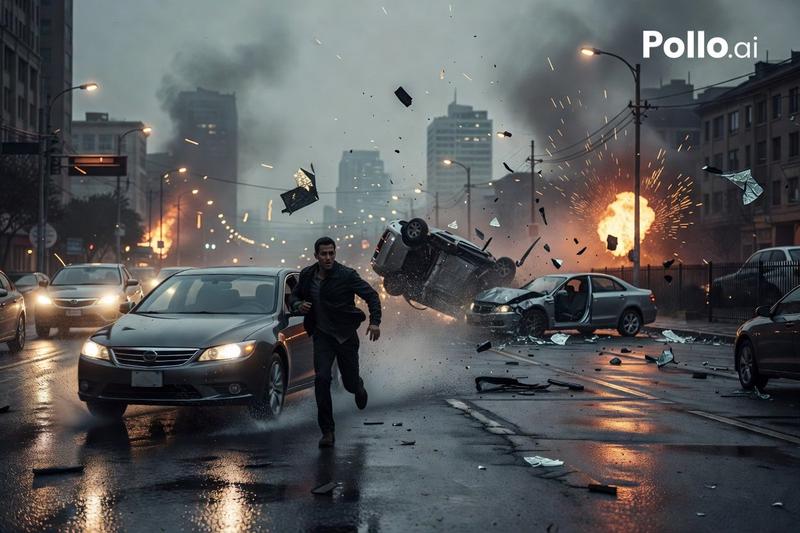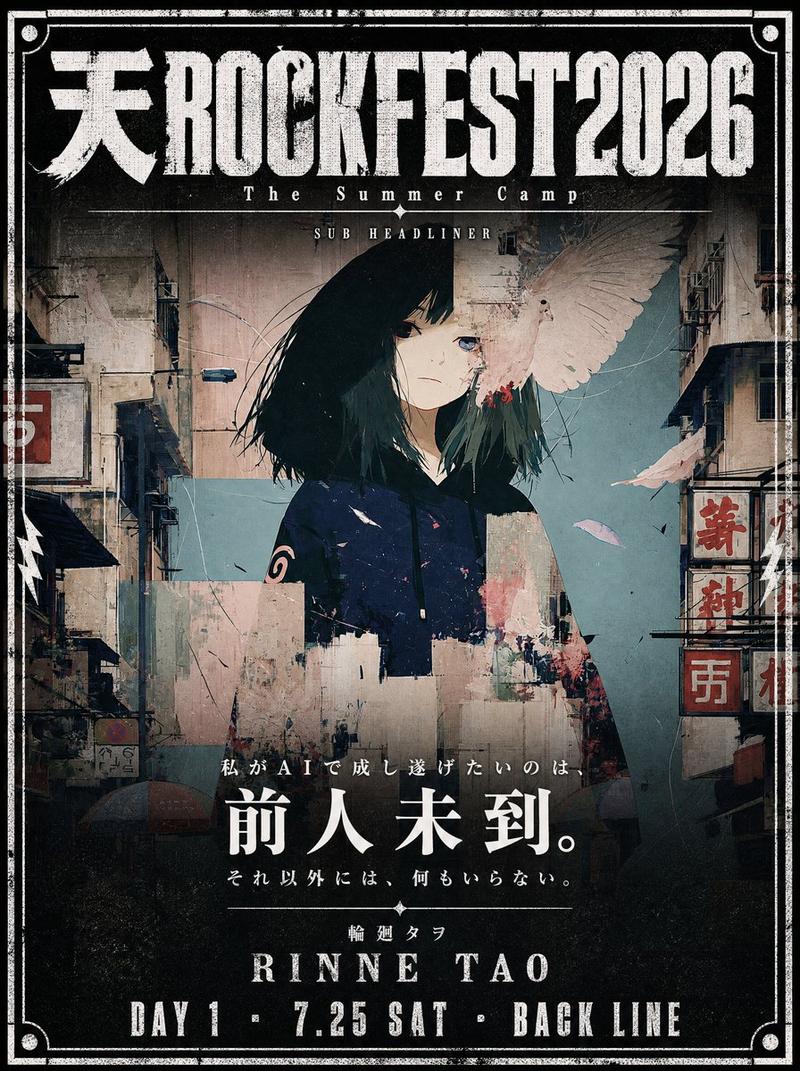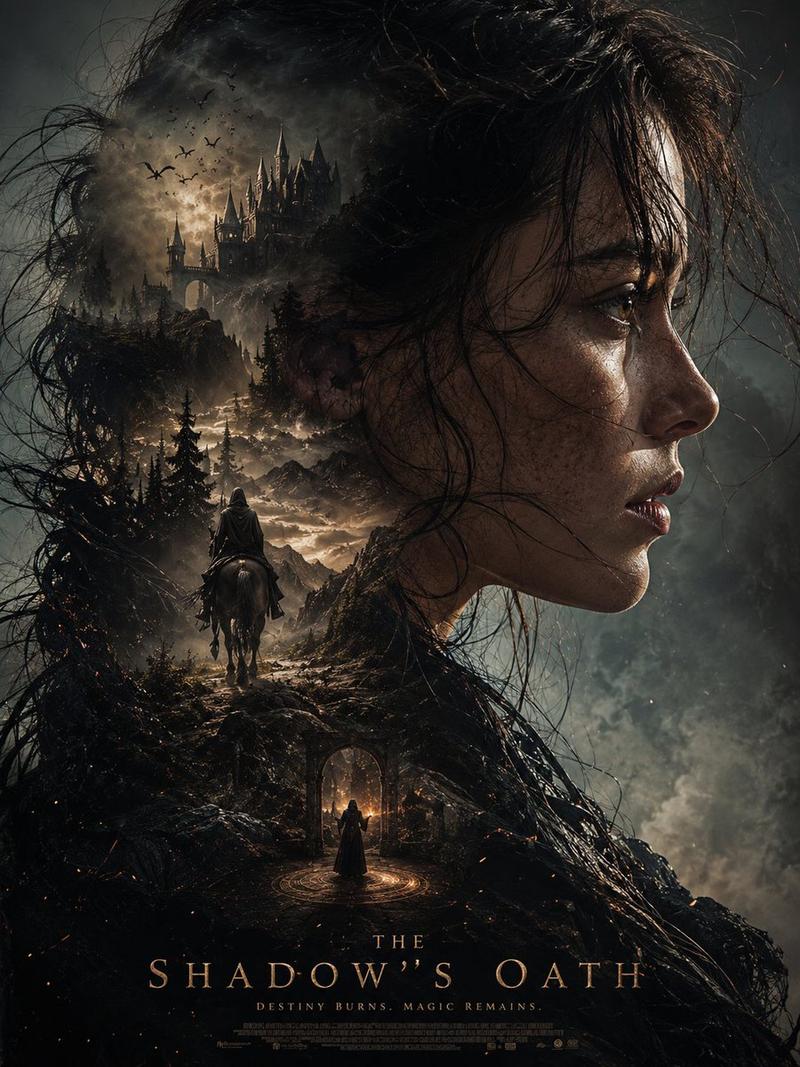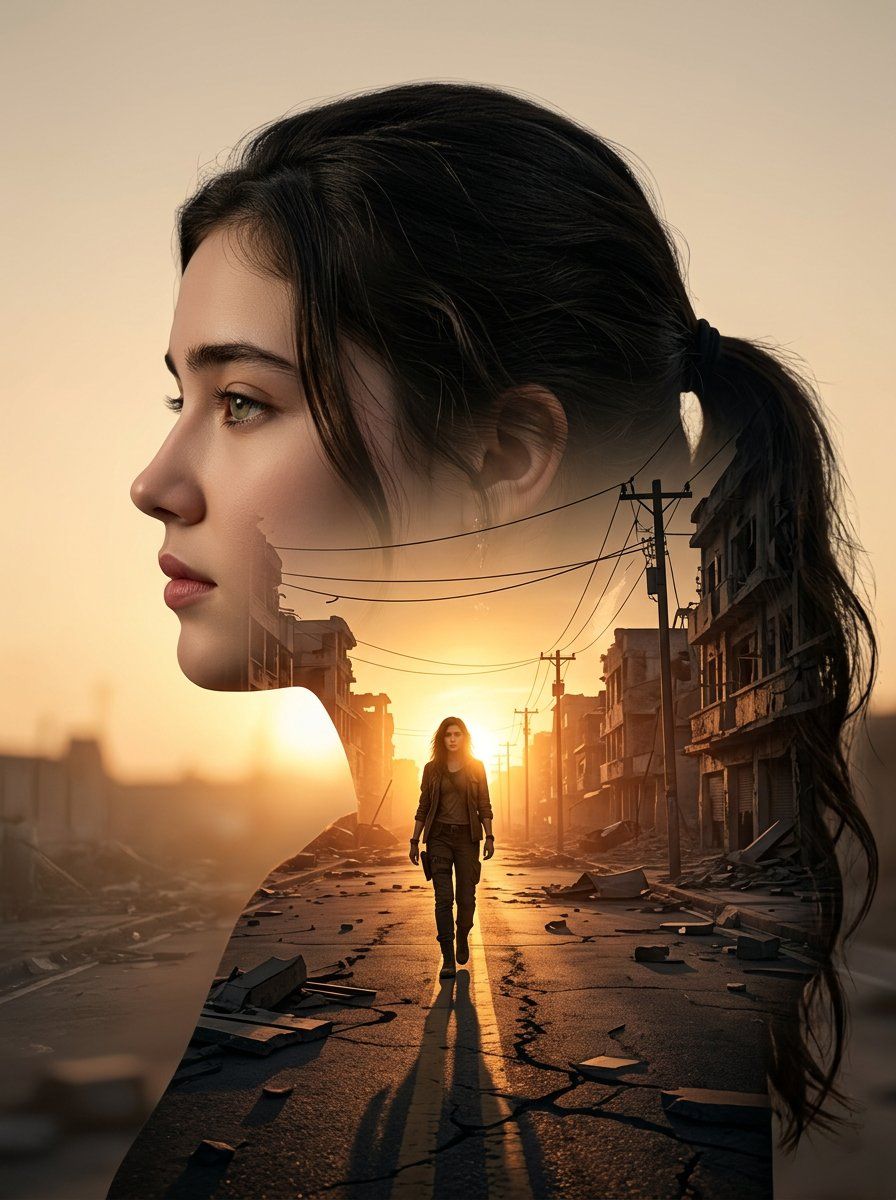
电影感双重曝光人像
提示词
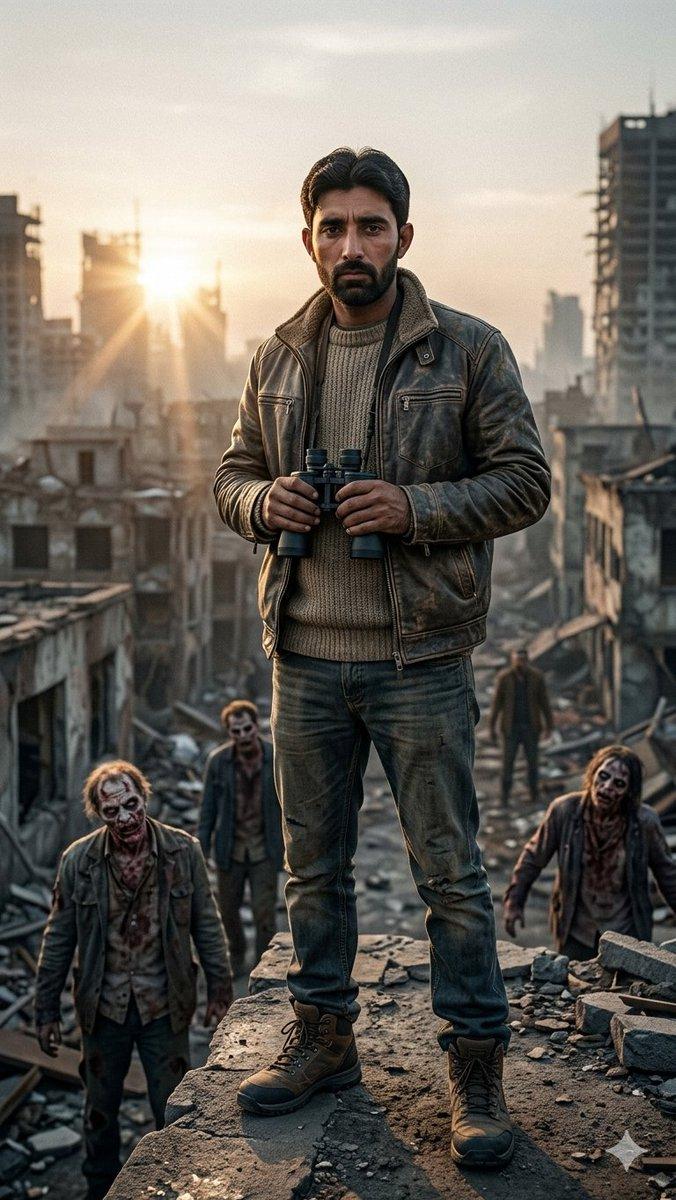
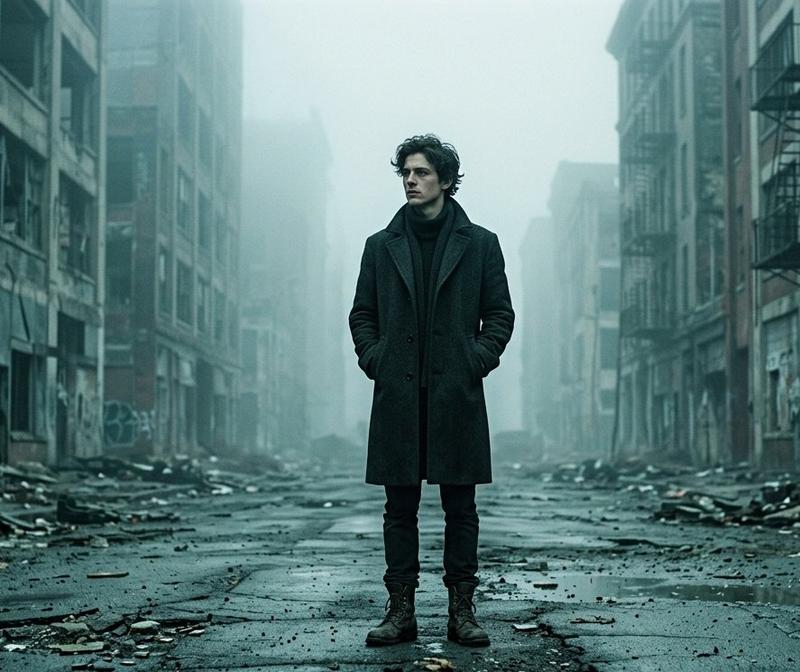
Use the uploaded picture as a reference (Strict identity lock, the face must match the attached reference photo exactly, preserving facial structure, skin tone, expression, and hairstyle (same haircut and hair texture) to create an ultra-realistic cinematic double exposure portrait of me in a clean left-facing side profile, sharp jawline and natural facial structure clearly defined.
The outer silhouette is dark and well-contoured against a soft warm beige sunset background. Inside the silhouette, seamlessly blend a dramatic urban street scene at golden hour: a lone me walking forward in the center of an empty destroyed city road, symmetrical perspective lines, damaged buildings on both sides, broken debris scattered along sidewalks, electric poles and cables stretching into the distance.
The sun positioned directly at the horizon behind the walking figure, creating strong backlight glow and long stretched shadow toward the camera.
Warm orange sunlight flooding through the internal city scene, high contrast, cinematic depth, realistic textures, smooth blending edges between portrait and environment.
Moody yet hopeful atmosphere, 8K resolution, sharp detail, soft vignette. size 4 5 image generate.
- 分类
- 创意图片
- 模型
- Nano Banana Pro
- 来源作者
- Hania Ai
- 来源 ID
- bfc81f01-9a86-46a9-b442-629de983674b
- 发布时间
- 2026年3月8日
浏览量4