电影海滨三联画肖像提示
提示词
Use the uploaded photo as the exact identity reference. Keep the same person, the same face, the same facial features, proportions, and natural expression.
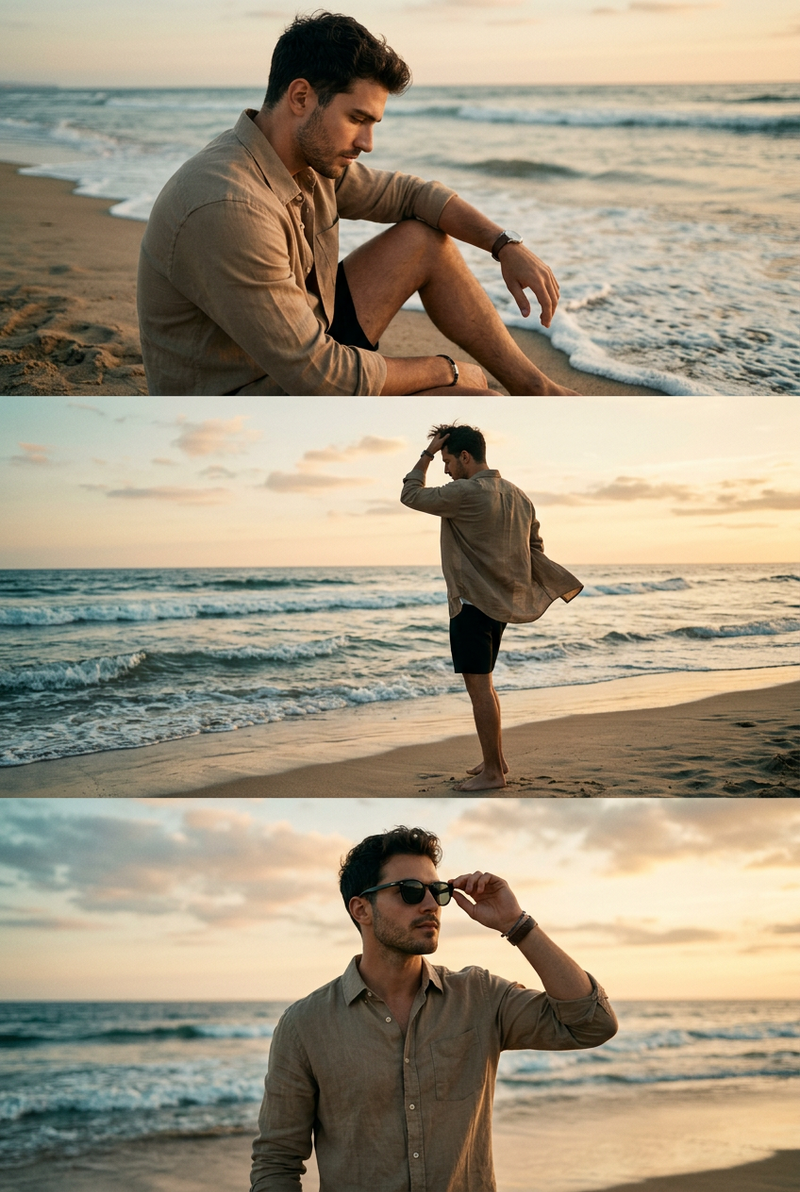
Create a photorealistic cinematic triptych portrait, a three-frame composition combined into one image.
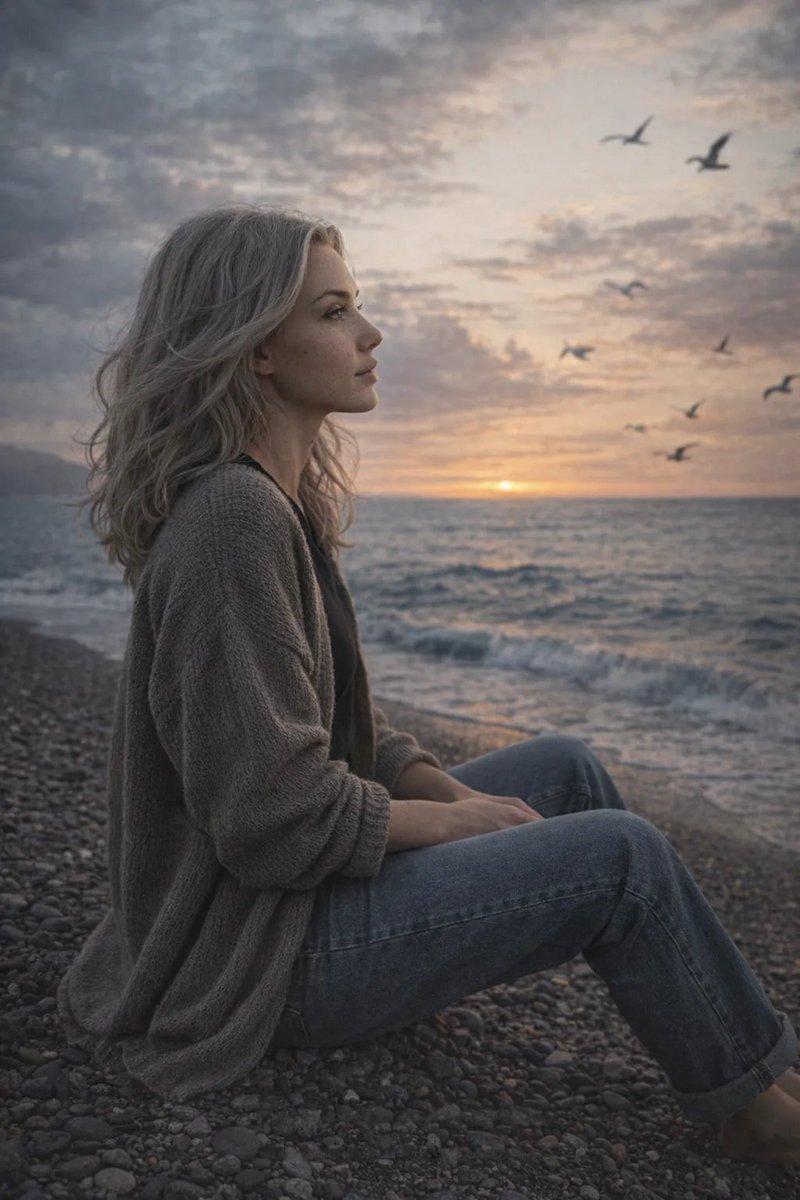
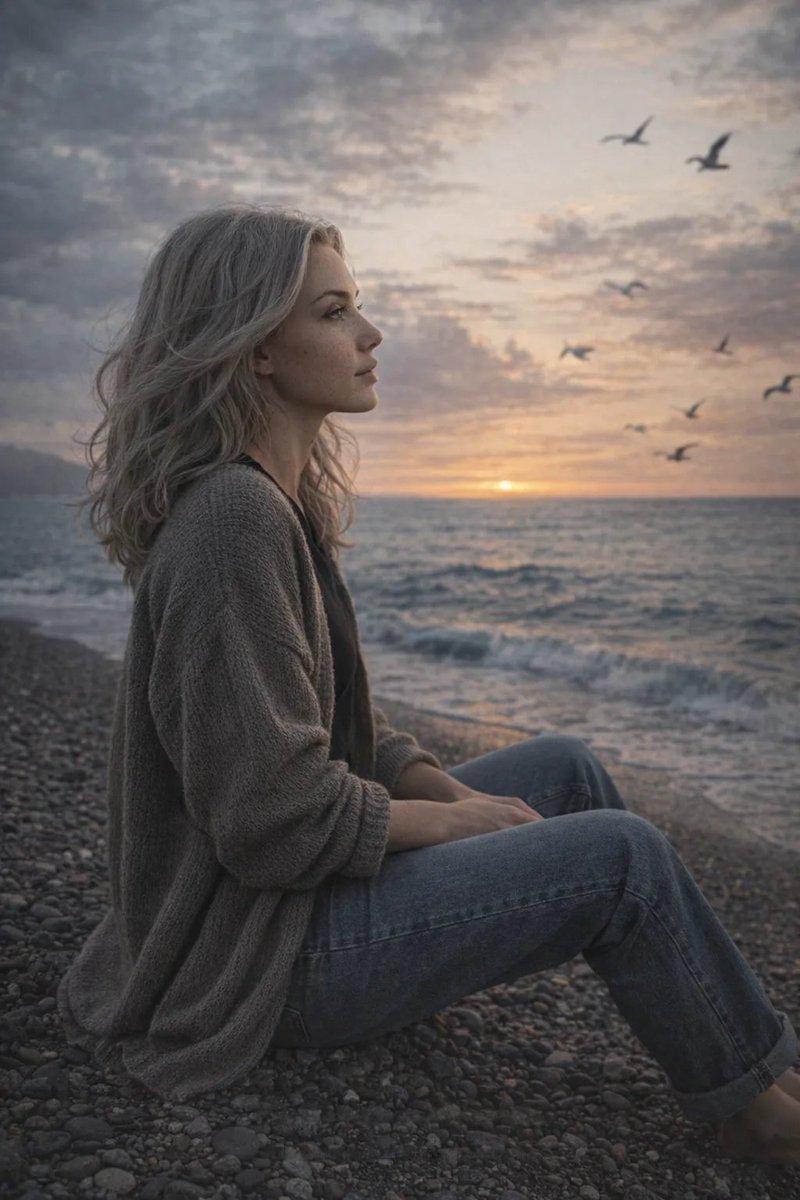
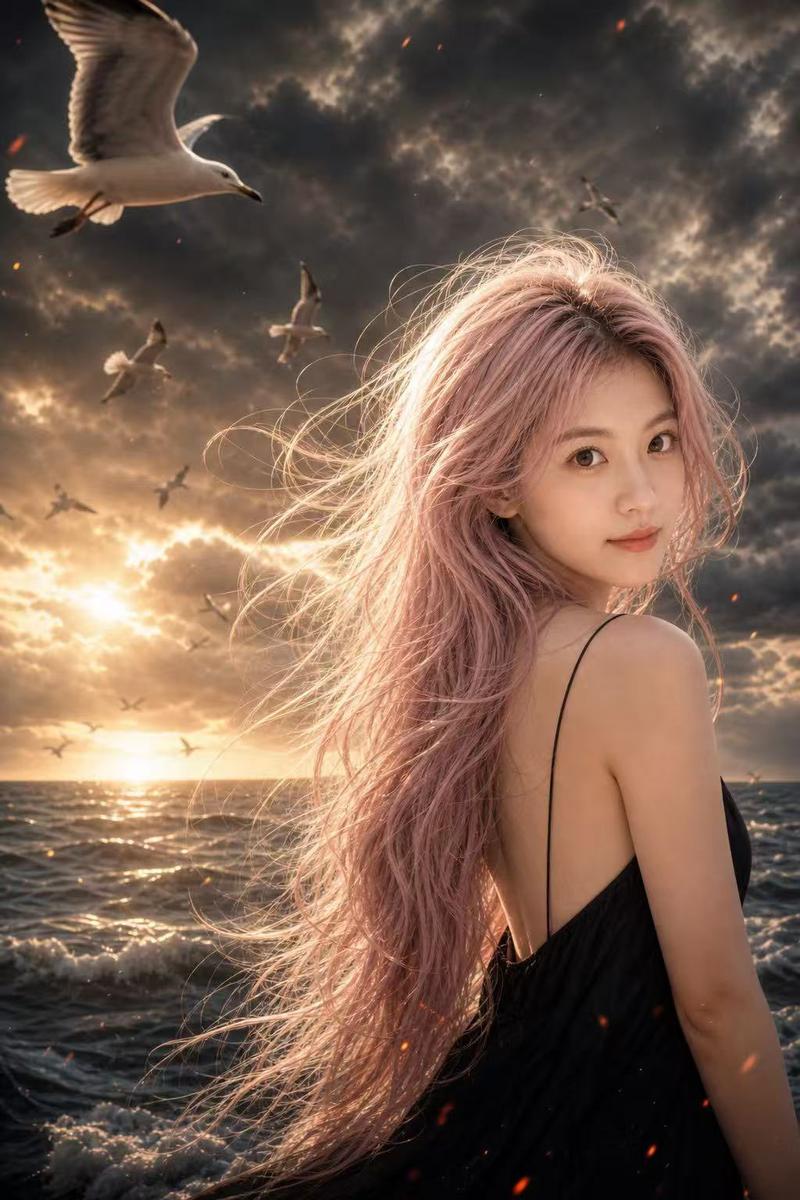
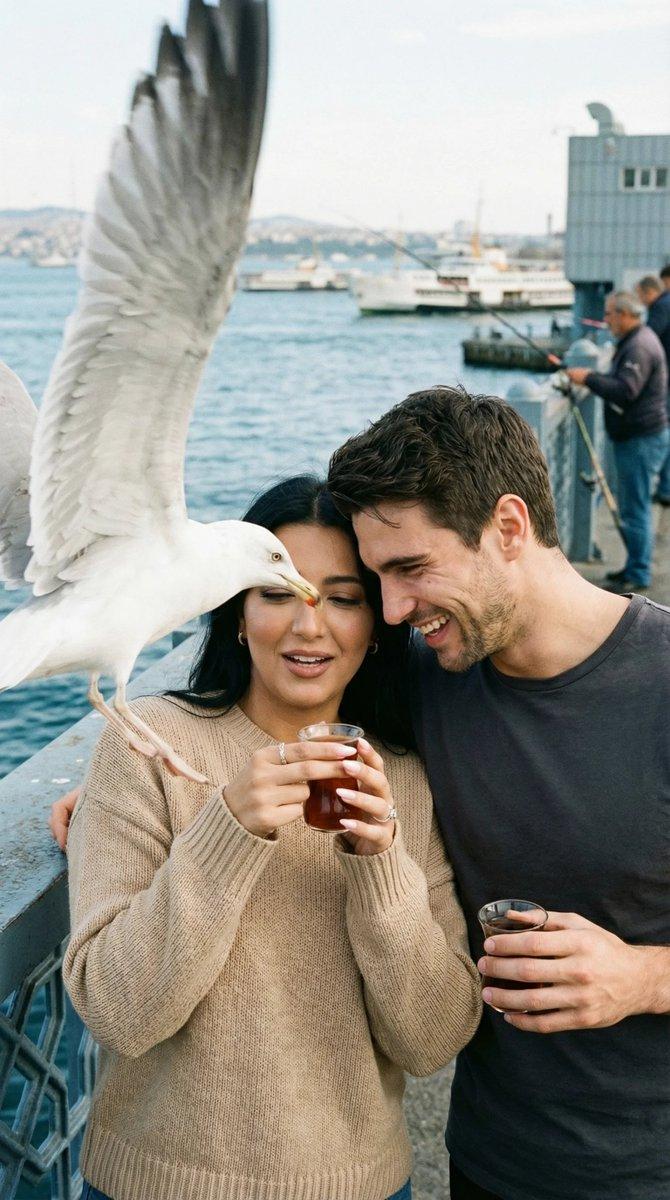
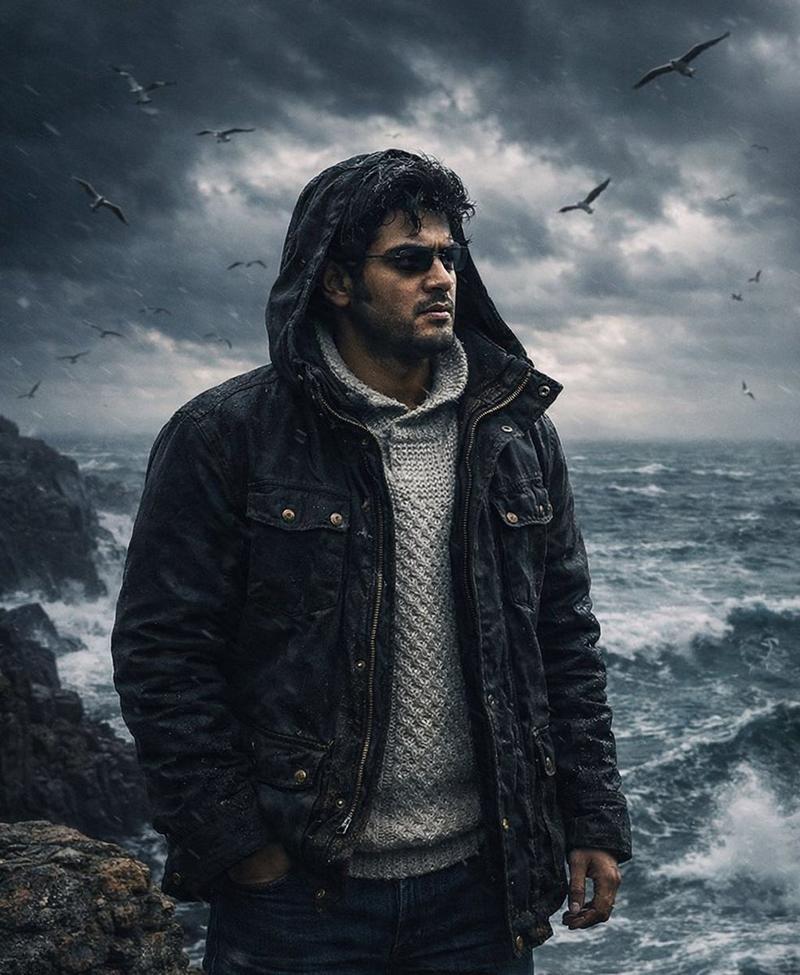
Scene: a windy seaside with a cold sea, overcast sky, flying seagulls, strong ocean wind, and a vivid, alive atmosphere.
Frame 1 (top): wide cinematic shot. The person stands by the sea, smiling naturally. Their hair is blowing in the wind. Seagulls are flying in the background.
Frame 2 (middle): medium shot from behind or from the side. The person is looking at the sea. Their coat and hair are moving in the wind. Seagulls fly nearby.
Frame 3 (bottom): close-up emotional portrait. Wind in the hair, natural skin texture, thoughtful gaze, cinematic mood.
Style: real photography, cinematic lifestyle portrait, documentary fashion photography.
Lighting: natural overcast daylight, soft shadows, cold seaside tones.
Camera: full-frame DSLR look, 85mm lens aesthetic, shallow depth of field.
Color grading: muted cinematic colors, cool palette, film-like mood.
Ultra photorealistic, natural skin texture, real moment. No illustration, no CGI. No text, no logos, no watermark.
- 分类
- 创意图片
- 模型
- Nano Banana Pro
- 来源作者
- Heisenberg
- 来源 ID
- 0705472c-382f-4293-b409-9618aabaed1e
- 发布时间
- 2026年3月8日
浏览量0


![A high-resolution 8K full-length portrait of an attractive man [reference face in the photo] with...](https://cdn.pixshop.app/prompt-library/nano-banana-1991493635137831348/primary-0-1768410205780-rcsdcsxl.jpeg)