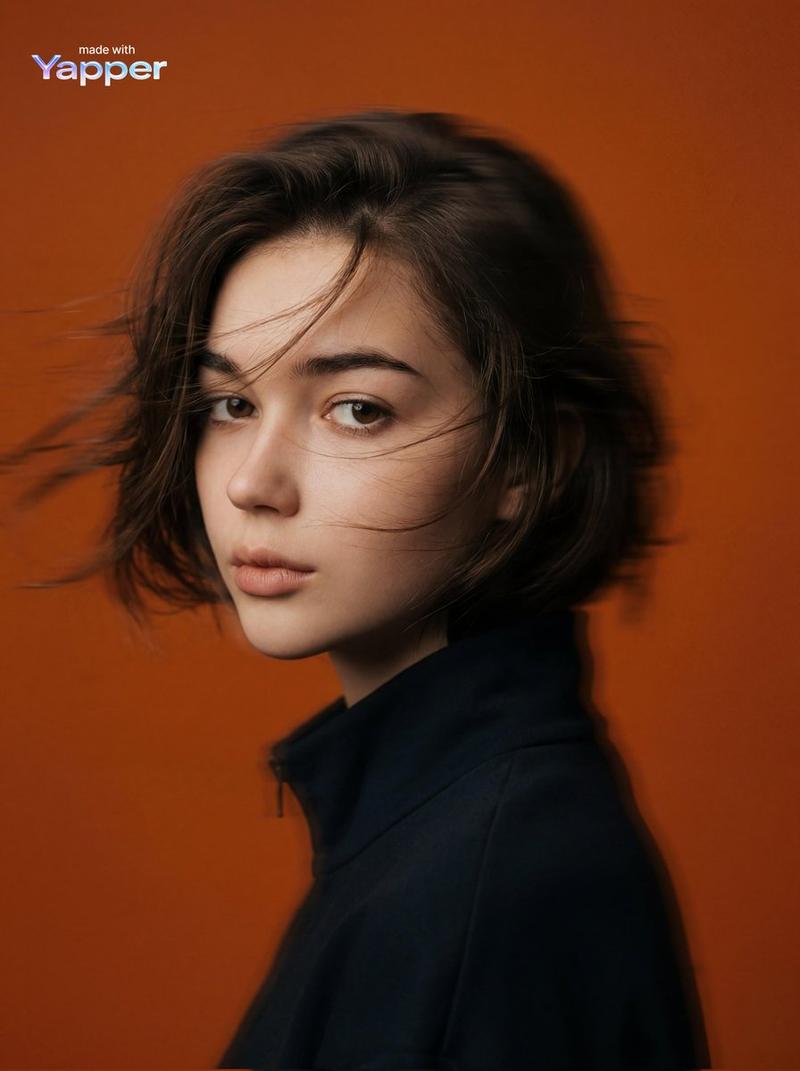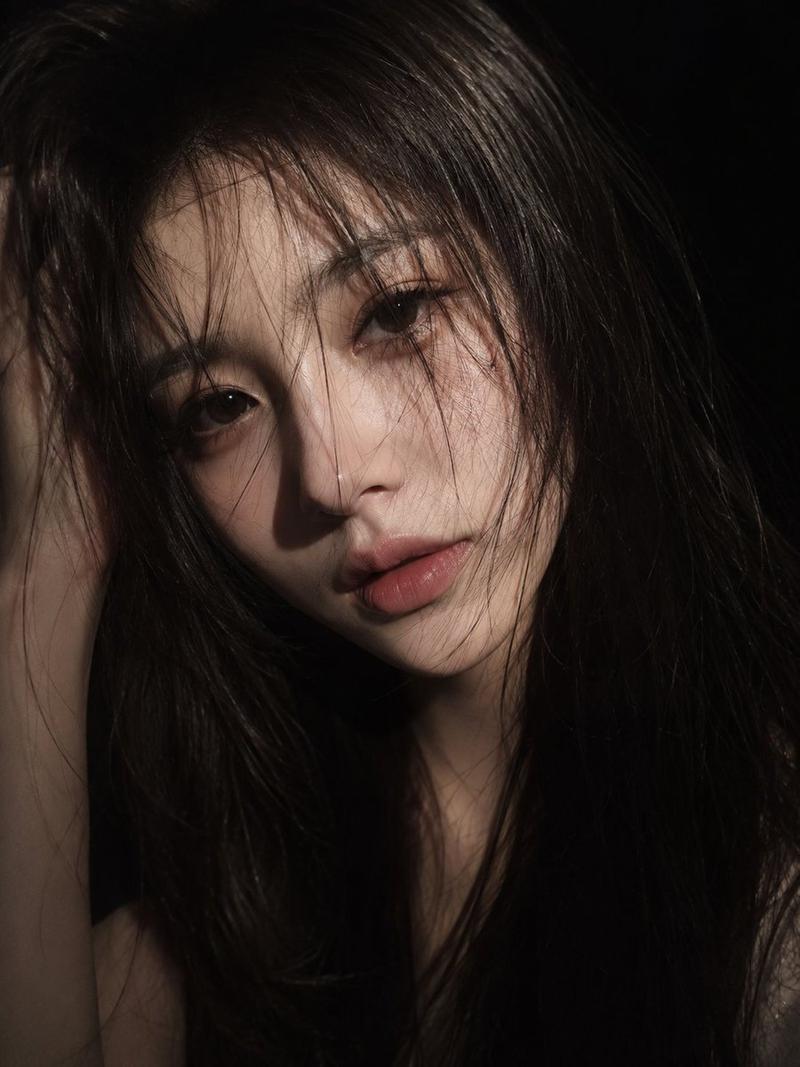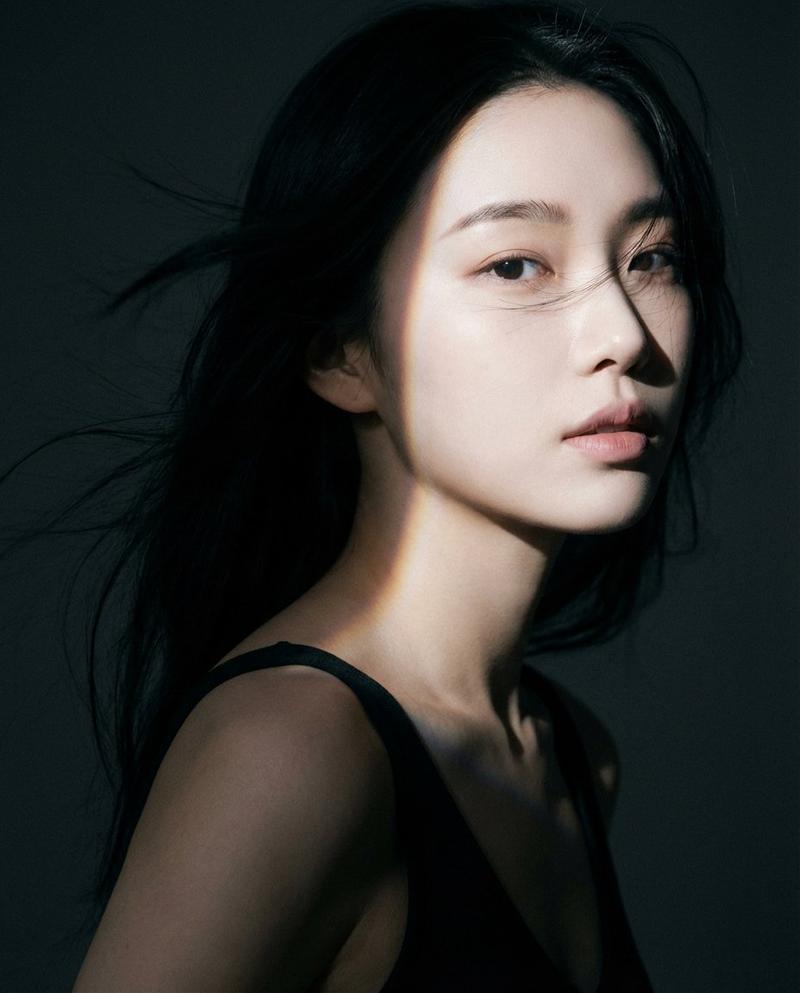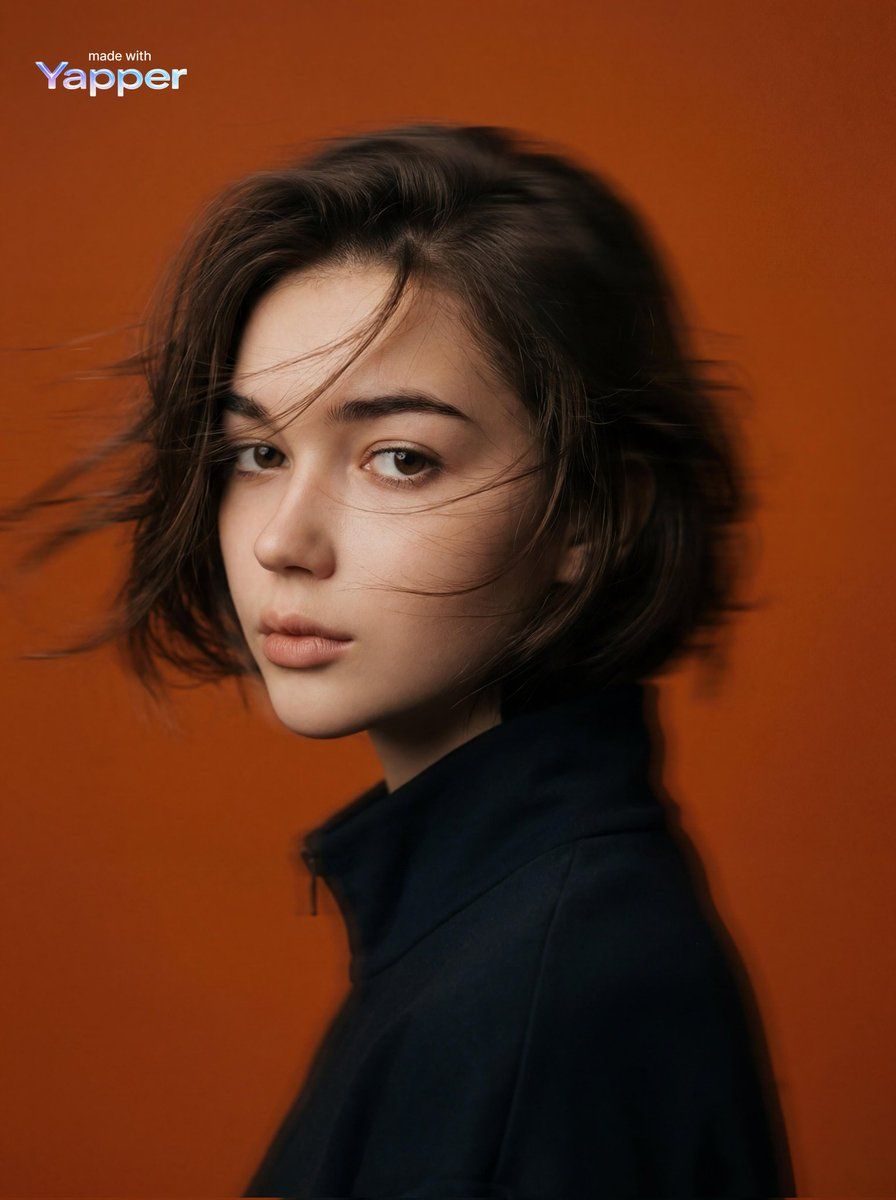
电影感编辑肖像提示词
提示词
{
  "image_generation": {
    "subject": {
      "description": "mysterious young woman portrait",
      "pose": "side profile portrait with head slightly turned forward",
      "expression": "calm, serious, mysterious mood",
      "gaze": "looking forward into the distance"
    },
    "appearance": {
      "hair": {
        "color": "dark brown",
        "style": "short, wind-blown hair with motion blur"
      },
      "skin": {
        "tone": "soft natural tone",
        "texture": "smooth cinematic skin texture"
      }
    },
    "outfit": {
      "top": "dark minimal coat or jacket with high collar"
    },
    "environment": {
      "background": "solid {argument name="background color" default="orange"} studio background",
      "setting": "minimal studio environment with clean backdrop"
    },
    "lighting": {
      "type": "studio lighting",
      "style": "soft diffused light with cinematic contrast",
      "effect": "subtle glow and smooth shadow gradients"
    },
    "camera": {
      "angle": "side profile portrait shot",
      "framing": "medium portrait",
      "effect": "panning motion blur creating dynamic movement"
    },
    "aesthetic": {
      "style": "cinematic editorial portrait",
      "vibe": "mysterious, modern, artistic",
      "color_palette": "vivid orange background with muted dark clothing"
    },
    "effects": {
      "motion_blur": "horizontal motion blur",
      "film_style": "matte faded film look",
      "grading": "cinematic color grading"
    },
    "quality": {
      "resolution": "high resolution",
      "render": "photorealistic",
      "detail": "soft film grain with smooth lighting"
    }
  }
}- 分类
- 创意图片
- 模型
- Nano Banana Pro
- 来源作者
- 𝗦𝗮𝗻𝗶𝗮
- 来源 ID
- eec5cb0f-edee-456a-904a-3437ecb4d467
- 发布时间
- 2026年3月8日
浏览量4