超逼真饮品广告摄影
提示词
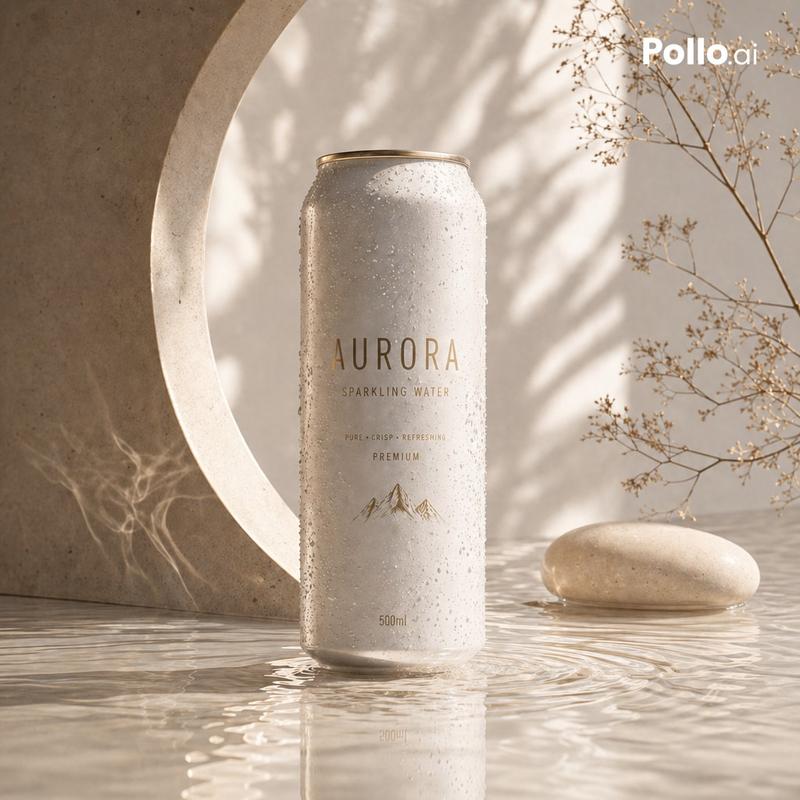
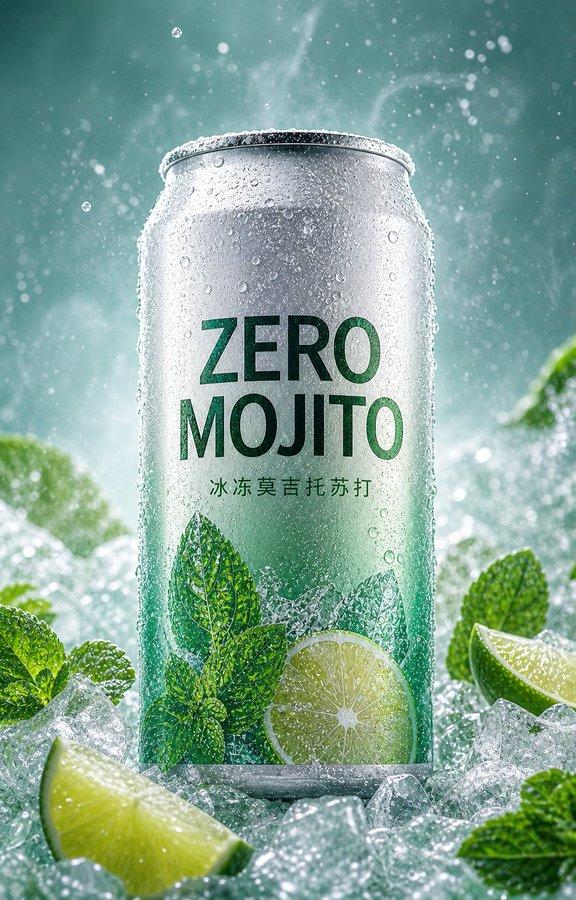
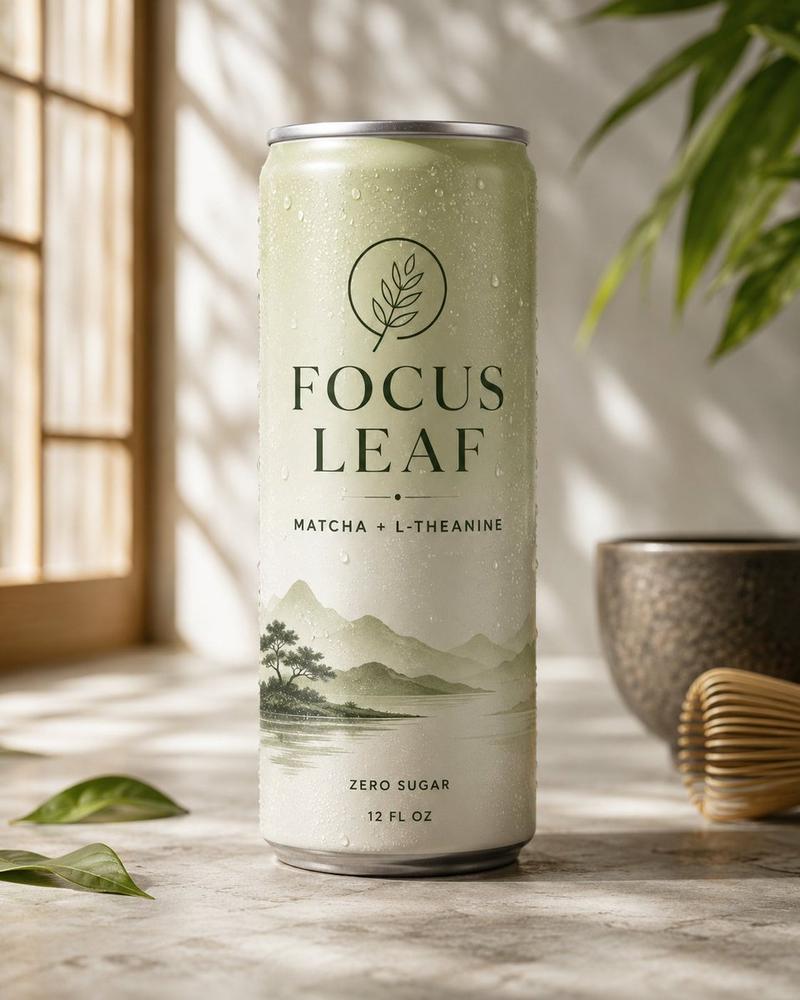
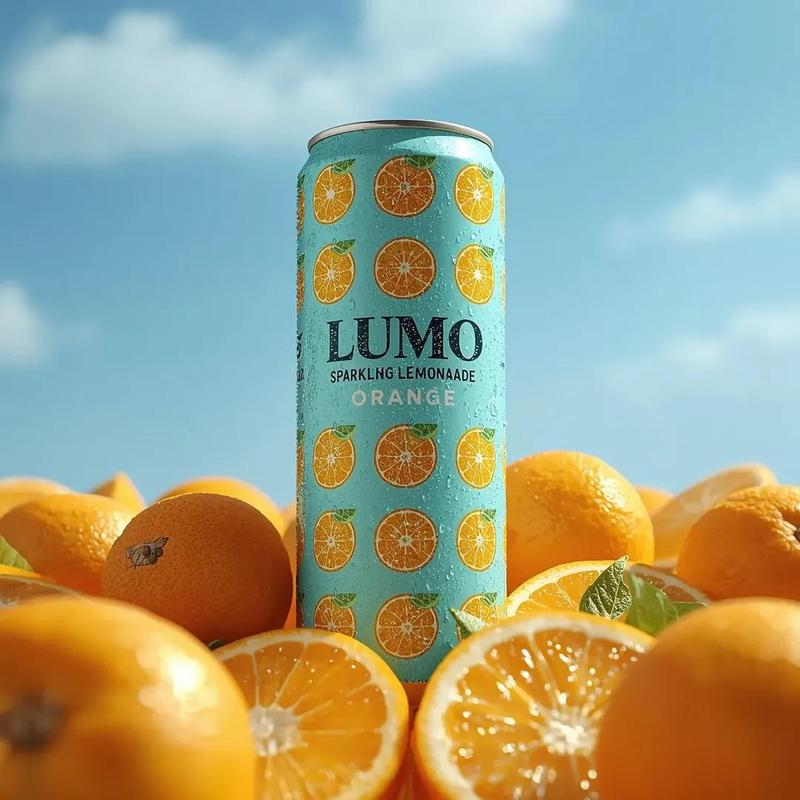
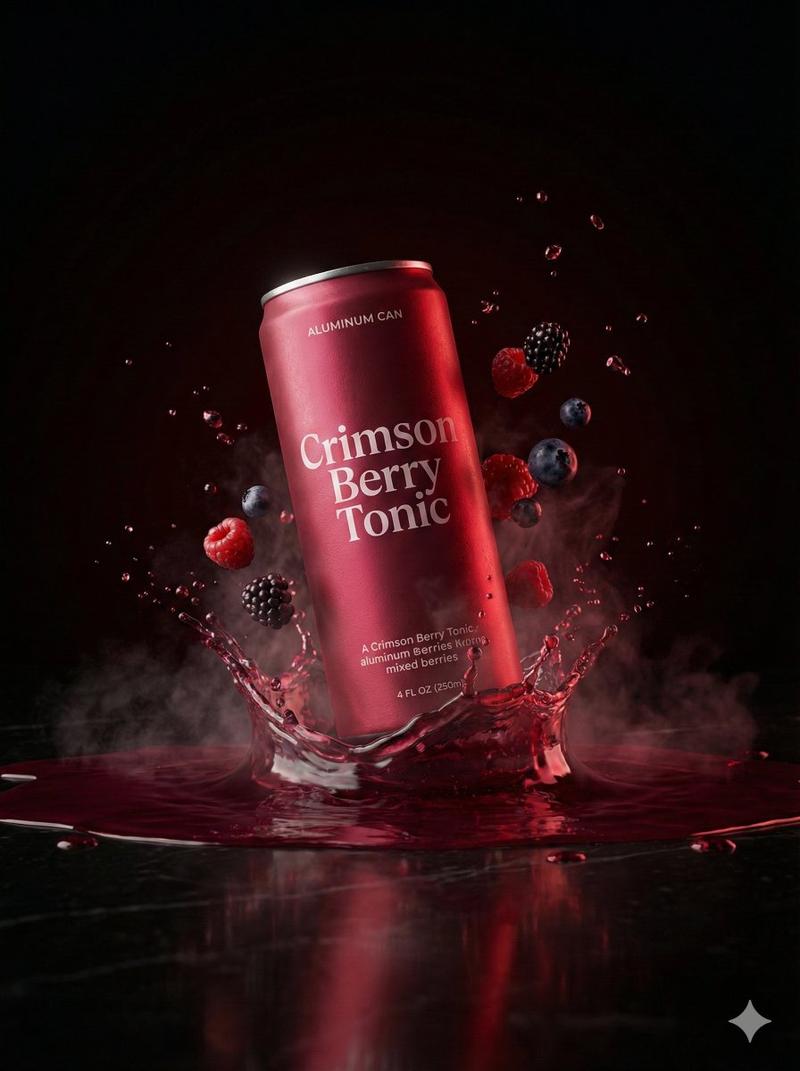
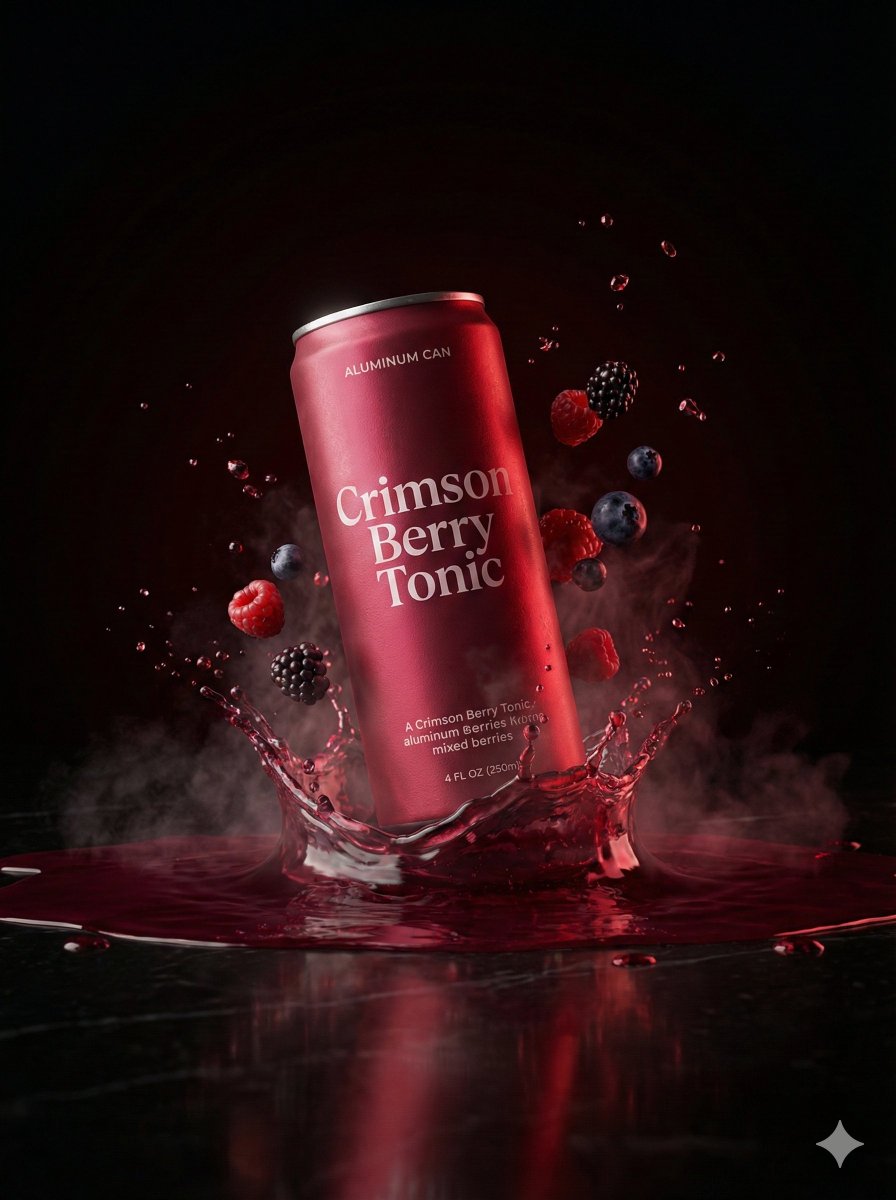
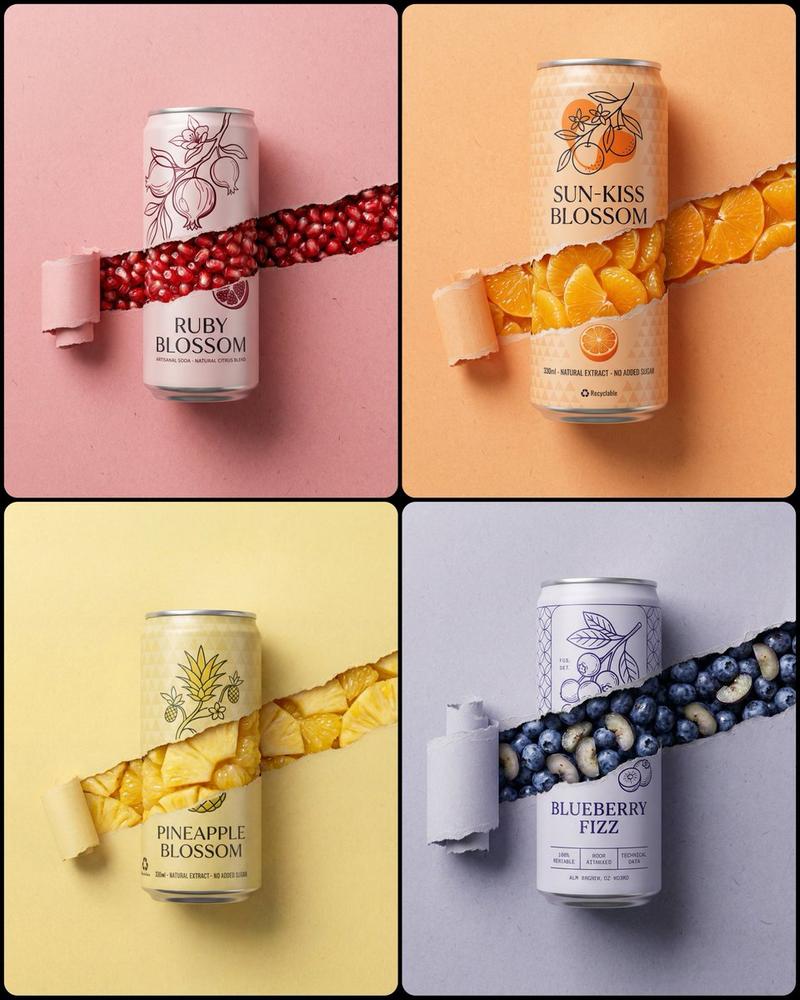
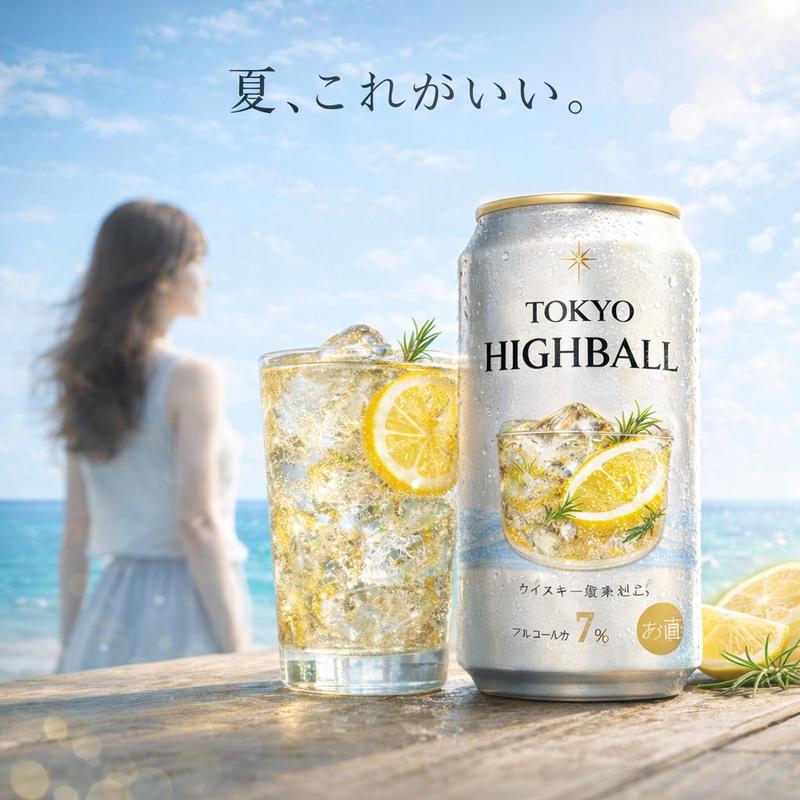
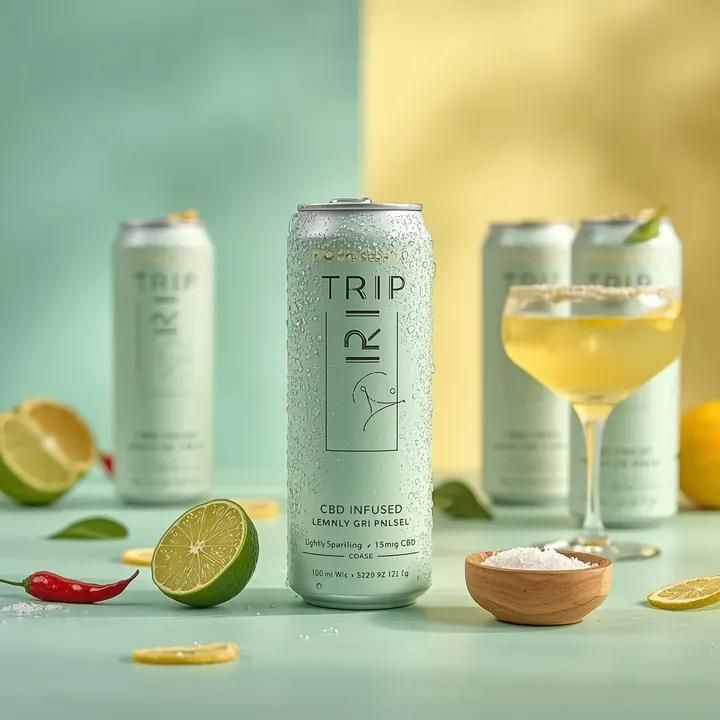
Ultra-realistic beverage advertising photography featuring a tall aluminum can labeled “{argument name="drink name" default="TRIP – CBD Infused – Lemon Basil Lightly Sparkling with 15mg CBD"}” standing upright at the center of a pastel mint-green surface. The can has a soft matte pale green finish with minimalist typography and a thin line illustration on the front, and its surface is covered with fresh condensation droplets emphasizing a cold refreshing feel. Surrounding the can are cocktail-inspired elements including a fresh lime wedge, a red chili pepper, and a small wooden bowl filled with coarse salt. Elegant coupe cocktail glasses filled with pale yellow citrus drink stand around the composition, one with a salted rim, while additional TRIP cans appear softly blurred in the background. The environment features a dreamy pastel gradient background transitioning between mint green and soft yellow, creating a vibrant summer cocktail aesthetic. Lighting is bright studio lighting with soft reflections on the aluminum can and glassware, enhancing the refreshing drink atmosphere. The composition feels modern, playful, and editorial with shallow depth of field, vibrant pastel tones, hyper-realistic textures, commercial beverage campaign style, ultra-detailed 8K product photography.- 分类
- 创意图片
- 模型
- Nano Banana Pro
- 来源作者
- 𝐌
- 来源 ID
- 6052804c-24ff-4590-8472-e2a86c900477
- 发布时间
- 2026年3月8日
浏览量11